PNG to MP4 Converter
Picture your PNG as a single slide. To convert PNG to MP4, the AI builds the reel around it — inventing the in-between frames, then playing them back as a short clip. Transparent pixels flatten to white.
Generated motion · a few seconds per clip · transparency flattened to white
As a PNG to MP4 converter, Pixazo reads your PNG and generates a short clip that starts from that exact frame. That is generated motion, not a file swap — which is why no honest tool promises the trade.
What people mean when they ask to convert PNG to MP4
Almost nobody searching for a PNG to MP4 converter wants a container swap. They want the picture to move.
A PNG to MP4 converter starts from a lossless raster still: pixels, an optional alpha channel, and no clock. An MP4 is a container holding a compressed stream of frames plus timing, and usually audio. The gap between them is not encoding, it is time — frames two through sixty have to come from somewhere, and a single still does not contain them.
That is why a page offering to convert PNG to MP4 in one click is either quietly building a slideshow out of your one image, or padding it into a few seconds of a frozen picture. Both are technically MP4 files. Neither is what anyone actually wanted.
Pixazo skips the idea of converting PNG to MP4 entirely. Upload the still, describe the movement you have in mind, and a video model paints the frames that follow — a slow push toward the subject, hair lifting, steam rising, a camera drifting sideways. Your PNG anchors the opening frame; the generator supplies the seconds after it.
Mount inspection
| PNG holds | One frame, lossless |
| MP4 holds | Frames plus timing |
| Alpha channel | PNG yes · MP4 no |
| Missing piece | Every frame after the first |
| Pixazo supplies | Generated motion, not decoding |
Generated motion, starting from your exact frame.
Convert PNG to MP4 freeWhat to do instead of converting PNG to MP4, in four steps
The flow is shorter than any PNG to MP4 converter, because only one decision matters: what should move.
Launch Pixazo
Head to Pixazo. It runs in your browser on desktop or mobile, so there is nothing to install first.
Drop your PNG in
Drop the still into the converter. If it has a transparent background, decide now whether a white fill should sit behind the subject.
Describe the move
Say what should move, a slow zoom, a pan across the frame, or drifting cloth. The prompt is how you convert PNG to MP4.
Play it back and save
Run it, preview the take, and keep the one you like. The result downloads as a standard MP4 you can use anywhere.
PNG transparency does not survive the trip
This is the one detail that catches people out, and it is worth checking before you generate anything.
PNG's headline feature is its alpha channel — the reason a cut-out logo or a product shot can sit on any background. MP4 video, as every browser, phone and social platform actually decodes it, carries no alpha channel at all. Something has to be filled in behind your subject before the first frame is encoded.
Pixazo fills it with white, never black. That choice matters more than it sounds: soft shadows, feathered hair and semi-transparent glass edges were usually authored against a light background, and flattening them onto black turns those soft pixels into a dark halo. White keeps them readable.
So open your PNG on a white canvas first. If it still looks right, you are fine. If the design only worked because the background dropped away — a white logo, a pale glow, a subtle drop shadow — fix that in the still before you animate it, or keep the PNG and skip video entirely. There is no MP4 setting that gives the transparency back.
How Pixazo lets you convert PNG to MP4.
Convert PNG to MP4The motion is generated, not recovered
Nothing is being extracted from your file. A model is guessing what the next moment looked like.
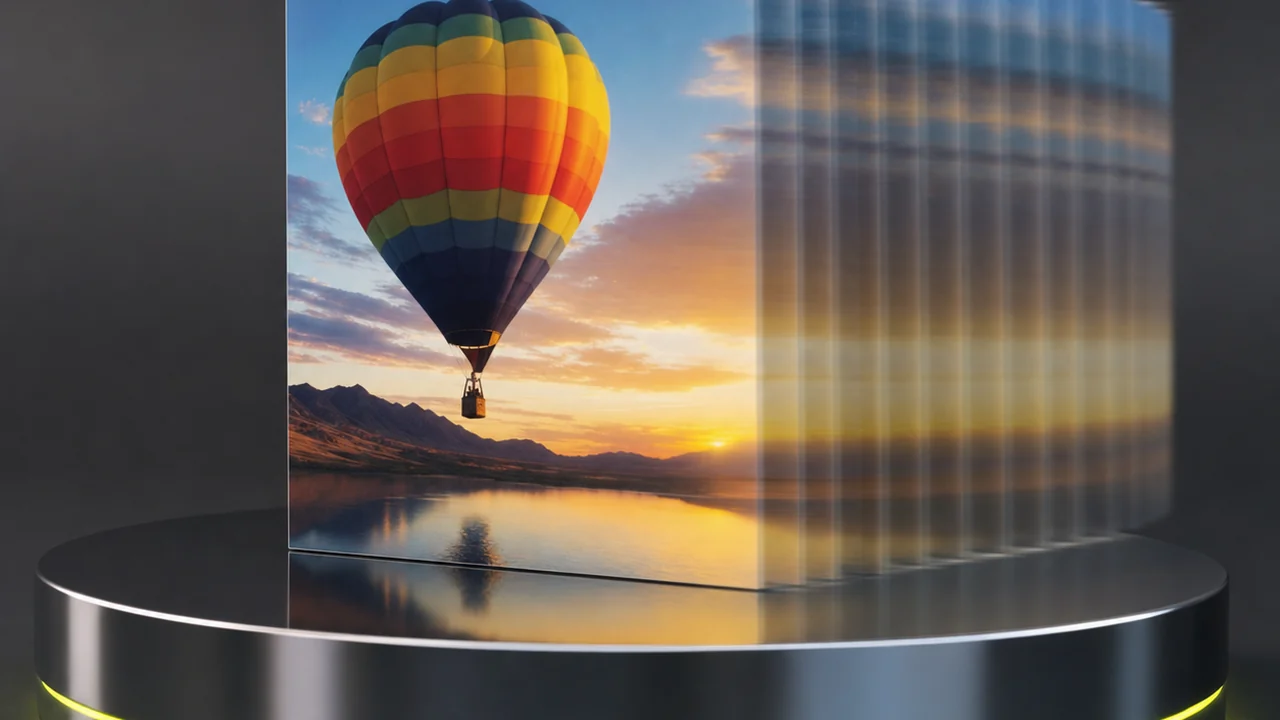
An video model has learned how things tend to move — how fabric falls, how water breaks, how a camera glides. Given your still it produces a plausible continuation. Plausible is not the same as correct, and it is definitely not the same as recovered.
Practically, that means three things. Clips are short, a handful of seconds each. Results vary run to run, because the motion is sampled rather than computed. And detail that the model does not understand tends to drift: small lettering, fine jewellery, hands, logo geometry and repeated patterns are the usual casualties.
Watch the first and last second of every take. If the subject holds its shape and the movement reads as natural, you have a usable clip. If a logo bends or a face slips, regenerate with a calmer prompt rather than trying to salvage it in an editor.
Limits worth knowing before you start
Stated plainly, so nothing here is a surprise after you have spent a generation on it.
- An AI converter, not a file swapThere is no decoding step and no lossless path. Anyone promising a straight file swap here is handing you a frozen frame or a slideshow.
- Alpha is gone for goodTransparent pixels are flattened to white before encoding. If you need transparency preserved, video is the wrong container.
- Clips are shortExpect a few seconds. A longer sequence means generating several takes and joining them in an editor.
- Output is not reproducibleThe same still and the same prompt give a different clip each time. Keep the take you like when you get it.
- Resolution is the model's, not yoursA very large PNG is scaled to the generator's output size, and a small one is not sharpened by being animated.
- No frame-sequence encodingIf you already have numbered frames and want an image sequence to video mux at a fixed frame rate, that is an encoder's job, not this one's.
If this page isn't what you needed
Three neighbouring jobs get confused with this one. Here is where each of them actually lives.
You want the still to move
One image, a few seconds of generated motion, an MP4 at the end. That is the tool this page is about, and it is the honest answer for anyone hunting a PNG to MP4 converter.
Pixazo →The still isn't good enough yet
Animation magnifies every flaw in the source frame. If the composition or lighting is weak, make a stronger image first and animate that instead.
AI image generator →Just need a container swap?
When a file already holds a video track and only the wrapper changes, that is a true container swap — a different shelf from AI generation, and you will find those in the full converter directory.
Browse every converter →Everything else Pixazo runs is indexed on the file conversion hub and the wider AI tools directory.
Transparency flattens to white — everything else carries over.
Convert PNG to MP4 freePNG to MP4 converter — frequently asked questions
Can you convert PNG to MP4 converter?
No, and that gap matters. A PNG is a single frame with no time axis, so nothing can extract seconds of video from it. Pixazo takes the honest route instead: it generates a short clip that begins from your still.
What happens to my transparent background?
It gets flattened before the first frame is encoded, because MP4 video carries no alpha channel. Pixazo fills transparency with white, never black, so soft edges and shadows stay readable.
How long is the generated clip?
Short, a handful of seconds. Video models produce brief takes, and stringing several together is an editing job rather than a setting you can turn up.
Will the same PNG give me the same video twice?
Not exactly. The motion is sampled rather than calculated, so two runs from one still differ. Run it again if the first take drifts, and keep the version you like.
Does my PNG's resolution carry through?
Not one to one. The model works at its own output size, so a very large still is scaled down, and a small one does not gain detail by being animated.
I have a numbered folder of frames. Can Pixazo encode it?
No. Turning an image sequence to video is a muxing job for an encoder that reads frames in order at a fixed frame rate. Pixazo generates motion rather than assembling frames you already have.
Is a JPG any different from a PNG here?
Only in what you lose. A JPG has no transparency to flatten, so the alpha question disappears; everything else about the generation behaves the same way.
Do I need to install anything?
No. The generator runs in your browser on desktop and mobile, so you upload the still, describe the movement you want, and download the MP4.
Stop trying to convert PNG to MP4. Start projecting.
When you convert PNG to MP4, it is generation, not a file swap. Load the still, say what should move, and let the generator project a few seconds of video out of it.
Convert PNG to MP4- Free to start
- No install
- Transparency flattened to white

