WebP to MP4 Converter
What converting WebP to MP4 could do depends entirely on whether your file holds one picture or many.
Two cases · one is supported · one is not
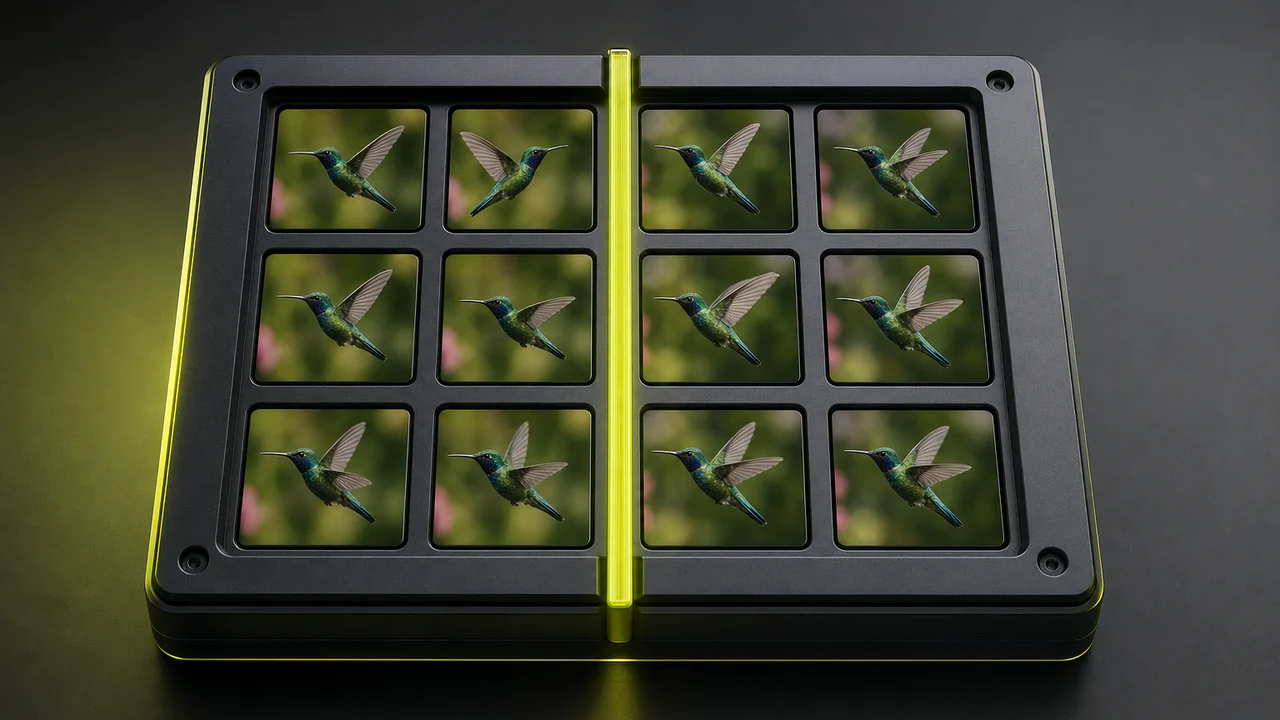
A WebP to MP4 converter is not a format conversion on Pixazo. If your file is a still WebP there is no motion inside it to convert, so the real option is AI clip generation — a new short clip built from your picture. If your file is an animated WebP the frames genuinely exist, but Pixazo does not re-encode them into MP4 today.
Why does converting WebP to MP4 split into two different jobs?
Most questions about how to convert WebP to MP4 have one answer. This one has two, because .webp covers two genuinely different kinds of file. So open yours and count the cells: does it sit there, or does it move?
A still WebP
One picture, one cell, nothing after it — no WebP to MP4 converter changes that. A still WebP is a compressed photograph, the same job a JPG or a PNG does, just smaller on the wire. There is no second frame anywhere in the file.
So a WebP to MP4 converter for a still is really a generation job — there is nothing to re-time or sequence, so the motion is created for you. No converter can extract motion that was never recorded.
An animated WebP
A WebP to MP4 converter would find many pictures in one file, plus a delay value telling a browser how long to hold each one. This is the format that quietly replaced many GIFs on the web, and its frames are real data.
A real WebP to MP4 converter would be conceptually straightforward here: read the cells in order, hand them to a video encoder, write the timing. Plenty of desktop tooling does exactly that.
The still case: a generated clip, not a re-encode
When people try to convert WebP to MP4 and the file turns out to be a still, what they usually want is motion. A product shot that drifts. A portrait where the hair moves. A landscape with a slow push in. That is a generation job, not a container job, and it is something Pixazo actually does.
Pixazo's Pixazo takes your picture as the opening reference and builds a short clip from it. The model invents the frames that did not exist: how the subject shifts, how the light travels, how the camera moves. Your original stays recognisable, but everything after frame one is new footage, not recovered footage.
How does the supported flow run?
Head into Pixazo
Go to Pixazo in your browser. There is nothing to install and no plugin to approve on either desktop or mobile.
Upload your WebP still
Add the still you want to convert. If your file is a WebP, export a PNG or JPG copy first so the uploader reads it cleanly.
Write the motion prompt
Describe the motion in plain words, a slow camera push or a turning head. That prompt converts your WebP to MP4.
Check the clip and download
Render the clip and preview it, then save a standard MP4 that plays almost anywhere.
A still WebP holds no motion to convert — a model creates it.
Convert WebP to MP4 freeThe animated case: real frames, no re-encode here
An animated WebP is closer to a sprite sheet than to a photograph. Stack its cells and you have a genuine sequence, which is why turning animated WebP to video is a legitimate technical request rather than a misunderstanding.
We could add an upload box and let you find out the hard way. Instead: Pixazo has no animated-WebP decoder and no frames-to-MP4 re-encoder, so any page offering you a one-click WebP to MP4 converter here would be offering something that does not exist. For that specific re-encode, a local command-line encoder or a desktop tool is the honest recommendation.
The reverse direction has the same gap, for the same reason. Pixazo can turn a video into a looping animation, but the loop it writes is a GIF — see the AI GIF generator — not an animated WebP. Sharper compression, wrong container.
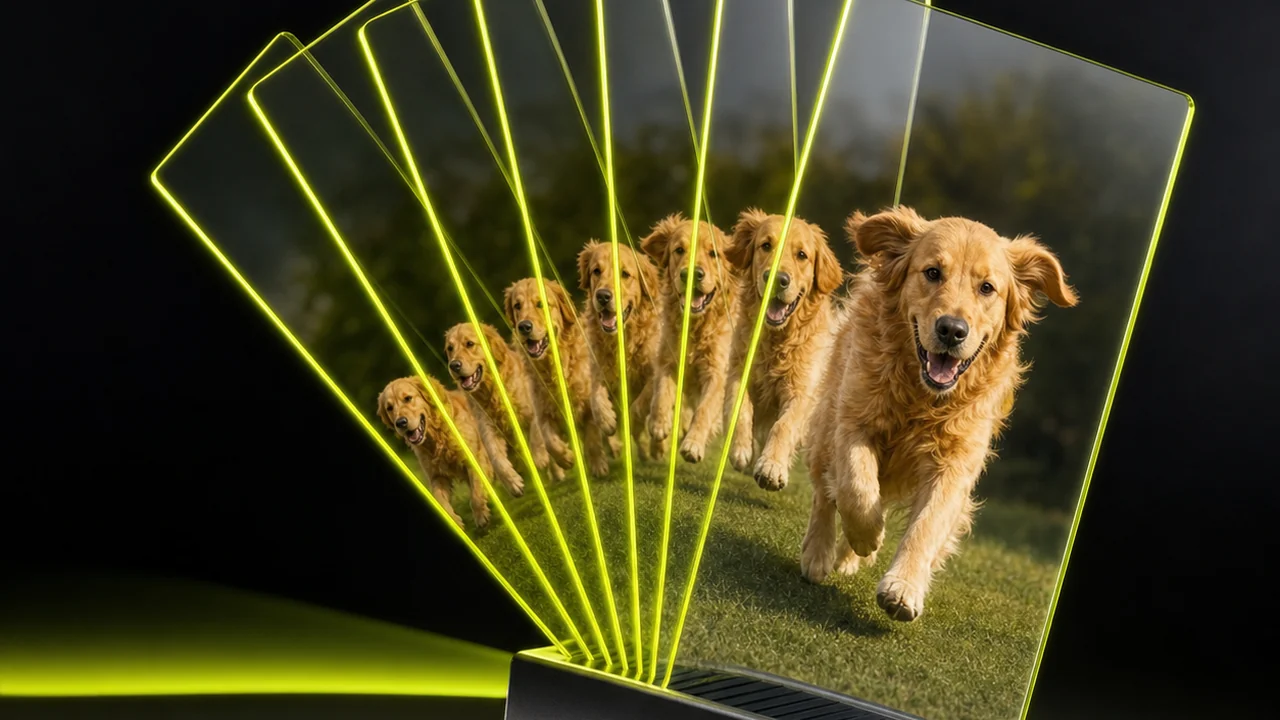
Frames per cell: how these three formats hold motion
Most confusion about converting WebP to MP4 comes from treating every extension as equivalent. One is a picture format that learned to animate, one is a video container, one is an old animation format that refuses to retire.
A container is the box; a codec is how the pictures inside it were packed. MP4 is a box, and a WebP animation is not one of the things that box was built to carry directly.
An honest WebP to MP4 converter — convert WebP to MP4 with a model instead of a lossless swap.
Convert WebP to MP4The honest limits of converting WebP to MP4 on Pixazo
This is the part most pages leave out. Knowing where the wall is saves you an upload, a wait and a refund request.
- No animated-WebP re-encode. Pixazo will not read the frames out of an animated WebP and repack them as MP4. That is a real operation, and it is simply not in the product.
- Nothing is recovered from a still. Generation invents the frames after the first one. A clip made from a still is new footage that resembles your picture; it is not hidden motion pulled out of the file.
- Generated clips are short. Generated clips run for seconds, not minutes. It is built for a loop, a hero background or a social post, not a finished film.
- Results vary between runs. The same picture and the same prompt can move differently on a second attempt. Plan on a couple of renders before you get the motion you pictured.
- No audio comes from your picture. A still contains no sound, so any music or voice has to be added afterwards in an editor.
- No animated WebP output either. Pixazo writes GIF loops from video, not animated WebP, so the round trip does not close in that direction.
- Generation costs credits. Video rendering is metered against your plan, unlike a plain format change that would be near-free. Check plans and credits before a long batch.
Where does a generated clip earn its place?
If the honest path is generation rather than conversion, it helps to know what the output is actually good for.
Feeds that punish stills
Short vertical video keeps moving in a scroll where a static image stops dead. One product photograph becomes a few seconds of motion.
Site and app backgrounds
A slow drifting clip behind a headline reads as premium, and MP4 plays inline on every modern browser without a plugin.
Pitch and deck openers
A single hero image with a subtle push in buys you attention on slide one without commissioning a shoot.
Loops for messaging
When a chat window wants an animation rather than a video, run the clip through the GIF generator afterwards.
Ad variants at speed
Regenerate the same still with different motion prompts and you have several cuts to test from one asset.
Reviving an old archive
Photographs you already own become usable video inventory, which is often cheaper than sourcing new stock.
If your source is already a video rather than a picture, browse the conversion hub or the wider AI tools directory to find the tool that matches what you have.
Short generated clips, standard MP4 download.
Convert WebP to MP4 freeConverting WebP to MP4: questions answered straight
Can you convert WebP to MP4 as a real format conversion?
Only when the source is an animated WebP, because that file already contains frames. A still WebP holds one picture, so there is no sequence to repack and nothing a converter could honestly produce.
Can Pixazo convert an animated WebP into MP4?
No. The frames inside an animated WebP are real and a re-encode is technically possible, but Pixazo does not offer that operation today. A local encoder or a desktop tool is the right choice for it.
What does Pixazo do with a still WebP instead?
It generates a short video clip from your picture on Pixazo. The first moment resembles your image and everything after it is newly generated motion.
Should I upload the WebP directly?
Export it to PNG or JPG first. Both are read reliably everywhere, and it avoids the decode edge cases that WebP occasionally causes in upload flows.
How long is a generated clip?
A few seconds. It is sized for a social post, a looping background or a deck opener rather than for long-form footage.
Will the clip look exactly like my picture?
It will stay recognisable, but the model invents the frames that follow. Expect a family resemblance rather than a pixel-perfect match throughout.
Can Pixazo go the other way and make an animated WebP from a video?
Not as WebP. Pixazo writes looping GIFs from video through its GIF generator, which covers most of the same use cases with wider compatibility.
Is any of this free?
You can start free and try a generation. Sustained video rendering uses credits on your Pixazo plan, since generating frames costs far more compute than a plain file change.
Start from what you actually have
A still picture and want motion? Generate the clip. An animated WebP and want a re-encode? Use a desktop encoder — we would rather tell you that than sell you a wait. That is how you convert WebP to MP4 honestly.

