AI Doodle Maker : Create Free Doodles in Minutes
Create Custom Doodles Quickly with Pixazo Best AI Doodle Maker. Try for Free!
Get Started
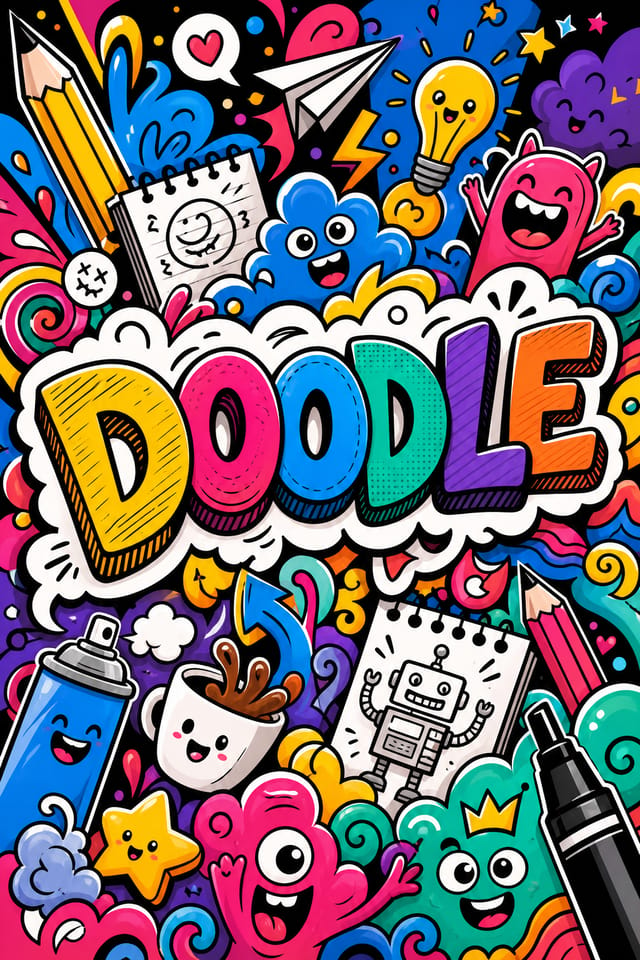
From Brief to Doodle: A Production Pipeline
Research Gather references
Collect examples of effective doodle designs, note what works, and identify patterns relevant to your project goals.
Brief Define requirements
Establish the key message, dimensions, color preferences, and target audience for your doodle before any design work begins.
Generate Create initial designs
Use AI to produce multiple doodle variations based on your brief. Start broad and narrow down from the strongest options.
Refine Polish the design
Apply targeted edits to your selected doodle. Adjust typography, spacing, and color until every element meets your quality standard.
Review Evaluate and refine
Compare generated doodle options against your brief. Mark what works and note specific changes needed for the next iteration.
Getting Your Doodle Out: File Types and Uses
SVG
Scalable format for doodle designs that need to render crisply at any resolution, commonly used for web and responsive layouts.
TIFF
High-fidelity format for doodle files destined for professional printing, supporting CMYK color and lossless compression.
WEBP
Modern web format offering smaller file sizes than PNG or JPG for doodle images without significant quality loss.
Print-ready format for doodle files that preserves fonts, colors, and layout across different devices and print services.
JPG
Compressed image format suited for doodle designs with photographic elements where smaller file size matters more than pixel-perfect edges.
What Doodle AI Offers: Specs and Limits
Doodle Creation Tools: What Sets It Apart
Subcategory Awareness
The AI distinguishes between design subcategories. A doodle request produces doodle-appropriate output, not a generic design with doodle text added.
Typography Matching
Typefaces are selected to match doodle aesthetic expectations. The AI pairs fonts that reinforce your doodle's visual identity.
Context-Aware Design
Describe your doodle's purpose and audience. The AI adjusts visual weight, complexity, and clarity based on the intended use context.
Fast Generation
Complete doodle designs generate in seconds. No rendering queues, no waiting for batch processing.
Export Flexibility
Download your doodle in formats suited for your use case. Web-optimized versions for digital display, high-DPI files for print.
The Reach of Doodles: Contexts and Scenarios
Freelance Design Work
Use Pixazo to generate doodle concepts for client review. Present multiple directions quickly before committing to detailed execution.
Sports and Recreation
Produce doodles for leagues, tournaments, and recreational programs. Energetic designs that build excitement and communicate schedules.
Content Creation Workflow
Incorporate doodle generation into a content production workflow. Fast output enables higher publishing frequency.
Small Business Marketing
Produce doodle marketing doodles without a design agency budget. Get professional results from a text description.
Political and Advocacy Campaigns
Create doodle campaign doodles for candidates, ballot measures, and social causes. Persuasive designs that mobilize and inform.
Sample Doodle Prompt Techniques
Copy any prompt below and paste it into Pixazo to generate your design instantly.
Doodle design, clean layout, strong typography hierarchy, appropriate color palette for doodle aesthetic, high contrast between headline and backgroundHigh-impact doodle, immediate visual read at thumbnail size, clear headline dominance, supporting information structured logicallyTextured doodle, surface treatment adds depth without obscuring legibility, texture consistent with doodle aestheticDoodle with strong visual hierarchy, largest element reads clearly, supporting elements organized by importance, clean background treatmentDoodle for digital display, optimized proportions for screen viewing, colors calibrated for RGB output, legible at typical viewing distanceAtmospheric doodle, background treatment supports the headline without competing with it, visual weight distributed intentionallyInside Doodle Creation: A Quick Guide
Declare the Design Direction
Start with a text description of your doodle concept. Specify the visual style, colors, layout direction, and key text. Detailed prompts produce more accurate doodle designs than general ones.
Sample the Design
Pixazo generates your doodle in seconds. Review the design and adjust your prompt to refine specific elements: change the color palette, shift the layout weight, or add visual elements you want included.
Tighten the Composition
Adjust your prompt to modify specific elements of the doodle. Change the color palette, shift typography weight, or reposition the compositional focus. Each iteration gets you closer to the final design.
Download and Use
Export your doodle in the format you need. PNG for web and social, PDF for print production, JPG for email and lightweight sharing. The file is yours to use commercially without restrictions.
Watch: Creating Doodle designs step by step
Design Principles for Doodles: Key Principles
Doodle Creators: Featured Designs
Real creators sharing their doodle designs made with Pixazo AI.

Luxurious doodle with gold foil accents on black, thin serif typography, symmetrical centered layout, premium feel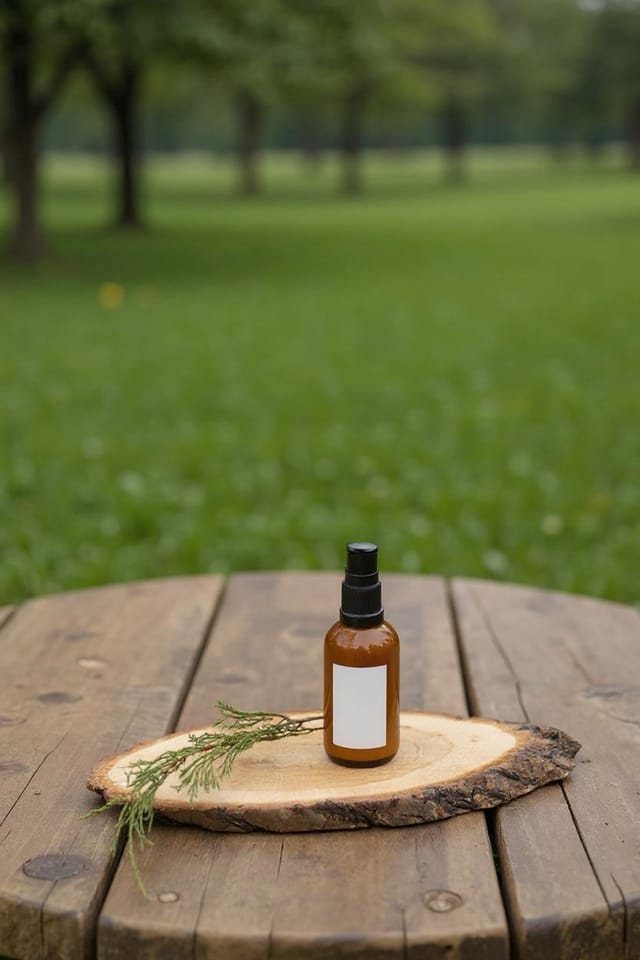
Doodle for large format print, elements scaled for visibility at distance, colors optimized for print output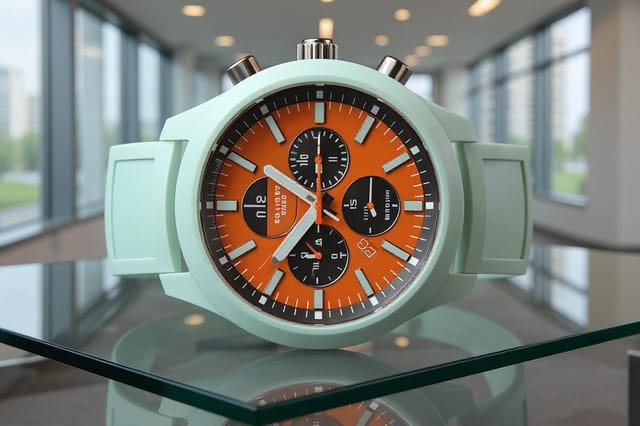
Monochromatic doodle, single hue in multiple values, typographic hierarchy creates depth without color complexityDoodle AI Boundaries: Trade-Offs to Know
Known limitations and trade-offs of AI-generated doodle design. Transparency matters when using AI for doodle design. The points below describe where you may need to supplement AI output with manual work.
Doodle Design: The Essentials
A doodle generates in seconds after submitting your prompt. Total time from prompt submission to downloadable file is typically under a minute, including any server processing time.
Include your specific colors in the prompt, either by hex code or descriptive terms. 'Navy and copper with white text' or '#1a1a2e and #c9a84c palette' both work. The AI builds a doodle-appropriate palette around your specified colors.
Common sizes include 1080x1080 for Instagram feed, 1080x1920 for stories and reels, 1200x628 for Facebook links, 1500x500 for Twitter headers, and 1080x1350 for Pinterest. Specify the platform in your prompt and Pixazo optimizes doodle layout for that format.
The AI generates designs at the specified dimensions. For professional print production, add 'with bleed area' to your prompt to extend background elements beyond the trim line. Crop marks and registration marks should be added in your print preparation software.

