Bridal Shower Invitation : Create Free Bridal Shower Invitations in Minutes with AI
Create Custom Bridal Shower Invitations Quickly with Pixazo Best AI Bridal Shower Invitation Maker. Try for Free!
Get Started
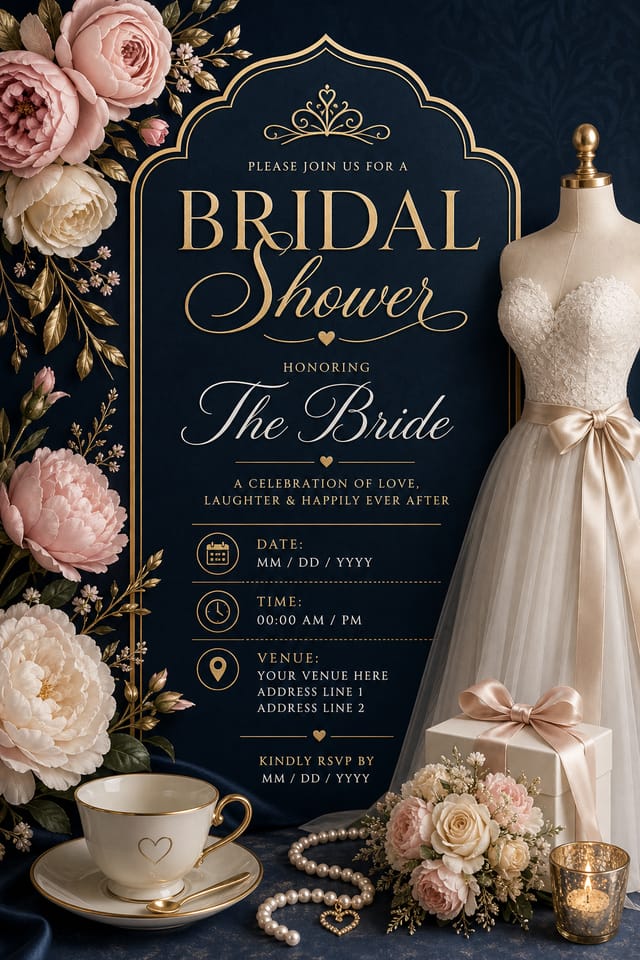
Bridal-Shower Invitation Design Rules: A Quality Guide
Use a consistent visual hierarchy
Structure your bridal-shower invitation so the viewer's eye follows a clear path from headline to supporting details to call-to-action.
Keep the message focused
A strong bridal-shower invitation communicates one primary idea clearly. Supporting details should reinforce, not compete with, the main message.
Optimize for the display medium
Tailor your bridal-shower invitation resolution, color space, and text size to the specific platform or physical context where it will appear.
Rely solely on AI output
AI-generated bridal-shower invitation designs are a starting point. Human review catches issues with context, tone, and accuracy that AI can miss.
Ignore accessibility
Low-contrast text and tiny font sizes in your bridal-shower invitation exclude a significant portion of your potential audience.
Forget the call to action
A bridal-shower invitation without a clear next step for the viewer is a missed opportunity. Always include direction on what to do next.
Skip proofreading
Typos and grammatical errors on a bridal-shower invitation undermine credibility instantly. Always have someone else review the final text.
The Logic of Bridal-Shower Invitation Design: Why It Matters
What Good Bridal-Shower Invitation Design Actually Involves
The gap between a professional bridal-shower invitation and a mediocre one usually comes down to design decisions made early in the process: palette selection, type hierarchy, and compositional structure.
These choices determine whether the final output reads as bridal-shower or just looks generic.
Pixazo's AI makes these foundational decisions based on your prompt.
Specify a bridal-shower invitation and the system selects design parameters that match bridal-shower visual expectations, giving you a solid starting point rather than a blank-slate template.
Who Creates Bridal-Shower Invitations: Contexts and Scenarios
Welcome Signs and Venue Signage
Design bridal-shower invitations for ceremony and reception venue entrances, seating areas, and photo spots. Large-format prints that guide and welcome guests.
Ceremony Program Covers
Generate bridal-shower invitations for order-of-service booklets and ceremony programs. Designs that complement the invitation suite.
Photo Booth Backdrops
Design bridal-shower invitations for photo stations at the celebration. Large-scale prints that create memorable photo opportunities.
Reception Table and Menu Displays
Generate bridal-shower invitations for table numbers, menu boards, and buffet labels. Coordinated designs that maintain visual consistency throughout the venue.
Digital Invitations and E-Cards
Create bridal-shower invitations sized for WhatsApp, email, and social media sharing. Digital-first designs that reach guests across platforms.
The Path to Your Bridal-Shower Invitation: Made Simple
Draft the Concept
Start with a text description of your bridal-shower invitation concept. Specify the visual style, colors, layout direction, and key text. Detailed prompts produce more accurate bridal-shower invitation designs than general ones.
Witness the Result
The AI produces a bridal-shower invitation based on your description. If the first result isn't exactly right, adjust the prompt to address what needs changing. Most designs reach the target within a few iterations.
Extract the Final
Get your final bridal-shower invitation file in one click. Choose your format, download at full resolution, and use the design immediately. No watermarks, no additional fees, no waiting.
Watch: Creating Bridal Shower Invitation designs step by step
Bridal-Shower Invitation AI: Capabilities Explained
Consistency Across Variants
Generate multiple bridal-shower invitations for a project and maintain visual consistency across the set. Specify your core design parameters and vary secondary elements.
Style-Accurate Generation
The AI interprets bridal-shower design conventions and applies them to your invitation, producing output that looks correctly styled rather than generically templated.
Typography Matching
Typefaces are selected to match bridal-shower aesthetic expectations. The AI pairs fonts that reinforce your bridal-shower invitation's visual identity.
Compositional Structure
Layout and hierarchy decisions reflect bridal-shower design patterns. The proportions and arrangement match how bridal-shower designs are conventionally structured.
Bridal-Shower Invitation Design Strengths: Why Creators Choose It
Professional Output Quality
Every bridal-shower invitation is generated at production quality with proper resolution, color space handling, and typography rendering suitable for both digital and print use.
Prompt-to-Design Intelligence
Describe your bridal-shower invitation in plain language and the AI interprets visual intent, layout preferences, and stylistic cues to generate a design that matches your brief.
Good Bridal-Shower Invitation Design: Standards That Matter
Good Bridal-Shower Invitation Prompts to Try
Copy any prompt below and paste it into Pixazo to generate your design instantly.
Geometric bridal-shower invitation, structured grid system, angular composition, colors in blocks rather than gradients, modern clean finishRefined bridal-shower invitation, sophisticated color relationships, intentional whitespace, typefaces appropriate to bridal-shower style, balanced compositionBridal-Shower invitation design, clean layout, strong typography hierarchy, appropriate color palette for bridal-shower aesthetic, high contrast between headline and backgroundTwo-color bridal-shower invitation design, high contrast between primary and secondary color, clean separation between graphic and text zonesTextured bridal-shower invitation, surface treatment adds depth without obscuring legibility, texture consistent with bridal-shower aestheticEditorial-style bridal-shower invitation, text-dominant design, typographic treatment carries visual weight, layout proportions inspired by print publication designReal Bridal-Shower Invitations: Community Creations
Real creators sharing their bridal shower designs made with Pixazo AI.
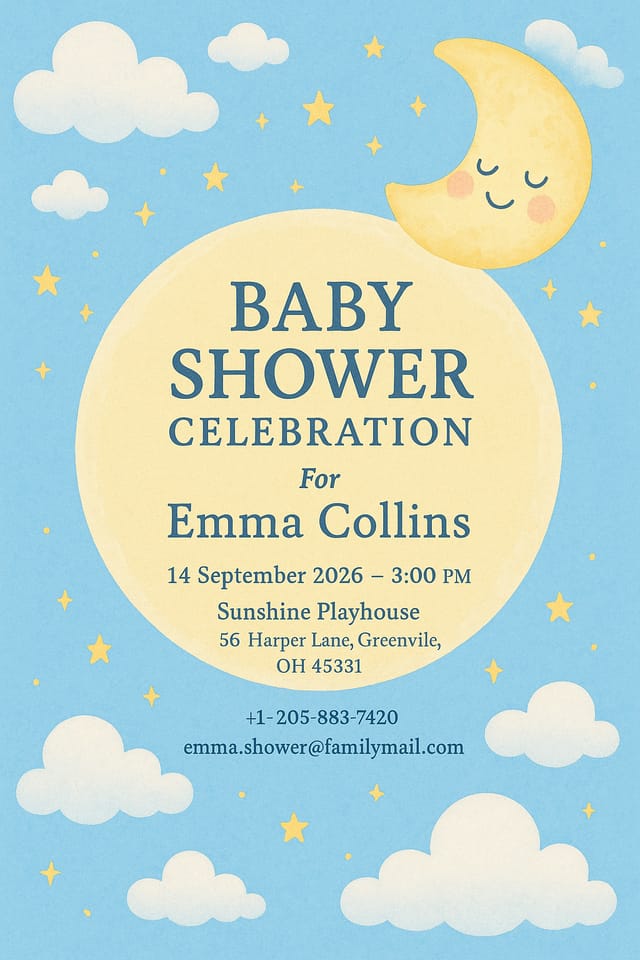
Moody bridal-shower invitation with deep shadows and dramatic lighting feel, dark palette, cinematic atmosphere, headline in condensed uppercase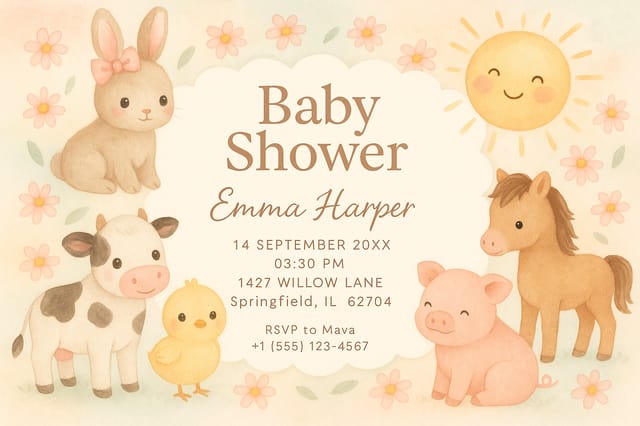
Portrait bridal-shower invitation for social sharing, vertical 4:5 ratio, headline in upper third, supporting content below centerline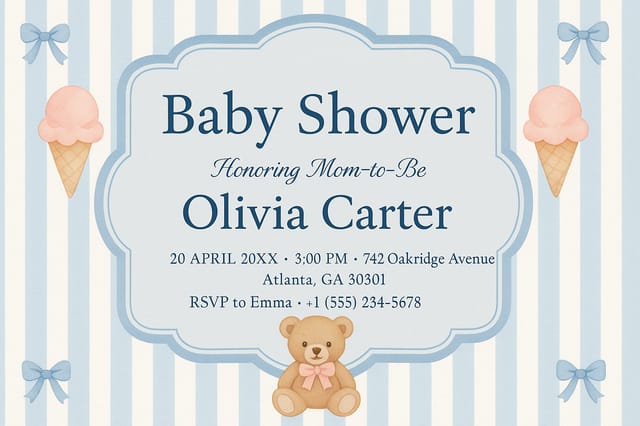
Eco-friendly themed bridal-shower invitation, natural green and kraft tones, organic shapes, sustainability messaging, handcrafted aestheticWhere Bridal-Shower Invitation AI: Room to Grow
Known limitations and trade-offs of AI-generated bridal shower design. Every AI design tool has boundaries. Knowing these limits before you start helps you get the most out of bridal-shower invitation generation.
Bridal-Shower Invitation Trends to Watch: Where Design Is Going
Minimalist Layouts
Stripped-back bridal-shower invitation designs with generous white space and limited elements are gaining favor for their clarity and elegance.
Dark Mode Aesthetics
Dark backgrounds with high-contrast accents are increasingly common in bridal-shower invitation design, reducing visual fatigue and adding sophistication.
Hand-Drawn Elements
Illustrations, doodles, and hand-lettering bring a personal, approachable quality to bridal-shower invitation designs in an era of polished digital output.
Bold Typography
Oversized type and expressive fonts are dominating bridal-shower invitation design, turning headlines into visual centerpieces rather than just text.
Data-Driven Visuals
Incorporating charts, statistics, and structured data directly into bridal-shower invitation layouts helps communicate complex messages at a glance.
AI Bridal-Shower Invitation Generation: Frequently Asked
Your prompt history is saved in your account. You can revisit previous bridal-shower invitation prompts, duplicate them with modifications, and build a library of proven prompt structures for consistent bridal-shower design output.
Designs created with Pixazo are available for commercial use. You can use your bridal-shower invitations for client projects, product sales, advertising, and other commercial applications without additional licensing fees.
Pixazo provides an API for programmatic bridal-shower invitation generation. Integrate it into your content pipeline to automate design production at scale. API documentation covers authentication, prompt formatting, and output retrieval.
Pixazo generates bridal-shower invitations in RGB color space. For professional offset printing that requires CMYK, convert the downloaded file using Adobe Photoshop, Illustrator, or a free tool like GIMP. The AI selects colors that translate well to print when you mention print use in your prompt.

