Easily Generate Baby Shower Invitation Cards with AI
A No-Code Baby Shower Invitation Card Maker for Fast, Stunning Results
Get Started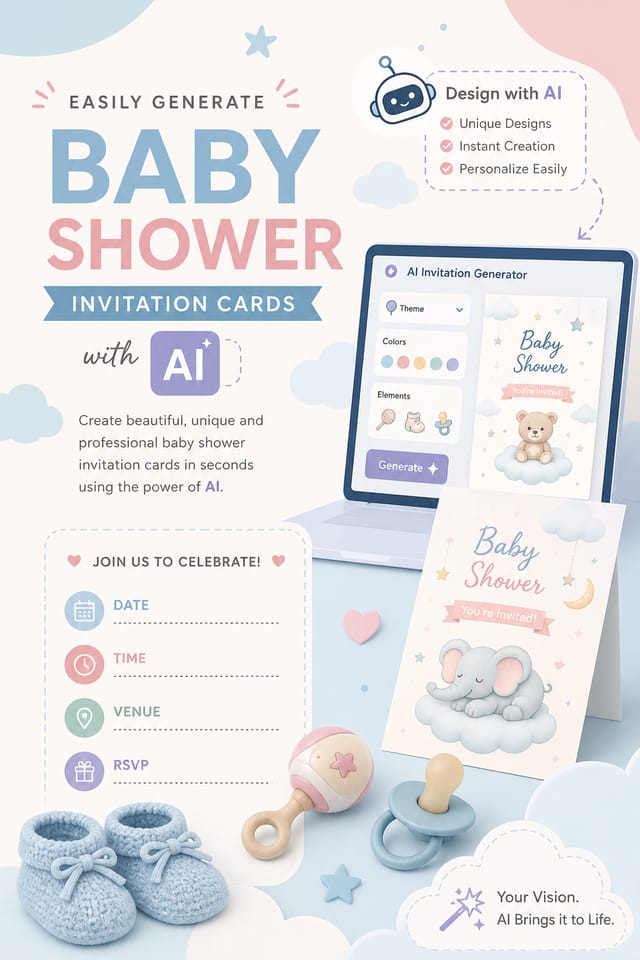
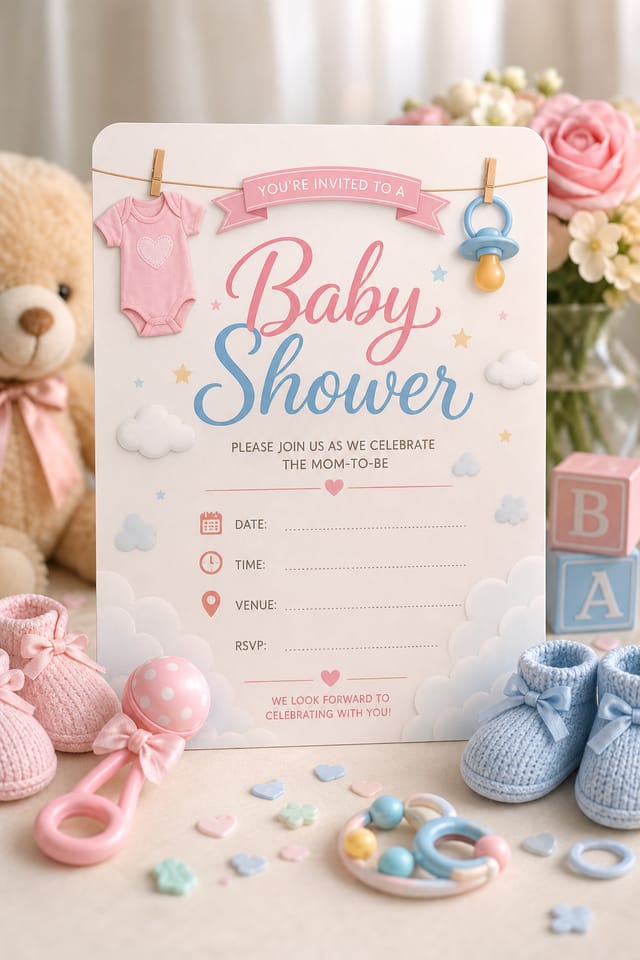
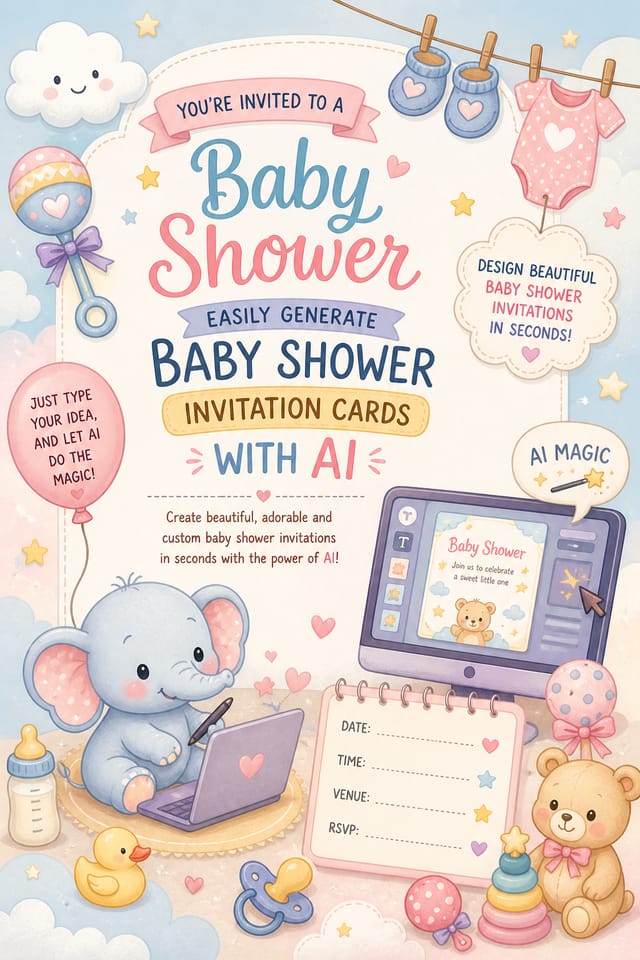
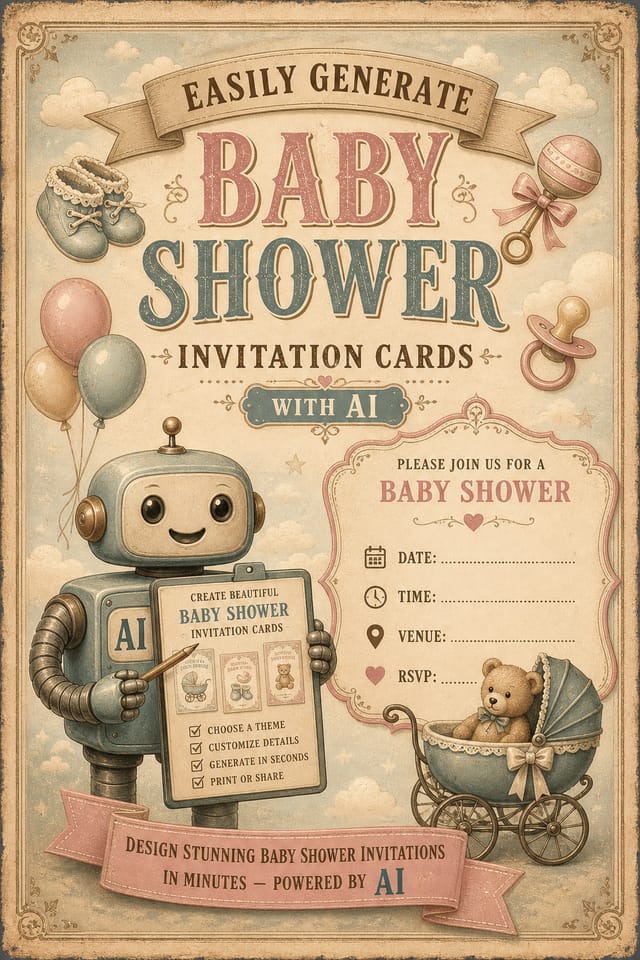
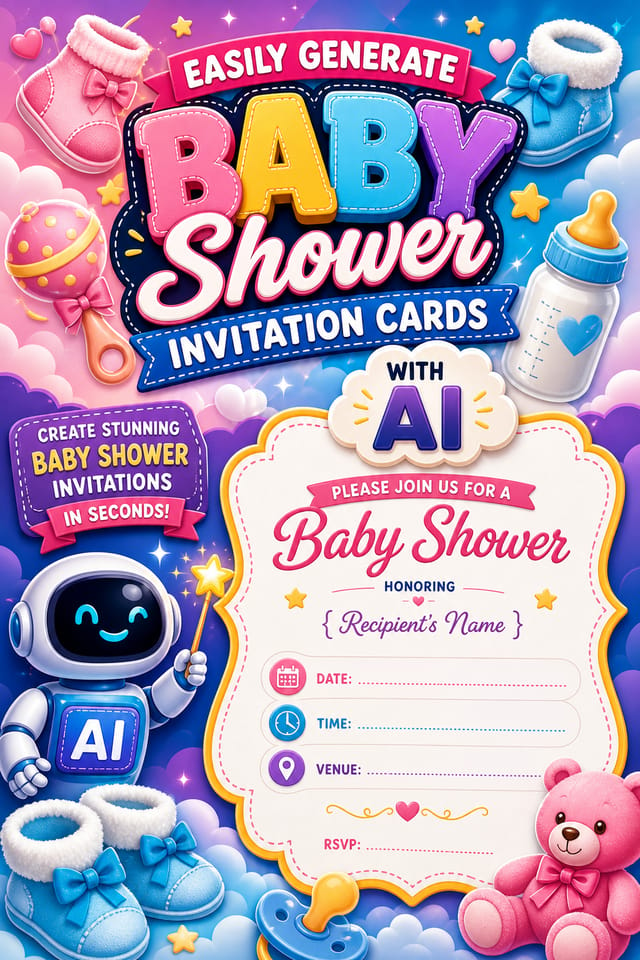
AI-Powered Baby-Shower Invitation: Effortless Design
Design professional baby-shower invitations in minutes with Pixazo's AI design engine. Built for creators who want polished results without the production time.
Create Your Baby Shower Invitation FreeBaby-Shower Invitation Aesthetics: Specific Knowledge Required
Why Baby-Shower Invitation Design Requires Specific Knowledge
The strongest baby-shower invitation designs succeed because every element reinforces the style rather than contradicting it.
Typography that fits baby-shower conventions, colors that carry baby-shower associations, layouts that breathe in ways consistent with baby-shower design sensibility.
Pixazo's AI understands these relationships.
Describe your baby-shower invitation and the system generates designs where all the elements agree.
Baby-Shower Invitation Software Options: An Honest Look
| Tool | Description |
|---|---|
| Piktochart | Infographic and presentation maker for data-driven visuals |
| Stencil | Lightweight image creator optimized for fast social media graphics |
| Pixazo | AI-powered baby-shower invitation generator with prompt-based design and professional output quality |
| VistaCreate | Visual content platform with templates and a built-in asset library |
| Adobe Express | Streamlined creative tool backed by Adobe's design ecosystem |
Inside the Baby-Shower Invitation Engine: Capabilities Explained
Typography Matching
Typefaces are selected to match baby-shower aesthetic expectations. The AI pairs fonts that reinforce your baby-shower invitation's visual identity.
Commercial Use Rights
Designs generated with Pixazo are yours to use commercially. No additional licensing required for baby-shower invitation projects.
Print-Ready Output
Generated baby-shower invitations are sized and structured for professional printing. Download high-resolution files ready for production.
Negative Space Handling
The AI manages whitespace in baby-shower invitation designs according to baby-shower aesthetic conventions, not generic poster defaults.
Prompt Refinement
Adjust your description to refine any aspect of the baby-shower invitation design. The AI responds to specific direction about colors, layout, or content.
Community Baby-Shower Invitation: Community Creations
Real creators sharing their baby shower designs made with Pixazo AI.
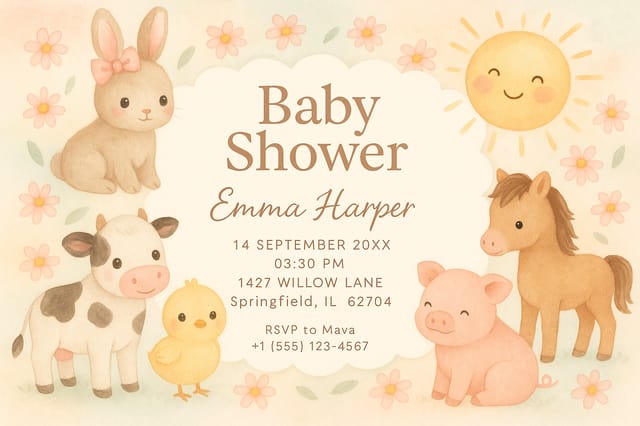
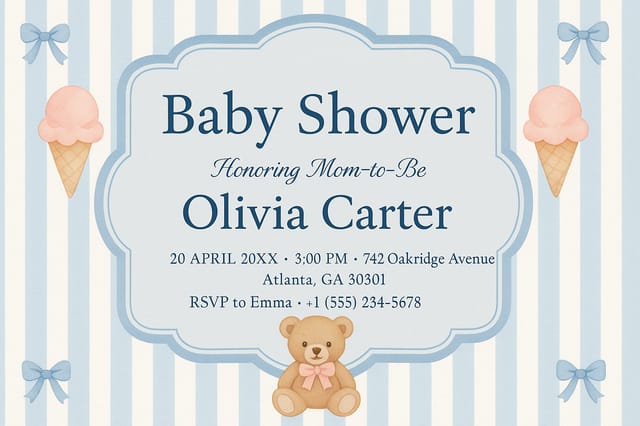
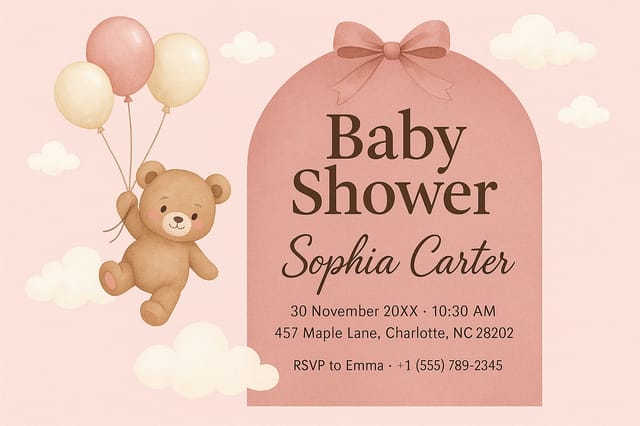
Baby-Shower Invitation Design For: Practical Examples
Venue and Festival Signage
Generate baby-shower invitations for venue lobbies, festival grounds, and event spaces. Large-format prints that create atmosphere.
Release Day Announcements
Design baby-shower invitations for album drops, film releases, and premiere events. Launch-day materials that build buzz across channels.
Fan Community Materials
Create baby-shower invitations for fan clubs, viewing groups, and appreciation events. Designs that celebrate fandom and community.
Gig and Show Promotion
Create baby-shower invitations announcing upcoming performances, screenings, and shows. Eye-catching designs that drive ticket sales and attendance.
Social Media Event Promotion
Design baby-shower invitations sized for Instagram, Twitter, and Facebook event pages. Platform-optimized materials that maximize reach.
Get Your Baby-Shower Invitation: Made Simple
Communicate the Goal
Write a prompt describing your baby-shower invitation. Include style preferences, color direction, the most important text to display, and any specific visual elements you want. The more specific your description, the more targeted the output.
See the Initial Render
Pixazo generates your baby-shower invitation in seconds. Review the design and adjust your prompt to refine specific elements: change the color palette, shift the layout weight, or add visual elements you want included.
Dispatch the Design
Download your completed baby-shower invitation in the format that fits your use case. High-resolution files for print, web-optimized versions for digital, or PDF for production-ready delivery.
Watch: Creating Baby Shower Invitation designs step by step
Baby-Shower Invitation Design Insights: From Experienced Designers
Check Alignment Carefully
Misaligned elements are one of the most common signs of amateur baby-shower invitation design. Use grid lines and snap-to features to keep things precise.
Leave White Space
Resist the urge to fill every area of your baby-shower invitation. Breathing room around key elements makes the overall design more effective.
Use High Contrast for Readability
Whether your baby-shower invitation is displayed on screen or in print, strong contrast between text and background ensures the message gets through at any size.
Test at Actual Size
Always preview your baby-shower invitation at the dimensions it will be displayed. Design details that look fine at 100% can disappear or crowd at real-world scale.
Start with a Clear Brief
Before generating any baby-shower invitation, write down the core message, target audience, and intended use. A focused brief produces better results than iterating from a vague idea.
How Baby-Shower Style Varies: What Works Best
Contemporary Baby-Shower
Current baby-shower design sensibility with updated proportions, modern typefaces, and contemporary color relationships.
High-Contrast Baby-Shower
Bold baby-shower visual treatment with strong tonal contrast. Elements read clearly at any viewing distance.
Atmospheric Baby-Shower
Baby-Shower invitation design where mood takes priority. Color and composition work together to create a specific feeling.
Minimalist Baby-Shower
Stripped-back baby-shower approach. Fewer elements, more negative space, typography carries more visual weight.
Editorial Baby-Shower
Text-dominant baby-shower invitation layout inspired by print publication design. Typographic variety creates visual rhythm.
Good Baby-Shower Invitation Prompts That Work
Copy any prompt below and paste it into Pixazo to generate your design instantly.
Professional baby-shower invitation, minimalist baby-shower approach, negative space used intentionally, readable at multiple viewing distances, print-ready compositionBaby-Shower aesthetic invitation, palette drawn from baby-shower design tradition, layout proportions consistent with baby-shower conventions, purposeful use of each elementPortrait-orientation baby-shower invitation, vertical composition, headline at natural reading entry point, supporting information flows downward logicallyFull-bleed baby-shower invitation, background treatment extends to edges, foreground elements positioned for compositional balance, strong central hierarchyLarge-format baby-shower invitation design, elements sized for visibility at print scale, no fine detail that would be lost in productionBaby-Shower invitation design, clean layout, strong typography hierarchy, appropriate color palette for baby-shower aesthetic, high contrast between headline and backgroundExporting Your Baby-Shower Invitation: File Types and Uses
WEBP
Modern web format offering smaller file sizes than PNG or JPG for baby-shower invitation images without significant quality loss.
SVG
Scalable format for baby-shower invitation designs that need to render crisply at any resolution, commonly used for web and responsive layouts.
PNG
Lossless image format ideal for baby-shower invitation designs with transparency, sharp text, and web display at predictable file sizes.
Print-ready format for baby-shower invitation files that preserves fonts, colors, and layout across different devices and print services.
JPG
Compressed image format suited for baby-shower invitation designs with photographic elements where smaller file size matters more than pixel-perfect edges.
Being Realistic About Baby-Shower Invitations: What to Expect
Known limitations and trade-offs of AI-generated baby shower design. Transparency matters when using AI for baby-shower invitation design. The points below describe where you may need to supplement AI output with manual work.
New to Baby-Shower Invitations? A Quick FAQ
Specific prompts produce better results than vague ones. Include the visual style you want, any color preferences, the most important text to display, and the intended use. For baby-shower design specifically, noting whether you want a contemporary or classic interpretation of baby-shower style helps the AI make the right design decisions.
Adjust your prompt to change any element of the design. If a generated baby-shower invitation is close but not quite right, describe what you want changed and regenerate. The AI responds to specific direction about individual elements like color, layout, or typographic weight.
Each generation uses your unique prompt text to produce a distinct baby-shower invitation design. Even similar prompts produce noticeably different outputs due to the AI's generative process. No two users receive identical designs.
Common sizes include 1080x1080 for Instagram feed, 1080x1920 for stories and reels, 1200x628 for Facebook links, 1500x500 for Twitter headers, and 1080x1350 for Pinterest. Specify the platform in your prompt and Pixazo optimizes baby-shower layout for that format.
Include the target language in your prompt when generating baby-shower invitations with non-English text. The AI selects typographic approaches appropriate for the language and applies baby-shower design conventions to the overall layout regardless of language.
Pixazo provides an API for programmatic baby-shower invitation generation. Integrate it into your content pipeline to automate design production at scale. API documentation covers authentication, prompt formatting, and output retrieval.

