Letter Logo : Create Free Letter Logos in Minutes with AI
Create Custom Letter Logos Quickly with Pixazo Best AI Letter Logo Maker. Try for Free!
Get Started
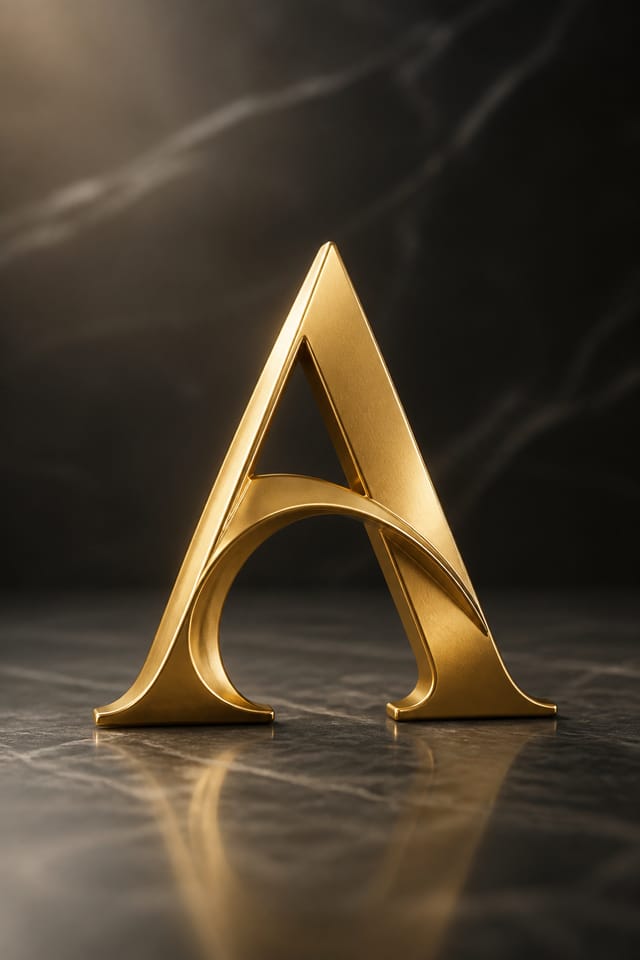
Design Intelligence for Letter Logos: A Technical Perspective
Design Intelligence for Letter Logos
Letter logo design has its own visual conventions that differ significantly from other styles.
The AI recognizes these patterns and applies them when generating your design, rather than defaulting to a generic layout.
When you describe a letter logo, Pixazo selects typography, color relationships, and compositional approaches appropriate to letter aesthetics.
The result is a design that looks like it belongs in its context, not a repurposed template with the wrong visual DNA.
Letter Logo Design Guidance: Rules Worth Following
Use a consistent visual hierarchy
Structure your letter logo so the viewer's eye follows a clear path from headline to supporting details to call-to-action.
Keep the message focused
A strong letter logo communicates one primary idea clearly. Supporting details should reinforce, not compete with, the main message.
Maintain brand alignment
Keep your letter logo design consistent with existing brand colors, fonts, and visual language for a cohesive identity.
Ignore accessibility
Low-contrast text and tiny font sizes in your letter logo exclude a significant portion of your potential audience.
Forget the call to action
A letter logo without a clear next step for the viewer is a missed opportunity. Always include direction on what to do next.
Use too many fonts
More than two or three typefaces in a single letter logo creates visual noise and makes the design feel disjointed.
Design Criteria for Letter Logo: From Weak to Strong
Letter Logo Creation Tools: A Closer Look
Export Flexibility
Download your letter logo in formats suited for your use case. Web-optimized versions for digital display, high-DPI files for print.
Print-Ready Output
Generated letter logos are sized and structured for professional printing. Download high-resolution files ready for production.
Text Placement Options
Describe where you want text elements positioned in your letter logo. The AI follows compositional direction about headline placement and body copy layout.
Negative Space Handling
The AI manages whitespace in letter logo designs according to letter aesthetic conventions, not generic poster defaults.
Color Temperature Control
Specify warm, cool, or neutral color direction for your letter logo. The AI builds the full palette around your temperature preference.
Ready-to-Use Letter Logo Prompt Starters
Copy any prompt below and paste it into Pixazo to generate your design instantly.
Series-compatible letter logo design, visual language that extends to multiple formats, consistent design system across variantsContemporary letter logo design, grid-based layout, typographic precision, restrained color palette, no decorative excessLetter logo design, clean layout, strong typography hierarchy, appropriate color palette for letter aesthetic, high contrast between headline and backgroundAtmospheric letter logo, background treatment supports the headline without competing with it, visual weight distributed intentionallyLarge-format letter logo design, elements sized for visibility at print scale, no fine detail that would be lost in productionLetter aesthetic logo, palette drawn from letter design tradition, layout proportions consistent with letter conventions, purposeful use of each elementMaking Letter Logos: In Minutes
Watch: Creating Letter Logo designs step by step
The Reach of Letter Logos: Use Case Roundup
Retail and Hospitality
Produce letter in-store and venue logos that communicate quality through design. Letter aesthetics signal attention to customer experience.
Podcast and Media Branding
Generate letter logos for podcast covers, episode artwork, and media channel identity. Consistent visual branding across audio and video platforms.
Personal Creative Work
Generate letter logos for personal projects, home display, and creative experiments without spending production time on design execution.
Subscription and SaaS Marketing
Generate letter logos for software launches, feature announcements, and onboarding campaigns. Clean, modern designs for digital-first audiences.
Travel and Tourism Promotion
Design letter logos for destinations, tour packages, and hospitality brands. Aspirational visuals that inspire booking decisions.
Visual Directions for Letter Logos: Finding Your Look
Editorial Letter
Text-dominant letter logo layout inspired by print publication design. Typographic variety creates visual rhythm.
Contemporary Letter
Current letter design sensibility with updated proportions, modern typefaces, and contemporary color relationships.
High-Contrast Letter
Bold letter visual treatment with strong tonal contrast. Elements read clearly at any viewing distance.
Minimalist Letter
Stripped-back letter approach. Fewer elements, more negative space, typography carries more visual weight.
Download Your Letter Logo: Format Guide
PNG
Lossless image format ideal for letter logo designs with transparency, sharp text, and web display at predictable file sizes.
WEBP
Modern web format offering smaller file sizes than PNG or JPG for letter logo images without significant quality loss.
JPG
Compressed image format suited for letter logo designs with photographic elements where smaller file size matters more than pixel-perfect edges.
TIFF
High-fidelity format for letter logo files destined for professional printing, supporting CMYK color and lossless compression.
Getting Started with Letter Logos: FAQ
Describe your core design parameters in each prompt and vary only the specific elements that should change across the series. Maintaining consistent color palette, typographic approach, and compositional structure across letter logo variations creates a coherent series.
You control every major design parameter through your prompt: color palette, typography style, layout structure, visual weight distribution, background treatment, and content hierarchy. The more specific your letter logo prompt, the more precisely the AI follows your creative direction.
Brand kits let you save your logo, fonts, and color palette so every letter logo you generate stays on brand. Once configured, the AI applies your brand parameters automatically alongside letter style conventions.
Pixazo works in any modern mobile browser. The interface adapts to phone and tablet screens so you can generate letter logos from anywhere. A dedicated mobile app is in development for an even smoother on-device experience.
Letter Logo Community: Showcase Gallery
Real creators sharing their letter designs made with Pixazo AI.

Portrait letter logo for social sharing, vertical 4:5 ratio, headline in upper third, supporting content below centerline
Bold letter logo with strong central headline, supporting information at secondary scale, background treatment consistent with letter design
Editorial-inspired letter logo, text-dominant layout, typographic variety creates visual interest, clean structured alignmentHonest Notes on Letter Logos: What to Expect
Known limitations and trade-offs of AI-generated letter design. Being specific about what AI logo generation can and cannot do helps you plan your workflow and set accurate expectations.

