Merge Images
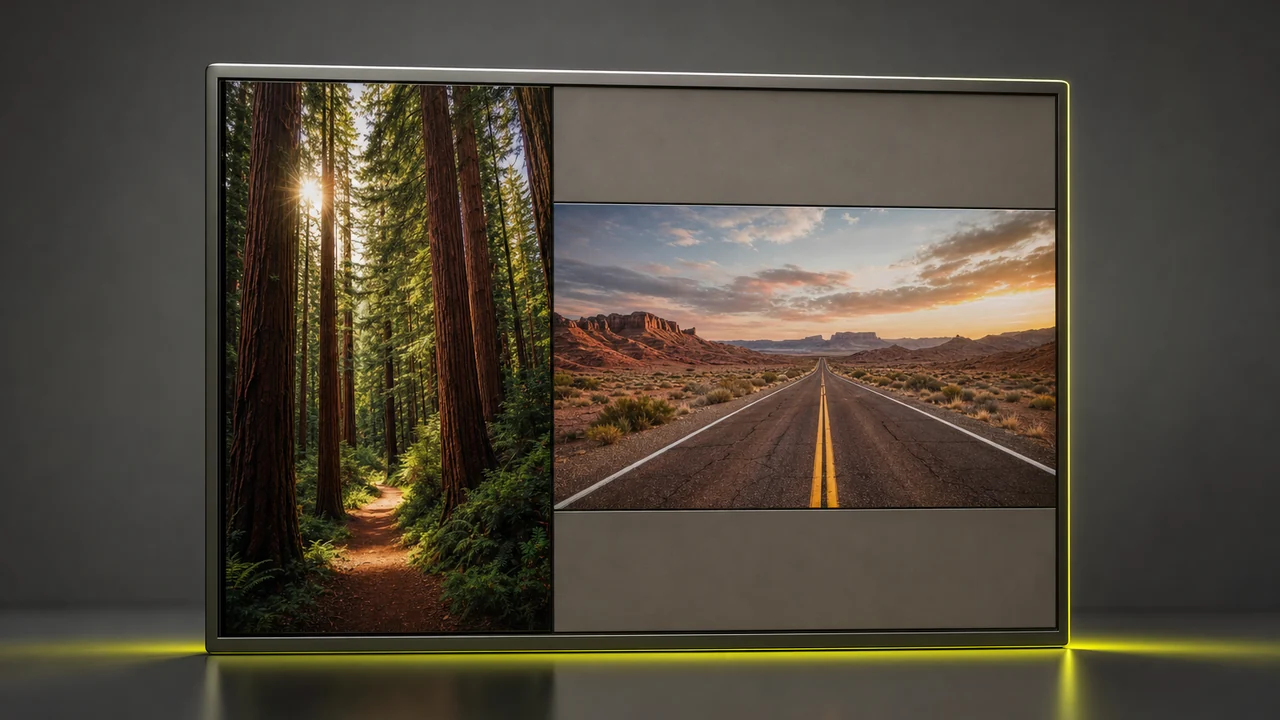
Merge images onto one canvas the way an album mount holds prints: side by side, stacked, or cut into a grid. Combine images without blending — each stays a sharp, separate window.
Merge Images- Free to start
- Runs in the browser
- No watermark
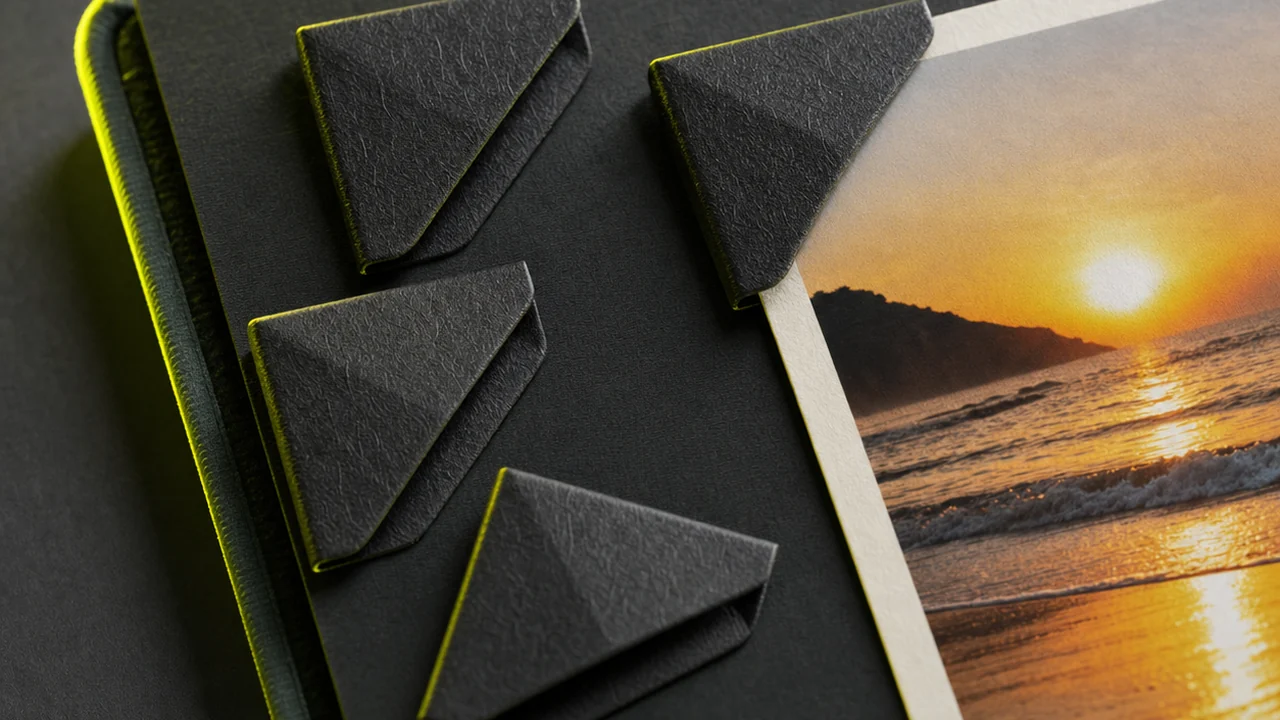
A composite, not a blend
The honest description of this tool is the mount-room one. When you combine images here, the engine builds a new canvas and places each of your originals into its own window on that canvas. Pixel for pixel, your pictures survive: nothing is dissolved into anything else, no seam is feathered, no colour is pulled from one frame into its neighbour.
That matters because two very different jobs share the same everyday wording. If you want one subject lifted out of one photo and dropped into another scene so the result reads as a single moment, that is compositing and retouching work, and this is the wrong tool. If you want two or more finished pictures presented together in one file, that is exactly what happens here, and the predictability is the point.
The plates go down in the order you give them, at the sizes you give them, with a plain gutter between. Send the same set through twice and you get the same board twice.
Mount specification
| Arrangement | Side by side, vertical stack, or grid |
| Treatment of originals | Placed, never blended |
| Seam between plates | Plain gutter, no feathering |
| Output | One flat image file |
| Where it runs | Browser, desktop and mobile |
| Watermark | None |
Three ways to merge images on one board
The three layouts are not three settings for the same result. Each one answers a different question, and picking the wrong one is the most common reason a finished composite feels off.
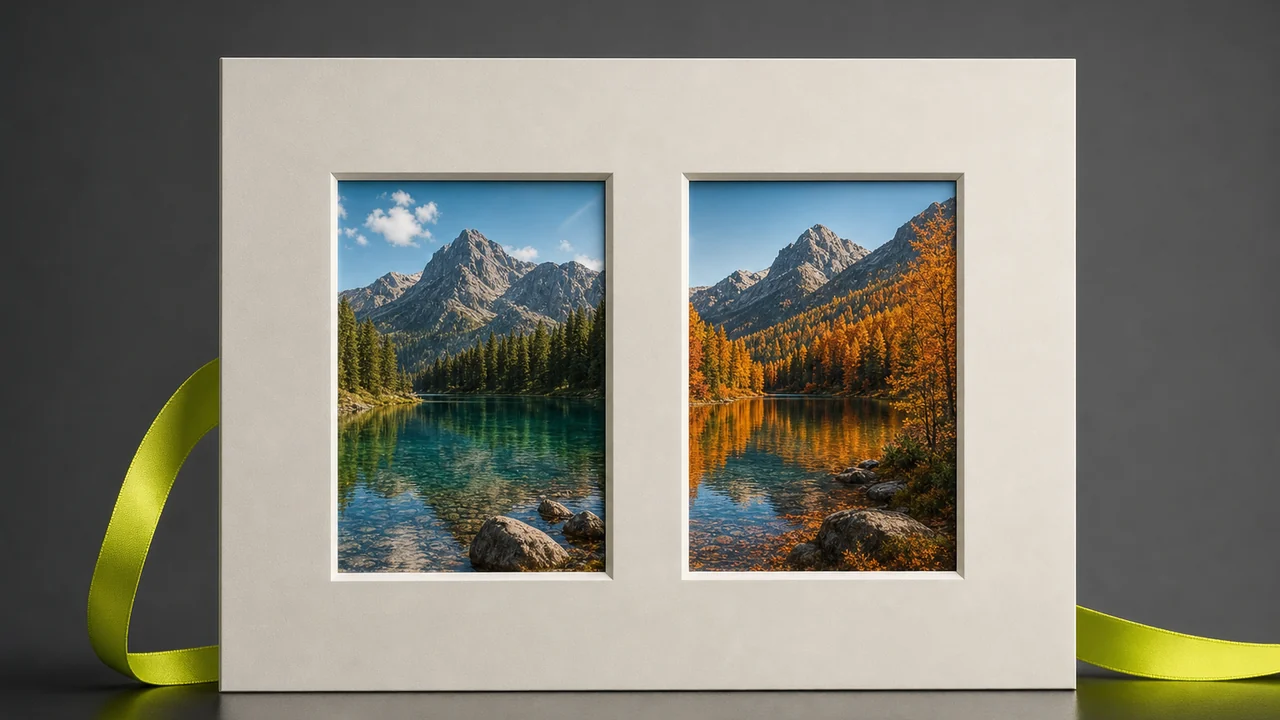
Side by side
Combine images side by side. Before and after a retouch, two colour options for the same product, the same street in two seasons. Reading left to right invites the eye to spot differences, which is why every before-and-after you have ever seen sits this way round rather than stacked.
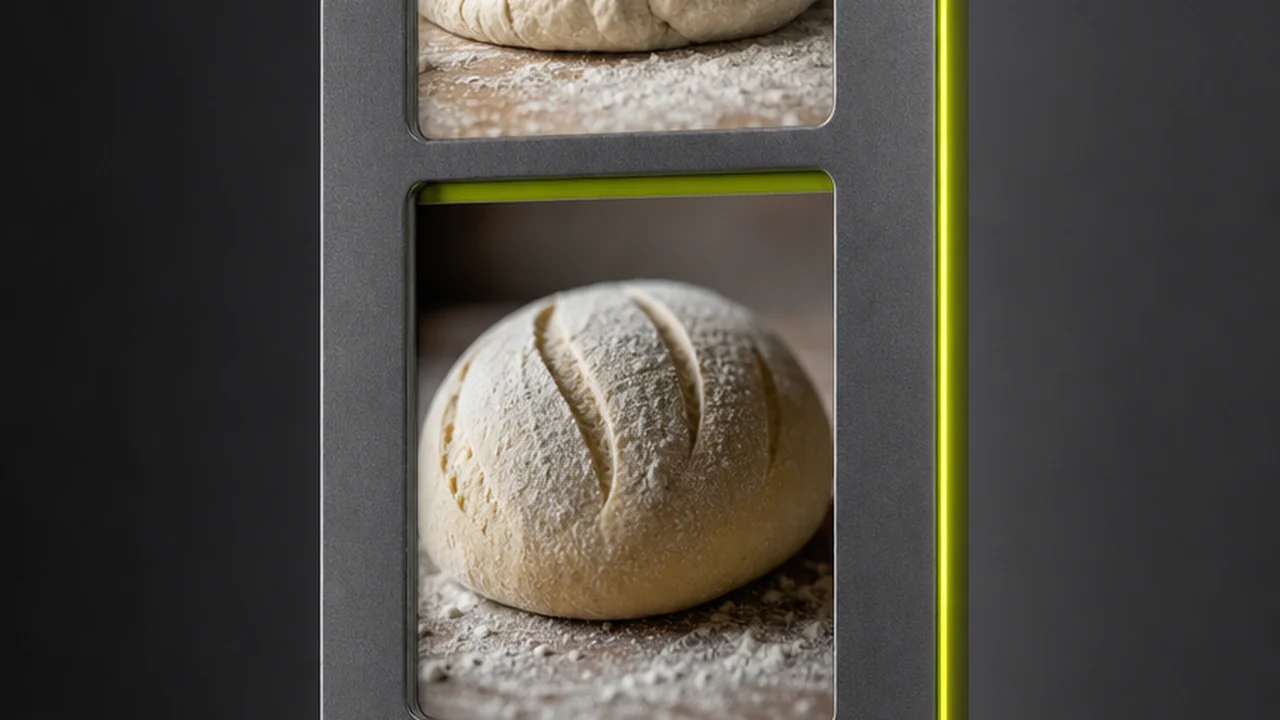
Vertical stack
The sequence layout. Step one, step two, step three of a recipe or a repair, read top to bottom the way instructions are read. It is also how you build one tall image for a feed or a pin, where a portrait shape earns far more screen than a wide one.
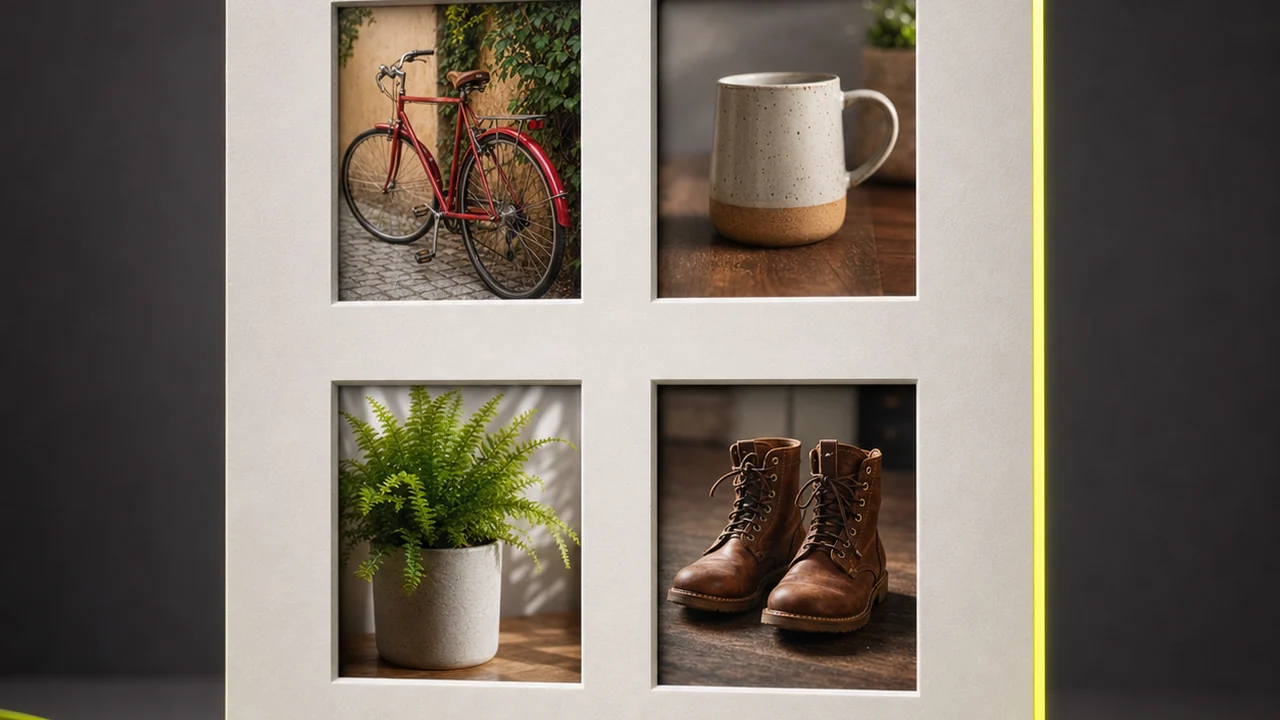
Grid composite
The set layout. Four shots of one room, a range of colourways, a contact sheet of options for a client. A grid says these items belong to one group and none of them leads, which is precisely wrong for a comparison and precisely right for a catalogue.
Side by side, stacked, or a grid — you pick the arrangement.
Combine ImagesCombining your photos, start to finish
Open the studio
Go to Pixazo in your browser. It loads on desktop and on a phone, with nothing to download and no plugin to approve first.
Upload the pictures you want on the board
Add two or more files from your device. Ordinary photo formats are fine, and the order you add them in is the order they will sit on the finished canvas.
Choose side by side, stacked or grid
Pick the arrangement that matches the job: horizontal for a comparison, vertical for a sequence, grid for a set of equals. Swap the order if a plate is in the wrong window.
Download the composite
Save the result as a single image file, clean of any watermark, ready to drop into a post, a document, a listing or a slide.
Where does a merged board earn its keep?
One file travels better than four. Anywhere a platform allows a single picture, a composite is how you get several in.
Before and after
Retouches, renovations, restorations and repairs. Two frames on one plate cannot be split up, reordered or quoted out of context by whoever reposts them.
Marketplace listings
A resale or rental listing that allows one lead photo. Combine images of the front, the back and the label into a single opening shot so a buyer sees the whole item at once.
Documentation and tickets
A bug report, an insurance claim, a delivery dispute. Combine images of each attachment in the order they were taken, and the story reads itself without a caption for every one.
Side by side, stacked or a grid — your call.
Merge Images freeWhat will this image merger not do?
A mount cutter trims card. It does not repaint the photograph. Four things this tool leaves entirely to you or to an editor.
- It does not retouch Blemishes, dust, crooked horizons and exposure mistakes arrive on the board exactly as they left your camera roll. Fix a picture before it goes into a window, not after.
- It does not colour-match A warm indoor shot next to a cool daylight shot will still look like two different rooms. Nothing is sampled from one plate and pushed into its neighbour.
- It does not feather the seam Where two pictures meet you get an edge, not a gradient. That honest line is fine for a comparison and wrong for a dreamy double exposure.
- It does not cut a subject out No automatic background removal, so you cannot lift a person from one photo and set them into another scene. That is a masking job elsewhere.
The last one is worth repeating because search results conflate it constantly. Wanting to merge photos of two people who were never in the same room is a compositing request. Wanting the two portraits on one card is a mounting request, and only the second is what happens here.
One canvas, one download, free to start.
Combine Images freePlain composite, or a collage?
Use this
When you want a predictable, unornamented result: equal windows, a plain gutter, no frames or captions layered on top. It is the right choice for comparisons, documentation, listings and anything that will be read rather than admired.
When you want more than a plain grid
When the arrangement is part of the message: templated layouts, overlapping shapes, backgrounds, mats and text. A birthday board, a moodboard, a year in review. That kind of decorative layout is a different job from a plain composite.
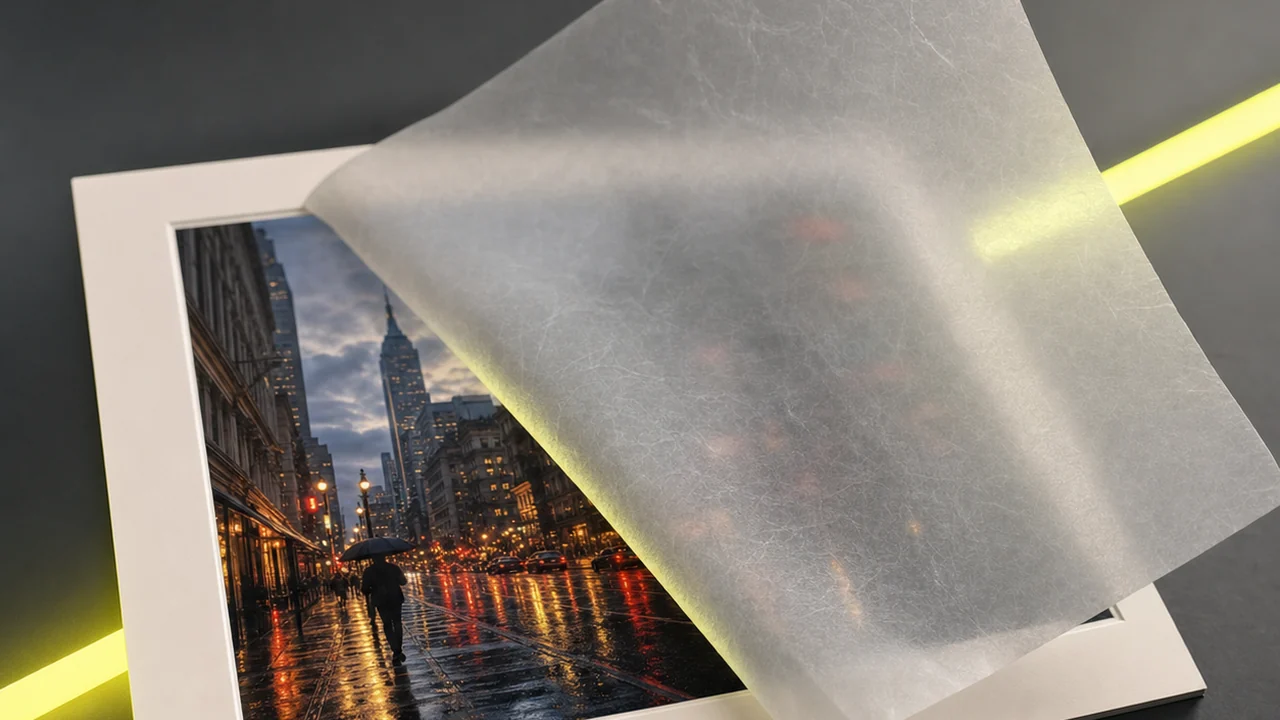
Whatever the source, mounting them is one step inside Pixazo: drop your pictures in, set side by side, stacked or a grid, and export a single clean composite — no install, no watermark.
Questions about how to merge images
Is it free to merge images with Pixazo?
Yes, you can start free. It runs inside Pixazo, and heavier ongoing usage follows whichever Pixazo plan you are on.
How many pictures can go on one board?
Two is the common case for a comparison, and a grid takes more. Past a handful the individual windows get small enough that a viewer stops being able to read them, so restraint helps more than capacity does.
Does it blend the pictures together?
No. It combines images without blending — each picture sits in its own window on one canvas. There is no dissolve, no feathered seam and no colour taken from one frame into another.
What if my files are different sizes?
Mismatched dimensions are padded or fitted rather than magically aligned. Cropping your originals to a shared aspect ratio first gives the cleanest, most even result.
Can I merge photos on my phone?
Yes. The studio runs in a mobile browser, so you can build a composite on an iPhone or an Android phone with no app to install.
Will there be a watermark on the result?
No. The composite you download is clean, with nothing stamped across your pictures.
Can it remove the background from one of my photos?
No. There is no automatic cut-out, so lifting a subject away from its background is a separate masking job in an image editor.
Which layout should I pick?
Three ways to combine images: side by side for a comparison, a vertical stack for a sequence or a tall social image, and a grid when the pictures are a set of equals.
Put your pictures on one board
Combine images in a few clicks: upload, choose a layout, download one file. No install, no watermark, and your originals come out the other side untouched.
Merge ImagesDeepak Joshi is a Content Marketing specialist having a combined experience of 10+ years working in the digital world. He is one of the active contributors to Pixazo Blog and has keen interest creating and marketing content related to AI tools, No-Code technology, Design Industry, Social Influencers, and other trending topics. A health and sport enthusiast, Deepak loves to indulge in all kinds of sports & games.

