Merge Videos Online
Merge videos into one file. Combine videos and, when the clips already match, the picture is copied straight through instead of re-encoded.
- Free to start
- Stream-copy fast path
- Optional crossfade join
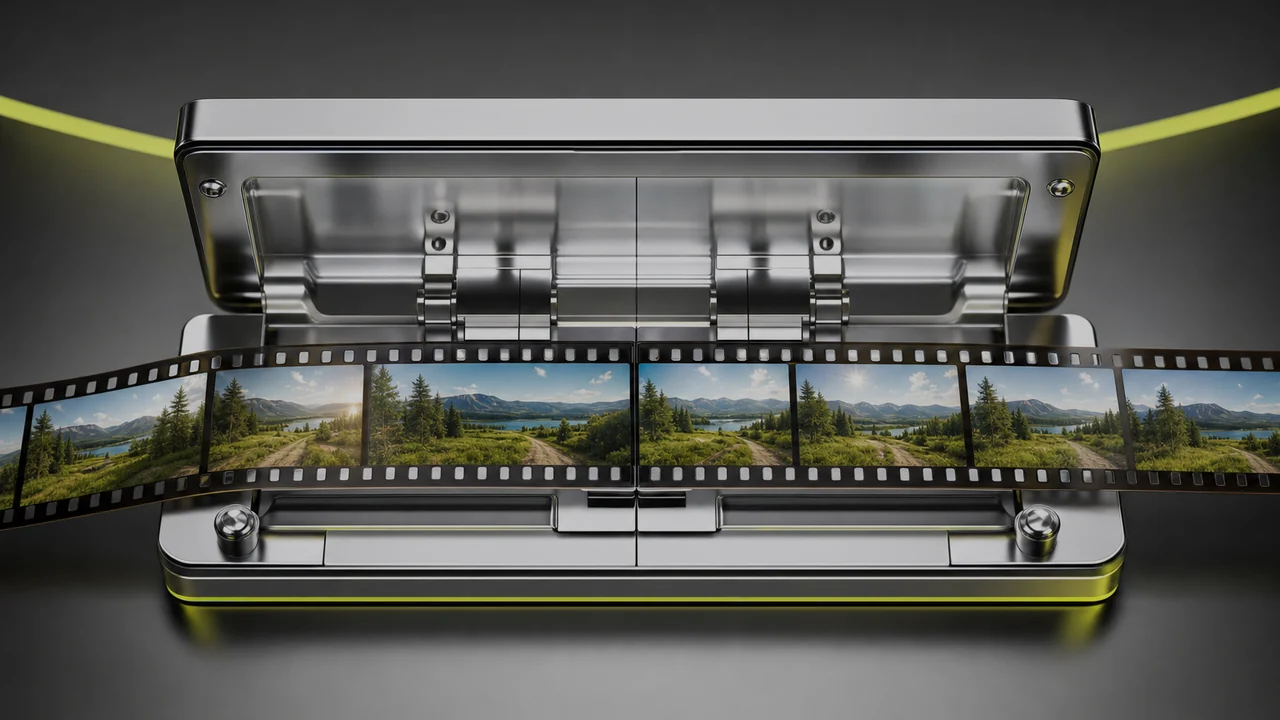
What happens when you merge videos here?
A splice bay is a narrow, honest workshop for combining videos: clips come in, go on the bench in an order, and leave as one continuous file. Pixazo's media engine exposes a merge operation that does exactly that, live in production — a working video merger, not a preview.
The important part is what the bench does not do to your picture. If the clips already agree — same resolution, frame rate and codec — the merge takes the stream-copy path: the video is copied into the new container rather than decoded and compressed again. No re-compression means no generation loss, and with no frames to re-draw the job finishes far faster than a render.
That is the difference between a joiner and an editor. An editor rebuilds your footage; this bench holds two ends together and tapes the seam.
Phone clips
Combine videos from the five or six takes your camera roll saved in one afternoon.
Generated clips
Combine videos when short AI shots need to become one continuous piece.
Intros and stings
A title card or logo sting that belongs in front of the main take.
Screen recordings
Two passes of one walkthrough, recorded back to back.
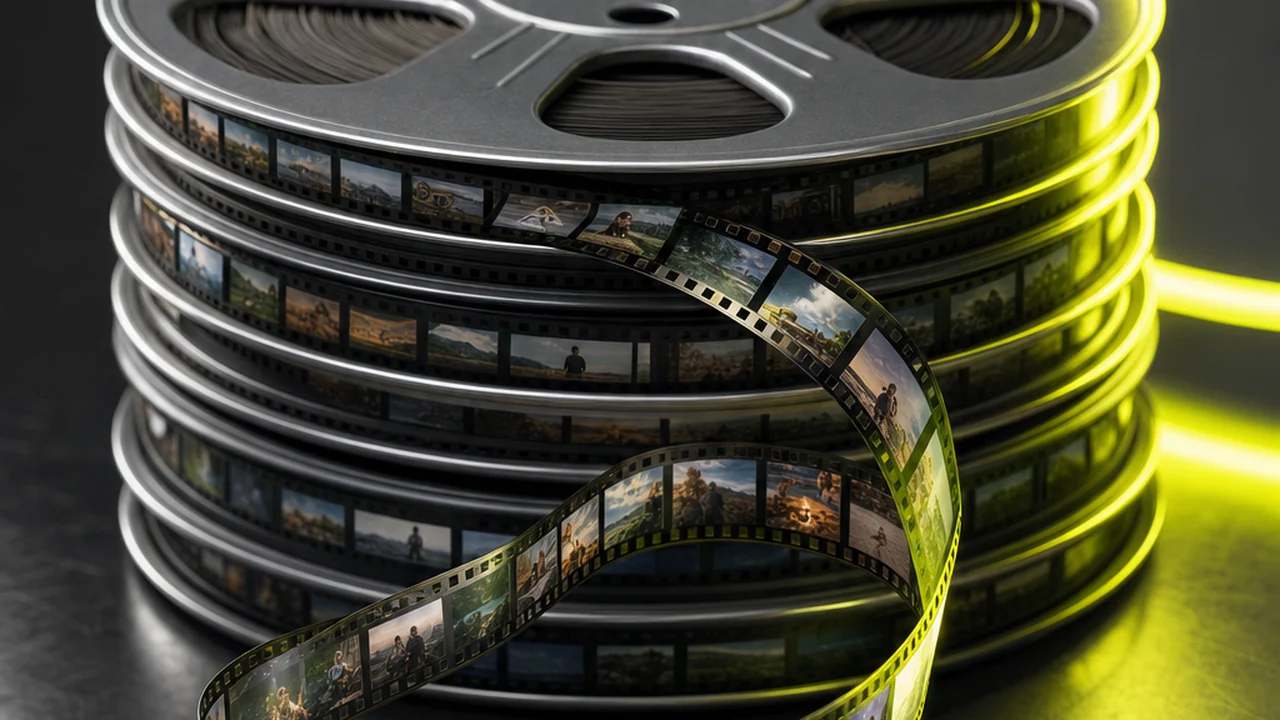
Two ways the block closes a seam
Every join goes down one of two lanes, and your clips decide which. The difference is why one merge is near-instant and another takes a while.
Matching clips are copied, not re-encoded
When the clips share a resolution, frame rate and codec, the picture is lifted straight across into the joined file.
- No second compression pass, so no quality loss
- Finishes quickly even on long clips
- Ideal for takes from one camera, or clips from one model
Mismatched clips have to be rebuilt first
Clips that disagree cannot be copied. They are brought to a common format first, which means decoding and compressing the picture again.
- Costs real time, roughly with the total runtime
- Costs a little quality, as any re-encode does
- Triggered by mixed resolutions, frame rates or codecs
Matching clips are stream-copied — no second squeeze.
Combine VideosHow do you merge videos in four passes?
Four steps, worked in the order a splice operator works them: load, order, splice, collect.
Open the splice bay
Open Pixazo in your browser, desktop or mobile. Nothing to download.
Load your clips
Drag in every clip you want in the finished piece. MP4, MOV, WebM and other common files all go on the bench.
Set the running order
Put the clips in the sequence you want played. The bench joins them first to last, exactly as given.
Close the seam and download
Run the merge. Matching clips are copied rather than re-encoded, then the joined file is yours to download.
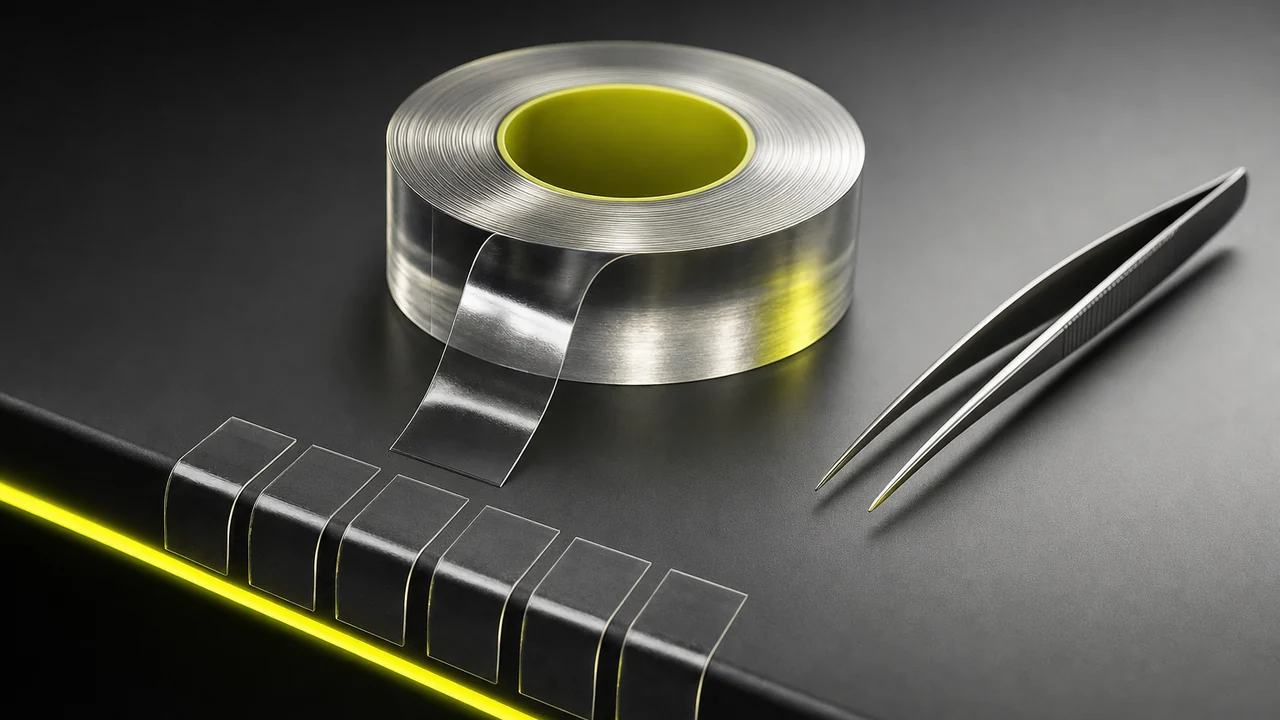
Three jobs the bench sees every day
Phone clips from one event
A birthday, a match, a walk somewhere good: your phone saved it as nine files because you kept stopping.
They came off one camera in one session, so they agree — the best case for the fast path. It is what people mean when they want to combine videos from an afternoon into one watchable piece.
An intro in front of a main take
A title card or logo sting belongs ahead of the recording it introduces, and you would rather not open an editor for it.
Put the intro first on the bench, the take second. If the intro was exported to match the take, the seam costs nothing.
A set of generated clips
AI video models return short shots, and a sequence stays a set of files until you combine videos into one.
Clips made by one model at one size usually match, so the set can be assembled in one pass into a single continuous video.
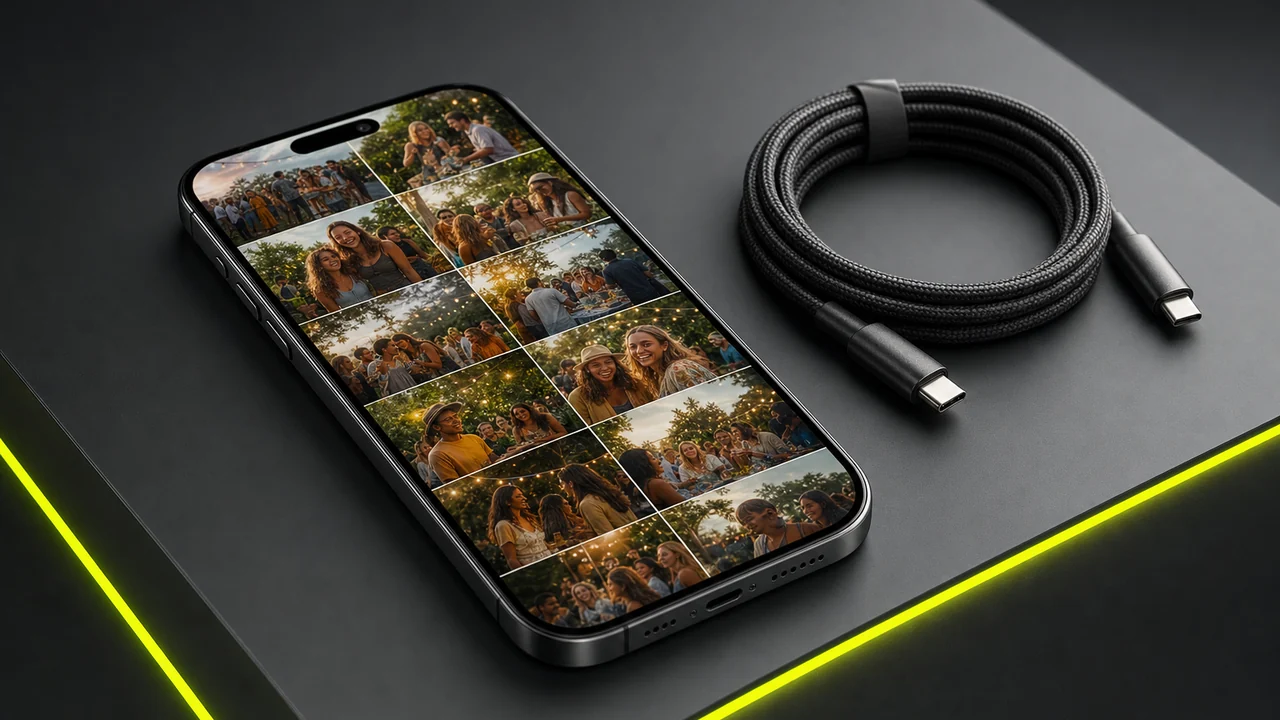
Matching clips stream-copy, so the picture never re-encodes.
Merge Videos freeA crossfade, when a hard cut is too abrupt
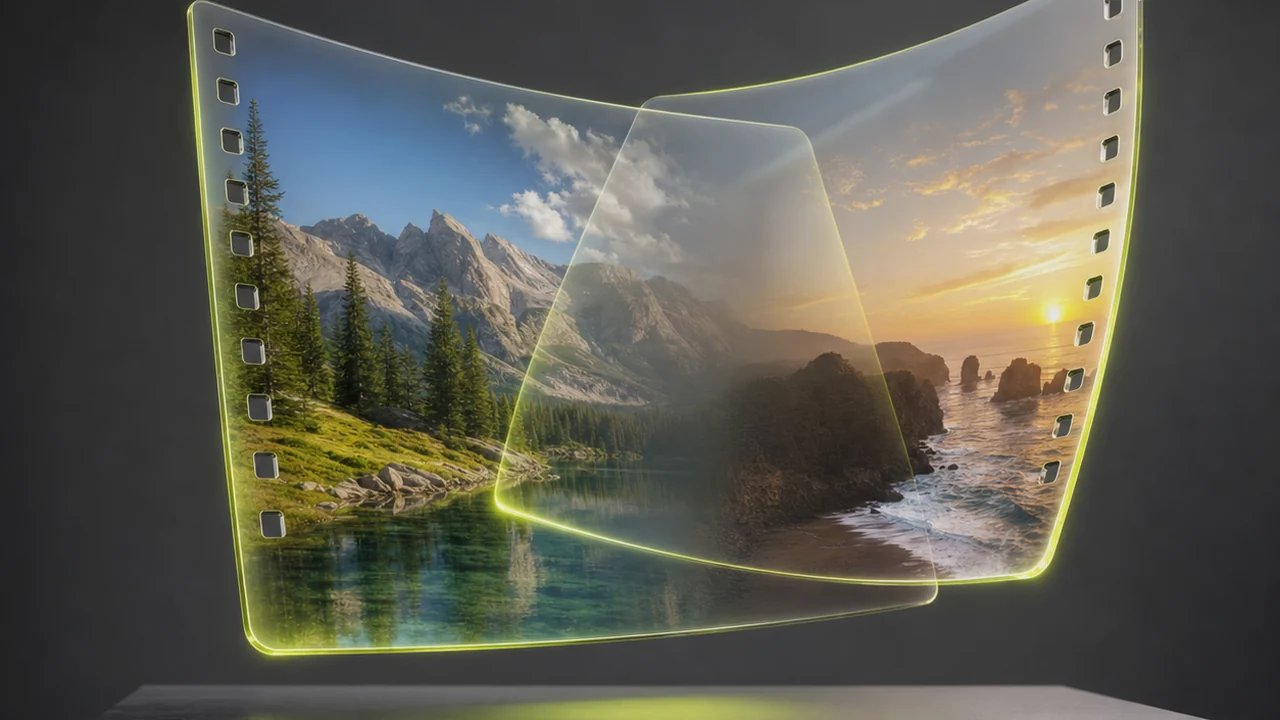
A straight splice is a hard cut: the last frame of one clip, then the first frame of the next. Usually that is what you want. Sometimes it lands badly — two angles on one subject, or a change of place that needs a breath.
The same engine exposes a crossfade operation for that case: it joins two clips with a timed dissolve, so one picture gives way to the other over a duration you set. It is a feature of the bench, not a separate product.
Because a dissolve draws new, blended frames, a crossfade is a rendered join and cannot take the stream-copy path. Use it where the transition earns its keep and leave the rest as hard cuts.
The joined-length tally
Splice bay — at a glance
SPEC| What it does | Joins two or more clips into one video file |
| Fast path | Stream copy when clips match — no re-encode |
| Slow path | Re-encode to a common format when they do not |
| Transitions | Hard cut, or a timed crossfade between two clips |
| Order | Exactly the order you place the clips |
| Runtime | The sum of the clips — nothing is trimmed |
| Runs in | The browser, on desktop and mobile |
| Price | Free to start, then your Pixazo plan |
Lay them in order and download one file.
Combine VideosWhat will this bench not do?
A splice bay is deliberately narrow. Everything below is a real limit, not a paywall.
- Mismatched clips cannot be stream-copiedDifferent resolutions, frame rates or codecs force a re-encode to a common format before the join. That costs time, and a re-encode always costs a little quality. Exporting your clips to matching settings first is the best thing you can do.
- Order is the order you giveThe bench does not guess a running order, sort by timestamp or judge which take was best. It joins first to last exactly as you place the clips.
- No trimmingNothing is cut. A clip goes in whole and the joined runtime is the sum of the parts. If a take needs its dead air removed, trim it before the bench.
- No titles or graphicsThere is no text tool, no lower third, no logo overlay. If you want a title card, make it as a clip elsewhere and merge it in as the first piece.
- No colour matching and no audio mixingTwo clips shot in different light still look like two clips after joining; the bench does not grade or balance them. Per-clip audio is not mixed either — no ducking, no level matching, no music bed. You combine videos from finished clips here, so bring it whole takes.
Questions asked at the bench
Is it free to merge videos with Pixazo?
Yes, you can start free. The splice bay runs inside Pixazo, and heavier usage follows your plan.
Will joining my clips lose quality?
Not when your clips already match: the video is stream-copied into the joined file rather than compressed again, so the picture is untouched. Mismatched clips are re-encoded first, and that costs a little quality.
How many clips can I join at once?
More than two — a whole set can go on the bench and be joined in one pass. Longer jobs take longer, especially if a re-encode is needed.
Which formats can I combine?
Common video files such as MP4, MOV and WebM. Clips of one format and size take the fast path; a mix still works, but it is brought to a common format first.
Can I add a transition between two clips?
Yes. Alongside the hard-cut join there is a crossfade that dissolves one clip into the next over a duration you set. Because it draws new frames, a crossfade cannot use the stream-copy path.
Does it keep the audio from each clip?
The audio travels with its clip into the joined file, so each part is heard over its own picture. It will not mix those tracks, though.
Can I trim a clip before it is joined?
No. This is a joiner, so every clip goes in whole and the joined runtime is the sum of the parts. Set each clip to the length you want before you bring them here.
Can I join videos on my phone?
Yes. The bench runs in a mobile browser, so you can merge clips on an iPhone or Android phone with nothing to install.
Deepak Joshi is a Content Marketing specialist having a combined experience of 10+ years working in the digital world. He is one of the active contributors to Pixazo Blog and has keen interest creating and marketing content related to AI tools, No-Code technology, Design Industry, Social Influencers, and other trending topics. A health and sport enthusiast, Deepak loves to indulge in all kinds of sports & games.
Line the clips up and combine videos into one file.
Lay them on the bench in order, close the seams, and take one continuous video off the other end — copied rather than re-encoded when your clips match.
Merge Videos free- Free to start
- No install
- Hard cut or crossfade

