


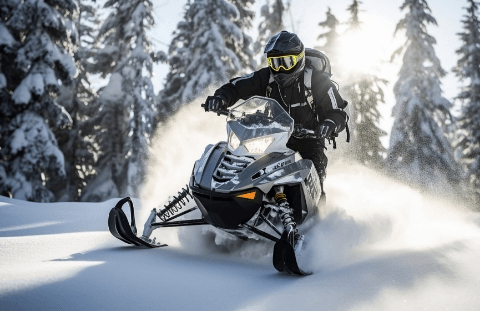





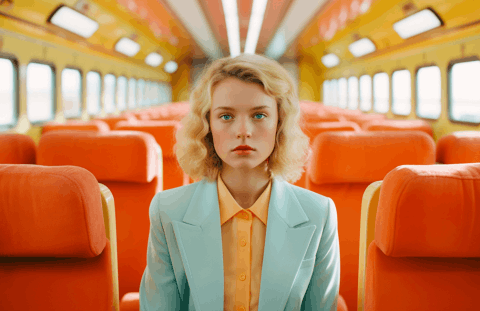
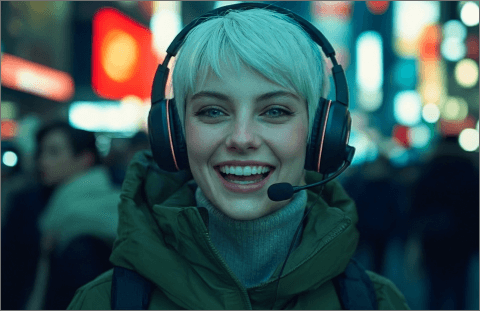
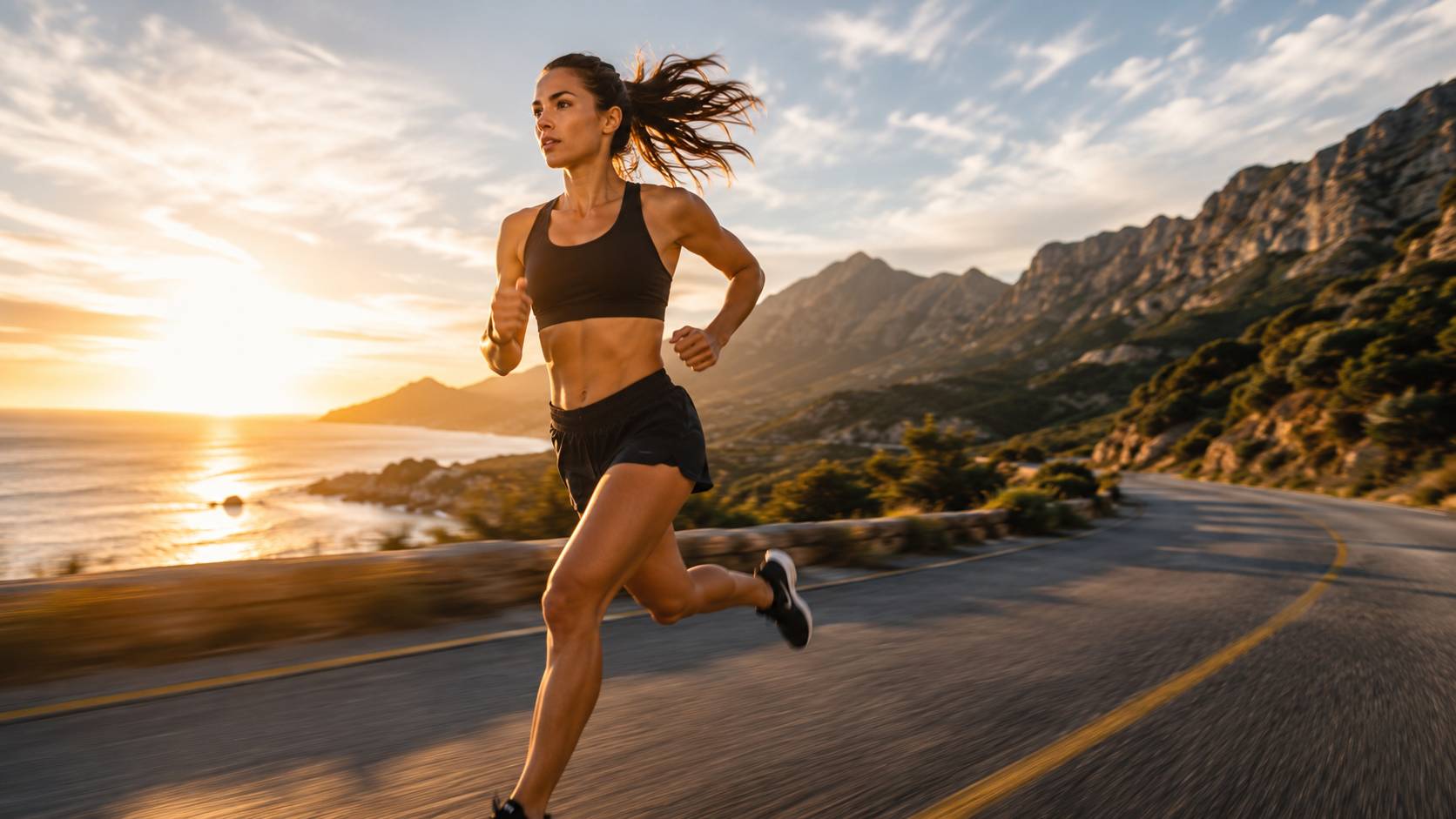

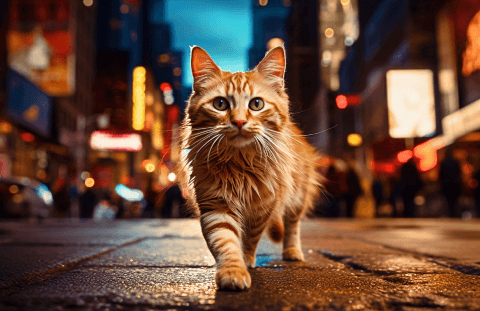

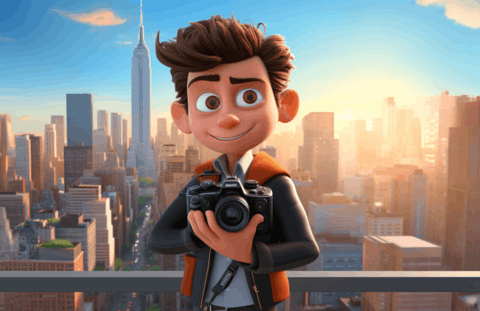

The Pixazo Text-to-Video API converts natural language descriptions into video clips using diffusion-based generative models. Describe a scene, specify duration and aspect ratio, and receive a rendered MP4. Designed for marketing teams, content creators, and product demos where producing original footage is expensive or impractical.
Text to Video APIs - AI Video Generation from Text
Access Text to Video APIs for AI video generation from text on Pixazo API. Create videos from text prompts with Sora, Runway, Kling, Luma, and more.
Explore Text to Video Models
Browse and compare the best text to video API models. Filter by capability, check supported features and output quality, and pick the right model for your project.
Text to Video APIs
Model Capabilities
Different models offer different strengths. Here is what each generation tier can and cannot do.
Generation Tiers
Choose between fast drafts and high-fidelity output based on your use case and budget.
Request Parameters
Key parameters you can control in each API request.
Quick Start
Generate a video clip from a text prompt in one request.
# Generate video from text via the Pixazo API
curl -X POST https://api.pixazo.ai/v1/text-to-video \
  -H "Authorization: Bearer YOUR_API_KEY" \
  -H "Content-Type: application/json" \
  -d '{
    "prompt": "A golden retriever running through autumn leaves in a park, cinematic lighting",
    "duration": 5,
    "aspect_ratio": "16:9",
    "resolution": "1080p",
    "style": "photorealistic"
  }'

# Response
{
  "status": "processing",
  "job_id": "vid_abc123def456",
  "estimated_time": 85,
  "poll_url": "https://api.pixazo.ai/v1/jobs/vid_abc123def456"
}

# Completed response includes:
{
  "status": "completed",
  "output_url": "https://cdn.pixazo.ai/vid/abc123.mp4",
  "duration": 5,
  "resolution": "1920x1080",
  "frames": 120,
  "generation_time_ms": 84200
}
Frequently Asked Questions
How long does video generation take?+
Generation time depends on the model tier, clip duration, and resolution. Standard 720p clips (2-5 seconds) typically complete in 30-45 seconds. Premium 1080p clips (up to 10 seconds) take 60-120 seconds. The API returns a job ID immediately and you can poll for status or provide a webhook URL to get notified when the video is ready.
Can I control camera movement in the generated video?+
Camera direction can be influenced through natural language in your prompt. Terms like "aerial view," "tracking shot," "slow pan," and "close-up" produce different framing and movement patterns. However, precise cinematic camera movements like smooth dolly zooms or exact path control are not yet consistently reproducible. For precise camera control, consider using Image-to-Video with keyframe guidance instead.
Does the generated video include audio?+
No. The output is a silent MP4 file. For audio, pair the generated video with the Pixazo Text-to-Speech API for narration or the Audio Generation API for background music and sound effects. This separation gives you full control over the audio mix rather than relying on auto-generated sound.
How do I create longer videos from multiple clips?+
For sequences longer than 10 seconds, generate multiple clips with a consistent seed value and overlapping scene descriptions. Use the last frame of one clip as context for the next by combining Text-to-Video with Image-to-Video for continuation. Some visual variation between clips is expected, but matching seed and style parameters minimizes discontinuity. Post-production editing tools can smooth transitions between generated segments.
What are the pricing tiers for text-to-video generation?+
Pricing is based on resolution, duration, and model tier. Standard 720p clips cost fewer credits than Premium 1080p output. Longer clips cost proportionally more. Cached results from identical prompts and parameters are free within 24 hours. Check the Pixazo API pricing page for current per-second rates and volume discounts.