Normalize Audio
Normalize audio and every file lands on the same loudness line, around −14 to −16 LUFS.
- Free to start
- Programme loudness, not peaks
- −14 / −16 LUFS targets
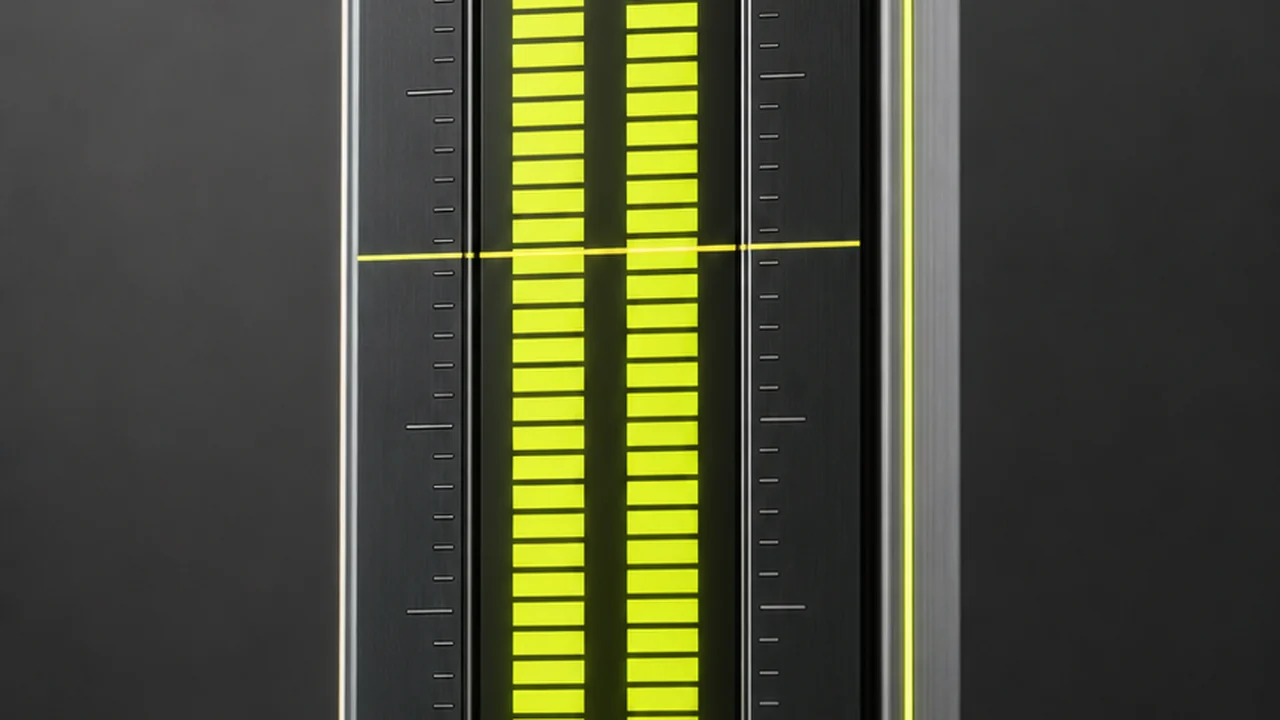
What does it mean to normalize audio to a loudness target?
Levelling a file means measuring how loud it actually sounds, then moving the whole thing up or down so it sits on an agreed line. The line is written in LUFS — Loudness Units relative to Full Scale — and the number Pixazo aims for is the one platforms settled on, around −14 to −16 LUFS.
The important word is perceived. LUFS does not ask how tall the tallest spike in the waveform is. It weights the signal roughly the way an ear does and averages across the whole programme, so a busy music bed and a lone voice can be compared honestly on one scale.
That is why the number can be matched across files, episodes and a whole back catalogue.
Verdict: this is a supported tool, not a guide. Pixazo’s media engine runs a live levelling operation in production that brings a file to a broadcast or streaming loudness target of around −14 or −16 LUFS.
The meter, at a glance
SPEC| Measures | Integrated programme loudness in LUFS |
| Target | About −14 to −16 LUFS |
| Scope | The whole file as one programme |
| Changes | Level only — no repair, no mastering |
| Runs in | Browser, desktop and mobile |
| Language | Any — loudness is language-independent |
| Price | Free to start · scales with your plan |
Land on the same loudness line as everything else.
Normalize Audio freeThe LUFS rail: what each gradation sounds like
Read this as a meter standing on its end. The highlighted band is where the tool puts you.
Hard against the ceiling
Loud on first contact, tiring after a minute, and the first thing a platform turns down.
Louder than the room needs
Common in music mastered for volume. Fine alone, jarring after a spoken-word file at a sane level.
The target band
Where streaming and podcast delivery settled, and where this tool lands your file. Comfortable at normal volume with room left for peaks.
Broadcast and cinema territory
Television and film mixes live down here on purpose. Quiet on a phone in a café.
Too quiet to publish
Usually the gain was set too low. It can be raised, but the noise underneath comes up with it.
Loudness normalization is not peak normalization
Peak normalization looks at one sample: the single loudest instant in the file. It scales everything so that instant just touches the ceiling, then stops thinking. A door slam or one cymbal can be the sample that decides the outcome.
Which is how two files can both peak at exactly 0 dB and still sound wildly different in volume. One is a dense music bed living near the top; the other is a quiet interview with a cough in it.
Measuring across the whole programme, weighted the way hearing works, fixes that: match two files this way and they sound equally loud.
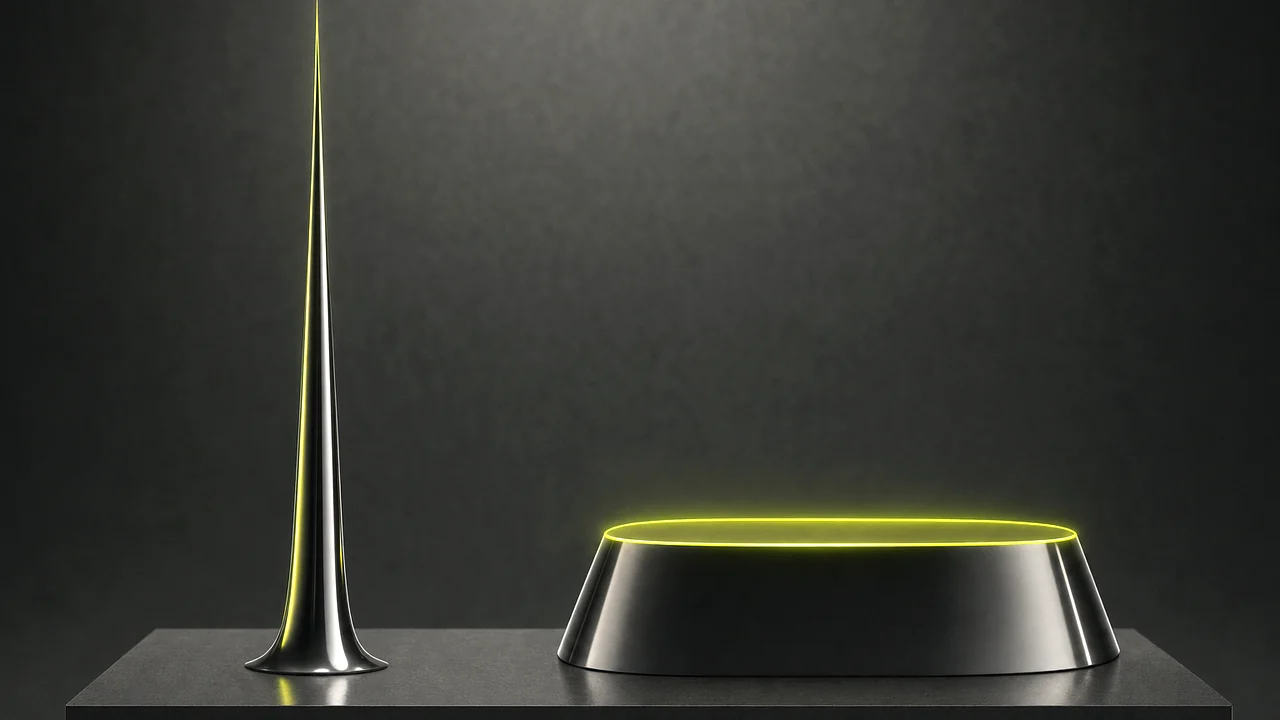
Judged on its peak, this file looks full
One spike reaches the ceiling, so a peak normalizer declares the job done and leaves the rest almost inaudible.
Judged on its loudness, this file is on target
The average sits on the line and the peaks stay under the ceiling. This is the shape a loudness meter asks for.
About −14 to −16 LUFS, measured across the whole programme.
Normalize AudioHow to hit your loudness target
Each step lights one more segment of the meter. No install, no plugin chain.
Upload the audio to normalize
Drop in the audio track, the podcast episode or the video whose sound you want measured. It opens in the browser.
Let the meter read the whole programme
The engine measures integrated loudness across the entire file rather than sampling a moment.
Choose the loudness target you deliver to
Around −14 LUFS suits streaming and most podcast platforms; about −16 LUFS is the quieter end. Pick what your destination asks for.
Run the pass and download the result
Pixazo shifts the file onto the target line and hands it back. Run it once per episode and the whole series matches.
Perceived loudness measured across the whole programme.
Normalize Audio freeA delivery slip for every destination
Different places want the needle in different spots. Check your destination’s current specification before a final master — they do get revised.
Music streaming
The band most streaming services normalise towards, which is why mastering far louder buys you nothing.
Podcast episodes
Spoken word usually sits a touch quieter. The value matters far less than using the same one every week.
Social video
Feeds are watched at whatever volume the phone was left on. A file on target makes nobody reach for the buttons.
Broadcast delivery
Television specifications sit well below streaming — take the broadcaster’s number.
What changes once your audio levels match?
A podcast episode that matches every other episode is the clearest case. Listeners move from one to the next without touching anything, and a back catalogue recorded across two years and three microphones stops sounding like three different shows.
In video it is the voice that benefits. When narration and a music bed are set by ear on different days, the voice is what vanishes; measuring both against one target keeps dialogue where it belongs. Across a set of clips it means the viewer never reaches for the volume between items.
What can levelling not fix?
This tool changes level, not quality.
- It cannot repair damage already in the file. Distortion, clipping baked in at record time and the sound of a bad room all survive the pass.
- It works on the programme, not on moments inside it. The whole file moves together, so a speaker who wanders between loud and quiet within one take still wanders. Evening that out is compression, a different job.
- Raising a very quiet recording raises its noise too. Hiss, hum and air come up by the same amount as the voice.
- It is not mastering. No equalisation, no de-essing, no stereo work. One measurement and one move, which is why it is predictable.
- The target is a convention, not a law. Broadcast sits lower than streaming, and specifications get revised. Read the one your destination publishes.

Where does the audio normalizer sit in the workflow?
Levelling is usually the last thing before publishing. These tend to come before it.
All Pixazo AI tools
The full index of image, video and audio tools on the site.
CreateAI audio generator
Generate a music bed from a prompt, then set it against your voice track on one target.
VoiceAI voiceover generator
Produce narration for a video, the track most likely to need levelling.

Questions people ask before they normalize audio
Is it free to normalize audio with Pixazo?
Yes, it is free to start. The levelling pass runs inside Pixazo’s Pixazo in your browser, and usage scales with whichever Pixazo plan you are on.
What loudness target does Pixazo use?
A broadcast and streaming target of around −14 or −16 LUFS. That is the band streaming and podcast platforms settled on.
What is the difference between LUFS and peak normalization?
Peak normalization scales a file by its single loudest sample, so two files can both peak at 0 dB and still sound wildly different in volume. LUFS measures perceived loudness across the whole programme, which is why platforms standardised on it.
Will it fix a recording that is distorted or clipped?
No. Loudness normalization changes level, not quality. Distortion, clipping already baked into the file and the sound of a bad room all survive the pass unchanged.
Can it even out a speaker who gets louder and quieter mid-take?
No, because the tool treats the file as one programme and moves all of it together. Smoothing variation inside a single take is compression or manual fader work.
Does turning up a quiet recording make the hiss worse?
The hiss comes up by the same amount as the voice, so it becomes more noticeable. A recording made far too quietly is usually better re-recorded than rescued by level.
Can I level the audio inside a video file?
Yes. The Pixazo takes video as well as bare audio tracks, so a soundtrack can be brought to target without exporting it separately first.
Should every episode of a series use the same target?
Yes, and that consistency matters more than the exact number you choose. Matching audio levels across a series is what stops listeners adjusting the volume between episodes.
Put every file on the same line.
Bring your podcast, your narration or your video soundtrack to a broadcast and streaming target of around −14 or −16 LUFS, free to start, straight in the browser.
Normalize Audio- Free to start
- No install
- Programme loudness

