AI Podcast Cover Maker : Create Free Podcast Covers in Minutes
Create Custom Podcast Covers Quickly with Pixazo Best AI Podcast Cover Maker. Try for Free!
Get Started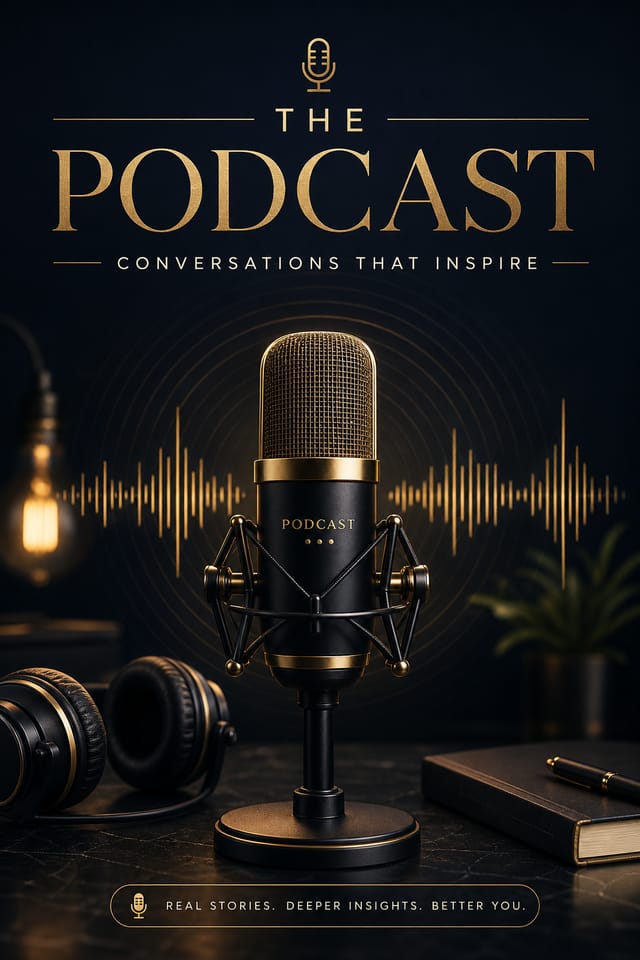
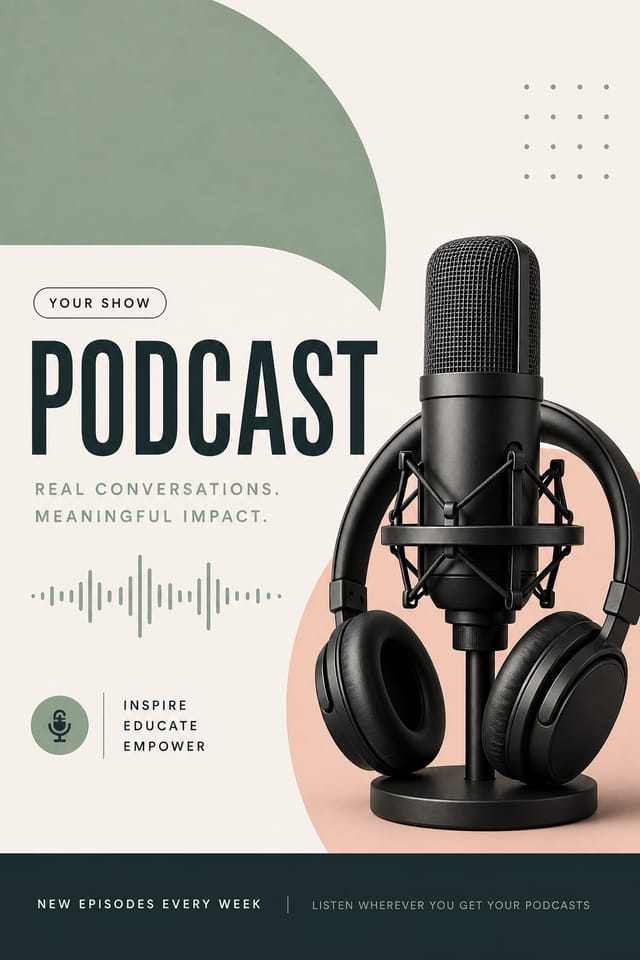
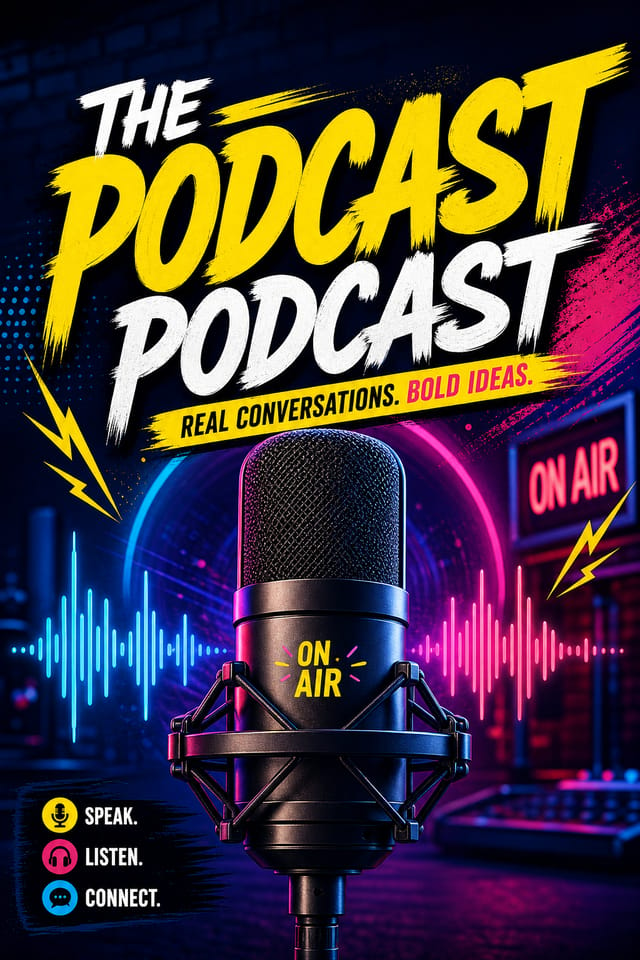
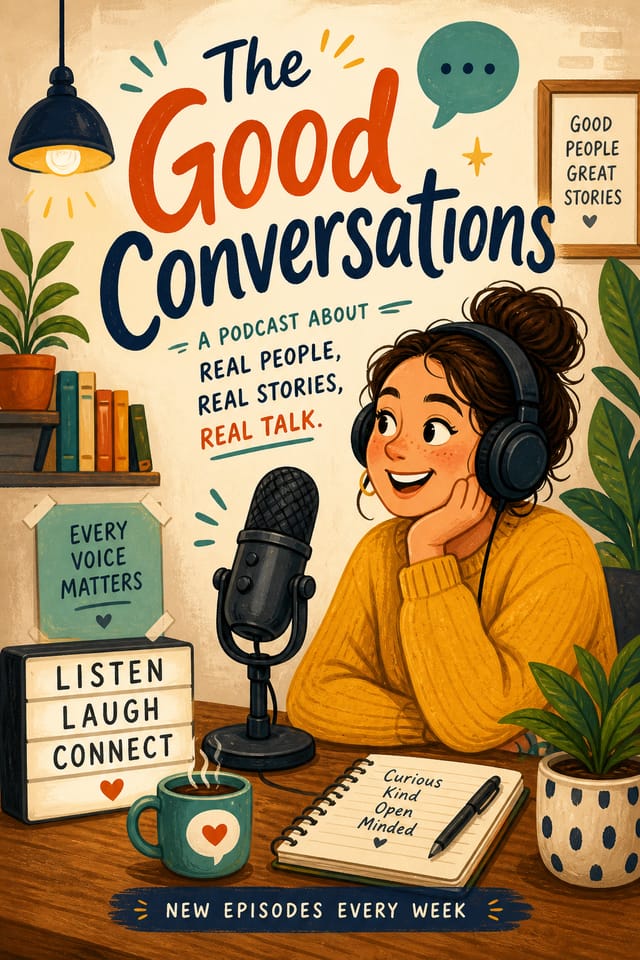
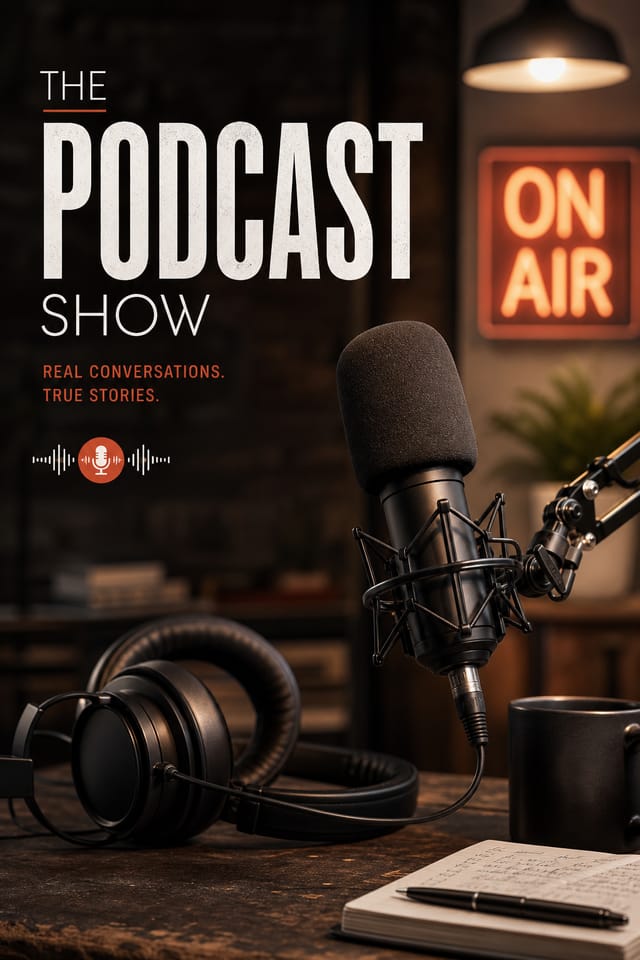
The Logic of Podcast-Cover Design: Specific Knowledge Required
Why Podcast-Cover Design Requires Specific Knowledge
Effective podcast-cover design depends on understanding what makes podcast-cover work visually.
Color relationships, typographic choices, and spatial arrangement all carry different weight depending on the design style.
Pixazo's AI has been trained to recognize these distinctions.
The practical result is that a podcast-cover prompt produces designs that fit podcast-cover conventions rather than generic poster layouts.
The Podcast-Cover Feature Set: What It Can Do
Negative Space Handling
The AI manages whitespace in podcast-cover designs according to podcast-cover aesthetic conventions, not generic poster defaults.
Typography Matching
Typefaces are selected to match podcast-cover aesthetic expectations. The AI pairs fonts that reinforce your podcast-cover's visual identity.
Prompt Refinement
Adjust your description to refine any aspect of the podcast-cover design. The AI responds to specific direction about colors, layout, or content.
Instant Iterations
Generate multiple podcast-cover variations from a single prompt. Compare options and refine until the design matches your vision.
Compositional Structure
Layout and hierarchy decisions reflect podcast-cover design patterns. The proportions and arrangement match how podcast-cover designs are conventionally structured.
Podcast-Cover Makers: Creator Highlights
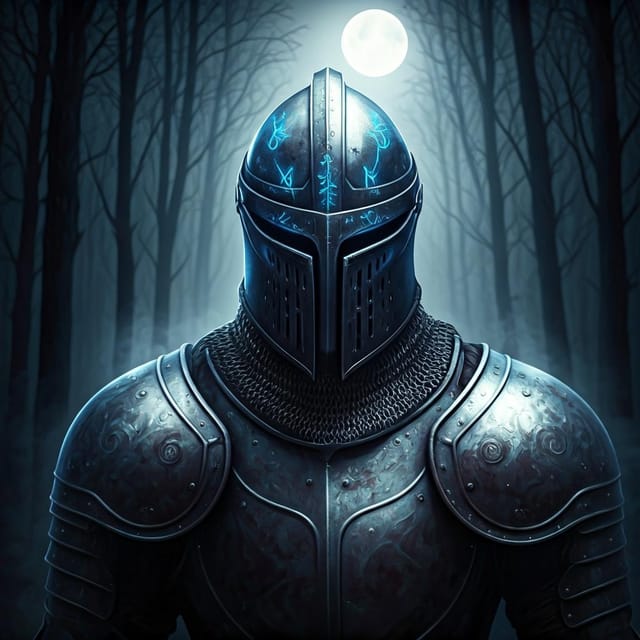
Real creators sharing their podcast cover designs made with Pixazo AI.


Creative Uses of Podcast-Covers: Real Applications
LinkedIn Professional Banners
Generate podcast-covers for LinkedIn profile headers and company page banners. Professional designs that reinforce personal or corporate branding.
TikTok and Reels Cover Frames
Generate podcast-covers for short-form video cover images. Vertical designs that represent video content and attract clicks.
Instagram Feed and Story Content
Create podcast-covers optimized for Instagram's feed (1080x1080) and story (1080x1920) formats. Designs that stop the scroll and drive engagement.
YouTube Thumbnails and Channel Art
Design podcast-covers for video thumbnails and channel banners. Bold, legible designs that stand out in recommendation feeds.
Podcast-Cover Platform Comparison: An Honest Look
Desygner
Multi-format design tool with PDF editing and brand management
Piktochart
Infographic and presentation maker for data-driven visuals
Pixazo
AI-powered podcast-cover generator with prompt-based design and professional output quality
VistaCreate
Visual content platform with templates and a built-in asset library
Fotor
Photo editing platform with design templates and batch processing
From Prompt to Podcast-Cover: The Simple Process
Describe Your Vision
Write a prompt describing your podcast-cover. Include style preferences, color direction, the most important text to display, and any specific visual elements you want. The more specific your description, the more targeted the output.
Preview the Design
The AI produces a podcast-cover based on your description. If the first result isn't exactly right, adjust the prompt to address what needs changing. Most designs reach the target within a few iterations.
Conclude with the File
Export your podcast-cover in the format you need. PNG for web and social, PDF for print production, JPG for email and lightweight sharing. The file is yours to use commercially without restrictions.
Watch: Creating Podcast Cover Podcast Cover designs step by step
The Range of Podcast-Cover Styles: Options and Variations
Geometric Podcast-Cover
Structured podcast-cover composition using grid systems and angular forms. Order and precision define the visual approach.
Textured Podcast-Cover
Podcast-Cover design with added surface depth. Background treatments add visual interest without disrupting legibility.
High-Contrast Podcast-Cover
Bold podcast-cover visual treatment with strong tonal contrast. Elements read clearly at any viewing distance.
Editorial Podcast-Cover
Text-dominant podcast-cover layout inspired by print publication design. Typographic variety creates visual rhythm.
Minimalist Podcast-Cover
Stripped-back podcast-cover approach. Fewer elements, more negative space, typography carries more visual weight.
Effective Podcast-Cover Prompts Worth Trying
Copy any prompt below and paste it into Pixazo to generate your design instantly.
Podcast-Cover for digital display, optimized proportions for screen viewing, colors calibrated for RGB output, legible at typical viewing distancePodcast-Cover design, clean layout, strong typography hierarchy, appropriate color palette for podcast-cover aesthetic, high contrast between headline and backgroundProfessional podcast-cover, minimalist podcast-cover approach, negative space used intentionally, readable at multiple viewing distances, print-ready compositionPodcast-Cover style podcast-cover, bold headline placement, supporting text at appropriate scale, color palette consistent with podcast-cover design conventionsPortrait-orientation podcast-cover, vertical composition, headline at natural reading entry point, supporting information flows downward logicallyPodcast-Cover Dos and Don'ts: Dos and Don'ts
Use a consistent visual hierarchy
Structure your podcast-cover so the viewer's eye follows a clear path from headline to supporting details to call-to-action.
Use grids and alignment
Structured layouts in your podcast-cover create a sense of order and professionalism that unstructured designs cannot match.
Test with real content
Never finalize a podcast-cover with placeholder text. Real copy often has different lengths and line breaks that affect the design.
Skip proofreading
Typos and grammatical errors on a podcast-cover undermine credibility instantly. Always have someone else review the final text.
Overcrowd the layout
Filling every pixel of your podcast-cover with content makes it harder to read and reduces the impact of every individual element.
Rely solely on AI output
AI-generated podcast-cover designs are a starting point. Human review catches issues with context, tone, and accuracy that AI can miss.
Podcast-Cover Generation: Where It Falls Short
Known limitations and trade-offs of AI-generated podcast cover design. Understanding what the AI handles well and where it falls short helps you structure your podcast-cover design workflow effectively.
Exporting Your Podcast-Cover: From Screen to File
PNG
Lossless image format ideal for podcast-cover designs with transparency, sharp text, and web display at predictable file sizes.
JPG
Compressed image format suited for podcast-cover designs with photographic elements where smaller file size matters more than pixel-perfect edges.
SVG
Scalable format for podcast-cover designs that need to render crisply at any resolution, commonly used for web and responsive layouts.
TIFF
High-fidelity format for podcast-cover files destined for professional printing, supporting CMYK color and lossless compression.
New to Podcast-Covers? Your Questions Answered
The AI renders text as specified in your prompt, so double-check spelling and punctuation before generating. If text renders incorrectly in a podcast-cover, adjust your prompt and regenerate. The AI follows your exact text input.
Pixazo generates single-page podcast-cover designs per prompt. For multi-page projects, generate each page individually using consistent prompt language to maintain visual continuity across your podcast-cover document set.
You can generate as many variations as your account tier allows. Refine your prompt with each iteration to move toward your target design. Most users find the right direction within three to five generations.
Pixazo offers a free tier that lets you generate podcast-covers with standard resolution output. Paid plans unlock higher resolution, priority generation, and additional export formats. You can try podcast-cover generation free with a credit card.

