Direct Mail Postcard : Create Free Direct Mail Postcards in Minutes with AI
Create Custom Direct Mail Postcards Quickly with Pixazo Best AI Direct Mail Postcard Maker. Try for Free!
Get Started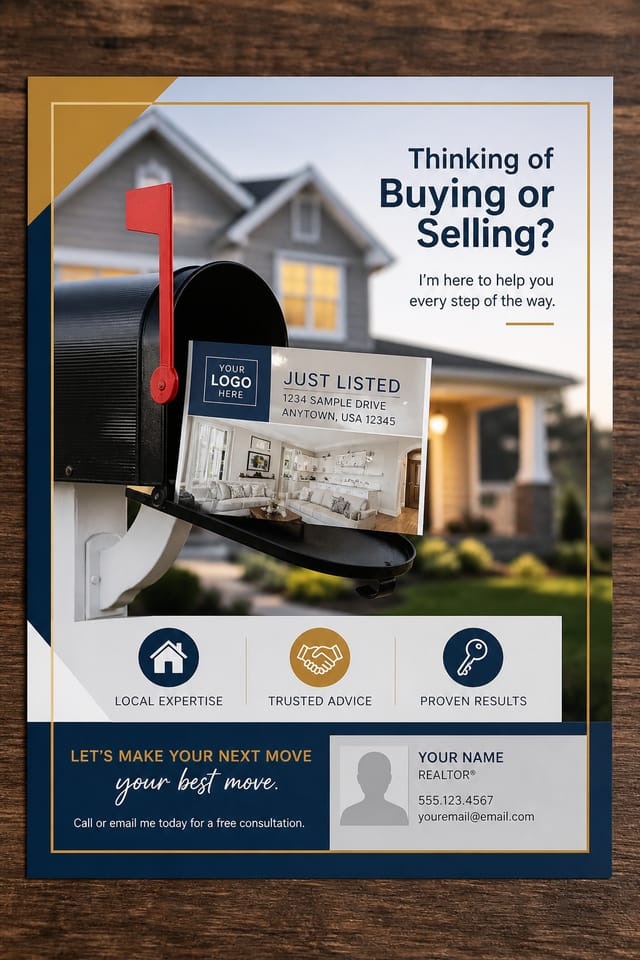
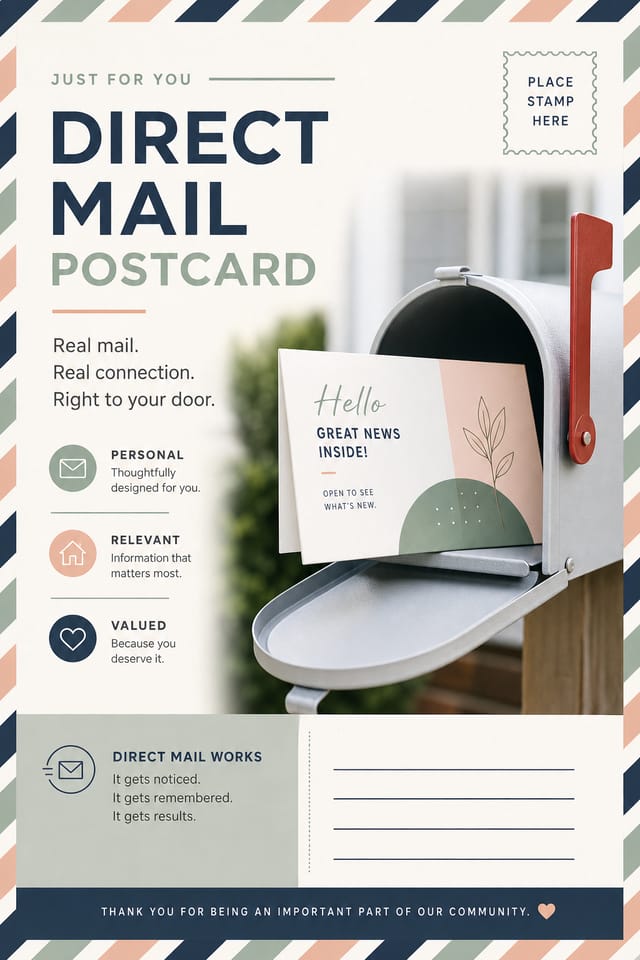
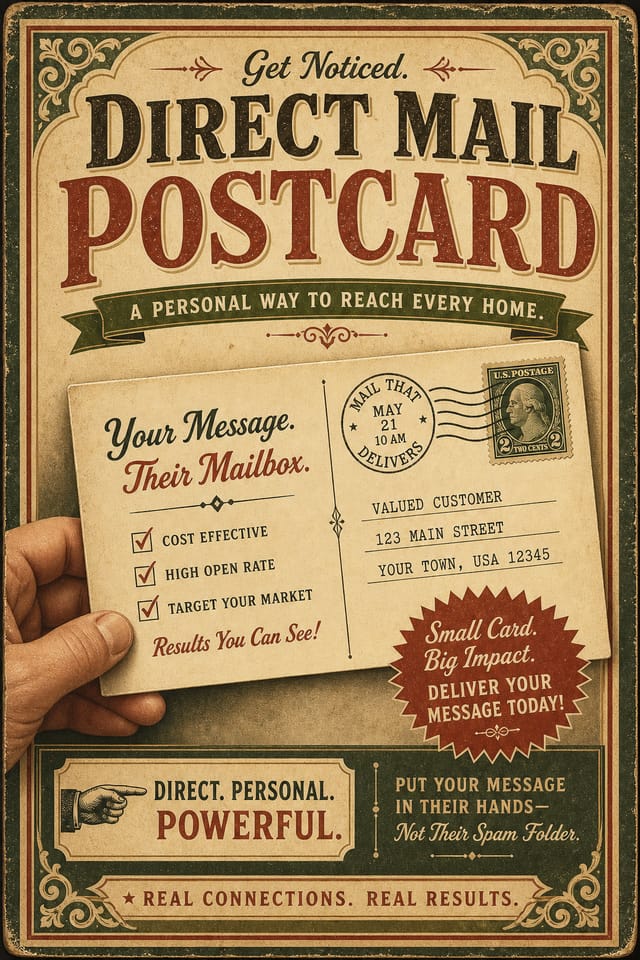
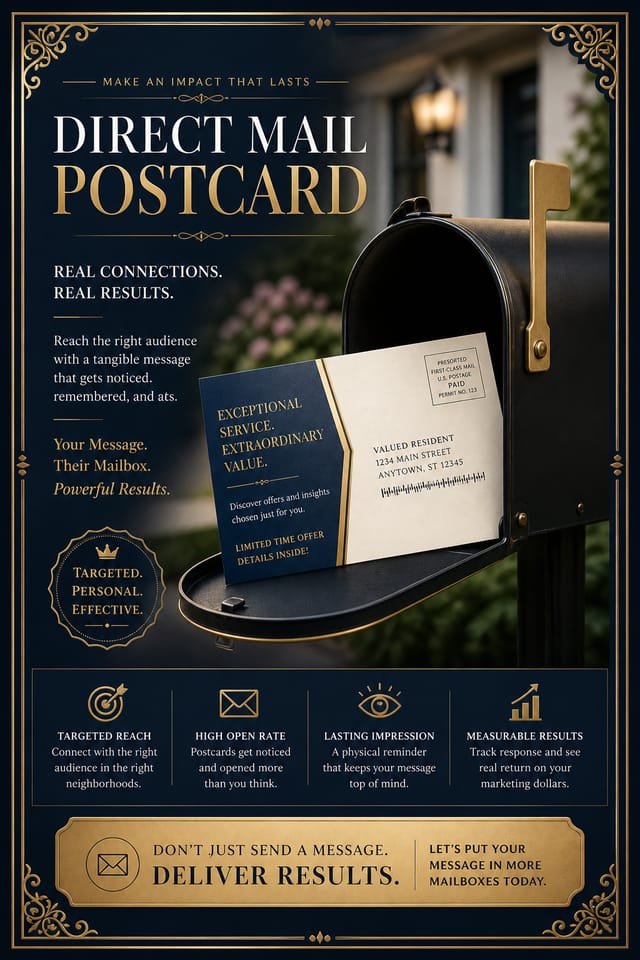
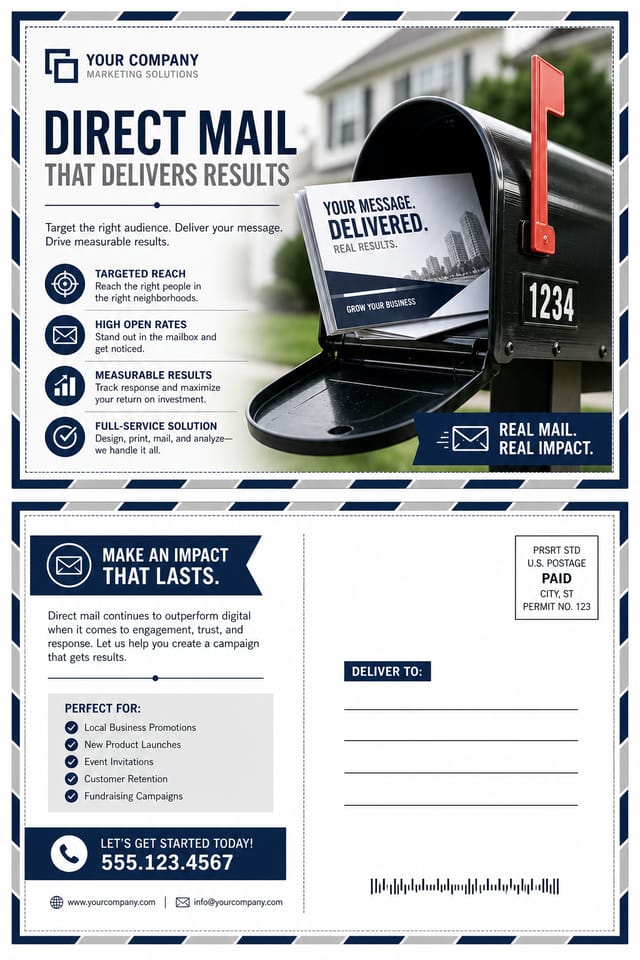
Smart Direct-Mail Postcard AI: What It Can Do
Style-Accurate Generation
The AI interprets direct-mail design conventions and applies them to your postcard, producing output that looks correctly styled rather than generically templated.
Color Temperature Control
Specify warm, cool, or neutral color direction for your direct-mail postcard. The AI builds the full palette around your temperature preference.
Text Placement Options
Describe where you want text elements positioned in your direct-mail postcard. The AI follows compositional direction about headline placement and body copy layout.
Commercial Use Rights
Designs generated with Pixazo are yours to use commercially. No additional licensing required for direct-mail postcard projects.
Consistency Across Variants
Generate multiple direct-mail postcards for a project and maintain visual consistency across the set. Specify your core design parameters and vary secondary elements.
Color Palette Intelligence
Colors are chosen with direct-mail style awareness. The AI builds palettes that fit direct-mail design conventions rather than selecting arbitrarily.
Your Direct-Mail Postcard Process: Stages Explained
Review Evaluate and refine
Compare generated direct-mail postcard options against your brief. Mark what works and note specific changes needed for the next iteration.
Export Deliver final files
Export your direct-mail postcard in the required formats and resolutions. Organize deliverables for handoff to the production or publishing team.
Brief Define requirements
Establish the key message, dimensions, color preferences, and target audience for your direct-mail postcard before any design work begins.
Generate Create initial designs
Use AI to produce multiple direct-mail postcard variations based on your brief. Start broad and narrow down from the strongest options.
Approve Final sign-off
Get stakeholder approval on the finished direct-mail postcard. Verify all text is accurate and the design meets brand and technical requirements.
How Direct-Mail Postcard Tools Stack Up: Finding the Right Fit
| Tool | Description |
|---|---|
| VistaCreate | Visual content platform with templates and a built-in asset library |
| Fotor | Photo editing platform with design templates and batch processing |
| Pixazo | AI-powered direct-mail postcard generator with prompt-based design and professional output quality |
| Canva | Drag-and-drop editor with a large template library and collaboration features |
| Stencil | Lightweight image creator optimized for fast social media graphics |
The Direct-Mail Postcard Gallery: Real Creator Work
Real creators sharing their direct mail designs made with Pixazo AI.

Direct-Mail postcard for large format print, elements scaled for visibility at distance, colors optimized for print output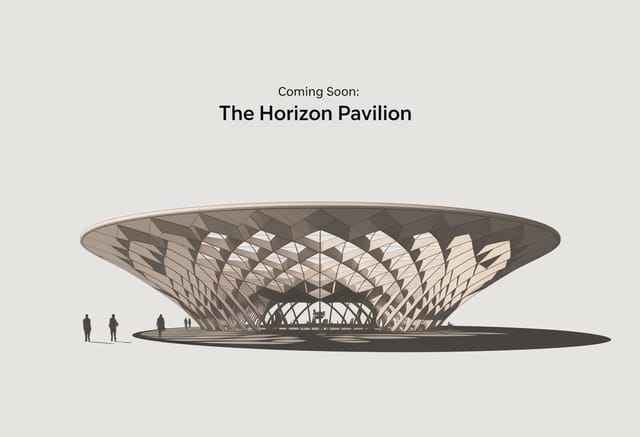
Direct-Mail postcard at 1080x1920 pixels for Instagram stories, bold sans-serif headline centered, gradient background in direct-mail tones, call-to-action at bottom
Bold direct-mail postcard with strong central headline, supporting information at secondary scale, background treatment consistent with direct-mail designPutting Direct-Mail Postcards to Work: Who Benefits Most
Wedding and Celebration Planning
Create direct-mail postcards for invitations, signage, and event branding. Cohesive visual systems that carry a celebration's theme across every touchpoint.
E-Commerce Product Promotion
Design direct-mail postcards for online store banners, product launches, and seasonal sales. Conversion-focused visuals for digital retail.
Sports and Recreation
Produce direct-mail postcards for leagues, tournaments, and recreational programs. Energetic designs that build excitement and communicate schedules.
Event Promotion
Create direct-mail event postcards that establish the right visual mood before the event. Direct-Mail design signals quality and sets expectations.
Travel and Tourism Promotion
Design direct-mail postcards for destinations, tour packages, and hospitality brands. Aspirational visuals that inspire booking decisions.
Creating Your Direct-Mail Postcard: Behind the Scenes
Sketch It in Words
Describe what you want your direct-mail postcard to look like. Include the mood, color palette, typography preference, and content hierarchy. Pixazo reads all of this and uses it to generate an appropriate design.
Tally the Strengths
Your direct-mail postcard generates immediately after submission. Evaluate the design against your requirements and refine the prompt to correct any elements that don't match your intent.
Tighten the Composition
Adjust your prompt to modify specific elements of the direct-mail postcard. Change the color palette, shift typography weight, or reposition the compositional focus. Each iteration gets you closer to the final design.
Commit the Output
Download your completed direct-mail postcard in the format that fits your use case. High-resolution files for print, web-optimized versions for digital, or PDF for production-ready delivery.
Watch: Creating Direct Mail Postcard designs step by step
Direct-Mail Postcard AI Metrics: Key Metrics
Maximum output resolution for print-quality direct-mail post
Maximum output resolution for print-quality direct-mail postcard designs
Generate direct-mail postcard designs at no cost with the fr
Generate direct-mail postcard designs at no cost with the free plan
From initial prompt to finished direct-mail postcard in a si
From initial prompt to finished direct-mail postcard in a simple workflow
Getting Your Direct-Mail Postcard Out: From Screen to File
PNG
Lossless image format ideal for direct-mail postcard designs with transparency, sharp text, and web display at predictable file sizes.
JPG
Compressed image format suited for direct-mail postcard designs with photographic elements where smaller file size matters more than pixel-perfect edges.
Print-ready format for direct-mail postcard files that preserves fonts, colors, and layout across different devices and print services.
WEBP
Modern web format offering smaller file sizes than PNG or JPG for direct-mail postcard images without significant quality loss.
Direct-Mail Postcard Look and Feel: A Visual Guide
Contemporary Direct-Mail
Current direct-mail design sensibility with updated proportions, modern typefaces, and contemporary color relationships.
Editorial Direct-Mail
Text-dominant direct-mail postcard layout inspired by print publication design. Typographic variety creates visual rhythm.
High-Contrast Direct-Mail
Bold direct-mail visual treatment with strong tonal contrast. Elements read clearly at any viewing distance.
Atmospheric Direct-Mail
Direct-Mail postcard design where mood takes priority. Color and composition work together to create a specific feeling.
Classic Direct-Mail
Traditional direct-mail design principles applied to modern postcard format. Clean composition, conventional hierarchy, time-tested visual decisions.
Good Direct-Mail Postcard Prompt Examples
Copy any prompt below and paste it into Pixazo to generate your design instantly.
Direct-Mail aesthetic postcard, palette drawn from direct-mail design tradition, layout proportions consistent with direct-mail conventions, purposeful use of each elementGeometric direct-mail postcard, structured grid system, angular composition, colors in blocks rather than gradients, modern clean finishTextured direct-mail postcard, surface treatment adds depth without obscuring legibility, texture consistent with direct-mail aestheticClean direct-mail postcard design, geometric structure, disciplined typography, color accent used selectively for emphasis, printer-optimized resolutionTwo-color direct-mail postcard design, high contrast between primary and secondary color, clean separation between graphic and text zonesFull-bleed direct-mail postcard, background treatment extends to edges, foreground elements positioned for compositional balance, strong central hierarchyDirect-Mail Postcard AI Boundaries: Where It Falls Short
Known limitations and trade-offs of AI-generated direct mail design. Every AI design tool has boundaries. Knowing these limits before you start helps you get the most out of direct-mail postcard generation.
Direct-Mail Postcard Design: Your Questions Answered
Pixazo generates direct-mail postcards in RGB color space. For professional offset printing that requires CMYK, convert the downloaded file using Adobe Photoshop, Illustrator, or a free tool like GIMP. The AI selects colors that translate well to print when you mention print use in your prompt.
Individual direct-mail postcards generate in seconds. For batch production, you can submit multiple prompts in sequence and download results as they complete. A series of ten direct-mail postcard variations typically takes under five minutes total.
Generated designs that miss the mark usually need more specific prompts. Add details about the visual hierarchy you want, the feeling the direct-mail postcard should create, or specific elements to include or avoid. More context in the prompt produces more targeted output.
The AI generates visual designs, not data visualizations. For direct-mail postcards that need charts or graphs, generate the direct-mail layout in Pixazo and overlay your data graphics in post-production. The design framework will be style-consistent even if data elements are added separately.

