Love Postcard : Create Free Love Postcards in Minutes with AI
Create Custom Love Postcards Quickly with Pixazo Best AI Love Postcard Maker. Try for Free!
Get Started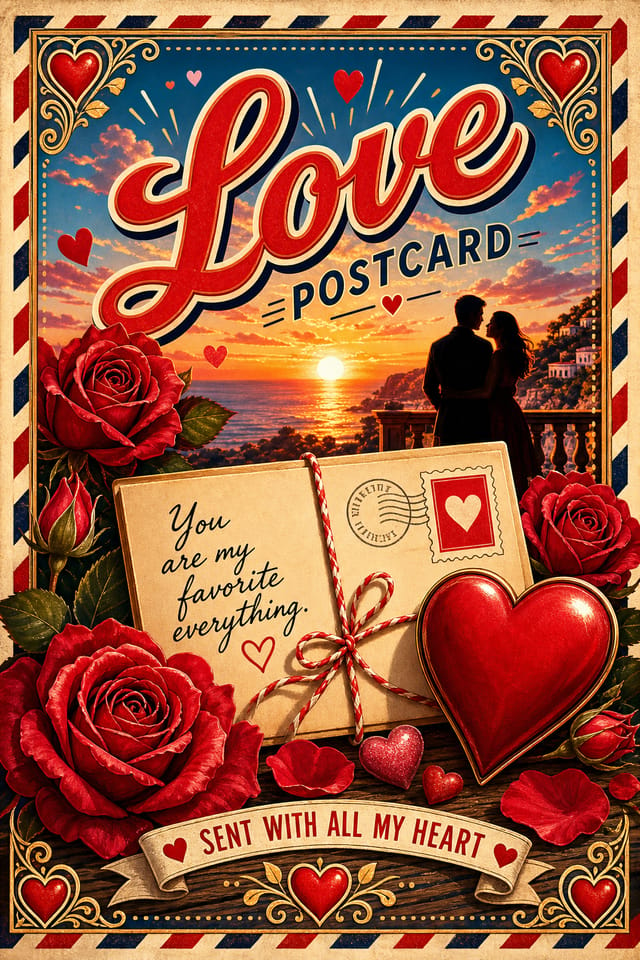
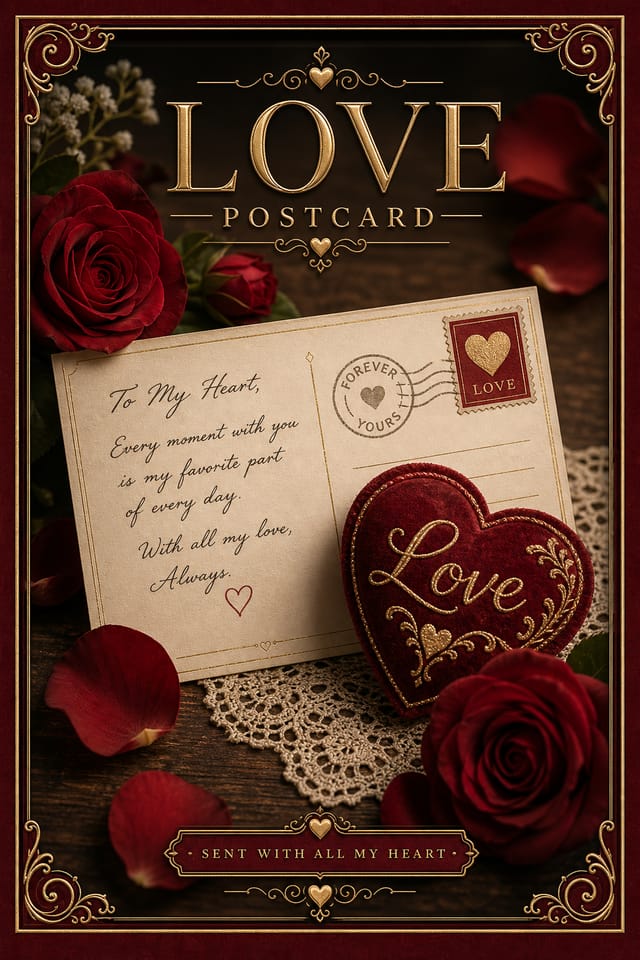
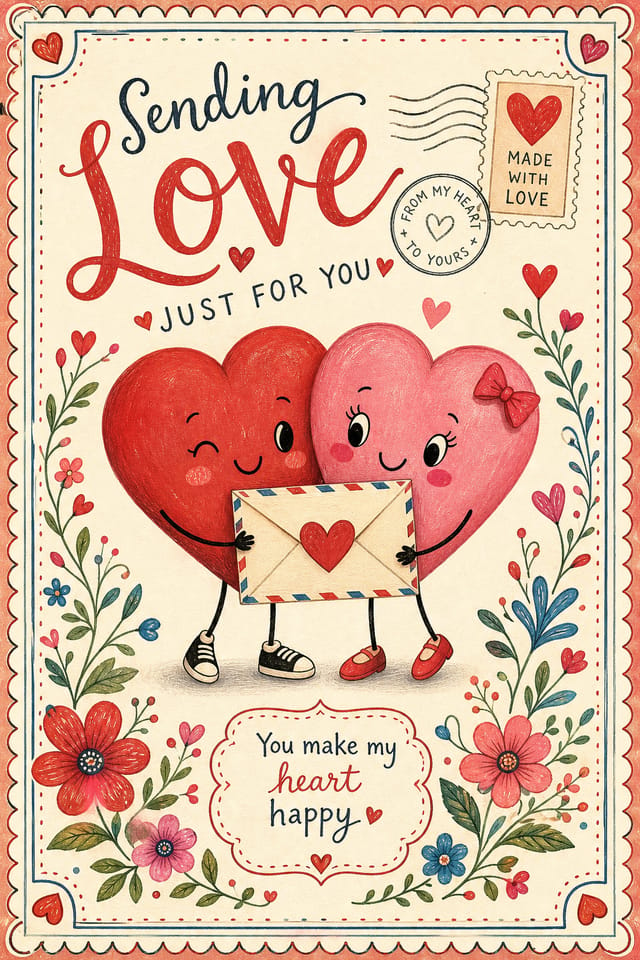

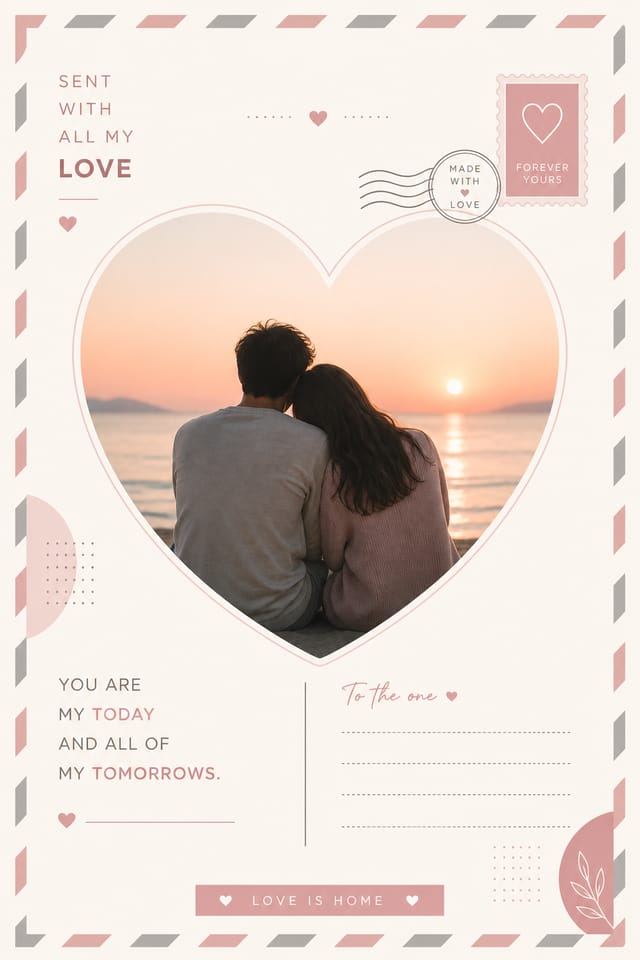
The Love Design Approach: Visual Processing Explained
The Love Design System Pixazo Uses
Effective love postcard design depends on understanding what makes love work visually.
Color relationships, typographic choices, and spatial arrangement all carry different weight depending on the design style.
Pixazo's AI has been trained to recognize these distinctions.
The practical result is that a love postcard prompt produces designs that fit love conventions rather than generic poster layouts.
Love Postcard Generation: Three Easy Steps
Name Your Design Goal
Start with a text description of your love postcard concept. Specify the visual style, colors, layout direction, and key text. Detailed prompts produce more accurate love postcard designs than general ones.
Watch: Creating Love Postcard designs step by step
The Love Postcard Feature Set: Design Powers
Export Flexibility
Download your love postcard in formats suited for your use case. Web-optimized versions for digital display, high-DPI files for print.
Resolution Control
Specify output dimensions for your love postcard. Get files sized for web display, social media, or large-format printing.
Background Variation
Generate love postcards with different background treatments. Solid, gradient, textured, or pattern backgrounds all available for love style.
Typography Matching
Typefaces are selected to match love aesthetic expectations. The AI pairs fonts that reinforce your love postcard's visual identity.
Love Postcard Design Insights: What Professionals Know
Test at Actual Size
Always preview your love postcard at the dimensions it will be displayed. Design details that look fine at 100% can disappear or crowd at real-world scale.
Limit Your Color Palette
Stick to 2-3 primary colors in your love postcard design. Too many colors compete for attention and weaken the visual hierarchy.
Get Feedback Early
Share your love postcard draft with someone outside the project. Fresh eyes catch issues you have become blind to after hours of refinement.
Leave White Space
Resist the urge to fill every area of your love postcard. Breathing room around key elements makes the overall design more effective.
Love Design Community: Work in the Wild
Real creators sharing their love designs made with Pixazo AI.
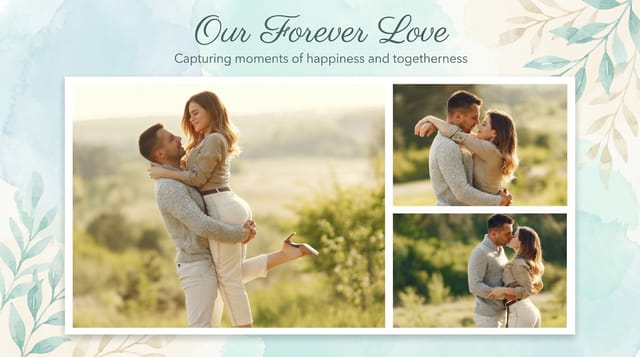
Editorial-inspired love postcard, text-dominant layout, typographic variety creates visual interest, clean structured alignment
Full-bleed background love postcard, image or texture extends to edges, foreground elements float above, headline anchored to center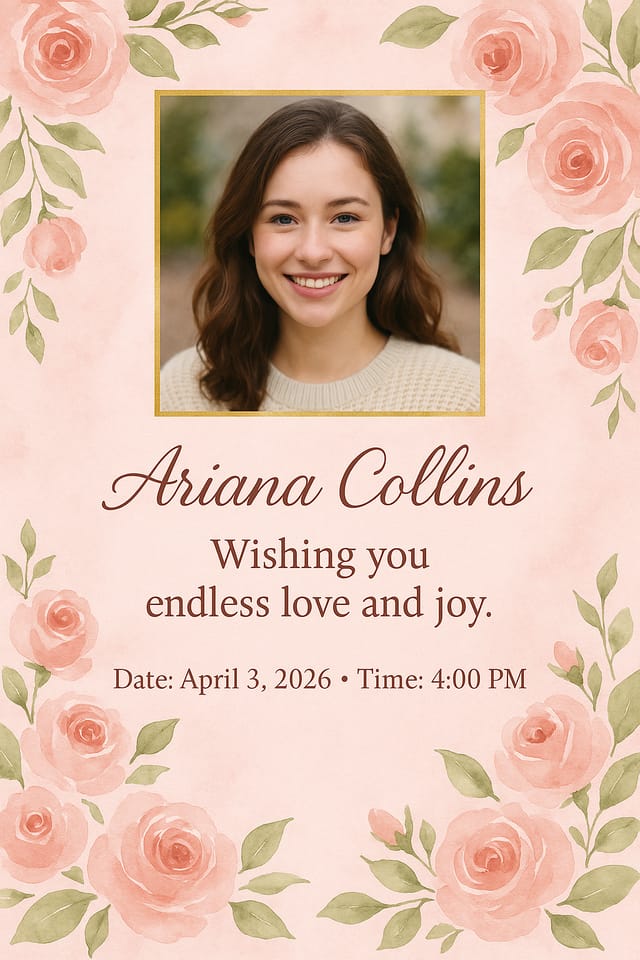
Handmade-feel love postcard with brush stroke textures, imperfect edges, warm color palette, artisanal craft aestheticLove Postcard Applications: Everyday and Professional
Political and Advocacy Campaigns
Create love campaign postcards for candidates, ballot measures, and social causes. Persuasive designs that mobilize and inform.
Sports and Recreation
Produce love postcards for leagues, tournaments, and recreational programs. Energetic designs that build excitement and communicate schedules.
Subscription and SaaS Marketing
Generate love postcards for software launches, feature announcements, and onboarding campaigns. Clean, modern designs for digital-first audiences.
Wedding and Celebration Planning
Create love postcards for invitations, signage, and event branding. Cohesive visual systems that carry a celebration's theme across every touchpoint.
Love Postcard Platform Comparison: Finding the Right Fit
| Tool | Description |
|---|---|
| Piktochart | Infographic and presentation maker for data-driven visuals |
| Pixazo | AI-powered love postcard generator with prompt-based design and professional output quality |
| Canva | Drag-and-drop editor with a large template library and collaboration features |
| Stencil | Lightweight image creator optimized for fast social media graphics |
| Desygner | Multi-format design tool with PDF editing and brand management |
Love Postcard Production Steps: A Production Pipeline
Approve
Get stakeholder approval on the finished love postcard. Verify all text is accurate and the design meets brand and technical requirements.
Refine
Apply targeted edits to your selected love postcard. Adjust typography, spacing, and color until every element meets your quality standard.
Review
Compare generated love postcard options against your brief. Mark what works and note specific changes needed for the next iteration.
Generate
Use AI to produce multiple love postcard variations based on your brief. Start broad and narrow down from the strongest options.
Export
Export your love postcard in the required formats and resolutions. Organize deliverables for handoff to the production or publishing team.
Visual Styles for Love Postcards: Style Breakdown
Editorial Love
Text-dominant love postcard layout inspired by print publication design. Typographic variety creates visual rhythm.
High-Contrast Love
Bold love visual treatment with strong tonal contrast. Elements read clearly at any viewing distance.
Textured Love
Love design with added surface depth. Background treatments add visual interest without disrupting legibility.
Classic Love
Traditional love design principles applied to modern postcard format. Clean composition, conventional hierarchy, time-tested visual decisions.
Love Postcard Engine: Capabilities at a Glance
Proven Love Postcard Prompts to Try
Copy any prompt below and paste it into Pixazo to generate your design instantly.
Love postcard for digital display, optimized proportions for screen viewing, colors calibrated for RGB output, legible at typical viewing distanceHigh-impact love postcard, immediate visual read at thumbnail size, clear headline dominance, supporting information structured logicallyLove aesthetic postcard, palette drawn from love design tradition, layout proportions consistent with love conventions, purposeful use of each elementEditorial-style love postcard, text-dominant design, typographic treatment carries visual weight, layout proportions inspired by print publication designSeries-compatible love postcard design, visual language that extends to multiple formats, consistent design system across variantsProfessional love postcard, minimalist love approach, negative space used intentionally, readable at multiple viewing distances, print-ready compositionBefore You Start: Common Questions Answered
Designs generated through Pixazo are yours to use as you see fit. You retain full usage rights for commercial and personal applications. The platform does not claim ownership over your generated love postcard output.
Generated designs that miss the mark usually need more specific prompts. Add details about the visual hierarchy you want, the feeling the love postcard should create, or specific elements to include or avoid. More context in the prompt produces more targeted output.
The AI generates visual designs, not data visualizations. For love postcards that need charts or graphs, generate the love layout in Pixazo and overlay your data graphics in post-production. The design framework will be style-consistent even if data elements are added separately.
Include your specific colors in the prompt, either by hex code or descriptive terms. 'Navy and copper with white text' or '#1a1a2e and #c9a84c palette' both work. The AI builds a love-appropriate palette around your specified colors.
Love Postcard AI Boundaries: Needs Human Help
Known limitations and trade-offs of AI-generated love design. Transparency matters when using AI for love postcard design. The points below describe where you may need to supplement AI output with manual work.

