Animal Poster : Create Free Animal Posters in Minutes with AI
Create Custom Animal Posters Quickly with Pixazo Best AI Animal Poster Maker. Try for Free!
Get Started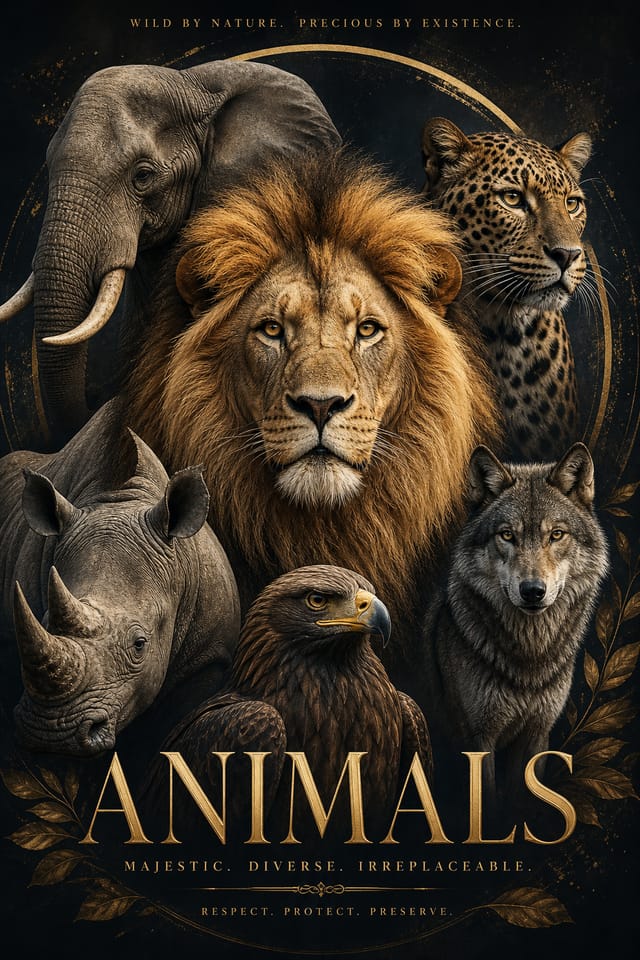
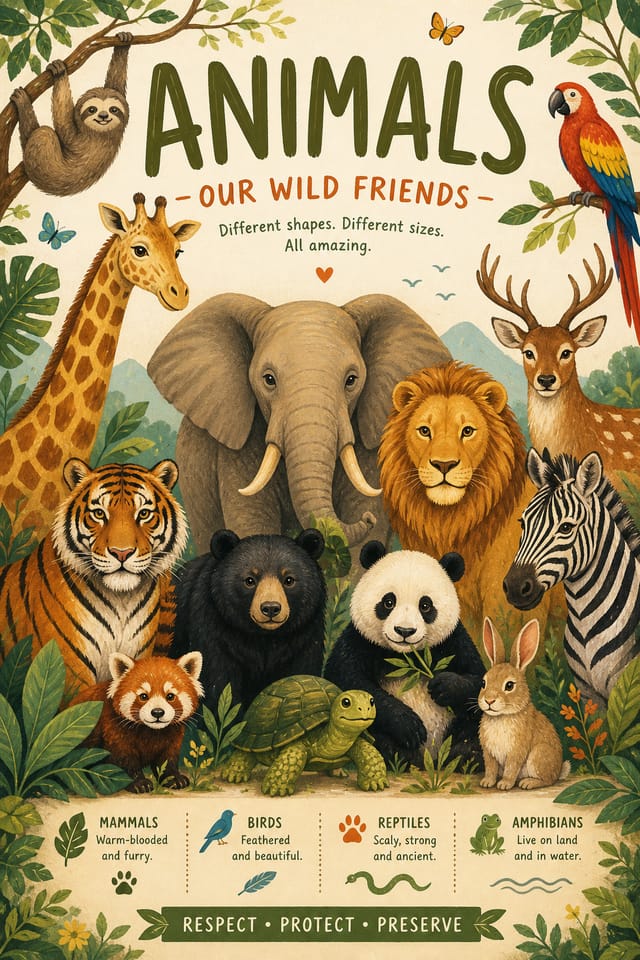
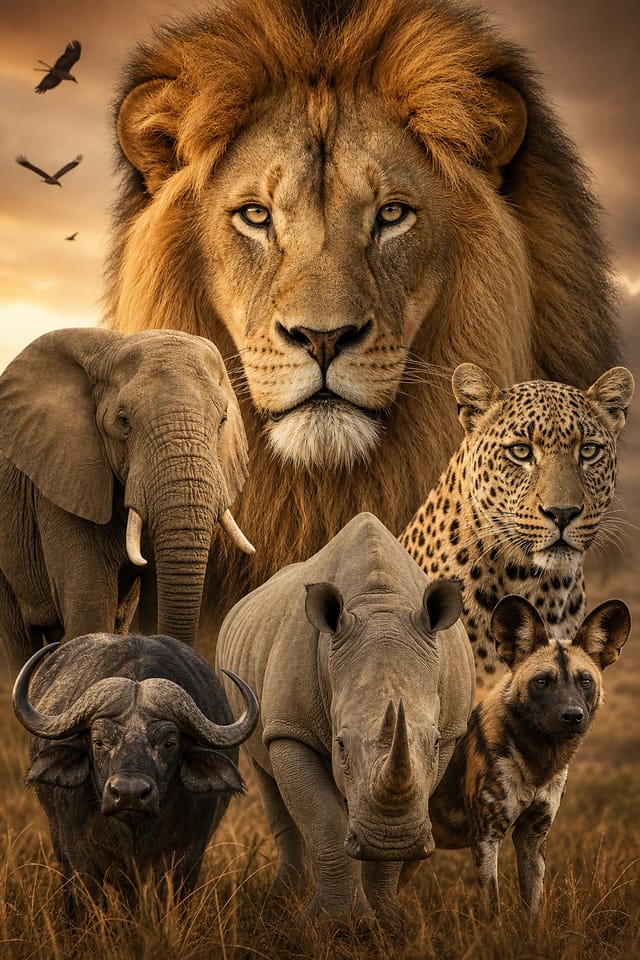
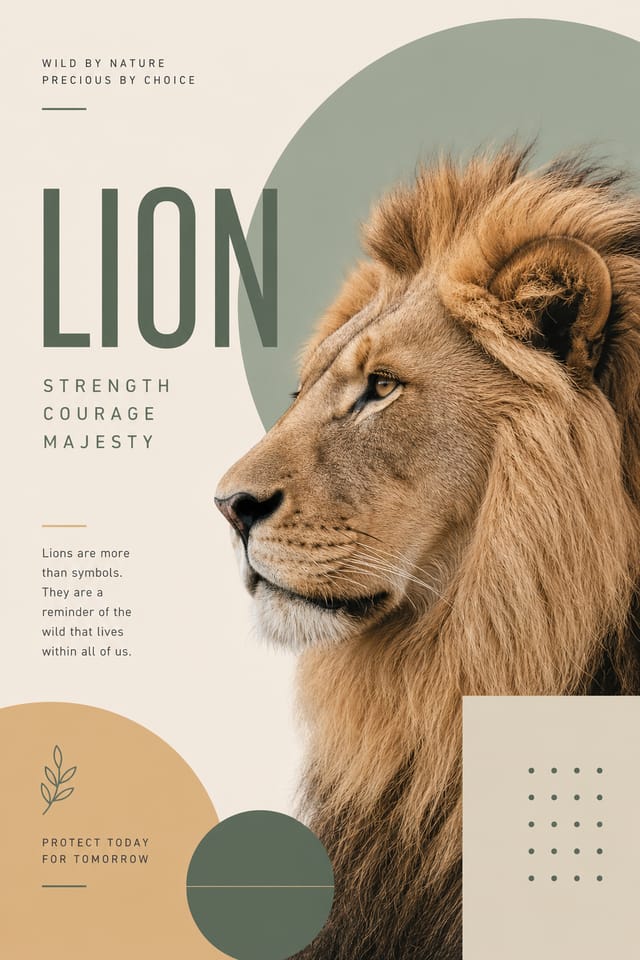
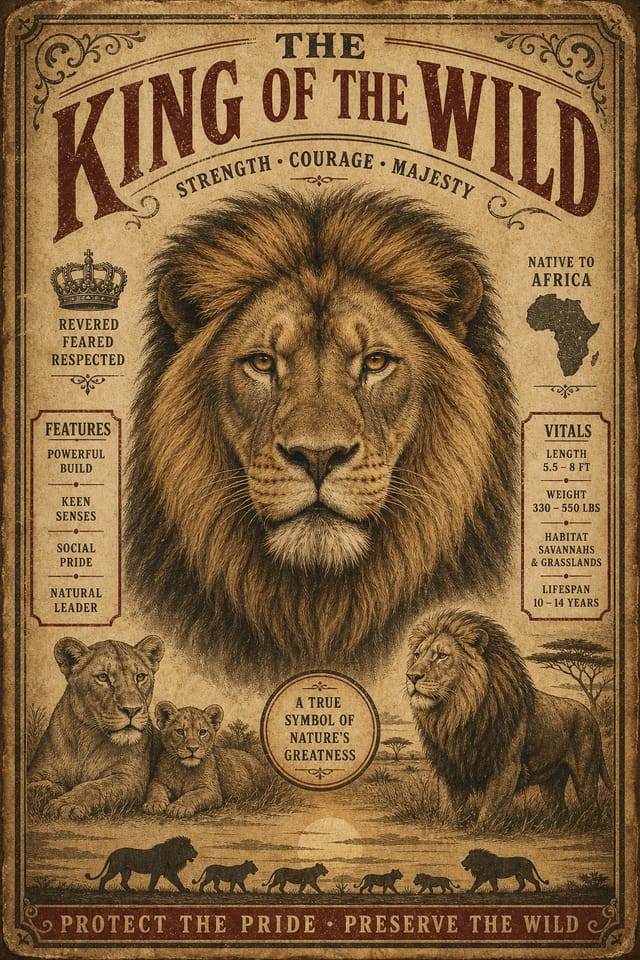
AI Animal Poster Workshop: Built for Creators
Design professional animal posters in minutes with Pixazo's AI design engine. Built for creators who want polished results without the production time.
Create Your Animal Poster FreeAnimal Poster Design Rules: What to Do and What to Avoid
Use grids and alignment
Structured layouts in your animal poster create a sense of order and professionalism that unstructured designs cannot match.
Test with real content
Never finalize a animal poster with placeholder text. Real copy often has different lengths and line breaks that affect the design.
Maintain brand alignment
Keep your animal poster design consistent with existing brand colors, fonts, and visual language for a cohesive identity.
Use a consistent visual hierarchy
Structure your animal poster so the viewer's eye follows a clear path from headline to supporting details to call-to-action.
Forget the call to action
A animal poster without a clear next step for the viewer is a missed opportunity. Always include direction on what to do next.
Ignore accessibility
Low-contrast text and tiny font sizes in your animal poster exclude a significant portion of your potential audience.
Skip proofreading
Typos and grammatical errors on a animal poster undermine credibility instantly. Always have someone else review the final text.
Your Animal Poster Workflow: What Actually Happens
Clarify What You Need
Write a prompt describing your animal poster. Include style preferences, color direction, the most important text to display, and any specific visual elements you want. The more specific your description, the more targeted the output.
Audit the First Pass
Pixazo generates your animal poster in seconds. Review the design and adjust your prompt to refine specific elements: change the color palette, shift the layout weight, or add visual elements you want included.
Correct and Resubmit
Refine the animal poster by updating your description with precise changes. Add constraints you didn't include initially or remove elements that aren't working. The AI responds to specific direction.
Land the Final Output
Get your final animal poster file in one click. Choose your format, download at full resolution, and use the design immediately. No watermarks, no additional fees, no waiting.
Watch: Creating Animal Poster designs step by step
The Animal Poster Framework: Key Design Conventions
Visual Thinking Behind Animal Poster Creation
The gap between a professional animal poster and a mediocre one usually comes down to design decisions made early in the process: palette selection, type hierarchy, and compositional structure.
These choices determine whether the final output reads as animal or just looks generic.
Pixazo's AI makes these foundational decisions based on your prompt.
Specify a animal poster and the system selects design parameters that match animal visual expectations, giving you a solid starting point rather than a blank-slate template.
Animal Poster AI: Core Strengths
Background Variation
Generate animal posters with different background treatments. Solid, gradient, textured, or pattern backgrounds all available for animal style.
Typography Matching
Typefaces are selected to match animal aesthetic expectations. The AI pairs fonts that reinforce your animal poster's visual identity.
Style-Accurate Generation
The AI interprets animal design conventions and applies them to your poster, producing output that looks correctly styled rather than generically templated.
No Design Software Required
Create professional animal posters without Photoshop, Illustrator, or other design applications. The AI handles all technical production.
Negative Space Handling
The AI manages whitespace in animal poster designs according to animal aesthetic conventions, not generic poster defaults.
The Animal Poster Pipeline: From Start to Delivery
Export Deliver final files
Export your animal poster in the required formats and resolutions. Organize deliverables for handoff to the production or publishing team.
Review Evaluate and refine
Compare generated animal poster options against your brief. Mark what works and note specific changes needed for the next iteration.
Generate Create initial designs
Use AI to produce multiple animal poster variations based on your brief. Start broad and narrow down from the strongest options.
Refine Polish the design
Apply targeted edits to your selected animal poster. Adjust typography, spacing, and color until every element meets your quality standard.
Approve Final sign-off
Get stakeholder approval on the finished animal poster. Verify all text is accurate and the design meets brand and technical requirements.
Animal Poster Applications: Where They Fit
Restaurant and Food Service
Generate animal posters for menus, seasonal promotions, and restaurant branding. Designs that reflect cuisine style and dining atmosphere.
Personal Creative Work
Generate animal posters for personal projects, home display, and creative experiments without spending production time on design execution.
Political and Advocacy Campaigns
Create animal campaign posters for candidates, ballot measures, and social causes. Persuasive designs that mobilize and inform.
Real Estate Marketing
Create animal posters for property listings, open houses, and agent branding. Professional visuals that elevate property presentation.
Freelance Design Work
Use Pixazo to generate animal poster concepts for client review. Present multiple directions quickly before committing to detailed execution.
Style Approaches for Animal Posters: Aesthetic Choices
Geometric Animal
Structured animal composition using grid systems and angular forms. Order and precision define the visual approach.
Editorial Animal
Text-dominant animal poster layout inspired by print publication design. Typographic variety creates visual rhythm.
Atmospheric Animal
Animal poster design where mood takes priority. Color and composition work together to create a specific feeling.
Minimalist Animal
Stripped-back animal approach. Fewer elements, more negative space, typography carries more visual weight.
Textured Animal
Animal design with added surface depth. Background treatments add visual interest without disrupting legibility.
Real Animal Posters: Creator Highlights
Real creators sharing their animal designs made with Pixazo AI.
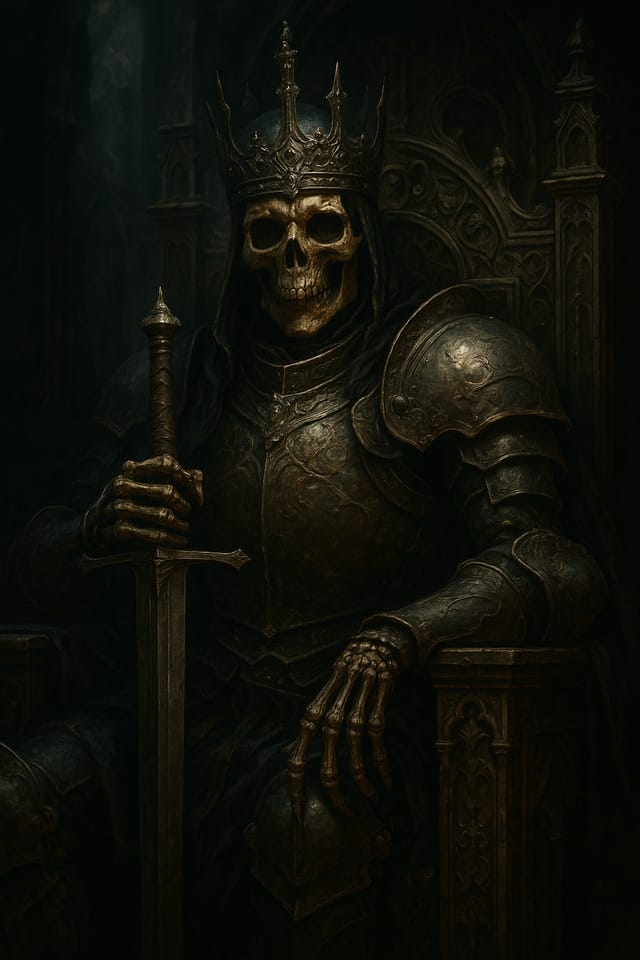
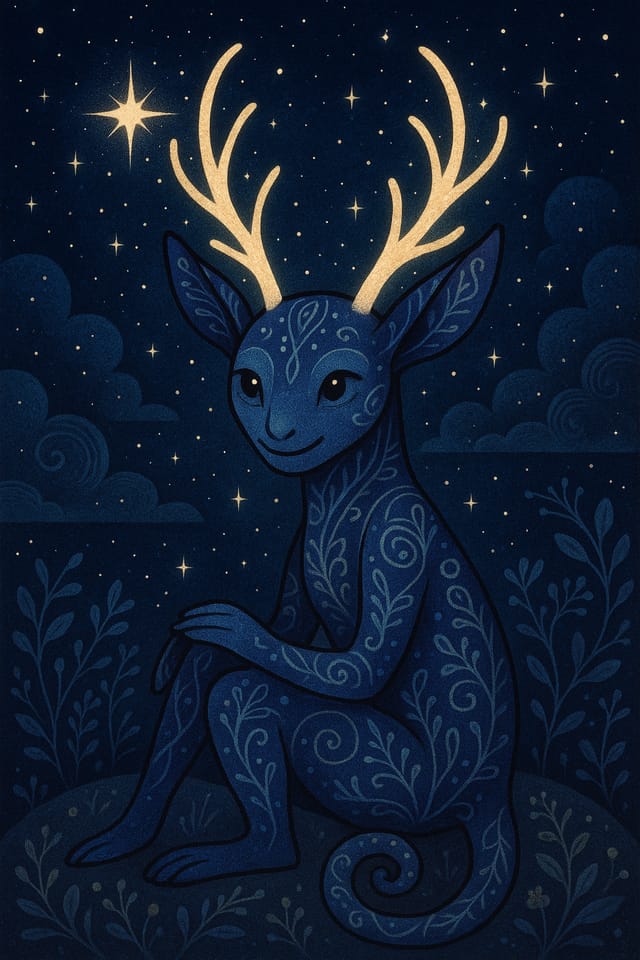
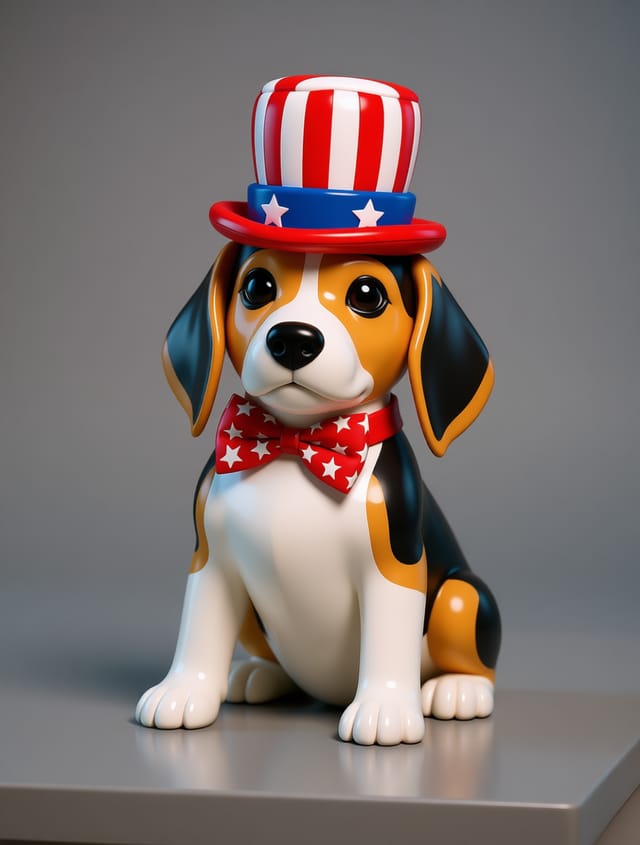
Practical Animal Poster Tips: Tips That Work
Limit Your Color Palette
Stick to 2-3 primary colors in your animal poster design. Too many colors compete for attention and weaken the visual hierarchy.
Consider the Context
Think about where your animal poster will appear. A design optimized for social media needs different proportions and density than one for a physical bulletin board.
Prioritize Hierarchy
Every animal poster needs a clear reading order. Make sure the most important information is the largest and most prominent element in the layout.
Check Alignment Carefully
Misaligned elements are one of the most common signs of amateur animal poster design. Use grid lines and snap-to features to keep things precise.
Leave White Space
Resist the urge to fill every area of your animal poster. Breathing room around key elements makes the overall design more effective.
Tested Animal Poster Prompts to Try
Copy any prompt below and paste it into Pixazo to generate your design instantly.
Large-format animal poster design, elements sized for visibility at print scale, no fine detail that would be lost in productionTextured animal poster, surface treatment adds depth without obscuring legibility, texture consistent with animal aestheticSeries-compatible animal poster design, visual language that extends to multiple formats, consistent design system across variantsRefined animal poster, sophisticated color relationships, intentional whitespace, typefaces appropriate to animal style, balanced compositionEditorial-style animal poster, text-dominant design, typographic treatment carries visual weight, layout proportions inspired by print publication designAnimal Poster AI: Plain Answers
Generated designs that miss the mark usually need more specific prompts. Add details about the visual hierarchy you want, the feeling the animal poster should create, or specific elements to include or avoid. More context in the prompt produces more targeted output.
Designs created with Pixazo are available for commercial use. You can use your animal posters for client projects, product sales, advertising, and other commercial applications without additional licensing fees.
Your prompt history is saved in your account. You can revisit previous animal poster prompts, duplicate them with modifications, and build a library of proven prompt structures for consistent animal design output.
Pixazo generates animal posters in RGB color space. For professional offset printing that requires CMYK, convert the downloaded file using Adobe Photoshop, Illustrator, or a free tool like GIMP. The AI selects colors that translate well to print when you mention print use in your prompt.
You control every major design parameter through your prompt: color palette, typography style, layout structure, visual weight distribution, background treatment, and content hierarchy. The more specific your animal poster prompt, the more precisely the AI follows your creative direction.
Where Animal Poster AI: Known Limitations
Known limitations and trade-offs of AI-generated animal design. Every AI design tool has boundaries. Knowing these limits before you start helps you get the most out of animal poster generation.

