Beauty Poster : Create Free Beauty Posters in Minutes with AI
Create Custom Beauty Posters Quickly with Pixazo Best AI Beauty Poster Maker. Try for Free!
Get Started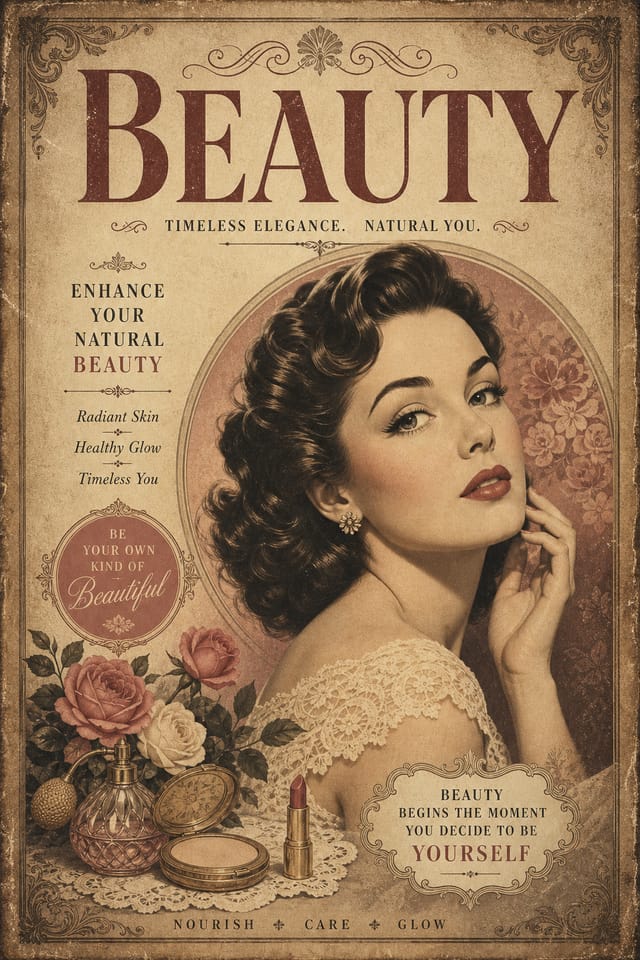
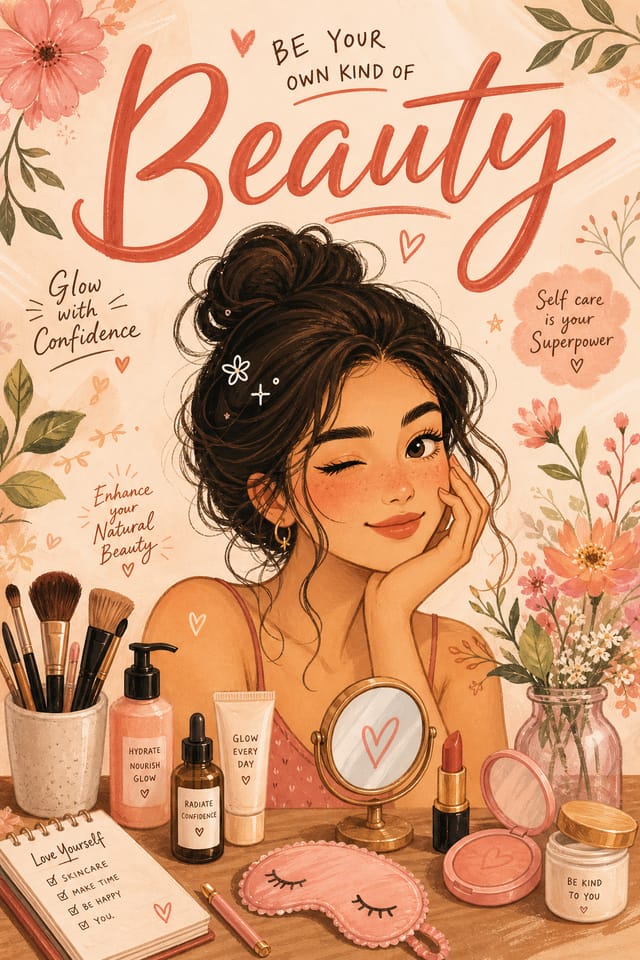
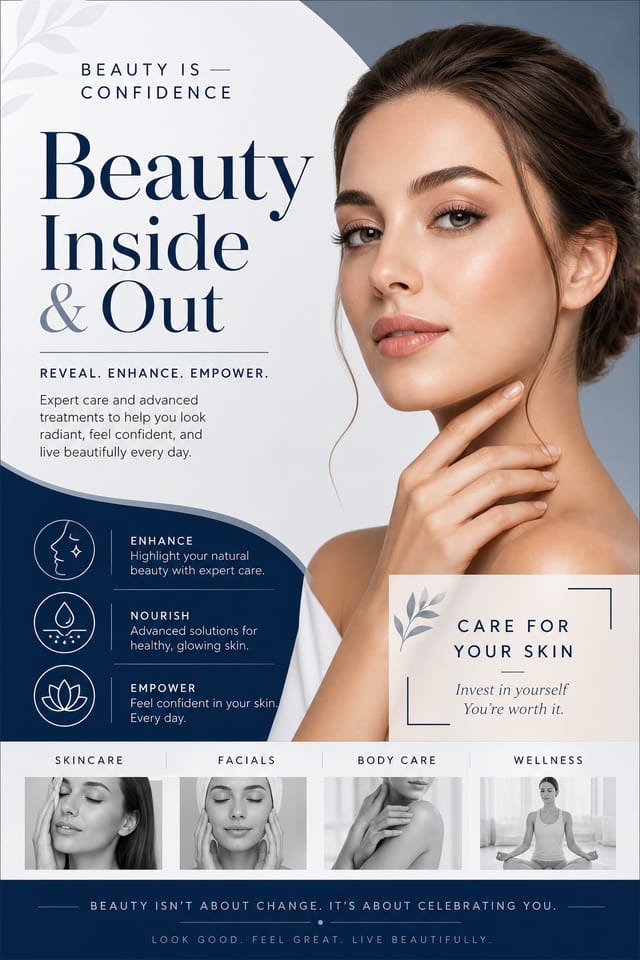
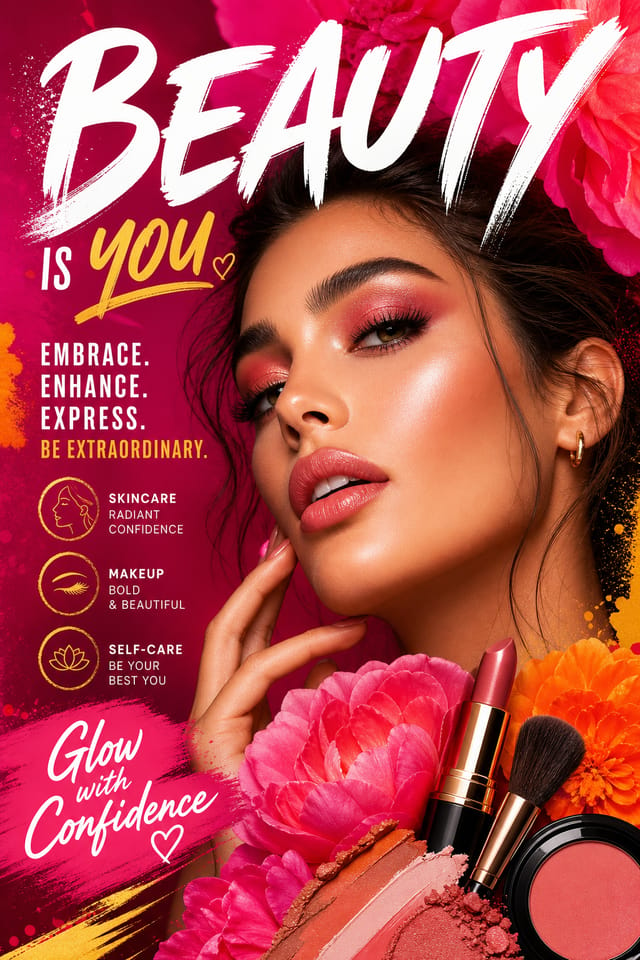
Beauty Poster Workflow Stages: Stages Explained
Refine
Apply targeted edits to your selected beauty poster. Adjust typography, spacing, and color until every element meets your quality standard.
Generate
Use AI to produce multiple beauty poster variations based on your brief. Start broad and narrow down from the strongest options.
Research
Collect examples of effective beauty poster designs, note what works, and identify patterns relevant to your project goals.
Review
Compare generated beauty poster options against your brief. Mark what works and note specific changes needed for the next iteration.
Approve
Get stakeholder approval on the finished beauty poster. Verify all text is accurate and the design meets brand and technical requirements.
Real Beauty Posters: What People Are Making
Real creators sharing their beauty designs made with Pixazo AI.
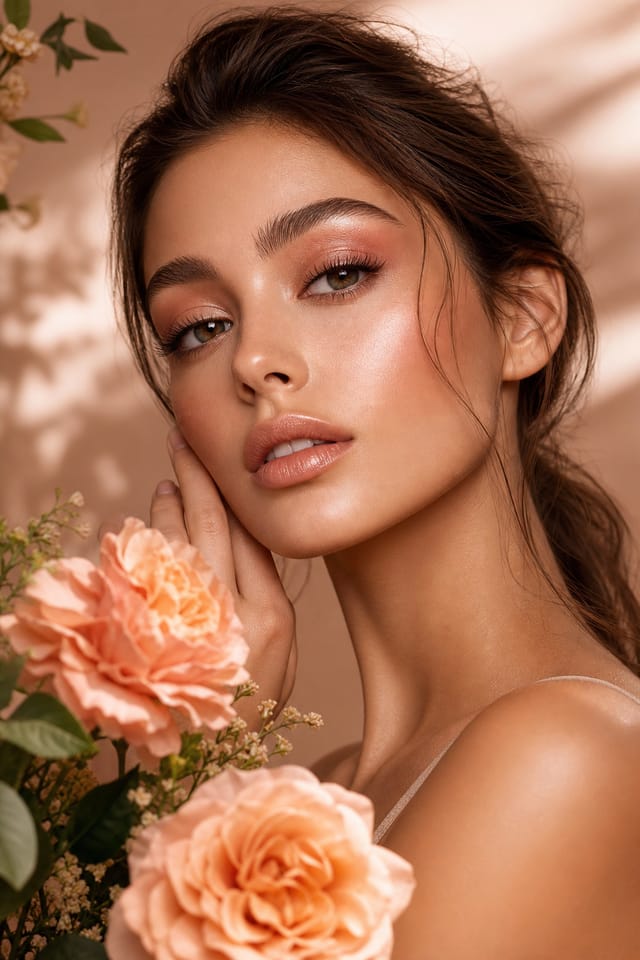
Luxurious beauty poster with gold foil accents on black, thin serif typography, symmetrical centered layout, premium feel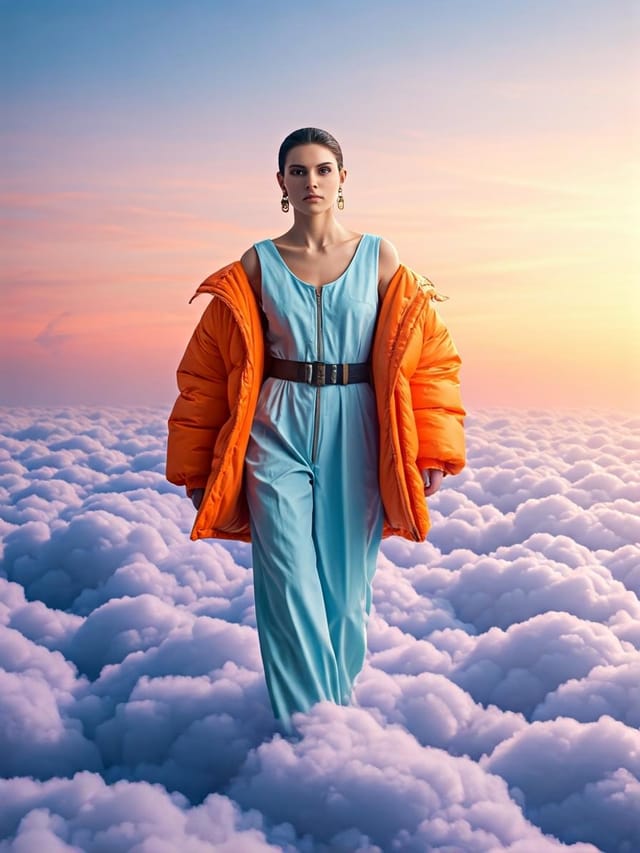
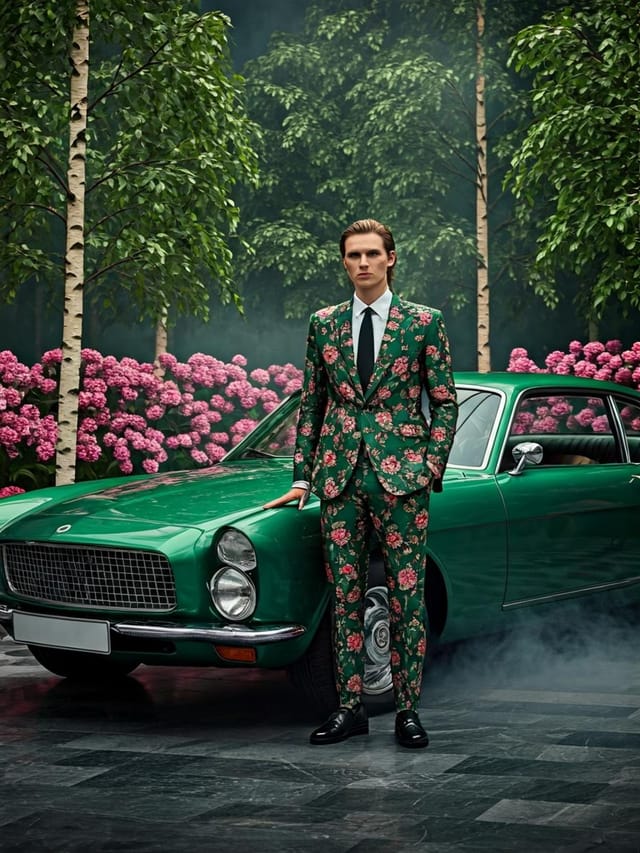
Moody beauty poster with deep shadows and dramatic lighting feel, dark palette, cinematic atmosphere, headline in condensed uppercase
Playful beauty poster for a family audience, rounded typography, bright saturated colors, approachable and energetic toneHow Pixazo Reads Beauty Style: Design Intelligence at Work
The Logic of Beauty Poster Design
Professional beauty poster design involves more than applying a color filter to a generic layout.
The visual language of beauty design encompasses distinctive compositional approaches, characteristic color affinities, and typographic choices that signal quality and intentionality.
When you use Pixazo to create a beauty poster, the AI applies this visual knowledge to your specific request.
The result looks deliberate and style-appropriate, not accidental or template-derived.
Beauty Poster Maker Comparison: How They Differ
| Tool | Description |
|---|---|
| Fotor | Photo editing platform with design templates and batch processing |
| Pixazo | AI-powered beauty poster generator with prompt-based design and professional output quality |
| Desygner | Multi-format design tool with PDF editing and brand management |
| VistaCreate | Visual content platform with templates and a built-in asset library |
| Snappa | Quick graphic creator focused on social media and marketing visuals |
Beauty Posters Across Fields: Across Industries
Educational Materials
Design beauty posters for educational contexts. Courses, workshops, and learning materials benefit from the visual clarity of good beauty design.
Non-Profit Campaigns
Create compelling beauty campaign posters without allocating budget to design production. Focus resources on mission-critical activities.
Music and Audio Production
Produce beauty posters for album covers, playlist artwork, and music event promotion. Visual identity that matches the sound.
E-Commerce Product Promotion
Design beauty posters for online store banners, product launches, and seasonal sales. Conversion-focused visuals for digital retail.
The Art of Beauty Poster Design: What to Aim For
Information Density Control
Match the information density of your beauty poster to the viewing context. A display viewed from 10 feet needs fewer words and larger elements than one held in hand.
Typographic Clarity
Type choices in beauty poster design should serve legibility first. Font selection should reinforce the beauty aesthetic while remaining readable at intended viewing distances.
White Space as Luxury
The most expensive-looking beauty poster designs have the most unused space. Crowded layouts signal low quality. Let each element breathe.
Precision Beauty Poster Tools: Under the Hood
Instant Iterations
Generate multiple beauty poster variations from a single prompt. Compare options and refine until the design matches your vision.
Color Palette Intelligence
Colors are chosen with beauty style awareness. The AI builds palettes that fit beauty design conventions rather than selecting arbitrarily.
Export Flexibility
Download your beauty poster in formats suited for your use case. Web-optimized versions for digital display, high-DPI files for print.
Typography Matching
Typefaces are selected to match beauty aesthetic expectations. The AI pairs fonts that reinforce your beauty poster's visual identity.
Color Temperature Control
Specify warm, cool, or neutral color direction for your beauty poster. The AI builds the full palette around your temperature preference.
Fast Generation
Complete beauty poster designs generate in seconds. No rendering queues, no waiting for batch processing.
How Beauty Poster AI Works: Step by Step
Watch: Creating Beauty Poster designs step by step
Beauty Poster At a Glance: Numbers That Matter
Beauty Poster Generation: Prompt Inspiration
Copy any prompt below and paste it into Pixazo to generate your design instantly.
Full-bleed beauty poster, background treatment extends to edges, foreground elements positioned for compositional balance, strong central hierarchyLarge-format beauty poster design, elements sized for visibility at print scale, no fine detail that would be lost in productionTextured beauty poster, surface treatment adds depth without obscuring legibility, texture consistent with beauty aestheticClean beauty poster design, geometric structure, disciplined typography, color accent used selectively for emphasis, printer-optimized resolutionHigh-impact beauty poster, immediate visual read at thumbnail size, clear headline dominance, supporting information structured logicallyBeauty Poster Essentials: Common Questions Answered
Designs generated through Pixazo are yours to use as you see fit. You retain full usage rights for commercial and personal applications. The platform does not claim ownership over your generated beauty poster output.
Designs created with Pixazo are available for commercial use. You can use your beauty posters for client projects, product sales, advertising, and other commercial applications without additional licensing fees.
Yes. Set up separate brand kits for each client or brand, then switch between them when generating beauty posters. Each brand kit stores its own colors, fonts, and logo so the AI applies the correct identity to every beauty poster without manual reconfiguration.
Pixazo generates high-resolution files suitable for both print and digital use. Specify your intended output format in your prompt. Print beauty posters benefit from high-DPI settings, while web and social media use works well with standard resolution output.
The Reality of Beauty Poster AI: Trade-Offs to Know
Known limitations and trade-offs of AI-generated beauty design. Transparency matters when using AI for beauty poster design. The points below describe where you may need to supplement AI output with manual work.

