Cheerleading Poster : Create Free Cheerleading Posters in Minutes with AI
Create Custom Cheerleading Posters Quickly with Pixazo Best AI Cheerleading Poster Maker. Try for Free!
Get Started
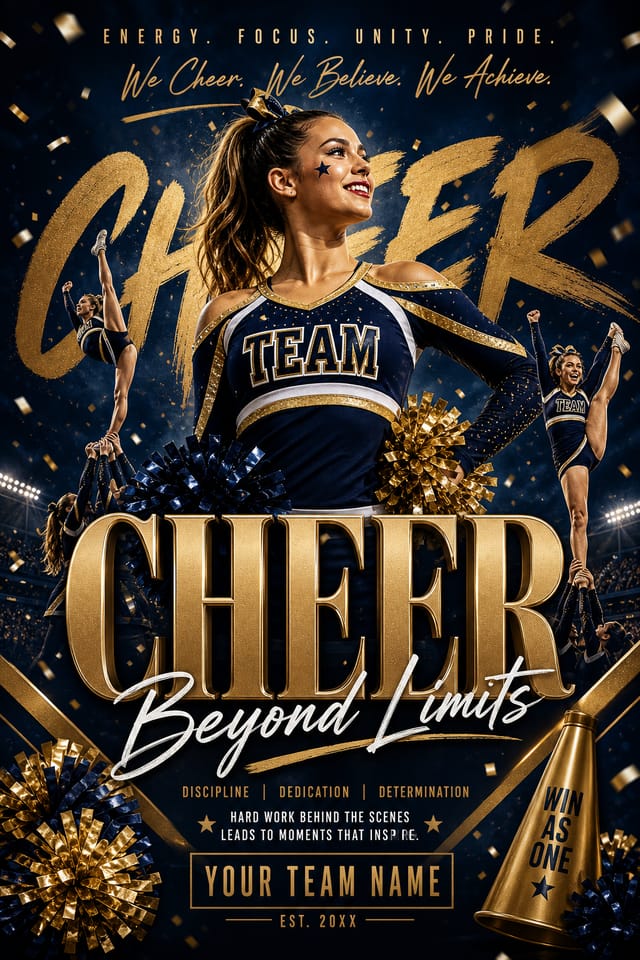
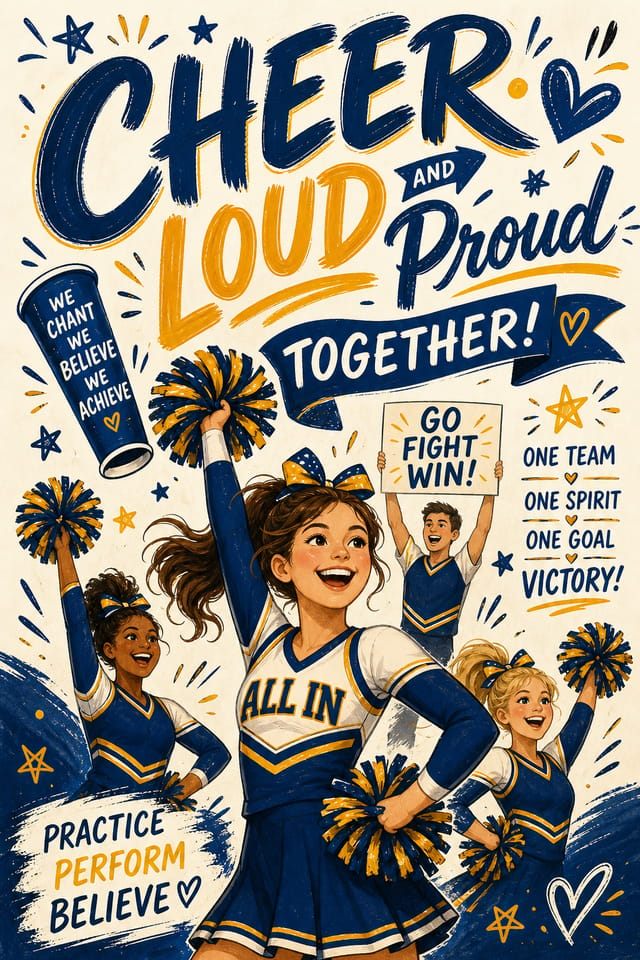
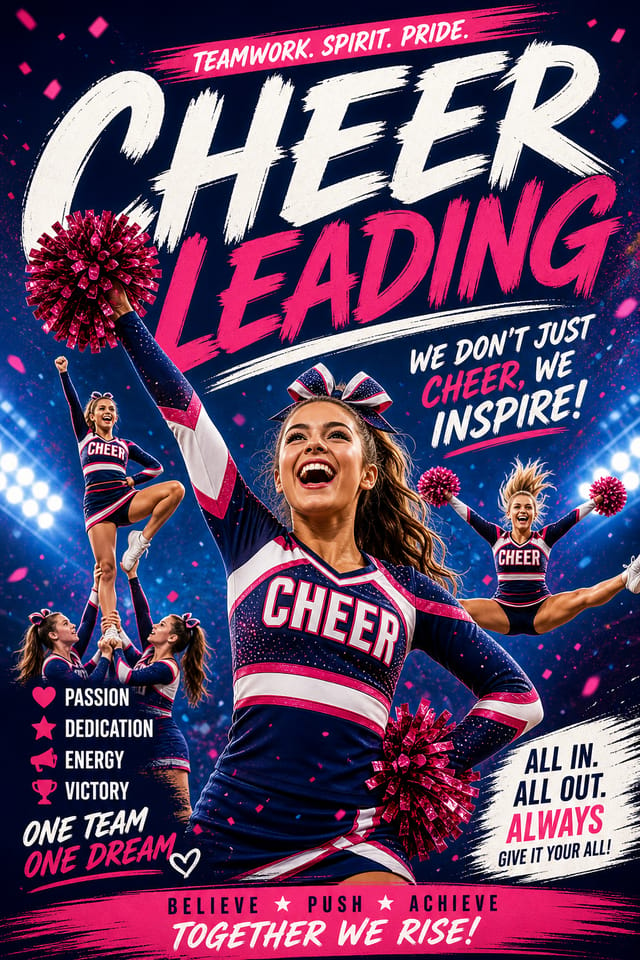
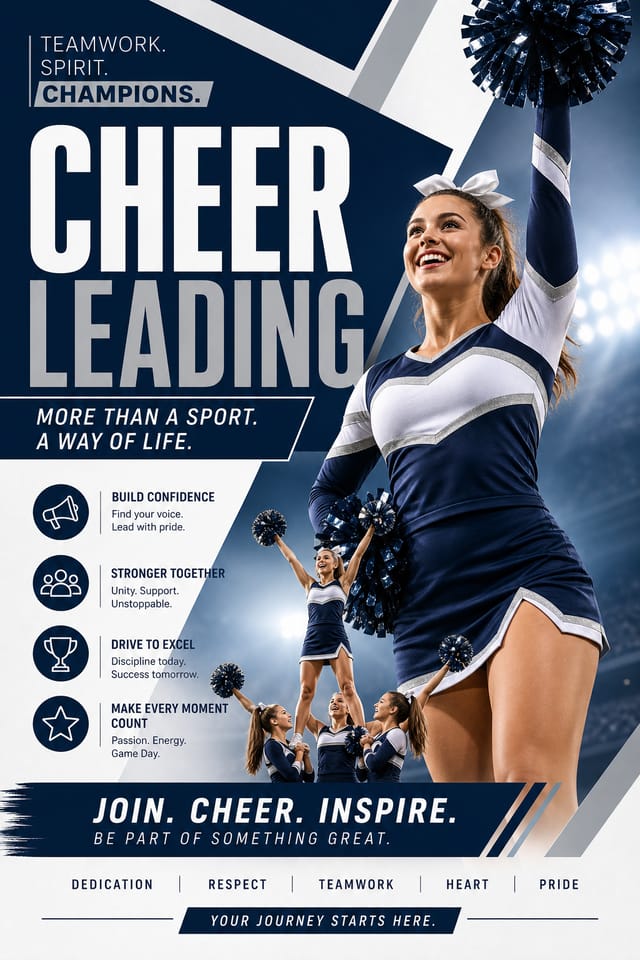
Cheerleading Poster File Formats: From Screen to File
PNG
Lossless image format ideal for cheerleading poster designs with transparency, sharp text, and web display at predictable file sizes.
TIFF
High-fidelity format for cheerleading poster files destined for professional printing, supporting CMYK color and lossless compression.
Print-ready format for cheerleading poster files that preserves fonts, colors, and layout across different devices and print services.
JPG
Compressed image format suited for cheerleading poster designs with photographic elements where smaller file size matters more than pixel-perfect edges.
Cheerleading Poster Generation: The Creation Flow
Initiate the Design Request
Start with a text description of your cheerleading poster concept. Specify the visual style, colors, layout direction, and key text. Detailed prompts produce more accurate cheerleading poster designs than general ones.
Watch: Creating Cheerleading Poster designs step by step
What Separates Good Cheerleading Design: AI Interpretation
How Pixazo Reads Cheerleading Style Cues
Not all poster design styles work the same way.
Cheerleading design has specific characteristics that distinguish it from other approaches: particular color affinities, compositional tendencies, and typographic conventions that trained designers recognize immediately.
Pixazo applies this style knowledge automatically.
When you request a cheerleading poster, the AI pulls from a visual vocabulary appropriate to cheerleading design, producing output that reads correctly to anyone familiar with the style.
Cheerleading Poster Design Tool Landscape: Tools Compared
Fotor
Photo editing platform with design templates and batch processing
Pixazo
AI-powered cheerleading poster generator with prompt-based design and professional output quality
Stencil
Lightweight image creator optimized for fast social media graphics
Piktochart
Infographic and presentation maker for data-driven visuals
Snappa
Quick graphic creator focused on social media and marketing visuals
Cheerleading Poster AI: Capabilities Explained
Prompt Refinement
Adjust your description to refine any aspect of the cheerleading poster design. The AI responds to specific direction about colors, layout, or content.
Color Temperature Control
Specify warm, cool, or neutral color direction for your cheerleading poster. The AI builds the full palette around your temperature preference.
Color Palette Intelligence
Colors are chosen with cheerleading style awareness. The AI builds palettes that fit cheerleading design conventions rather than selecting arbitrarily.
Context-Aware Design
Describe your cheerleading poster's purpose and audience. The AI adjusts visual weight, complexity, and clarity based on the intended use context.
Style-Accurate Generation
The AI interprets cheerleading design conventions and applies them to your poster, producing output that looks correctly styled rather than generically templated.
Who Creates Cheerleading Posters: Across Industries
Content Creation Workflow
Incorporate cheerleading poster generation into a content production workflow. Fast output enables higher publishing frequency.
Non-Profit Campaigns
Create compelling cheerleading campaign posters without allocating budget to design production. Focus resources on mission-critical activities.
Wedding and Celebration Planning
Create cheerleading posters for invitations, signage, and event branding. Cohesive visual systems that carry a celebration's theme across every touchpoint.
Educational Materials
Design cheerleading posters for educational contexts. Courses, workshops, and learning materials benefit from the visual clarity of good cheerleading design.
Design Variations for Cheerleading Posters: Compared
Contemporary Cheerleading
Current cheerleading design sensibility with updated proportions, modern typefaces, and contemporary color relationships.
Editorial Cheerleading
Text-dominant cheerleading poster layout inspired by print publication design. Typographic variety creates visual rhythm.
Classic Cheerleading
Traditional cheerleading design principles applied to modern poster format. Clean composition, conventional hierarchy, time-tested visual decisions.
Textured Cheerleading
Cheerleading design with added surface depth. Background treatments add visual interest without disrupting legibility.
Geometric Cheerleading
Structured cheerleading composition using grid systems and angular forms. Order and precision define the visual approach.
Cheerleading Design Community: Real Creator Work
Real creators sharing their cheerleading designs made with Pixazo AI.

Cheerleading poster designed for dark mode display, OLED-optimized black background, vibrant accent colors, high contrast text
Cheerleading poster at 1080x1920 pixels for Instagram stories, bold sans-serif headline centered, gradient background in cheerleading tones, call-to-action at bottom
Bold cheerleading poster with strong central headline, supporting information at secondary scale, background treatment consistent with cheerleading designProven Cheerleading Poster Prompt Starters
Copy any prompt below and paste it into Pixazo to generate your design instantly.
Refined cheerleading poster, sophisticated color relationships, intentional whitespace, typefaces appropriate to cheerleading style, balanced compositionTwo-color cheerleading poster design, high contrast between primary and secondary color, clean separation between graphic and text zonesCheerleading aesthetic poster, palette drawn from cheerleading design tradition, layout proportions consistent with cheerleading conventions, purposeful use of each elementHigh-impact cheerleading poster, immediate visual read at thumbnail size, clear headline dominance, supporting information structured logicallyCheerleading poster for digital display, optimized proportions for screen viewing, colors calibrated for RGB output, legible at typical viewing distanceBefore You Start: Questions and Answers
Pixazo supports PNG, JPEG, and PDF export for cheerleading posters. PNG preserves transparency if your design uses it. JPEG works well for web and social media. PDF is the preferred format for print production of cheerleading posters.
Pixazo generates single-page cheerleading poster designs per prompt. For multi-page projects, generate each page individually using consistent prompt language to maintain visual continuity across your cheerleading document set.
Pixazo generates high-resolution files suitable for both print and digital use. Specify your intended output format in your prompt. Print cheerleading posters benefit from high-DPI settings, while web and social media use works well with standard resolution output.
Adjust your prompt to change any element of the design. If a generated cheerleading poster is close but not quite right, describe what you want changed and regenerate. The AI responds to specific direction about individual elements like color, layout, or typographic weight.
Cheerleading Poster Constraints: Where It Falls Short
Known limitations and trade-offs of AI-generated cheerleading design. Transparency matters when using AI for cheerleading poster design. The points below describe where you may need to supplement AI output with manual work.

