Fundraising Poster : Create Free Fundraising Posters in Minutes with AI
Create Custom Fundraising Posters Quickly with Pixazo Best AI Fundraising Poster Maker. Try for Free!
Get Started
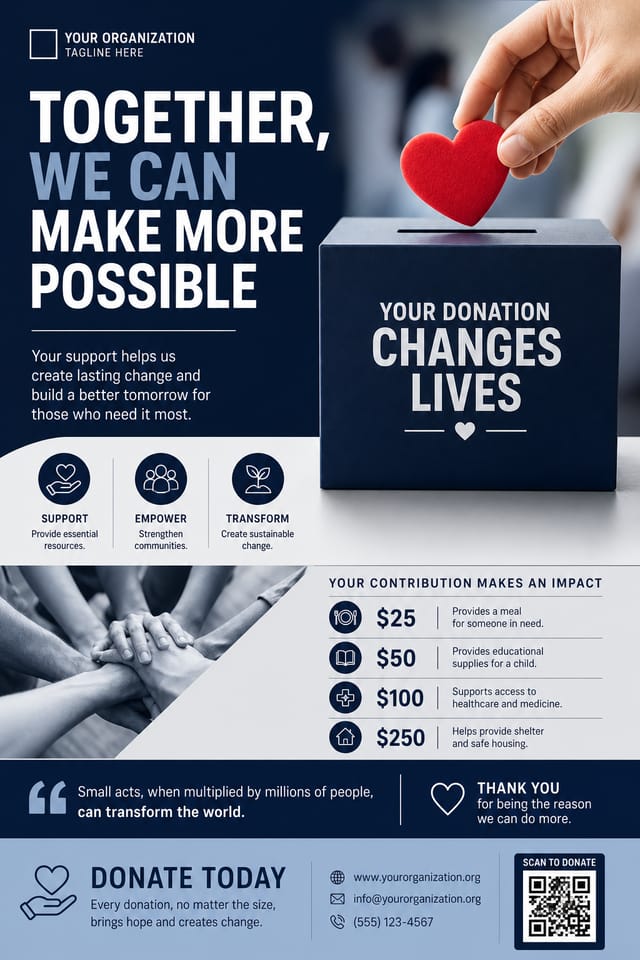
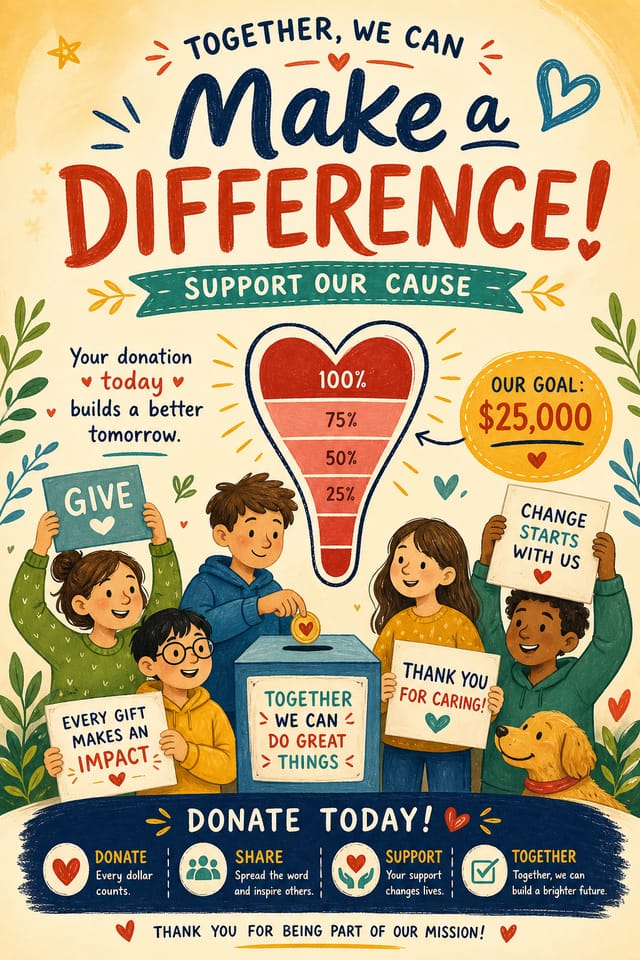
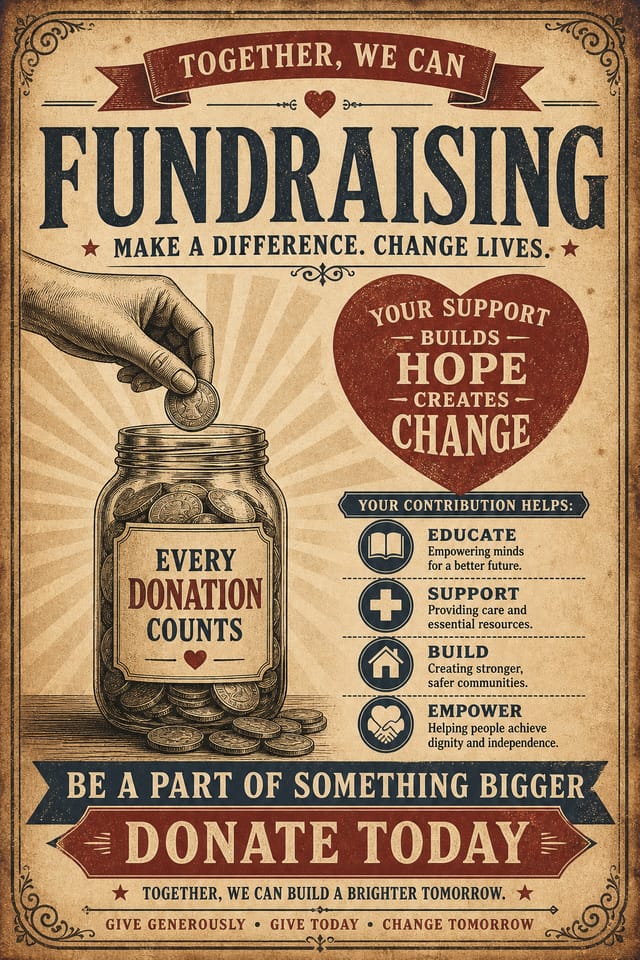
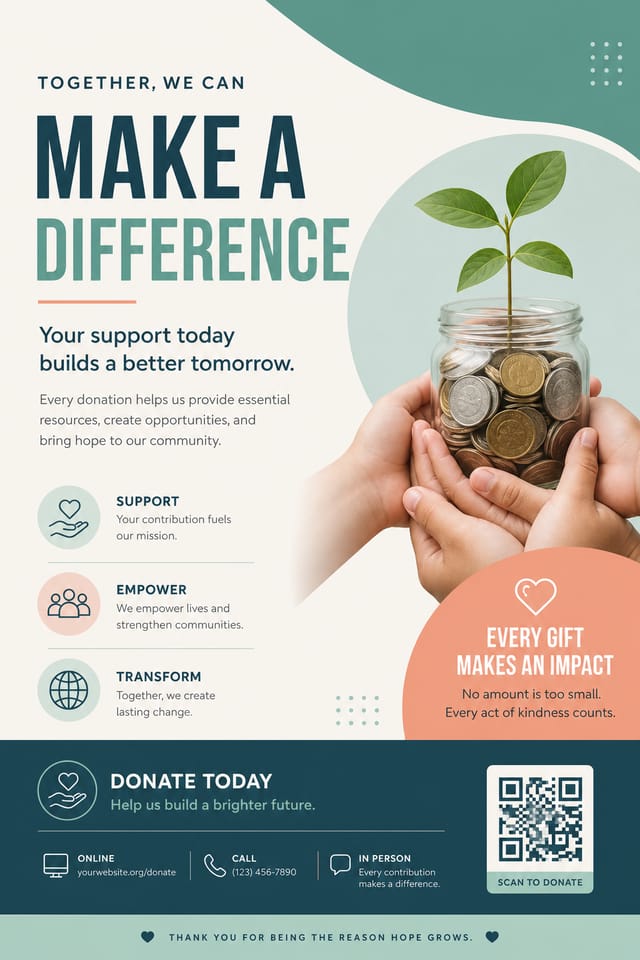
The Evolution of Fundraising Poster Design: Styles Gaining Traction
Bold Typography
Oversized type and expressive fonts are dominating fundraising poster design, turning headlines into visual centerpieces rather than just text.
Hand-Drawn Elements
Illustrations, doodles, and hand-lettering bring a personal, approachable quality to fundraising poster designs in an era of polished digital output.
Retro Revival
Vintage aesthetics from the 1970s and 1990s are influencing fundraising poster design with textured backgrounds, serif fonts, and warm gradients.
Organic Shapes
Flowing, irregular forms are replacing sharp geometric shapes in fundraising poster backgrounds and decorative elements for a softer visual feel.
Dark Mode Aesthetics
Dark backgrounds with high-contrast accents are increasingly common in fundraising poster design, reducing visual fatigue and adding sophistication.
Precision Fundraising Poster Tools: Feature Overview
Resolution Control
Specify output dimensions for your fundraising poster. Get files sized for web display, social media, or large-format printing.
Export Flexibility
Download your fundraising poster in formats suited for your use case. Web-optimized versions for digital display, high-DPI files for print.
Commercial Use Rights
Designs generated with Pixazo are yours to use commercially. No additional licensing required for fundraising poster projects.
Context-Aware Design
Describe your fundraising poster's purpose and audience. The AI adjusts visual weight, complexity, and clarity based on the intended use context.
Color Palette Intelligence
Colors are chosen with fundraising style awareness. The AI builds palettes that fit fundraising design conventions rather than selecting arbitrarily.
Prompt Refinement
Adjust your description to refine any aspect of the fundraising poster design. The AI responds to specific direction about colors, layout, or content.
Fundraising Poster Output Options: Format Guide
PNG
Lossless image format ideal for fundraising poster designs with transparency, sharp text, and web display at predictable file sizes.
JPG
Compressed image format suited for fundraising poster designs with photographic elements where smaller file size matters more than pixel-perfect edges.
SVG
Scalable format for fundraising poster designs that need to render crisply at any resolution, commonly used for web and responsive layouts.
WEBP
Modern web format offering smaller file sizes than PNG or JPG for fundraising poster images without significant quality loss.
The Fundraising Poster Gallery: What People Are Making
Real creators sharing their fundraising designs made with Pixazo AI.

Monochromatic fundraising poster, single hue in multiple values, typographic hierarchy creates depth without color complexity
Portrait fundraising poster for social sharing, vertical 4:5 ratio, headline in upper third, supporting content below centerline
Fundraising poster designed for dark mode display, OLED-optimized black background, vibrant accent colors, high contrast textWhere Fundraising Posters Shine: Who Uses Them
Healthcare and Wellness
Design fundraising posters for clinics, wellness centers, and health campaigns. Trustworthy visuals that communicate care and professionalism.
Educational Materials
Design fundraising posters for educational contexts. Courses, workshops, and learning materials benefit from the visual clarity of good fundraising design.
Real Estate Marketing
Create fundraising posters for property listings, open houses, and agent branding. Professional visuals that elevate property presentation.
Religious and Spiritual Organizations
Create fundraising posters for worship services, community outreach, and faith-based events. Respectful designs that reflect the organization's character.
Smart Fundraising Poster Decisions: Common Pitfalls
Keep the message focused
A strong fundraising poster communicates one primary idea clearly. Supporting details should reinforce, not compete with, the main message.
Optimize for the display medium
Tailor your fundraising poster resolution, color space, and text size to the specific platform or physical context where it will appear.
Use a consistent visual hierarchy
Structure your fundraising poster so the viewer's eye follows a clear path from headline to supporting details to call-to-action.
Use too many fonts
More than two or three typefaces in a single fundraising poster creates visual noise and makes the design feel disjointed.
Forget the call to action
A fundraising poster without a clear next step for the viewer is a missed opportunity. Always include direction on what to do next.
Ignore accessibility
Low-contrast text and tiny font sizes in your fundraising poster exclude a significant portion of your potential audience.
Build a Fundraising Poster: A Quick Guide
Explain the Design Goal
Start with a text description of your fundraising poster concept. Specify the visual style, colors, layout direction, and key text. Detailed prompts produce more accurate fundraising poster designs than general ones.
Gauge the First Version
The AI produces a fundraising poster based on your description. If the first result isn't exactly right, adjust the prompt to address what needs changing. Most designs reach the target within a few iterations.
Tighten the Composition
Adjust your prompt to modify specific elements of the fundraising poster. Change the color palette, shift typography weight, or reposition the compositional focus. Each iteration gets you closer to the final design.
Download and Use
Get your final fundraising poster file in one click. Choose your format, download at full resolution, and use the design immediately. No watermarks, no additional fees, no waiting.
Watch: Creating Fundraising Poster designs step by step
How Fundraising Poster AI Performs: Numbers to Know
Number of fundraising poster variations you can generate per
Number of fundraising poster variations you can generate per session
Maximum output resolution for print-quality fundraising post
Maximum output resolution for print-quality fundraising poster designs
Generate fundraising poster designs at no cost with the free
Generate fundraising poster designs at no cost with the free plan
The Range of Fundraising Styles: Worth Exploring
Contemporary Fundraising
Current fundraising design sensibility with updated proportions, modern typefaces, and contemporary color relationships.
Textured Fundraising
Fundraising design with added surface depth. Background treatments add visual interest without disrupting legibility.
Editorial Fundraising
Text-dominant fundraising poster layout inspired by print publication design. Typographic variety creates visual rhythm.
High-Contrast Fundraising
Bold fundraising visual treatment with strong tonal contrast. Elements read clearly at any viewing distance.
Fundraising Poster Prompts: Prompt Formulas
Copy any prompt below and paste it into Pixazo to generate your design instantly.
High-impact fundraising poster, immediate visual read at thumbnail size, clear headline dominance, supporting information structured logicallyTwo-color fundraising poster design, high contrast between primary and secondary color, clean separation between graphic and text zonesFundraising poster for digital display, optimized proportions for screen viewing, colors calibrated for RGB output, legible at typical viewing distanceAtmospheric fundraising poster, background treatment supports the headline without competing with it, visual weight distributed intentionallyFundraising poster design, clean layout, strong typography hierarchy, appropriate color palette for fundraising aesthetic, high contrast between headline and backgroundFull-bleed fundraising poster, background treatment extends to edges, foreground elements positioned for compositional balance, strong central hierarchyWorking with Fundraising Poster AI: Needs Human Help
Known limitations and trade-offs of AI-generated fundraising design. Understanding what the AI handles well and where it falls short helps you structure your fundraising poster design workflow effectively.
About Fundraising Posters: The Essentials
Include your specific colors in the prompt, either by hex code or descriptive terms. 'Navy and copper with white text' or '#1a1a2e and #c9a84c palette' both work. The AI builds a fundraising-appropriate palette around your specified colors.
Canva uses fixed templates you customize manually. Pixazo generates original fundraising poster designs from your description, so every output is unique. For fundraising work specifically, the AI applies style-specific design decisions rather than offering generic drag-and-drop templates.
The AI generates designs at the specified dimensions. For professional print production, add 'with bleed area' to your prompt to extend background elements beyond the trim line. Crop marks and registration marks should be added in your print preparation software.
Individual fundraising posters generate in seconds. For batch production, you can submit multiple prompts in sequence and download results as they complete. A series of ten fundraising poster variations typically takes under five minutes total.

