Game Poster : Create Free Game Posters in Minutes with AI
Create Custom Game Posters Quickly with Pixazo Best AI Game Poster Maker. Try for Free!
Get Started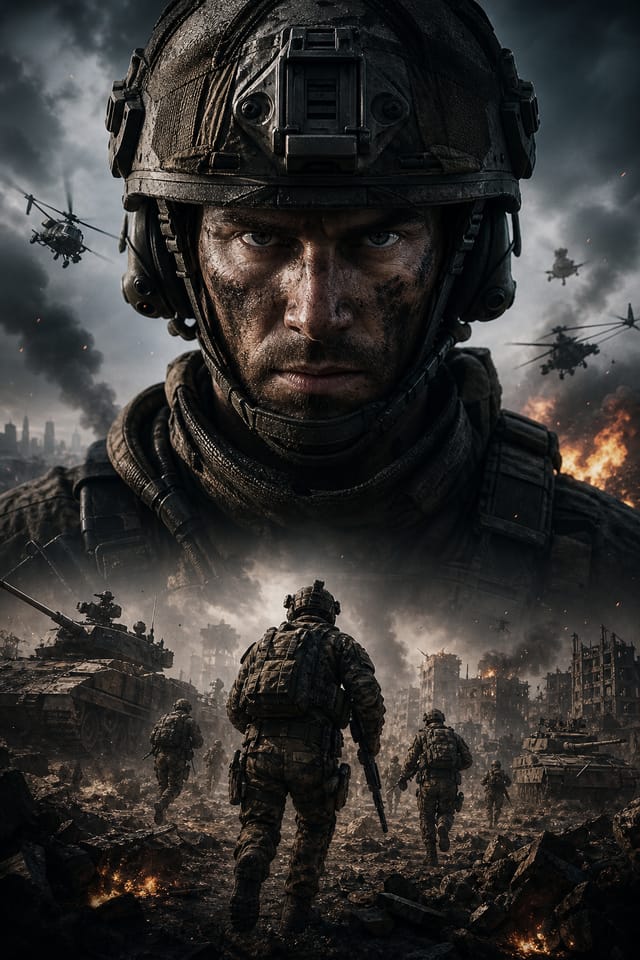
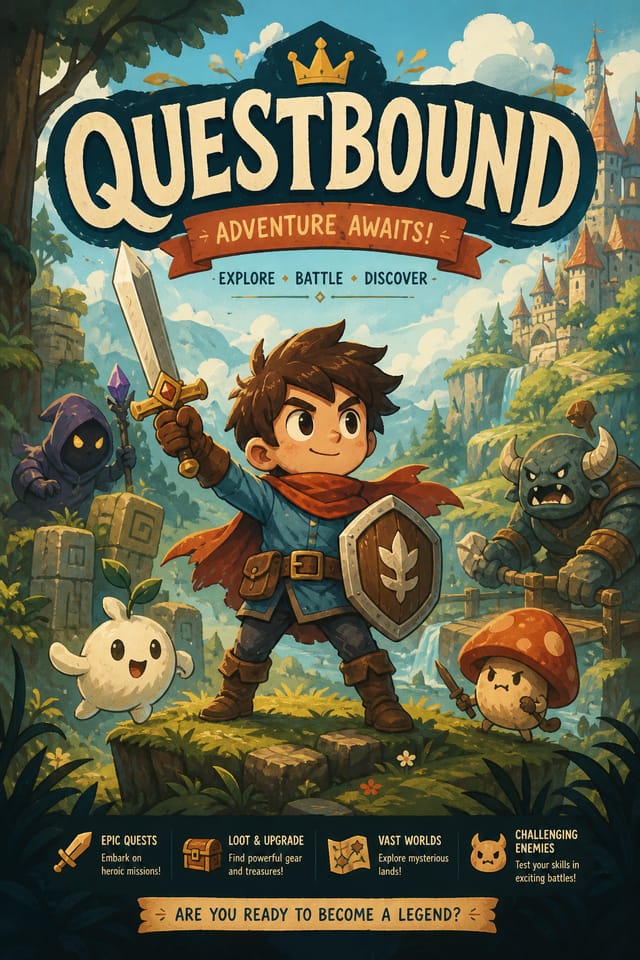
AI Game Poster Maker: Professional Results Fast
Professional game poster design without the complexity. Pixazo generates layouts, selects palettes, and handles typography in seconds.
Create Your Game Poster FreeThe Game Poster Gallery: What People Are Making
Real creators sharing their game designs made with Pixazo AI.
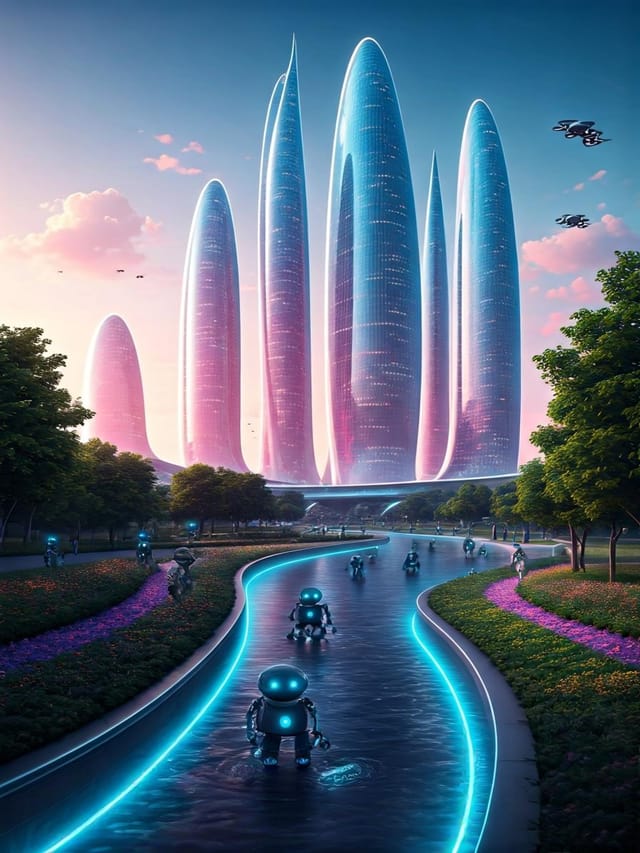
Moody game poster with deep shadows and dramatic lighting feel, dark palette, cinematic atmosphere, headline in condensed uppercase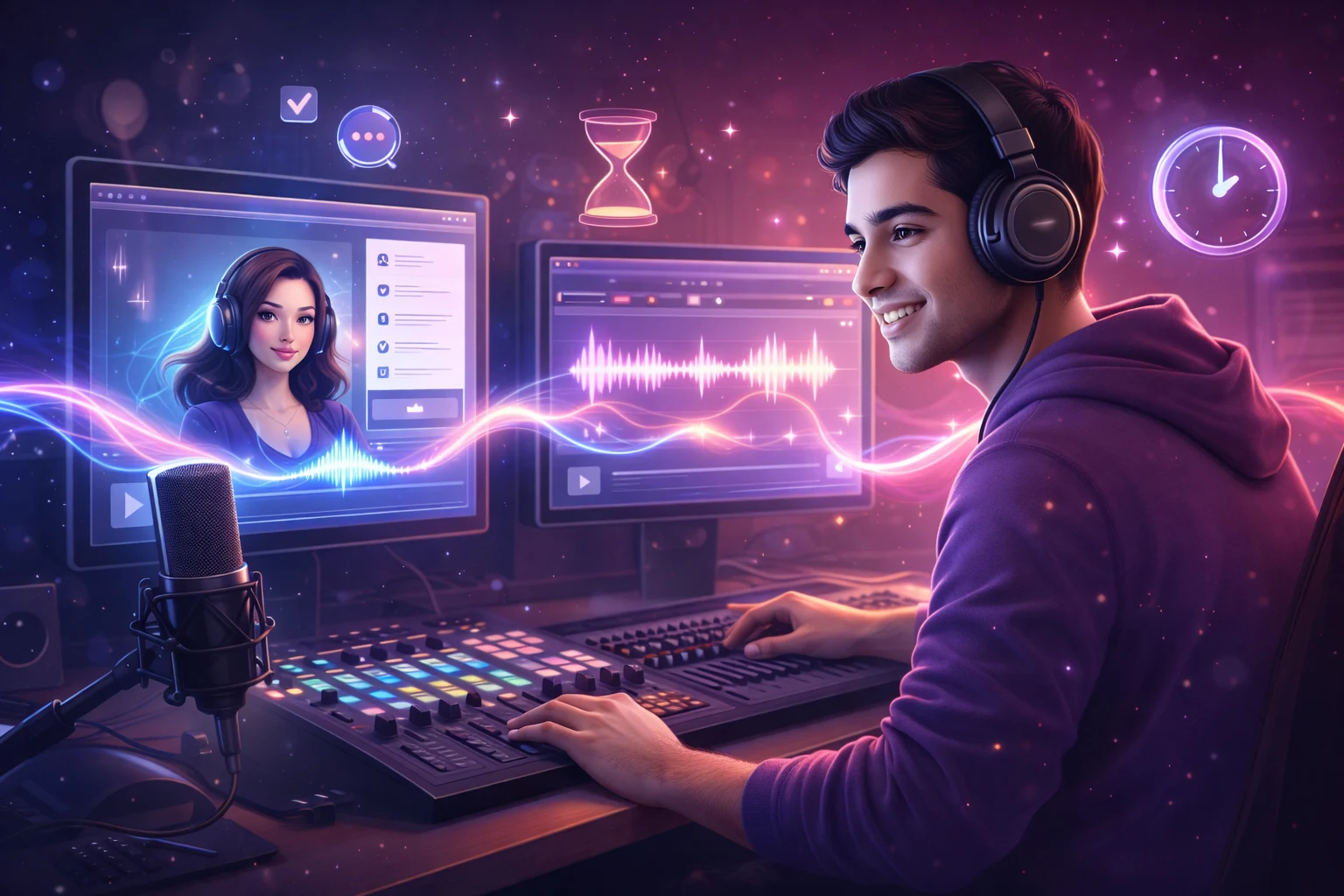
Square game poster at 1080x1080 for LinkedIn post, professional tone, balanced text-to-visual ratio, brand-safe composition
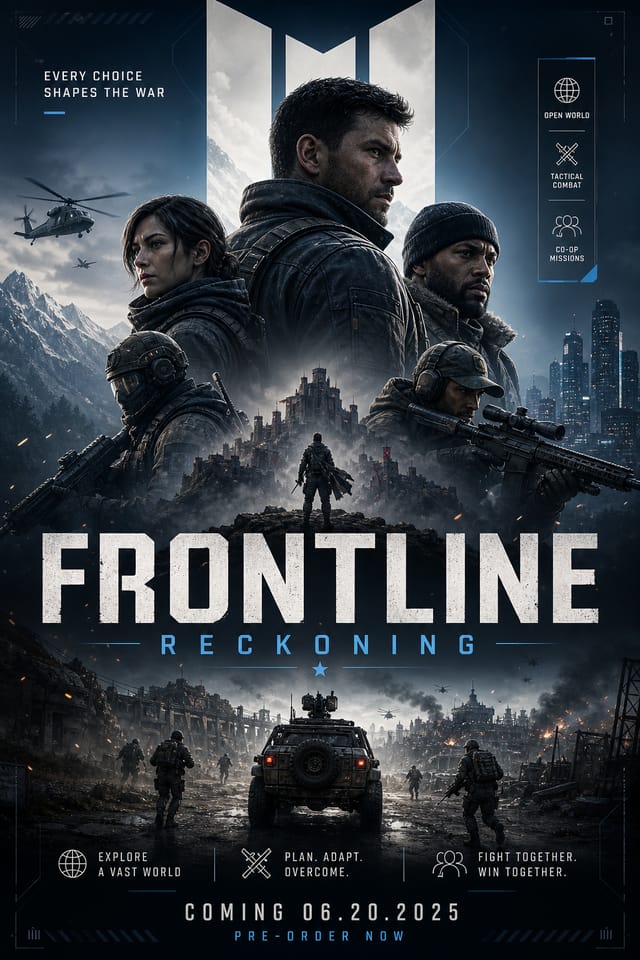
Corporate game poster for a B2B audience, clean and authoritative, navy and white palette, structured grid, data-friendly layoutWhen You Need Game Posters: Who Benefits Most
Music and Audio Production
Produce game posters for album covers, playlist artwork, and music event promotion. Visual identity that matches the sound.
Content Creation Workflow
Incorporate game poster generation into a content production workflow. Fast output enables higher publishing frequency.
Retail and Hospitality
Produce game in-store and venue posters that communicate quality through design. Game aesthetics signal attention to customer experience.
Restaurant and Food Service
Generate game posters for menus, seasonal promotions, and restaurant branding. Designs that reflect cuisine style and dining atmosphere.
Healthcare and Wellness
Design game posters for clinics, wellness centers, and health campaigns. Trustworthy visuals that communicate care and professionalism.
The Game Poster Feature Set: Key Capabilities
Commercial Use Rights
Designs generated with Pixazo are yours to use commercially. No additional licensing required for game poster projects.
Prompt Refinement
Adjust your description to refine any aspect of the game poster design. The AI responds to specific direction about colors, layout, or content.
Subcategory Awareness
The AI distinguishes between design subcategories. A game poster request produces game-appropriate output, not a generic design with game text added.
Fast Generation
Complete game poster designs generate in seconds. No rendering queues, no waiting for batch processing.
Color Temperature Control
Specify warm, cool, or neutral color direction for your game poster. The AI builds the full palette around your temperature preference.
Elevating Your Game Poster: Expert-Level Advice
Get Feedback Early
Share your game poster draft with someone outside the project. Fresh eyes catch issues you have become blind to after hours of refinement.
Leave White Space
Resist the urge to fill every area of your game poster. Breathing room around key elements makes the overall design more effective.
Limit Your Color Palette
Stick to 2-3 primary colors in your game poster design. Too many colors compete for attention and weaken the visual hierarchy.
Keep Typography Simple
Use no more than two typefaces per game poster. One for headlines, one for body text. Consistency in typography signals professionalism.
Consider the Context
Think about where your game poster will appear. A design optimized for social media needs different proportions and density than one for a physical bulletin board.
Game Design Styles: Compared
Classic Game
Traditional game design principles applied to modern poster format. Clean composition, conventional hierarchy, time-tested visual decisions.
High-Contrast Game
Bold game visual treatment with strong tonal contrast. Elements read clearly at any viewing distance.
Minimalist Game
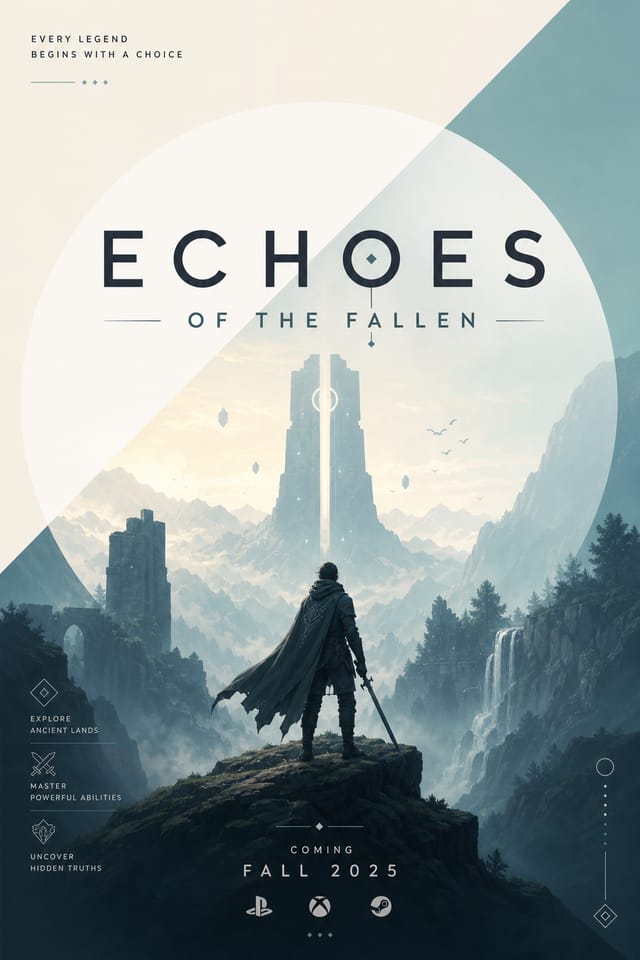
Stripped-back game approach. Fewer elements, more negative space, typography carries more visual weight.
Editorial Game
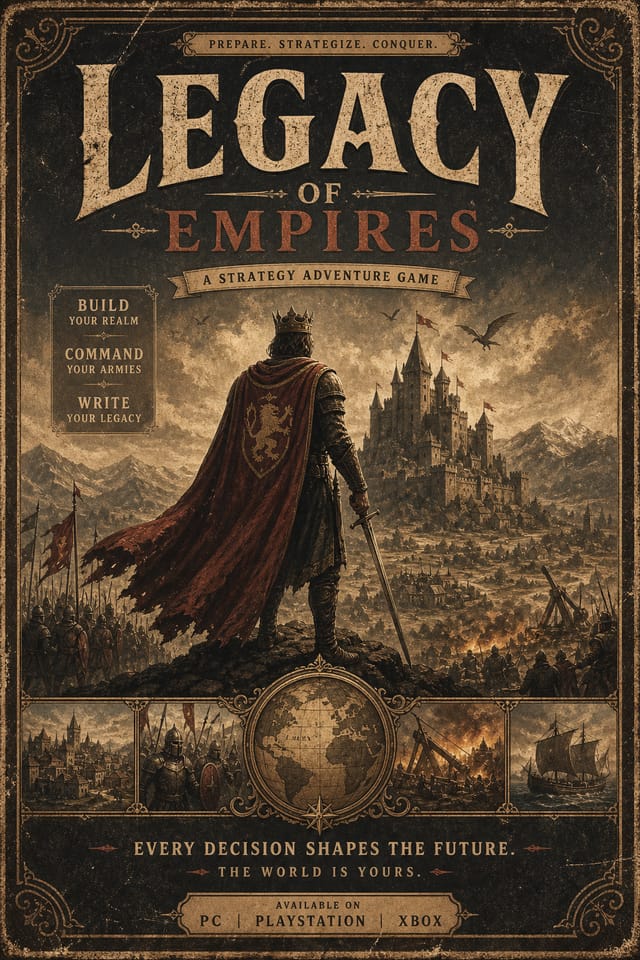
Text-dominant game poster layout inspired by print publication design. Typographic variety creates visual rhythm.
Atmospheric Game
Game poster design where mood takes priority. Color and composition work together to create a specific feeling.
Making Game Posters: A Quick Guide
Set the Direction
Write a prompt describing your game poster. Include style preferences, color direction, the most important text to display, and any specific visual elements you want. The more specific your description, the more targeted the output.
Gauge the First Version
The AI produces a game poster based on your description. If the first result isn't exactly right, adjust the prompt to address what needs changing. Most designs reach the target within a few iterations.
Wrap the Project
Get your final game poster file in one click. Choose your format, download at full resolution, and use the design immediately. No watermarks, no additional fees, no waiting.
Watch: Creating Game Poster designs step by step
Which Game Poster Tool Fits: Side by Side
Desygner
Multi-format design tool with PDF editing and brand management
Pixazo
AI-powered game poster generator with prompt-based design and professional output quality
Piktochart
Infographic and presentation maker for data-driven visuals
Crello
Template-based design tool with animation and video support
Snappa
Quick graphic creator focused on social media and marketing visuals
Writing Game Poster Prompts That Work
Copy any prompt below and paste it into Pixazo to generate your design instantly.
High-impact game poster, immediate visual read at thumbnail size, clear headline dominance, supporting information structured logicallyGame poster design, clean layout, strong typography hierarchy, appropriate color palette for game aesthetic, high contrast between headline and backgroundGeometric game poster, structured grid system, angular composition, colors in blocks rather than gradients, modern clean finishRefined game poster, sophisticated color relationships, intentional whitespace, typefaces appropriate to game style, balanced compositionMonochromatic game poster, single-hue palette with value variation for contrast, typographic hierarchy creates visual interest without color complexityWorking with Game Poster AI: Where It Falls Short
Known limitations and trade-offs of AI-generated game design. Understanding what the AI handles well and where it falls short helps you structure your game poster design workflow effectively.
Game Poster Maker: Questions and Answers
A game poster generates in seconds after submitting your prompt. Total time from prompt submission to downloadable file is typically under a minute, including any server processing time.
Include the target language in your prompt when generating game posters with non-English text. The AI selects typographic approaches appropriate for the language and applies game design conventions to the overall layout regardless of language.
Templates apply a fixed visual structure with placeholder content. AI generation produces original designs based on your specific description. Two game posters generated from different prompts will have genuinely different layouts, not just different text in the same box positions.
Pixazo generates complete game poster designs from text prompts. Custom image uploads for compositing are on the product roadmap. Currently, the AI creates all visual elements based on your description rather than incorporating external assets.
Designs created with Pixazo are available for commercial use. You can use your game posters for client projects, product sales, advertising, and other commercial applications without additional licensing fees.
You can request high-contrast or color-blind-friendly palettes in your prompt. Specify 'accessible color palette' or 'deuteranopia-safe colors' and the AI will select game-appropriate colors that maintain sufficient contrast for users with color vision deficiencies.

