Motivational Poster : Create Free Motivational Posters in Minutes with AI
Create Custom Motivational Posters Quickly with Pixazo Best AI Motivational Poster Maker. Try for Free!
Get Started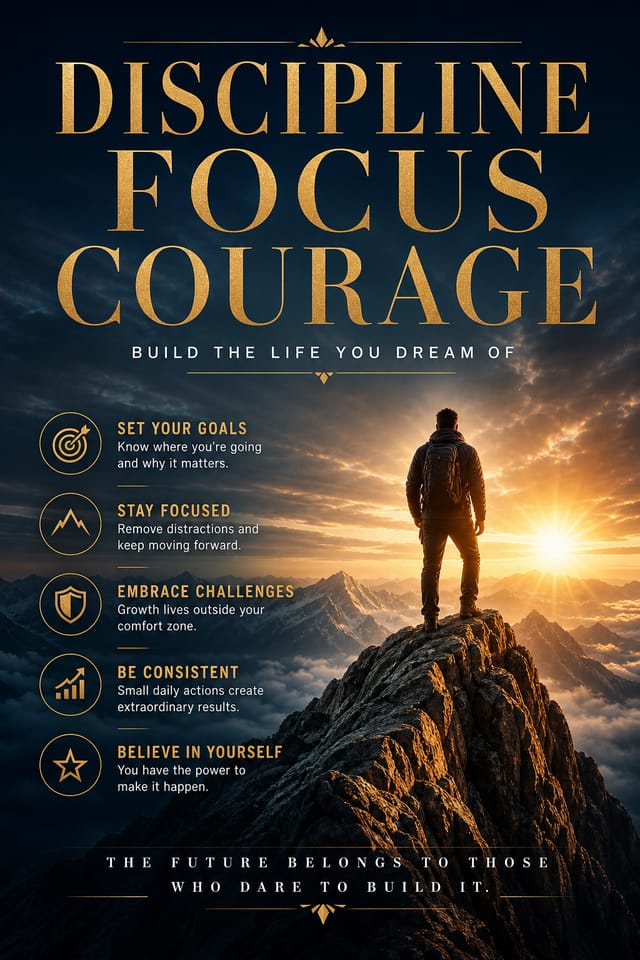


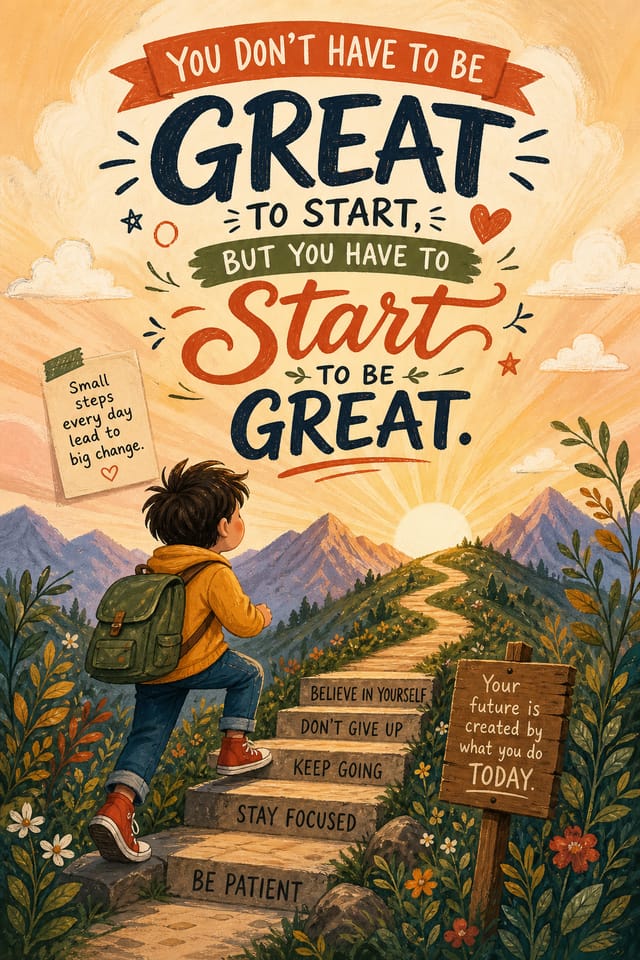
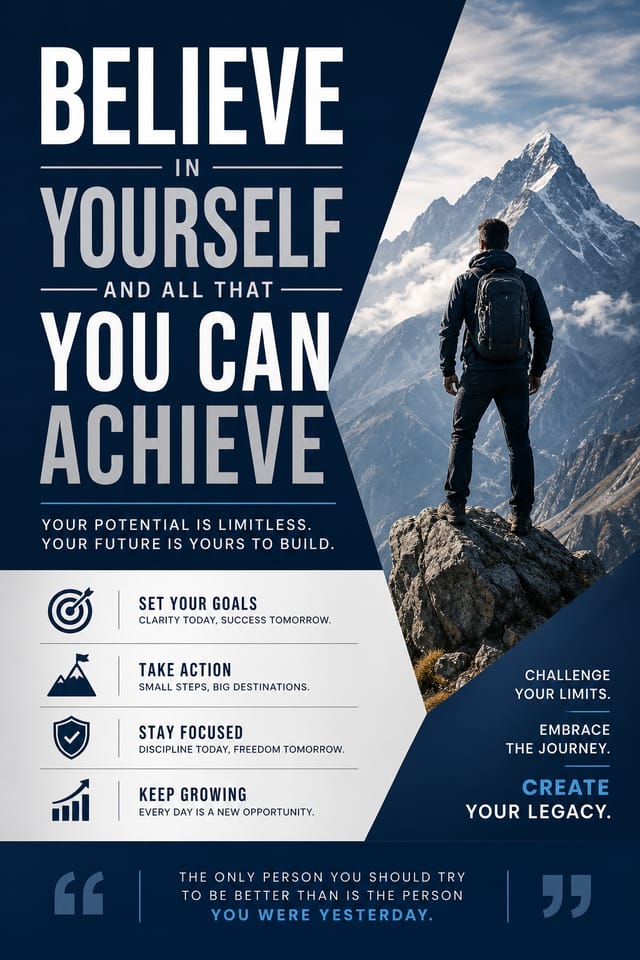
AI Motivational Poster Engine: Create Like a Pro
Create motivational posters that fit your brand and purpose. Hash-based design variations mean your motivational posters look distinct every time.
Create Your Motivational Poster FreeMotivational Poster Platform Comparison: An Honest Look
Snappa
Quick graphic creator focused on social media and marketing visuals
Pixazo
AI-powered motivational poster generator with prompt-based design and professional output quality
Desygner
Multi-format design tool with PDF editing and brand management
Crello
Template-based design tool with animation and video support
Canva
Drag-and-drop editor with a large template library and collaboration features
Smart Motivational Poster Decisions: A Quality Guide
Use grids and alignment
Structured layouts in your motivational poster create a sense of order and professionalism that unstructured designs cannot match.
Optimize for the display medium
Tailor your motivational poster resolution, color space, and text size to the specific platform or physical context where it will appear.
Keep the message focused
A strong motivational poster communicates one primary idea clearly. Supporting details should reinforce, not compete with, the main message.
Use a consistent visual hierarchy
Structure your motivational poster so the viewer's eye follows a clear path from headline to supporting details to call-to-action.
Ignore accessibility
Low-contrast text and tiny font sizes in your motivational poster exclude a significant portion of your potential audience.
Overcrowd the layout
Filling every pixel of your motivational poster with content makes it harder to read and reduces the impact of every individual element.
Skip proofreading
Typos and grammatical errors on a motivational poster undermine credibility instantly. Always have someone else review the final text.
Rely solely on AI output
AI-generated motivational poster designs are a starting point. Human review catches issues with context, tone, and accuracy that AI can miss.
Motivational Creator A Design Gallery
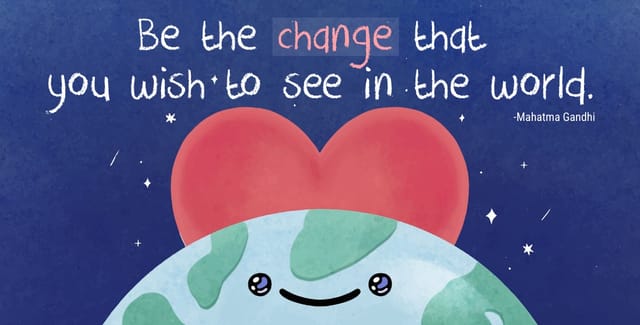
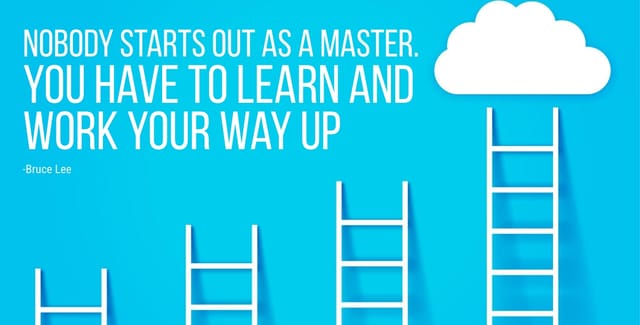
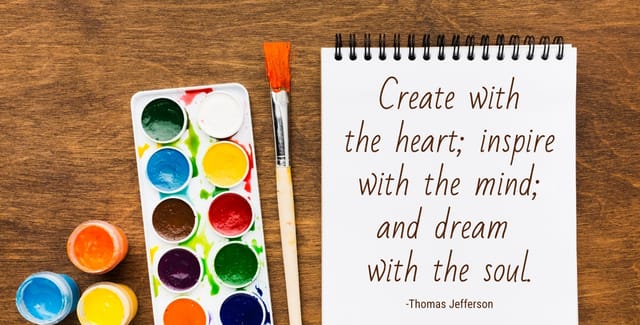
Real creators sharing their motivational designs made with Pixazo AI.
Who Creates Motivational Posters: A Practical Guide
Real Estate Marketing
Create motivational posters for property listings, open houses, and agent branding. Professional visuals that elevate property presentation.
Small Business Marketing
Produce motivational marketing posters without a design agency budget. Get professional results from a text description.
Podcast and Media Branding
Generate motivational posters for podcast covers, episode artwork, and media channel identity. Consistent visual branding across audio and video platforms.
Political and Advocacy Campaigns
Create motivational campaign posters for candidates, ballot measures, and social causes. Persuasive designs that mobilize and inform.
Smart Motivational Poster AI: Under the Hood
Layered Style Application
Combine motivational style with other design parameters in a single prompt. The AI interprets complex requests and applies multiple style constraints simultaneously.
Color Palette Intelligence
Colors are chosen with motivational style awareness. The AI builds palettes that fit motivational design conventions rather than selecting arbitrarily.
Color Temperature Control
Specify warm, cool, or neutral color direction for your motivational poster. The AI builds the full palette around your temperature preference.
Typography Matching
Typefaces are selected to match motivational aesthetic expectations. The AI pairs fonts that reinforce your motivational poster's visual identity.
Commercial Use Rights
Designs generated with Pixazo are yours to use commercially. No additional licensing required for motivational poster projects.
Resolution Control
Specify output dimensions for your motivational poster. Get files sized for web display, social media, or large-format printing.
How Motivational Style Varies: Options and Variations
Editorial Motivational
Text-dominant motivational poster layout inspired by print publication design. Typographic variety creates visual rhythm.
Atmospheric Motivational
Motivational poster design where mood takes priority. Color and composition work together to create a specific feeling.
Classic Motivational
Traditional motivational design principles applied to modern poster format. Clean composition, conventional hierarchy, time-tested visual decisions.
Textured Motivational
Motivational design with added surface depth. Background treatments add visual interest without disrupting legibility.
How Motivational Poster AI Works: Behind the Scenes
Log Your Requirements
Describe what you want your motivational poster to look like. Include the mood, color palette, typography preference, and content hierarchy. Pixazo reads all of this and uses it to generate an appropriate design.
Probe the Output
Your motivational poster generates immediately after submission. Evaluate the design against your requirements and refine the prompt to correct any elements that don't match your intent.
Bank the Final Version
Get your final motivational poster file in one click. Choose your format, download at full resolution, and use the design immediately. No watermarks, no additional fees, no waiting.
Watch: Creating Motivational Poster designs step by step
Try These Motivational Poster Prompt Templates
Copy any prompt below and paste it into Pixazo to generate your design instantly.
Contemporary motivational poster design, grid-based layout, typographic precision, restrained color palette, no decorative excessMonochromatic motivational poster, single-hue palette with value variation for contrast, typographic hierarchy creates visual interest without color complexitySeries-compatible motivational poster design, visual language that extends to multiple formats, consistent design system across variantsTextured motivational poster, surface treatment adds depth without obscuring legibility, texture consistent with motivational aestheticMotivational aesthetic poster, palette drawn from motivational design tradition, layout proportions consistent with motivational conventions, purposeful use of each elementClean motivational poster design, geometric structure, disciplined typography, color accent used selectively for emphasis, printer-optimized resolutionHonest Notes on Motivational Posters: Needs Human Help
Known limitations and trade-offs of AI-generated motivational design. Understanding what the AI handles well and where it falls short helps you structure your motivational poster design workflow effectively.
Creating Motivational Posters: Common Questions Answered
Your prompt history is saved in your account. You can revisit previous motivational poster prompts, duplicate them with modifications, and build a library of proven prompt structures for consistent motivational design output.
Include 'transparent background' in your prompt to generate a motivational poster with no background fill. Download as PNG to preserve transparency. This is useful for motivational designs that will be composited over other imagery or placed on colored surfaces.
Individual motivational posters generate in seconds. For batch production, you can submit multiple prompts in sequence and download results as they complete. A series of ten motivational poster variations typically takes under five minutes total.
Include your specific colors in the prompt, either by hex code or descriptive terms. 'Navy and copper with white text' or '#1a1a2e and #c9a84c palette' both work. The AI builds a motivational-appropriate palette around your specified colors.
Include the target language in your prompt when generating motivational posters with non-English text. The AI selects typographic approaches appropriate for the language and applies motivational design conventions to the overall layout regardless of language.

