Party Poster : Create Free Party Posters in Minutes with AI
Create Custom Party Posters Quickly with Pixazo Best AI Party Poster Maker. Try for Free!
Get Started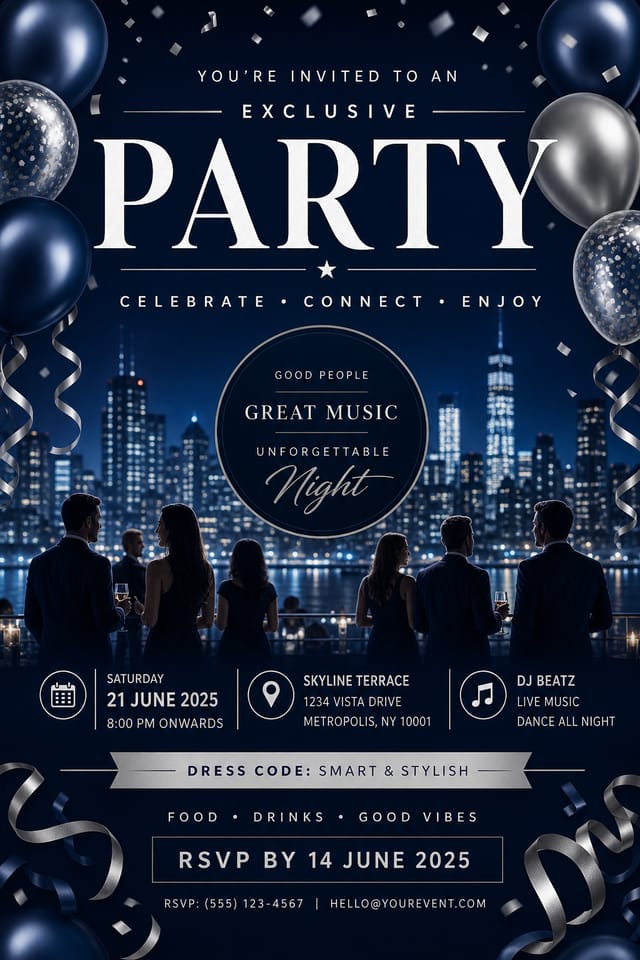
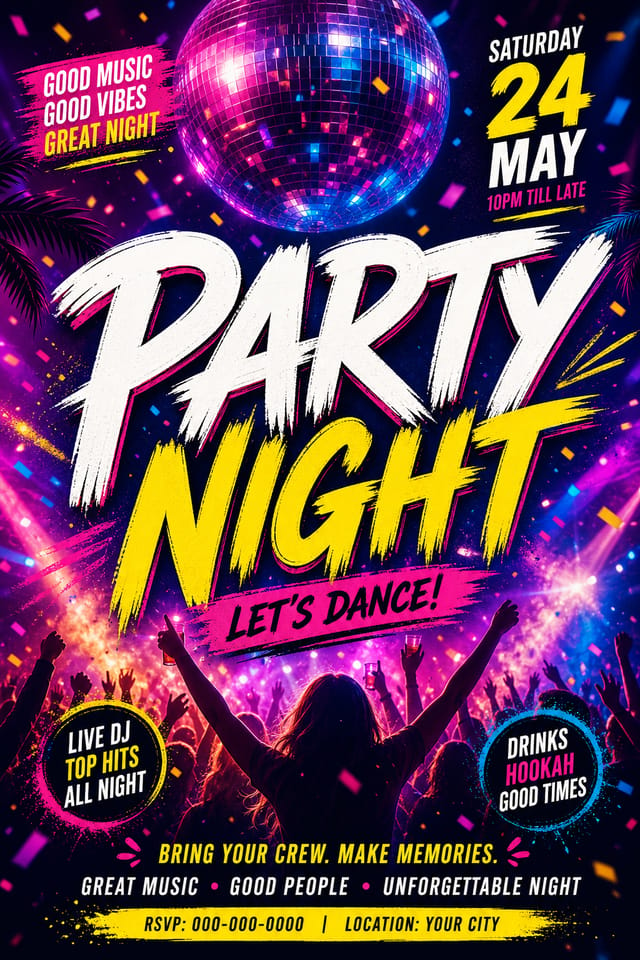
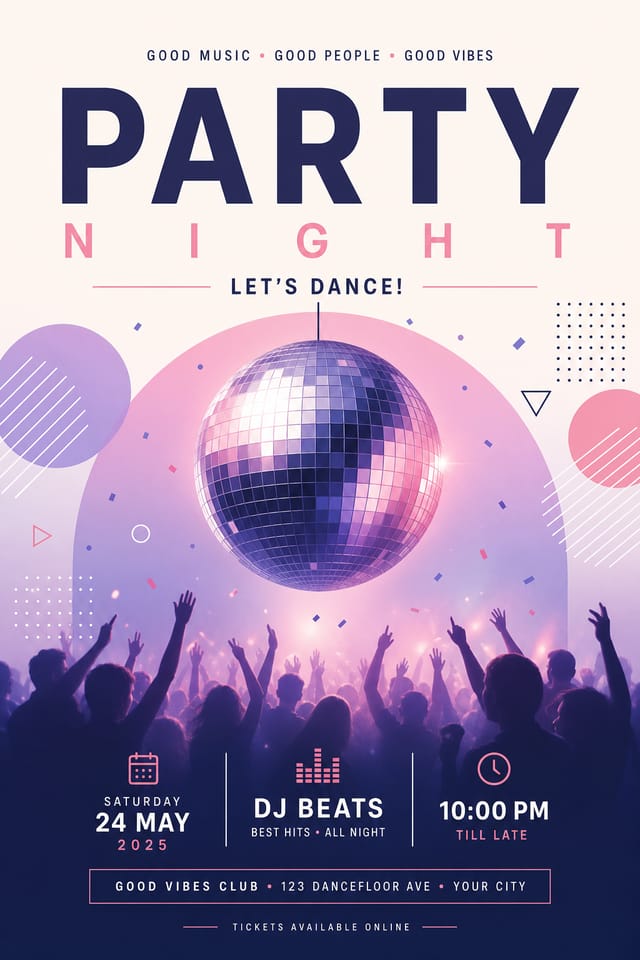
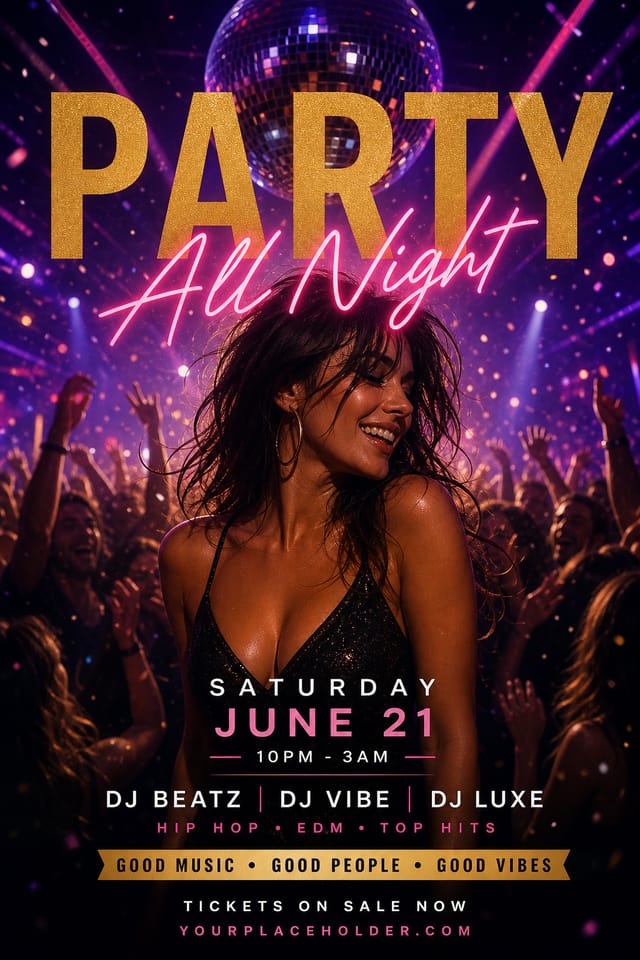
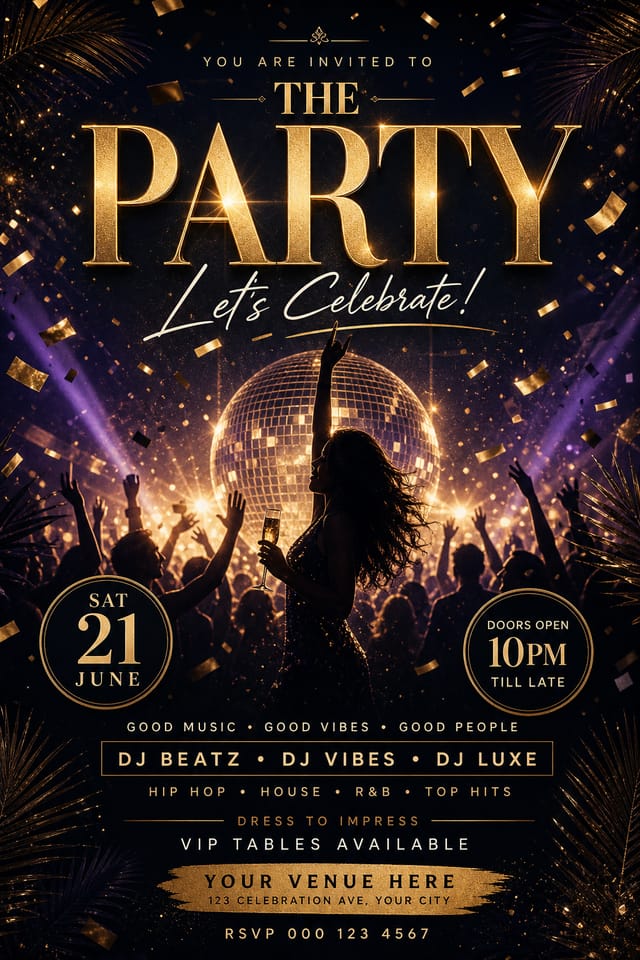
Party Makers: What People Are Making
Real creators sharing their party designs made with Pixazo AI.
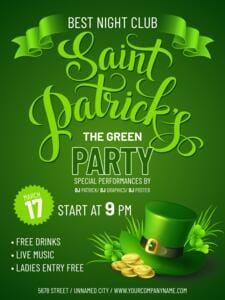
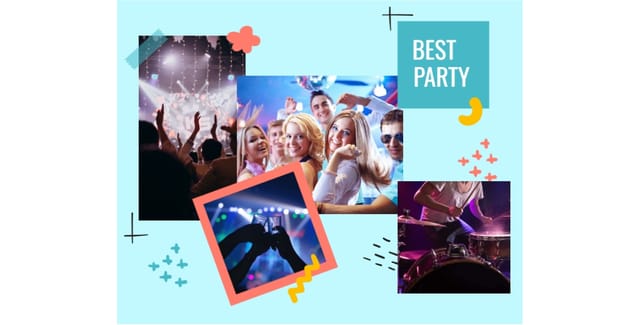
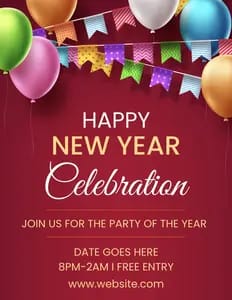
Putting Party Posters to Work: From Hobby to Pro
Fan Community Materials
Create party posters for fan clubs, viewing groups, and appreciation events. Designs that celebrate fandom and community.
Gig and Show Promotion
Create party posters announcing upcoming performances, screenings, and shows. Eye-catching designs that drive ticket sales and attendance.
Social Media Event Promotion
Design party posters sized for Instagram, Twitter, and Facebook event pages. Platform-optimized materials that maximize reach.
Release Day Announcements
Design party posters for album drops, film releases, and premiere events. Launch-day materials that build buzz across channels.
What Powers Party Poster Design: Under the Hood
Commercial Use Rights
Designs generated with Pixazo are yours to use commercially. No additional licensing required for party poster projects.
Negative Space Handling
The AI manages whitespace in party poster designs according to party aesthetic conventions, not generic poster defaults.
Context-Aware Design
Describe your party poster's purpose and audience. The AI adjusts visual weight, complexity, and clarity based on the intended use context.
Background Variation
Generate party posters with different background treatments. Solid, gradient, textured, or pattern backgrounds all available for party style.
Layered Style Application
Combine party style with other design parameters in a single prompt. The AI interprets complex requests and applies multiple style constraints simultaneously.
Print-Ready Output
Generated party posters are sized and structured for professional printing. Download high-resolution files ready for production.
Your Party Poster Process: Workflow Breakdown
Generate
Use AI to produce multiple party poster variations based on your brief. Start broad and narrow down from the strongest options.
Refine
Apply targeted edits to your selected party poster. Adjust typography, spacing, and color until every element meets your quality standard.
Review
Compare generated party poster options against your brief. Mark what works and note specific changes needed for the next iteration.
Brief
Establish the key message, dimensions, color preferences, and target audience for your party poster before any design work begins.
Format Options for Party Posters: From Screen to File
SVG
Scalable format for party poster designs that need to render crisply at any resolution, commonly used for web and responsive layouts.
JPG
Compressed image format suited for party poster designs with photographic elements where smaller file size matters more than pixel-perfect edges.
PNG
Lossless image format ideal for party poster designs with transparency, sharp text, and web display at predictable file sizes.
TIFF
High-fidelity format for party poster files destined for professional printing, supporting CMYK color and lossless compression.
WEBP
Modern web format offering smaller file sizes than PNG or JPG for party poster images without significant quality loss.
Party Poster Aesthetics: Compared
Minimalist Party
Stripped-back party approach. Fewer elements, more negative space, typography carries more visual weight.
Textured Party
Party design with added surface depth. Background treatments add visual interest without disrupting legibility.
Atmospheric Party
Party poster design where mood takes priority. Color and composition work together to create a specific feeling.
Classic Party
Traditional party design principles applied to modern poster format. Clean composition, conventional hierarchy, time-tested visual decisions.
Geometric Party
Structured party composition using grid systems and angular forms. Order and precision define the visual approach.
Creating Your Party Poster: Three Easy Steps
Watch: Creating Party Poster designs step by step
Good Party Poster Prompts That Work
Copy any prompt below and paste it into Pixazo to generate your design instantly.
Contemporary party poster design, grid-based layout, typographic precision, restrained color palette, no decorative excessClean party poster design, geometric structure, disciplined typography, color accent used selectively for emphasis, printer-optimized resolutionHigh-impact party poster, immediate visual read at thumbnail size, clear headline dominance, supporting information structured logicallyMonochromatic party poster, single-hue palette with value variation for contrast, typographic hierarchy creates visual interest without color complexityParty aesthetic poster, palette drawn from party design tradition, layout proportions consistent with party conventions, purposeful use of each elementEffective Party Poster Strategies: A Quality Guide
Test with real content
Never finalize a party poster with placeholder text. Real copy often has different lengths and line breaks that affect the design.
Keep the message focused
A strong party poster communicates one primary idea clearly. Supporting details should reinforce, not compete with, the main message.
Maintain brand alignment
Keep your party poster design consistent with existing brand colors, fonts, and visual language for a cohesive identity.
Use grids and alignment
Structured layouts in your party poster create a sense of order and professionalism that unstructured designs cannot match.
Skip proofreading
Typos and grammatical errors on a party poster undermine credibility instantly. Always have someone else review the final text.
Overcrowd the layout
Filling every pixel of your party poster with content makes it harder to read and reduces the impact of every individual element.
Rely solely on AI output
AI-generated party poster designs are a starting point. Human review catches issues with context, tone, and accuracy that AI can miss.
Use too many fonts
More than two or three typefaces in a single party poster creates visual noise and makes the design feel disjointed.
Working with Party Poster AI: Realistic Expectations
Known limitations and trade-offs of AI-generated party design. Being specific about what AI poster generation can and cannot do helps you plan your workflow and set accurate expectations.
About Party Posters: What People Ask
Include the target language in your prompt when generating party posters with non-English text. The AI selects typographic approaches appropriate for the language and applies party design conventions to the overall layout regardless of language.
Adjust your prompt to change any element of the design. If a generated party poster is close but not quite right, describe what you want changed and regenerate. The AI responds to specific direction about individual elements like color, layout, or typographic weight.
Generate your initial party poster, review the output, then modify your prompt to adjust specific elements. Each regeneration produces a fresh design incorporating your changes. Most users reach their final party poster design within two to four iterations.
You control every major design parameter through your prompt: color palette, typography style, layout structure, visual weight distribution, background treatment, and content hierarchy. The more specific your party poster prompt, the more precisely the AI follows your creative direction.
Yes. Set up separate brand kits for each client or brand, then switch between them when generating party posters. Each brand kit stores its own colors, fonts, and logo so the AI applies the correct identity to every party poster without manual reconfiguration.
Professional party poster design comes down to the right color relationships, appropriate typographic hierarchy, and compositional balance that fits party aesthetic conventions. Generic designs miss these details because they apply neutral defaults rather than style-specific decisions. Pixazo applies party design knowledge when you specify the style.

