Poem Poster : Create Free Poem Posters in Minutes with AI
Create Custom Poem Posters Quickly with Pixazo Best AI Poem Poster Maker. Try for Free!
Get Started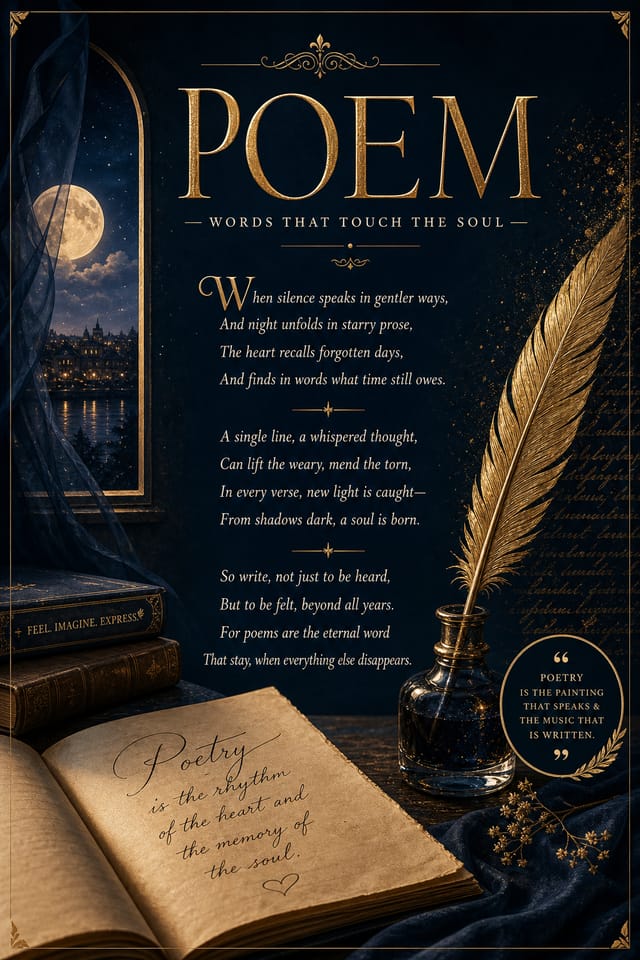
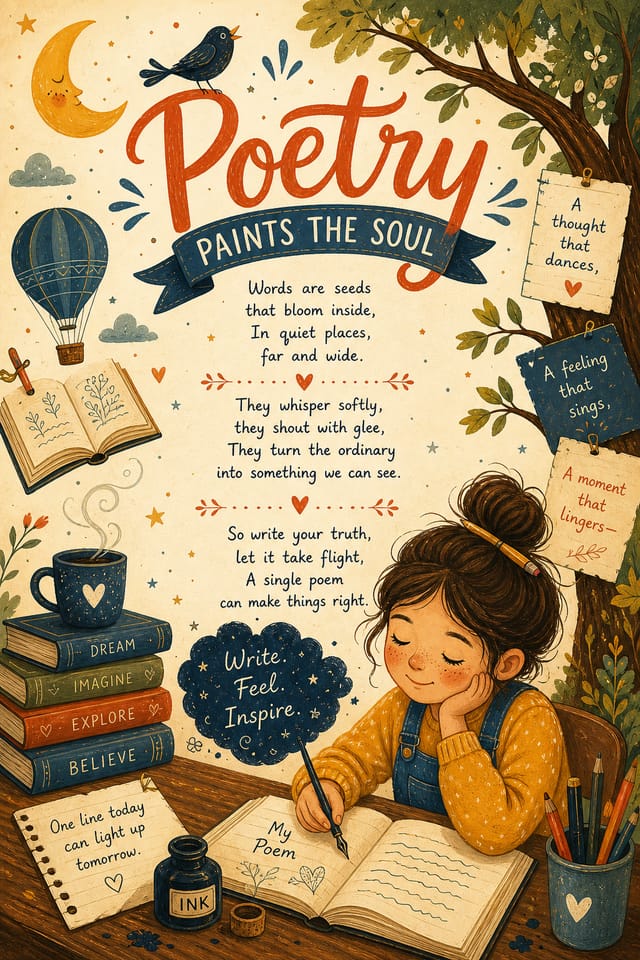
Pro Tips for Poem Poster Design: Lessons from the Field
Check Alignment Carefully
Misaligned elements are one of the most common signs of amateur poem poster design. Use grid lines and snap-to features to keep things precise.
Test at Actual Size
Always preview your poem poster at the dimensions it will be displayed. Design details that look fine at 100% can disappear or crowd at real-world scale.
Limit Your Color Palette
Stick to 2-3 primary colors in your poem poster design. Too many colors compete for attention and weaken the visual hierarchy.
Consider the Context
Think about where your poem poster will appear. A design optimized for social media needs different proportions and density than one for a physical bulletin board.
Visual Styles for Poem Posters: Aesthetic Choices
Contemporary Poem
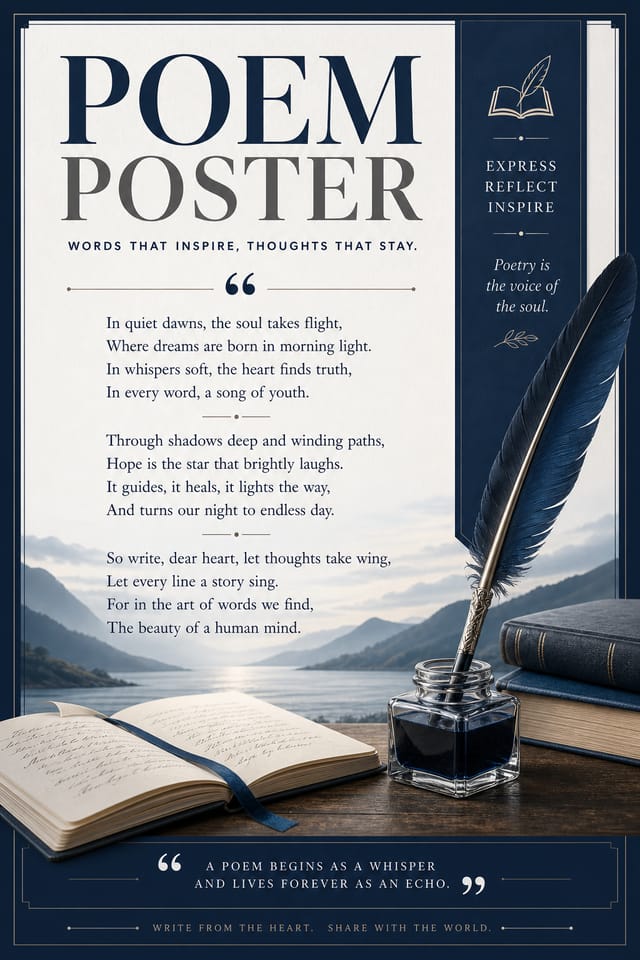
Current poem design sensibility with updated proportions, modern typefaces, and contemporary color relationships.
Minimalist Poem
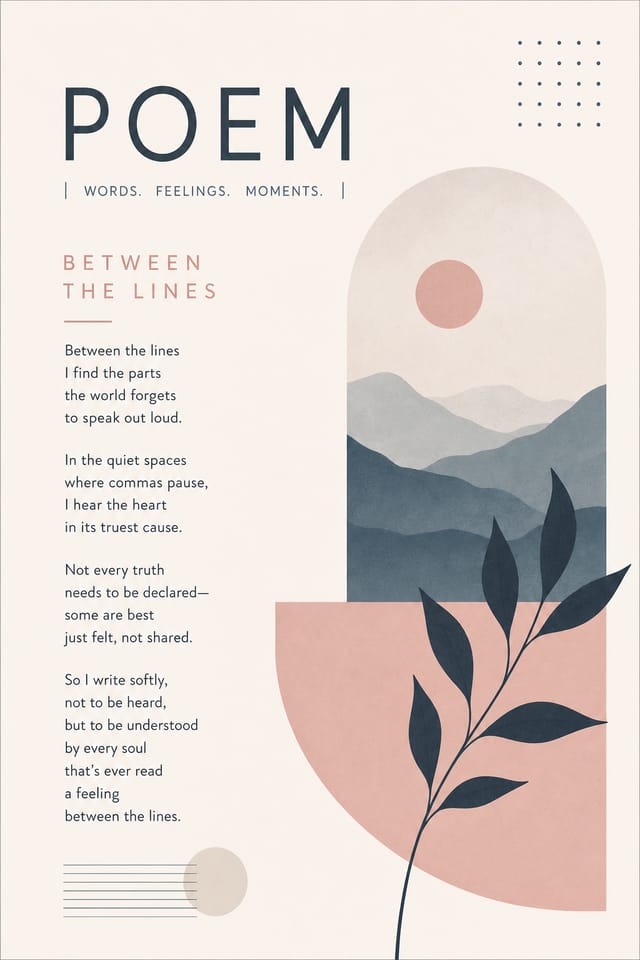
Stripped-back poem approach. Fewer elements, more negative space, typography carries more visual weight.
Atmospheric Poem
Poem poster design where mood takes priority. Color and composition work together to create a specific feeling.
Textured Poem
Poem design with added surface depth. Background treatments add visual interest without disrupting legibility.
High-Contrast Poem
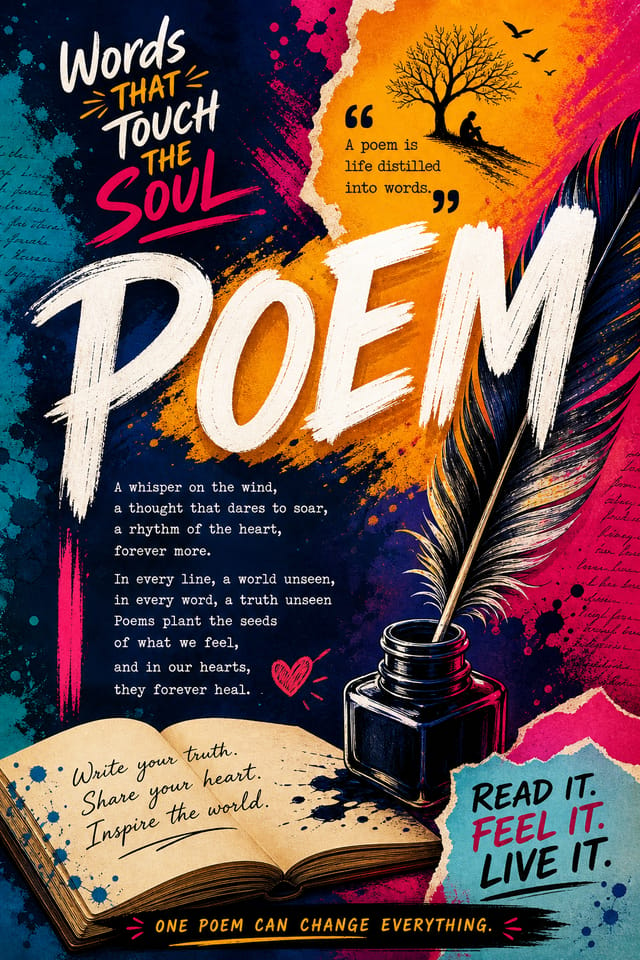
Bold poem visual treatment with strong tonal contrast. Elements read clearly at any viewing distance.
What Powers Poem Poster Design: Professional Features
Context-Aware Design
Describe your poem poster's purpose and audience. The AI adjusts visual weight, complexity, and clarity based on the intended use context.
Fast Generation
Complete poem poster designs generate in seconds. No rendering queues, no waiting for batch processing.
Color Temperature Control
Specify warm, cool, or neutral color direction for your poem poster. The AI builds the full palette around your temperature preference.
Layered Style Application
Combine poem style with other design parameters in a single prompt. The AI interprets complex requests and applies multiple style constraints simultaneously.
Compositional Structure
Layout and hierarchy decisions reflect poem design patterns. The proportions and arrangement match how poem designs are conventionally structured.
Who Creates Poem Posters: Contexts and Scenarios
Trade Show and Conference Materials
Generate poem posters for booth displays, attendee handouts, and event signage. Professional materials that represent your brand in competitive environments.
Healthcare and Wellness
Design poem posters for clinics, wellness centers, and health campaigns. Trustworthy visuals that communicate care and professionalism.
Social Media Content
Design poem posters sized for social platforms. Get content that looks intentional and well-crafted, not thrown together.
Retail and Hospitality
Produce poem in-store and venue posters that communicate quality through design. Poem aesthetics signal attention to customer experience.
Creating Your Poem Poster: The Creation Flow
Set the Direction
Start with a text description of your poem poster concept. Specify the visual style, colors, layout direction, and key text. Detailed prompts produce more accurate poem poster designs than general ones.
Judge the AI Result
The AI produces a poem poster based on your description. If the first result isn't exactly right, adjust the prompt to address what needs changing. Most designs reach the target within a few iterations.
Adjust the Details
Adjust your prompt to modify specific elements of the poem poster. Change the color palette, shift typography weight, or reposition the compositional focus. Each iteration gets you closer to the final design.
Transfer the File
Download your completed poem poster in the format that fits your use case. High-resolution files for print, web-optimized versions for digital, or PDF for production-ready delivery.
Watch: Creating Poem Poster designs step by step
Getting Your Poem Poster Out: From Screen to File
JPG
Compressed image format suited for poem poster designs with photographic elements where smaller file size matters more than pixel-perfect edges.
TIFF
High-fidelity format for poem poster files destined for professional printing, supporting CMYK color and lossless compression.
Print-ready format for poem poster files that preserves fonts, colors, and layout across different devices and print services.
PNG
Lossless image format ideal for poem poster designs with transparency, sharp text, and web display at predictable file sizes.
Poem Poster Output Quality: What the Data Shows
Languages supported for text rendering in poem poster design
Languages supported for text rendering in poem poster designs
Maximum output resolution for print-quality poem poster desi
Maximum output resolution for print-quality poem poster designs
Output formats available for every poem poster generation
Output formats available for every poem poster generation
Poem Poster Style Movements: What Is Popular Now
Retro Revival
Vintage aesthetics from the 1970s and 1990s are influencing poem poster design with textured backgrounds, serif fonts, and warm gradients.
Minimalist Layouts
Stripped-back poem poster designs with generous white space and limited elements are gaining favor for their clarity and elegance.
Asymmetric Composition
Breaking grid symmetry in poem poster layouts creates visual tension and a modern, editorial feel that stands out.
Muted Earth Tones
Natural color palettes with warm neutrals and desaturated greens are replacing the bright neon trends of previous years in poem poster work.
Organic Shapes
Flowing, irregular forms are replacing sharp geometric shapes in poem poster backgrounds and decorative elements for a softer visual feel.
Poem Poster AI Boundaries: Areas for Improvement
Known limitations and trade-offs of AI-generated poem design. Transparency matters when using AI for poem poster design. The points below describe where you may need to supplement AI output with manual work.
Try These Poem Poster Prompt Examples
Copy any prompt below and paste it into Pixazo to generate your design instantly.
Poem style poster, bold headline placement, supporting text at appropriate scale, color palette consistent with poem design conventionsPortrait-orientation poem poster, vertical composition, headline at natural reading entry point, supporting information flows downward logicallyPoem poster design, clean layout, strong typography hierarchy, appropriate color palette for poem aesthetic, high contrast between headline and backgroundLarge-format poem poster design, elements sized for visibility at print scale, no fine detail that would be lost in productionGeometric poem poster, structured grid system, angular composition, colors in blocks rather than gradients, modern clean finishPoem Poster Design: Your Questions Answered
Pixazo generates high-resolution files suitable for both print and digital use. Specify your intended output format in your prompt. Print poem posters benefit from high-DPI settings, while web and social media use works well with standard resolution output.
Your prompt history is saved in your account. You can revisit previous poem poster prompts, duplicate them with modifications, and build a library of proven prompt structures for consistent poem design output.
Canva uses fixed templates you customize manually. Pixazo generates original poem poster designs from your description, so every output is unique. For poem work specifically, the AI applies style-specific design decisions rather than offering generic drag-and-drop templates.
Pixazo supports PNG, JPEG, and PDF export for poem posters. PNG preserves transparency if your design uses it. JPEG works well for web and social media. PDF is the preferred format for print production of poem posters.
What Poem Creators Built: Real Creator Work
Real creators sharing their poem designs made with Pixazo AI.
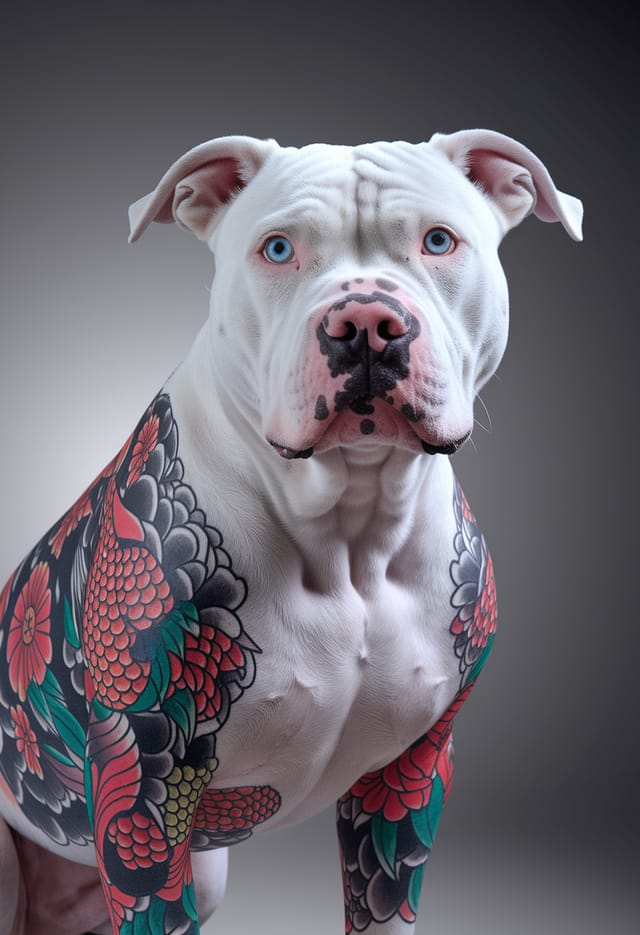
Vibrant poem poster targeting Gen Z audience, neon accent colors, asymmetric layout, bold experimental typography, maximum visual energy
Poem poster with Japanese minimalism influence, abundant whitespace, single focal element, restrained palette of black, white, and one accent
Bold poem poster with strong central headline, supporting information at secondary scale, background treatment consistent with poem design
