Sketch Poster : Create Free Sketch Posters in Minutes with AI
Create Custom Sketch Posters Quickly with Pixazo Best AI Sketch Poster Maker. Try for Free!
Get Started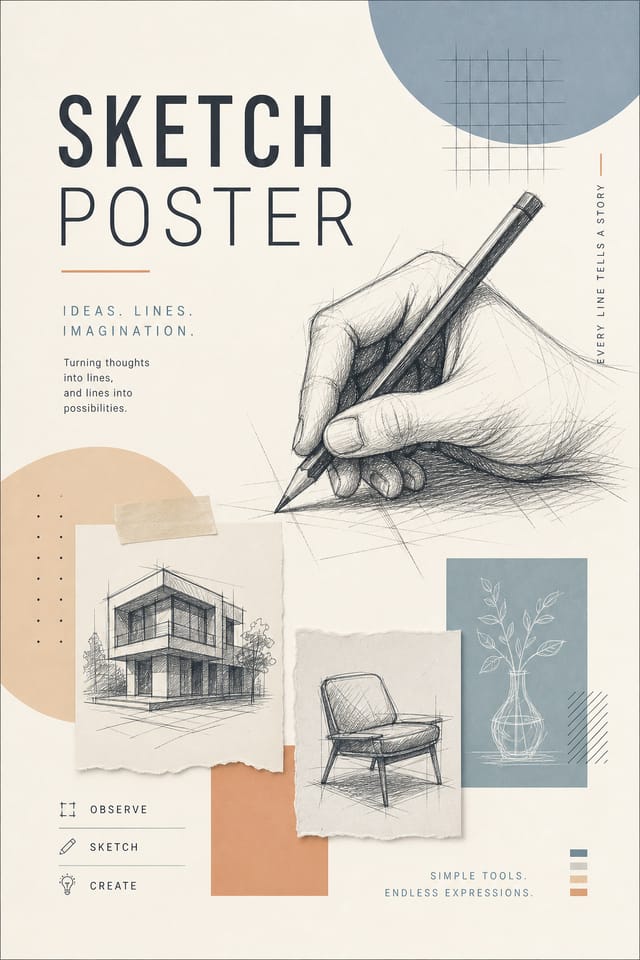
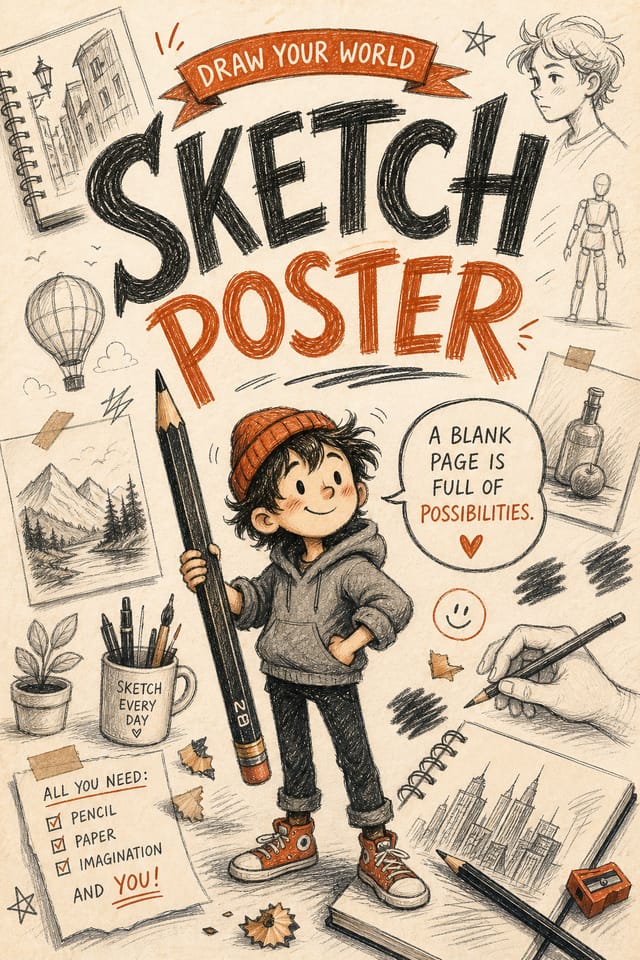
Delivering Your Sketch Poster: Output Formats Compared
Print-ready format for sketch poster files that preserves fonts, colors, and layout across different devices and print services.
JPG
Compressed image format suited for sketch poster designs with photographic elements where smaller file size matters more than pixel-perfect edges.
TIFF
High-fidelity format for sketch poster files destined for professional printing, supporting CMYK color and lossless compression.
PNG
Lossless image format ideal for sketch poster designs with transparency, sharp text, and web display at predictable file sizes.
WEBP
Modern web format offering smaller file sizes than PNG or JPG for sketch poster images without significant quality loss.
Your Sketch Poster Workflow: From Start to Finish
Watch: Creating Sketch Poster designs step by step
Design Intelligence for Sketch Posters: Key Design Conventions
How Pixazo Reads Sketch Style Cues
Not all poster design styles work the same way.
Sketch design has specific characteristics that distinguish it from other approaches: particular color affinities, compositional tendencies, and typographic conventions that trained designers recognize immediately.
Pixazo applies this style knowledge automatically.
When you request a sketch poster, the AI pulls from a visual vocabulary appropriate to sketch design, producing output that reads correctly to anyone familiar with the style.
Sketch Poster Design Rules: Dos and Don'ts
Test with real content
Never finalize a sketch poster with placeholder text. Real copy often has different lengths and line breaks that affect the design.
Maintain brand alignment
Keep your sketch poster design consistent with existing brand colors, fonts, and visual language for a cohesive identity.
Keep the message focused
A strong sketch poster communicates one primary idea clearly. Supporting details should reinforce, not compete with, the main message.
Use grids and alignment
Structured layouts in your sketch poster create a sense of order and professionalism that unstructured designs cannot match.
Forget the call to action
A sketch poster without a clear next step for the viewer is a missed opportunity. Always include direction on what to do next.
Overcrowd the layout
Filling every pixel of your sketch poster with content makes it harder to read and reduces the impact of every individual element.
Rely solely on AI output
AI-generated sketch poster designs are a starting point. Human review catches issues with context, tone, and accuracy that AI can miss.
Sketch Poster AI: What It Can Do
No Design Software Required
Create professional sketch posters without Photoshop, Illustrator, or other design applications. The AI handles all technical production.
Prompt Refinement
Adjust your description to refine any aspect of the sketch poster design. The AI responds to specific direction about colors, layout, or content.
Context-Aware Design
Describe your sketch poster's purpose and audience. The AI adjusts visual weight, complexity, and clarity based on the intended use context.
Color Palette Intelligence
Colors are chosen with sketch style awareness. The AI builds palettes that fit sketch design conventions rather than selecting arbitrarily.
Sketch Poster Applications: Real Applications
Sports and Recreation
Produce sketch posters for leagues, tournaments, and recreational programs. Energetic designs that build excitement and communicate schedules.
Political and Advocacy Campaigns
Create sketch campaign posters for candidates, ballot measures, and social causes. Persuasive designs that mobilize and inform.
Wedding and Celebration Planning
Create sketch posters for invitations, signage, and event branding. Cohesive visual systems that carry a celebration's theme across every touchpoint.
Podcast and Media Branding
Generate sketch posters for podcast covers, episode artwork, and media channel identity. Consistent visual branding across audio and video platforms.
Retail and Hospitality
Produce sketch in-store and venue posters that communicate quality through design. Sketch aesthetics signal attention to customer experience.
Sketch Style Options: Visual Approaches
High-Contrast Sketch
Bold sketch visual treatment with strong tonal contrast. Elements read clearly at any viewing distance.
Minimalist Sketch
Stripped-back sketch approach. Fewer elements, more negative space, typography carries more visual weight.
Classic Sketch
Traditional sketch design principles applied to modern poster format. Clean composition, conventional hierarchy, time-tested visual decisions.
Textured Sketch
Sketch design with added surface depth. Background treatments add visual interest without disrupting legibility.
Showcasing Sketch Posters: Community Showcase
Real creators sharing their sketch designs made with Pixazo AI.
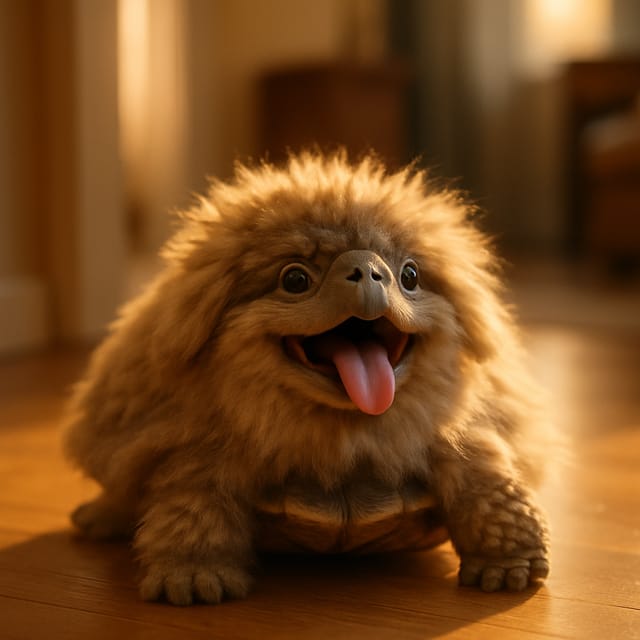
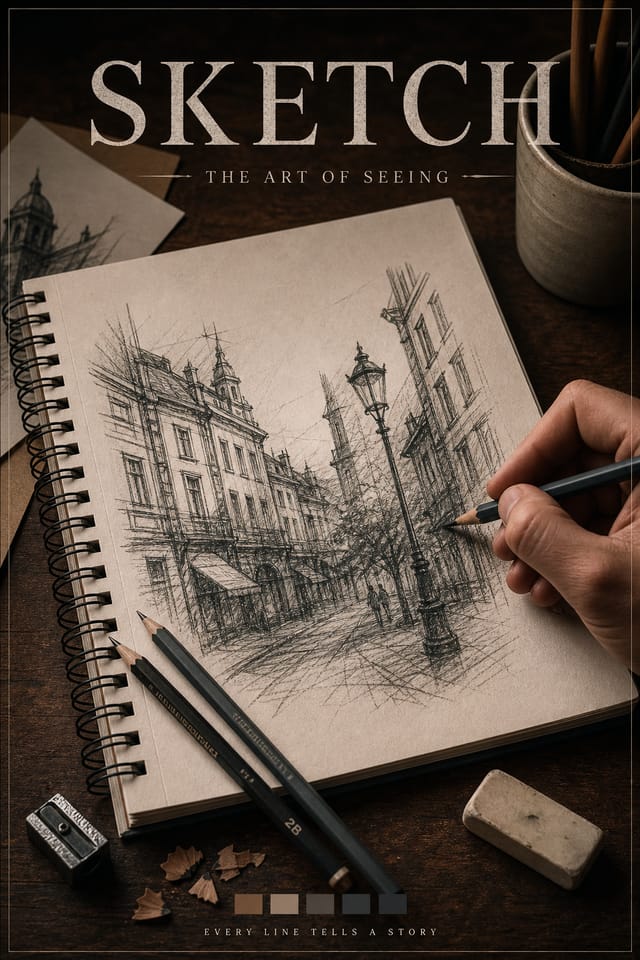
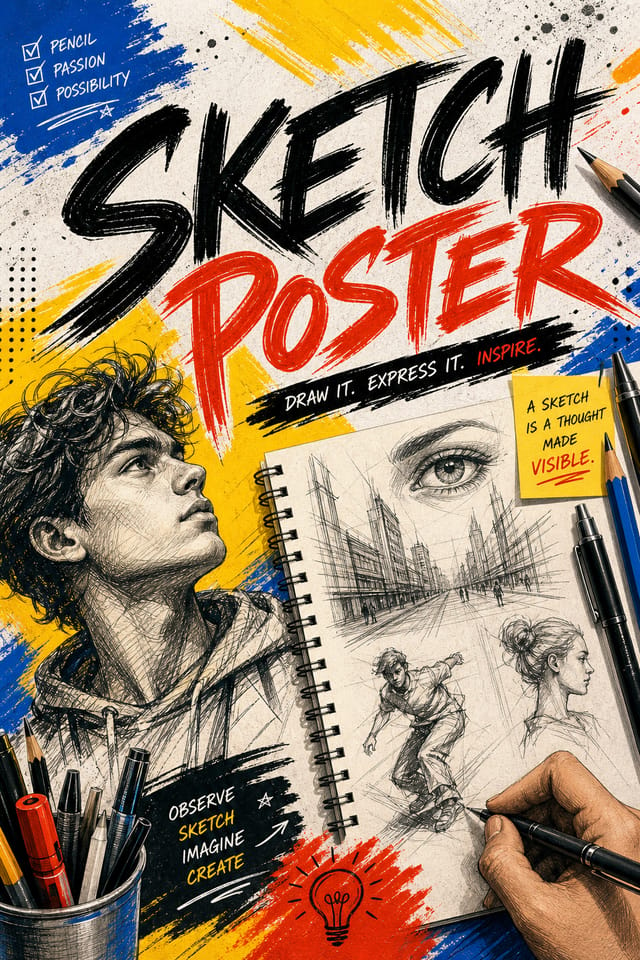
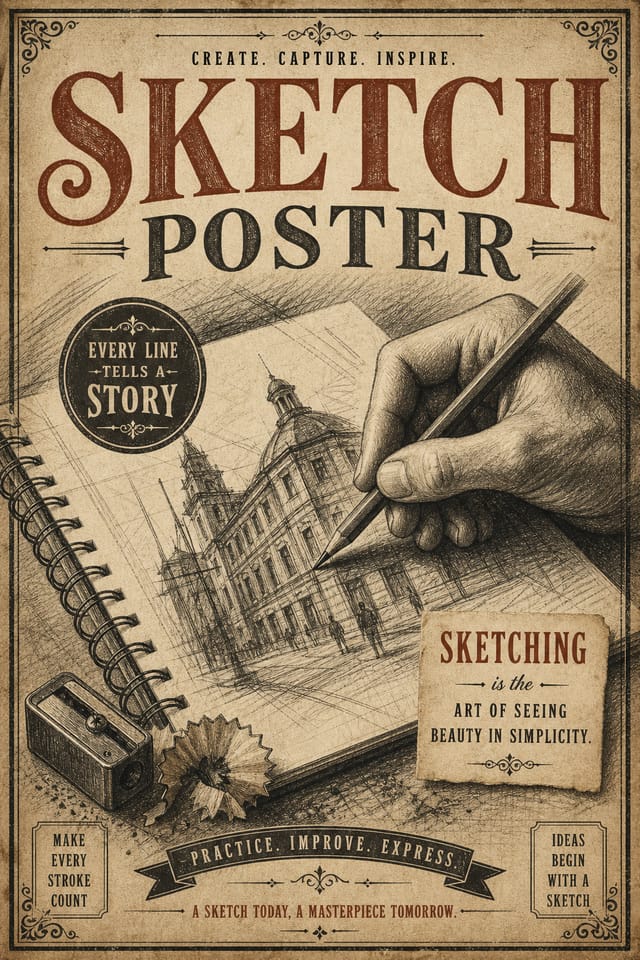
Bold sketch poster with strong central headline, supporting information at secondary scale, background treatment consistent with sketch design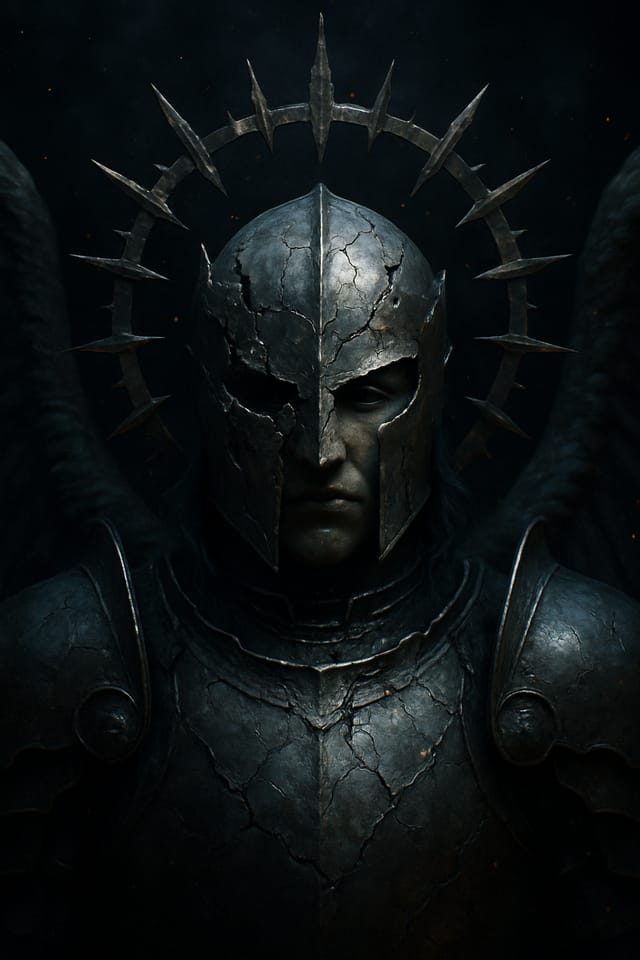
Sketch poster design, clean typographic hierarchy, palette appropriate to sketch aesthetic, high contrast headline, balanced composition
Portrait sketch poster for social sharing, vertical 4:5 ratio, headline in upper third, supporting content below centerlineSample Sketch Poster Prompt Examples
Copy any prompt below and paste it into Pixazo to generate your design instantly.
Portrait-orientation sketch poster, vertical composition, headline at natural reading entry point, supporting information flows downward logicallyFull-bleed sketch poster, background treatment extends to edges, foreground elements positioned for compositional balance, strong central hierarchyLarge-format sketch poster design, elements sized for visibility at print scale, no fine detail that would be lost in productionClean sketch poster design, geometric structure, disciplined typography, color accent used selectively for emphasis, printer-optimized resolutionHigh-impact sketch poster, immediate visual read at thumbnail size, clear headline dominance, supporting information structured logicallyUnderstanding Sketch Posters: Plain Answers
Designs created with Pixazo are available for commercial use. You can use your sketch posters for client projects, product sales, advertising, and other commercial applications without additional licensing fees.
Include 'transparent background' in your prompt to generate a sketch poster with no background fill. Download as PNG to preserve transparency. This is useful for sketch designs that will be composited over other imagery or placed on colored surfaces.
Brand kits let you save your logo, fonts, and color palette so every sketch poster you generate stays on brand. Once configured, the AI applies your brand parameters automatically alongside sketch style conventions.
Professional sketch poster design comes down to the right color relationships, appropriate typographic hierarchy, and compositional balance that fits sketch aesthetic conventions. Generic designs miss these details because they apply neutral defaults rather than style-specific decisions. Pixazo applies sketch design knowledge when you specify the style.
You can request high-contrast or color-blind-friendly palettes in your prompt. Specify 'accessible color palette' or 'deuteranopia-safe colors' and the AI will select sketch-appropriate colors that maintain sufficient contrast for users with color vision deficiencies.
You control every major design parameter through your prompt: color palette, typography style, layout structure, visual weight distribution, background treatment, and content hierarchy. The more specific your sketch poster prompt, the more precisely the AI follows your creative direction.
Current Sketch Poster Limits: Honest Expectations
Known limitations and trade-offs of AI-generated sketch design. Understanding what the AI handles well and where it falls short helps you structure your sketch poster design workflow effectively.

