Volunteer Poster : Create Free Volunteer Posters in Minutes with AI
Create Custom Volunteer Posters Quickly with Pixazo Best AI Volunteer Poster Maker. Try for Free!
Get Started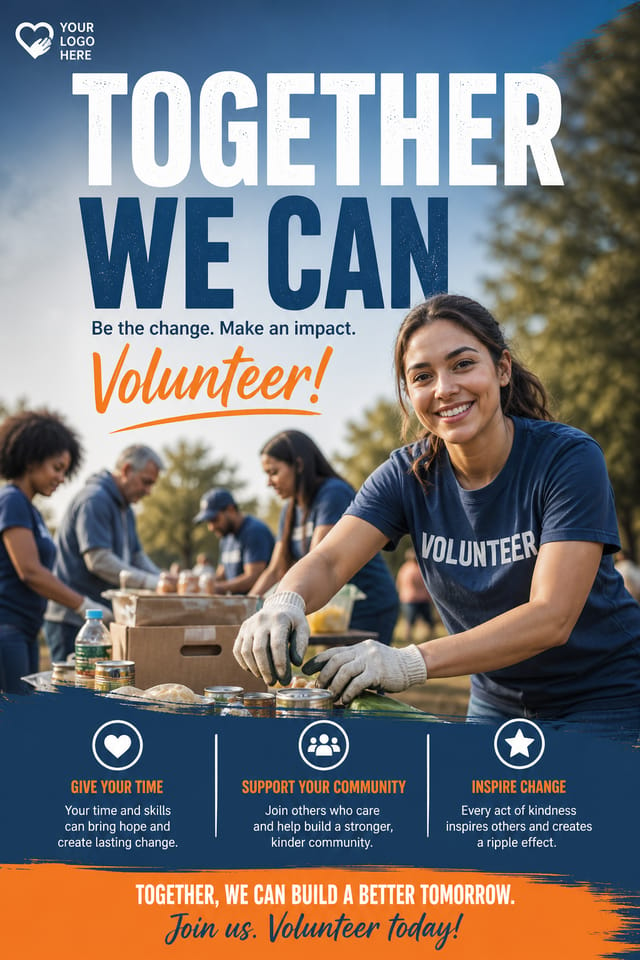

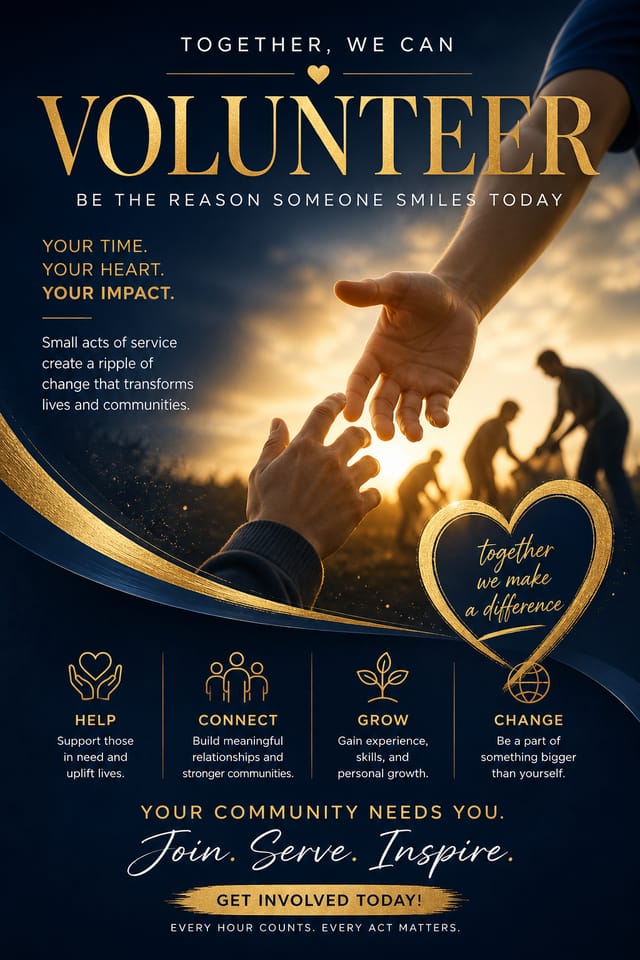
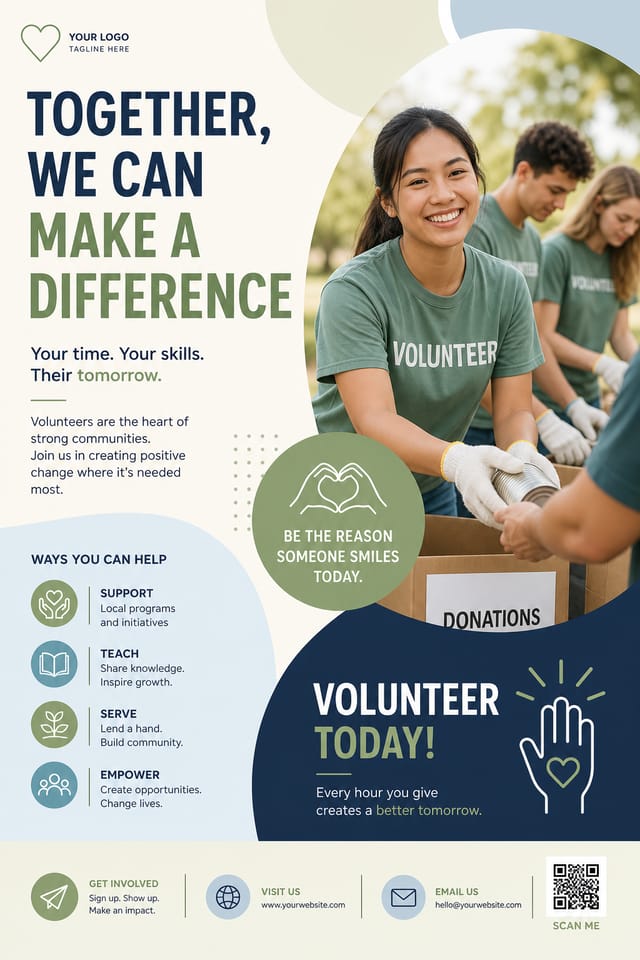
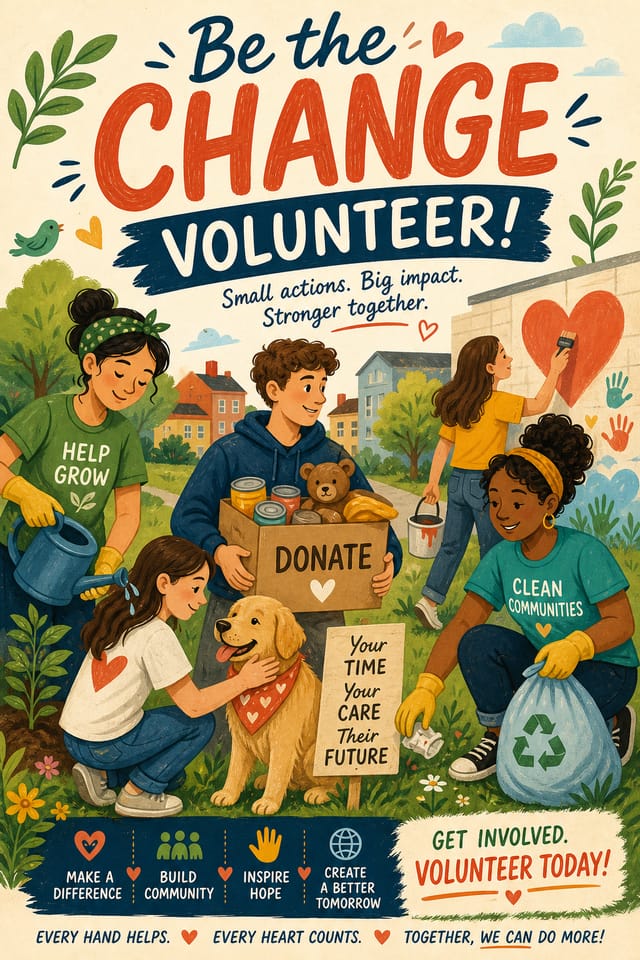
AI Volunteer Poster Engine: Create Stunning Designs
Design professional volunteer posters in minutes with Pixazo's AI design engine. Built for creators who want polished results without the production time.
Create Your Volunteer Poster FreeDesign Intelligence for Volunteer Posters: Specific Knowledge Required
Understanding Volunteer Poster Design Conventions
The strongest volunteer poster designs succeed because every element reinforces the style rather than contradicting it.
Typography that fits volunteer conventions, colors that carry volunteer associations, layouts that breathe in ways consistent with volunteer design sensibility.
Pixazo's AI understands these relationships.
Describe your volunteer poster and the system generates designs where all the elements agree.
Your Volunteer Poster Process: A Production Pipeline
Brief
Establish the key message, dimensions, color preferences, and target audience for your volunteer poster before any design work begins.
Research
Collect examples of effective volunteer poster designs, note what works, and identify patterns relevant to your project goals.
Review
Compare generated volunteer poster options against your brief. Mark what works and note specific changes needed for the next iteration.
Export
Export your volunteer poster in the required formats and resolutions. Organize deliverables for handoff to the production or publishing team.
Refine
Apply targeted edits to your selected volunteer poster. Adjust typography, spacing, and color until every element meets your quality standard.
Creating Your Volunteer Poster: The Simple Process
Watch: Creating Volunteer Poster designs step by step
What Powers Volunteer Poster Design: What Sets It Apart
No Design Software Required
Create professional volunteer posters without Photoshop, Illustrator, or other design applications. The AI handles all technical production.
Context-Aware Design
Describe your volunteer poster's purpose and audience. The AI adjusts visual weight, complexity, and clarity based on the intended use context.
Prompt Refinement
Adjust your description to refine any aspect of the volunteer poster design. The AI responds to specific direction about colors, layout, or content.
Instant Iterations
Generate multiple volunteer poster variations from a single prompt. Compare options and refine until the design matches your vision.
Commercial Use Rights
Designs generated with Pixazo are yours to use commercially. No additional licensing required for volunteer poster projects.
The Volunteer Poster Gallery: Real Creator Work
Real creators sharing their volunteer designs made with Pixazo AI.

Professional volunteer poster, minimalist layout, selective use of color for emphasis, clear visual hierarchy from top to bottom
Editorial-inspired volunteer poster, text-dominant layout, typographic variety creates visual interest, clean structured alignment
Volunteer poster with retro 1970s color palette, warm oranges and browns, groovy display type, textured paper background feelVolunteer Poster Dos and Don'ts: Dos and Don'ts
Maintain brand alignment
Keep your volunteer poster design consistent with existing brand colors, fonts, and visual language for a cohesive identity.
Use grids and alignment
Structured layouts in your volunteer poster create a sense of order and professionalism that unstructured designs cannot match.
Optimize for the display medium
Tailor your volunteer poster resolution, color space, and text size to the specific platform or physical context where it will appear.
Use too many fonts
More than two or three typefaces in a single volunteer poster creates visual noise and makes the design feel disjointed.
Rely solely on AI output
AI-generated volunteer poster designs are a starting point. Human review catches issues with context, tone, and accuracy that AI can miss.
Ignore accessibility
Low-contrast text and tiny font sizes in your volunteer poster exclude a significant portion of your potential audience.
Who Creates Volunteer Posters: Use Case Roundup
Healthcare and Wellness
Design volunteer posters for clinics, wellness centers, and health campaigns. Trustworthy visuals that communicate care and professionalism.
Personal Creative Work
Generate volunteer posters for personal projects, home display, and creative experiments without spending production time on design execution.
Sports and Recreation
Produce volunteer posters for leagues, tournaments, and recreational programs. Energetic designs that build excitement and communicate schedules.
Educational Materials
Design volunteer posters for educational contexts. Courses, workshops, and learning materials benefit from the visual clarity of good volunteer design.
Volunteer Poster Look and Feel: What Works Best
Editorial Volunteer
Text-dominant volunteer poster layout inspired by print publication design. Typographic variety creates visual rhythm.
Minimalist Volunteer
Stripped-back volunteer approach. Fewer elements, more negative space, typography carries more visual weight.
Contemporary Volunteer
Current volunteer design sensibility with updated proportions, modern typefaces, and contemporary color relationships.
Atmospheric Volunteer
Volunteer poster design where mood takes priority. Color and composition work together to create a specific feeling.
Classic Volunteer
Traditional volunteer design principles applied to modern poster format. Clean composition, conventional hierarchy, time-tested visual decisions.
Volunteer Poster At a Glance: Specs and Limits
Copy-Paste Volunteer Poster Design Prompts
Copy any prompt below and paste it into Pixazo to generate your design instantly.
Clean volunteer poster design, geometric structure, disciplined typography, color accent used selectively for emphasis, printer-optimized resolutionFull-bleed volunteer poster, background treatment extends to edges, foreground elements positioned for compositional balance, strong central hierarchyProfessional volunteer poster, minimalist volunteer approach, negative space used intentionally, readable at multiple viewing distances, print-ready compositionTextured volunteer poster, surface treatment adds depth without obscuring legibility, texture consistent with volunteer aestheticGeometric volunteer poster, structured grid system, angular composition, colors in blocks rather than gradients, modern clean finishYour Volunteer Poster Questions: FAQ
Include the target language in your prompt when generating volunteer posters with non-English text. The AI selects typographic approaches appropriate for the language and applies volunteer design conventions to the overall layout regardless of language.
Pixazo supports PNG, JPEG, and PDF export for volunteer posters. PNG preserves transparency if your design uses it. JPEG works well for web and social media. PDF is the preferred format for print production of volunteer posters.
Include your specific colors in the prompt, either by hex code or descriptive terms. 'Navy and copper with white text' or '#1a1a2e and #c9a84c palette' both work. The AI builds a volunteer-appropriate palette around your specified colors.
A volunteer poster generates in seconds after submitting your prompt. Total time from prompt submission to downloadable file is typically under a minute, including any server processing time.
Specify the dimensions in your prompt. Common formats like A3, 18x24 inches, or 1080x1920 pixels for social media stories all work. The AI generates a volunteer poster composition appropriate for the specified aspect ratio and use case.
Volunteer Poster Constraints: Known Limitations
Known limitations and trade-offs of AI-generated volunteer design. AI volunteer poster generation produces strong results within its design domain. These notes describe where human judgment and manual work remain necessary.

