World Water Day Poster : Create Free World Water Day Posters in Minutes with AI
Create Custom World Water Day Posters Quickly with Pixazo Best AI World Water Day Poster Maker. Try for Free!
Get Started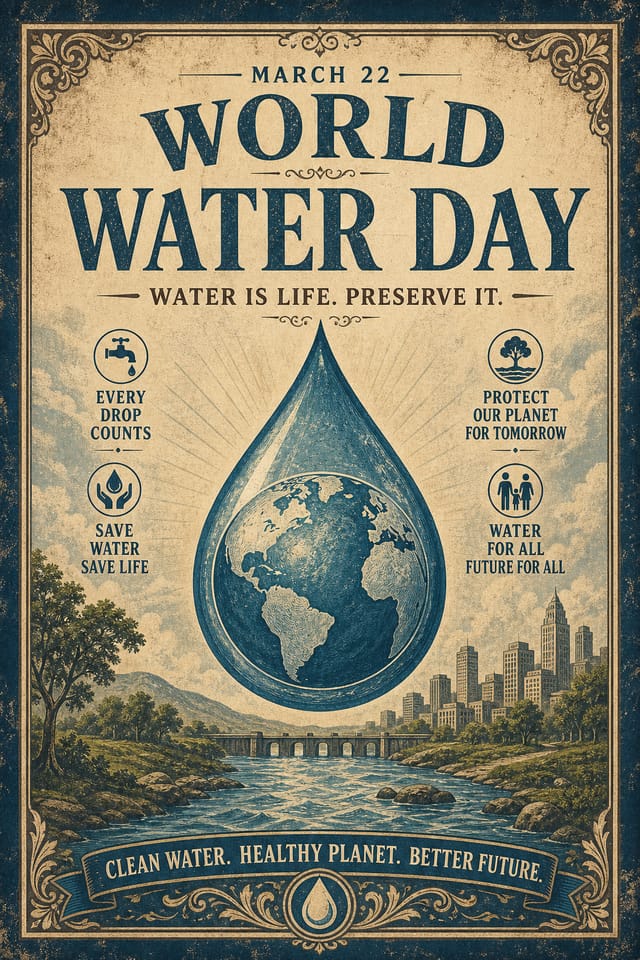
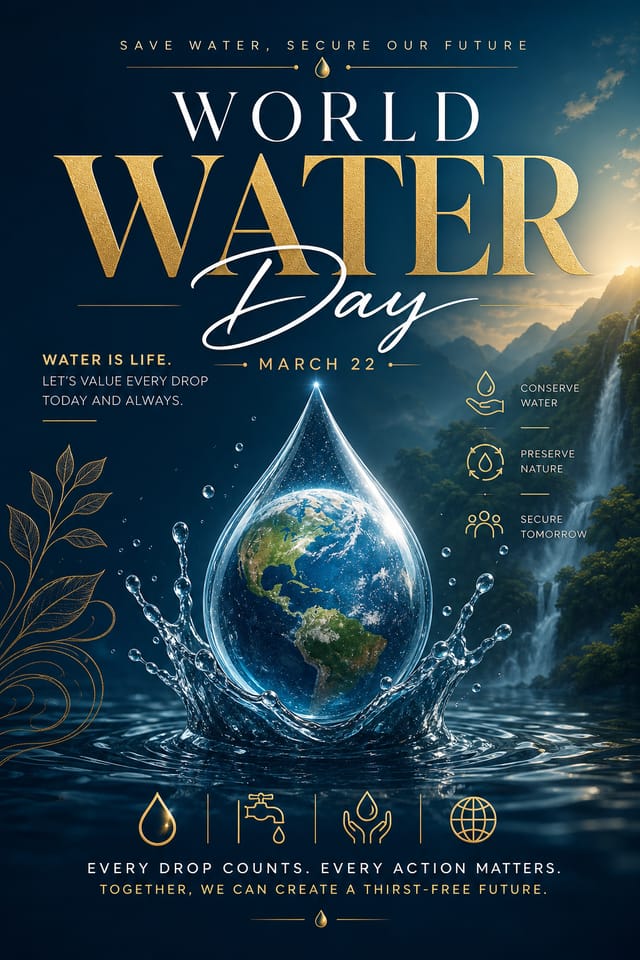
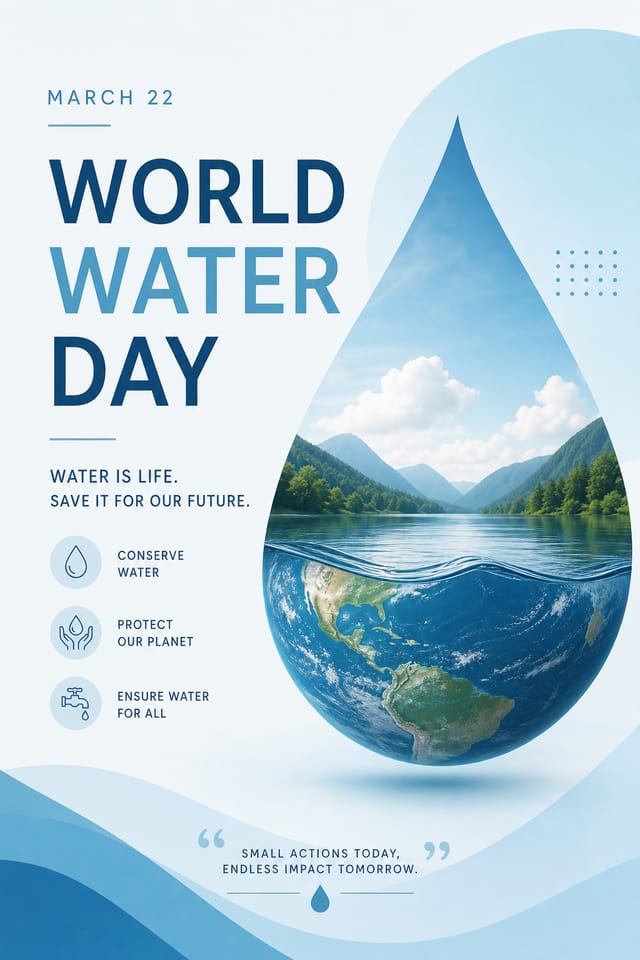
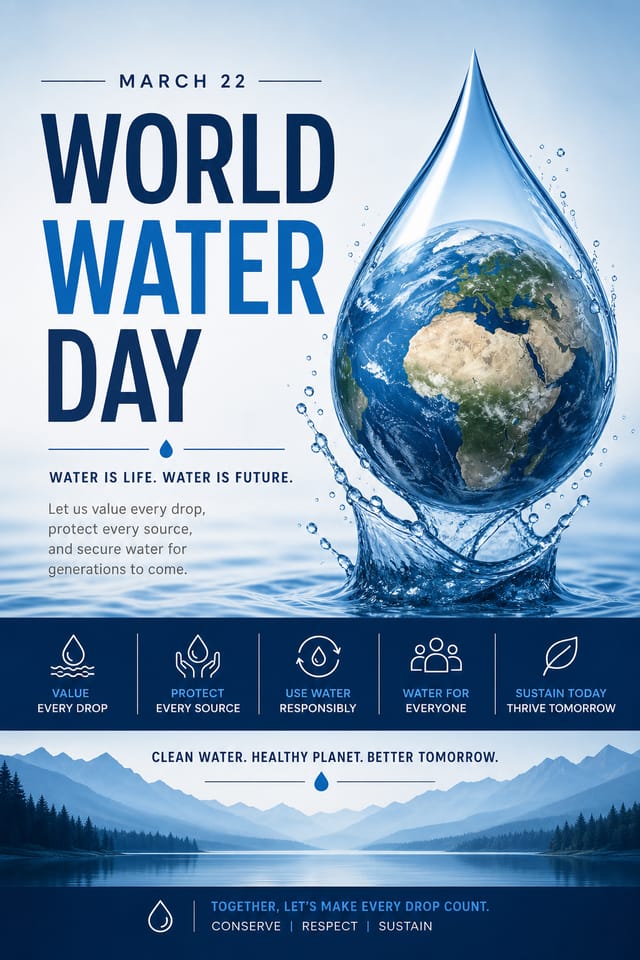
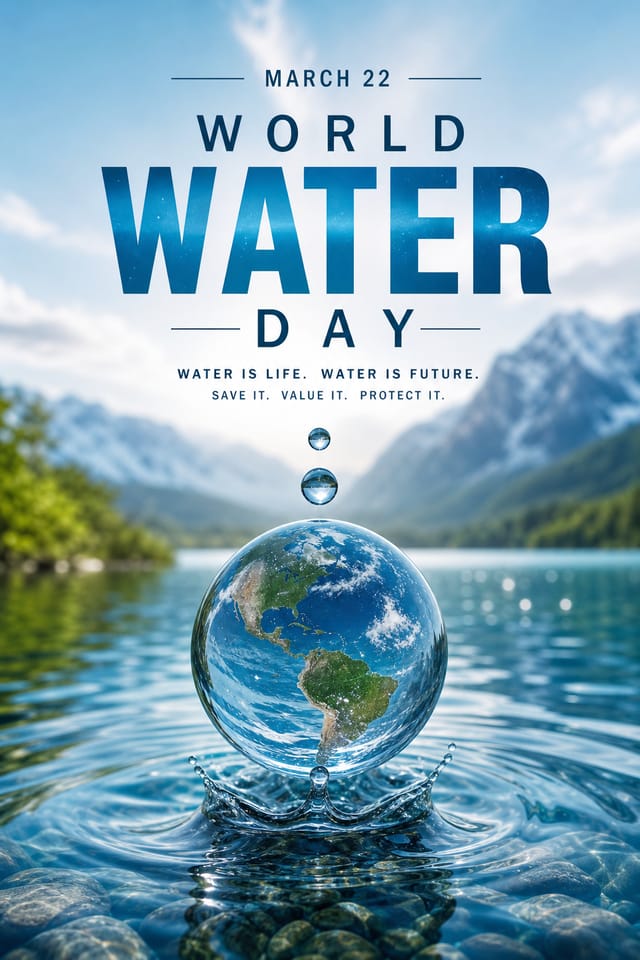
World-Water-Day Poster Maker: What You Get
How World-Water-Day Poster Projects Flow: The Full Process
Export
Export your world-water-day poster in the required formats and resolutions. Organize deliverables for handoff to the production or publishing team.
Research
Collect examples of effective world-water-day poster designs, note what works, and identify patterns relevant to your project goals.
Review
Compare generated world-water-day poster options against your brief. Mark what works and note specific changes needed for the next iteration.
Generate
Use AI to produce multiple world-water-day poster variations based on your brief. Start broad and narrow down from the strongest options.
What Makes World-Water-Day Poster Design Work: Design Intelligence at Work
The World-Water-Day Design System Pixazo Uses
The gap between a professional world-water-day poster and a mediocre one usually comes down to design decisions made early in the process: palette selection, type hierarchy, and compositional structure.
These choices determine whether the final output reads as world-water-day or just looks generic.
Pixazo's AI makes these foundational decisions based on your prompt.
Specify a world-water-day poster and the system selects design parameters that match world-water-day visual expectations, giving you a solid starting point rather than a blank-slate template.
The Reach of World-Water-Day Posters: Real Applications
Healthcare and Wellness
Design world-water-day posters for clinics, wellness centers, and health campaigns. Trustworthy visuals that communicate care and professionalism.
Social Media Content
Design world-water-day posters sized for social platforms. Get content that looks intentional and well-crafted, not thrown together.
Event Promotion
Create world-water-day event posters that establish the right visual mood before the event. World-Water-Day design signals quality and sets expectations.
Professional Projects
Create world-water-day posters for client work, commercial campaigns, and professional applications where quality and style accuracy matter.
What Powers World-Water-Day Poster Design: What It Can Do
Export Flexibility
Download your world-water-day poster in formats suited for your use case. Web-optimized versions for digital display, high-DPI files for print.
Print-Ready Output
Generated world-water-day posters are sized and structured for professional printing. Download high-resolution files ready for production.
Context-Aware Design
Describe your world-water-day poster's purpose and audience. The AI adjusts visual weight, complexity, and clarity based on the intended use context.
Color Palette Intelligence
Colors are chosen with world-water-day style awareness. The AI builds palettes that fit world-water-day design conventions rather than selecting arbitrarily.
Consistency Across Variants
Generate multiple world-water-day posters for a project and maintain visual consistency across the set. Specify your core design parameters and vary secondary elements.
World-Water-Day Poster Output Quality: Output Benchmarks
Maximum output resolution for print-quality world-water-day
Maximum output resolution for print-quality world-water-day poster designs
Full commercial usage rights for all generated world-water-d
Full commercial usage rights for all generated world-water-day posters
Languages supported for text rendering in world-water-day po
Languages supported for text rendering in world-water-day poster designs
Inside World-Water-Day Poster Creation: The Creation Flow
Begin with Your Vision
Write a prompt describing your world-water-day poster. Include style preferences, color direction, the most important text to display, and any specific visual elements you want. The more specific your description, the more targeted the output.
Confirm the Direction
Pixazo generates your world-water-day poster in seconds. Review the design and adjust your prompt to refine specific elements: change the color palette, shift the layout weight, or add visual elements you want included.
Save and Share
Download your completed world-water-day poster in the format that fits your use case. High-resolution files for print, web-optimized versions for digital, or PDF for production-ready delivery.
Watch: Creating World Water Day Poster designs step by step
What Makes a Strong World-Water-Day Poster: The Essentials
Compositional Balance
Visual weight in world-water-day poster design should be intentional. Asymmetric balance often creates more interest than centered symmetry, but both can work when executed with purpose.
Visual Hierarchy
Strong world-water-day poster design establishes a clear reading order. The headline should be immediately visible, supporting information should follow in logical sequence.
Texture and Depth
Subtle texture in world-water-day poster design adds visual interest without competing with content. Surface treatments create depth and suggest quality when used sparingly.
World-Water-Day Creator What People Are Making
Real creators sharing their world water day designs made with Pixazo AI.

Handmade-feel world-water-day poster with brush stroke textures, imperfect edges, warm color palette, artisanal craft aesthetic
Portrait world-water-day poster for social sharing, vertical 4:5 ratio, headline in upper third, supporting content below centerline
Moody world-water-day poster with deep shadows and dramatic lighting feel, dark palette, cinematic atmosphere, headline in condensed uppercaseThe Fine Print on World-Water-Day Posters: Room to Grow
Known limitations and trade-offs of AI-generated world water day design. AI world-water-day poster generation produces strong results within its design domain. These notes describe where human judgment and manual work remain necessary.
Emerging World-Water-Day Poster Patterns: Design Movements
Retro Revival
Vintage aesthetics from the 1970s and 1990s are influencing world-water-day poster design with textured backgrounds, serif fonts, and warm gradients.
Brutalist Design
Raw, intentionally unpolished world-water-day poster aesthetics with stark contrasts and unconventional layouts are carving a niche in creative industries.
Motion-Ready Design
Static world-water-day poster designs are being created with animation in mind, using layered elements that translate smoothly to motion graphics.
Asymmetric Composition
Breaking grid symmetry in world-water-day poster layouts creates visual tension and a modern, editorial feel that stands out.
Muted Earth Tones
Natural color palettes with warm neutrals and desaturated greens are replacing the bright neon trends of previous years in world-water-day poster work.
About World-Water-Day Posters: Frequently Asked
Professional world-water-day poster design comes down to the right color relationships, appropriate typographic hierarchy, and compositional balance that fits world-water-day aesthetic conventions. Generic designs miss these details because they apply neutral defaults rather than style-specific decisions. Pixazo applies world-water-day design knowledge when you specify the style.
Pixazo provides an API for programmatic world-water-day poster generation. Integrate it into your content pipeline to automate design production at scale. API documentation covers authentication, prompt formatting, and output retrieval.
Canva uses fixed templates you customize manually. Pixazo generates original world-water-day poster designs from your description, so every output is unique. For world-water-day work specifically, the AI applies style-specific design decisions rather than offering generic drag-and-drop templates.
Designs generated through Pixazo are yours to use as you see fit. You retain full usage rights for commercial and personal applications. The platform does not claim ownership over your generated world-water-day poster output.
Describe your core design parameters in each prompt and vary only the specific elements that should change across the series. Maintaining consistent color palette, typographic approach, and compositional structure across world-water-day poster variations creates a coherent series.
World-Water-Day Poster Prompts: Prompt Ideas
Copy any prompt below and paste it into Pixazo to generate your design instantly.
Series-compatible world-water-day poster design, visual language that extends to multiple formats, consistent design system across variantsRefined world-water-day poster, sophisticated color relationships, intentional whitespace, typefaces appropriate to world-water-day style, balanced compositionProfessional world-water-day poster, minimalist world-water-day approach, negative space used intentionally, readable at multiple viewing distances, print-ready compositionClean world-water-day poster design, geometric structure, disciplined typography, color accent used selectively for emphasis, printer-optimized resolutionMonochromatic world-water-day poster, single-hue palette with value variation for contrast, typographic hierarchy creates visual interest without color complexity
