Abstract Presentation : Create Free Abstract Presentations in Minutes with AI
Create Custom Abstract Presentations Quickly with Pixazo Best AI Abstract Presentation Maker. Try for Free!
Get Started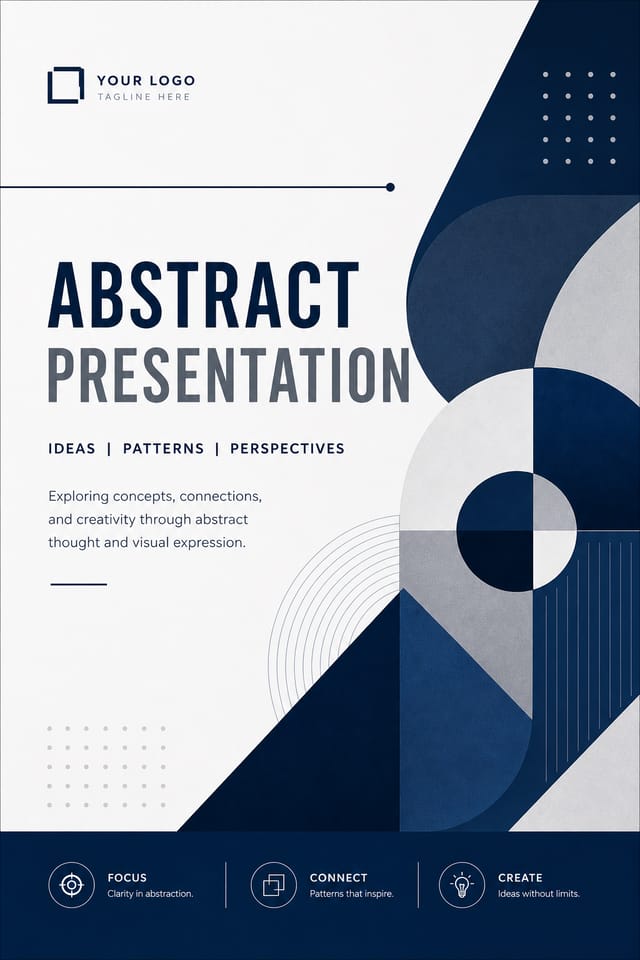
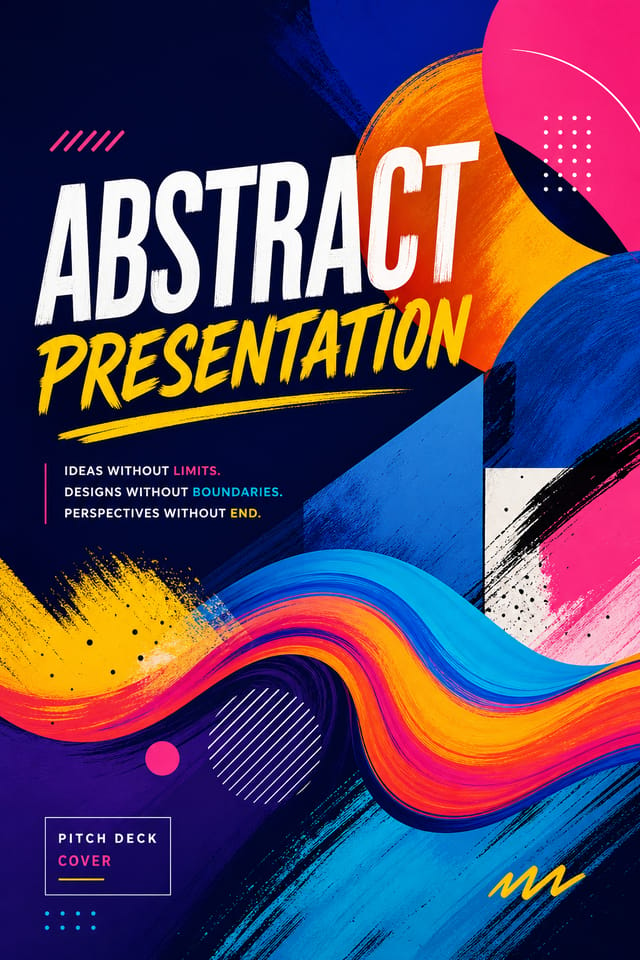
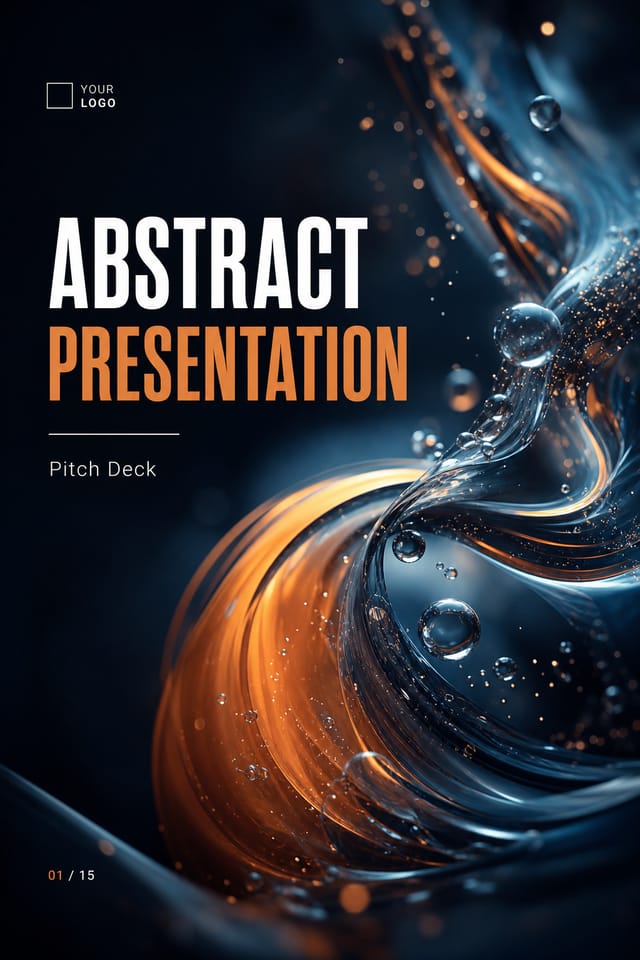
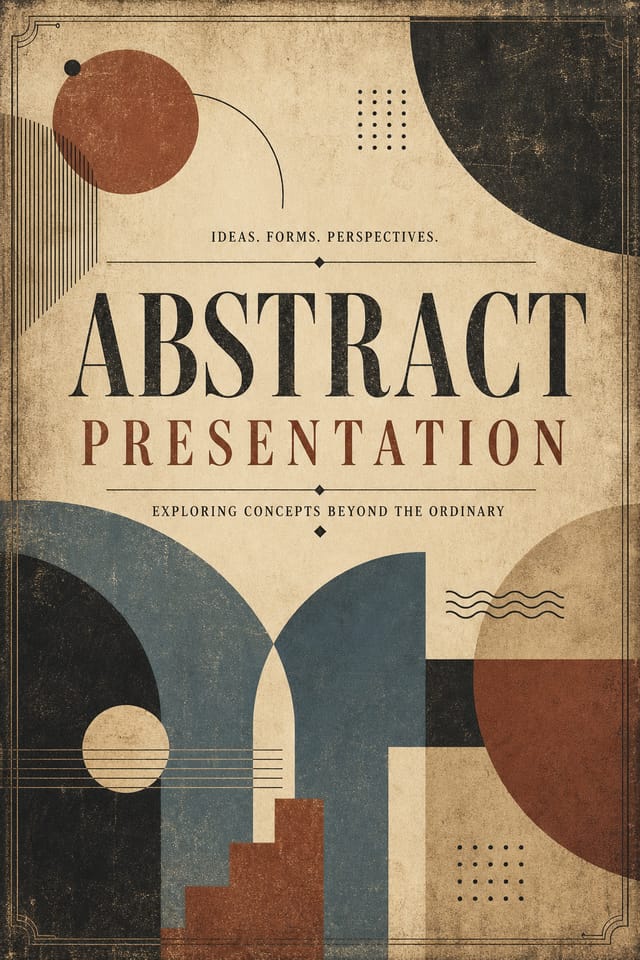
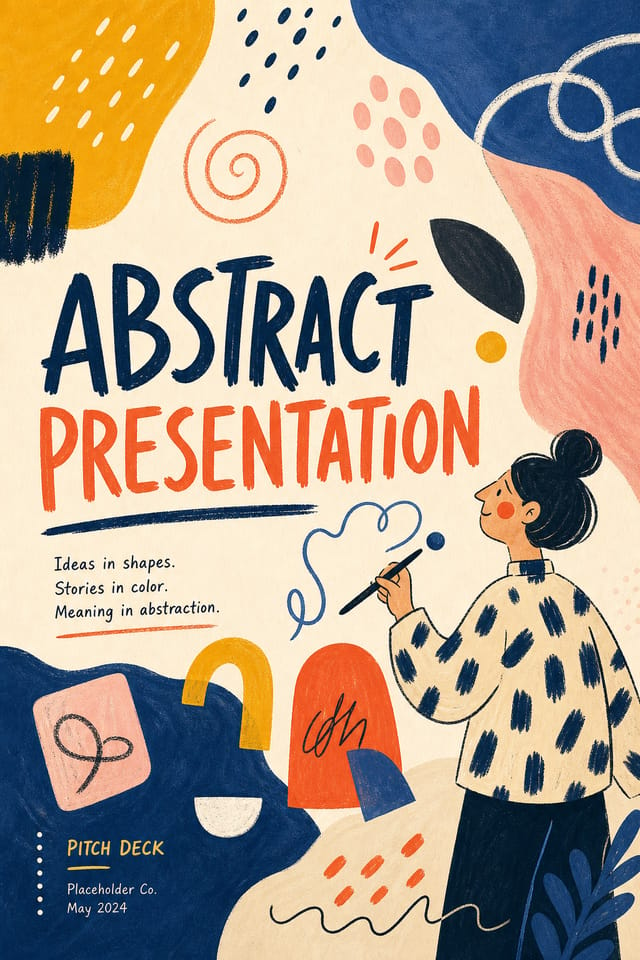
Abstract Presentation Trends to Watch: Trend Report
Asymmetric Composition
Breaking grid symmetry in abstract presentation layouts creates visual tension and a modern, editorial feel that stands out.
Dark Mode Aesthetics
Dark backgrounds with high-contrast accents are increasingly common in abstract presentation design, reducing visual fatigue and adding sophistication.
Bold Typography
Oversized type and expressive fonts are dominating abstract presentation design, turning headlines into visual centerpieces rather than just text.
Motion-Ready Design
Static abstract presentation designs are being created with animation in mind, using layered elements that translate smoothly to motion graphics.
Hand-Drawn Elements
Illustrations, doodles, and hand-lettering bring a personal, approachable quality to abstract presentation designs in an era of polished digital output.
Minimalist Layouts
Stripped-back abstract presentation designs with generous white space and limited elements are gaining favor for their clarity and elegance.
Mastering Abstract Presentation Creation: Expert-Level Advice
Prioritize Hierarchy
Every abstract presentation needs a clear reading order. Make sure the most important information is the largest and most prominent element in the layout.
Start with a Clear Brief
Before generating any abstract presentation, write down the core message, target audience, and intended use. A focused brief produces better results than iterating from a vague idea.
Check Alignment Carefully
Misaligned elements are one of the most common signs of amateur abstract presentation design. Use grid lines and snap-to features to keep things precise.
Match Tone to Audience
A abstract presentation for a corporate event needs a different visual tone than one for a music festival. Let the audience guide your style choices.
Design Intelligence for Abstract Presentations: Why It Matters
How AI Translates Abstract Style to Final Output
The strongest abstract presentation designs succeed because every element reinforces the style rather than contradicting it.
Typography that fits abstract conventions, colors that carry abstract associations, layouts that breathe in ways consistent with abstract design sensibility.
Pixazo's AI understands these relationships.
Describe your abstract presentation and the system generates designs where all the elements agree.
Behind Abstract Presentation Design: Design Powers
Prompt Refinement
Adjust your description to refine any aspect of the abstract presentation design. The AI responds to specific direction about colors, layout, or content.
Compositional Structure
Layout and hierarchy decisions reflect abstract design patterns. The proportions and arrangement match how abstract designs are conventionally structured.
Style-Accurate Generation
The AI interprets abstract design conventions and applies them to your presentation, producing output that looks correctly styled rather than generically templated.
Color Temperature Control
Specify warm, cool, or neutral color direction for your abstract presentation. The AI builds the full palette around your temperature preference.
Who Creates Abstract Presentations: Who Benefits Most
Social Media Content
Design abstract presentations sized for social platforms. Get content that looks intentional and well-crafted, not thrown together.
Personal Creative Work
Generate abstract presentations for personal projects, home display, and creative experiments without spending production time on design execution.
Political and Advocacy Campaigns
Create abstract campaign presentations for candidates, ballot measures, and social causes. Persuasive designs that mobilize and inform.
Event Promotion
Create abstract event presentations that establish the right visual mood before the event. Abstract design signals quality and sets expectations.
Abstract Presentation Tech Specs: By the Numbers
Delivering Your Abstract Presentation: Export Options Explained
Print-ready format for abstract presentation files that preserves fonts, colors, and layout across different devices and print services.
TIFF
High-fidelity format for abstract presentation files destined for professional printing, supporting CMYK color and lossless compression.
PNG
Lossless image format ideal for abstract presentation designs with transparency, sharp text, and web display at predictable file sizes.
JPG
Compressed image format suited for abstract presentation designs with photographic elements where smaller file size matters more than pixel-perfect edges.
Abstract Presentation Design Steps: Three Easy Steps
Watch: Creating Abstract Presentation designs step by step
Abstract Style Options: Across Contexts
Geometric Abstract
Structured abstract composition using grid systems and angular forms. Order and precision define the visual approach.
Editorial Abstract
Text-dominant abstract presentation layout inspired by print publication design. Typographic variety creates visual rhythm.
Contemporary Abstract
Current abstract design sensibility with updated proportions, modern typefaces, and contemporary color relationships.
Classic Abstract
Traditional abstract design principles applied to modern presentation format. Clean composition, conventional hierarchy, time-tested visual decisions.
Textured Abstract
Abstract design with added surface depth. Background treatments add visual interest without disrupting legibility.
Real Abstract Presentations: A Design Gallery
Real creators sharing their abstract designs made with Pixazo AI.
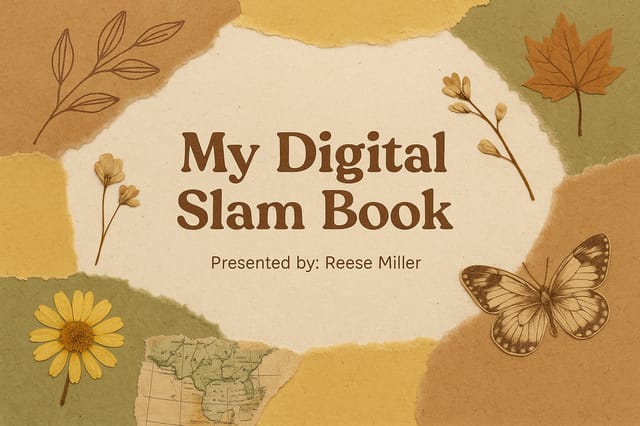
Abstract presentation at 1080x1920 pixels for Instagram stories, bold sans-serif headline centered, gradient background in abstract tones, call-to-action at bottom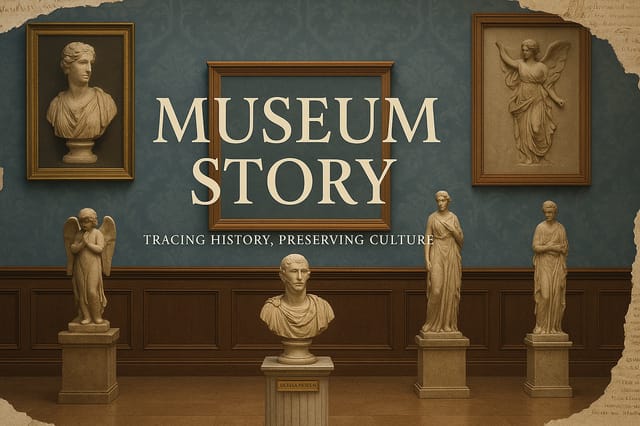
Playful abstract presentation for a family audience, rounded typography, bright saturated colors, approachable and energetic tone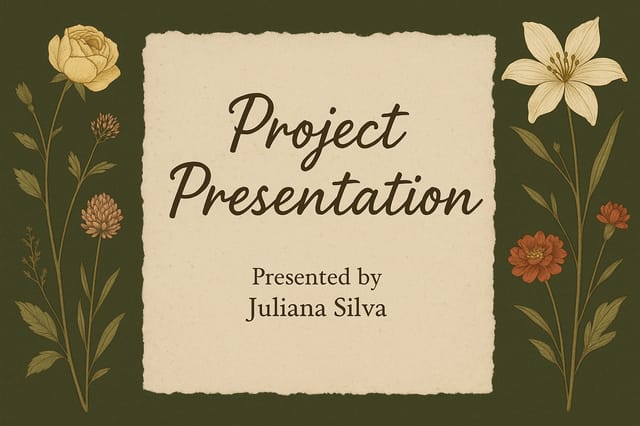
Contemporary abstract style presentation, grid-based structure, disciplined spacing, restrained decoration, readable at viewing distanceAbstract Presentation Starter Prompts That Work
Copy any prompt below and paste it into Pixazo to generate your design instantly.
Professional abstract presentation, minimalist abstract approach, negative space used intentionally, readable at multiple viewing distances, print-ready compositionPortrait-orientation abstract presentation, vertical composition, headline at natural reading entry point, supporting information flows downward logicallyMonochromatic abstract presentation, single-hue palette with value variation for contrast, typographic hierarchy creates visual interest without color complexityFull-bleed abstract presentation, background treatment extends to edges, foreground elements positioned for compositional balance, strong central hierarchyTwo-color abstract presentation design, high contrast between primary and secondary color, clean separation between graphic and text zonesUnderstanding Abstract Presentations: Questions and Answers
Yes. Set up separate brand kits for each client or brand, then switch between them when generating abstract presentations. Each brand kit stores its own colors, fonts, and logo so the AI applies the correct identity to every abstract presentation without manual reconfiguration.
Team accounts allow multiple users to share prompts, saved abstract presentation designs, and brand kits within a shared workspace. Team members can iterate on each other's abstract presentation designs and maintain consistent output across projects.
Pixazo supports PNG, JPEG, and PDF export for abstract presentations. PNG preserves transparency if your design uses it. JPEG works well for web and social media. PDF is the preferred format for print production of abstract presentations.
Pixazo generates high-resolution files suitable for both print and digital use. Specify your intended output format in your prompt. Print abstract presentations benefit from high-DPI settings, while web and social media use works well with standard resolution output.
Specify the dimensions in your prompt. Common formats like A3, 18x24 inches, or 1080x1920 pixels for social media stories all work. The AI generates a abstract presentation composition appropriate for the specified aspect ratio and use case.
Pixazo generates abstract presentations in RGB color space. For professional offset printing that requires CMYK, convert the downloaded file using Adobe Photoshop, Illustrator, or a free tool like GIMP. The AI selects colors that translate well to print when you mention print use in your prompt.
Honest Notes on Abstract Presentations: Where It Falls Short
Known limitations and trade-offs of AI-generated abstract design. Transparency matters when using AI for abstract presentation design. The points below describe where you may need to supplement AI output with manual work.

