Keynote Presentation : Create Free Keynote Presentations in Minutes with AI
Create Custom Keynote Presentations Quickly with Pixazo Best AI Keynote Presentation Maker. Try for Free!
Get Started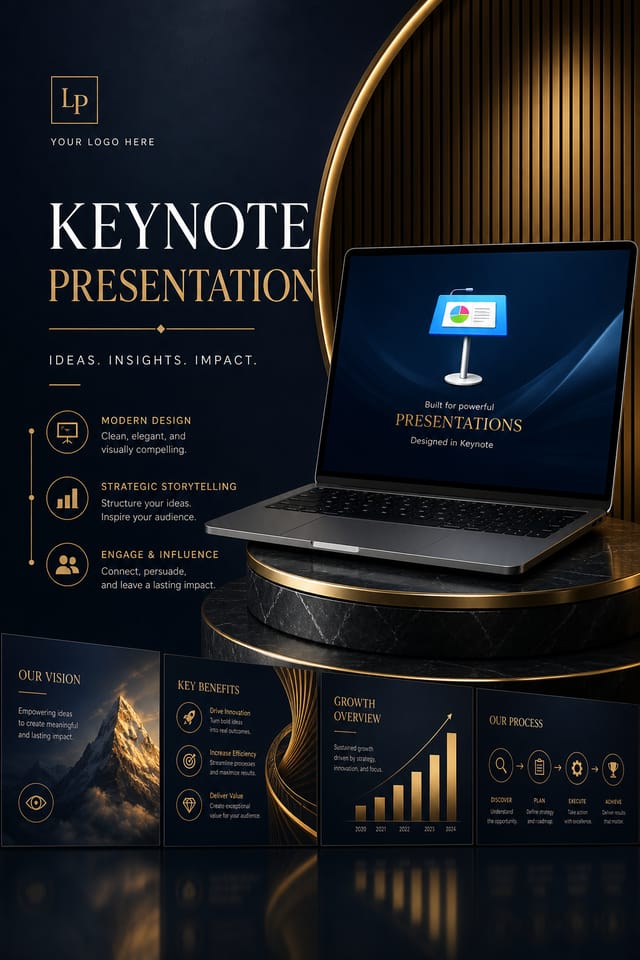
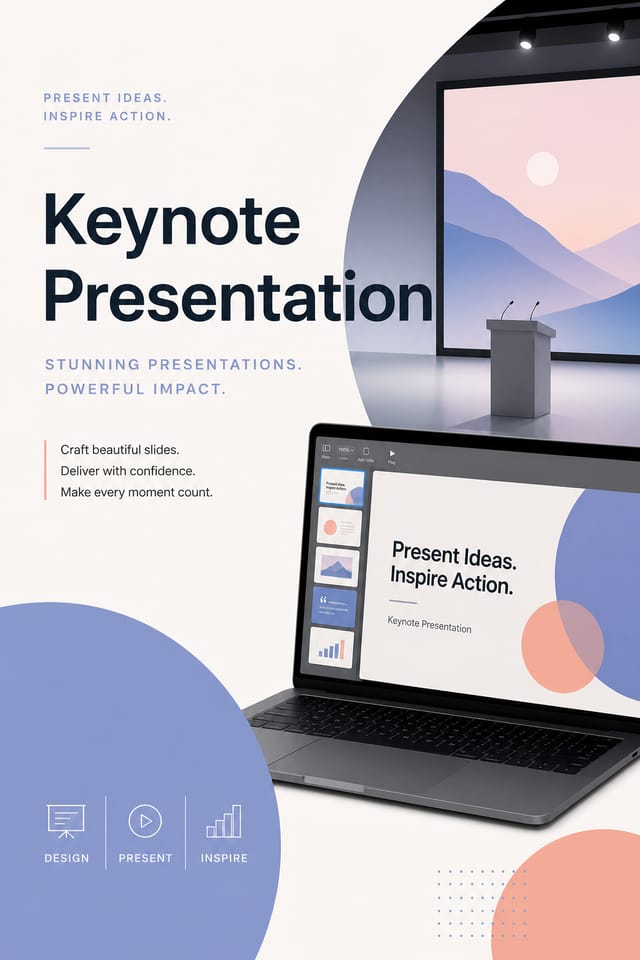
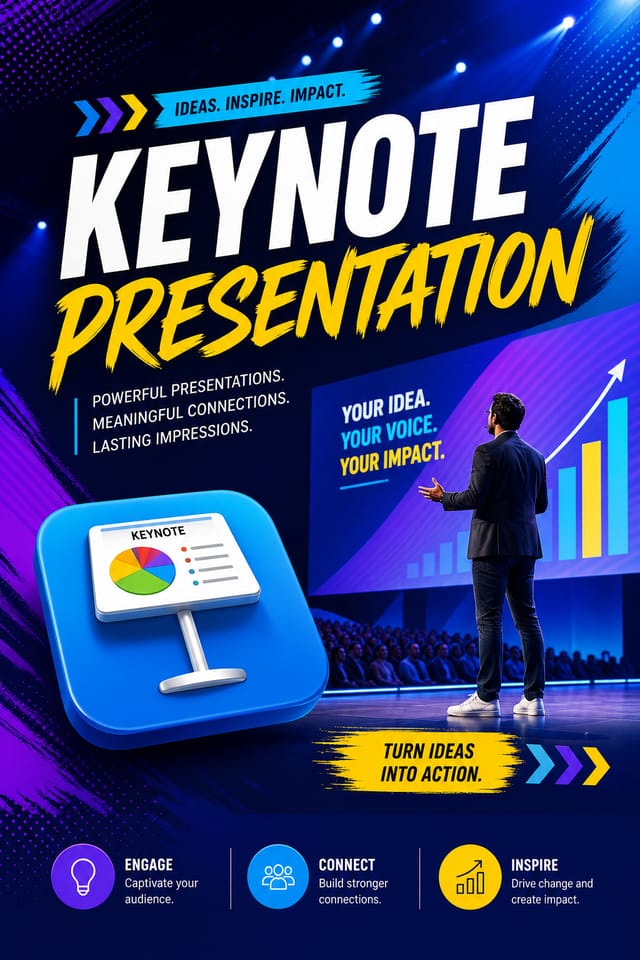
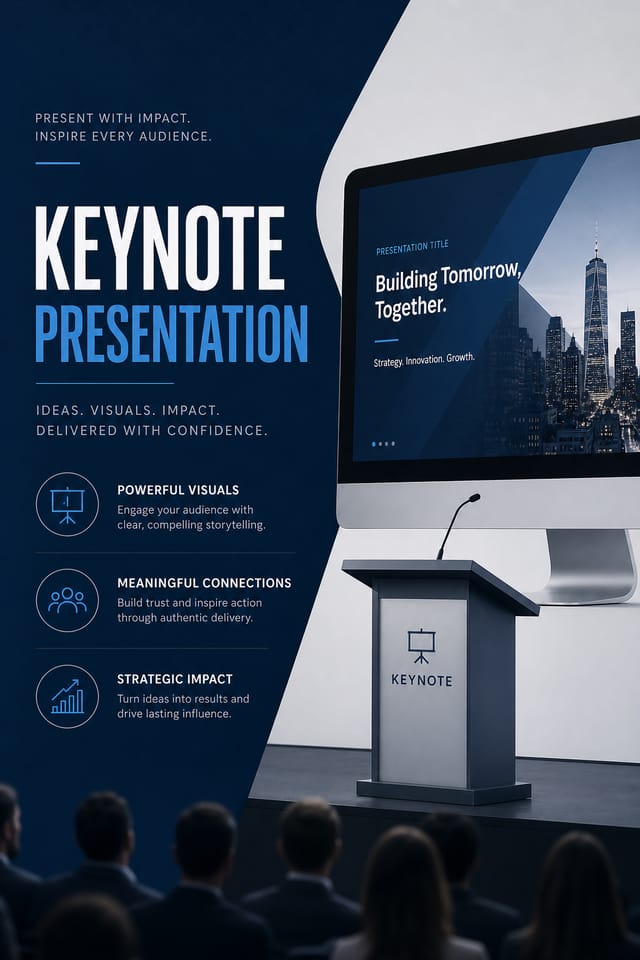
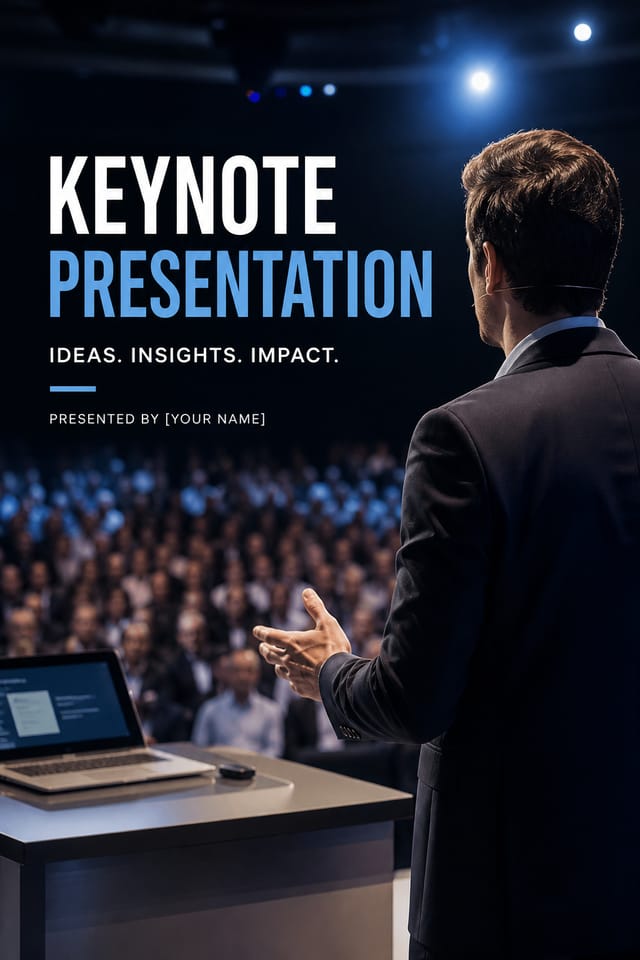
AI Keynote Presentation Builder: Design Without Limits
Professional keynote presentation design without the complexity. Pixazo generates layouts, selects palettes, and handles typography in seconds.
Create Your Keynote Presentation FreeYour Keynote Presentation Tool: Numbers That Matter
Keynote Presentation Design Trends: Where Design Is Going
Bold Typography
Oversized type and expressive fonts are dominating keynote presentation design, turning headlines into visual centerpieces rather than just text.
Gradient Overlays
Smooth color transitions are being used as primary design elements in keynote presentation work, adding depth without the complexity of photographic backgrounds.
Asymmetric Composition
Breaking grid symmetry in keynote presentation layouts creates visual tension and a modern, editorial feel that stands out.
Muted Earth Tones
Natural color palettes with warm neutrals and desaturated greens are replacing the bright neon trends of previous years in keynote presentation work.
Minimalist Layouts
Stripped-back keynote presentation designs with generous white space and limited elements are gaining favor for their clarity and elegance.
Smart Keynote Presentation AI: Professional Features
Instant Iterations
Generate multiple keynote presentation variations from a single prompt. Compare options and refine until the design matches your vision.
Context-Aware Design
Describe your keynote presentation's purpose and audience. The AI adjusts visual weight, complexity, and clarity based on the intended use context.
Layered Style Application
Combine keynote style with other design parameters in a single prompt. The AI interprets complex requests and applies multiple style constraints simultaneously.
Consistency Across Variants
Generate multiple keynote presentations for a project and maintain visual consistency across the set. Specify your core design parameters and vary secondary elements.
Export Flexibility
Download your keynote presentation in formats suited for your use case. Web-optimized versions for digital display, high-DPI files for print.
Putting Keynote Presentations to Work: From Hobby to Pro
Educational Materials
Design keynote presentations for educational contexts. Courses, workshops, and learning materials benefit from the visual clarity of good keynote design.
Political and Advocacy Campaigns
Create keynote campaign presentations for candidates, ballot measures, and social causes. Persuasive designs that mobilize and inform.
Non-Profit Campaigns
Create compelling keynote campaign presentations without allocating budget to design production. Focus resources on mission-critical activities.
Music and Audio Production
Produce keynote presentations for album covers, playlist artwork, and music event promotion. Visual identity that matches the sound.
Good Keynote Presentation Prompt Starters
Copy any prompt below and paste it into Pixazo to generate your design instantly.
Geometric keynote presentation, structured grid system, angular composition, colors in blocks rather than gradients, modern clean finishKeynote style presentation, bold headline placement, supporting text at appropriate scale, color palette consistent with keynote design conventionsMonochromatic keynote presentation, single-hue palette with value variation for contrast, typographic hierarchy creates visual interest without color complexityHigh-impact keynote presentation, immediate visual read at thumbnail size, clear headline dominance, supporting information structured logicallySeries-compatible keynote presentation design, visual language that extends to multiple formats, consistent design system across variantsKeynote aesthetic presentation, palette drawn from keynote design tradition, layout proportions consistent with keynote conventions, purposeful use of each elementElevating Your Keynote Presentation: Practical Guidance
Use High Contrast for Readability
Whether your keynote presentation is displayed on screen or in print, strong contrast between text and background ensures the message gets through at any size.
Consider the Context
Think about where your keynote presentation will appear. A design optimized for social media needs different proportions and density than one for a physical bulletin board.
Check Alignment Carefully
Misaligned elements are one of the most common signs of amateur keynote presentation design. Use grid lines and snap-to features to keep things precise.
Start with a Clear Brief
Before generating any keynote presentation, write down the core message, target audience, and intended use. A focused brief produces better results than iterating from a vague idea.
Build a Keynote Presentation: What Actually Happens
Kick Off the Design
Write a prompt describing your keynote presentation. Include style preferences, color direction, the most important text to display, and any specific visual elements you want. The more specific your description, the more targeted the output.
Witness the Result
Pixazo generates your keynote presentation in seconds. Review the design and adjust your prompt to refine specific elements: change the color palette, shift the layout weight, or add visual elements you want included.
Forward the Design
Get your final keynote presentation file in one click. Choose your format, download at full resolution, and use the design immediately. No watermarks, no additional fees, no waiting.
Watch: Creating Keynote Presentation designs step by step
Design Criteria for Keynote Presentation: Design Fundamentals
Inside the Keynote Community: Creator Highlights
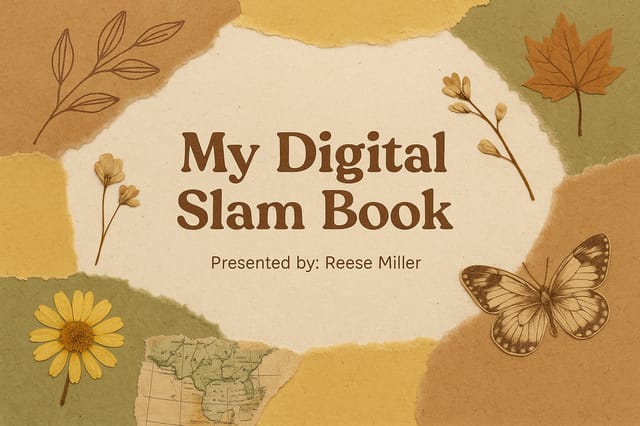
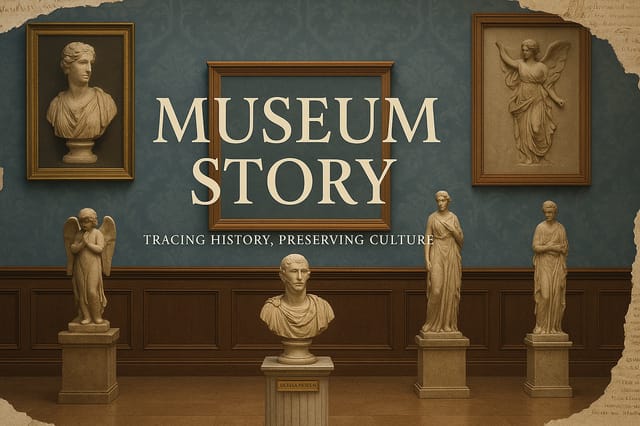
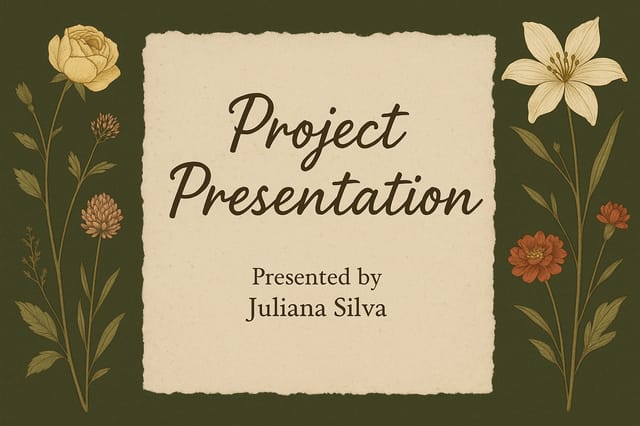
Real creators sharing their keynote designs made with Pixazo AI.
Where Keynote Presentation AI: Room to Grow
Known limitations and trade-offs of AI-generated keynote design. Every AI design tool has boundaries. Knowing these limits before you start helps you get the most out of keynote presentation generation.
New to Keynote Presentations? Questions and Answers
Pixazo works in any modern mobile browser. The interface adapts to phone and tablet screens so you can generate keynote presentations from anywhere. A dedicated mobile app is in development for an even smoother on-device experience.
You control every major design parameter through your prompt: color palette, typography style, layout structure, visual weight distribution, background treatment, and content hierarchy. The more specific your keynote presentation prompt, the more precisely the AI follows your creative direction.
Pixazo generates keynote presentations in RGB color space. For professional offset printing that requires CMYK, convert the downloaded file using Adobe Photoshop, Illustrator, or a free tool like GIMP. The AI selects colors that translate well to print when you mention print use in your prompt.
Longer, more detailed prompts generally produce more accurate results for keynote presentation design. Include all the relevant information: style direction, color preferences, content to display, intended use, and any specific design elements you want. There is no strict character limit.
Describe your core design parameters in each prompt and vary only the specific elements that should change across the series. Maintaining consistent color palette, typographic approach, and compositional structure across keynote presentation variations creates a coherent series.
Specify the dimensions in your prompt. Common formats like A3, 18x24 inches, or 1080x1920 pixels for social media stories all work. The AI generates a keynote presentation composition appropriate for the specified aspect ratio and use case.

