Kids Presentation : Create Free Kids Presentations in Minutes with AI
Create Custom Kids Presentations Quickly with Pixazo Best AI Kids Presentation Maker. Try for Free!
Get Started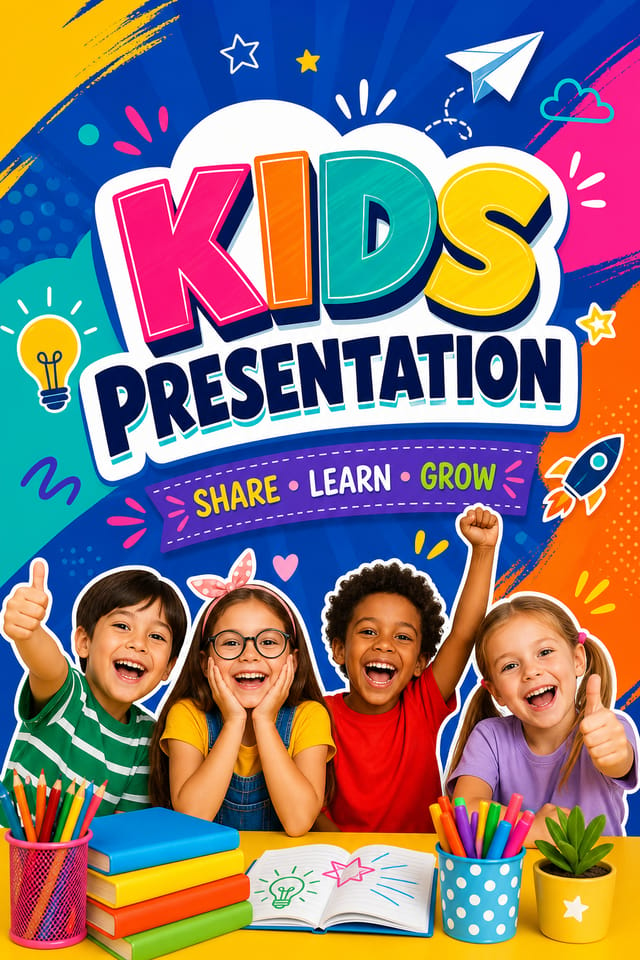
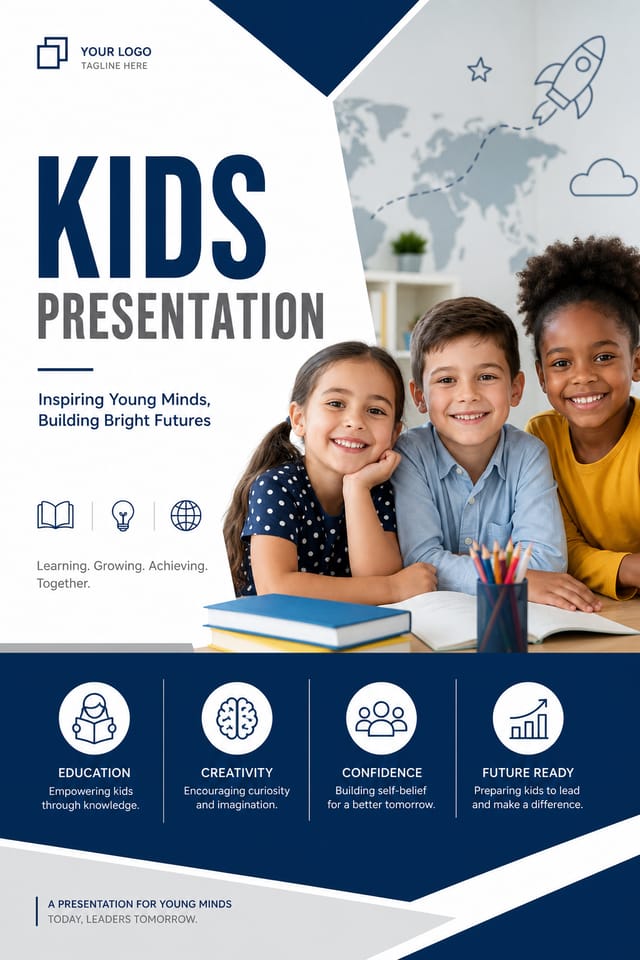
AI Kids Presentation Platform: Create Stunning Designs
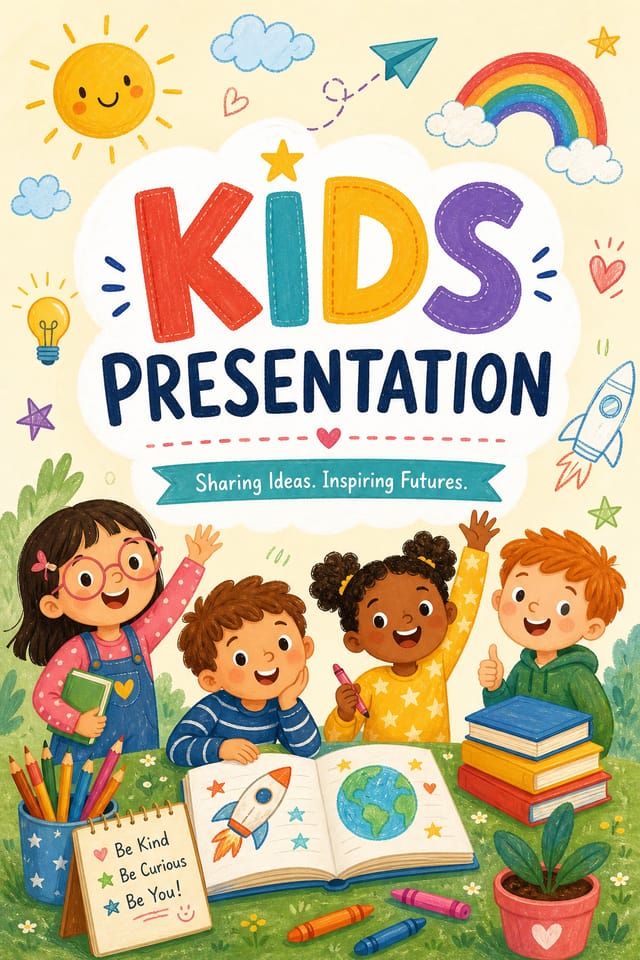
Design professional kids presentations in minutes with Pixazo's AI design engine. Built for creators who want polished results without the production time.
Create Your Kids Presentation FreeWhat Powers Kids Presentation Design: Technical Breakdown
Print-Ready Output
Generated kids presentations are sized and structured for professional printing. Download high-resolution files ready for production.
Color Palette Intelligence
Colors are chosen with kids style awareness. The AI builds palettes that fit kids design conventions rather than selecting arbitrarily.
Commercial Use Rights
Designs generated with Pixazo are yours to use commercially. No additional licensing required for kids presentation projects.
Fast Generation
Complete kids presentation designs generate in seconds. No rendering queues, no waiting for batch processing.
Kids Presentation Tools in Detail: An In-Depth Guide
Resolution Control
Export kids presentations at resolutions from web-optimized to print-quality 4K
Format Flexibility
Download your kids presentation as PNG, JPG, or PDF depending on your use case
Batch Generation
Create multiple kids presentation variations from a single prompt efficiently
Which Kids Presentation Tool Fits: Finding the Right Fit
Piktochart
Infographic and presentation maker for data-driven visuals
Pixazo
AI-powered kids presentation generator with prompt-based design and professional output quality
VistaCreate
Visual content platform with templates and a built-in asset library
PicMonkey
Photo editor and design tool with brand kit management
Stencil
Lightweight image creator optimized for fast social media graphics
The Evolution of Kids Presentation Design: Current Directions
Data-Driven Visuals
Incorporating charts, statistics, and structured data directly into kids presentation layouts helps communicate complex messages at a glance.
Dark Mode Aesthetics
Dark backgrounds with high-contrast accents are increasingly common in kids presentation design, reducing visual fatigue and adding sophistication.
Retro Revival
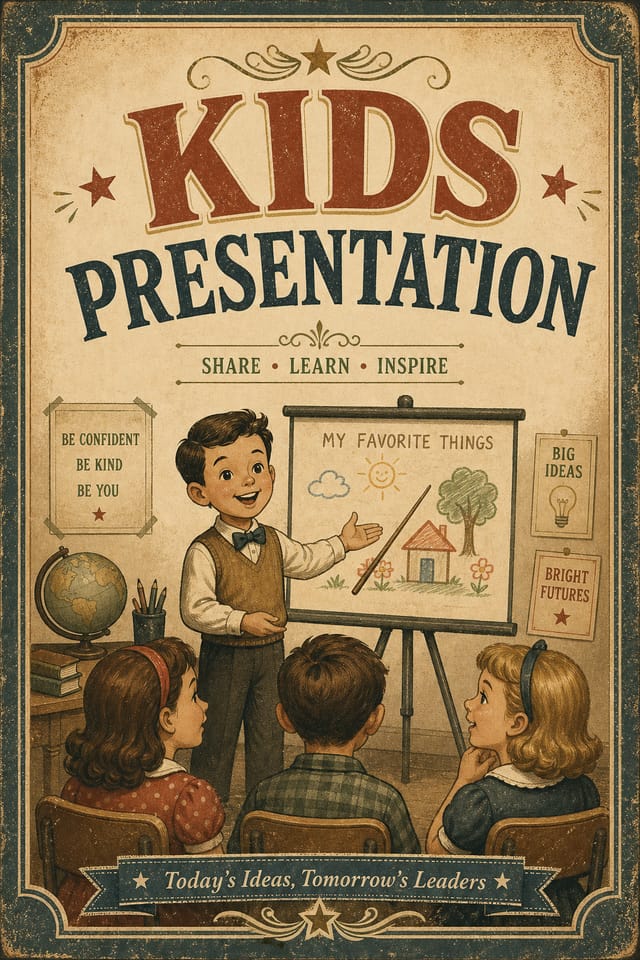
Vintage aesthetics from the 1970s and 1990s are influencing kids presentation design with textured backgrounds, serif fonts, and warm gradients.
Asymmetric Composition
Breaking grid symmetry in kids presentation layouts creates visual tension and a modern, editorial feel that stands out.
Minimalist Layouts
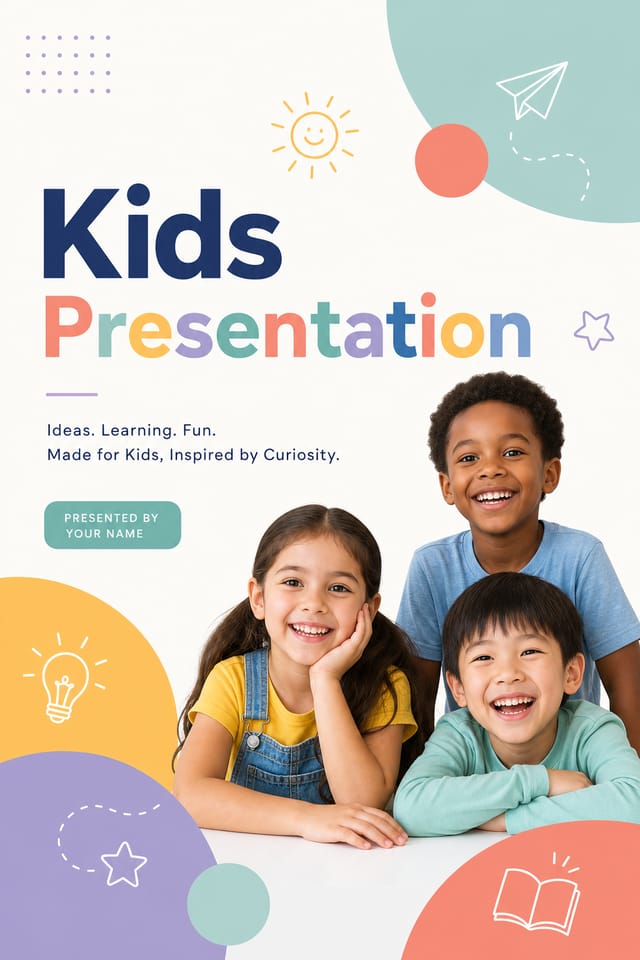
Stripped-back kids presentation designs with generous white space and limited elements are gaining favor for their clarity and elegance.
Kids Presentation Applications: Who Uses Them
Personal Creative Work
Generate kids presentations for personal projects, home display, and creative experiments without spending production time on design execution.
Religious and Spiritual Organizations
Create kids presentations for worship services, community outreach, and faith-based events. Respectful designs that reflect the organization's character.
Sports and Recreation
Produce kids presentations for leagues, tournaments, and recreational programs. Energetic designs that build excitement and communicate schedules.
Interior Display
Generate kids presentations for home and office wall display. Get print-ready files that look considered rather than stock-photo generic.
Effective Kids Presentation Prompt Techniques
Copy any prompt below and paste it into Pixazo to generate your design instantly.
Full-bleed kids presentation, background treatment extends to edges, foreground elements positioned for compositional balance, strong central hierarchyRefined kids presentation, sophisticated color relationships, intentional whitespace, typefaces appropriate to kids style, balanced compositionProfessional kids presentation, minimalist kids approach, negative space used intentionally, readable at multiple viewing distances, print-ready compositionSeries-compatible kids presentation design, visual language that extends to multiple formats, consistent design system across variantsPortrait-orientation kids presentation, vertical composition, headline at natural reading entry point, supporting information flows downward logicallyBuild a Kids Presentation: How It Works
Frame the Brief
Describe what you want your kids presentation to look like. Include the mood, color palette, typography preference, and content hierarchy. Pixazo reads all of this and uses it to generate an appropriate design.
Watch: Creating Kids Presentation designs step by step
The Range of Kids Styles: Finding Your Look
Minimalist Kids
Stripped-back kids approach. Fewer elements, more negative space, typography carries more visual weight.
Classic Kids
Traditional kids design principles applied to modern presentation format. Clean composition, conventional hierarchy, time-tested visual decisions.
Atmospheric Kids
Kids presentation design where mood takes priority. Color and composition work together to create a specific feeling.
Editorial Kids
Text-dominant kids presentation layout inspired by print publication design. Typographic variety creates visual rhythm.
High-Contrast Kids
Bold kids visual treatment with strong tonal contrast. Elements read clearly at any viewing distance.
Kids Presentation Generation: What to Expect
Known limitations and trade-offs of AI-generated kids design. Transparency matters when using AI for kids presentation design. The points below describe where you may need to supplement AI output with manual work.
Community Kids Presentation: Creator Highlights
Real creators sharing their kids designs made with Pixazo AI.
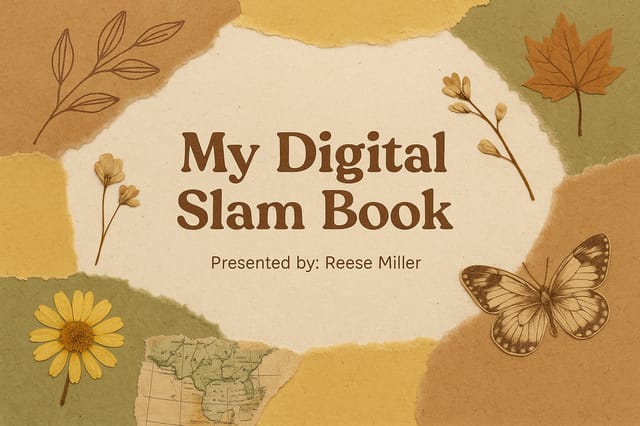
Editorial-inspired kids presentation, text-dominant layout, typographic variety creates visual interest, clean structured alignment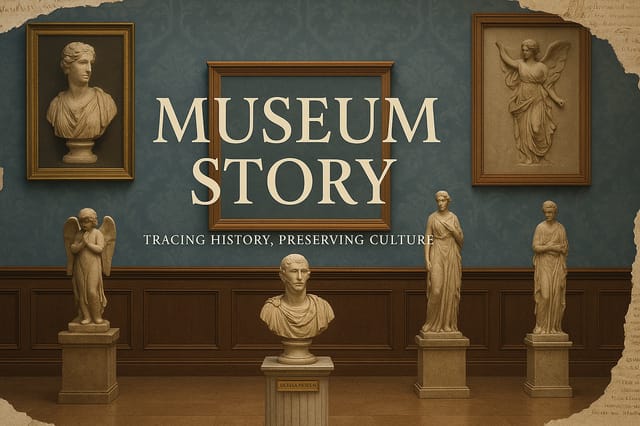
Two-color kids presentation, maximum contrast between primary and secondary color, typography set in one color per level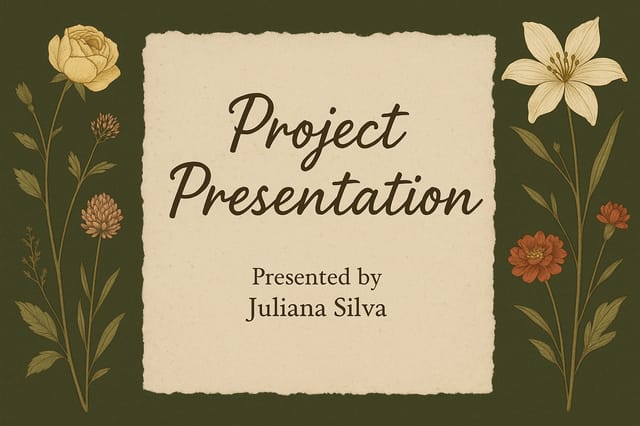
Vibrant kids presentation targeting Gen Z audience, neon accent colors, asymmetric layout, bold experimental typography, maximum visual energyHow Kids Presentation Projects Flow: Workflow Breakdown
Brief
Establish the key message, dimensions, color preferences, and target audience for your kids presentation before any design work begins.
Approve
Get stakeholder approval on the finished kids presentation. Verify all text is accurate and the design meets brand and technical requirements.
Refine
Apply targeted edits to your selected kids presentation. Adjust typography, spacing, and color until every element meets your quality standard.
Generate
Use AI to produce multiple kids presentation variations based on your brief. Start broad and narrow down from the strongest options.
New to Kids Presentations? Plain Answers
Canva uses fixed templates you customize manually. Pixazo generates original kids presentation designs from your description, so every output is unique. For kids work specifically, the AI applies style-specific design decisions rather than offering generic drag-and-drop templates.
Designs generated through Pixazo are yours to use as you see fit. You retain full usage rights for commercial and personal applications. The platform does not claim ownership over your generated kids presentation output.
You can specify any aspect ratio in your prompt. Common options include 1:1 for social posts, 4:5 for Instagram, 9:16 for stories, 16:9 for presentations, and standard print sizes like A4 or letter. The AI adapts kids composition to fit your chosen ratio.
Include 'transparent background' in your prompt to generate a kids presentation with no background fill. Download as PNG to preserve transparency. This is useful for kids designs that will be composited over other imagery or placed on colored surfaces.
Yes. Set up separate brand kits for each client or brand, then switch between them when generating kids presentations. Each brand kit stores its own colors, fonts, and logo so the AI applies the correct identity to every kids presentation without manual reconfiguration.

