Roadmap Presentation : Create Free Roadmap Presentations in Minutes with AI
Create Custom Roadmap Presentations Quickly with Pixazo Best AI Roadmap Presentation Maker. Try for Free!
Get Started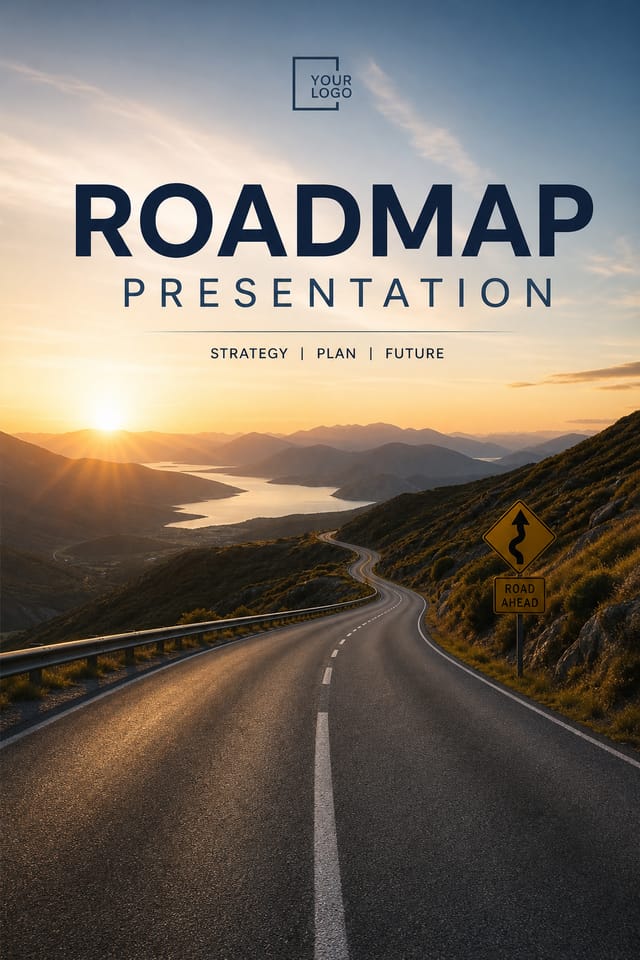
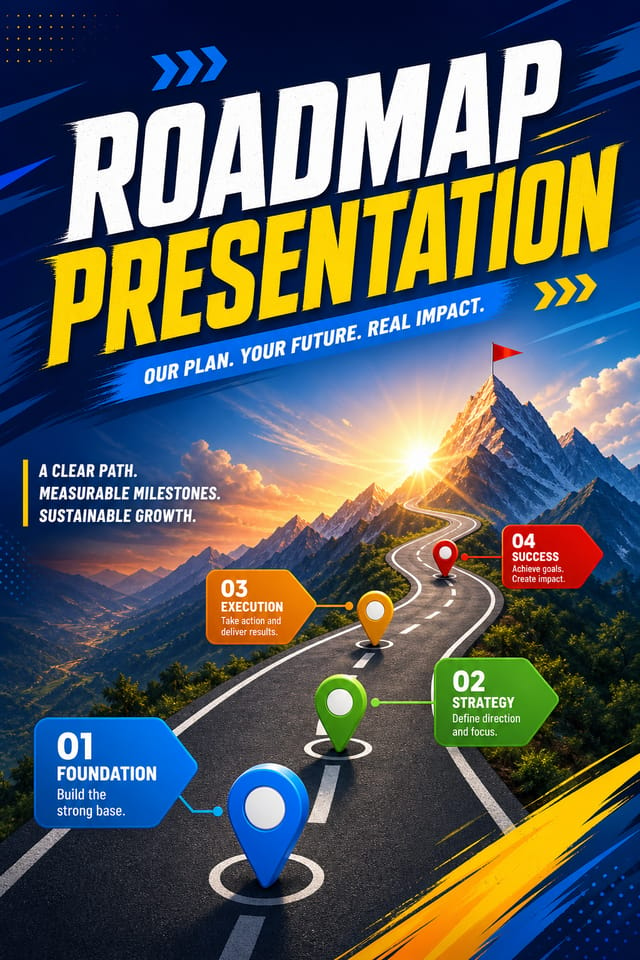
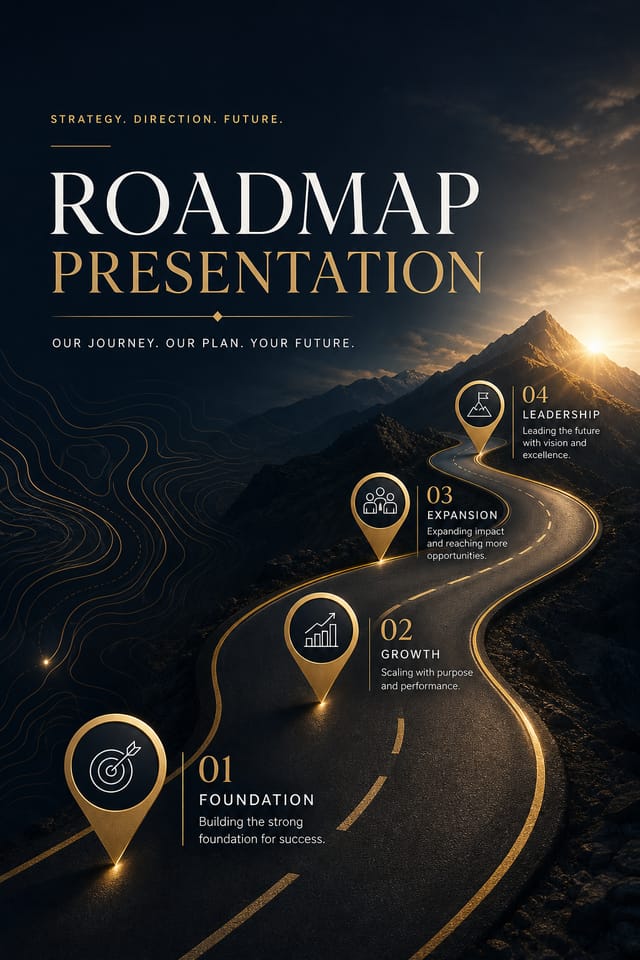
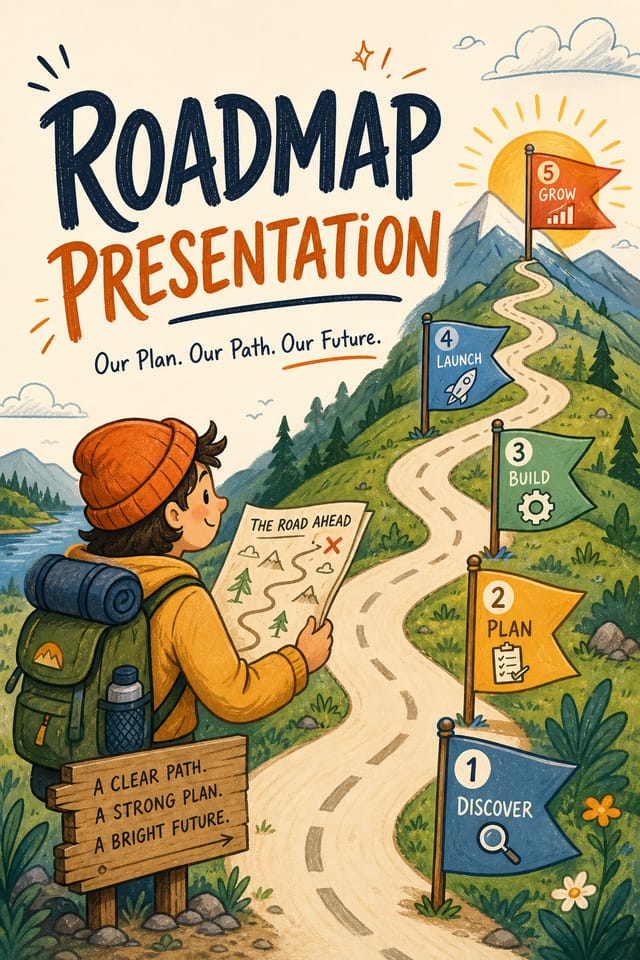
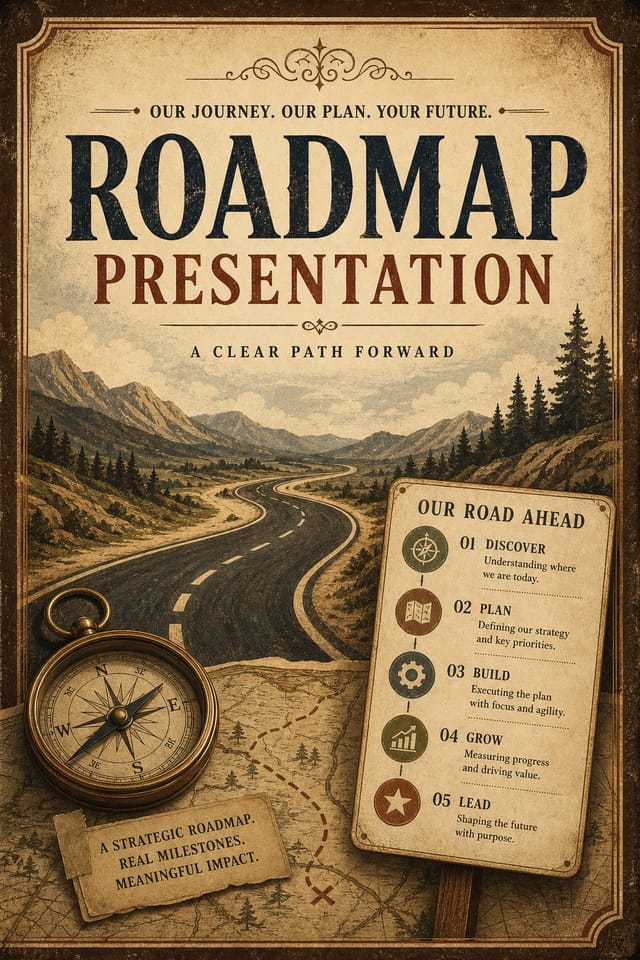
AI Roadmap Presentation Tool: Made Simple
From idea to finished roadmap presentation in under a minute. Pixazo understands roadmap design conventions and applies them automatically.
Create Your Roadmap Presentation FreeThe Logic of Roadmap Presentation Design: Why It Matters
Design Intelligence for Roadmap Presentations
Creating a convincing roadmap presentation requires understanding roadmap as a design vocabulary, not just as a label.
The color relationships, the type choices, the spatial organization.
These elements work together to create the impression of intentional roadmap design.
Pixazo's generation model recognizes roadmap design patterns and applies them systematically.
What Makes a Strong Roadmap Presentation: Standards That Matter
Roadmap Presentation Design Workflow: Stages Explained
Research Gather references
Collect examples of effective roadmap presentation designs, note what works, and identify patterns relevant to your project goals.
Brief Define requirements
Establish the key message, dimensions, color preferences, and target audience for your roadmap presentation before any design work begins.
Refine Polish the design
Apply targeted edits to your selected roadmap presentation. Adjust typography, spacing, and color until every element meets your quality standard.
Export Deliver final files
Export your roadmap presentation in the required formats and resolutions. Organize deliverables for handoff to the production or publishing team.
Elevating Your Roadmap Presentation: Expert-Level Advice
Test at Actual Size
Always preview your roadmap presentation at the dimensions it will be displayed. Design details that look fine at 100% can disappear or crowd at real-world scale.
Match Tone to Audience
A roadmap presentation for a corporate event needs a different visual tone than one for a music festival. Let the audience guide your style choices.
Use High Contrast for Readability
Whether your roadmap presentation is displayed on screen or in print, strong contrast between text and background ensures the message gets through at any size.
Iterate with Variations
Generate 3-5 versions of your roadmap presentation before committing. Comparing variations side by side often reveals the strongest direction.
Get Feedback Early
Share your roadmap presentation draft with someone outside the project. Fresh eyes catch issues you have become blind to after hours of refinement.
Inside the Roadmap Presentation Engine: Feature Overview
Commercial Use Rights
Designs generated with Pixazo are yours to use commercially. No additional licensing required for roadmap presentation projects.
Export Flexibility
Download your roadmap presentation in formats suited for your use case. Web-optimized versions for digital display, high-DPI files for print.
Text Placement Options
Describe where you want text elements positioned in your roadmap presentation. The AI follows compositional direction about headline placement and body copy layout.
Style-Accurate Generation
The AI interprets roadmap design conventions and applies them to your presentation, producing output that looks correctly styled rather than generically templated.
Resolution Control
Specify output dimensions for your roadmap presentation. Get files sized for web display, social media, or large-format printing.
Roadmap Presentation Starter Prompt Collection
Copy any prompt below and paste it into Pixazo to generate your design instantly.
Roadmap style presentation, bold headline placement, supporting text at appropriate scale, color palette consistent with roadmap design conventionsClean roadmap presentation design, geometric structure, disciplined typography, color accent used selectively for emphasis, printer-optimized resolutionAtmospheric roadmap presentation, background treatment supports the headline without competing with it, visual weight distributed intentionallyContemporary roadmap presentation design, grid-based layout, typographic precision, restrained color palette, no decorative excessRoadmap presentation design, clean layout, strong typography hierarchy, appropriate color palette for roadmap aesthetic, high contrast between headline and backgroundTwo-color roadmap presentation design, high contrast between primary and secondary color, clean separation between graphic and text zonesRoadmap Presentation Trends to Watch: Current Directions
Bold Typography
Oversized type and expressive fonts are dominating roadmap presentation design, turning headlines into visual centerpieces rather than just text.
Asymmetric Composition
Breaking grid symmetry in roadmap presentation layouts creates visual tension and a modern, editorial feel that stands out.
Minimalist Layouts
Stripped-back roadmap presentation designs with generous white space and limited elements are gaining favor for their clarity and elegance.
Muted Earth Tones
Natural color palettes with warm neutrals and desaturated greens are replacing the bright neon trends of previous years in roadmap presentation work.
Inside Roadmap Presentation Creation: From Start to Finish
Explain the Design Goal
Start with a text description of your roadmap presentation concept. Specify the visual style, colors, layout direction, and key text. Detailed prompts produce more accurate roadmap presentation designs than general ones.
Watch: Creating Roadmap Presentation designs step by step
Who Creates Roadmap Presentations: Where They Fit
Interior Display
Generate roadmap presentations for home and office wall display. Get print-ready files that look considered rather than stock-photo generic.
Travel and Tourism Promotion
Design roadmap presentations for destinations, tour packages, and hospitality brands. Aspirational visuals that inspire booking decisions.
Professional Projects
Create roadmap presentations for client work, commercial campaigns, and professional applications where quality and style accuracy matter.
Wedding and Celebration Planning
Create roadmap presentations for invitations, signage, and event branding. Cohesive visual systems that carry a celebration's theme across every touchpoint.
Freelance Design Work
Use Pixazo to generate roadmap presentation concepts for client review. Present multiple directions quickly before committing to detailed execution.
Roadmap Style Options: From Classic to Bold
Classic Roadmap
Traditional roadmap design principles applied to modern presentation format. Clean composition, conventional hierarchy, time-tested visual decisions.
Atmospheric Roadmap
Roadmap presentation design where mood takes priority. Color and composition work together to create a specific feeling.
Minimalist Roadmap
Stripped-back roadmap approach. Fewer elements, more negative space, typography carries more visual weight.
High-Contrast Roadmap
Bold roadmap visual treatment with strong tonal contrast. Elements read clearly at any viewing distance.
About Roadmap Presentations: What You Should Know
Include the target language in your prompt when generating roadmap presentations with non-English text. The AI selects typographic approaches appropriate for the language and applies roadmap design conventions to the overall layout regardless of language.
Generate your initial roadmap presentation, review the output, then modify your prompt to adjust specific elements. Each regeneration produces a fresh design incorporating your changes. Most users reach their final roadmap presentation design within two to four iterations.
Pixazo offers a free tier that lets you generate roadmap presentations with standard resolution output. Paid plans unlock higher resolution, priority generation, and additional export formats. You can try roadmap presentation generation free with a credit card.
Longer, more detailed prompts generally produce more accurate results for roadmap presentation design. Include all the relevant information: style direction, color preferences, content to display, intended use, and any specific design elements you want. There is no strict character limit.
Pixazo supports PNG, JPEG, and PDF export for roadmap presentations. PNG preserves transparency if your design uses it. JPEG works well for web and social media. PDF is the preferred format for print production of roadmap presentations.
Real Roadmap Presentations: What People Are Making
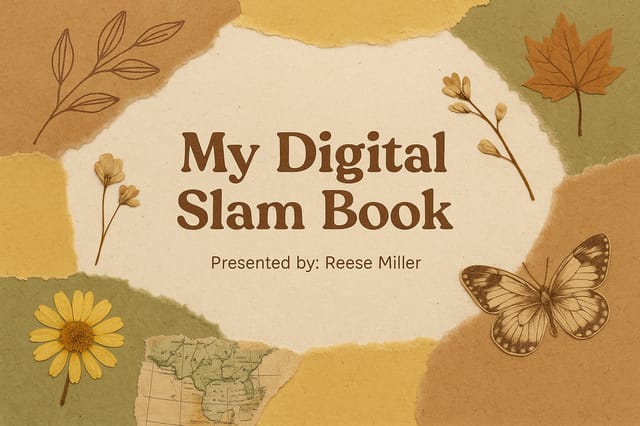
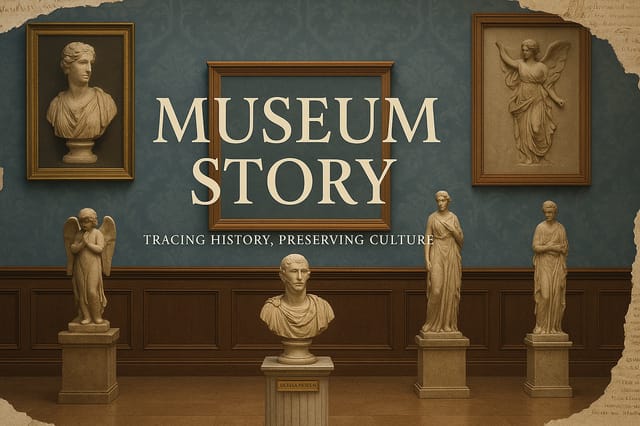
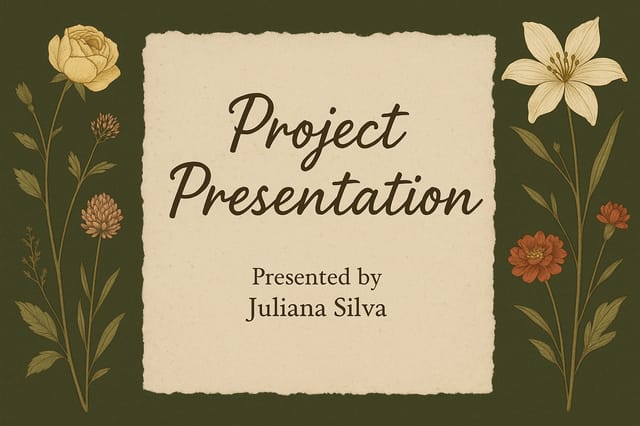
Real creators sharing their roadmap designs made with Pixazo AI.
Working with Roadmap Presentation AI: Current Boundaries
Known limitations and trade-offs of AI-generated roadmap design. Transparency matters when using AI for roadmap presentation design. The points below describe where you may need to supplement AI output with manual work.

