AI Product Label Maker : Create Free Product Labels in Minutes
Create Custom Product Labels Quickly with Pixazo Best AI Product Label Maker. Try for Free!
Get Started
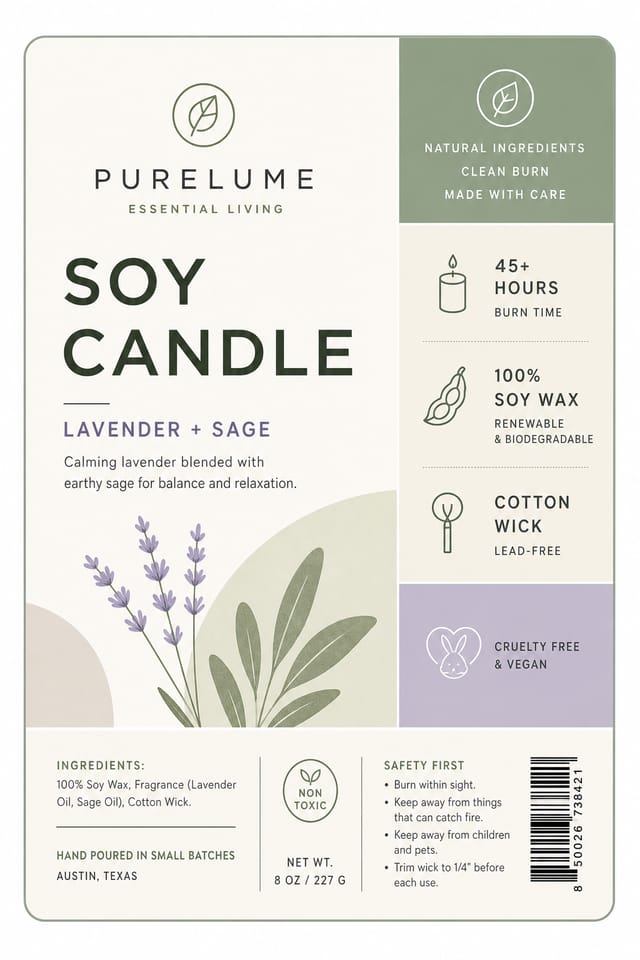
Product-Label Visual Language: The Underlying Framework
Why Product-Label Design Requires Specific Knowledge
Creating a convincing product-label requires understanding product-label as a design vocabulary, not just as a label.
The color relationships, the type choices, the spatial organization.
These elements work together to create the impression of intentional product-label design.
Pixazo's generation model recognizes product-label design patterns and applies them systematically.
Product-Label Design Steps: Made Simple
Document the Vision
Write a prompt describing your product-label. Include style preferences, color direction, the most important text to display, and any specific visual elements you want. The more specific your description, the more targeted the output.
Judge the AI Result
Your product-label generates immediately after submission. Evaluate the design against your requirements and refine the prompt to correct any elements that don't match your intent.
Optimize the Layout
Refine the product-label by updating your description with precise changes. Add constraints you didn't include initially or remove elements that aren't working. The AI responds to specific direction.
Download the Result
Get your final product-label file in one click. Choose your format, download at full resolution, and use the design immediately. No watermarks, no additional fees, no waiting.
Product Label Specifications
Watch: Creating Product Label Product Label designs step by step
The Product-Label Pipeline: Workflow Breakdown
Review
Compare generated product-label options against your brief. Mark what works and note specific changes needed for the next iteration.
Generate
Use AI to produce multiple product-label variations based on your brief. Start broad and narrow down from the strongest options.
Research
Collect examples of effective product-label designs, note what works, and identify patterns relevant to your project goals.
Approve
Get stakeholder approval on the finished product-label. Verify all text is accurate and the design meets brand and technical requirements.
Brief
Establish the key message, dimensions, color preferences, and target audience for your product-label before any design work begins.
Comparing Product-Label Tools: Finding the Right Fit
Piktochart
Infographic and presentation maker for data-driven visuals
Pixazo
AI-powered product-label generator with prompt-based design and professional output quality
Stencil
Lightweight image creator optimized for fast social media graphics
VistaCreate
Visual content platform with templates and a built-in asset library
Desygner
Multi-format design tool with PDF editing and brand management
Product-Labels in Practice: Where They Fit
Trade Show and Expo Booth Graphics
Create product-labels for exhibition stands, pull-up banners, and booth backdrops. Large-format designs that attract foot traffic.
Product Launch Campaigns
Design product-labels for new product introductions across digital and print channels. Materials that establish positioning from day one.
Recruitment and Hiring Outreach
Generate product-labels for job fairs, career pages, and employer branding initiatives. Designs that represent company culture visually.
Storefront and Office Displays
Generate product-labels for window displays, reception areas, and retail environments. Designs that reinforce brand presence in physical spaces.
The Product-Label Toolkit: Professional Features
Export Flexibility
Download your product-label in formats suited for your use case. Web-optimized versions for digital display, high-DPI files for print.
Resolution Control
Specify output dimensions for your product-label. Get files sized for web display, social media, or large-format printing.
Commercial Use Rights
Designs generated with Pixazo are yours to use commercially. No additional licensing required for product-label projects.
Compositional Structure
Layout and hierarchy decisions reflect product-label design patterns. The proportions and arrangement match how product-label designs are conventionally structured.
Negative Space Handling
The AI manages whitespace in product-label designs according to product-label aesthetic conventions, not generic poster defaults.
Design Criteria for Product-Label: A Designer's Perspective
Typographic Clarity
Type choices in product-label design should serve legibility first. Font selection should reinforce the product-label aesthetic while remaining readable at intended viewing distances.
Alignment and Grid
Strong product-label layouts align elements to an invisible grid. Consistent alignment builds trust and professionalism, while deliberate breaks from the grid create emphasis.
Purposeful Negative Space
Empty space in product-label design is not wasted space. Generous margins and breathing room around elements signal quality and make the design easier to read.
Writing Product-Label Prompt Techniques
Copy any prompt below and paste it into Pixazo to generate your design instantly.
Monochromatic product-label, single-hue palette with value variation for contrast, typographic hierarchy creates visual interest without color complexityRefined product-label, sophisticated color relationships, intentional whitespace, typefaces appropriate to product-label style, balanced compositionProduct-Label with strong visual hierarchy, largest element reads clearly, supporting elements organized by importance, clean background treatmentTwo-color product-label design, high contrast between primary and secondary color, clean separation between graphic and text zonesLarge-format product-label design, elements sized for visibility at print scale, no fine detail that would be lost in productionWorking with Product-Label AI: Capabilities and Caveats
Known limitations and trade-offs of AI-generated product label design. Transparency matters when using AI for product-label design. The points below describe where you may need to supplement AI output with manual work.
Product-Label Community: Designs Worth Seeing
Real creators sharing their product label designs made with Pixazo AI.
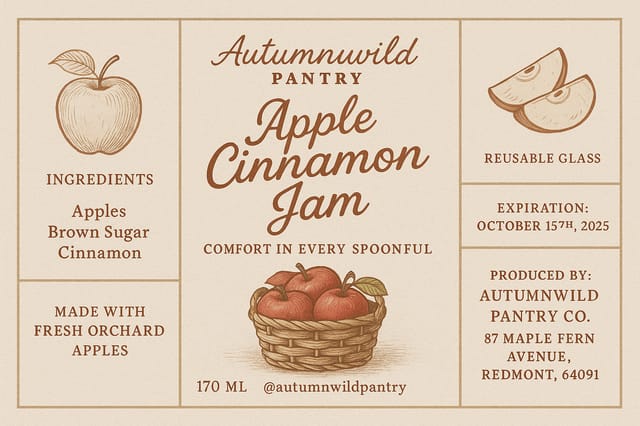
A3 landscape product-label for conference booth, informational layout with three columns, clear section headers, QR code placement zone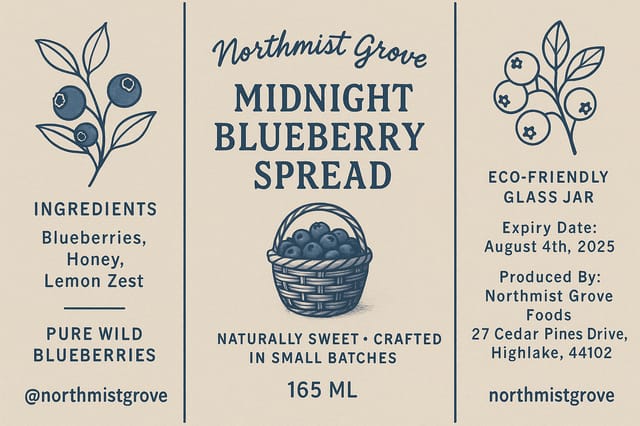
Product-Label at 1080x1920 pixels for Instagram stories, bold sans-serif headline centered, gradient background in product-label tones, call-to-action at bottom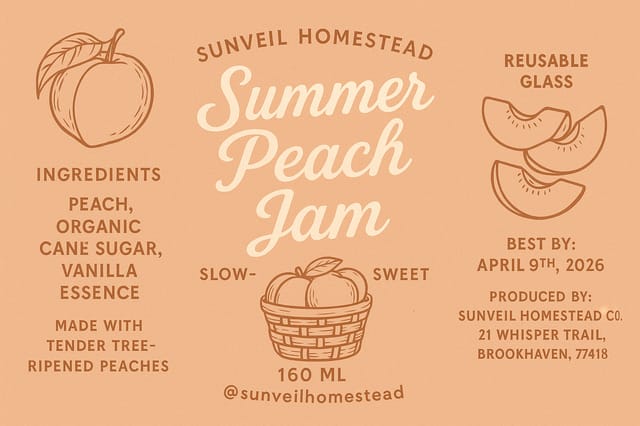
Full-bleed background product-label, image or texture extends to edges, foreground elements float above, headline anchored to centerProduct-Label Maker: Key Things to Know
Individual product-labels generate in seconds. For batch production, you can submit multiple prompts in sequence and download results as they complete. A series of ten product-label variations typically takes under five minutes total.
Each generation uses your unique prompt text to produce a distinct product-label design. Even similar prompts produce noticeably different outputs due to the AI's generative process. No two users receive identical designs.
Pixazo offers a free tier that lets you generate product-labels with standard resolution output. Paid plans unlock higher resolution, priority generation, and additional export formats. You can try product-label generation free with a credit card.
Designs created with Pixazo are available for commercial use. You can use your product-labels for client projects, product sales, advertising, and other commercial applications without additional licensing fees.
Professional product-label design comes down to the right color relationships, appropriate typographic hierarchy, and compositional balance that fits product-label aesthetic conventions. Generic designs miss these details because they apply neutral defaults rather than style-specific decisions. Pixazo applies product-label design knowledge when you specify the style.

