Chibi Sticker : Create Free Chibi Stickers in Minutes with AI
Create Custom Chibi Stickers Quickly with Pixazo Best AI Chibi Sticker Maker. Try for Free!
Get Started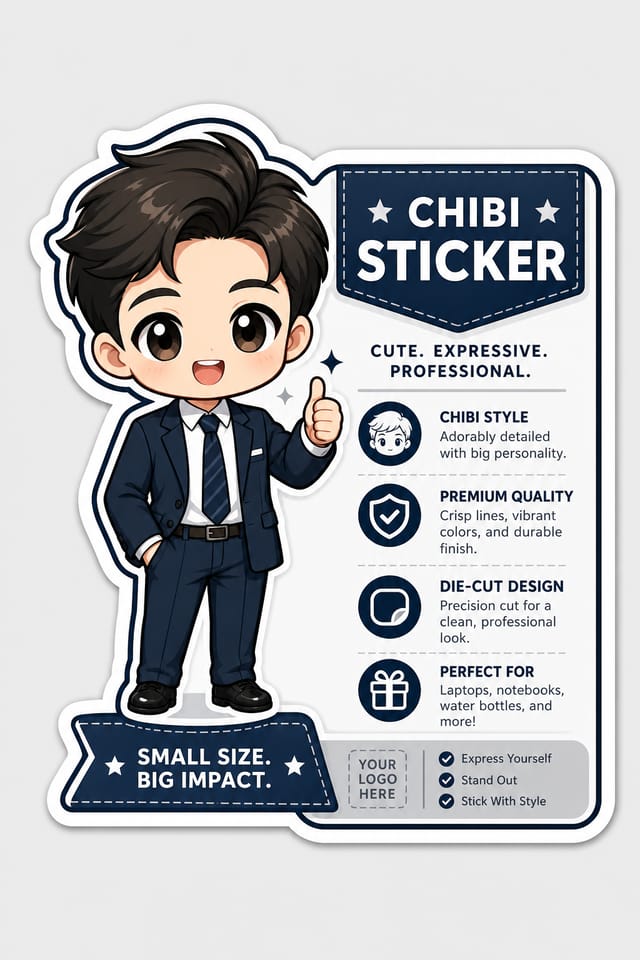
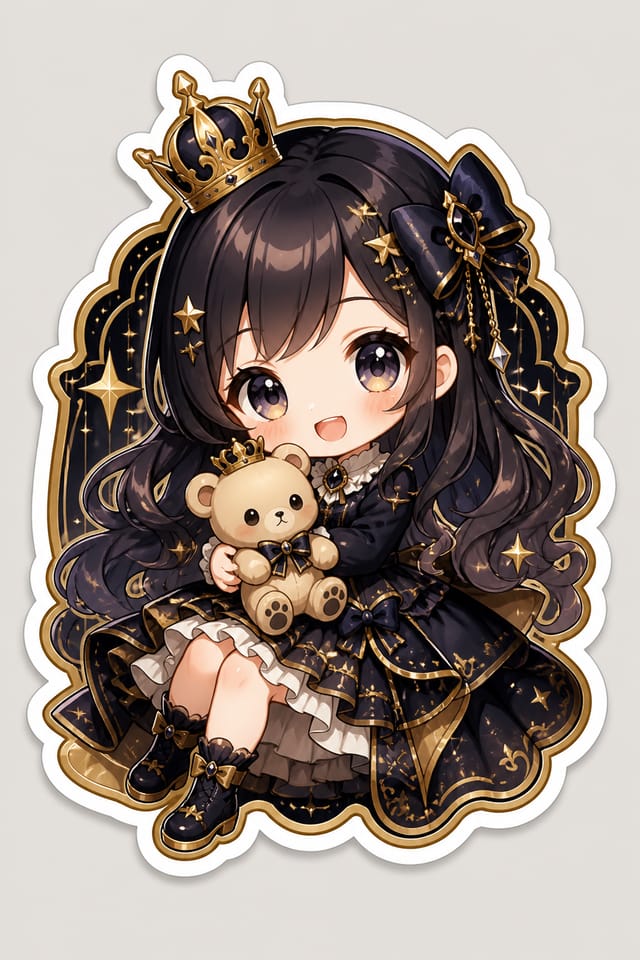
AI Chibi Sticker Generator: Instant Professional Output
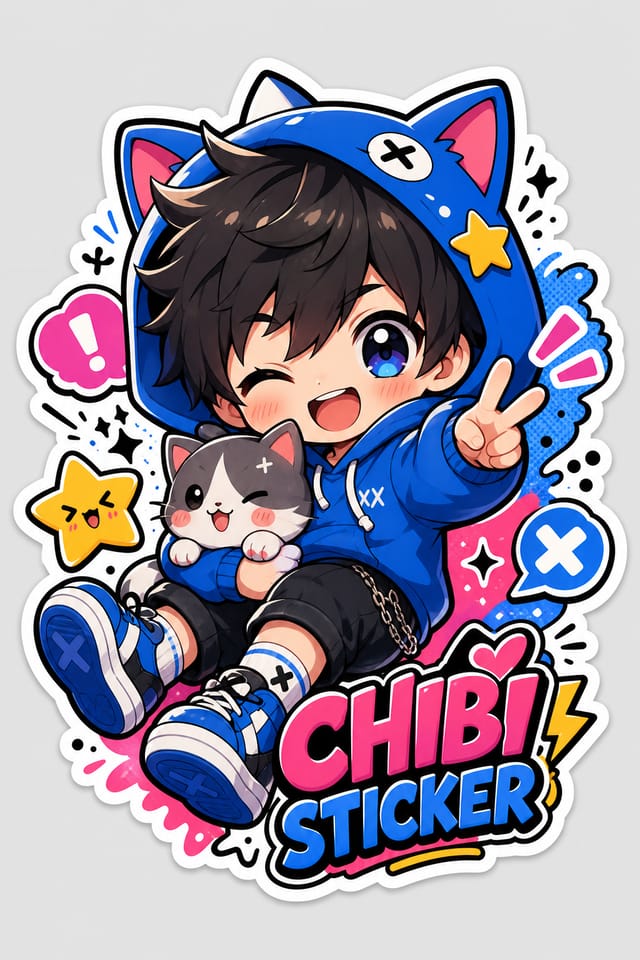
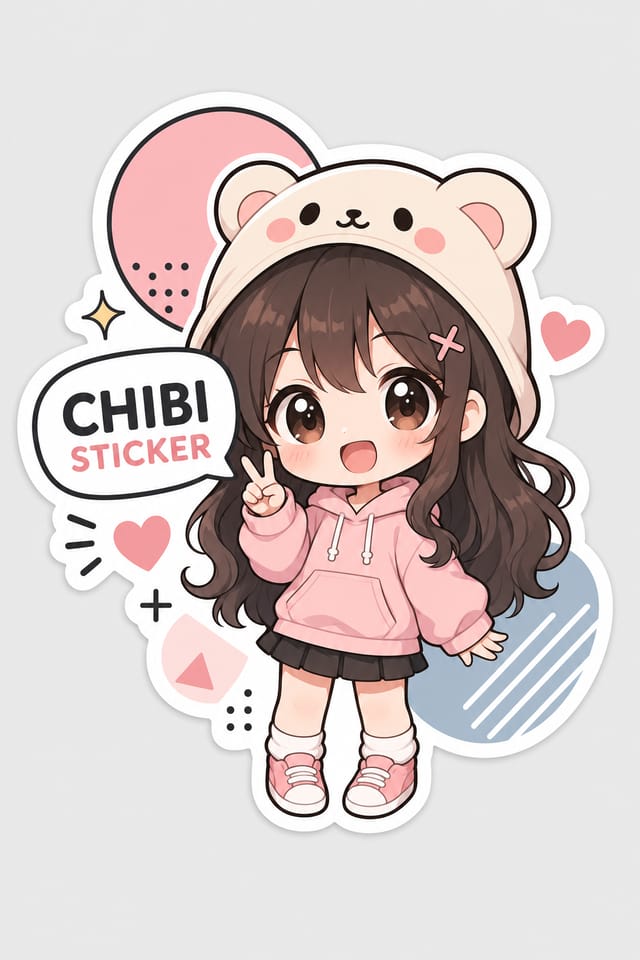
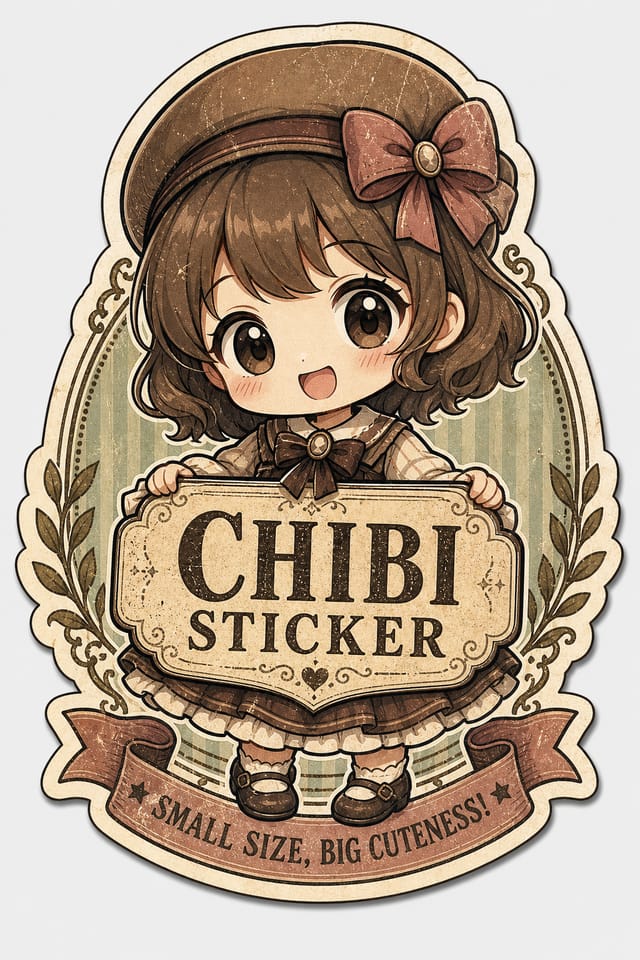
Make chibi stickers with real visual personality. The AI selects design elements that fit chibi aesthetics, not generic templates.
Create Your Chibi Sticker FreeThe Chibi Sticker Framework: Design Intelligence at Work
Understanding Chibi Sticker Design Conventions
Not all sticker design styles work the same way.
Chibi design has specific characteristics that distinguish it from other approaches: particular color affinities, compositional tendencies, and typographic conventions that trained designers recognize immediately.
Pixazo applies this style knowledge automatically.
When you request a chibi sticker, the AI pulls from a visual vocabulary appropriate to chibi design, producing output that reads correctly to anyone familiar with the style.
How Chibi Sticker Tools Stack Up: An Honest Look
| Tool | Description |
|---|---|
| Fotor | Photo editing platform with design templates and batch processing |
| Snappa | Quick graphic creator focused on social media and marketing visuals |
| Pixazo | AI-powered chibi sticker generator with prompt-based design and professional output quality |
| Crello | Template-based design tool with animation and video support |
| Stencil | Lightweight image creator optimized for fast social media graphics |
Build a Chibi Sticker: The Simple Process
Formulate the Request
Write a prompt describing your chibi sticker. Include style preferences, color direction, the most important text to display, and any specific visual elements you want. The more specific your description, the more targeted the output.
Measure Against Intent
Your chibi sticker generates immediately after submission. Evaluate the design against your requirements and refine the prompt to correct any elements that don't match your intent.
Cap It Off
Get your final chibi sticker file in one click. Choose your format, download at full resolution, and use the design immediately. No watermarks, no additional fees, no waiting.
Watch: Creating Chibi Sticker designs step by step
Mastering Chibi Sticker Creation: Expert-Level Advice
Use High Contrast for Readability
Whether your chibi sticker is displayed on screen or in print, strong contrast between text and background ensures the message gets through at any size.
Prioritize Hierarchy
Every chibi sticker needs a clear reading order. Make sure the most important information is the largest and most prominent element in the layout.
Start with a Clear Brief
Before generating any chibi sticker, write down the core message, target audience, and intended use. A focused brief produces better results than iterating from a vague idea.
Check Alignment Carefully
Misaligned elements are one of the most common signs of amateur chibi sticker design. Use grid lines and snap-to features to keep things precise.
Iterate with Variations
Generate 3-5 versions of your chibi sticker before committing. Comparing variations side by side often reveals the strongest direction.
The Reach of Chibi Stickers: Everyday and Professional
Community Organizations
Create chibi announcement stickers for community groups, non-profits, and local organizations without requiring design expertise.
Small Business Marketing
Produce chibi marketing stickers without a design agency budget. Get professional results from a text description.
Travel and Tourism Promotion
Design chibi stickers for destinations, tour packages, and hospitality brands. Aspirational visuals that inspire booking decisions.
Subscription and SaaS Marketing
Generate chibi stickers for software launches, feature announcements, and onboarding campaigns. Clean, modern designs for digital-first audiences.
Social Media Content
Design chibi stickers sized for social platforms. Get content that looks intentional and well-crafted, not thrown together.
Core of Chibi Sticker AI: Professional Features
Resolution Control
Specify output dimensions for your chibi sticker. Get files sized for web display, social media, or large-format printing.
Subcategory Awareness
The AI distinguishes between design subcategories. A chibi sticker request produces chibi-appropriate output, not a generic design with chibi text added.
Negative Space Handling
The AI manages whitespace in chibi sticker designs according to chibi aesthetic conventions, not generic poster defaults.
Text Placement Options
Describe where you want text elements positioned in your chibi sticker. The AI follows compositional direction about headline placement and body copy layout.
Design Principles for Chibi Stickers: What Good Looks Like
Information Density Control
Match the information density of your chibi sticker to the viewing context. A display viewed from 10 feet needs fewer words and larger elements than one held in hand.
Focal Point Clarity
Every chibi sticker design needs one primary focal point. If everything demands equal attention, nothing stands out. Guide the viewer to the single most important element first.
Typographic Clarity
Type choices in chibi sticker design should serve legibility first. Font selection should reinforce the chibi aesthetic while remaining readable at intended viewing distances.
Chibi Sticker Starter Prompts That Work
Copy any prompt below and paste it into Pixazo to generate your design instantly.
Portrait-orientation chibi sticker, vertical composition, headline at natural reading entry point, supporting information flows downward logicallyGeometric chibi sticker, structured grid system, angular composition, colors in blocks rather than gradients, modern clean finishTextured chibi sticker, surface treatment adds depth without obscuring legibility, texture consistent with chibi aestheticMonochromatic chibi sticker, single-hue palette with value variation for contrast, typographic hierarchy creates visual interest without color complexityEditorial-style chibi sticker, text-dominant design, typographic treatment carries visual weight, layout proportions inspired by print publication designThe Fine Print on Chibi Stickers: What It Cannot Do
Known limitations and trade-offs of AI-generated chibi design. Transparency matters when using AI for chibi sticker design. The points below describe where you may need to supplement AI output with manual work.
Community Chibi Sticker: Designs Worth Seeing
Real creators sharing their chibi designs made with Pixazo AI.
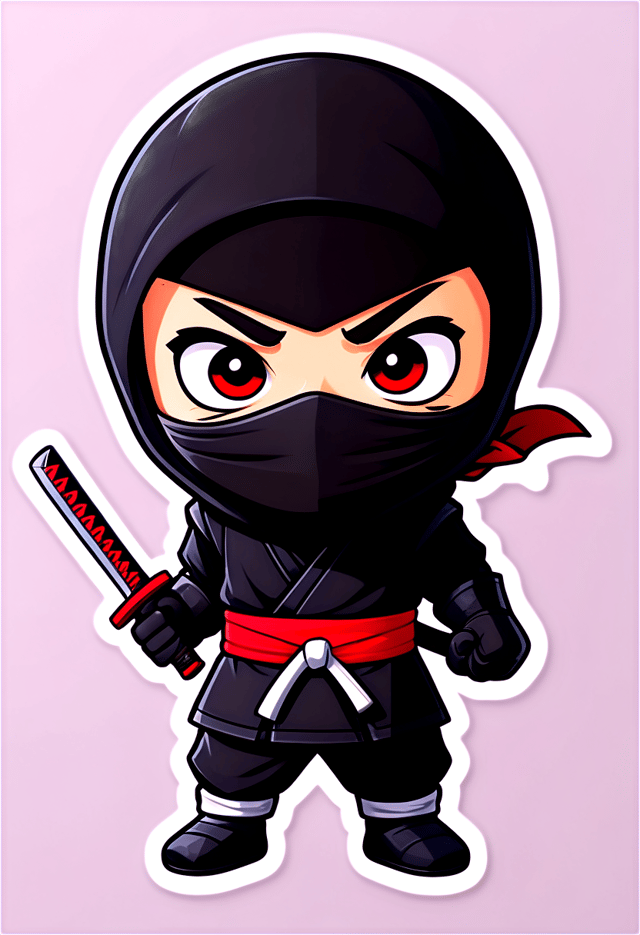
Bold chibi sticker with strong central headline, supporting information at secondary scale, background treatment consistent with chibi design
Chibi sticker in 18x24 inch print format, museum-quality composition, generous margins, elegant serif headline, muted earth tones
Corporate chibi sticker for a B2B audience, clean and authoritative, navy and white palette, structured grid, data-friendly layoutFormat Options for Chibi Stickers: File Types and Uses
WEBP
Modern web format offering smaller file sizes than PNG or JPG for chibi sticker images without significant quality loss.
Print-ready format for chibi sticker files that preserves fonts, colors, and layout across different devices and print services.
PNG
Lossless image format ideal for chibi sticker designs with transparency, sharp text, and web display at predictable file sizes.
JPG
Compressed image format suited for chibi sticker designs with photographic elements where smaller file size matters more than pixel-perfect edges.
TIFF
High-fidelity format for chibi sticker files destined for professional printing, supporting CMYK color and lossless compression.
About Chibi Stickers: The Essentials
The AI renders text as specified in your prompt, so double-check spelling and punctuation before generating. If text renders incorrectly in a chibi sticker, adjust your prompt and regenerate. The AI follows your exact text input.
The AI recognizes chibi design as a distinct visual category with its own conventions. Specifying chibi style in your prompt triggers appropriate design decisions around color, typography, and composition rather than defaulting to generic poster layout.
You control every major design parameter through your prompt: color palette, typography style, layout structure, visual weight distribution, background treatment, and content hierarchy. The more specific your chibi sticker prompt, the more precisely the AI follows your creative direction.
Pixazo offers a free tier that lets you generate chibi stickers with standard resolution output. Paid plans unlock higher resolution, priority generation, and additional export formats. You can try chibi sticker generation free with a credit card.
You can generate as many variations as your account tier allows. Refine your prompt with each iteration to move toward your target design. Most users find the right direction within three to five generations.

