Video Speed Controller
The video speed controller retimes a whole clip from 0.25× to 8×, keeping voices at their real pitch.
- Free to start
- Audio pitch preserved

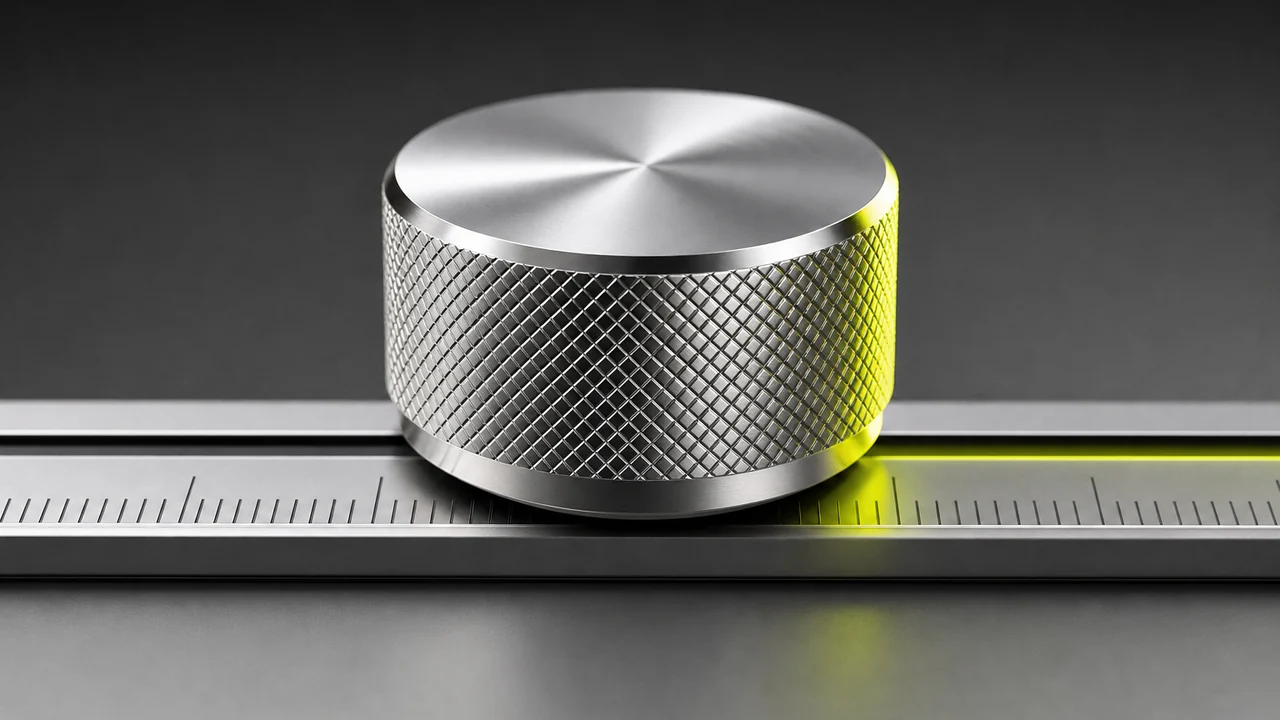
Four times longer than the source, and the softest of the six detents on 30 fps footage.
The safe slow setting — enough to follow a fast hand movement.
The centre detent. Nothing is retimed — your reference point.
The everyday setting. Speech stays intelligible, motion still reads as real.
Where a walkthrough starts to feel like a timelapse. Frames are dropped.
The last detent. For compressing something long into a few seconds.
What is the video speed controller?
The video speed controller is a free browser tool inside Pixazo that retimes a clip you upload. You pick a factor on the dial, it re-renders the video at that tempo, and you download the result. There is nothing to install and no watermark on the file that comes back.
Both ends of the range are real: extreme factors like 0.25×, 4× and 8× are handled rather than quietly refused. Audio is retimed alongside the picture with proper pitch correction, so a voice at half speed still sounds like that person. Clips with no audio track go through fine too — worth saying, because an earlier build of ours used to trip over them.
One deliberate decision: a factor outside the supported range is rejected rather than silently clamped to the nearest legal value. You find out immediately, instead of downloading a file that quietly is not what you asked for.
If your job is really editing rather than retiming, the AI video editor is the broader workspace, and the AI video generator makes clips from scratch. Browse everything else in the AI tools directory.
Dial specification
Plate| Range | 0.25× to 8× |
| Detents shown | 0.25× · 0.5× · 1× · 2× · 4× · 8× |
| Audio | Retimed with pitch preserved |
| Silent clips | Supported |
| Out-of-range factor | Rejected, never silently clamped |
| Scope | Whole clip, one uniform factor |
| Runs in | Browser, desktop and mobile |
| Price | Free to start · scales with your Pixazo plan |
How do you use the video speed controller?
Four turns of the dial: open the studio, load the clip, choose a factor, download the retimed file. The read-out gives you the new duration before you commit.
Open the speed dial
Launch Pixazo in your browser. It works on a laptop or a phone, with nothing to download first.
Upload your clip
Drag in the video you want retimed. Common formats such as MP4 and MOV are read straight from the file.
Pick a speed factor
Choose anything from 0.25× up to 8×. Under one slows the clip down, over one speeds it up.
Render and download
Let it retime picture and sound together, then save the finished clip with no watermark on it.
Both directions on one dial
Below the centre detent the clip stretches; above it, the clip compresses. Same control, same file in, two very different results out.

Slow it down so a viewer can actually follow
Set the dial under one and the clip stretches. A 0.5× pass gives someone twice as long to see where your hands went in a tutorial. Push to 0.25× and you get four times the duration, which is where a busy demonstration finally becomes readable.
Because the audio is retimed rather than simply stretched, narration at half speed still sits at its normal pitch — the difference between a usable pass and something that sounds broken.
Change Video Speed
Speed it up until the clip is worth watching
Above the centre detent the clip compresses. A forty-minute screen recording at 4× lands at ten minutes; at 8× it is five. This is also the timelapse route — a long static shot pushed hard enough starts to move like one, without any separate timelapse mode to learn.
The honest mechanic: speeding up drops frames. Half the duration means roughly half the frames survive, so treat the fast detents as a summarising tool rather than a lossless one.
Change Video Speed free0.25× to 8×, with the audio retimed in pitch-sync.
Change Video SpeedReading the detents
Every notch has a job it is genuinely good at. Durations below assume a four-minute source clip — the same figure the read-out above uses.
| Factor | 04:00 becomes | What it is good for |
|---|---|---|
| 0.25× | 16:00 | Stretching one detail as far as the dial goes; softest picture of the six. |
| 0.5× | 08:00 | Letting a viewer follow a quick action without obvious stepping. |
| 1× | 04:00 | Your reference point — nothing retimed. |
| 2× | 02:00 | Trimming a long screen recording while speech stays clear. |
| 4× | 01:00 | Timelapse feel; fitting a walkthrough under a duration cap. |
| 8× | 00:30 | Compressing something very long into a few seconds. |
Why the range is enforced: ask for a factor outside 0.25× to 8× and the video speed controller turns the request down instead of rounding to the nearest legal notch. A rejection is information; a silent clamp is a file you must inspect to trust.
What do people actually turn the dial for?
Four jobs that come up again and again, and the notch each one tends to land on.

Trimming a long screen recording
A twenty-minute walkthrough nobody finishes becomes a ten-minute one they do. At 2× the narration is still followable, which is why it beats cutting chunks out.
Slowing a detail so it reads
The one moment that matters — a gesture, a mechanism — given twice as long on screen. Use a video speed changer pass rather than re-shooting the take.
Getting a timelapse feel
A static camera on a long process, pushed to 4× or 8×, moves the way a timelapse does. No separate mode to learn.
Fitting a platform duration cap
When a clip is thirty seconds too long for where it is going, speeding it up keeps every shot instead of forcing you to drop one.
Free to start — the dial is a browser tab away.
Change Video Speed freeWhat can the video speed controller not do?
The dial is honest about its own physics. These are the limits worth knowing before you commit an export.
- Slowing footage does not invent frames that were never shot. Real slow motion comes from filming at a high frame rate in the first place. Stretch 30 fps footage far and it looks stepped or soft — there is nothing in between the frames you have.
- Speeding up drops frames by definition. Compressing four minutes into one means most of the original frames are not in the output. That is the trade, not a bug.
- It retimes the whole clip, not a section. One uniform factor is applied end to end. This is not a per-section speed-ramp editor, so a slow beat inside an otherwise normal clip is a job for a timeline editor.
- An out-of-range factor is refused. Nothing outside 0.25× to 8× is accepted, and it is not rounded down to fit. You get told, which is the behaviour you want.

Speed-change questions, answered
The things people ask before they turn the dial for the first time.
Is the video speed controller free to use?
Yes, you can start free. It runs inside Pixazo in your browser, and heavier usage follows whichever Pixazo plan you are on.
How fast and how slow can it go?
From 0.25× up to 8×. Both extremes are genuinely supported, so a quarter-speed pass and an eight-times pass both work rather than being quietly refused.
Will the audio sound like chipmunks?
No. The audio is retimed with pitch correction rather than simply played faster, so a sped-up or slowed-down voice keeps its normal pitch.
What happens if my video has no sound?
It is handled normally. Silent clips are an explicitly supported case, so a screen recording with no audio track retimes the same way any other clip does.
What happens if I ask for a factor outside the range?
The request is rejected rather than silently clamped to the nearest allowed value. You find out straight away instead of downloading a file that is not what you asked for.
Can I change video speed for just one part of the clip?
No. One factor is applied to the whole clip, so this is not a per-section speed-ramp editor. Splitting a clip and retiming a segment is a timeline editing job.
Why does my slowed-down footage look stepped?
Because slowing footage cannot create frames that were never filmed. Genuinely smooth slowed footage comes from a high frame rate at capture, so stretching ordinary 30 fps footage a long way will look stepped or soft.
Does the speed control work on mobile?
Yes. The tool runs in a mobile browser, so you can retime a clip on an iPhone or an Android phone without installing an app.
Is there a watermark on the result?
No watermark is added to the retimed video. You download the file and use it wherever you like.
Deepak Joshi is a Content Marketing specialist having a combined experience of 10+ years working in the digital world. He is one of the active contributors to Pixazo Blog and has keen interest creating and marketing content related to AI tools, No-Code technology, Design Industry, Social Influencers, and other trending topics. A health and sport enthusiast, Deepak loves to indulge in all kinds of sports & games.
Set the tempo, keep the pitch.
Retime any clip from 0.25× to 8× with the audio handled properly and no watermark on the way out. Free to start, straight in the browser.
Change Video Speed- Free to start
- No install
- Pitch preserved

