Ad Banner : Create Free Ad Banners in Minutes with AI
Create Custom Ad Banners Quickly with Pixazo Best AI Ad Banner Maker. Try for Free!
Get Started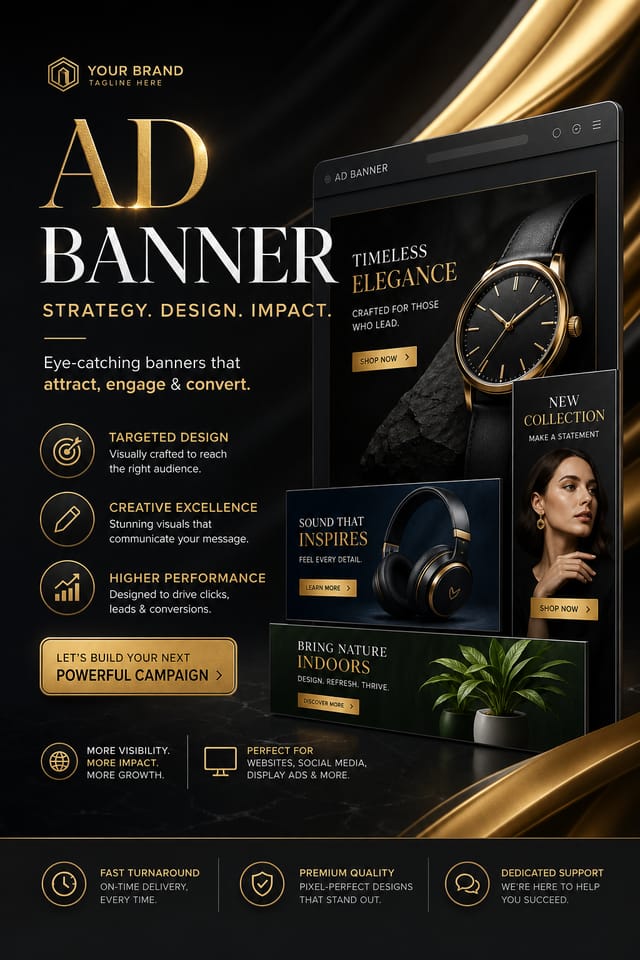
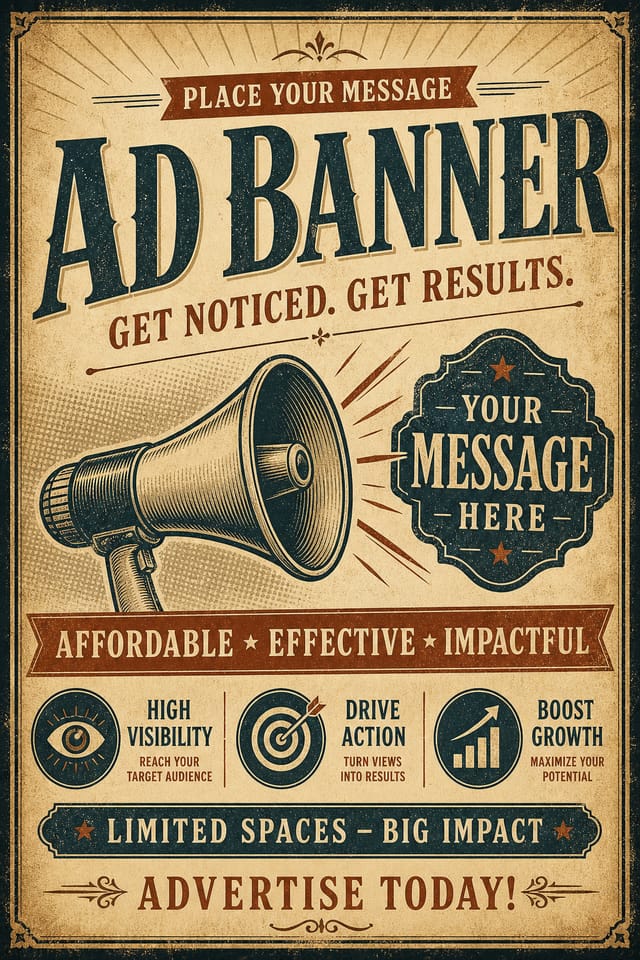
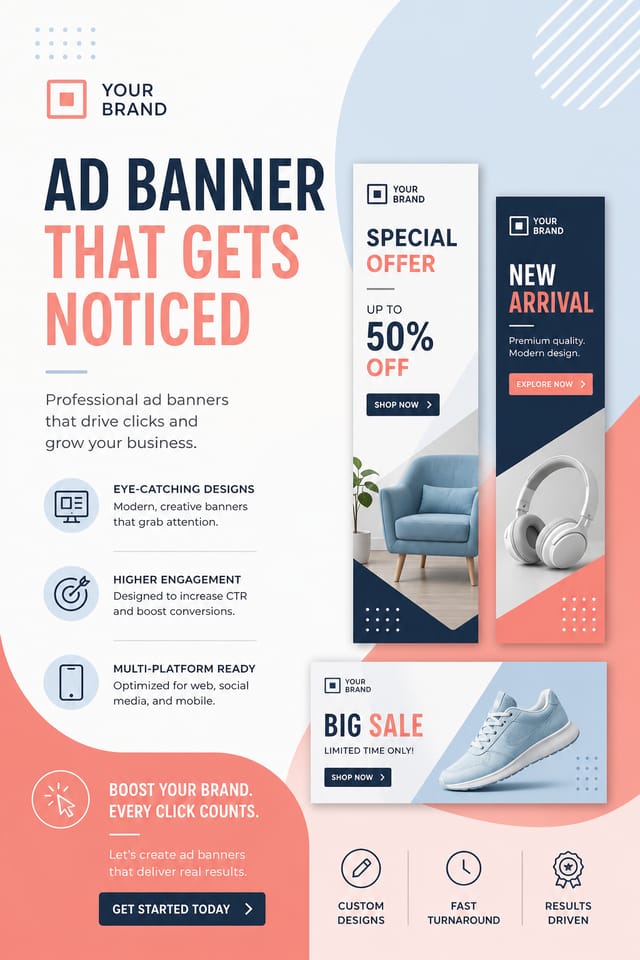
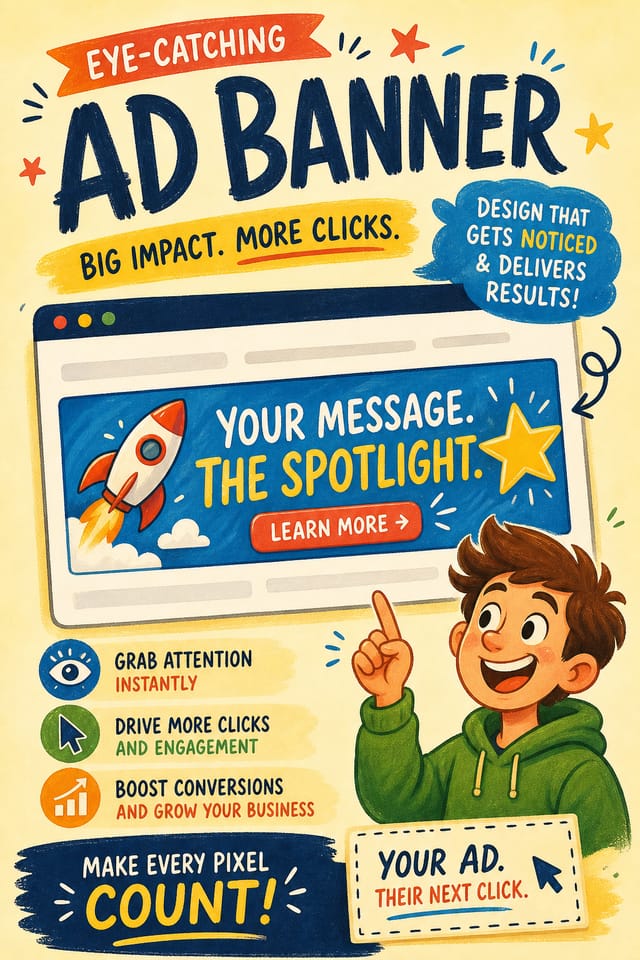
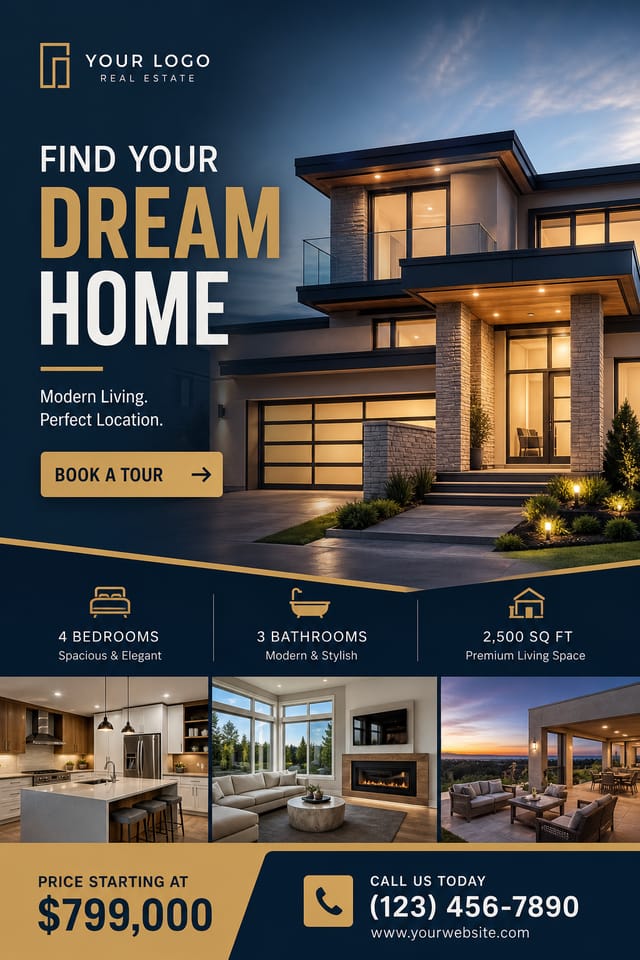
Ad Banner Design Guidance: Dos and Don'ts
Test with real content
Never finalize a ad banner with placeholder text. Real copy often has different lengths and line breaks that affect the design.
Use grids and alignment
Structured layouts in your ad banner create a sense of order and professionalism that unstructured designs cannot match.
Maintain brand alignment
Keep your ad banner design consistent with existing brand colors, fonts, and visual language for a cohesive identity.
Optimize for the display medium
Tailor your ad banner resolution, color space, and text size to the specific platform or physical context where it will appear.
Ignore accessibility
Low-contrast text and tiny font sizes in your ad banner exclude a significant portion of your potential audience.
Overcrowd the layout
Filling every pixel of your ad banner with content makes it harder to read and reduces the impact of every individual element.
Rely solely on AI output
AI-generated ad banner designs are a starting point. Human review catches issues with context, tone, and accuracy that AI can miss.
Skip proofreading
Typos and grammatical errors on a ad banner undermine credibility instantly. Always have someone else review the final text.
Ad Banner Maker Capabilities: What Sets It Apart
No Design Software Required
Create professional ad banners without Photoshop, Illustrator, or other design applications. The AI handles all technical production.
Text Placement Options
Describe where you want text elements positioned in your ad banner. The AI follows compositional direction about headline placement and body copy layout.
Layered Style Application
Combine ad style with other design parameters in a single prompt. The AI interprets complex requests and applies multiple style constraints simultaneously.
Resolution Control
Specify output dimensions for your ad banner. Get files sized for web display, social media, or large-format printing.
Subcategory Awareness
The AI distinguishes between design subcategories. A ad banner request produces ad-appropriate output, not a generic design with ad text added.
From Prompt to Ad Banner: Made Simple
Share What You Want
Start with a text description of your ad banner concept. Specify the visual style, colors, layout direction, and key text. Detailed prompts produce more accurate ad banner designs than general ones.
Inspect and Compare
The AI produces a ad banner based on your description. If the first result isn't exactly right, adjust the prompt to address what needs changing. Most designs reach the target within a few iterations.
Download the Result
Get your final ad banner file in one click. Choose your format, download at full resolution, and use the design immediately. No watermarks, no additional fees, no waiting.
Watch: Creating Ad Banner designs step by step
Before You Start: Your Questions Answered
A ad banner generates in seconds after submitting your prompt. Total time from prompt submission to downloadable file is typically under a minute, including any server processing time.
Adjust your prompt to change any element of the design. If a generated ad banner is close but not quite right, describe what you want changed and regenerate. The AI responds to specific direction about individual elements like color, layout, or typographic weight.
Include your specific colors in the prompt, either by hex code or descriptive terms. 'Navy and copper with white text' or '#1a1a2e and #c9a84c palette' both work. The AI builds a ad-appropriate palette around your specified colors.
Pixazo generates original designs rather than copying existing work. The AI creates ad banners from learned design principles, not by stitching together fragments of existing designs. Generated output does not reproduce copyrighted material or identifiable artistic styles of living creators.
The AI renders text as specified in your prompt, so double-check spelling and punctuation before generating. If text renders incorrectly in a ad banner, adjust your prompt and regenerate. The AI follows your exact text input.
Common sizes include 1080x1080 for Instagram feed, 1080x1920 for stories and reels, 1200x628 for Facebook links, 1500x500 for Twitter headers, and 1080x1350 for Pinterest. Specify the platform in your prompt and Pixazo optimizes ad layout for that format.
Ad Banner Expert Advice: Tips That Work
Check Alignment Carefully
Misaligned elements are one of the most common signs of amateur ad banner design. Use grid lines and snap-to features to keep things precise.
Get Feedback Early
Share your ad banner draft with someone outside the project. Fresh eyes catch issues you have become blind to after hours of refinement.
Iterate with Variations
Generate 3-5 versions of your ad banner before committing. Comparing variations side by side often reveals the strongest direction.
Test at Actual Size
Always preview your ad banner at the dimensions it will be displayed. Design details that look fine at 100% can disappear or crowd at real-world scale.
What Ad Banner AI Includes: Features Unpacked
Layout Intelligence
AI understands ad banner layout conventions and applies them automatically
Typography Matching
Font selection that matches the visual tone of your ad banner design
Composition Rules
Automatic application of design principles like hierarchy and balance
The Reach of Ad Banners: From Hobby to Pro
Wedding and Celebration Planning
Create ad banners for invitations, signage, and event branding. Cohesive visual systems that carry a celebration's theme across every touchpoint.
Community Organizations
Create ad announcement banners for community groups, non-profits, and local organizations without requiring design expertise.
Travel and Tourism Promotion
Design ad banners for destinations, tour packages, and hospitality brands. Aspirational visuals that inspire booking decisions.
Restaurant and Food Service
Generate ad banners for menus, seasonal promotions, and restaurant branding. Designs that reflect cuisine style and dining atmosphere.
Your Ad Banner Tool: Performance Metrics
Tested Ad Banner Prompts Worth Trying
Copy any prompt below and paste it into Pixazo to generate your design instantly.
Large-format ad banner design, elements sized for visibility at print scale, no fine detail that would be lost in productionContemporary ad banner design, grid-based layout, typographic precision, restrained color palette, no decorative excessHigh-impact ad banner, immediate visual read at thumbnail size, clear headline dominance, supporting information structured logicallySeries-compatible ad banner design, visual language that extends to multiple formats, consistent design system across variantsAd aesthetic banner, palette drawn from ad design tradition, layout proportions consistent with ad conventions, purposeful use of each elementAd Design Community: Featured Designs
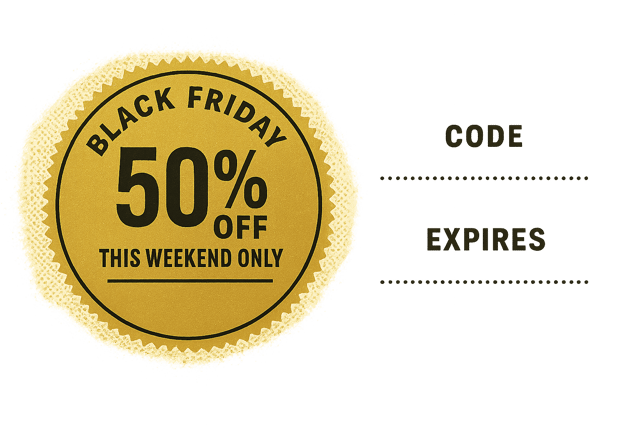
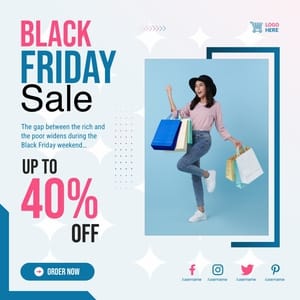
Real creators sharing their ad designs made with Pixazo AI.
Ad Banner File Formats: Choosing the Right Format
WEBP
Modern web format offering smaller file sizes than PNG or JPG for ad banner images without significant quality loss.
Print-ready format for ad banner files that preserves fonts, colors, and layout across different devices and print services.
JPG
Compressed image format suited for ad banner designs with photographic elements where smaller file size matters more than pixel-perfect edges.
SVG
Scalable format for ad banner designs that need to render crisply at any resolution, commonly used for web and responsive layouts.
PNG
Lossless image format ideal for ad banner designs with transparency, sharp text, and web display at predictable file sizes.
Ad Banner Constraints: Areas for Improvement
Known limitations and trade-offs of AI-generated ad design. Being specific about what AI banner generation can and cannot do helps you plan your workflow and set accurate expectations.

