Animated Banner : Create Free Animated Banners in Minutes with AI
Create Custom Animated Banners Quickly with Pixazo Best AI Animated Banner Maker. Try for Free!
Get Started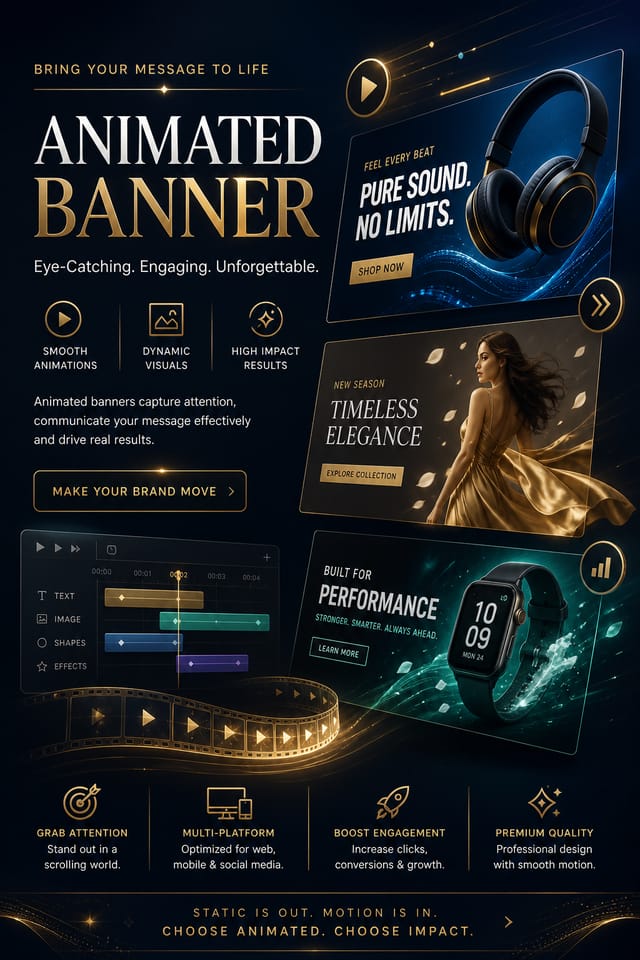
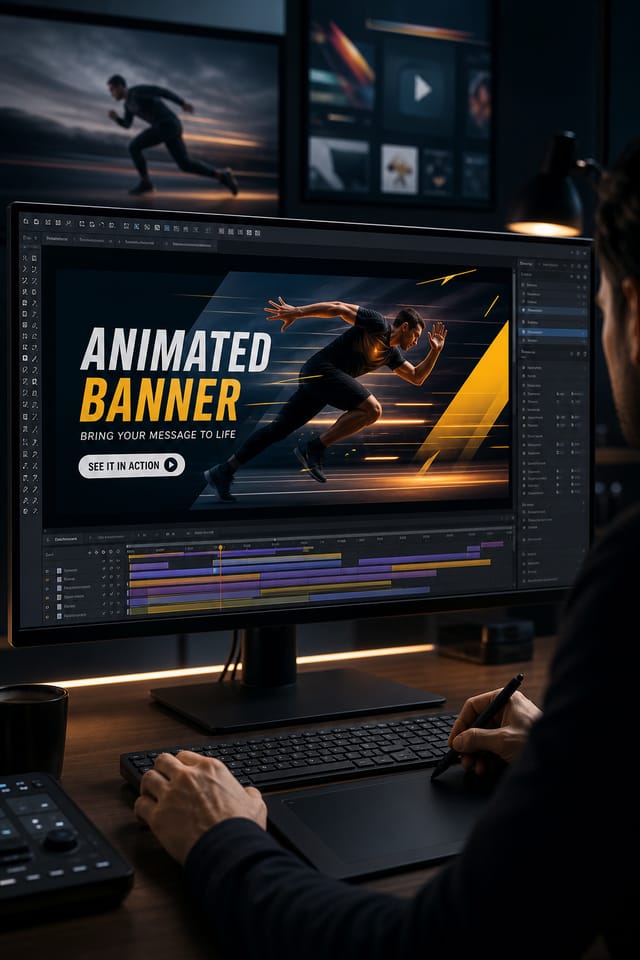
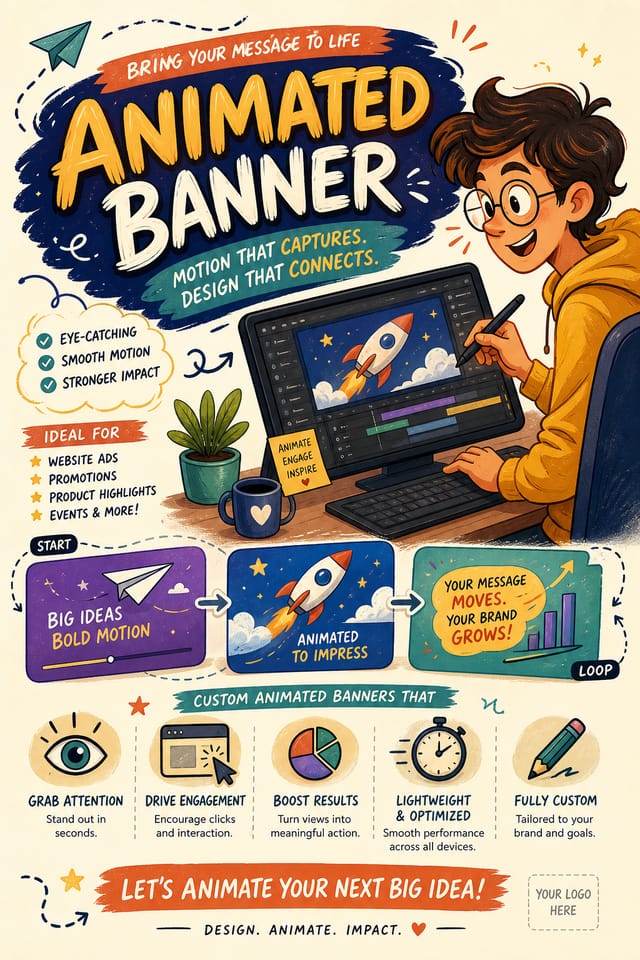
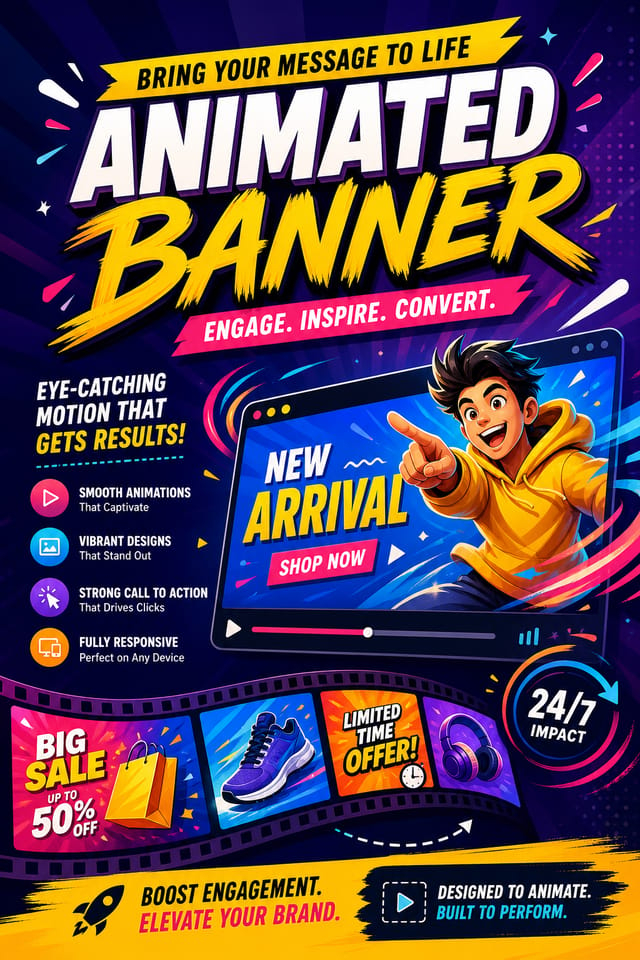
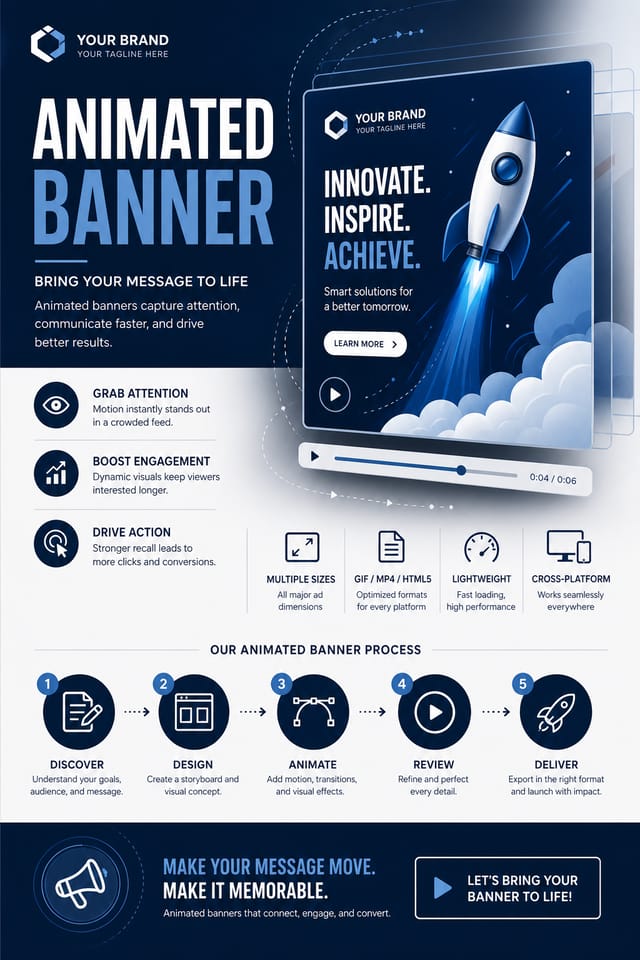
AI Animated Banner Studio: Made Simple
Generate animated banners that capture the right visual mood. Pixazo's AI handles composition, color, and typography so you can focus on your message.
Create Your Animated Banner FreeInside the Animated Banner Engine: Core Strengths
Negative Space Handling
The AI manages whitespace in animated banner designs according to animated aesthetic conventions, not generic poster defaults.
Consistency Across Variants
Generate multiple animated banners for a project and maintain visual consistency across the set. Specify your core design parameters and vary secondary elements.
Typography Matching
Typefaces are selected to match animated aesthetic expectations. The AI pairs fonts that reinforce your animated banner's visual identity.
Context-Aware Design
Describe your animated banner's purpose and audience. The AI adjusts visual weight, complexity, and clarity based on the intended use context.
How Animated Banner Projects Flow: How It All Connects
Review Evaluate and refine
Compare generated animated banner options against your brief. Mark what works and note specific changes needed for the next iteration.
Research Gather references
Collect examples of effective animated banner designs, note what works, and identify patterns relevant to your project goals.
Brief Define requirements
Establish the key message, dimensions, color preferences, and target audience for your animated banner before any design work begins.
Generate Create initial designs
Use AI to produce multiple animated banner variations based on your brief. Start broad and narrow down from the strongest options.
Making Animated Banners: The Creation Flow
Present the Brief
Describe what you want your animated banner to look like. Include the mood, color palette, typography preference, and content hierarchy. Pixazo reads all of this and uses it to generate an appropriate design.
Review the Draft
Pixazo generates your animated banner in seconds. Review the design and adjust your prompt to refine specific elements: change the color palette, shift the layout weight, or add visual elements you want included.
Forward the Design
Get your final animated banner file in one click. Choose your format, download at full resolution, and use the design immediately. No watermarks, no additional fees, no waiting.
Animated Banner Specifications
Watch: Creating Animated Banner designs step by step
Animated Banner AI: Frequently Asked
A animated banner generates in seconds after submitting your prompt. Total time from prompt submission to downloadable file is typically under a minute, including any server processing time.
The AI recognizes animated design as a distinct visual category with its own conventions. Specifying animated style in your prompt triggers appropriate design decisions around color, typography, and composition rather than defaulting to generic poster layout.
Pixazo generates single-page animated banner designs per prompt. For multi-page projects, generate each page individually using consistent prompt language to maintain visual continuity across your animated document set.
The AI generates designs at the specified dimensions. For professional print production, add 'with bleed area' to your prompt to extend background elements beyond the trim line. Crop marks and registration marks should be added in your print preparation software.
Pixazo provides an API for programmatic animated banner generation. Integrate it into your content pipeline to automate design production at scale. API documentation covers authentication, prompt formatting, and output retrieval.
Getting More from Animated Banner AI: Lessons from the Field
Start with a Clear Brief
Before generating any animated banner, write down the core message, target audience, and intended use. A focused brief produces better results than iterating from a vague idea.
Leave White Space
Resist the urge to fill every area of your animated banner. Breathing room around key elements makes the overall design more effective.
Limit Your Color Palette
Stick to 2-3 primary colors in your animated banner design. Too many colors compete for attention and weaken the visual hierarchy.
Keep Typography Simple
Use no more than two typefaces per animated banner. One for headlines, one for body text. Consistency in typography signals professionalism.
Use High Contrast for Readability
Whether your animated banner is displayed on screen or in print, strong contrast between text and background ensures the message gets through at any size.
Deep Dive into Animated Banner AI: In Detail
Resolution Control
Export animated banners at resolutions from web-optimized to print-quality 4K
Format Flexibility
Download your animated banner as PNG, JPG, or PDF depending on your use case
Batch Generation
Create multiple animated banner variations from a single prompt efficiently
Animated Banners Across Fields: Who Benefits Most
Travel and Tourism Promotion
Design animated banners for destinations, tour packages, and hospitality brands. Aspirational visuals that inspire booking decisions.
Music and Audio Production
Produce animated banners for album covers, playlist artwork, and music event promotion. Visual identity that matches the sound.
Content Creation Workflow
Incorporate animated banner generation into a content production workflow. Fast output enables higher publishing frequency.
Healthcare and Wellness
Design animated banners for clinics, wellness centers, and health campaigns. Trustworthy visuals that communicate care and professionalism.
Sports and Recreation
Produce animated banners for leagues, tournaments, and recreational programs. Energetic designs that build excitement and communicate schedules.
Animated Banner Engine: What You Get
Proven Animated Banner Prompt Examples
Copy any prompt below and paste it into Pixazo to generate your design instantly.
Monochromatic animated banner, single-hue palette with value variation for contrast, typographic hierarchy creates visual interest without color complexityAnimated banner with strong visual hierarchy, largest element reads clearly, supporting elements organized by importance, clean background treatmentLarge-format animated banner design, elements sized for visibility at print scale, no fine detail that would be lost in productionPortrait-orientation animated banner, vertical composition, headline at natural reading entry point, supporting information flows downward logicallyAnimated banner design, clean layout, strong typography hierarchy, appropriate color palette for animated aesthetic, high contrast between headline and backgroundContemporary animated banner design, grid-based layout, typographic precision, restrained color palette, no decorative excessAnimated Banner Creators: Community Creations
Real creators sharing their animated designs made with Pixazo AI.
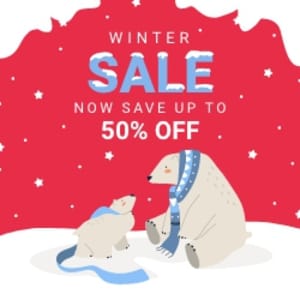
Playful animated banner for a family audience, rounded typography, bright saturated colors, approachable and energetic tone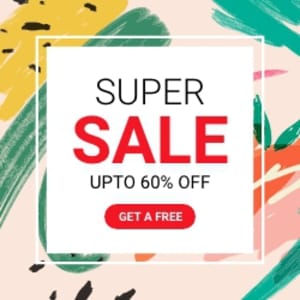
Geometric animated banner design, angular composition, color in blocks, structured grid, no decorative flourishes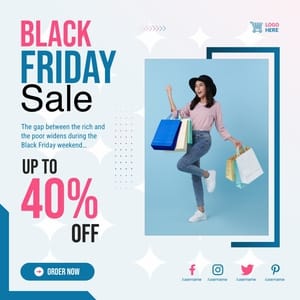
Animated banner for large format print, elements scaled for visibility at distance, colors optimized for print outputAnimated Banner Generation: Areas for Improvement
Known limitations and trade-offs of AI-generated animated design. Being specific about what AI banner generation can and cannot do helps you plan your workflow and set accurate expectations.

