Email Banner : Create Free Email Banners in Minutes with AI
Create Custom Email Banners Quickly with Pixazo Best AI Email Banner Maker. Try for Free!
Get Started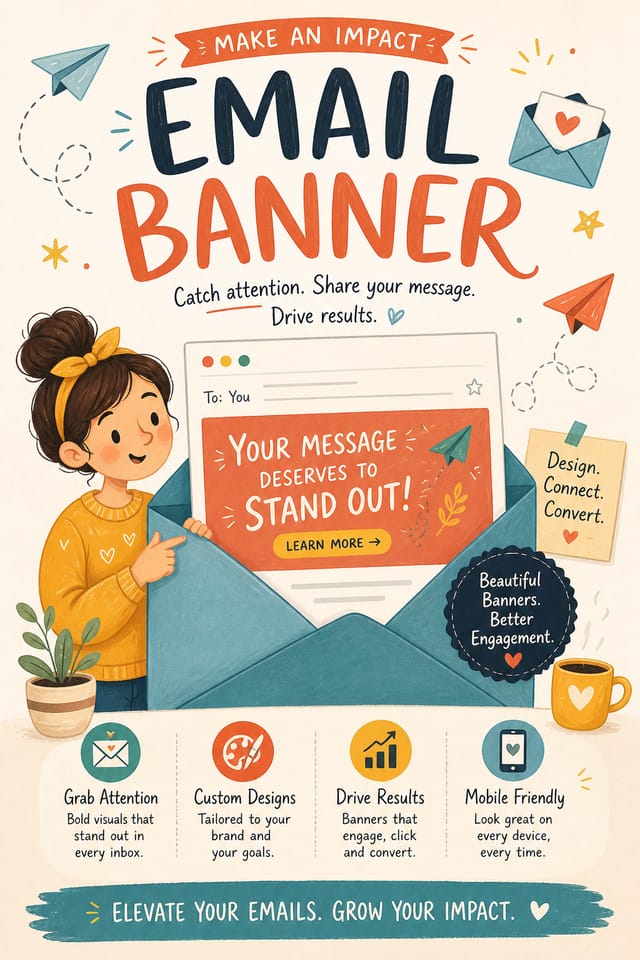
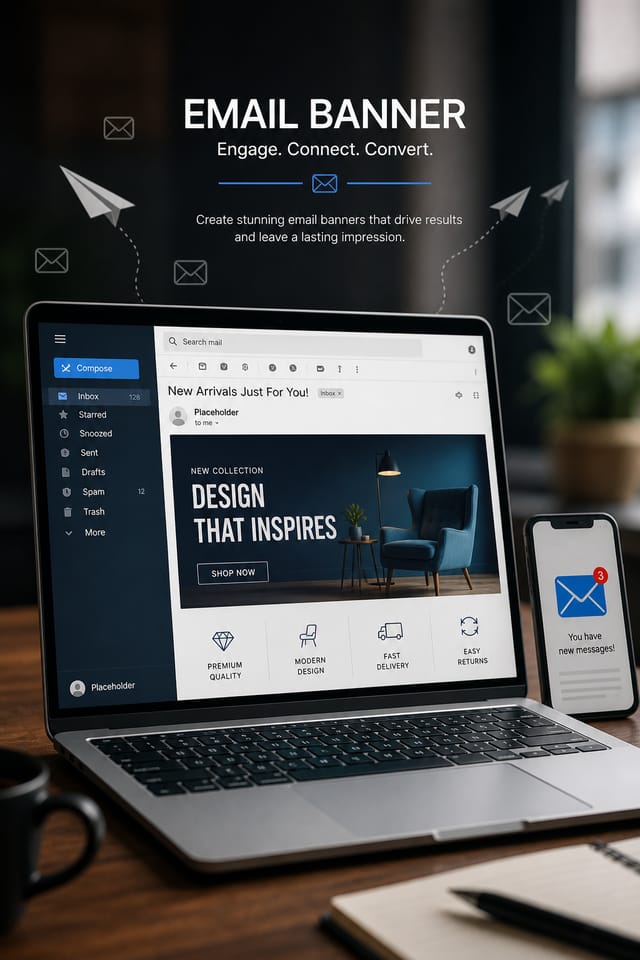
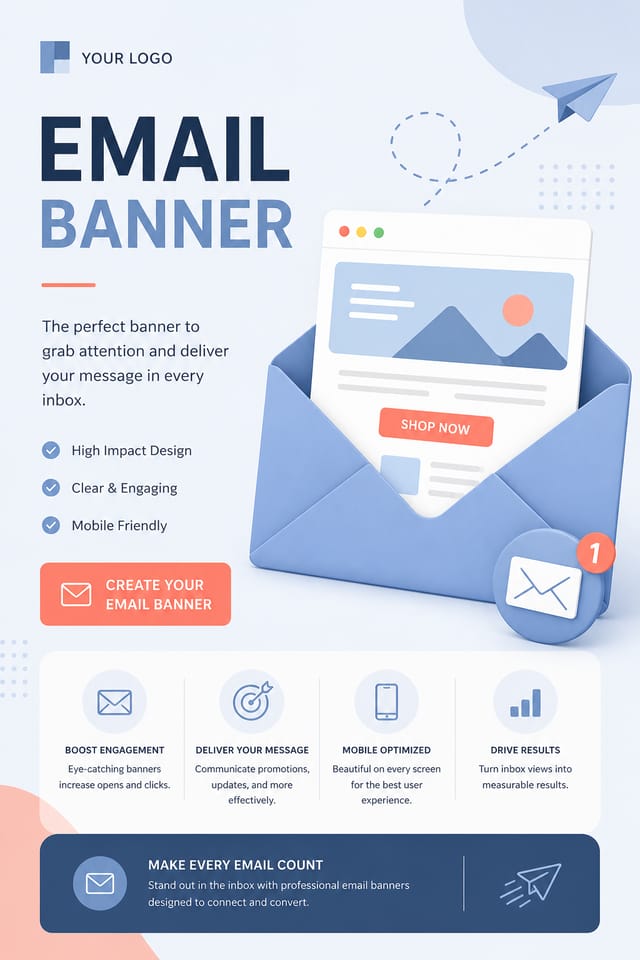
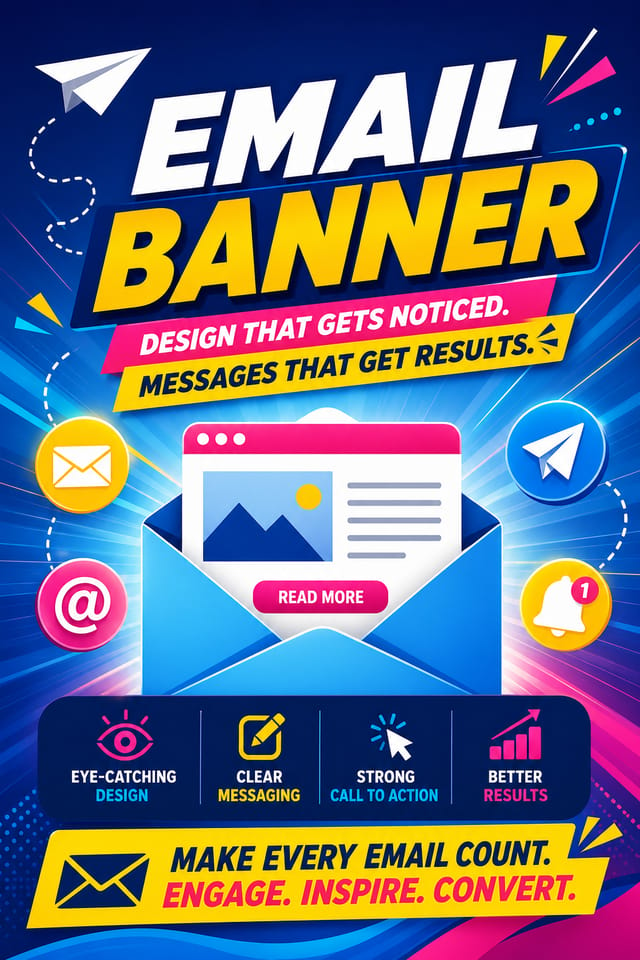
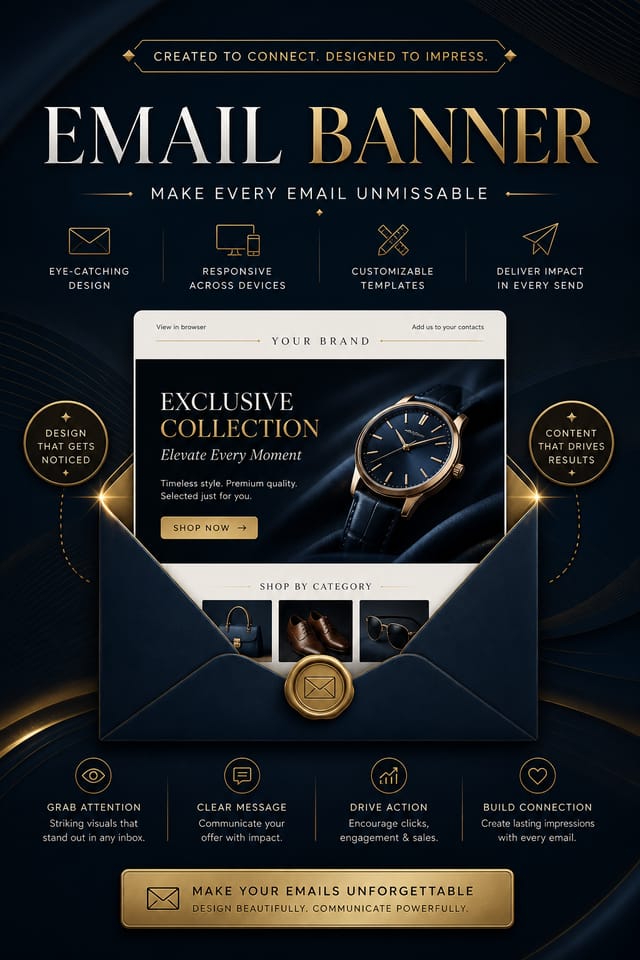
The Email Banner Gallery: What People Are Making
Real creators sharing their email designs made with Pixazo AI.

Email Banner Design Guidance: Rules Worth Following
Use grids and alignment
Structured layouts in your email banner create a sense of order and professionalism that unstructured designs cannot match.
Maintain brand alignment
Keep your email banner design consistent with existing brand colors, fonts, and visual language for a cohesive identity.
Use a consistent visual hierarchy
Structure your email banner so the viewer's eye follows a clear path from headline to supporting details to call-to-action.
Optimize for the display medium
Tailor your email banner resolution, color space, and text size to the specific platform or physical context where it will appear.
Overcrowd the layout
Filling every pixel of your email banner with content makes it harder to read and reduces the impact of every individual element.
Rely solely on AI output
AI-generated email banner designs are a starting point. Human review catches issues with context, tone, and accuracy that AI can miss.
Use too many fonts
More than two or three typefaces in a single email banner creates visual noise and makes the design feel disjointed.
Forget the call to action
A email banner without a clear next step for the viewer is a missed opportunity. Always include direction on what to do next.
Email Banner AI: Key Capabilities
Style-Accurate Generation
The AI interprets email design conventions and applies them to your banner, producing output that looks correctly styled rather than generically templated.
Fast Generation
Complete email banner designs generate in seconds. No rendering queues, no waiting for batch processing.
Text Placement Options
Describe where you want text elements positioned in your email banner. The AI follows compositional direction about headline placement and body copy layout.
Commercial Use Rights
Designs generated with Pixazo are yours to use commercially. No additional licensing required for email banner projects.
Background Variation
Generate email banners with different background treatments. Solid, gradient, textured, or pattern backgrounds all available for email style.
Your Email Banner Workflow: Three Easy Steps
Watch: Creating Email Banner designs step by step
Putting Email Banners to Work: From Hobby to Pro
Interior Display
Generate email banners for home and office wall display. Get print-ready files that look considered rather than stock-photo generic.
Podcast and Media Branding
Generate email banners for podcast covers, episode artwork, and media channel identity. Consistent visual branding across audio and video platforms.
Retail and Hospitality
Produce email in-store and venue banners that communicate quality through design. Email aesthetics signal attention to customer experience.
Religious and Spiritual Organizations
Create email banners for worship services, community outreach, and faith-based events. Respectful designs that reflect the organization's character.
Core Ideas Behind Email Banners: Best Practices
Effective Email Banner Prompts Worth Trying
Copy any prompt below and paste it into Pixazo to generate your design instantly.
Editorial-style email banner, text-dominant design, typographic treatment carries visual weight, layout proportions inspired by print publication designProfessional email banner, minimalist email approach, negative space used intentionally, readable at multiple viewing distances, print-ready compositionLarge-format email banner design, elements sized for visibility at print scale, no fine detail that would be lost in productionClean email banner design, geometric structure, disciplined typography, color accent used selectively for emphasis, printer-optimized resolutionGeometric email banner, structured grid system, angular composition, colors in blocks rather than gradients, modern clean finishTextured email banner, surface treatment adds depth without obscuring legibility, texture consistent with email aestheticEmail Banner Essentials: Your Questions Answered
Professional email banner design comes down to the right color relationships, appropriate typographic hierarchy, and compositional balance that fits email aesthetic conventions. Generic designs miss these details because they apply neutral defaults rather than style-specific decisions. Pixazo applies email design knowledge when you specify the style.
The AI renders text as specified in your prompt, so double-check spelling and punctuation before generating. If text renders incorrectly in a email banner, adjust your prompt and regenerate. The AI follows your exact text input.
Include the target language in your prompt when generating email banners with non-English text. The AI selects typographic approaches appropriate for the language and applies email design conventions to the overall layout regardless of language.
The AI generates designs at the specified dimensions. For professional print production, add 'with bleed area' to your prompt to extend background elements beyond the trim line. Crop marks and registration marks should be added in your print preparation software.
Your prompt history is saved in your account. You can revisit previous email banner prompts, duplicate them with modifications, and build a library of proven prompt structures for consistent email design output.
Where Email Banner Design Is Heading: Where Design Is Going
Motion-Ready Design
Static email banner designs are being created with animation in mind, using layered elements that translate smoothly to motion graphics.
Retro Revival
Vintage aesthetics from the 1970s and 1990s are influencing email banner design with textured backgrounds, serif fonts, and warm gradients.
Gradient Overlays
Smooth color transitions are being used as primary design elements in email banner work, adding depth without the complexity of photographic backgrounds.
Asymmetric Composition
Breaking grid symmetry in email banner layouts creates visual tension and a modern, editorial feel that stands out.
Minimalist Layouts
Stripped-back email banner designs with generous white space and limited elements are gaining favor for their clarity and elegance.
Dark Mode Aesthetics
Dark backgrounds with high-contrast accents are increasingly common in email banner design, reducing visual fatigue and adding sophistication.
Email Banner Expert Advice: From Experienced Designers
Iterate with Variations
Generate 3-5 versions of your email banner before committing. Comparing variations side by side often reveals the strongest direction.
Check Alignment Carefully
Misaligned elements are one of the most common signs of amateur email banner design. Use grid lines and snap-to features to keep things precise.
Use High Contrast for Readability
Whether your email banner is displayed on screen or in print, strong contrast between text and background ensures the message gets through at any size.
Get Feedback Early
Share your email banner draft with someone outside the project. Fresh eyes catch issues you have become blind to after hours of refinement.
Working with Email Banner AI: Areas for Improvement
Known limitations and trade-offs of AI-generated email design. Being specific about what AI banner generation can and cannot do helps you plan your workflow and set accurate expectations.

