Fantasy Banner : Create Free Fantasy Banners in Minutes with AI
Create Custom Fantasy Banners Quickly with Pixazo Best AI Fantasy Banner Maker. Try for Free!
Get Started
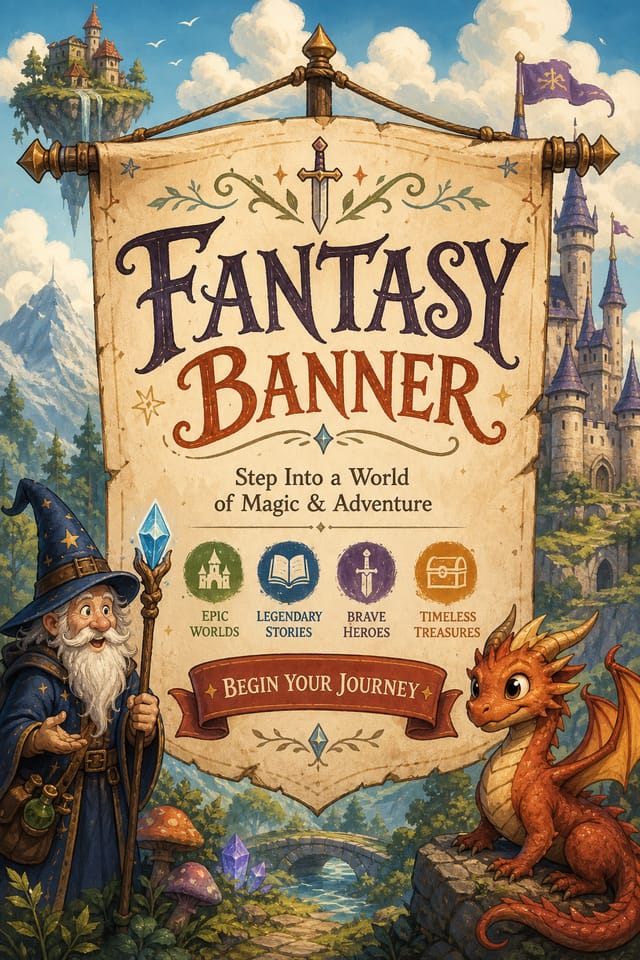
What Makes Fantasy Banner Design Work: A Technical Perspective
Why Fantasy Banner Design Requires Specific Knowledge
The strongest fantasy banner designs succeed because every element reinforces the style rather than contradicting it.
Typography that fits fantasy conventions, colors that carry fantasy associations, layouts that breathe in ways consistent with fantasy design sensibility.
Pixazo's AI understands these relationships.
Describe your fantasy banner and the system generates designs where all the elements agree.
Download Your Fantasy Banner: Choosing the Right Format
PNG
Lossless image format ideal for fantasy banner designs with transparency, sharp text, and web display at predictable file sizes.
TIFF
High-fidelity format for fantasy banner files destined for professional printing, supporting CMYK color and lossless compression.
JPG
Compressed image format suited for fantasy banner designs with photographic elements where smaller file size matters more than pixel-perfect edges.
SVG
Scalable format for fantasy banner designs that need to render crisply at any resolution, commonly used for web and responsive layouts.
Print-ready format for fantasy banner files that preserves fonts, colors, and layout across different devices and print services.
How Fantasy Banner AI Works: In Minutes
Specify Your Needs
Describe what you want your fantasy banner to look like. Include the mood, color palette, typography preference, and content hierarchy. Pixazo reads all of this and uses it to generate an appropriate design.
Peruse the AI Generation
Pixazo generates your fantasy banner in seconds. Review the design and adjust your prompt to refine specific elements: change the color palette, shift the layout weight, or add visual elements you want included.
Iterate on the Result
Refine the fantasy banner by updating your description with precise changes. Add constraints you didn't include initially or remove elements that aren't working. The AI responds to specific direction.
Get Your Final File
Get your final fantasy banner file in one click. Choose your format, download at full resolution, and use the design immediately. No watermarks, no additional fees, no waiting.
Watch: Creating Fantasy Banner designs step by step
What Powers Fantasy Banner Design: What Sets It Apart
Consistency Across Variants
Generate multiple fantasy banners for a project and maintain visual consistency across the set. Specify your core design parameters and vary secondary elements.
Typography Matching
Typefaces are selected to match fantasy aesthetic expectations. The AI pairs fonts that reinforce your fantasy banner's visual identity.
Text Placement Options
Describe where you want text elements positioned in your fantasy banner. The AI follows compositional direction about headline placement and body copy layout.
Subcategory Awareness
The AI distinguishes between design subcategories. A fantasy banner request produces fantasy-appropriate output, not a generic design with fantasy text added.
Getting Started with Fantasy Banners: What You Should Know
Each generation uses your unique prompt text to produce a distinct fantasy banner design. Even similar prompts produce noticeably different outputs due to the AI's generative process. No two users receive identical designs.
Yes. Set up separate brand kits for each client or brand, then switch between them when generating fantasy banners. Each brand kit stores its own colors, fonts, and logo so the AI applies the correct identity to every fantasy banner without manual reconfiguration.
Specify the dimensions in your prompt. Common formats like A3, 18x24 inches, or 1080x1920 pixels for social media stories all work. The AI generates a fantasy banner composition appropriate for the specified aspect ratio and use case.
Designs generated through Pixazo are yours to use as you see fit. You retain full usage rights for commercial and personal applications. The platform does not claim ownership over your generated fantasy banner output.
Include your specific colors in the prompt, either by hex code or descriptive terms. 'Navy and copper with white text' or '#1a1a2e and #c9a84c palette' both work. The AI builds a fantasy-appropriate palette around your specified colors.
The Reach of Fantasy Banners: Across Industries
Small Business Marketing
Produce fantasy marketing banners without a design agency budget. Get professional results from a text description.
Subscription and SaaS Marketing
Generate fantasy banners for software launches, feature announcements, and onboarding campaigns. Clean, modern designs for digital-first audiences.
Social Media Content
Design fantasy banners sized for social platforms. Get content that looks intentional and well-crafted, not thrown together.
Restaurant and Food Service
Generate fantasy banners for menus, seasonal promotions, and restaurant branding. Designs that reflect cuisine style and dining atmosphere.
E-Commerce Product Promotion
Design fantasy banners for online store banners, product launches, and seasonal sales. Conversion-focused visuals for digital retail.
Fantasy Banner AI Strengths: Standing Out
Iterative Refinement
Start with an initial generation and refine your fantasy banner through follow-up prompts that adjust specific elements while preserving what already works.
Multi-Format Export
Export your completed fantasy banner in the format that fits your workflow. PNG for web, PDF for print, and JPG for universal compatibility.
Prompt-to-Design Intelligence
Describe your fantasy banner in plain language and the AI interprets visual intent, layout preferences, and stylistic cues to generate a design that matches your brief.
Current Fantasy Banner Directions: Where Design Is Going
Asymmetric Composition
Breaking grid symmetry in fantasy banner layouts creates visual tension and a modern, editorial feel that stands out.
Dark Mode Aesthetics
Dark backgrounds with high-contrast accents are increasingly common in fantasy banner design, reducing visual fatigue and adding sophistication.
Hand-Drawn Elements
Illustrations, doodles, and hand-lettering bring a personal, approachable quality to fantasy banner designs in an era of polished digital output.
Organic Shapes
Flowing, irregular forms are replacing sharp geometric shapes in fantasy banner backgrounds and decorative elements for a softer visual feel.
Muted Earth Tones
Natural color palettes with warm neutrals and desaturated greens are replacing the bright neon trends of previous years in fantasy banner work.
Gradient Overlays
Smooth color transitions are being used as primary design elements in fantasy banner work, adding depth without the complexity of photographic backgrounds.
The Range of Fantasy Styles: Style Breakdown
Minimalist Fantasy
Stripped-back fantasy approach. Fewer elements, more negative space, typography carries more visual weight.
Classic Fantasy
Traditional fantasy design principles applied to modern banner format. Clean composition, conventional hierarchy, time-tested visual decisions.
High-Contrast Fantasy
Bold fantasy visual treatment with strong tonal contrast. Elements read clearly at any viewing distance.
Contemporary Fantasy
Current fantasy design sensibility with updated proportions, modern typefaces, and contemporary color relationships.
Sample Fantasy Banner Prompt Ideas
Copy any prompt below and paste it into Pixazo to generate your design instantly.
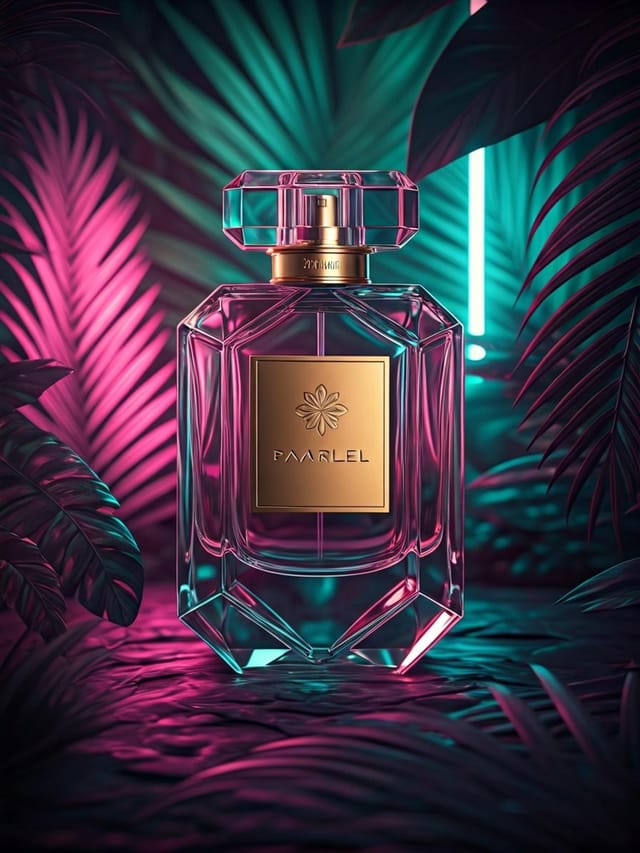
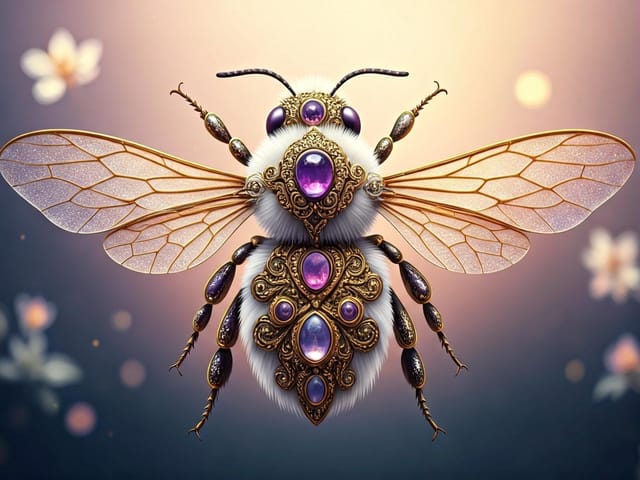
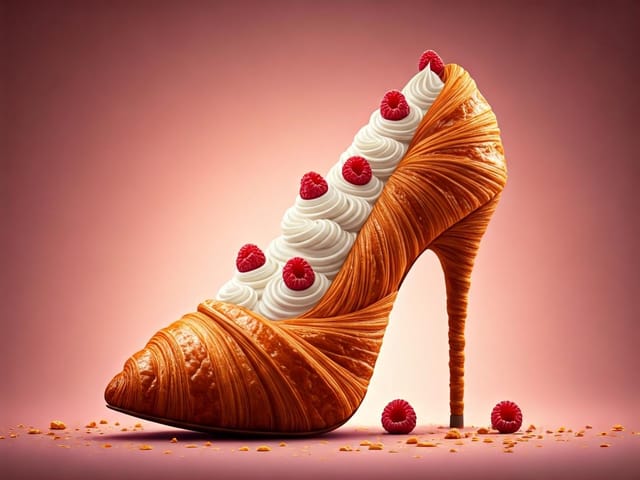
Series-compatible fantasy banner design, visual language that extends to multiple formats, consistent design system across variantsTwo-color fantasy banner design, high contrast between primary and secondary color, clean separation between graphic and text zonesFantasy banner for digital display, optimized proportions for screen viewing, colors calibrated for RGB output, legible at typical viewing distancePortrait-orientation fantasy banner, vertical composition, headline at natural reading entry point, supporting information flows downward logicallyFantasy style banner, bold headline placement, supporting text at appropriate scale, color palette consistent with fantasy design conventionsContemporary fantasy banner design, grid-based layout, typographic precision, restrained color palette, no decorative excessFantasy Creator Community Showcase
Real creators sharing their fantasy designs made with Pixazo AI.
Honest Notes on Fantasy Banners: Capabilities and Caveats
Known limitations and trade-offs of AI-generated fantasy design. Transparency matters when using AI for fantasy banner design. The points below describe where you may need to supplement AI output with manual work.

