How to Make a Brochure: Folds, Layout and Templates


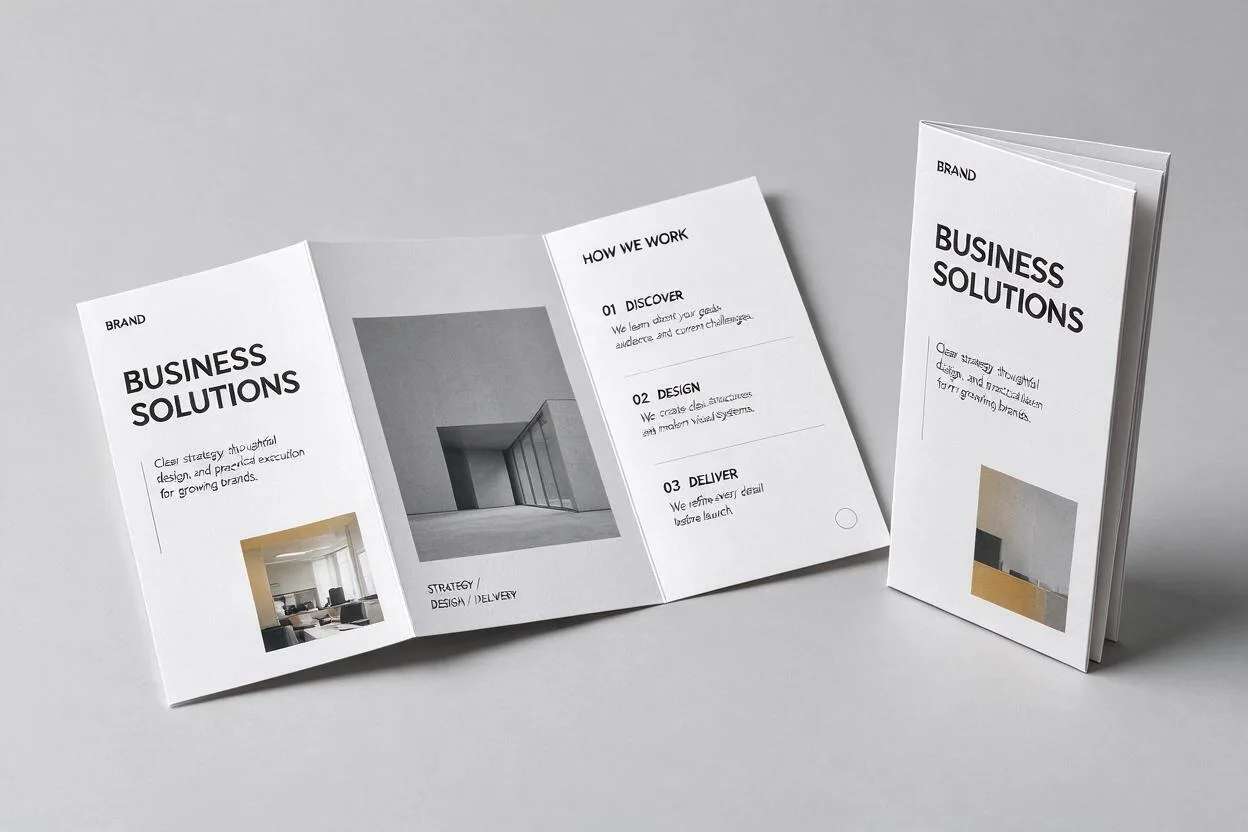
A good brochure does a lot with one sheet of paper. It introduces your business, walks a reader through what you offer, and leaves them with a clear next step, all in something they can hold, mail, or hand out at an event. The trick is getting the folds and the layout right, because a brochure is read panel by panel, not top to bottom like a flyer. An AI brochure maker can set up those folds and the layout for you.
This guide covers the main brochure folds, how to lay out each panel, and a fast way to make one with free templates. By the end you will know which fold fits your message and how to fill it so the design looks clean rather than crammed.
What a brochure is for
A brochure is a folded printed document that presents your business in sections. Because it folds, each panel becomes its own small page, so you can lead with a cover, open to a story, and close with contact details and a call to action. That structure is what separates a brochure from a single-page flyer: it guides the reader through a short journey instead of showing everything at once. Brochures work well for services, events, real estate, menus, and anything that needs a few steps to explain. They also have a long life: unlike a social post that scrolls away, a brochure sits on a desk or in a bag and gets picked up again. That makes it worth spending a little time on the fold and the layout, because the same sheet may be read many times by the same person before they decide to act.
Brochure fold types, and when to use each
The fold decides how many panels you have and the order a reader sees them. These four cover almost every brochure you will make.
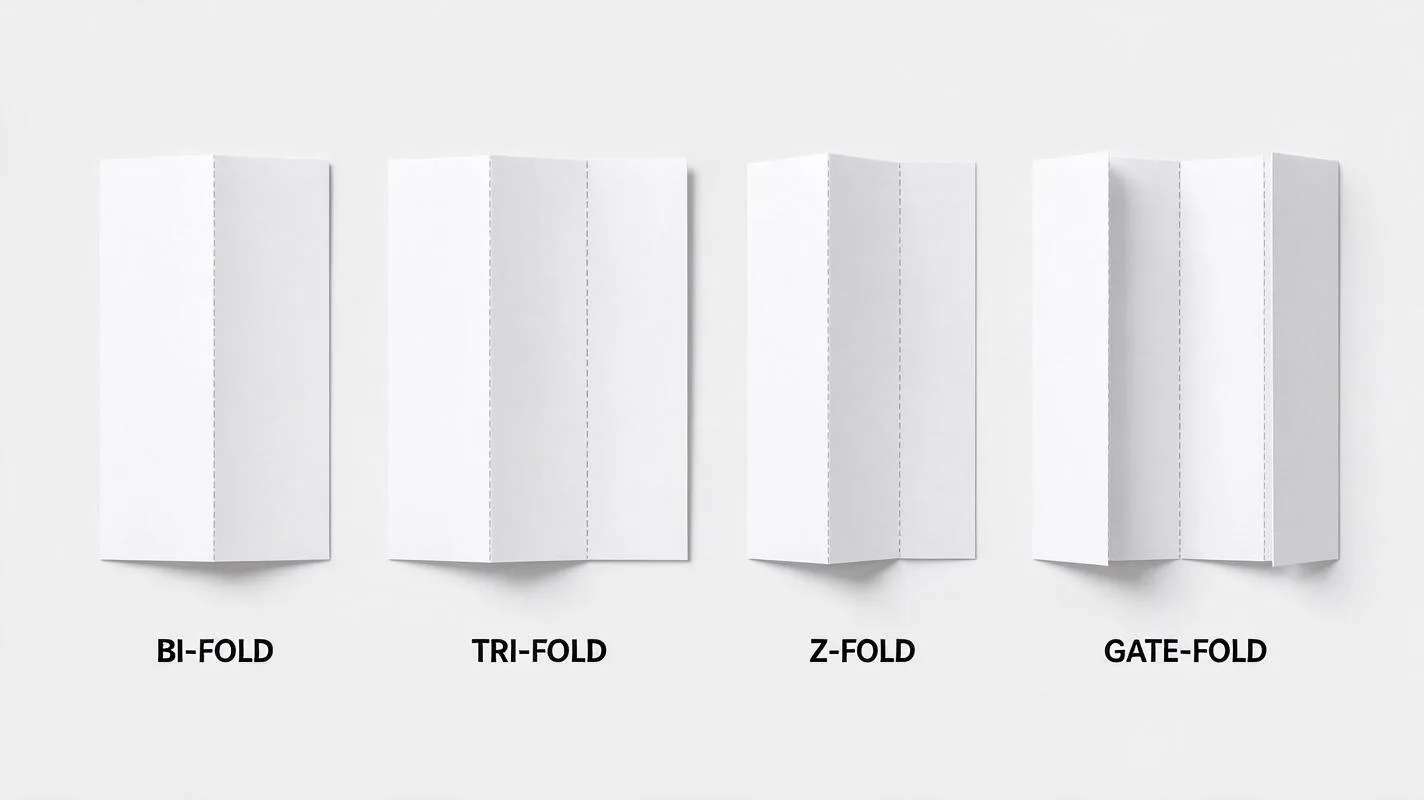
Bi-fold
Menus, short service overviews, event programs
Tri-fold
Company intros, product ranges, how-it-works guides
Z-fold
Timelines, maps, directions, before-and-after
Gate-fold
Premium products, launches, real estate features
The six-panel tri-fold map
Because the tri-fold is the most common, it helps to know what goes on each of its six panels. Think of it as three outside panels and three inside panels.
Suggested Read: 25 Letterhead Design Examples and Free Templates
Brochure ideas by business
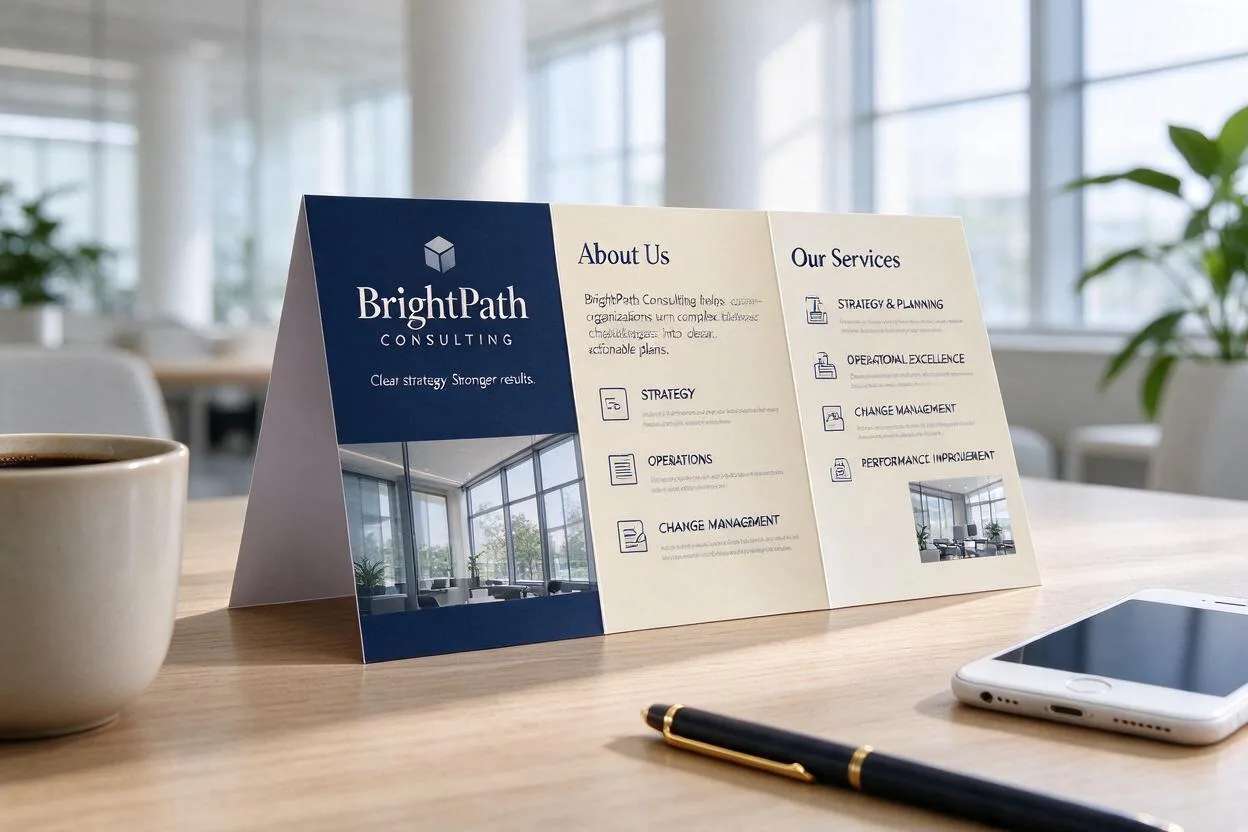
The same folds suit very different businesses. A restaurant or cafe uses a bi-fold as a menu. A consultant or agency uses a tri-fold to explain a service step by step. A real estate listing suits a gate-fold, so the cover opens to reveal the property. A gym, clinic or school uses a Z-fold to lay out a timetable or price list at a glance. An event uses a tri-fold as a program, with the schedule inside and directions on the back. Pick the fold that matches how much you need to show, then follow the panel map above to decide what goes where.
How to make a brochure with Pixazo
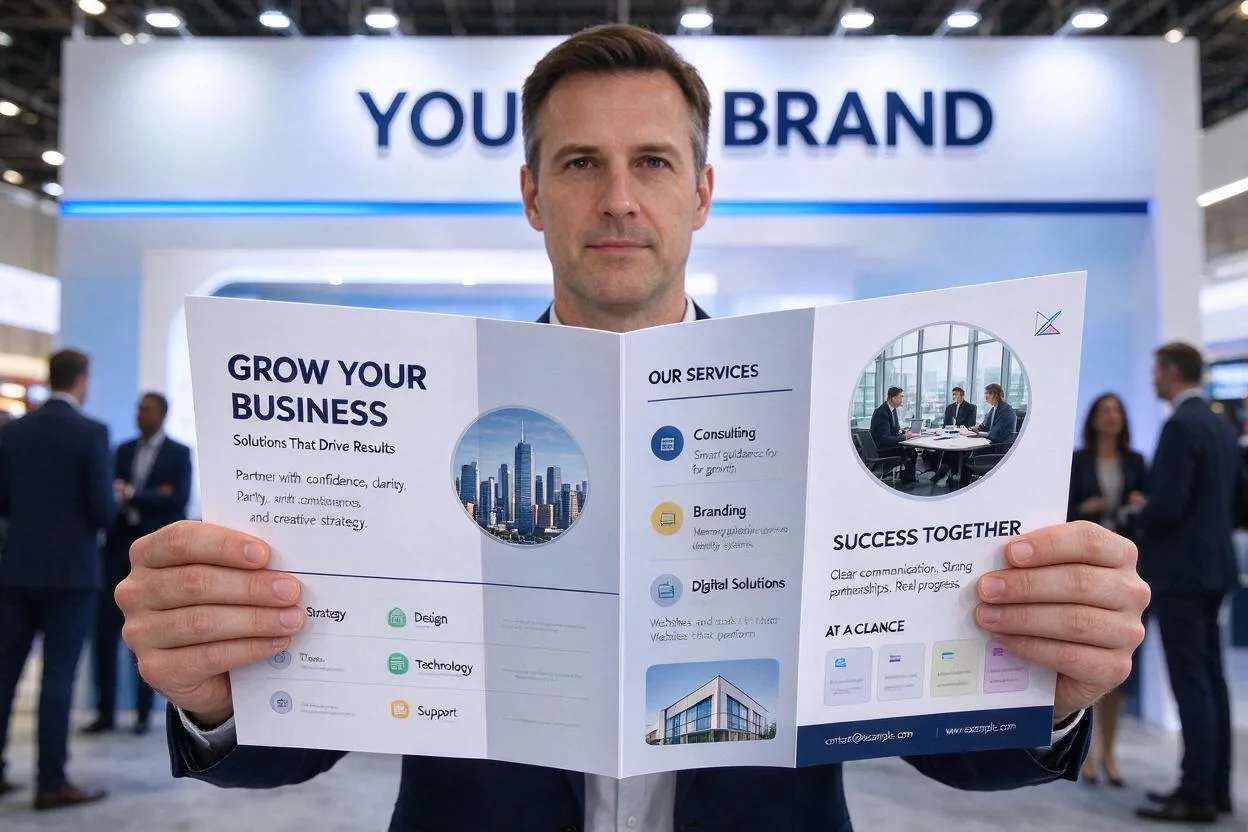
You do not need design software to make a brochure. The AI brochure maker handles the folds and layout, so you just supply the words and pick a look.
- Describe your brochure. Tell the tool what your business does and what the brochure is for.
- Pick a fold. Choose bi-fold, tri-fold, Z-fold or gate-fold to match your message.
- Let the AI lay out the panels. It arranges your text and images across the right panels in the right order.
- Edit and export. Swap any panel, adjust colours, then download a print-ready PDF or a PNG for screens.
Suggested Read: How to Make a Poster: Sizes, Layout and Free Templates
Layout and design tips
- Design panel by panel. Each panel should make sense on its own, since folds hide the rest.
- One idea per panel. Do not crowd. White space makes a brochure feel premium.
- Mind the fold lines. Keep important text and faces away from where the paper creases.
- Two or three colours. Use your brand colours and stick to them across all panels.
- End with a call to action. Tell the reader exactly what to do next, and make it easy.
Suggested Read: 10 Best AI Flyer Generator Tools in 2026
Common brochure mistakes to avoid
A few mistakes show up again and again. Avoid these and your brochure will already look better than most.
- Crowding every panel. Too much text makes a brochure feel heavy. Leave breathing room.
- Ignoring the fold lines. A headline or a face that lands on a crease is hard to read.
- Type that is too small. A brochure is often read at arm’s length, so keep body text comfortable.
- No clear next step. Always tell the reader what to do, and put it where they finish reading.
- Forgetting the back panel. It is prime space for contact details, a map, or an offer.
Size, bleed and free templates
Most brochures print on a standard sheet: A4 (210 by 297 mm) in most of the world, or US Letter (8.5 by 11 inches) in North America. Design at 300 DPI so text and logos stay sharp. If your colour or images run to the edge of the page, add a 3 mm bleed and keep text inside a safe margin so nothing important is trimmed off. Export a print-ready PDF for your printer and a PNG for email or digital sharing. Starting from a free template is the fastest route, since the folds, margins and panel order are already set up; you just replace the text and photos with your own.
Suggested Read: Top Business Card Design Trends for 2026
Putting it together
A brochure works when the fold fits the message and each panel does one job. Pick a bi-fold for something short, a tri-fold for a step-by-step story, a Z-fold to show everything at once, or a gate-fold for a reveal. Map out the panels before you design, keep the text tight, and finish with a clear next step. When you are ready, the AI brochure maker sets up the folds and layout for you, so you can go from a blank page to a print-ready brochure in minutes.
Suggested Read: How to Design a Flyer for Your Business (Step-by-Step Guide)
Frequently asked questions
What is the most common brochure fold?
The tri-fold is the most common. One sheet folds twice into six panels, which is enough room for a cover, a short story inside, and contact details, without feeling crowded.
What size is a brochure?
Most brochures use a standard sheet, A4 in most countries or US Letter in North America. Design at 300 DPI and add a 3 mm bleed if your design runs to the edge.
Can I make a brochure for free?
Yes. The AI brochure maker is free to try. You describe your business, pick a fold, and export a brochure without design software.
What is the difference between a brochure and a flyer?
A flyer is a single page read top to bottom. A brochure folds into panels, so it guides the reader through sections and holds more information in a tidy form.
How many words should a brochure have?
Keep it short. Aim for a clear headline and a few lines per panel. A brochure is scanned, not studied, so white space and short copy work better than dense text. If you have a lot to say, add a panel or point readers to your website rather than shrinking the type.
Deepak Joshi
Author · Pixazo
Deepak writes about generative AI models, APIs, and the workflows teams use to ship them. Reviewed by Abhinav Girdhar.