Best AI Cartoon Generator Tools in 2026: A Clear Overview


In the digital age, transforming photos into captivating cartoons or animated visuals has become incredibly popular. Whether for social media content, creative projects, or personal amusement, AI cartoon generator tools make the process quick and effortless. These tools use advanced artificial intelligence to turn ordinary images into artistic cartoons, offering a wide range of styles from classic animations to modern comic effects. In this blog, we’ll explore the best AI cartoon generator tools available today, highlighting their features, ease of use, and what makes them stand out. You can try this yourself with AI Image Generator.
What are AI Cartoon Generators?
AI cartoon generator tools are innovative applications that leverage artificial intelligence to transform your photos into captivating cartoon-like images or animated visuals. These tools utilize sophisticated AI algorithms to analyze your image and apply artistic effects, giving your photo a completely new, cartoonish appearance. Whether you’re aiming for a hand-drawn sketch, a comic strip style, or a vibrant animated look, AI cartoon generator tools make the transformation quick and seamless.
If you’re looking to create visual stories, our curated list of the best AI comic generator tools is a must‑see.
With the rise of AI image generator tools, creating cartoon versions of photos has never been easier. These tools not only offer various artistic styles but also come equipped with customization options, allowing users to adjust details like colors, line thickness, and shading.
How We Select the Best AI Design Generator Platforms at Pixazo
At Pixazo, we carefully evaluate AI design generator platforms to help users skip the overwhelming trial-and-error process. Our experts, with extensive experience in AI-powered design tools, assess each platform based on creativity, ease of use, customization options, and overall performance. We put these tools to the test by creating designs across different categories to ensure they deliver high-quality results effortlessly. Every recommendation is based on thorough research and real-world testing, with no paid placements or outside influence. Want to know how we pick the best AI design platforms? Explore our detailed evaluation process.
Top AI Cartoon Generator Tools to Transform Your Photos
Product | Main Use | Key Features | Pricing | Best For |
Renderforest | Cartoon and video creation | Upload images, create still cartoons or animated videos, online tool | Free with watermark; subscription for advanced tools | Users needing multiple creative tools |
Animaker | Animated videos and cartoon images | Drag-and-drop editor, library of assets, creates both cartoons and videos, online | Free plan with watermark; paid subscriptions available | Users who want both video and image creation |
Vance AI | Photo processing and cartoon conversion | Image upload, a few cartoon styles, online processing | Free trial; paid plans available | Casual users needing fast image conversion |
GetImg AI | Cartoon image creation | Simple image upload, few style options, web-based | Free version; premium options | Users needing basic cartoon conversion |
Vidnoz | Cartoon conversion for images/videos | Upload images or short video clips, converts to cartoon style, online tool | Free version with watermark; subscription available | Users needing cartoon conversion for video clips |
Pixazo AI Cartoon Generator | Convert photos to cartoons | Simple image upload, several style options, fast processing, works online | Free basic version, paid plans available | Quick conversion without extra steps |
Krikey AI | Image to cartoon conversion | Fast upload process, limited style options, straightforward interface | Free version and premium options | Quick and simple cartoon conversion |
PicLumen | Simple cartoon conversion | Upload image, several cartoon style choices, easy online tool | Free option; paid plans available | Quick and basic conversion from photos |
Steve AI | Animated videos and cartoon images | Image upload, cartoon conversion, video creation, works entirely online | Free basic plan with watermark; paid subscriptions | Users who need both cartoon images and simple video clips |
Artguru.AI | Art creation from photos | Upload image, few cartoon style options, simple online interface | Free option; paid plans available | Users who want to convert photos into basic cartoon images |
1. Renderforest
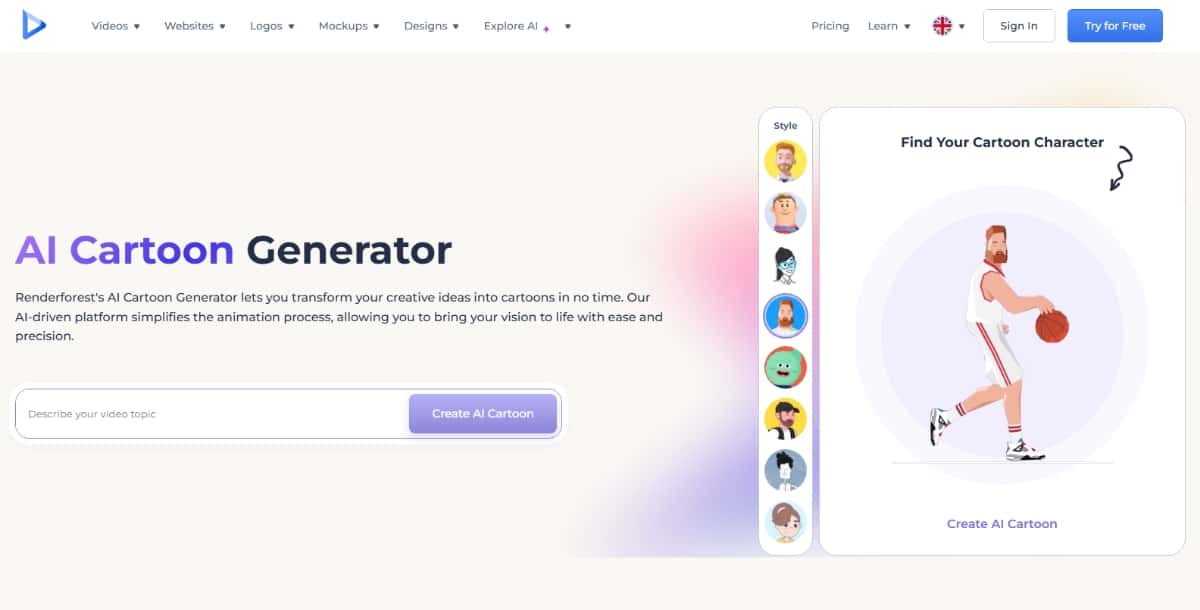
Renderforest is an online platform that gives you tools to create videos, logos, and animations. Its AI cartoon generator is part of a broader collection of creative tools. You use this tool by uploading your image or choosing from available assets. The tool then creates cartoon-like images or animated segments from your input.
Features
- Video and Animation Tools: In addition to cartoon creation, Renderforest offers tools for making videos and other graphics.
- User-Friendly Interface: The platform has a clear and simple design.
- Multiple Output Options: You can get still cartoon images or animated videos.
- Cloud-Based: All work is done online. You do not need to download any software.
Pros
- Wide Range of Creative Options: You work with several types of creative projects.
- Easy to Use: The interface is designed for simple use.
- Flexible Output: You can create both images and short animations.
Cons
- Subscription Needed: Some advanced features require a paid plan.
- Learning Curve: If you want to use video tools, you may need a bit of time to learn the process.
- Limited Customization: The level of detail in editing may not suit all users.
Pricing
Renderforest has a free version with watermarked outputs. Paid subscriptions remove the watermark and add extra features. The cost depends on the package you choose and the features you need.
Best For
Renderforest works best if you need an all-in-one tool. It is a good choice if you plan to work on both cartoon images and video projects.
2. Animaker
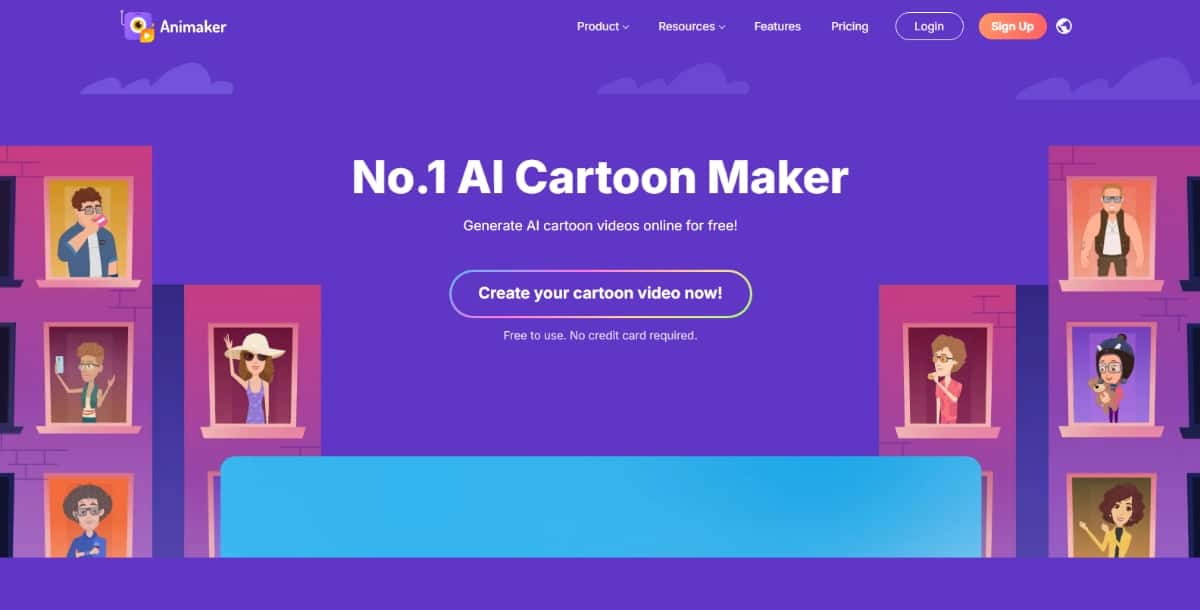
Animaker is a tool that helps you create animated videos and cartoon images. You use this tool to produce video content and still images in a cartoon style. The product offers a library of assets to help you create your projects. It is built for those who want to make creative projects with ease.
Features
- Drag-and-Drop Editor: You add elements to your project with a simple drag-and-drop system.
- Library of Assets: The tool has a collection of images, icons, and characters that you use to build your content.
- Cartoon and Video Tools: You can create both cartoon images and animated videos.
- Online Platform: The tool works in your browser and does not require any software installation.
Pros
- Simple Interface: You work with a tool that is easy to learn.
- Multiple Project Types: You can create cartoon images and videos.
- Asset Library: You have access to a wide range of images and characters.
- Cloud Storage: Your work saves online and you can access it from anywhere.
Cons
- Learning Required: New users may need time to learn all features.
- Paid Plans: Some features require a subscription.
- Processing Time: Video projects may take more time to process than still images.
Pricing
Animaker provides a free plan with basic features and watermarked outputs. Subscription plans are available with higher resolution outputs and more tools. Prices change based on the plan and features you need.
Best For
Animaker works best if you want to create animated videos along with cartoon images. It is a good choice if you want an online tool that covers multiple types of projects.
3. Vance AI
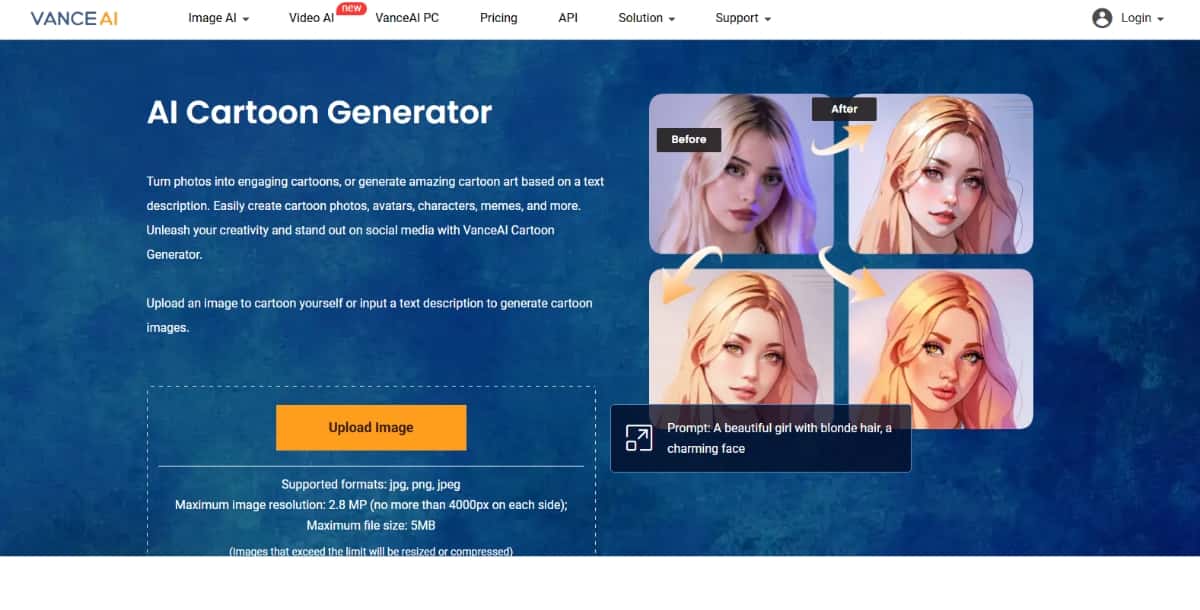
Vance AI offers tools for image processing and art creation. Its cartoon generator converts photos into cartoon-style images. You start by uploading a picture. The tool then processes the image using artificial intelligence. You get a cartoon version of your photo in a simple manner.
Features
- Photo Upload: You add your image to start the process.
- Cartoon Effect: The tool changes your image into a cartoon style.
- Multiple Styles: It gives you a choice among different cartoon styles.
- Cloud-Based Processing: The work is done online without needing extra downloads.
Pros
- Easy Process: You work with a straightforward upload and conversion process.
- Speed: The tool gives results in a short time.
- Style Variety: You can select from various cartoon styles.
- No Installation: Being online means you work from any device.
Cons
- Limited Editing: The tool has fewer options for making additional changes.
- Output Quality Variation: The quality may differ based on the original image.
- Subscription Needed for Higher Quality: Some features need a paid plan.
Pricing
Vance AI offers a free trial with basic options. Paid plans give you higher resolution images and more style choices. The pricing is available on the official website and may vary based on the features you want.
Best For
This tool works best if you need to quickly convert a photo into a cartoon image. It is a good option for casual users who need a simple, web-based service.
4. GetImg AI
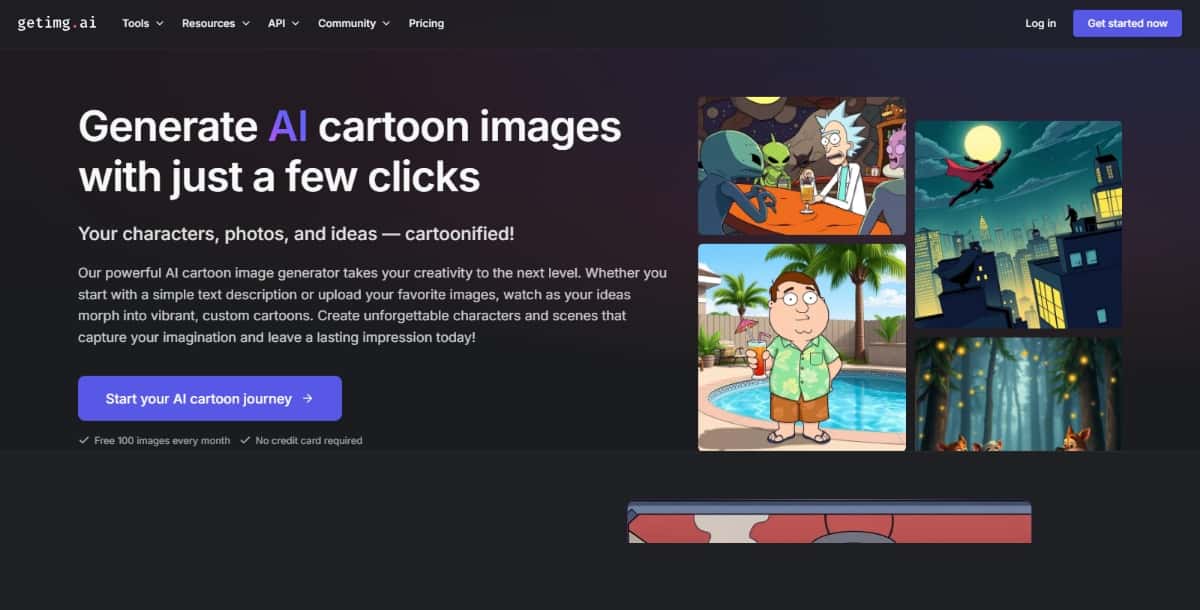
GetImg AI is a tool that helps you create cartoon images using artificial intelligence. You use this tool by uploading your photo. The tool then processes the image and gives you a cartoon-style version. It is made for people who want a straightforward way to make cartoon art from their pictures.
Features
- Simple Upload: You add an image to start.
- Cartoon Conversion: The tool changes your image into a cartoon style.
- Online Tool: You work on the tool in your web browser without needing extra software.
- Style Options: There are a few different cartoon looks to choose from.
Pros
- Easy to Use: The process is clear and does not require extra skills.
- Fast Results: The tool produces a cartoon image in a short time.
- Web-Based: You can use it from any device with internet access.
- Multiple Options: The tool gives you a few different style choices.
Cons
- Basic Editing Tools: There are few options for changing the output.
- Quality May Vary: The final image quality depends on your original image.
- Limited Advanced Features: The tool is best for simple cartoon conversion.
Suggested Read: Best Lipsync APIs in 2026
Pricing
GetImg AI offers a free version that gives you basic output. There is a premium plan that adds more style choices and higher quality output. You can check the official site for the latest pricing details.
Best For
GetImg AI works best if you need a simple tool for converting images into cartoons. It is best for casual users who want fast and simple results.
5. Vidnoz
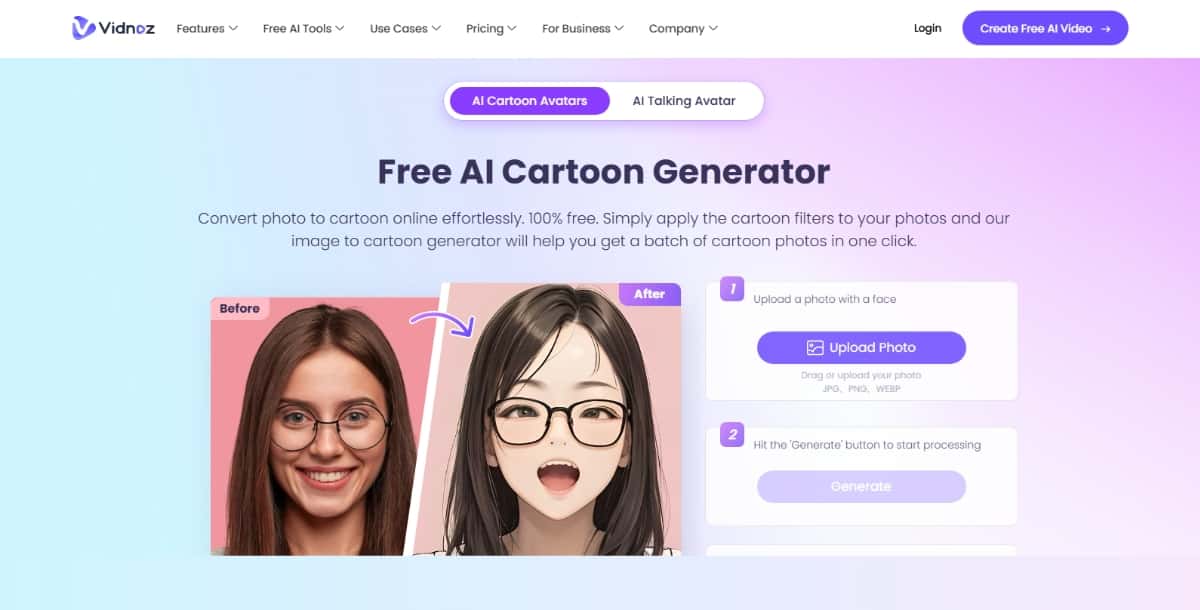
Vidnoz is a tool that helps you create animated content. Its cartoon generator converts your images into cartoon-like visuals. You start by uploading your image or video clip. The tool processes your input and gives you a cartoon version. It is made for users who want a clear and simple process.
Features
- Image and Video Upload: You can upload both images and short video clips.
- Cartoon Conversion: The tool changes your input into a cartoon style.
- Animation Options: You can create still images or animated clips.
- Online Use: The tool works in your browser without downloads.
Pros
- Straightforward Process: You work with a clear interface.
- Multiple Media Types: Use it for both images and videos.
- Quick Results: The tool processes your media quickly.
- Web-Based Access: You use it on any device with internet.
Cons
- Limited Customization: There are few choices for detailed edits.
- Learning Curve: Video editing may need a bit of time to learn.
- Subscription Required: Advanced features require a paid plan.
Pricing
Vidnoz offers a free version with basic outputs and watermarks. Paid subscriptions remove the watermark and provide more options. Pricing details are available on the official website.
Best For
Vidnoz works best if you want to create cartoon images or simple animations from your videos. It suits users who need an online tool that works with both pictures and video clips.
Suggested Read: Best Lora APIs in 2026
Final Thoughts
You now have all the information you need to choose the best AI Cartoon Generator. Use the details to decide which product fits your style and needs best. Whether you need a tool for simple image conversion or you want to work with both images and videos, you have clear option or you can try out AI Video Generator tools too.
Visit the official sites for the products to get the latest details. Check for new features, updated pricing, and any additional tools that may be available. Use this guide as a reference when you compare the tools. It is your starting point to finding the best AI design tools for your cartoon creation needs.
Ever wondered how to turn your selfie into a hilarious cartoon version with just one click? The Best AI caricature generator tools make it easy to generate eye-catching caricatures in seconds.
6. Pixazo AI Cartoon Generator
Pixazo powered AI Cartoon Generator is a tool that uses computer intelligence to turn photos into cartoon images. You use the tool by uploading an image. The software processes the image and gives you a cartoon version. The product aims to be simple to use. You do not need technical skills. This tool works on most devices with an internet connection.
Features
- Simple Upload Process: You can add an image and start conversion with a few clicks.
- Multiple Styles: The tool offers several cartoon styles. You can choose from different looks for your picture.
- Fast Processing: The tool gives you results quickly after you upload your image.
- Web-Based: You can use the tool on your computer or mobile phone without installing any software.
Pros
- User-Friendly: You work with a simple interface.
- Speed: The tool produces a cartoon image fast.
- Variety: You get a few options for cartoon styles.
- No Download Needed: Being web-based, you use it on any device.
Cons
- Limited Style Options: The number of available styles may be less than some other tools.
- Basic Editing: You may not get many options for further changes.
- Output Quality: In some cases, the quality may not meet high expectations if you need detailed work.
Pricing
The tool offers a free trial version with basic features. Paid plans come with yearly and monthly options. Prices vary based on your needs. You can check the official website for up-to-date pricing.
Best For
This product is best for those who want a simple and quick way to turn images into cartoon pictures. It works well if you need a fast solution without many extra features.
7. Krikey AI
Krikey AI is a tool that converts images into cartoon-style art. You use it by uploading a picture. The tool then processes your image and provides a cartoon version. This product aims to give you a quick result with a few clicks.
Features
- Image Upload: You add a picture to start the process.
- Cartoon Conversion: The tool turns your photo into a cartoon image.
- Style Options: It offers a few different cartoon looks for your image.
- Simple Process: You work with a straightforward interface.
Suggested Read: Best AI Background Generator Tools in 2026
Pros
- Fast Results: You get your cartoon image quickly.
- Simple Use: The tool is easy to understand and use.
- Multiple Styles: You can try different cartoon styles.
- Web-Based: Use it on any internet-connected device.
Cons
- Fewer Editing Tools: The product does not offer many editing features.
- Basic Customization: Options for adjusting the final image are limited.
- Output Limitations: The quality may vary with the size and detail of the original image.
Pricing
Krikey AI offers a basic version that is free. There is also a premium plan that adds extra features and higher resolution images. Check the official website for current prices.
Best For
Krikey AI is best for users who need a fast and simple tool to convert a photo into a cartoon image. It works well if you want a quick result without many extra features.
8. PicLumen
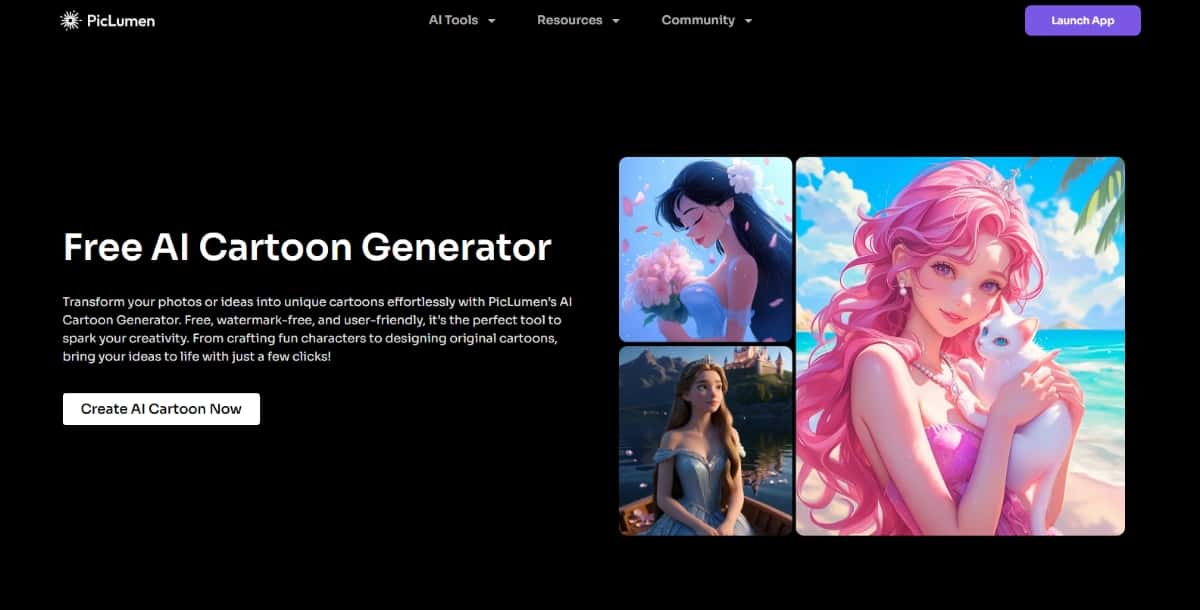
PicLumen is a tool that converts your images into cartoon-style pictures. You use the product by uploading a photo. The tool uses artificial intelligence to change your picture into a cartoon image. This product is built for users who want a straightforward process without extra steps.
Features
- Image Conversion: Upload your image to get a cartoon picture.
- Online Platform: You work on the tool through your web browser.
- Multiple Cartoon Styles: Choose from several cartoon looks for your image.
- Simple Process: The steps are clear and do not need extra skills.
Pros
- Ease of Use: The tool is simple and does not require technical knowledge.
- Fast Processing: You get your cartoon image quickly.
- Style Choices: There are several style options to choose from.
- No Software Needed: Being online, you work with the tool on any device.
Cons
- Limited Advanced Tools: The tool does not offer many options for extra editing.
- Variable Output Quality: The quality of the cartoon image may vary.
- Fewer Customization Options: You have little control over fine details.
Suggested Read: Best AI Banner Generator Tools in 2026
Pricing
PicLumen offers a basic free version. There are paid plans that provide more features and higher quality output. You can visit the official site for the most recent pricing information.
Best For
This tool works best for users who want a quick and simple way to turn their photos into cartoon images. It is suitable for casual users looking for basic cartoon conversion.
9. Steve AI
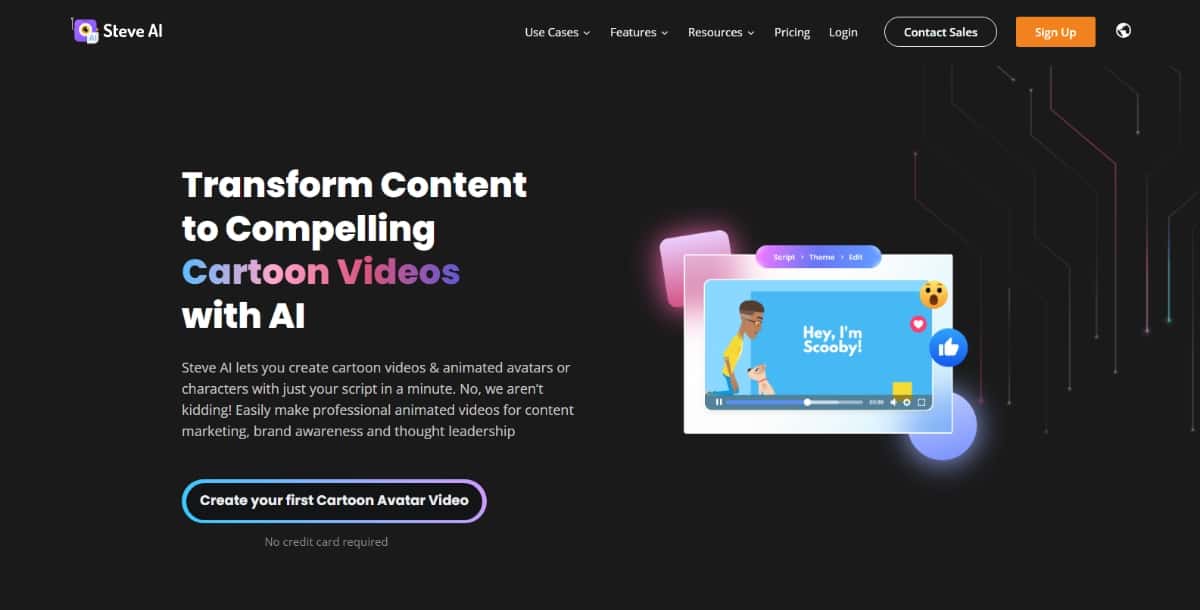
Steve AI is a platform that helps you create animated videos and images. Its cartoon generator converts your images into cartoon-like pictures. You use the tool by uploading your image and choosing a style. The product works well if you want to create animated content or simple cartoon images.
Features
- Image Upload: Start by adding your photo.
- Cartoon Conversion: The tool processes your image and gives you a cartoon version.
- Video Creation: In addition to still images, you can create simple animated segments.
- Online Editor: All work happens in your web browser.
Pros
- Simple Process: You work with an interface that is easy to use.
- Animation Options: You can make both still images and short videos.
- Web-Based: The tool works on any device with internet access.
- Clear Interface: The layout is made for simple use.
Cons
- Limited Editing: You have fewer choices for detailed adjustments.
- Learning Time: If you use the video feature, you may need time to learn how it works.
- Subscription Model: Some features are only available with paid plans.
Pricing
Steve AI provides a free plan with basic options and watermarked outputs. The paid plans remove the watermark and offer higher resolution output. You check the official website for current prices.
Best For
Steve AI works best if you want to create simple cartoon images or basic animated videos. It is a good choice for users looking for a straightforward online tool.
Suggested Read: Best Free Open-Source AI Lip-Sync Tools 2026 — Compared, Ranked
10. Artguru.AI
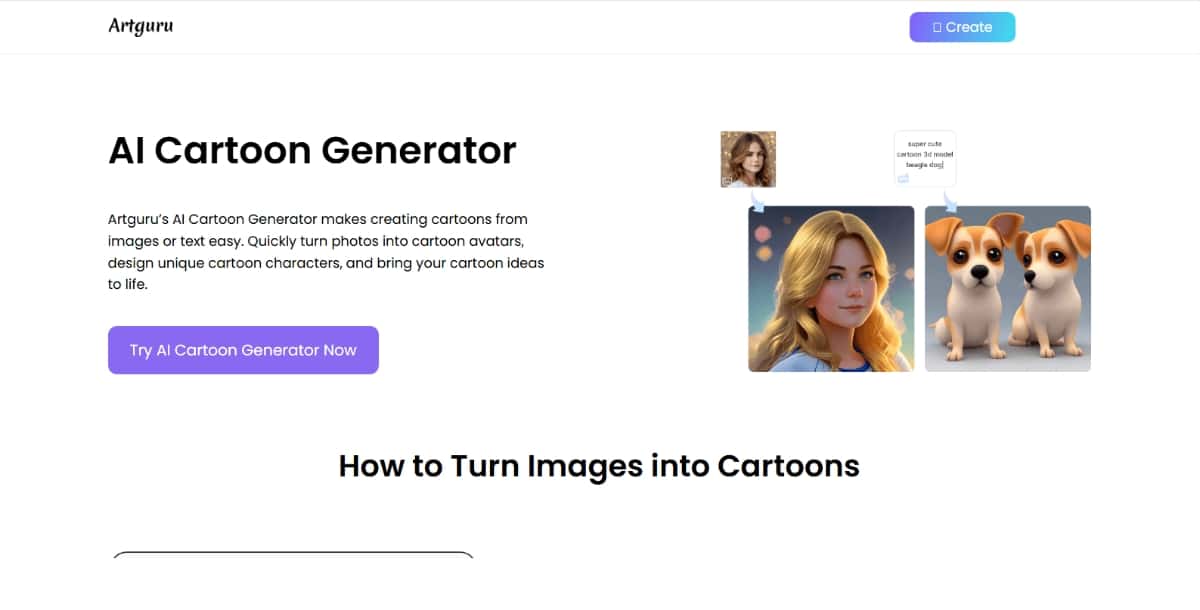
Artguru.AI is a tool that lets you create art from photos. Its cartoon generator converts your photos into cartoon images. You work with this tool by uploading your picture and choosing a style from a set of options. The product focuses on simple conversion and does not require detailed art skills.
Features
- Simple Upload: You add your photo to get started.
- Cartoon Conversion: The tool changes your image into a cartoon style using artificial intelligence.
- Style Choices: A few different cartoon styles are available.
- Online Service: You use the tool from your web browser without any downloads.
Pros
- Easy to Use: The process is clear and does not need special skills.
- Quick Output: The tool gives you the cartoon image in a short time.
- Basic Style Options: You have a few choices to change the look of your cartoon image.
- Web-Based: Work on any device with an internet connection.
Cons
- Few Editing Options: There is little control over detailed changes.
- Variable Quality: The final image quality may differ based on the source image.
- Limited Features: The tool is best for basic cartoon conversion only.
Pricing
Artguru.AI offers a free option with basic functionality. Paid options provide higher resolution images and more style options. You can check the official site for updated pricing.
Best For
This product works best if you need a simple tool for converting photos into cartoon images. It suits users who want a basic conversion without extra adjustments.
Related AI Tool Guides
- AI Clothes Changer Tools — 2026 ranked
- AI Image Inpainting Tools — 2026 ranked
- AI Comic Generator Tools — 2026 compared
- AI Brochure Generator Tools — 2026 ranked
Suggested Read: What are the Best AI Headshot Generator Apps in 2026?
Frequently Asked Questions
What is an AI cartoon generator?
An AI cartoon generator turns a photo or text prompt into a cartoon or illustrated style image using trained models. It can mimic looks like anime, comic, or classic animation.
Can I turn my own photo into a cartoon?
Yes, most cartoon generators let you upload a selfie or portrait and convert it into a stylized character while keeping recognizable features. Results vary by the style you pick.
Are AI cartoon generators free to use?
Several tools offer free conversions with limits on resolution or the number of images, and paid plans unlock higher quality and commercial rights. Free versions are good for casual social use.
Can I use AI cartoon images commercially?
Commercial use is usually allowed on paid tiers, but you should review each tool’s license, especially for logos, merchandise, or client work. Some free outputs are for personal use only.
Which AI cartoon style is most popular?
Anime and comic-book styles tend to be the most requested, though painterly and 3D animation looks are also common. The best style depends on your project’s tone and audience.
Suggested Read: How to Make an Animated Cartoon Video Using AI ?
Deepak Joshi
Author · Pixazo
Deepak writes about generative AI models, APIs, and the workflows teams use to ship them. Reviewed by Abhinav Girdhar.