Best AI Banner Generator Tools in 2026



Welcome to your guide on finding the Best AI banner generator. In this post, you will learn about online tools that help you create banners using artificial intelligence. The guide gives clear details about each tool, such as its features, advantages, drawbacks, pricing, and who might use the best AI Flex Banner Generator for their business goals. Want to try it? Head to AI Blog Banner Maker.
You will find simple explanations that help you understand how each tool works and how they can make your design work easier. Whether you need banners for online ads, social media, or your website, this guide gives you the information to choose the right tool for your needs. Enjoy reading and find the solution that works for you.
What are AI Banner Generator Tools?
AI Banner Generator Tools are online platforms that help you create banners using artificial intelligence. You use these tools to choose a layout, add text, and insert images without needing advanced design skills. They offer templates and basic editing options that let you finish your work quickly. Some tools even provide suggestions based on the text you input, similar to how an AI Image Generator works, but these tools focus on banner creation. With these tools, you produce banners for websites, social media posts, or online ads with a simple and clear process.
How We Select the Best AI Design Generator Platforms at Pixazo
At Pixazo, we carefully evaluate AI design generator platforms to help users skip the overwhelming trial-and-error process. Our experts, with extensive experience in AI-powered design tools, assess each platform based on creativity, ease of use, customization options, and overall performance. We put these tools to the test by creating designs across different categories to ensure they deliver high-quality results effortlessly. Every recommendation is based on thorough research and real-world testing, with no paid placements or outside influence. Want to know how we pick the best AI design platforms? Explore our detailed evaluation process.
Top AI Banner Generator Tools for Simple Banner Creation
Tool Name | Main Use | Key Feature | Best For | Approximate Pricing |
Visme | Multiple visual designs | Drag-and-drop editor with many assets | Marketers, teachers, small business owners | Starts at around moderate |
Creatopy | Ad banner design | AI suggestions for ads | Digital advertising professionals | Starts at around mid-level |
Piktochart | Visual content for infographics and banners | Simple chart and design tools | Teachers, casual users, small teams | Freemium; premium available |
Venngage | Team-based visual projects | Collaboration and template library | Educators, teams, and marketing groups | Starts at around moderate |
Design.ai | Quick graphic design | Text-to-design functionality | New users and small teams | Free trial; monthly plans |
Pixazo AI Banner Generator | Quick banner design | Simple templates and text editing | Small businesses and individuals | Freemium; paid plans low |
Bannerboo | Banner-specific design | Pre-made banner sizes and easy editor Suggested Read: 12 Best AI Ad Generators for Facebook, Google and TikTok | Individuals and small businesses | Lower pricing |
Sivi.ai | Social media and online ads | Fast output with AI-driven design | Social media managers and small brands | Competitive subscription |
Visme
- Wide Template Library: You can choose from many pre-made templates for different uses.
- Drag-and-Drop Editor: You place text, images, and icons easily.
- Interactive Elements: The tool lets you add simple interactive components.
- Customizable Charts: Visme lets you add charts and graphs if you need to show data.
- User-Friendly: You can learn the tool quickly.
- Versatile Use: The tool works for many kinds of visual content, not just banners.
- Rich Resources: You have access to many icons, images, and design elements.
- Learning Time: Although simple, some users need a short period to get used to the tool.
- Subscription Cost: The price may be high for users who need the service for a short time.
Creatopy
- Ad Templates: You can start with templates meant for online ads and banners.
- Design Suggestions: The AI looks at your input and gives ideas to improve the design.
- Editor Tools: You have many options to change text, images, and layout details.
- Export Options: You can export your design in different formats suited for web use.
- Focus on Ads: The tool is made for online advertising.
- Many Options: You can choose from several design options and adjust them as needed.
- Helpful Guidance: The tool gives hints if you need help with the design.
- Learning Period: Some users find that they need extra time to get used to the available options.
- Pricing for Full Features: Some of the better features come with higher plans.
Piktochart
- Simple Editor: You add text, images, and icons with a clear editor.
- Visual Templates: You choose a template that fits the type of banner or graphic you need.
- Chart Options: The tool allows you to add basic charts if you need to show numbers or data.
- Easy Sharing: You can download your work or share it online quickly.
- Easy to Learn: You work with a tool that does not require professional design skills.
- Clear Results: The output is clear and simple.
- Support Materials: Piktochart gives you guides and videos to help you work with the tool.
- Less Advanced Features: Some users may want more detailed options for design adjustments.
- Limited Customization: The templates may be used by many other users, which can reduce originality.
Venngage
- Template Library: You have many options for templates.
- Collaboration Tools: The tool allows you to work with others.
- Clear Editor: You add text, images, and icons with a simple editor.
- Download and Share: You can download your final work or share it with others directly from the tool.
- Team Work: The tool helps you work with others on the same project.
- Many Templates: There is a large set of design choices to start from.
- User Guides: venngage offers help through tutorials and guides.
- Limited Custom Options: Some users may feel the tool does not give enough options to change every detail.
- Cost: The subscription price may be high if you only need the tool for one project.
Design.ai
- AI Suggestions: The tool looks at your input and gives design ideas.
- Text-to-Design: You enter text and the tool makes a design that fits your words.
- Easy Interface: You have a clear screen where you add and move design elements.
- Download Options: You can save your final design in formats that work for the web and print.
- Speed: You get your design idea in a short time.
- Minimal Effort: You do not have to work hard to produce a design.
- Helpful for Beginners: The tool guides you through each step.
- Basic Options: Some users may find the design options not as deep as other platforms.
- Limited Customization: Advanced designers may want more tools to adjust their work.
Pixazo AI Banner Generator
- Prompt-Based Generation: The tool helps create a prompt based banners that you can choose to send your prospects that fit your business goals.
- Text Editing: You can add and change text easily. The editor lets you change fonts, sizes, and colors.
- AI Chat Editor: Customize your AI-generated banners with AI-powered commands. This helps you find a picture that goes with your banner.
- Simple Interface: You work in a clear interface. The tool is made so that beginners can start without any hassle.
- Easy Use: You can create a banner quickly. The steps are clear and do not require advanced skills.
- Fast Generation: The tool produces design ideas in a short time.
- Good for Beginners: The process is simple. If you have little design experience, you still get a good result.
- Limited Custom Options: The choices for deep customization may not be enough if you want a very specific design.
- Template Variety: Some users may feel that the template library does not offer many new ideas over time.
Bannerboo
- Pre-Made Sizes: The tool offers many standard banner sizes for online ads and social media.
- Template Choices: You choose from many layouts made for banners.
- Simple Editor: You work with a clear editor that lets you add text and images.
- Quick Output: You get a finished design in a short time.
- Easy to Use: You work with a tool that does not require a steep learning curve.
- Fast Results: The design is produced quickly.
- Focus on Banners: The tool is made for banner creation only, so it keeps the options simple.
- Fewer Design Options: The number of design choices is less than some other tools.
- Basic Tools: You may find that the editor does not offer many advanced features.
Sivi.ai
- AI-Driven Design: The tool uses your text input to produce a design.
- Template Options: You choose from several pre-made layouts for your banner.
- Simple Editing: You can adjust the text and images with a clear editor.
- Download Options: You can save your work in formats that work for online and print use.
- Quick Process: You get your design idea fast.
- User-Friendly: The interface is simple to understand.
- Good for Social Media: The output works well for social media posts and online ads.
- Limited Options: Some users may find that there are not many advanced editing tools.
- Basic Customization: The tool gives fewer options for changing the design details if you need a very specific look.
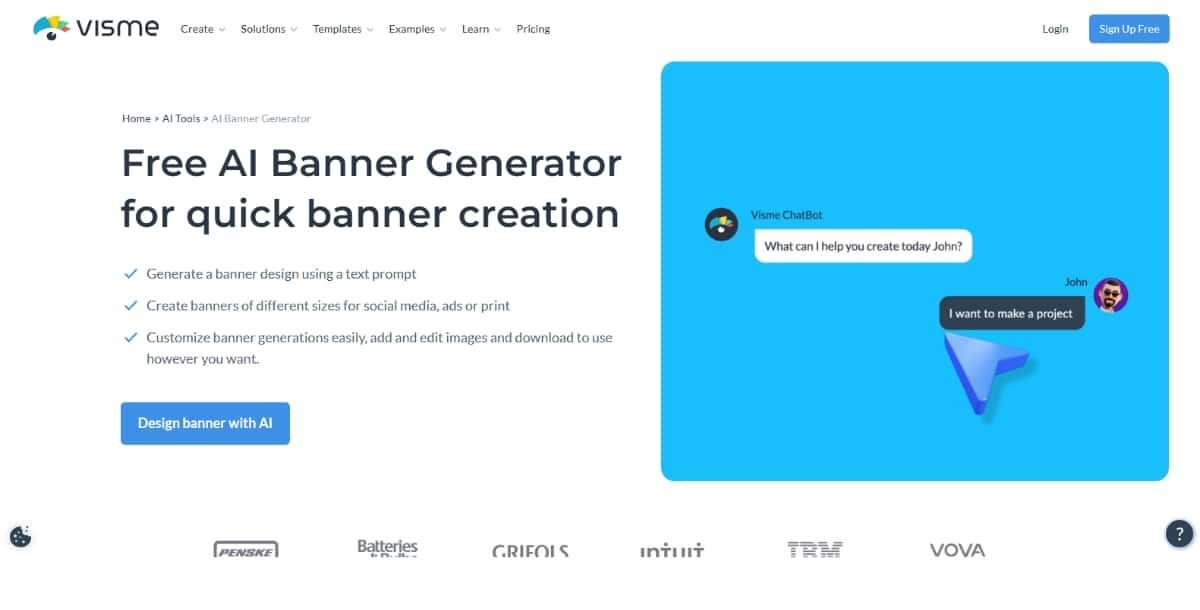
Visme is a design tool that helps you create banners along with other types of visual content. The tool gives you many templates for banners, infographics, and presentations. With a clear drag-and-drop interface, Visme lets you make visuals without using complex software.
Features
Pros
Cons
Pricing
Visme offers several plans. You start with a free plan that gives you a limited set of features. Monthly subscriptions for individuals and teams start at a moderate price. If you need more options and downloads, you may choose a higher plan.
Best For
You find Visme best if you need a tool that can create different types of visuals. It is useful for marketers, teachers, and small business owners who want to create banners along with other graphics.
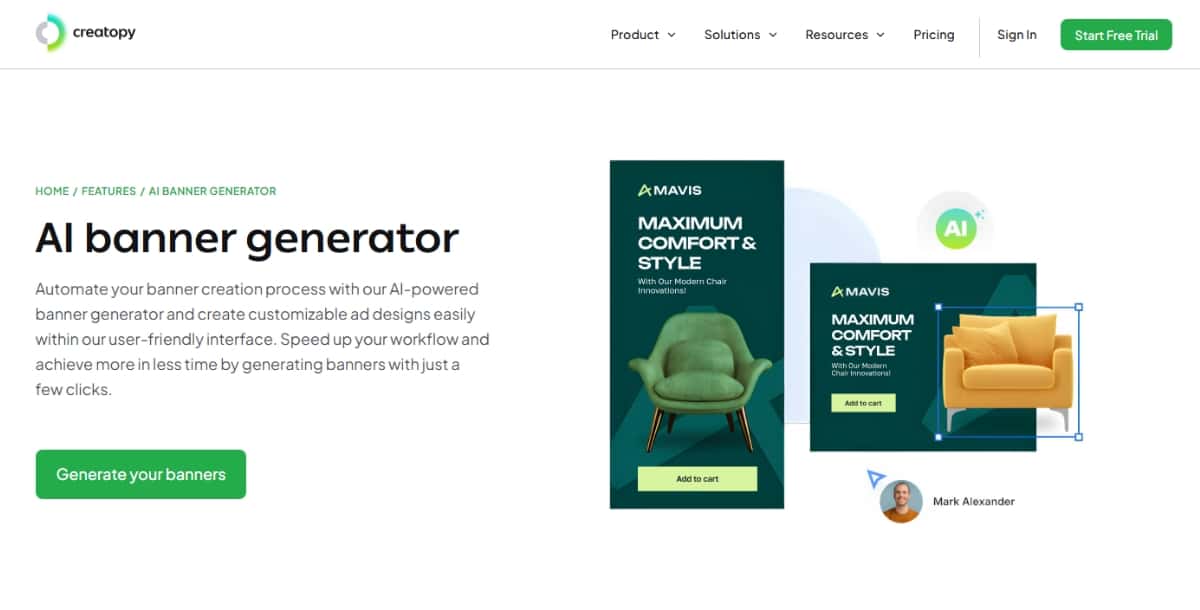
Creatopy is a platform that focuses on making banners and ads. The tool uses artificial intelligence to guide you through the design process. Creatopy provides many options for creating digital ads that work well on the web.
Features
Pros
Cons
Pricing
Creatopy has different plans to fit various needs. You can start with a plan that is affordable for small businesses. If you need more advanced options and a larger template library, you may choose a higher plan with more features.
Best For
You find Creatopy best if you focus on online ads. It works well for companies and individuals who want to produce banners that work in digital marketing campaigns.
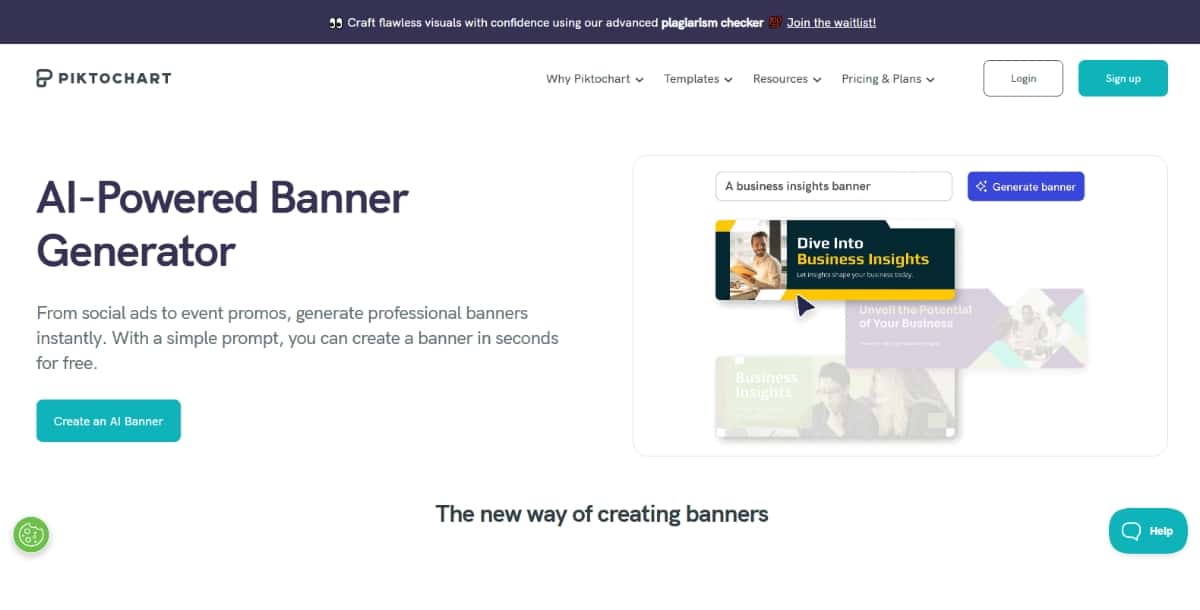
Piktochart is a design tool that helps you create not just banners but also infographics and presentations. It is simple to use and focuses on clarity. Piktochart makes it easy to produce clear visuals for your website, social media, or printed material.
Features
Pros
Cons
Pricing
Piktochart has a free plan with basic options. For more features and downloads, you can choose a paid plan at a price that works for casual users and small teams.
Best For
You find Piktochart best if you need a tool that is simple and easy. It works well for teachers, small business owners, and anyone who needs to create visual content without spending too much time learning the tool.
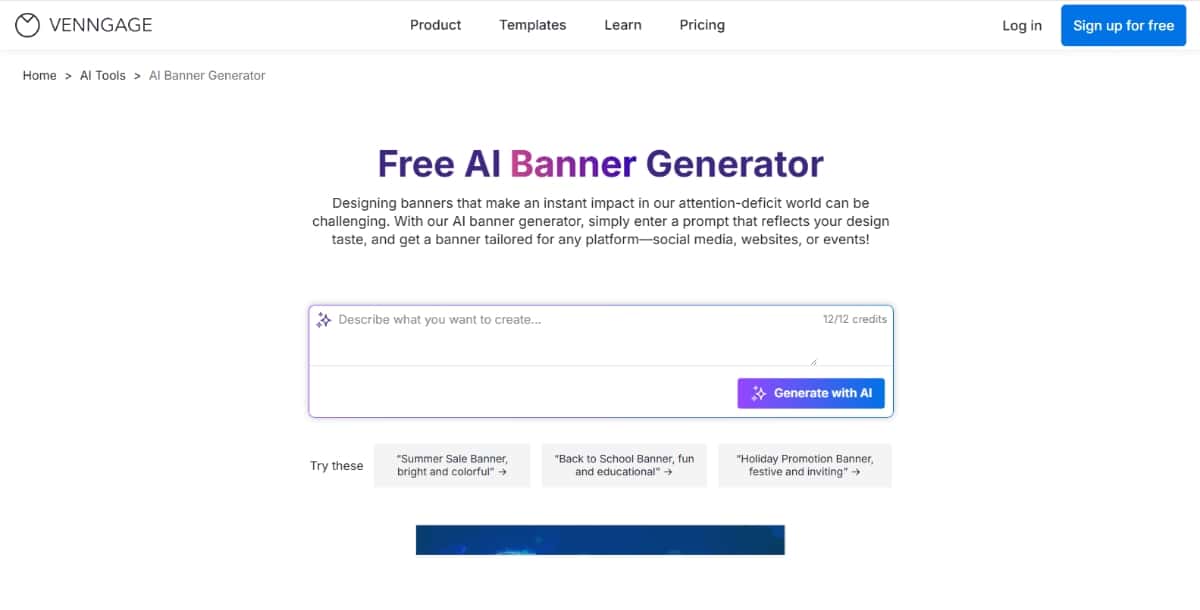
Venngage is a tool that helps you create many types of visual content, including banners. The platform is built so you can work on projects that need images, charts, and text in a clear layout. It is made for users who work in teams or in an educational setting.
Features
Pros
Cons
Suggested Read: Best AI Creative Tools in 2026: Doodles, Collages, Scrapbooks & More
Pricing
Venngage has several pricing plans. You can start with a free version that gives you a few options. The paid versions come at a price that fits teams and individuals who need more downloads and options.
Best For
You find venngage best if you work with a team or if you teach and need visual content for classes. The tool works well for those who want a clear and shared design process.
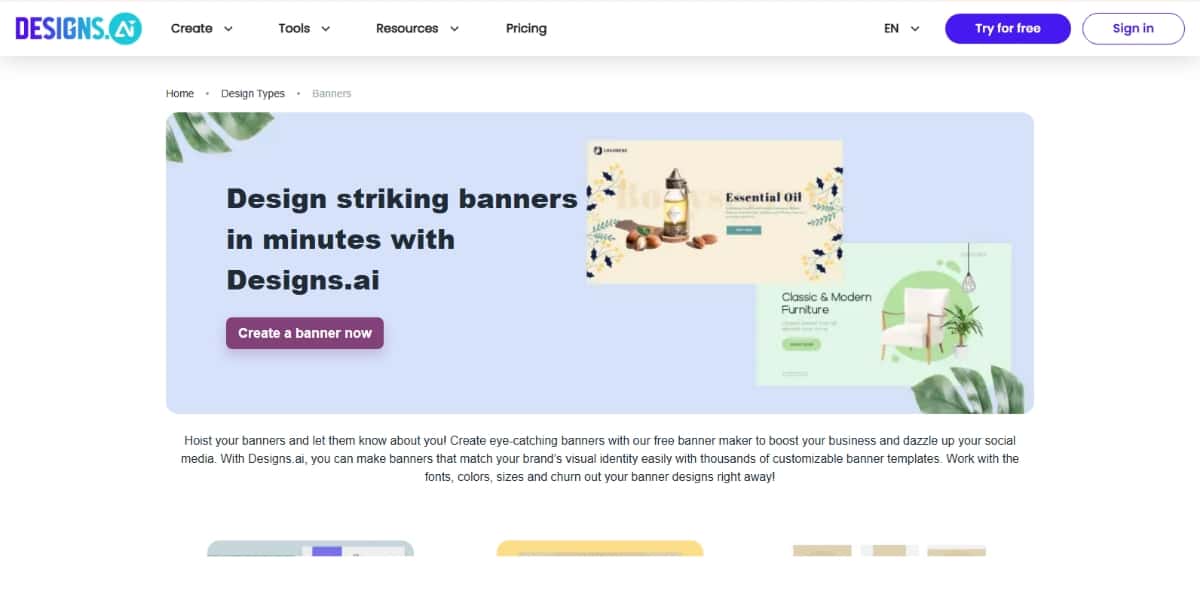
Design.ai is a design tool that uses artificial intelligence to help you create banners and other graphics. The platform is made to give you quick design ideas with little effort. You work on a web-based interface that offers clear steps and options.
Features
Pros
Cons
Pricing
Design.ai offers a free trial so that you can try the tool first. Once you decide to continue, there are monthly subscription options that fit small teams and individual users. The plans come at a price that many users find fair for the features offered.
Best For
You find design.ai best if you need a simple and fast solution to create banners. It works well for individuals who are new to design and for small teams that require a basic tool without extra steps.
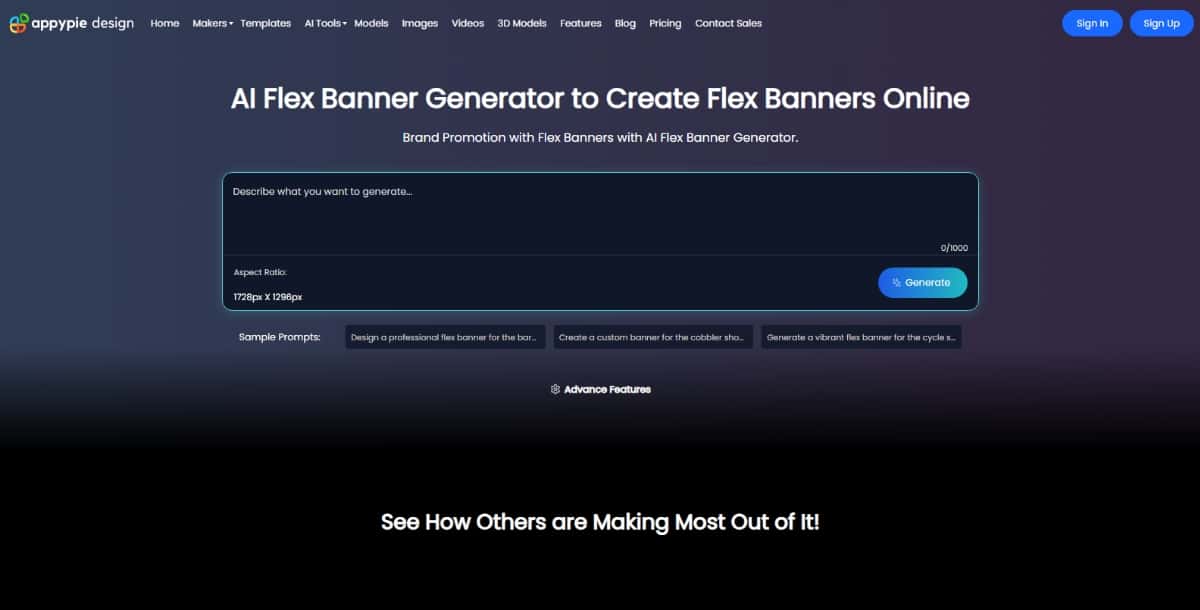
Pixazo AI Blog Banner Generator is an online tool that helps you create banners quickly. You work on a simple platform that gives you several templates and options for adding text and images. The tool uses artificial intelligence to suggest design ideas that match your input. It is made to give you a fast way to produce banners with little technical work.
Features
Suggested Read: How to Make a Discord Banner That Actually Looks Good (2026)
Pros
Cons
Pricing
Pixazo’s AI Banner Generator works with a free trial and premium model. You can use a basic version for a 7-day free trial. Paid plans start at a price of $8 for small businesses and individual users. The paid plans give you extra features and more templates.
Best For
You find this tool best if you need to create banners fast and do not want to spend too much time on details. It works well for small business owners, individuals, and those who need to create online ads or social media posts.
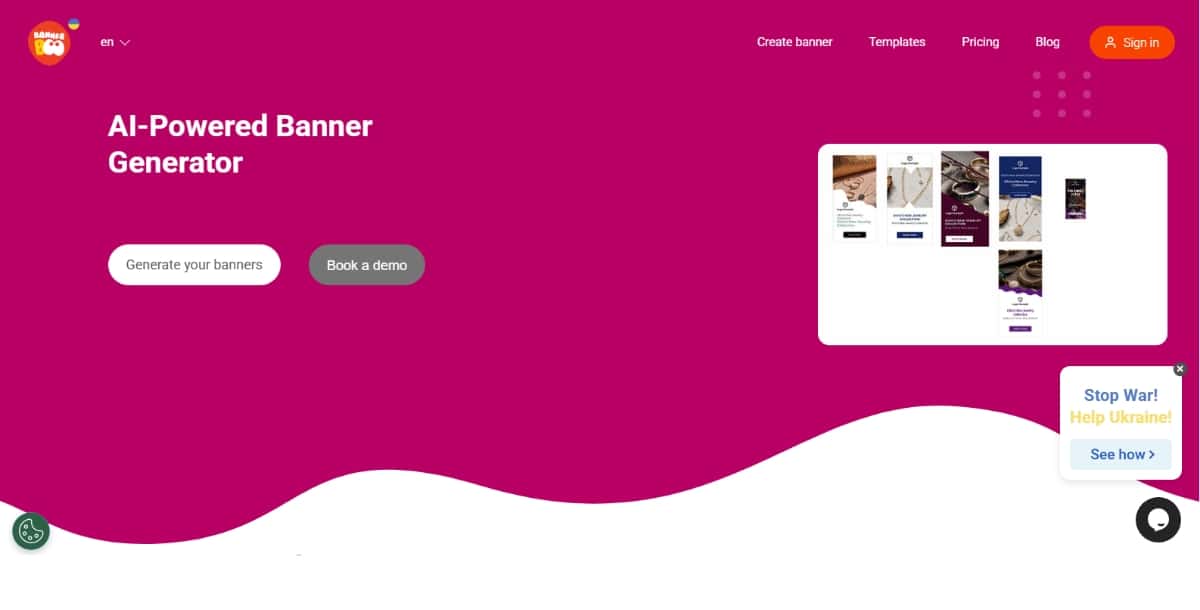
Bannerboo is a tool made for banner design. The platform gives you simple ways to create banners without extra work. It uses a clean interface that helps you choose a template and add your text and images.
Features
Pros
Suggested Read: 10 Best AI Presentation Maker Tools in 2026
Cons
Pricing
Bannerboo has a low entry cost for a paid plan. There is a basic plan that allows you to create a few banners. If you need more features or more downloads, you can choose a higher plan at a reasonable price.
Best For
You find bannerboo best if you focus on banner design and want a fast and simple process. It works well for small businesses and individuals who make online ads or social media banners.
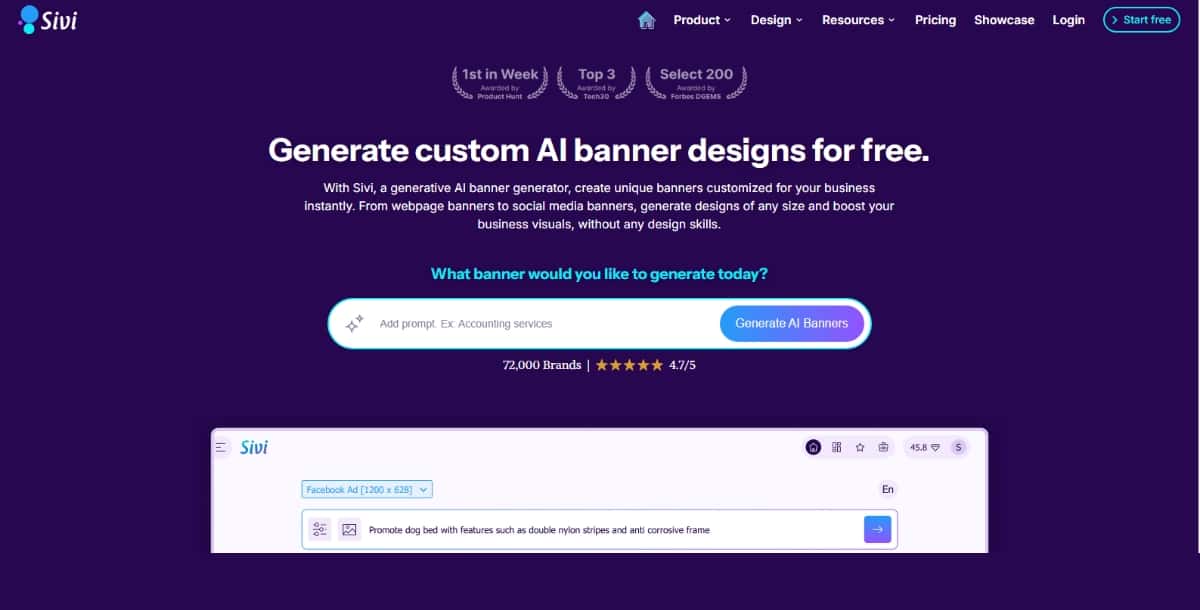
sivi.ai is a recent tool that uses artificial intelligence to help you create banners, ads, and social media graphics. The tool offers a clean interface where you can enter your ideas and get a design quickly. It is made for users who want a simple way to produce visual content.
Features
Pros
Cons
Suggested Read: Best AI Illustration Tools in 2026
Pricing
sivi.ai offers a subscription model. You can try a free trial before you decide to pay. The monthly price is competitive for users who need a tool that works for social media and online banners.
Best For
You find sivi.ai best if you want a tool that quickly produces a design for social media or online ads. It works well for small brands and social media managers who need a fast solution.
Suggested Read: YouTube Banner Size Guide 2026 (Every Device)
How to Choose the AI Banner Generator Tool for You
When you decide which tool to use, consider the following points:
- Ease of Use: Check if the tool has a simple interface. This is important if you are not a professional designer.
- Features Needed: Look at the tools each platform offers. Do you need advanced editing options or just a quick solution?
- Cost: Compare the pricing plans. Some tools have free versions that let you try before you pay.
- Output Quality: See if the final design meets your needs. Some tools work best for online ads, while others work better for presentations.
- Support and Tutorials: It helps if the tool offers guides or videos to show you how to work with it.
As you read this guide, you learn that each product has its own strengths and drawbacks. By comparing the features, pros, cons, pricing, and best uses, you can decide which tool meets your needs as the Best AI banner generator for you.
Using Each Tool in Your Work
When you create banners with any of these tools, you make your online presence clear. You use clear text and images to present your message. The process usually involves the following steps:
- Select a Template: You choose a layout that matches the type of banner you need.
- Add Text and Images: You write your message and add images that match your idea.
- Adjust Settings: You change the font, color, and size as needed.
- Preview and Save: You look at your design and save it in the format you need.
Suggested Read: LinkedIn Banner: Create a LinkedIn Banner that boosts your profile
This step-by-step approach works with all the tools mentioned above. You get a final banner that fits your campaign or website. Whether you work on a social media post or an online advertisement, these tools give you a method to produce the work quickly.
Tips for Getting the Most Out of an AI Banner Generator
As you work with these platforms, use these tips to get a good result:
- Practice: Spend some time with the tool so you learn all its options.
- Plan Your Message: Write down the text before you start so that you can add it quickly.
- Use Available Guides: Many tools provide guides or videos. Watch them if you have a question.
- Compare Outputs: Try more than one tool if you can. See which one gives you a look that you like best.
- Keep It Simple: Use clear words and images. Avoid too many effects that make the banner hard to read.
Each tip helps you work faster and make a design that fits your needs.
Final Thoughts
You have now read about eight tools that act as the Best AI banner generator. The details in this guide give you a look at how each platform works and who they suit best. Use the facts and comparisons to pick the tool that helps you create banners in a way that fits your work.
When you choose one of these platforms, you work with a tool that lets you make banners quickly. You do not have to spend a lot of time learning a complicated system. Instead, you focus on your message and create visuals that serve your goals.
Suggested Read: 11 Best Poster Makers to Explore
Frequently Asked Questions
What is the best AI banner generator in 2026?
The best AI banner generator depends on your use case, but tools that combine prompt-based generation with ready-made ad and social sizes tend to win for speed. This guide compares the top options side by side so you can match one to your workflow.
Are AI banner generators free to use?
Most AI banner generators offer a free tier with limited exports or watermarks, then charge a monthly subscription (typically $10-$30) for HD downloads, more templates and commercial rights.
Can I use AI-generated banners commercially?
Usually yes on a paid plan — but always check the tool’s licensing terms first. Free tiers often restrict commercial use or add a watermark.
Do I need design skills to use an AI banner generator?
No. Modern AI banner tools work from a text prompt or a template, handling layout, colour and typography for you, so beginners can produce professional banners in minutes.
What banner sizes can AI tools create?
Good AI banner generators cover standard ad and social sizes — leaderboard, medium rectangle, LinkedIn and Facebook cover, YouTube channel art and more — so one design can be resized for every placement.
Deepak Joshi
Author · Pixazo
Deepak writes about generative AI models, APIs, and the workflows teams use to ship them. Reviewed by Abhinav Girdhar.