What are the Best AI Headshot Generator Apps in 2026?


What Is an AI Headshot Generator?
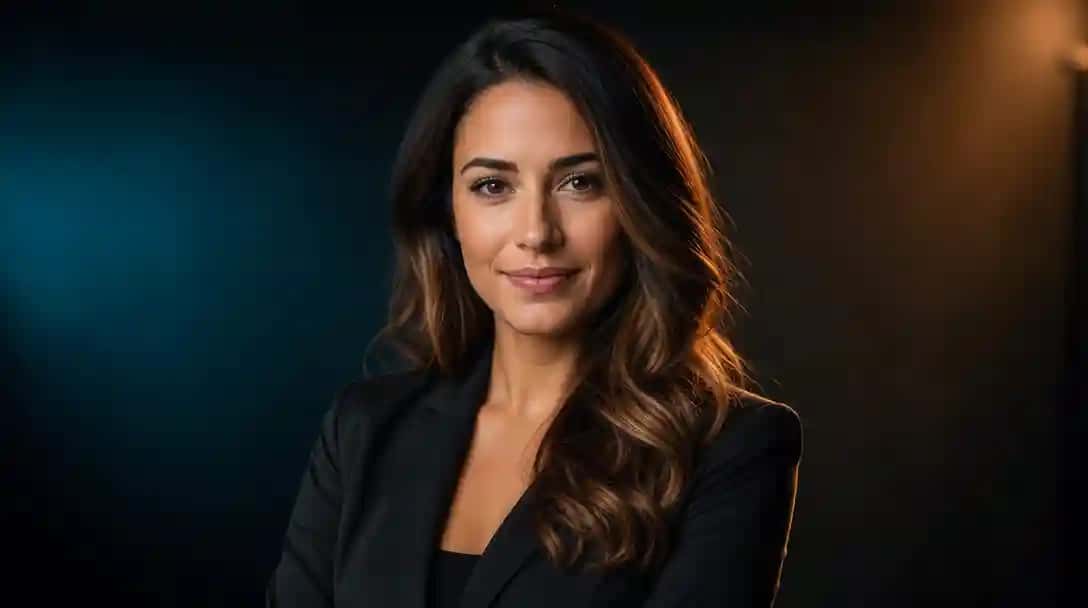
An AI headshot generator is a tool that creates professional photos using artificial intelligence. These tools use uploaded selfies to enhance image quality, change backgrounds, and simulate formal attire or lighting, making them ideal for resumes, LinkedIn profiles, and websites.
Whether you are a job seeker, business owner, influencer, or content creator, these AI-powered apps can help you get clean, studio-style photos without spending time or money on a photoshoot. Many of them are now widely used as AI professional headshot generators for LinkedIn, company websites, and ID cards.
In this guide, we’ve listed the Best AI Headshot Generator Apps in 2026 that you can try right now. These apps use advanced artificial intelligence to generate high-quality portraits based on your selfies or uploaded images. We’ve also shared our top pick for the Best AI Headshot Generator based on ease of use, results, and value.
How We Select the Best AI Design Generator Platforms at Pixazo
At Pixazo, we carefully evaluate AI design generator platforms to help users skip the overwhelming trial-and-error process. Our experts, with extensive experience in AI-powered design tools, assess each platform based on creativity, ease of use, customization options, and overall performance. We put these tools to the test by creating designs across different categories to ensure they deliver high-quality results effortlessly. Every recommendation is based on thorough research and real-world testing, with no paid placements or outside influence. Want to know how we pick the best AI design platforms? Explore our detailed evaluation process.
Disclaimer – Portions of this article were drafted with AI and reviewed by Jayesh Chaubey
Which Are the Best AI Headshot Generator Apps in 2026?
Top AI headshot generator apps in 2026 include tools for formal, artistic, and creative portraits. Each app mentioned offers unique features like attire simulation, background replacement, and pose enhancement.
- Prequel AI Headshot Generator for stylish, artistic headshots and personal branding
- Headshot AI Pro by MYX Labs for hyper-realistic studio-quality headshots
- AI Headshot Generator by Plus Apps for customizable business portraits with expression and outfit control
- Fotorama by APPNATION for general AI photography and portrait enhancements
- AI Headshot Generator by Dmitrii Solovev for fast and clean business headshots
- Pixazo AI Headshot Generator for free professional headshots in minutes
- Momo – AI Photo Generator by Scaleup for trendy and expressive personal portraits
- Gleem: AI Headshot Generator by Gleem.AI for polished, corporate-ready headshots and team profiles
- Photify AI by Ex-human for custom stylized portraits with prompt-based editing
- Photoleap by Lightricks for studio-grade headshots with advanced editing control
Here are 10 of the best AI headshot apps available on the Play Store in 2026 and we’ve highlighted what makes them stand out.
1. Photoleap: AI Photo Generator by Lightricks
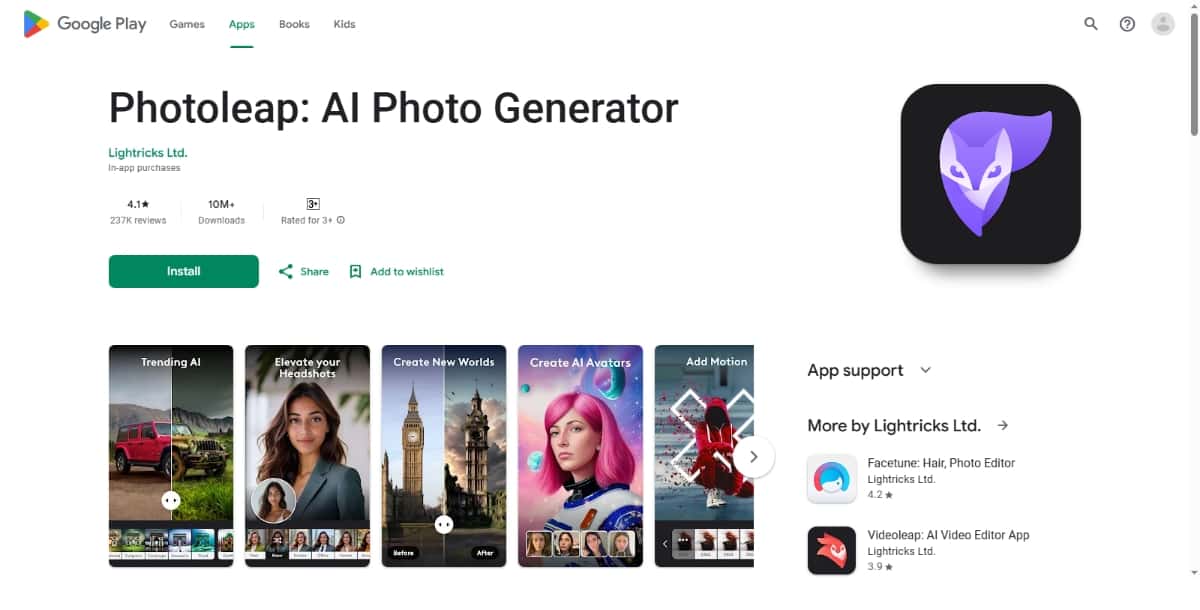
Best for: Studio-like finish with advanced editing control
Photoleap by Lightricks is one of the most powerful AI photo editing apps available today. While it supports a variety of creative and design tasks, its AI headshot generator capabilities are robust and detailed. It provides deep editing control, allowing users to fine-tune nearly every element of their image.
This app is ideal for advanced users, designers, or professionals who want their headshot to look studio-made but with full creative freedom.
Features:
- Layer-based editing system: Create complex edits with multiple layers, similar to tools found in professional software like Photoshop.
- AI background replacement: Quickly swap your background with a neutral tone, office setting, or any custom image.
- Realistic lighting simulation: Add natural-looking lighting effects such as backlighting or soft shadows to make your headshot pop.
- Clothing and posture correction: Enhance the appearance of your outfit and refine your posture with the aid of AI enhancements.
- Smart erase and retouch: Remove distractions or imperfections and enhance facial features with precision.
- Custom export formats: Choose file size, aspect ratio, and quality settings tailored for web, social media, or print.
Pros:
- Studio-grade editing tools
- High customization for pros
- Great for both creative and formal headshots
Cons:
- Steeper learning curve for beginners
- Some features may require in-app purchases
Use Case:
Best for users who want full creative control and professional-level output. Ideal for marketers, designers, and content creators who want to create high-impact images with the help of an advanced AI headshot app.
What’s the Comparison Between the Best AI Headshot Apps?
| App Name | Best For | Key Features | Pros |
|---|---|---|---|
| Photoleap by Lightricks | Pro editing and studio-like quality | Layer editor, lighting sim, clothing adjustment | Very powerful, deep control |
| Photify AI by Ex-human | Custom and creative headshots | Pose edits, prompt-based styling, detail control | Artistic and expressive |
| Gleem: AI Headshot Generator by Gleem.AI | Business and team photos | Corporate presets, lighting fix, team dashboard | Polished and formal look |
| AI Headshot Generator by Prequel | Stylish and creative headshots | Fashion filters, makeup tools, pose enhancer | Trendy results, ideal for personal brands |
| AI Photo Generator – Fotorama by APPNATION | All-in-one photo editing | Portrait mode, skin tone correction, prompt editing | Multi-use, fast edits |
| Pixazo AI Headshot Generator | Free professional headshots | Background removal, business attire, high-res output | Easy to use, free, great for resumes |
| Headshot AI Pro by MYX Labs | Hyper-realistic portraits | Studio lighting, realistic face detailing, pose options | High-quality output, good for teams |
| AI Headshot & Photo Generator by Plus Apps | Customizable business photos | Expression control, outfit change, lighting tools | Versatile, professional-looking results |
| AI Headshot Generator by Dmitrii Solovev | Fast and clean headshots | One-tap cleanup, auto-crop, outfit correction | Simple, beginner-friendly |
| Momo – AI Photo Generator by Scaleup | Trendy and casual profiles | Pose styles, creative backgrounds, beautification | Great for dating/social use |
What Are the Final Thoughts on AI Headshot Apps?
AI headshot generator apps offer a fast, affordable way to create polished portraits for personal and professional use. From creative selfies to formal resumes, there’s a 2026 app for every user type.
Whether you want something fun, formal, or photo-realistic, there’s an app for your needs. Try a few of the options listed above — many of which also rank among the best AI photo editors — and choose the one that fits your style and purpose best.
FAQs
2. Photify AI: AI Photo Generator by Ex-human
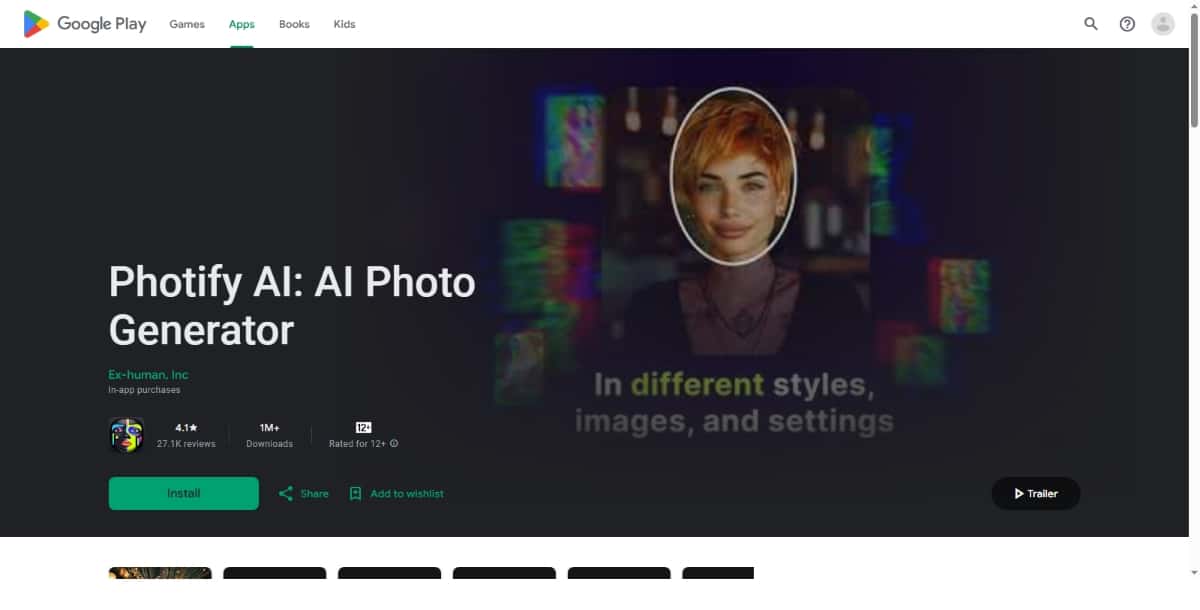
Best for: Customized stylized portraits with flexibility
Photify AI offers a creative spin on headshot generation by letting users guide the AI more directly. This app supports custom styling, pose manipulation, and in-depth enhancements that go beyond basic headshots.
It’s a favorite among artists, coaches, digital creators, and those looking for a distinct personal brand image.
Features:
- Prompt-based generation: Type in specific instructions to guide the AI in creating a headshot with a certain look or feel.
- Pose and angle editing: Change how you’re positioned in the photo without uploading multiple pictures.
- Detailed face editing tools: Manually or automatically adjust eyes, jawline, nose, and mouth with subtle improvements.
- Creative filter library: Adds stylized effects while keeping the headshot suitable for semi-professional use.
- Flexible export options: Download images in different dimensions and file types for various platforms.
Pros:
- High level of creative control
- Great for niche branding and expressive photos
- Excellent for advanced users
Cons:
- Slight learning curve
- May require trial and error for best results
Use Case:
Ideal for creators and personal brands who want to stand out with distinct, tailored portraits. A great AI headshot app for individuals who want more say in how their photo turns out.
3. Gleem: AI Headshot Generator by Gleem.AI
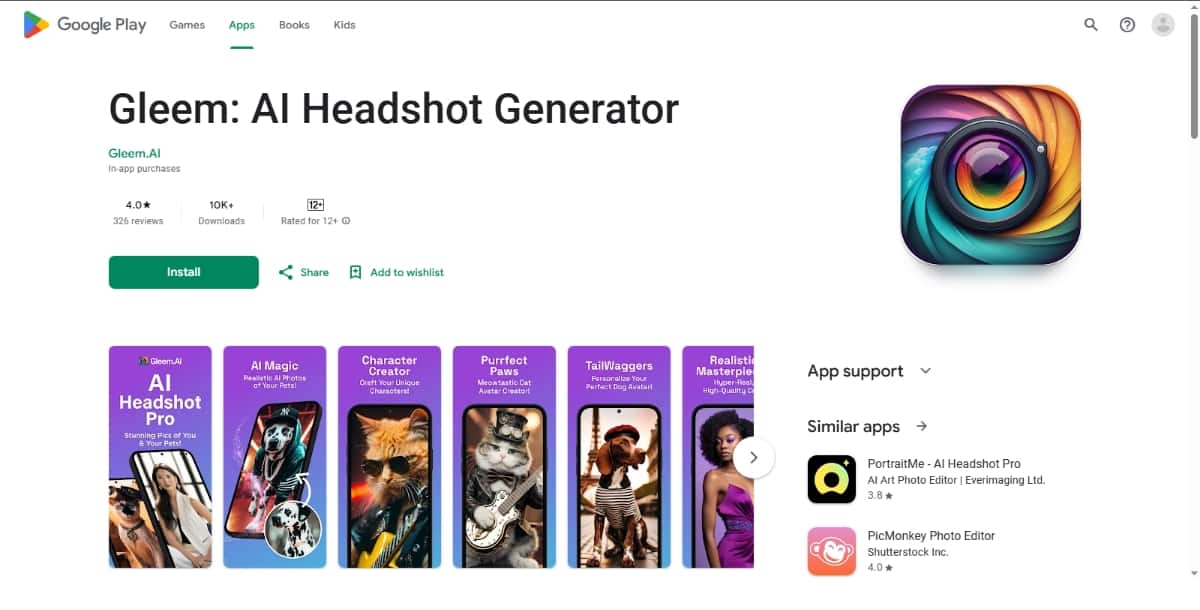
Best for: Clean and business-ready headshots
Gleem is a focused AI business headshot generator built to serve professionals who need polished, high-quality photos for corporate profiles, company websites, or official presentations.
Its AI system emphasizes clean framing, natural lighting, and sharp resolution, helping users look their best in a corporate setting.
Features:
- Business-style presets: Pre-designed headshot formats suited for LinkedIn, resumes, and corporate profiles.
- Clothing refinement: Automatically enhances or changes your attire to look more formal and polished.
- Neutral, professional backgrounds: Choose from boardroom, solid color, or minimal backdrops that fit business settings.
- Advanced lighting correction: Ensures consistent lighting, even if your original photo was taken in poor conditions.
- User dashboard for teams: Companies or HR departments can generate consistent headshots across staff members.
Pros:
- Excellent for formal use
- Outputs are consistently sharp and clean
- Tailored for professional branding
Cons:
- Requires login or sign-up
- Mostly focused on business use
Use Case:
A strong option for professionals, remote teams, and HR departments seeking a reliable AI headshot generator for business profiles. It’s one of the most focused AI headshot apps for corporate needs.
4. AI Headshot Generator by Prequel
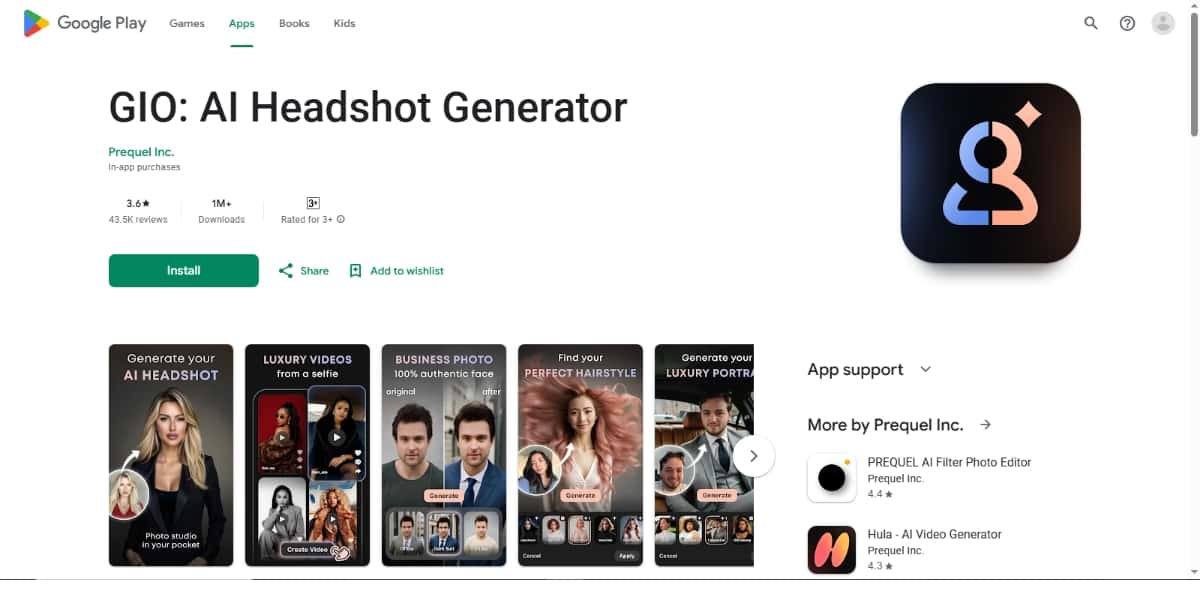
Best for: Stylish and trendy portraits
The AI Headshot Generator by Prequel is known for its artistic approach to headshots. While it produces professional-grade photos, it adds a fashionable, modern touch that stands out. This makes it a popular choice for influencers, personal brand creators, and social media professionals who want something beyond the basic business look.
Prequel is more than just a headshot tool — it’s a design-forward photo enhancer that delivers both creativity and quality, making it one of the best profile picture design apps available today.
Features:
- Artistic and fashion-forward filters: Offers a wide variety of curated filters that give your headshots a cinematic or editorial-style finish.
- Makeup and face-enhancing tools: Includes subtle retouching options like makeup simulation, skin smoothing, and blemish removal.
- Creative background replacement: Swap your background with bold colors, gradients, or themed settings like studio lights or cityscapes.
- Pose enhancer and facial refinement: AI subtly adjusts your head tilt or expression for better framing and balance.
- Download in multiple aspect ratios: Get portrait versions for resumes and square formats for social media.
Pros:
- High-end, modern visual styles
- Great for creative or semi-formal use
- Appeals to influencers and digital creators
- Easy customization with presets
Cons:
- Limited free features
- May be too stylized for formal corporate headshots
Use Case:
Best for creators, influencers, and personal brands who want headshots that are both polished and visually unique. A strong choice among AI headshot apps focused on digital presence and style.
5. AI Photo Generator – Fotorama by APPNATION AS
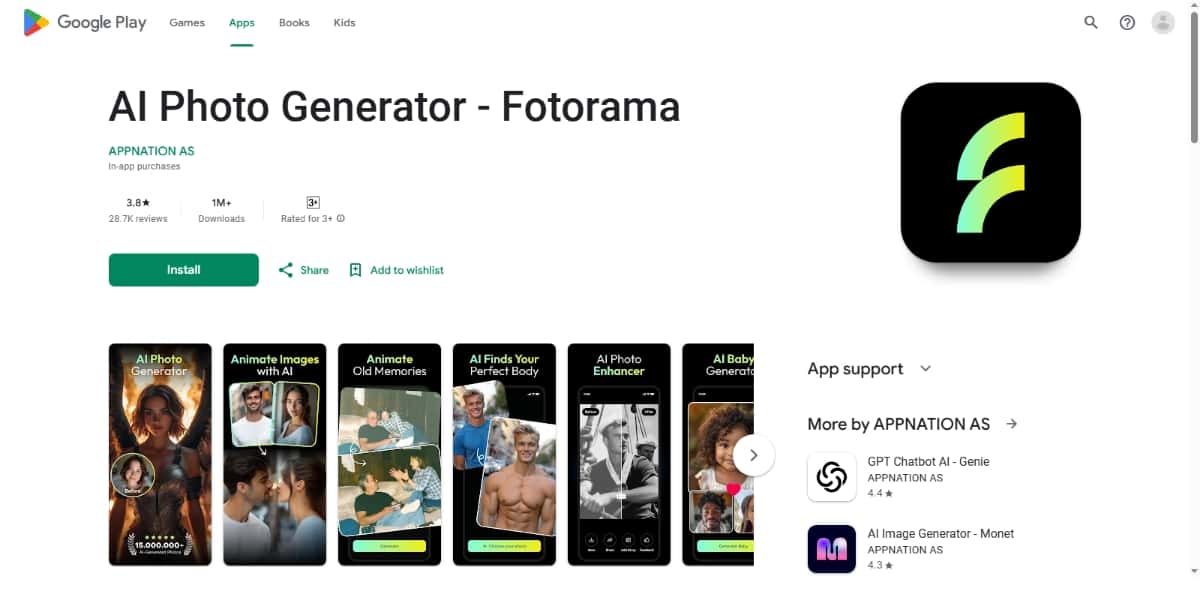
Best for: General AI photography with a strong headshot mode
Fotorama is an all-in-one AI photo generator that also includes a dedicated headshot creation tool. While not exclusive to headshots, the quality and control it offers make it a worthy addition to this list.
This app is perfect for users who want one tool for both headshots and other AI photo tasks, such as portraits, profile images, and social content, and it can also complement some of the best AI image upscalers for even sharper results.
Features:
- Portrait enhancer: Automatically improves skin tone, sharpness, and facial balance.
- AI-powered background blur: Simulates DSLR-style portrait mode with clean background separation.
- Face lighting optimizer: Uses facial recognition to add soft front-lighting for a natural, glowing effect.
- One-tap retouch: Quick fixes for blemishes, uneven lighting, and dull colors.
- AI prompt support: You can enter prompts to guide the AI in how you want your final photo to look.
Suggested Read: Best AI Background Generator Tools in 2026
Pros:
- Multi-functional app
- Strong headshot performance
- Fast editing with minimal manual input
Cons:
- Headshot tools aren’t as in-depth as dedicated apps
- Occasional quality variation depending on photo input
Use Case:
Great for users who want more than just a headshot generator. If you’re looking for a best AI headshot generator app that also handles everyday photo enhancements, Fotorama is a great pick.
6. Pixazo AI Headshot Generator
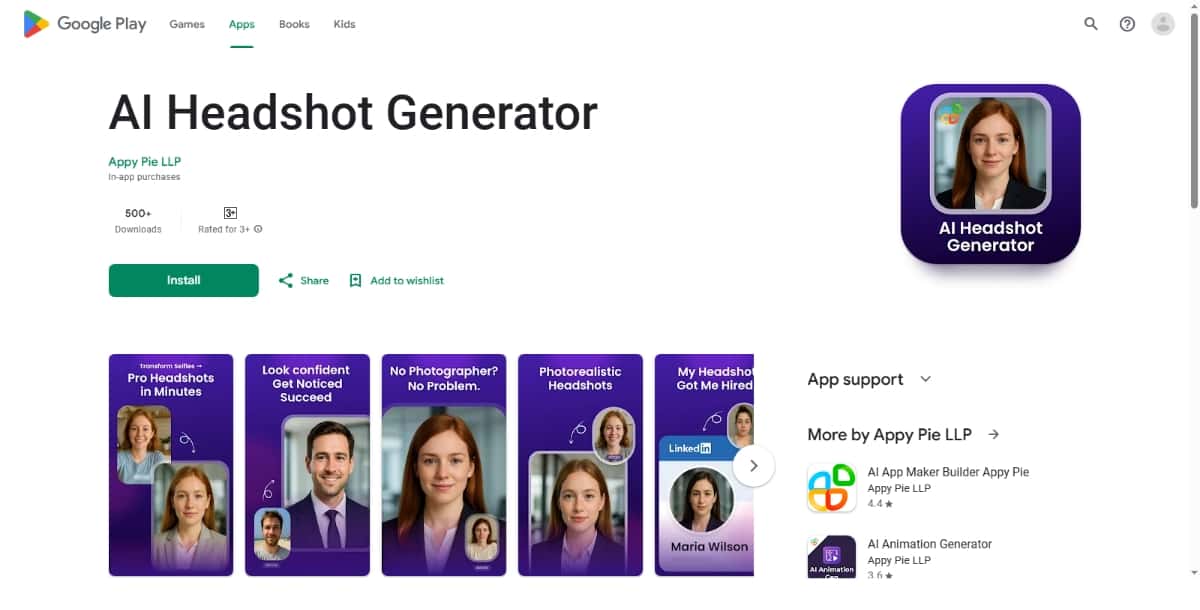
Best for: Free professional headshots in minutes
The Headshot Generator by Pixazo is one of the easiest and most reliable tools available in 2026. It’s perfect for users who want professional-quality headshots without spending money or dealing with complex photo editing. Whether you’re building your resume, updating your LinkedIn profile, or creating a team page for your business, this app delivers sharp and clean results in just a few steps.
It’s designed with beginners in mind, yet offers enough flexibility to meet the needs of professionals, entrepreneurs, and freelancers.
Features:
- Automatic background cleanup: Easily remove unwanted backgrounds and replace them with clean, neutral, or branded settings.
- Business attire suggestions: The AI can modify your outfit to make it look more formal, perfect for corporate-style headshots.
- High-resolution downloads: Export your final images in high quality, suitable for both digital and print use.
- Customization options: Change your background, lighting, framing, and facial expression with just a few taps.
- Multiple output styles: Choose from different professional presets such as LinkedIn-ready, resume-style, or creative business headshots.
- Fast processing time: Upload your photo and get the final result within seconds, without long wait times or queues.
- Secure image handling: Your uploaded images are processed securely, and the app doesn’t store them permanently, ensuring better privacy.
Pros:
- Free to use
- Clean and intuitive interface
- Fast and reliable results
- Suitable for both personal and business use
- Great choice for beginners or non-designers
Cons:
- Limited styling options in the free version
- Fewer creative filters compared to artistic apps
Suggested Read: GPT Image 2.5 Prompt Guide: How to Write Prompts That Get the Image You Want
Use Case:
Ideal for users who need fast, professional headshots on a budget. Great for job seekers, startup founders, freelancers, and anyone looking to enhance their personal brand online with the help of an easy-to-use AI headshot generator and a smart resume analysis tool.
7. Headshot AI Pro: Perfect Photo by MYX Labs
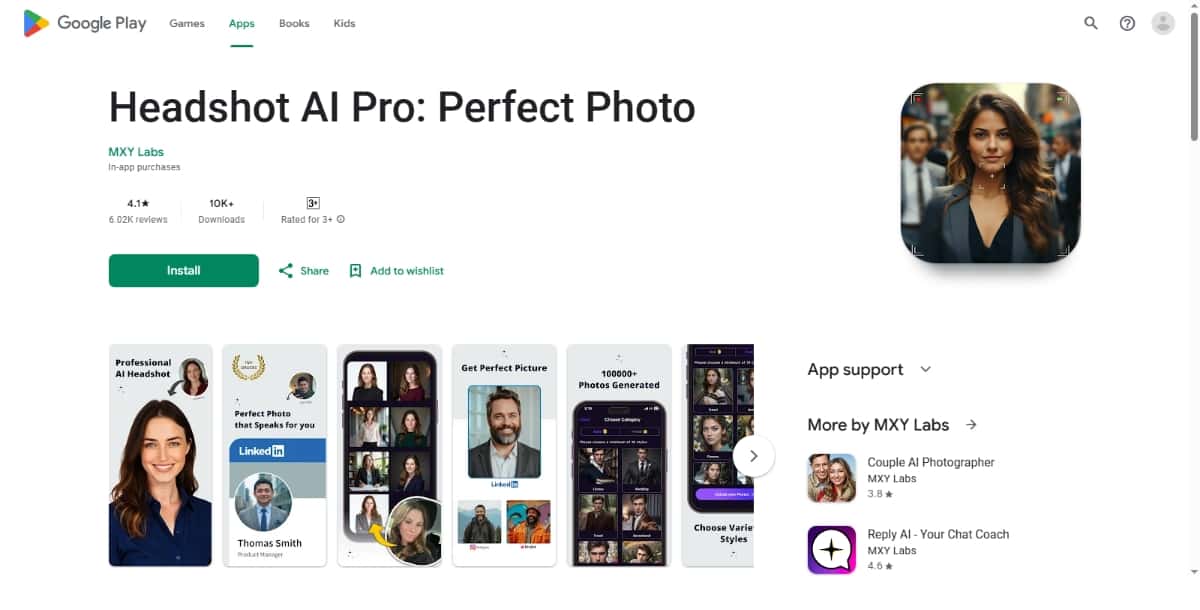
Best for: Hyper-realistic headshots
Headshot AI Pro by MYX Labs is focused on delivering photos that look like they were taken in a professional photo studio. It uses advanced face-mapping technology and light simulation to generate high-quality images that preserve natural textures and skin tones.
Features:
- AI face detailing: Enhances the sharpness and clarity of facial features while keeping the look natural.
- Realistic lighting correction: Automatically adds soft shadows and studio-style lighting effects to improve image quality.
- Background and attire simulation: Let’s you choose realistic office-style settings and outfits like blazers, shirts, or formal tops.
- Multiple angles and poses: AI can generate alternate poses based on your single input photo to give you more options.
- Batch processing mode: Allows you to generate headshots for multiple team members at once, great for businesses.
Pros:
- High accuracy and realism
- Ideal for professional environments
- Supports bulk generation
- Consistent output across different skin tones and lighting conditions
Cons:
- Processing can take slightly longer than simpler apps
- Requires more input images for best results
Use Case:
Perfect for professionals, HR teams, and remote businesses looking for a best AI headshot generator that can replace studio photography at scale. Especially useful for formal use cases like business directories and executive bios.
8. AI Headshot Generator by Plus Apps Bilisim Teknolojileri
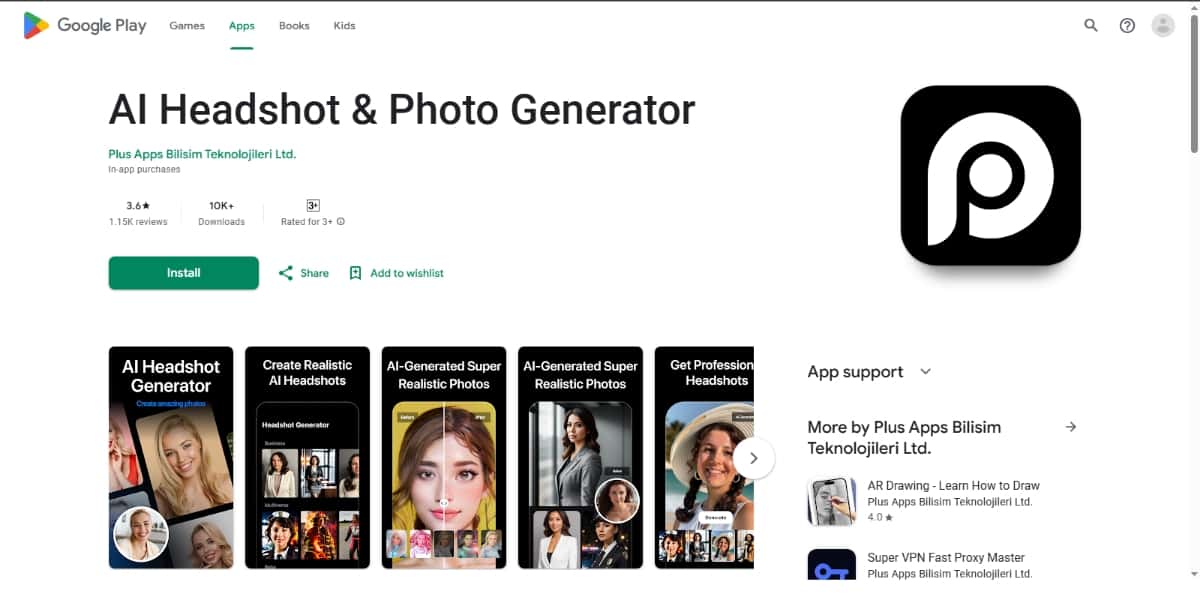
Best for: Versatile headshot editing with background control
This app offers a wide range of customization tools, making it perfect for users who want control over how their headshot looks. Whether you want to fine-tune lighting, switch backgrounds, or change expressions, this AI headshot generator gives you the freedom to do it all.
It’s built with flexibility in mind, making it a go-to choice for professionals, creators, and even teams managing branding consistency across multiple platforms.
Features:
- Expression adjustment: Modify your facial expression slightly to make your photo look more natural or approachable.
- Smart background changer: Replace or blur backgrounds with settings like office space, soft color gradients, or plain studio tones.
- Clothing editor: Change the appearance of your outfit to formal wear such as a blazer, shirt, or business dress.
- Light and contrast tuning: AI analyzes your face and adjusts the brightness and shadows to mimic studio lighting.
- Preset templates: Choose from predefined headshot styles for quick generation — perfect for resumes, portfolios, or company ID photos.
Suggested Read: Ultimate Guide to Next-Gen Face Swap: How It Works & Top Use Cases
Pros:
- High level of control and customization
- Multiple style templates
- Suitable for business and casual use
Cons:
- Interface may be a bit complex for beginners
- Some features require a subscription
Use Case:
Ideal for users who want flexibility in how their headshots look. It’s also a solid AI business headshot generator for teams who want consistent yet adjustable portraits.
9. AI Headshot Generator by Dmitrii Solovev
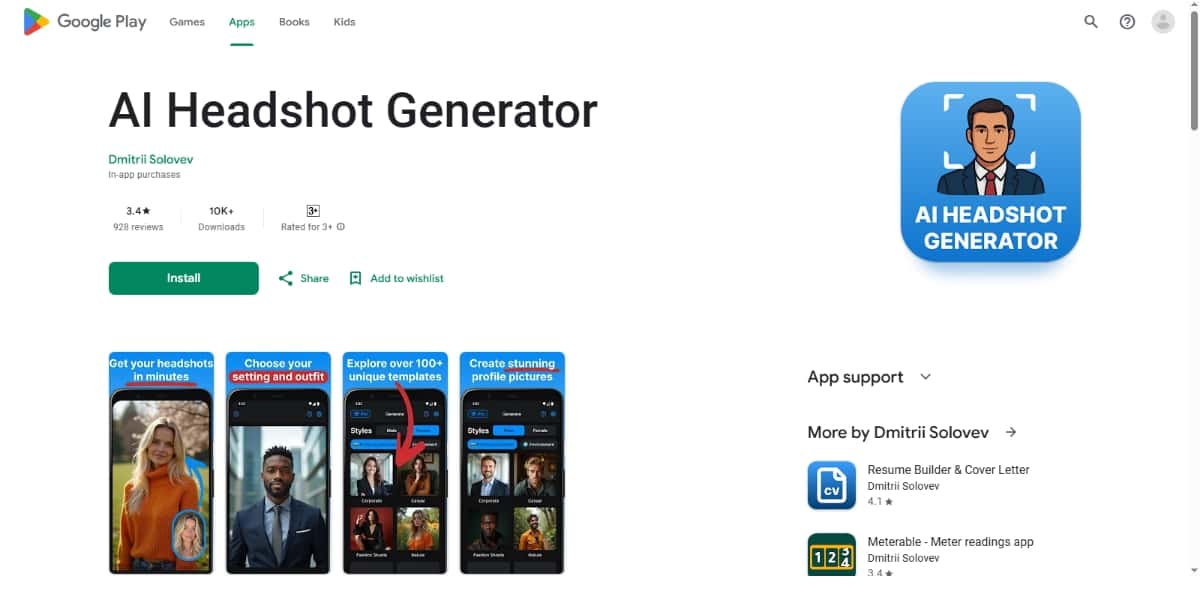
Best for: Quick and clean business photos
This app keeps things simple. It’s light, fast, and delivers good-looking headshots without requiring much effort. If you’re in a rush or don’t want to deal with too many settings, this app delivers quality results with minimal input.
The design is intentionally minimal, making it one of the easiest AI headshot apps to use on the go.
Features:
- Instant background cleanup: One-tap background removal and replacement with professional-grade options.
- Minimalist design: Clean layout with essential tools front and center for faster results.
- Smart framing and cropping: Automatically adjusts image proportions to fit headshot formats.
- Facial clarity enhancement: Improves sharpness and detail around the eyes, nose, and jawline.
- Auto clothing refinement: Changes your outfit to more professional-looking attire if needed.
Pros:
- Extremely easy to use
- Fast turnaround
- Lightweight and runs smoothly
Suggested Read: 10 Best AI Music Video Generator Tools in 2026
Cons:
- Lacks deeper editing or creative features
- May not appeal to advanced users
Use Case:
Best for users who want a simple, fast solution for creating clean business headshots. It’s an excellent choice for freelancers, job applicants, and remote workers who need something professional in a hurry.
10. Momo – AI Photo Generator by Scaleup
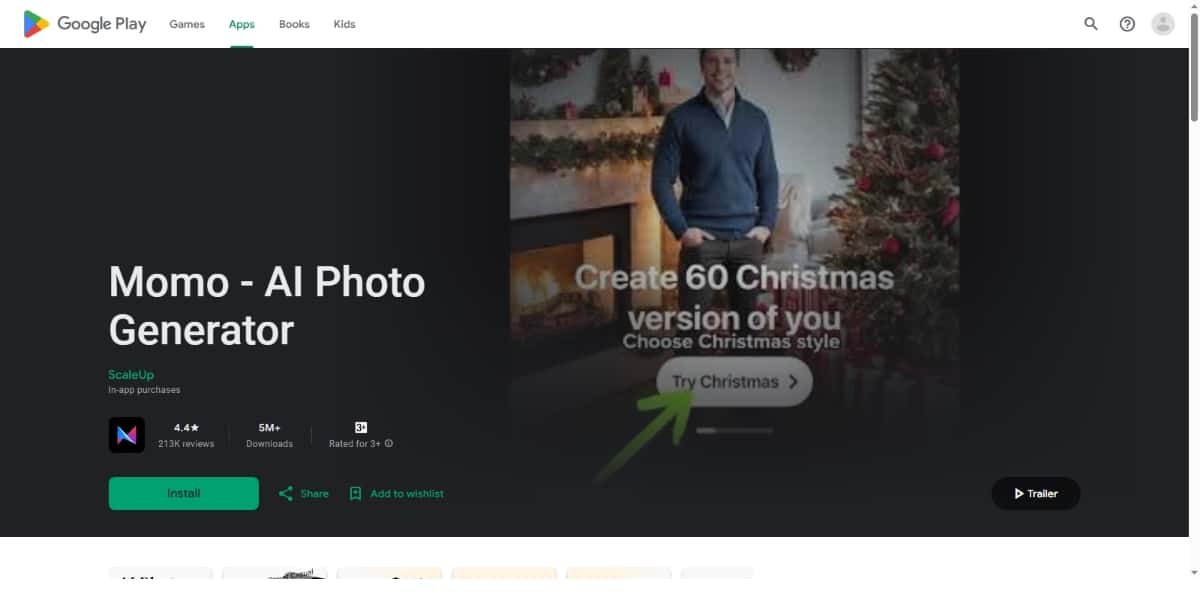
Best for: Trendy and modern personal portraits
Momo brings a fun, youthful vibe to AI-generated photos. While it may not focus strictly on formal business headshots, it stands out with its vibrant filters, playful aesthetics, and smart facial edits that appeal to personal users, influencers, and dating app users.
It’s perfect for anyone looking to present themselves with confidence and creativity.
Features:
- AI portrait styles: Offers trendy visual styles like casual, aesthetic, and social-ready filters.
- Facial beautification tools: Enhance skin tone, smile, and facial symmetry while preserving realism.
- Creative poses and backgrounds: AI can generate or simulate different poses, along with fresh backgrounds that match your style.
- Mood and tone filters: Choose photo moods like soft, cinematic, or energetic based on the tone you want to convey.
- One-tap edits: Fast editing experience with presets for various platforms like Instagram, dating profiles, and avatars.
Pros:
- Visually appealing and highly stylized
- Great for personal branding
- User-friendly design
Cons:
- Not suitable for formal or corporate headshots
- Filters may feel too casual for business use
Use Case:
Ideal for content creators, social media users, or anyone who wants to stand out with a personalized and expressive headshot. It’s one of the most unique AI headshot apps for casual presentation.
Suggested Read: Why Mini Dramas Are Becoming Popular in China
What is the best AI headshot generator app in 2026?
The AI Headshot Generator by Pixazo is the top choice in 2026. It combines high-quality, professional headshots with user-friendly tools. With fast processing and affordable pricing, it’s ideal for business profiles, LinkedIn photos, and social media portraits.
What makes an AI headshot generator good for business?
A good AI headshot generator for business offers features like professional attire simulation, natural lighting correction, and customizable backgrounds. These tools ensure your AI-generated headshots look polished and suitable for platforms like LinkedIn, company websites, resumes, or job applications.
Which app provides the best customization for style and backgrounds?
Pixazo’s AI Headshot Generator offers unmatched customization in 2026. You can easily change clothing styles, lighting effects, and background settings. This helps you create tailored headshots for professional profiles, social platforms, or personal branding with minimal effort.
Can I get professional headshots quickly with any of these apps?
Yes, most AI headshot generator apps now deliver professional-quality portraits in minutes. The AI Headshot Generator by Pixazo is especially known for fast, realistic results, making it perfect for quick LinkedIn updates, resumes, or business profile pictures.
Which AI headshot app offers the most realistic results in 2026?
Pixazo’s AI Headshot Generator leads in realism for 2026. Its advanced AI technology creates sharp, natural-looking headshots with accurate facial rendering, skin tones, and lighting. This makes it ideal for professional use, business profiles, or online portfolios.
How does Pixazo’s background removal compare to other top apps in quality?
Pixazo’s background removal, especially within its AI Headshot Generator, delivers high-quality results that rival other top apps in the market. It uses advanced AI to accurately detect edges and remove backgrounds without distorting facial features. Compared to the other apps, Pixazo maintains impressive detail and offers a clean, professional finish ideal for headshots.
Suggested Read: Best AI Banner Generator Tools in 2026
Frequently Asked Questions
What is an AI headshot generator app?
An AI headshot generator turns casual selfies into professional-looking portraits by adjusting lighting, background, attire, and framing. It is a fast, low-cost alternative to booking a studio photographer.
How many photos do I need for AI headshots?
Most apps ask for several selfies from different angles and expressions, often around 5 to 20, to learn your features accurately. Clear, well-lit photos with varied backgrounds usually produce the best results.
Are AI headshots good enough for LinkedIn or resumes?
For many people the top tools now produce headshots suitable for professional profiles and resumes. Quality varies, so it helps to generate several options and pick the most natural and accurate one.
Are AI headshot generator apps free?
A few offer limited free previews, but most charge a one-time fee or subscription for a full set of high-resolution headshots. Compare pricing, quality samples, and privacy policies before choosing.
Do AI headshot apps keep my photos private?
Privacy varies by provider, so review how each app stores, uses, and deletes your uploaded images. Choose tools with clear data policies, especially since headshots contain your likeness.
Suggested Read: Top 7 Closed Source Image Generation Models in 2026
Deepak Joshi
Author · Pixazo
Deepak writes about generative AI models, APIs, and the workflows teams use to ship them. Reviewed by Abhinav Girdhar.