How to Make a Video Collage Using AI-Enhanced Editing


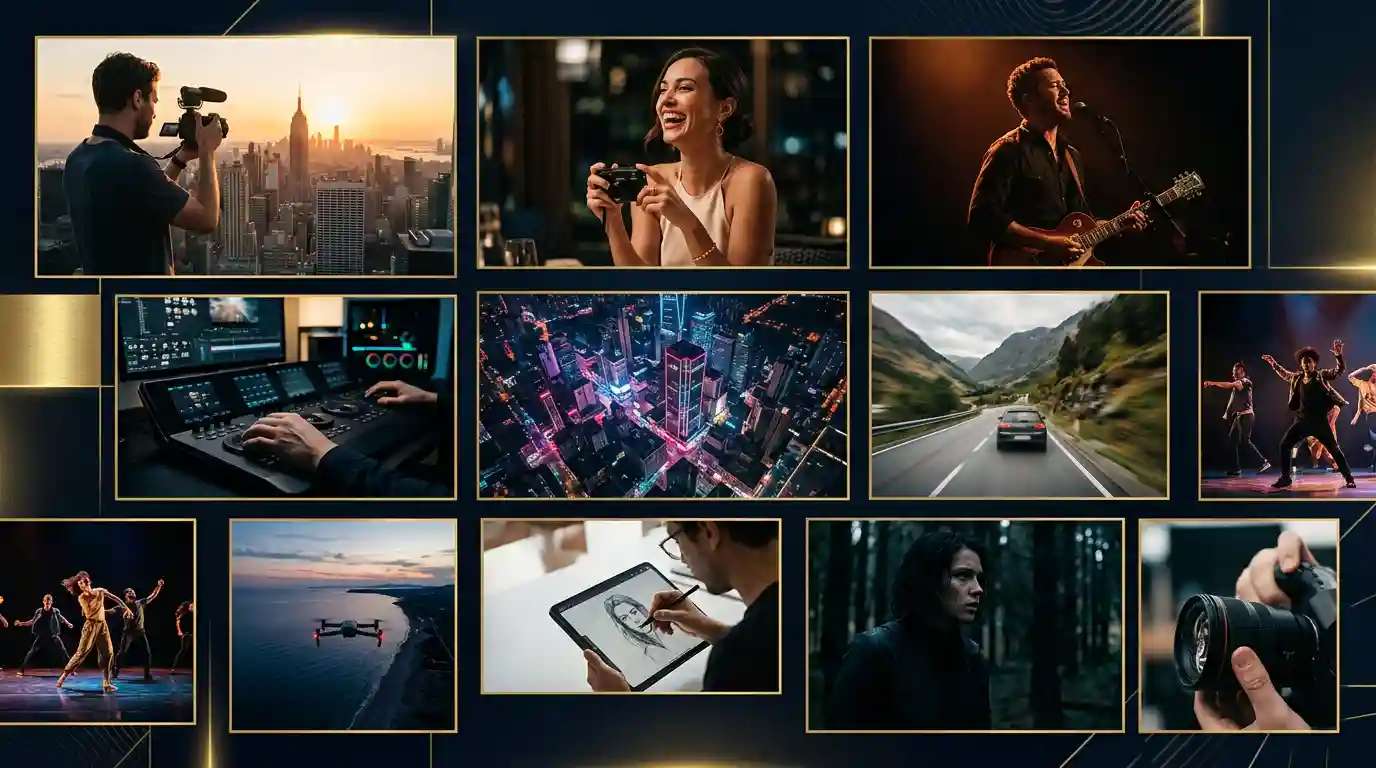
Do you know what is a collage? A collage is a creative way to combine your photos, videos, and AI-generated visuals into one eye-catching design. Collages are now a global trend for sharing memories and boosting your brand presence. If you want to try it, use AI Video Generator.
Creating a video collage is a fun and creative way to put your memories, ideas, or stories together. Using artificial intelligence (AI) in video editing makes this process even easier and more enjoyable.
In this guide, you will learn the basics of video collage making with AI Video Collage Maker tools. We will explain how to choose the right tool, get your video files ready, edit your videos, improve the sound, and share your work with the world.
The Role of AI in Video Editing
Artificial intelligence is a powerful helper in video editing. AI uses computer programs that learn from data to help with tasks that take a long time if done by hand. When you use AI design tools for video collage making, you can save time, get professional-looking effects, and be more creative.
Benefits of AI-Powered Video Collage Creation
Here are some good reasons to use AI in your video collage projects:
- Saves Time: AI finds the best parts of your video, suggests the best transitions, and improves the colors and sound. This makes the editing process much faster.
- Easy to Use: Many AI Video Generator tools are designed so that beginners can use them. They have simple buttons and clear menus.
- Smart Effects: The AI automatically picks the best effects and transitions based on your video content. It makes sure the video looks smooth and professional.
- Improved Quality: AI can fix shaky video, adjust the brightness, and even remove unwanted background noise. This makes your video look clean and professional.
Choosing the Right AI Video Editing Tool
Before you start your project, it is important to select a good video editing tool that uses AI. There are many options on the market, and the right one for you depends on your needs and skill level. You can choose Pixazo for your needs as it offers all the necessary features and an intuitive interface that makes it user-friendly.
What to Look for in an AI Video Editor
When choosing an AI video enhancer or editor, pay attention to these factors:
- Ease of Use: The tool should have a simple interface that is easy to understand. You should be able to drag and drop your video clips and photos into the timeline.
- AI Features: Check if the tool has features such as auto-cropping, scene detection, and automatic color and sound adjustments.
- File Support: Make sure the editor can handle all the types of video and image files you plan to use.
- Manual Control: Even though AI does much of the work, you should be able to change settings if you want to add your personal touch.
- Free Trial: Many tools offer a free trial. Use it to see if the tool is the right fit for you before you pay.
A Few Popular Choices
There are several popular AI video editing tools today. Some are made for professionals while others are designed for beginners. Reading user reviews and trying out free trials can help you decide which one to use. No matter what you choose, using AI will help you put together your collage in a smart and quick way.
Preparing Your Video Assets
A good video collage starts with the right video clips, photos, and sound files. Organizing your files before you start editing will save you time and make the process smoother.
Gather Your Files
- Collect Your Videos and Photos: Choose video clips and images that you want to include in your collage. These might be clips from an event, family videos, or images from your favorite moments.
- Get Audio Files: Think about adding background music or sound effects to your video. You can use music from free libraries or your own recordings.
- Store Safely: Save all your files in one folder on your computer. This helps you find everything quickly when you start editing.
Suggested Read: The Best Video Editing Software in 2026: Free, Paid, and AI-Powered Options
Optimize Your Files for Editing
To make the AI work better, you need to follow a few simple rules:
- Uniform Resolution: Try to use files that have the same quality and size. This makes the final video look smooth. You can use our AI HD Video converter tools to ensure the video is of high quality.
- Same Aspect Ratio: When your files have the same shape, the transitions between them look more natural.
- Good Sound Quality: Use clear audio files so that the sound editing tools can work better.
Suggested Read: Introducing the Magi 2.0 API on Pixazo API: Image to Video and Video Editing
Step-by-Step Guide to Create an AI-Powered Video Collage
Below is a clear step-by-step guide that will help you create a video collage using an AI video editing tool.
- Use Relevant Keywords: Make sure to add words such as “AI video editing,” “video collage,” and “easy video editing” throughout your post.
- Write Clear Headlines: Use simple and clear titles and subheadings. This helps search engines understand what your article is about.
- Include Images and Videos: Adding visual content such as screenshots or video previews can improve your blog’s search engine ranking.
- Link to Quality Sources: If you mention any facts or tools, include links to their websites. Quality links help improve your ranking.
- Keep Your Content Updated: Regularly update your post with new tips or tools. This shows search engines that your content is current and relevant.
Suggested Read: Best Video Editing APIs for Developers in 2026
The Future of AI Video Editing
As technology improves, the power of AI in video editing will continue to grow. In the future, you may see even more helpful features such as better scene selection, more realistic effects, and smarter sound editing. For now, take advantage of the tools available and let AI make your video collage making process faster and easier.
Embrace New Technology
- Stay Informed: Keep learning about the latest trends in video editing. Follow simple blogs, watch tutorials, and join groups where people talk about AI and video.
- Experiment: Try different styles and techniques. The more you experiment, the better your final videos will be.
- Share Your Successes: Show your work to others. The more feedback you get, the more you learn.
Suggested Read: What is the Best LinkedIn Video Size? Specs & Tips for 2026
Also Explore: 6 Best Photo Collage Maker Apps in 2026
Suggested Read: How to Make a Product Video with AI: A Complete Guide in 2026
Final Thoughts
Creating a video collage with the help of AI-powered editing tools is easy, fun, and efficient. By following the simple steps in this guide, you can produce a video that looks polished and professional. The process is not only faster than traditional video editing but also lets you experiment with creative ideas without feeling overwhelmed by complex software.
Remember, the key is to prepare your files well, choose the right editing tool, use AI to improve your video, and add your personal touches. With practice, you will find your editing style and create video collages that tell a story and bring emotions to life.
Finding the right tool to turn your clips into stunning video collages is easy with this list of the best ai video collage maker tools for 2026.
Whether you are making a video collage for a special event, a school project, or simply to share your hobbies online, AI editing tools can help you achieve a great result. So, get started with your first project today. Open your chosen video editor, import your files, and let the magic of AI give your video a fresh and professional look.
Suggested Read: 10 Best AI Video Editors in 2026 (Free, Budget and Pro Picks)
Frequently Asked Questions
What is a video collage?
A video collage combines several clips (and sometimes photos) into a single frame or sequence, playing them together in a grid or split-screen layout — ideal for recaps, reactions and social montages.
Can I make a video collage for free?
Yes. Several editors and AI tools let you build a basic video collage for free, though HD export, more layouts and watermark removal usually require a paid plan.
How many videos can I put in a collage?
Most tools support 2 to 9 clips in a grid; some allow more with scrolling or sequential layouts. Fewer clips keep each one large and readable on mobile.
Can AI help make a video collage?
Yes — AI-enhanced editors can auto-arrange clips, match their length, sync them to a beat and even suggest layouts, cutting the manual work of aligning multiple videos.
What is the best aspect ratio for a video collage?
Use 9:16 (vertical) for TikTok, Reels and Shorts, 1:1 (square) for feed posts, and 16:9 (landscape) for YouTube. Pick the ratio of the platform where the collage will be posted.
Suggested Read: What is a Collage? Meaning, Types and Uses Explained
Suggested Read: How to Make a Collage on iPhone: A Step-by-Step Guide
Deepak Joshi
Author · Pixazo
Deepak writes about generative AI models, APIs, and the workflows teams use to ship them. Reviewed by Abhinav Girdhar.