Introducing Grok Imagine Image 2.0 API on Pixazo API: xAI Text to Image and Editing, Up to 2K


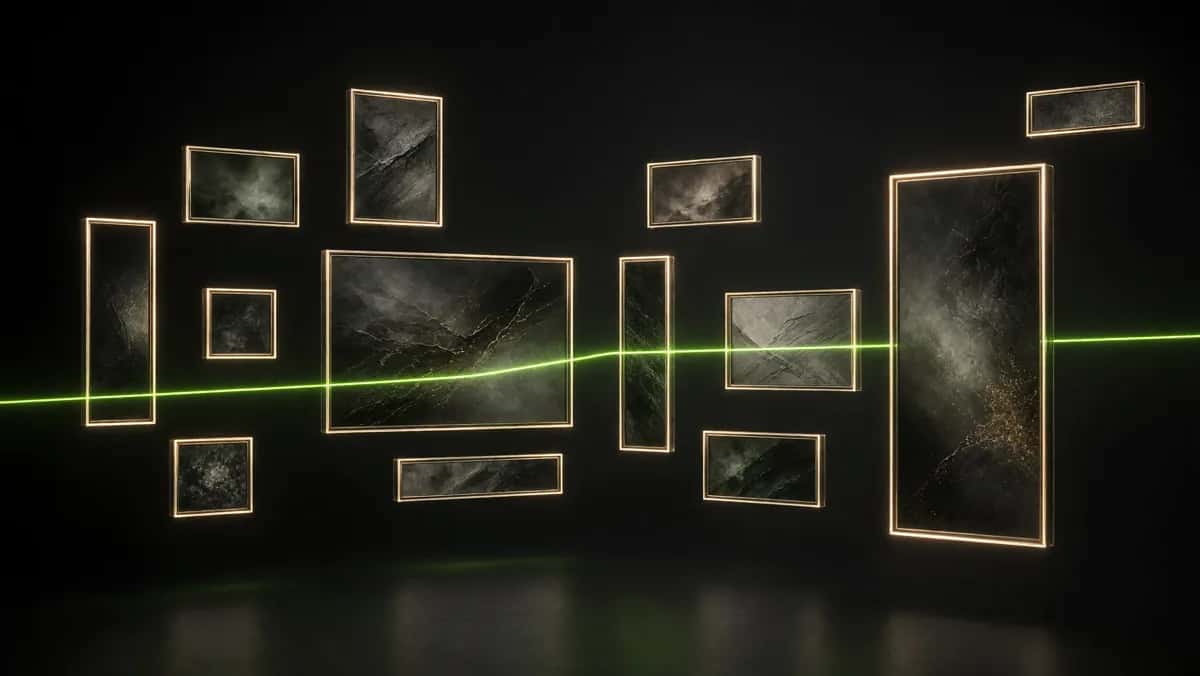
Fresh from xAI, the Grok Imagine Image 2.0 API is now live on Pixazo API, bringing the image engine behind Grok to the platform. It does two jobs from one integration: it generates up to four fresh images from a single text prompt, and it edits existing images from a plain language instruction. What sets it apart is reach. It renders across thirteen aspect ratios, from a wide 2:1 banner to a tall 1:2 poster, at up to 2K, so one model covers almost any canvas you need to fill.
That range is the whole idea here. Most image APIs give you a square, a landscape and a portrait and leave it there. Grok Imagine Image 2.0 treats aspect ratio as a first class control, which means the same prompt can become a hero banner, a feed post and a phone wallpaper without cropping or awkward outpainting. This post shows the model working across several of those shapes, breaks down the two modes, and walks through how to call it, what it costs, and where to start.
Explore the Grok Imagine model page →
First look
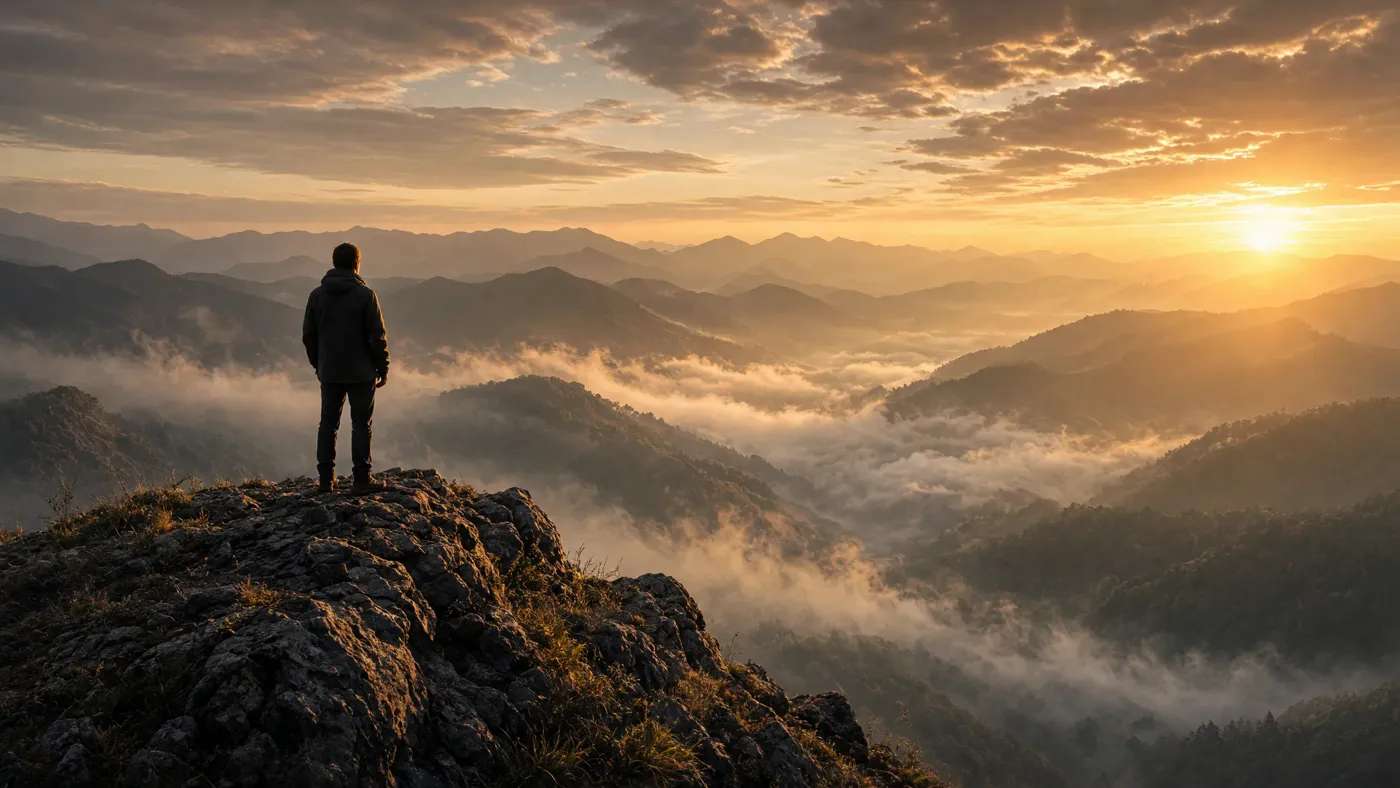
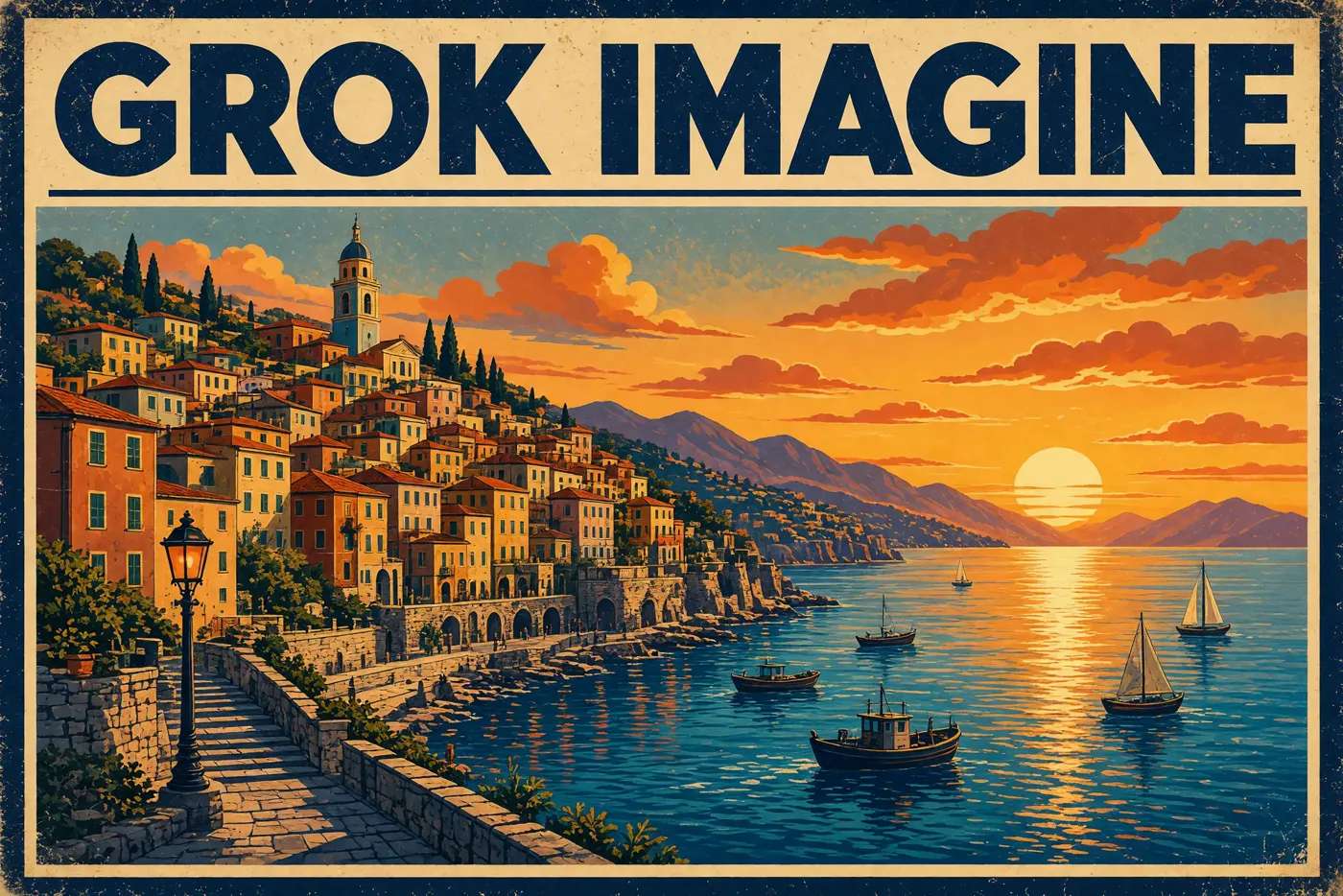
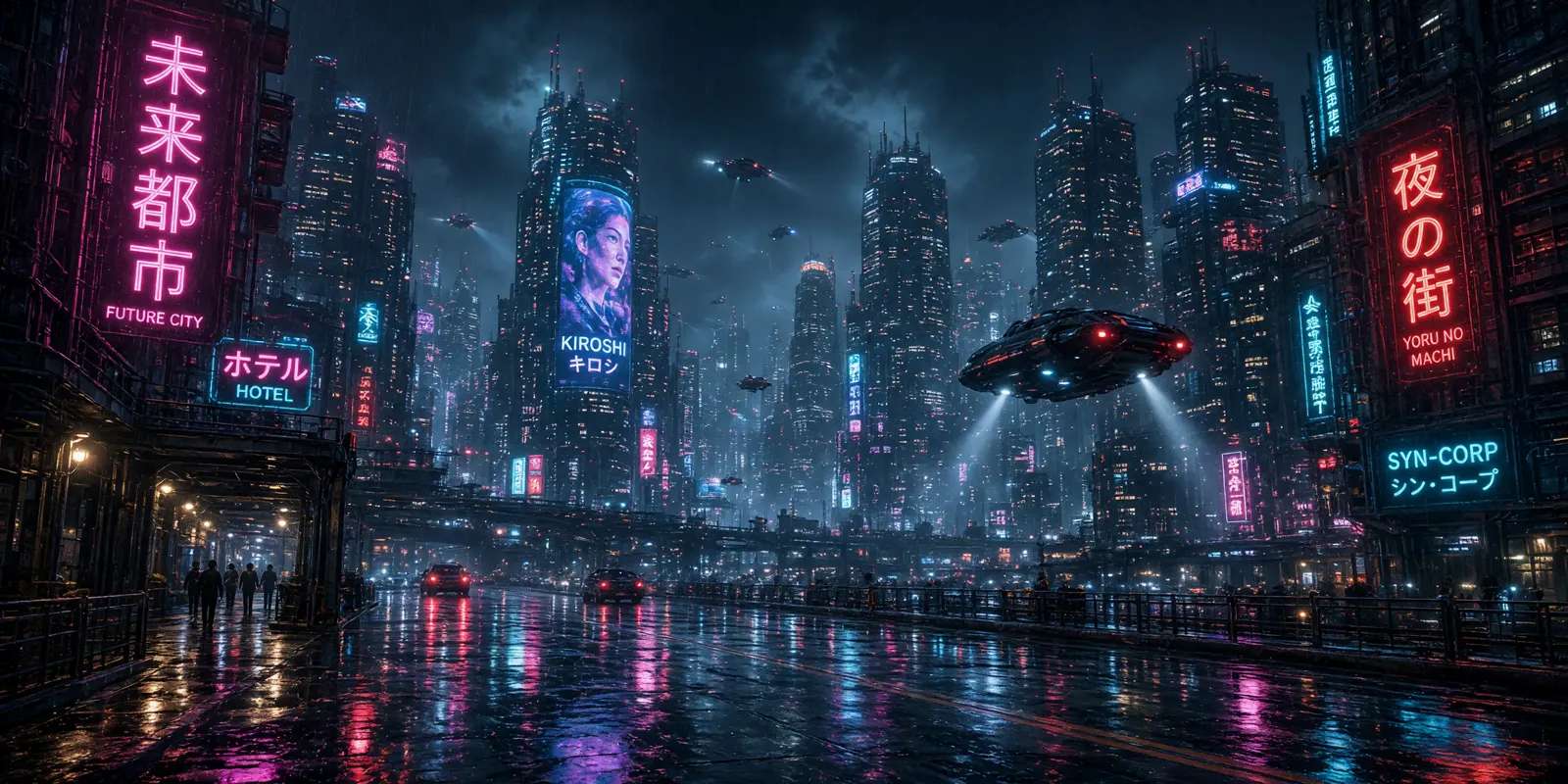
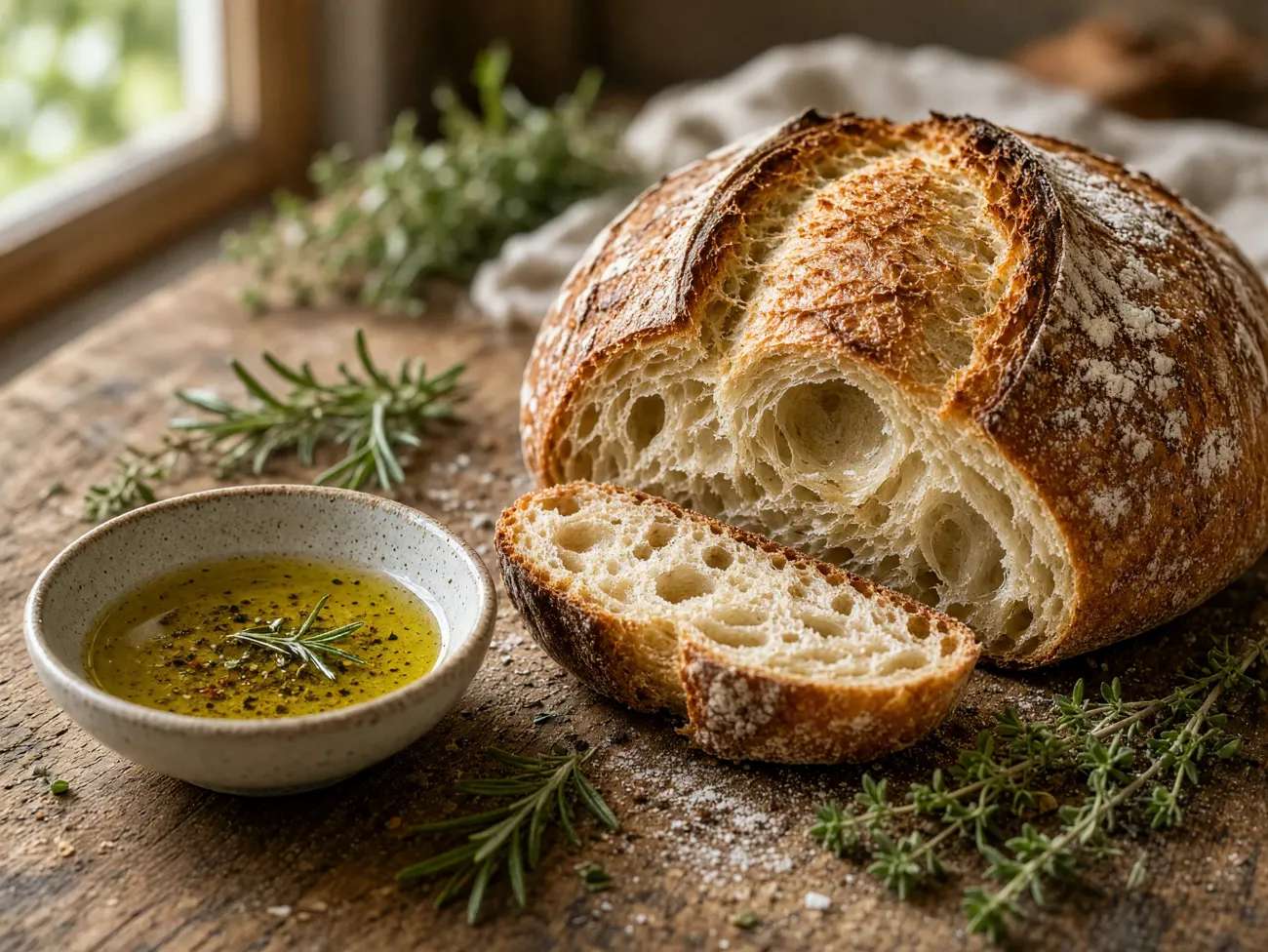
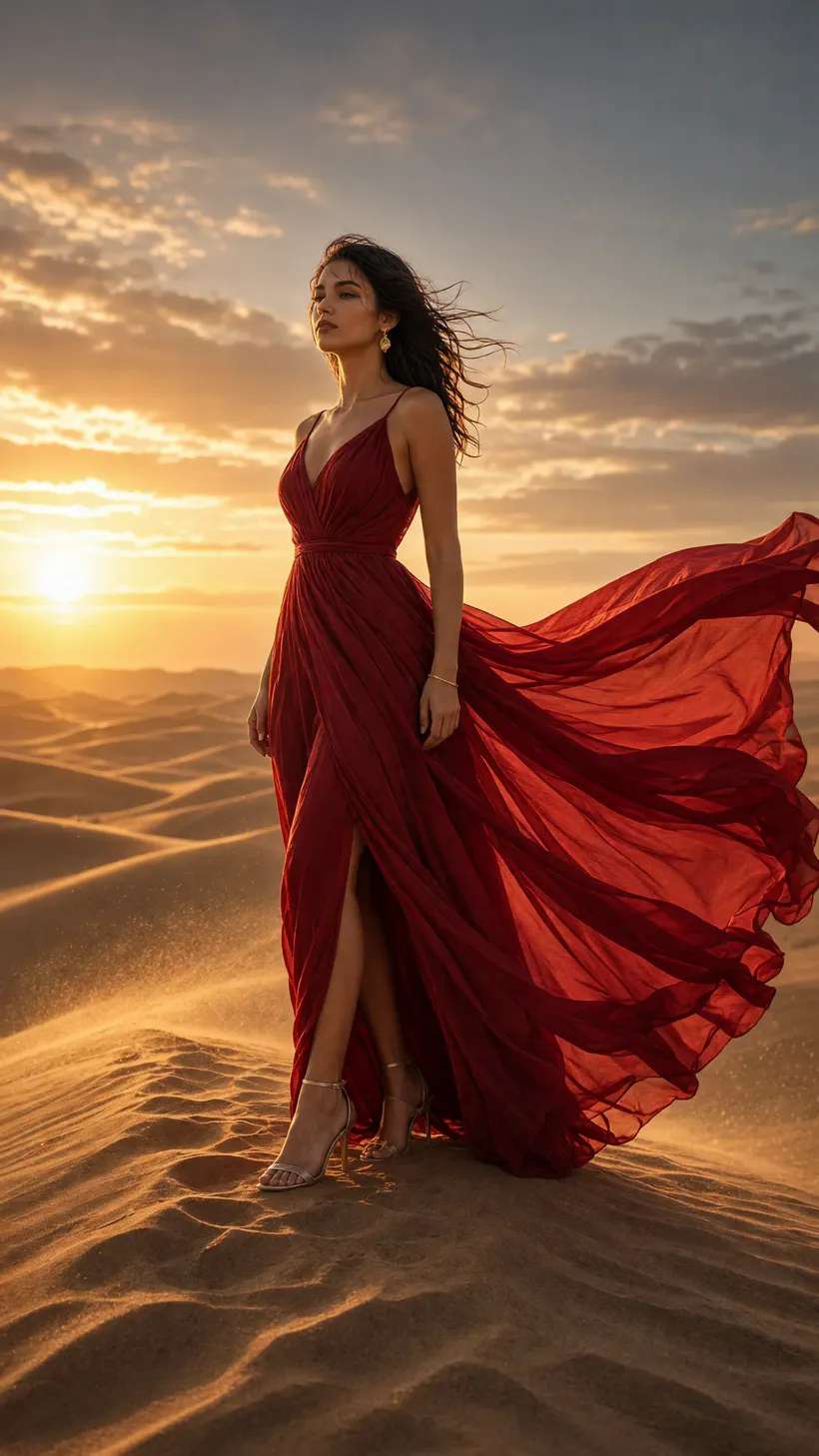
Every image in this post came back from the Grok Imagine Image 2.0 API as a finished file, generated straight from a text prompt. Notice how each one is tagged with the aspect ratio it was rendered at. Nothing here was cropped after the fact; the shape was chosen at request time.
What makes Grok Imagine Image 2.0 different?
Three things set the Grok Imagine Image 2.0 API apart from the single shape image endpoints most teams are used to.
Any canvas: thirteen aspect ratios
The headline capability of Grok Imagine Image 2.0 is its aspect ratio range. Text to image accepts thirteen shapes: 2:1, 20:9, 19.5:9, 16:9, 4:3, 3:2, 1:1, 2:3, 3:4, 9:16, 9:19.5, 9:20 and 1:2. That covers cinematic ultra wide plates, standard landscape and portrait, the exact square a feed wants, and the tall vertical formats that phone screens and story slots are built for.
Because the shape is set at request time, you skip the two step dance of generating a square and then outpainting or cropping to fit. You ask for the frame you actually want and the composition is built for it from the first pixel. For editing, the model adds an auto option that simply preserves the aspect ratio of the first input image, so a revise pass never changes the frame by accident.
The frame is a parameter, not a constraint you design around.
Two modes: generate and edit
The Grok Imagine Image 2.0 API exposes two endpoints that share the same request shape.
Describe it in plain language; up to four finished images return from one call.
Pass one to three image URLs with an instruction and the model revises them.
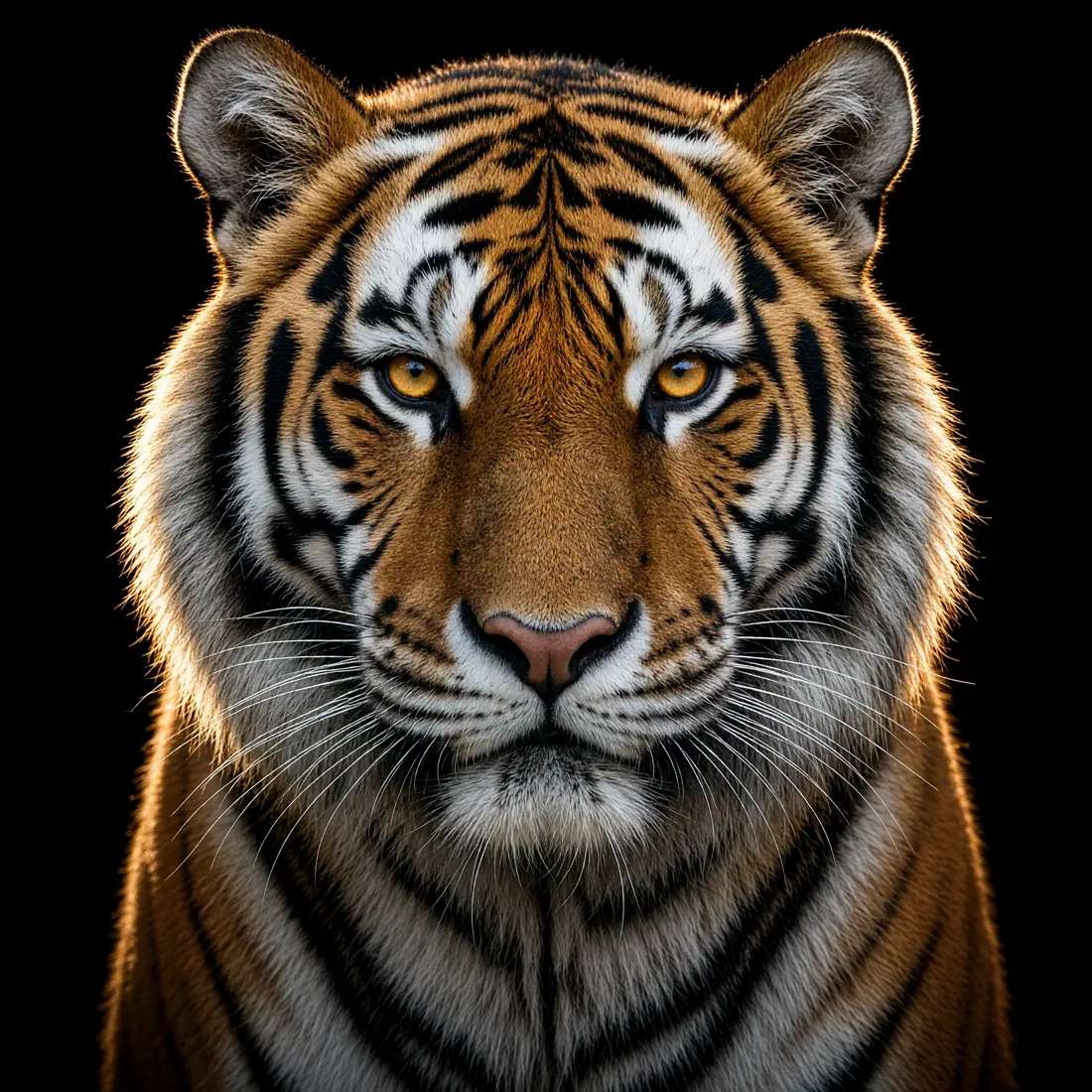
Four at a time
Exploration is where a batch model earns its keep. Set num_images to four and a single prompt returns a small contact sheet of variations, each a different take on the same idea. You review them together, keep the one that lands, and only then commit to a higher resolution or a larger batch. Because billing is per image, the cheap exploratory passes stay cheap and the expensive final render happens once.
Explore a look in one call, keep the one that lands, and commit only once.
Suggested Read: Introducing LTX 2.5 API on Pixazo API: Two Tiers for AI Video with Sound
Suggested Read: Introducing Wan 3.0 API on Pixazo API: Cinematic AI Video with Sound, Up to 30 Seconds
Prompting across shapes
Writing for a specific frame is a small habit that pays off immediately with the Grok Imagine Image 2.0 API. A wide 2:1 plate wants a horizon, a lead subject and negative space for a headline; a tall 9:16 wants a vertical subject and foreground to fill the height. Naming the composition in the prompt, not just the subject, is what turns the aspect ratio from a crop into a deliberate layout.
How does the API work?
Every call to the Grok Imagine Image 2.0 API follows the same asynchronous pattern. You POST your parameters, get a request id back immediately, then poll the status endpoint until the job reports COMPLETED and returns your image URLs. Nothing holds a connection open while a 2K batch renders.
Text to image is a POST to gateway.pixazo.ai/grok-imagine-image-v2/v1/text-to-image, and editing is the same base with v1/edit. Every request carries your key in an Ocp-Apim-Subscription-Key header, and output can come back as jpeg, png or webp. If you already call any model on Pixazo API, the pattern is identical, so adding Grok is pointing at a new endpoint.
Suggested Read: Introducing the Muse Image API and MiniMax H3 Max API on Pixazo API: Photoreal Images and Video with Sound
What does it cost?
Pricing is per image, and it depends on two dials: quality and resolution. Low quality at 1k is 0.04 dollars per image, medium at 1k is 0.06, low at 2k is 0.06, and medium at 2k is 0.08. A full batch of four therefore ranges from 0.16 to 0.32 dollars depending on the settings. Editing adds a small 0.01 dollars per input image on top. You only pay for images you actually receive, and new API accounts get 10% cashback on their first top-up (up to $500).
A batch of four runs four times the per image rate. Editing adds $0.01 per input image, and failed requests are never charged.
See live pricing and get an API key →
Suggested Read: Introducing MiniMax H3 API on Pixazo API: Native 2K AI Video with Sound
What can you build?
The shape range maps directly onto real production work.
- Social at every size. One prompt, rendered as a 1:1 feed post, a 9:16 story and a 2:1 banner, all on brand and all without cropping.
- Marketing and ad creative. Batch four directions for a campaign, pick the winner, and re render it at 2K for the hero placement.
- Product and editorial imagery. Clean 4:3 and 3:2 frames for catalogue shots, articles and thumbnails.
- Wallpapers and device art. Tall 9:19.5 and 9:20 formats built for modern phone screens rather than cropped down to them.
- Iterative art direction. Generate a look, then use the edit mode to restyle or refine it until it matches the brief.
Suggested Read: Introducing the Google Virtual Try-On API on Pixazo API: Dress Any Person in Any Garment
Start building with Grok Imagine Image 2.0
The fastest way in is the Grok model page on Pixazo API: grab a key, read the current parameters and live pricing, and send your first prompt. Start with a small low resolution batch to find the composition, then commit the keeper to 2K.
Read the Grok Imagine Image 2.0 documentation and get an API key →
Suggested Read: Pixazo Launches Flawless Text Model
Frequently asked questions
It is xAI’s image model, available as a hosted API on Pixazo API. It generates up to four images from a text prompt and edits existing images from an instruction, across thirteen aspect ratios and up to 2K resolution.
Text to image supports thirteen ratios from 2:1 down to 1:2, covering ultra wide, landscape, square, portrait and ultra tall. Editing adds an auto option that keeps the aspect ratio of the first input image.
Between one and four. Set num_images to control it, and every image in the batch is a fresh variation on your prompt.
Yes. The edit endpoint takes one to three publicly reachable image URLs plus a text instruction and returns the revised result, so you can restyle, retouch or reframe existing art.
Per image, from 0.04 dollars for low quality at 1k up to 0.08 dollars for medium at 2k, so a batch of four runs 0.16 to 0.32 dollars. Editing adds 0.01 dollars per input image. Failed requests are not charged.
No. Pixazo API hosts the model behind a REST endpoint. You send a prompt with your key, poll for the result, and download the finished jpeg, png or webp.
Suggested Read: Best Text to Speech API for Developers in 2026
Deepak Joshi
Author · Pixazo
Deepak writes about generative AI models, APIs, and the workflows teams use to ship them. Reviewed by Abhinav Girdhar.