Introducing LTX 2.5 API on Pixazo API: Two Tiers for AI Video with Sound


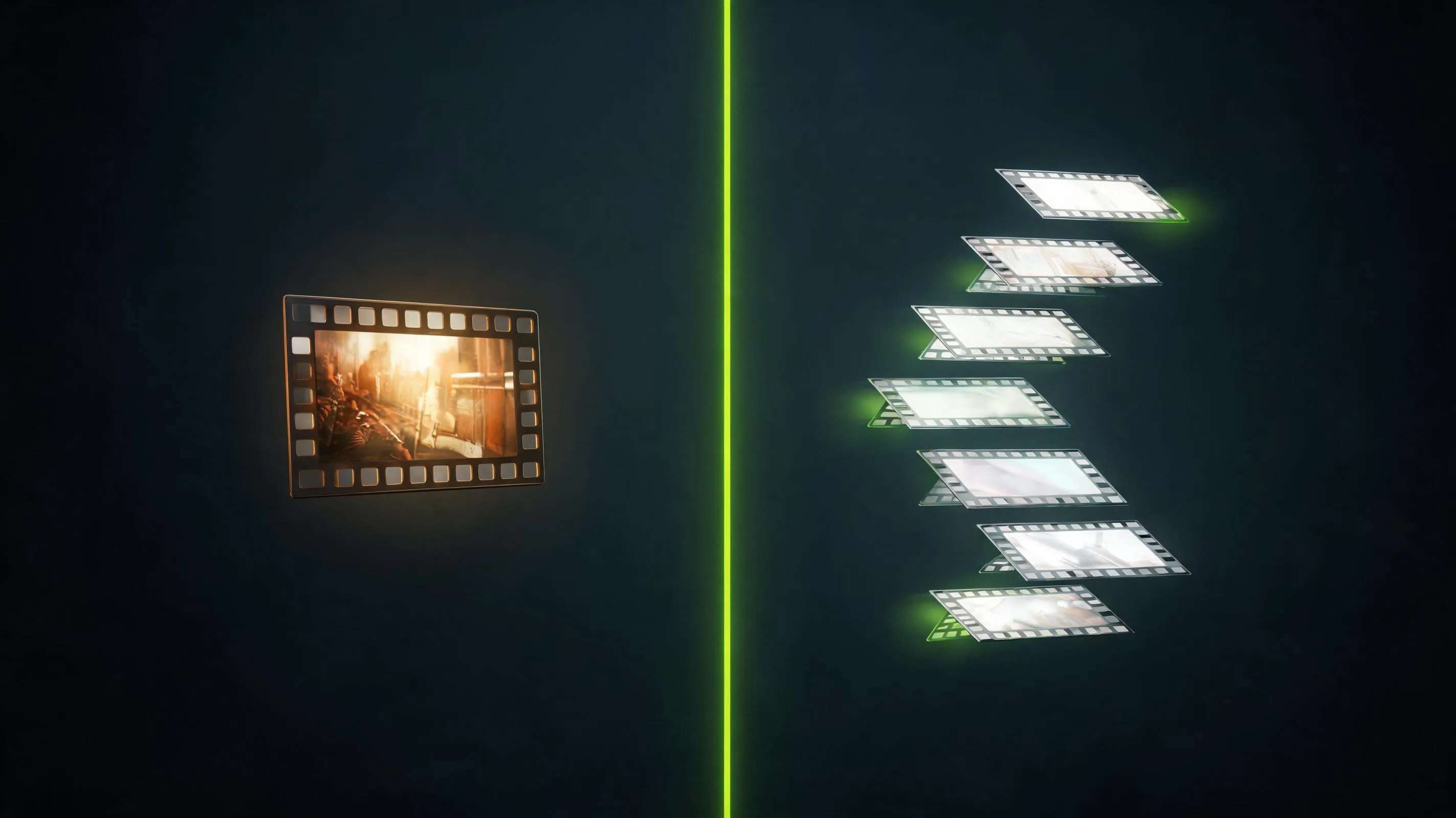
Lightricks just shipped its most capable video engine yet, and the LTX 2.5 API is now live on Pixazo API. What arrives is not one model but two: a Pro tier tuned for fidelity and a Lite tier built for reach, both speaking the same request format and both generating video with sound in a single pass. You pick the tier by changing one word in the endpoint, and everything else about how you call it stays identical.
That two model design is the whole story here. Most video APIs hand you a single quality versus cost dial and ask you to live with it. LTX 2.5 splits that dial into two purpose built engines: one that holds a tight, cinematic look up to 1080p, and one that stretches all the way to 4K and twenty second takes when you need range more than polish. This post plays a few clips, breaks down what each tier is for, and walks through how to call both from one integration.
Explore the LTX 2.5 model page →
See it in motion
Every clip in this post is generated straight from a text prompt, with sound composed in the same pass, and comes back from the LTX 2.5 API as a finished MP4 that already has its audio mixed in. There is no separate scoring step, so turn your volume up for the reel.
Two models, one endpoint family
The family exposes two sibling models that share a request shape but aim at different jobs. The LTX 2.5 Pro API is the fidelity tier: it renders up to ten seconds at 720p or 1080p and is tuned to keep faces, motion and lighting coherent across the whole shot. The LTX 2.5 Lite API is the reach tier: it runs up to twenty seconds and climbs from 720p through 1440p all the way to 4K, at a lower price per second, for the times you need length or resolution more than the last percent of polish.
The useful part is that this is not two integrations. Both tiers use the same authentication, the same asynchronous submit and poll contract, the same audio switch and the same parameter names. Moving a job from one tier to the other means pointing at a different endpoint, so you can prototype on the cheaper Lite tier and promote the keeper to Pro without rewriting anything.
Compare both tiers on the LTX model page →
What makes LTX 2.5 different?
Three things set the LTX 2.5 API apart from the single model video endpoints most teams are used to.
LTX 2.5 Pro API: the fidelity tier
Reach for the LTX 2.5 Pro API when the shot has to look right. Pro caps duration at ten seconds and resolution at 1080p, and it spends that budget on coherence: steadier faces, cleaner motion and lighting that stays consistent from the first frame to the last. It runs at 24, 25 or 50 fps, takes prompts up to five thousand characters, and outputs 16:9 or 9:16. Pricing is 0.12 dollars per second at 720p and 0.17 dollars per second at 1080p, billed only on the video you actually receive.
Reach for the LTX 2.5 Lite API when you need more room. Lite stretches to twenty seconds and unlocks the full resolution ladder of 720p, 1080p, 1440p and 2160p, at a lower rate per second than Pro. It adds 48 fps to the frame rate options, offers durations in even steps from six up to twenty seconds, and can choose the aspect ratio automatically from your input. Pricing runs from 0.09 dollars per second at 720p to 0.30 dollars per second at 4K, so a long 720p draft stays cheap while true 4K is there when the brief calls for it.
Suggested Read: Introducing Kling AI Avatar v2 Pro API on Pixazo: Ultra-Realistic Talking Avatars from a Single Image
Which tier should you pick?
The honest rule of thumb: use the LTX 2.5 Pro API for the shots people will study closely and the LTX 2.5 Lite API for everything else. Pro earns its higher per second rate on hero moments, talking characters and anything where a wobble would break the illusion. Lite earns its keep on volume: long establishing shots, 4K backdrops, social variations and the dozens of quick drafts you throw away before you find the keeper. Because both tiers share one request format, the common pattern is to draft wide on Lite and finish tight on Pro.
Start on the LTX model page →
Three ways in: text, image and audio
Both tiers of the LTX 2.5 API accept three kinds of input, so one model family covers most of a production pipeline.
Suggested Read: Introducing FASHN Virtual Try-On V1.6 API on Pixazo for High-Resolution Virtual Try-On
Every call to the LTX 2.5 API follows the same asynchronous pattern. You POST your parameters to a tier and mode endpoint, get a request id back immediately, then either poll for status or let a webhook call your server when the render lands. Nothing holds a connection open while a twenty second 4K clip cooks.
The endpoints read exactly how you would guess. Text to video on Pro is a POST to gateway.pixazo.ai/ltx-2-5-pro/v1/text-to-video, and the Lite equivalent swaps in ltx-2-5-lite. Image to video and audio to video follow the same shape, and every request carries your key in an Ocp-Apim-Subscription-Key header. Because the two tiers are symmetrical, a single client library covers all six endpoints.
What does it cost?
Billing is per second of finished video, rounded up to the next whole second, and failed requests are never charged. The two tiers price differently because they aim at different work. Pro runs 0.12 dollars per second at 720p and 0.17 at 1080p. Lite runs 0.09 at 720p, 0.13 at 1080p, 0.19 at 1440p and 0.30 at 4K. Audio to video is billed on the length of the audio you send in, at 0.17 dollars per second on Pro and 0.13 on Lite. New Pixazo API accounts also start with free credit, so the first experiments cost nothing.
See live pricing and get an API key →
Suggested Read: Hume AI vs ElevenLabs: Comparing Two Expressive Text-to-Speech Models
What can you build?
The split tier design maps cleanly onto real production work.
- Social video at volume. Draft dozens of vertical variations on Lite, then render the winner on Pro for the feed.
- Product and hero shots. Pro fidelity for the close up, Lite 4K for the sweeping background plate behind it.
- Explainers and talking moments. Audio to video turns a recorded voice line into a synced clip without a separate lip motion step.
- Long establishing shots. A single Lite twenty second take covers an entire scene instead of stitching clips together.
- Ads and pitch reels. A finished spot with picture and sound from one request, iterated as fast as you can write prompts.
- Music led pieces. Feed a music bed to audio to video and let the motion follow the track.
Suggested Read: 10 Best AI Hairstyle Changers for Testing Hairstyles on My Face
Build your first clip on the LTX model page →
The fastest way in is the LTX model page on Pixazo API: grab a key, read the current parameters and live pricing for both tiers, and send your first request. Prototype on Lite, promote your keepers to Pro, and ship both from a single integration behind one authentication header.
Read the LTX 2.5 documentation and get an API key →
Frequently asked questions
It is Lightricks’ latest video model family, available as a hosted API on Pixazo API. It generates finished clips with synchronised sound from text, image or audio inputs, and ships in two tiers, Pro and Lite, that you call the same way.
Yes. Both tiers compose synchronised sound in the same pass as the picture, at no extra cost, controlled by a single generate_audio flag you can turn off for a silent clip.
Use the LTX 2.5 Pro API when fidelity matters most: hero shots, close ups and talking characters up to ten seconds at 1080p. Use the LTX 2.5 Lite API when you need length or resolution, up to twenty seconds and 4K, or when you are drafting at volume and want the lower per second rate.
Pro renders up to ten seconds. Lite renders up to twenty seconds, in even steps, or you can pass auto and let the model choose the length.
Pro outputs 720p or 1080p. Lite adds 1440p and full 4K on top of those, so the family spans 720p through 2160p.
No. Pixazo API hosts both tiers behind REST endpoints. You send a request with your key, poll or receive a webhook, and download the finished MP4.
Suggested Read: Introducing the Meshy 7 API on Pixazo API: Production-Grade Image to 3D
Deepak Joshi
Author · Pixazo
Deepak writes about generative AI models, APIs, and the workflows teams use to ship them. Reviewed by Abhinav Girdhar.