Introducing Wan 3.0 API on Pixazo API: Cinematic AI Video with Sound, Up to 30 Seconds


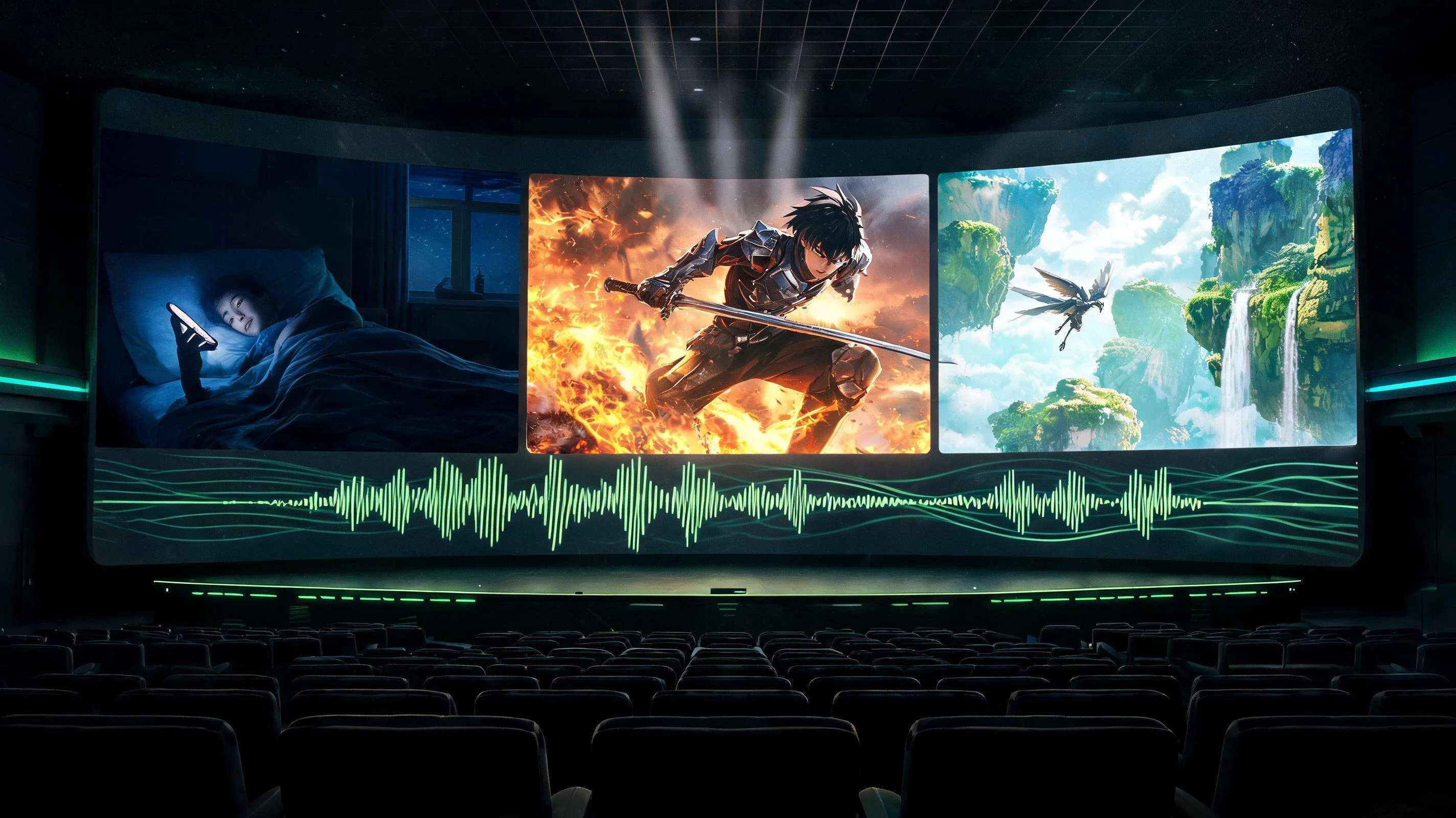
Alibaba’s Wan family has a new flagship, and the Wan 3.0 API is now available on Pixazo API. Wan 3.0 is the next generation of the open Wan line that creators already know from Wan 2.5, 2.6 and 2.7, and it moves the goalposts in three ways at once: clips run far longer, sound arrives in the same pass as the picture, and characters stay consistent from shot to shot. The samples in this post run up to a full 30 seconds each, with audio, and every one of them came out of a single request.
That combination changes what a video API is for. Five second clips are fine for loops and teasers, but a 15 or 30 second take with synced sound is enough for an entire scene: a short drama beat, an anime fight, a flythrough of a fantasy world. This post shows five Wan 3.0 sample clips, breaks down what is new, and covers how to call the Wan 3.0 API on Pixazo API, how billing works, and where to start.
See it in motion
Five sample clips, five completely different jobs, every one generated with Wan 3.0 on Pixazo API and carrying the sound the model composed with the scene, so turn your volume on. Note the on screen text in the short drama, how the anime characters hold their look across cuts, and the full 30 second single take.
What makes Wan 3.0 different?
Wan has been one of the most used open video model families since 2.2, so the interesting question is what 3.0 adds over the versions already on Pixazo API. Based on what the launch samples demonstrate, four things stand out.
The length jump deserves a closer look, because it quietly removes an entire workflow. Until now, producing a 30 second AI scene meant generating five or six separate clips, hoping the character looked the same in each one, then stitching them in an editor and papering over the seams with transitions. Every seam was a chance for the illusion to break. A single pass model does not have seams. The lighting logic, the pacing and the sound all belong to one continuous generation, which is why the anime sample above reads like a scene somebody edited on purpose rather than a montage of lucky clips.
The same is true of audio. When sound is generated with the picture rather than layered on afterward, doors close when they look like they close and footsteps land when feet do. You can still replace the track in post if you want a licensed song or a recorded voiceover, but the default output is already watchable, which matters when you are producing at social media volume.
Under the hood, Wan 3.0 continues the family’s open weight lineage: Wan 2.x models ship under the Apache 2.0 license, which is a large part of why the ecosystem around them moves so fast. As with every model on Pixazo API, you do not need to run any of it yourself; the hosted endpoint does the heavy lifting.
Where Wan 3.0 sits in the Wan lineup
Pixazo API has carried the Wan family for a while, so it helps to place the new model against the versions you may already be calling:
- Wan 2.2 established the family on Pixazo API as a dependable open text to video and image to video workhorse for short clips.
- Wan 2.5 brought the headline feature of its generation: audio and video generated together in one prompt, with a clear step up in cinematic quality.
- Wan 2.6 and 2.7 broadened the toolkit into a full suite, adding reference to video, video editing, image editing and flash variants for faster, cheaper iterations.
- Wan 3.0 takes the length, consistency and sound story much further: whole scenes in one request, characters that hold across cuts, and text inside the frame that stays readable.
Nothing about the earlier versions changes. They remain available on the same model page behind the same authentication, and for quick five second loops a lighter Wan version may still be the economical choice. Wan 3.0 is the option you reach for when the brief says scene rather than clip.
Ways to generate
The Wan family on Pixazo API spans the full set of video workflows, and Wan 3.0 exposes five input modes, each with its own endpoint:
- Text to video. Describe the scene, the camera and the mood in plain language and get a finished clip with sound back.
- First frame to video. Start from a single still frame to lock composition and style, then let the model animate forward.
- First and last frame to video. Supply the opening and closing frames and let Wan 3.0 generate the motion in between.
- Reference to video. Steer the output with reference images or clips so characters and looks stay on model across generations.
- File to video. Drive a generation from a supplied media file for restyle and continuation workflows.
Suggested Read: Best Image To Video APIs in 2026
The exact request parameters for each mode are documented on the Wan model page, alongside the earlier Wan versions if your pipeline already uses them.
Prompting a 30 second take
Writing for a long take is a different craft than writing for a five second loop. A short clip only needs a subject and a style. A 30 second scene needs structure, and the prompt is where that structure comes from. A few habits that pay off immediately:
- Write in shots. Describe the scene as a sequence: the opening angle, what changes in the middle, where the camera ends. The anime sample above follows exactly this rhythm of setup, escalation and payoff.
- Give the camera a job. Name the moves you want: a slow push in, a tracking shot alongside the subject, a continuous flythrough. Concrete camera language produces controlled motion instead of drift.
- Add an audio cue. End the prompt with a short sound direction, the ambience, the effects, the mood of the score. The model composes against it, and the difference in the finished clip is dramatic.
- Pick the frame before you generate. Vertical 9:16 for short drama and social, 16:9 for cinematic work. The two sample formats in this post came from that single decision.
- Name what must stay constant. If a character carries a red scarf in shot one, say so. Explicit anchors are what multi shot consistency locks onto.
The practical loop looks like this: draft the scene in one paragraph, generate a short low cost version to check composition and pacing, tighten the prompt, then commit to the full length render once the bones are right. Because billing is per second of output, the cheap drafts stay cheap and the expensive render only happens once.
Suggested Read: Best Reference to Video API Providers Compared in 2026
How does the API work?
Every video model on Pixazo API uses the same asynchronous pattern, and Wan 3.0 is no different. Longer clips render in the background, so you are never holding a connection open while a 30 second scene generates.
A text to video submit is a single POST:
The response shape is the same one the rest of the platform uses:
When the job completes, the status flips to COMPLETED and the payload carries the media URL for your MP4. If you already integrate any Wan version on Pixazo API, moving to 3.0 is a matter of pointing at the new endpoint; the authentication, the polling contract and the webhook headers are identical across the family.
For production volume, the webhook route is the one to build on. Fire a batch of scene requests, return immediately, and let Pixazo API call your server as each render lands. For teams running high-volume API workloads, dedicated server hosting usa can also provide the consistent computing environment and resources needed to support demanding applications. A 30 second scene naturally takes longer than a 5 second clip, so freeing your workers from poll loops is worth the small amount of extra plumbing, and failed jobs report their status the same way, so retries are easy to automate.
What does it cost?
Per second billing matters more at this generation than any before it, because a 30 second scene is a real production asset. You can prototype at a lower resolution, then re render the keeper at full quality, and you only ever pay for finished output. New Pixazo API accounts also start with free credit, so the first experiments cost nothing.
What can you build?
The samples above map directly onto real production work:
- Short drama and vertical series. Phone native episodes with on screen text, captions and interface moments generated straight into the frame.
- Anime and animated series work. Multi shot action with consistent characters, at lengths that cover an entire scene rather than a single cut.
- Cinematic world shots. Long continuous camera moves through detailed environments for openers, trailers and game style cinematics.
- Ads and social storytelling. A 15 second spot with picture and sound from one request, iterated as fast as you can write prompts.
- Previs and pitch reels. Blocking, camera language and tone tests that used to take a previs team days.
- Music video and lyric moments. A 30 second pass with generated sound is long enough to cut a verse or a hook against, and consistent characters keep a performer recognizable across cuts.
- Product story beats. A continuous camera move through an environment, like the flight sample, translates directly to product reveals and brand world shots.
Suggested Read: Best Consistent Character Video Generator Tools in 2026
The common thread is that every one of these used to require either a shoot or a stitch heavy AI workflow. With scene length generation, the unit of work becomes the story beat, and a single writer with an API key can produce a day’s worth of beats before lunch.
Start building with Wan 3.0
The fastest way in is the Wan model page on Pixazo API: grab an API key, check the Wan 3.0 request parameters and the live pricing, and send your first request. If you want to compare generations first, the same page documents every earlier Wan version, from 2.2 through 2.7 Pro, behind the same authentication and the same async flow.
Read the Wan 3.0 API documentation and get an API key
Frequently asked questions
What is the Wan 3.0 API?
It is the newest generation of Alibaba’s Wan video model family, available as a hosted API on Pixazo API. It generates finished video clips with synced sound from text or image inputs, with single takes running up to 30 seconds from a single request.
How is Wan 3.0 different from Wan 2.6 and 2.7?
The earlier Wan versions on Pixazo API top out at shorter clips. Wan 3.0 supports much longer takes, stronger shot to shot character consistency, and cleaner on screen text, which together make multi shot storytelling practical.
Suggested Read: Best Open Source AI Video Generation Models in 2026
Does Wan 3.0 generate audio?
Yes. Sound is generated with the scene: ambience, effects and musical cues arrive in the same pass as the picture. You can also supply your own audio track by URL.
How long can a Wan 3.0 clip be?
A single request runs from 2 up to 30 seconds. Check the model page for the exact duration options exposed by each mode.
What resolutions does Wan 3.0 support?
Video output is available at 480p, 720p and 1080p. Pricing is per second and rises with resolution, so you can draft cheaply and finish at full quality.
Suggested Read: Pixazo Launches Wan 2.5 with Cinematic Quality and One-Prompt Audio-Video Sync
How much does the Wan 3.0 API cost?
Billing is per second of generated video, with the rate depending on resolution, and failed requests are not billed. The live rate is listed on the Wan model page, and new accounts start with free credit.
Do I need to host the model myself?
No. Pixazo API hosts the model behind a REST endpoint. You send a request with your API key, poll or receive a webhook, and download the finished MP4. If you prefer self hosting, the Wan family’s open lineage means weights for earlier versions are public under Apache 2.0.
Can I keep using Wan 2.6 or 2.7 alongside Wan 3.0?
Yes. Every Wan version stays available on the same model page, behind the same key and the same request pattern. Many teams prototype on a lighter version and reserve Wan 3.0 for the scene length renders where it shines.
Suggested Read: Google Veo 3.1 Prompts Collection — Create Cinematic AI Videos
Deepak Joshi
Author · Pixazo
Deepak writes about generative AI models, APIs, and the workflows teams use to ship them. Reviewed by Abhinav Girdhar.