Fiction Book Cover : Create Free Fiction Book Covers in Minutes with AI
Create Custom Fiction Book Covers Quickly with Pixazo Best AI Fiction Book Cover Maker. Try for Free!
Get Started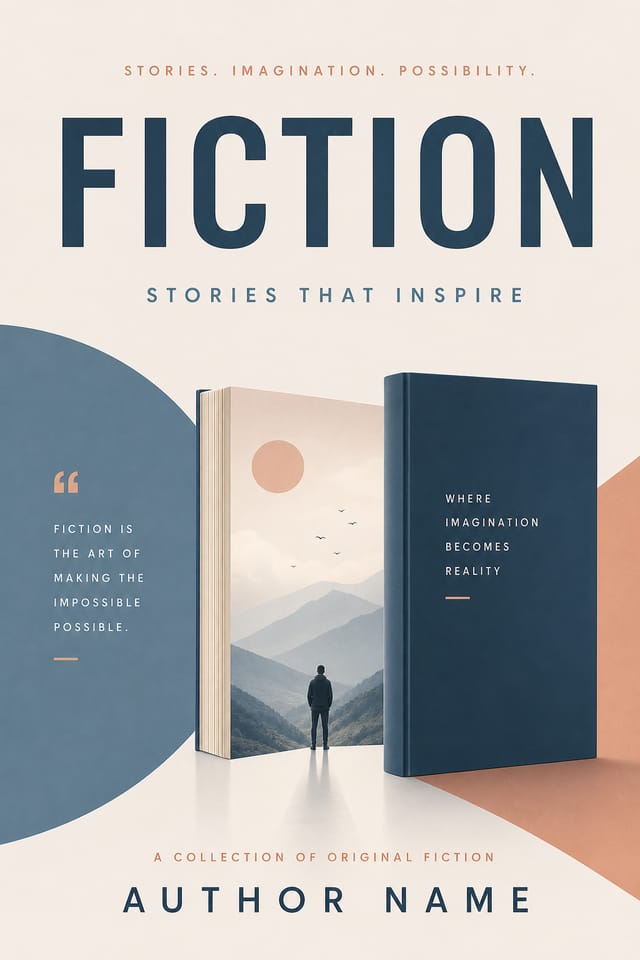
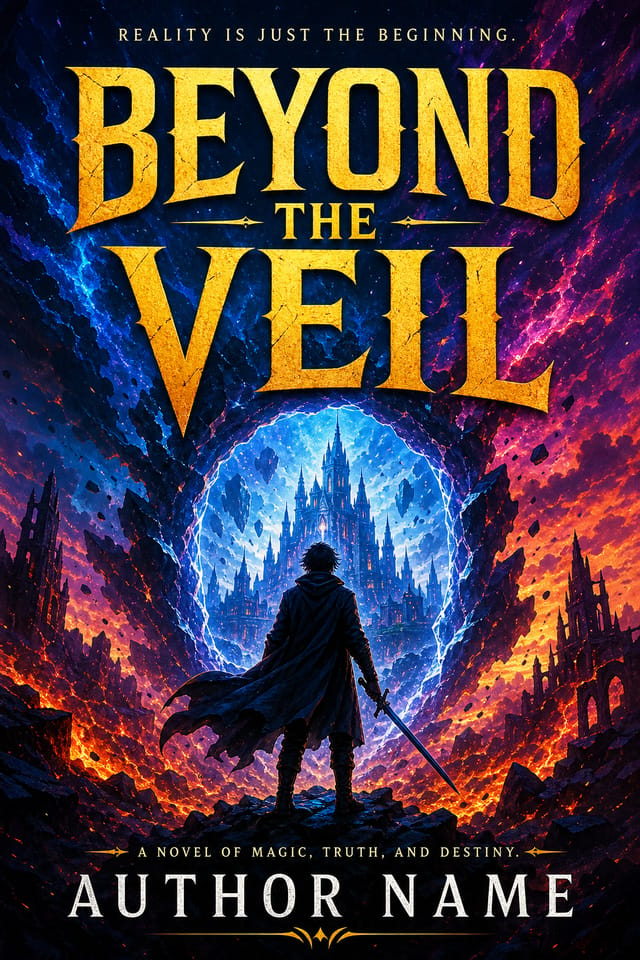
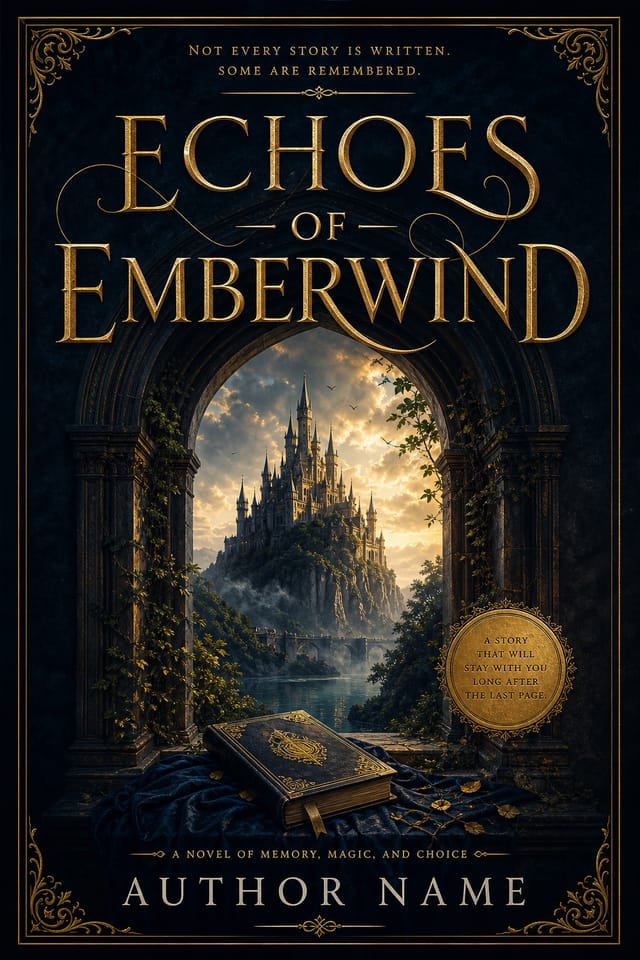
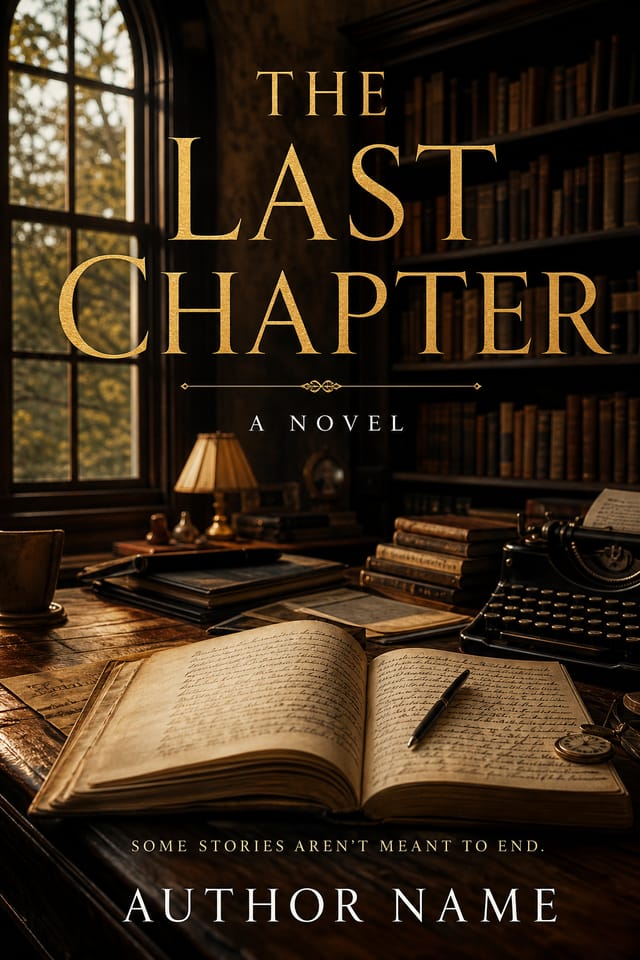
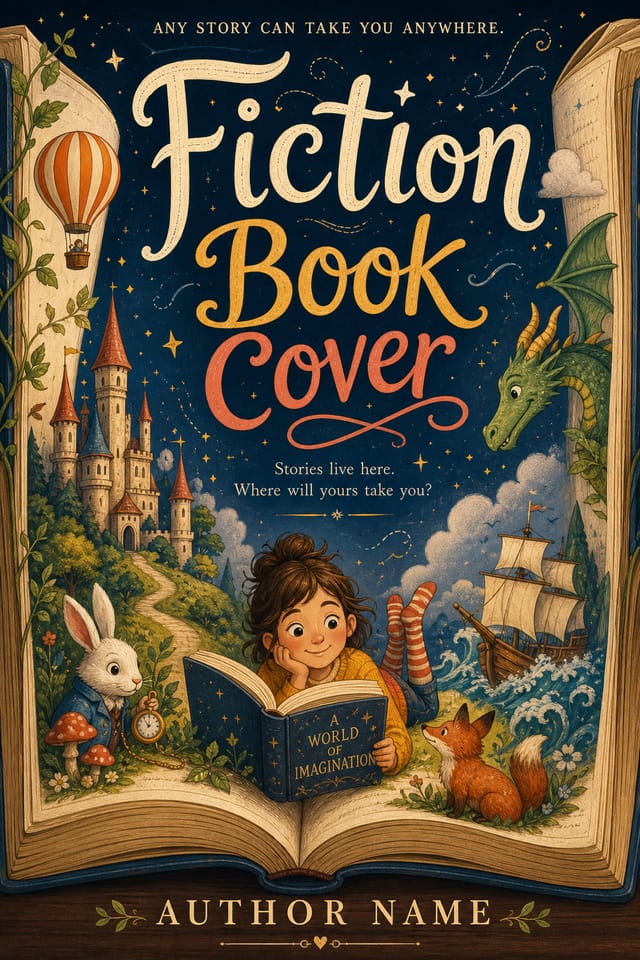
AI-Driven Fiction Book-Cover: Design Reimagined
Generate fiction book-cover designs that look considered and intentional. Pixazo handles the design decisions so you only need the idea.
Create Your Fiction Book Cover FreeThe Fiction Book-Cover Platform: Capabilities at a Glance
Visual Thinking Behind Fiction Book-Covers: What the AI Understands
The Fiction Book-Cover Design Framework
Effective fiction book-cover design depends on understanding what makes fiction work visually.
Color relationships, typographic choices, and spatial arrangement all carry different weight depending on the design style.
Pixazo's AI has been trained to recognize these distinctions.
The practical result is that a fiction book-cover prompt produces designs that fit fiction conventions rather than generic poster layouts.
Fiction Book-Cover Production Steps: The Full Process
Generate
Use AI to produce multiple fiction book-cover variations based on your brief. Start broad and narrow down from the strongest options.
Refine
Apply targeted edits to your selected fiction book-cover. Adjust typography, spacing, and color until every element meets your quality standard.
Review
Compare generated fiction book-cover options against your brief. Mark what works and note specific changes needed for the next iteration.
Approve
Get stakeholder approval on the finished fiction book-cover. Verify all text is accurate and the design meets brand and technical requirements.
Fiction Book-Covers Across Fields: Everyday and Professional
Freelance Design Work
Use Pixazo to generate fiction book-cover concepts for client review. Present multiple directions quickly before committing to detailed execution.
Community Organizations
Create fiction announcement book-covers for community groups, non-profits, and local organizations without requiring design expertise.
E-Commerce Product Promotion
Design fiction book-covers for online store banners, product launches, and seasonal sales. Conversion-focused visuals for digital retail.
Sports and Recreation
Produce fiction book-covers for leagues, tournaments, and recreational programs. Energetic designs that build excitement and communicate schedules.
The Fiction Book-Cover Toolkit: Professional Features
No Design Software Required
Create professional fiction book-covers without Photoshop, Illustrator, or other design applications. The AI handles all technical production.
Fast Generation
Complete fiction book-cover designs generate in seconds. No rendering queues, no waiting for batch processing.
Background Variation
Generate fiction book-covers with different background treatments. Solid, gradient, textured, or pattern backgrounds all available for fiction style.
Text Placement Options
Describe where you want text elements positioned in your fiction book-cover. The AI follows compositional direction about headline placement and body copy layout.
Fiction Book-Cover Performance: Output Benchmarks
Generate fiction book-cover designs at no cost with the free
Generate fiction book-cover designs at no cost with the free plan
Maximum output resolution for print-quality fiction book-cov
Maximum output resolution for print-quality fiction book-cover designs
Average generation time for a complete fiction book-cover de
Average generation time for a complete fiction book-cover design from prompt to output
Fiction Book-Cover Generation: From Start to Finish
Watch: Creating Fiction Book Cover designs step by step
What Makes a Strong Fiction Book-Cover: A Designer's Perspective
Fiction Creator A Design Gallery
Real creators sharing their fiction designs made with Pixazo AI.
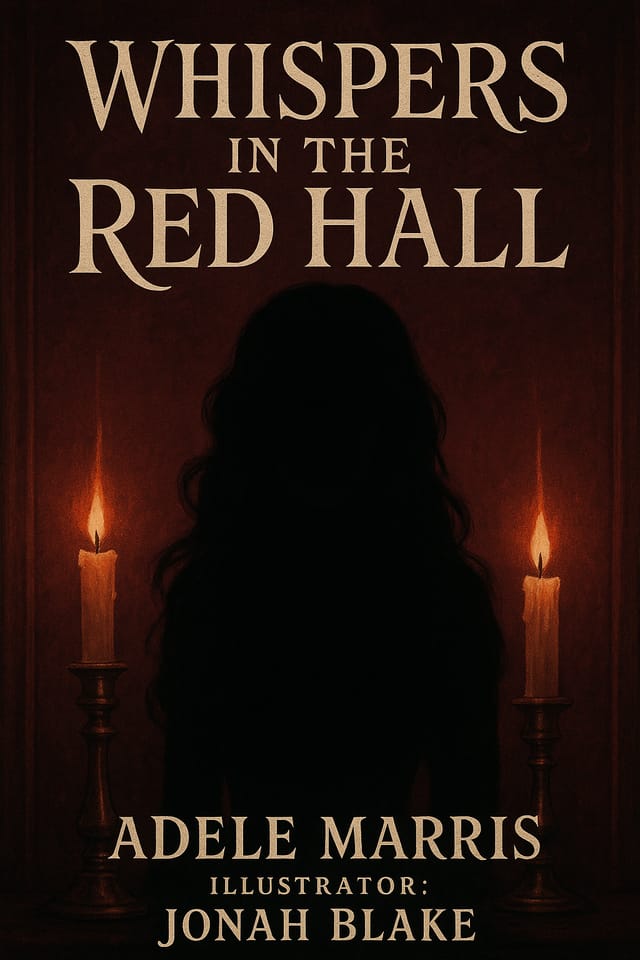
Professional fiction book-cover, minimalist layout, selective use of color for emphasis, clear visual hierarchy from top to bottom
Fiction book-cover with Japanese minimalism influence, abundant whitespace, single focal element, restrained palette of black, white, and one accent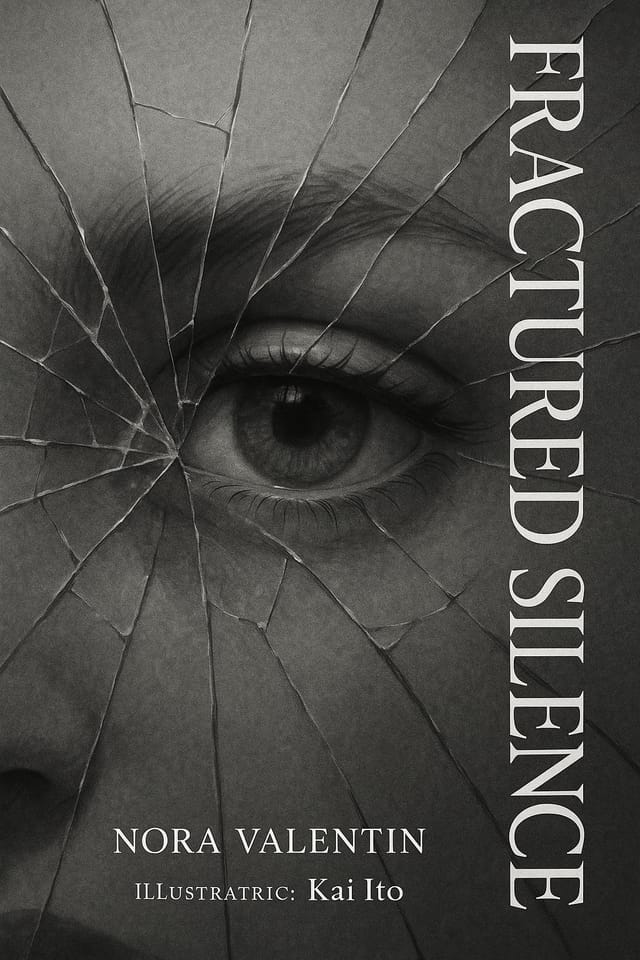
Handmade-feel fiction book-cover with brush stroke textures, imperfect edges, warm color palette, artisanal craft aestheticWhat Fiction Book-Cover AI: Trade-Offs to Know
Known limitations and trade-offs of AI-generated fiction design. Transparency matters when using AI for fiction book-cover design. The points below describe where you may need to supplement AI output with manual work.
Which Fiction Book-Cover Tool Fits: An Honest Look
| Tool | Description |
|---|---|
| Piktochart | Infographic and presentation maker for data-driven visuals |
| Pixazo | AI-powered fiction book-cover generator with prompt-based design and professional output quality |
| Canva | Drag-and-drop editor with a large template library and collaboration features |
| PicMonkey | Photo editor and design tool with brand kit management |
| Stencil | Lightweight image creator optimized for fast social media graphics |
Understanding Fiction Book-Covers: Straight Answers
Pixazo works in any modern mobile browser. The interface adapts to phone and tablet screens so you can generate fiction book-covers from anywhere. A dedicated mobile app is in development for an even smoother on-device experience.
Brand kits let you save your logo, fonts, and color palette so every fiction book-cover you generate stays on brand. Once configured, the AI applies your brand parameters automatically alongside fiction style conventions.
Templates apply a fixed visual structure with placeholder content. AI generation produces original designs based on your specific description. Two fiction book-covers generated from different prompts will have genuinely different layouts, not just different text in the same box positions.
Pixazo generates complete fiction book-cover designs from text prompts. Custom image uploads for compositing are on the product roadmap. Currently, the AI creates all visual elements based on your description rather than incorporating external assets.
Include 'transparent background' in your prompt to generate a fiction book-cover with no background fill. Download as PNG to preserve transparency. This is useful for fiction designs that will be composited over other imagery or placed on colored surfaces.
Fiction Book-Cover Prompts: Prompt Ideas
Copy any prompt below and paste it into Pixazo to generate your design instantly.
Portrait-orientation fiction book-cover, vertical composition, headline at natural reading entry point, supporting information flows downward logicallyProfessional fiction book-cover, minimalist fiction approach, negative space used intentionally, readable at multiple viewing distances, print-ready compositionRefined fiction book-cover, sophisticated color relationships, intentional whitespace, typefaces appropriate to fiction style, balanced compositionMonochromatic fiction book-cover, single-hue palette with value variation for contrast, typographic hierarchy creates visual interest without color complexityFiction book-cover design, clean layout, strong typography hierarchy, appropriate color palette for fiction aesthetic, high contrast between headline and backgroundEditorial-style fiction book-cover, text-dominant design, typographic treatment carries visual weight, layout proportions inspired by print publication design
