Non Fiction Book Cover : Create Free Non Fiction Book Covers in Minutes with AI
Create Custom Non Fiction Book Covers Quickly with Pixazo Best AI Non Fiction Book Cover Maker. Try for Free!
Get Started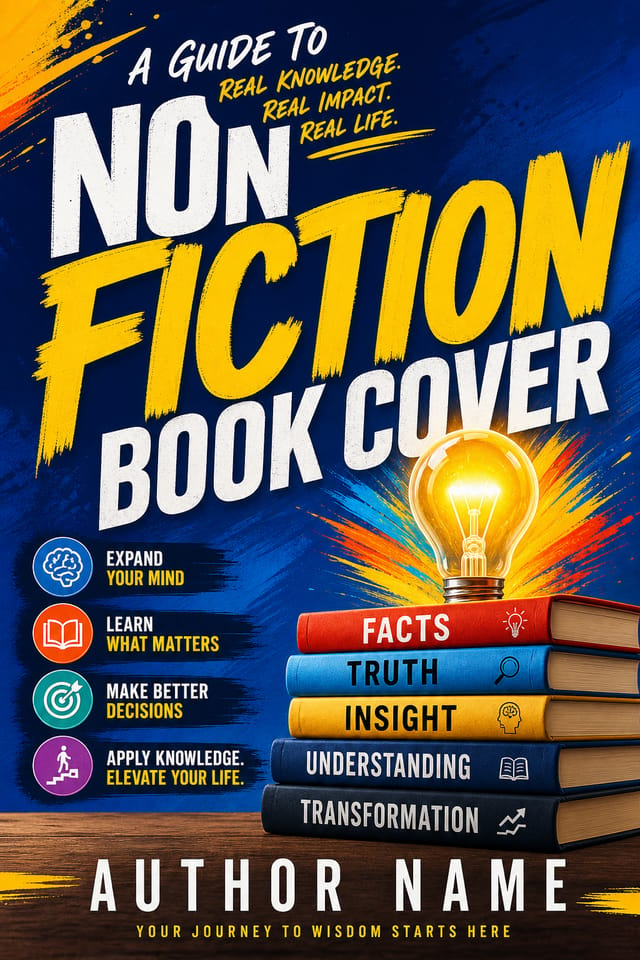

AI Non-Fiction Book-Cover Design: Start Creating Now
Generate non-fiction book-cover designs that look considered and intentional. Pixazo handles the design decisions so you only need the idea.
Create Your Non Fiction Book Cover FreeNon-Fiction Book-Cover Design Tool Landscape: Finding the Right Fit
Adobe Express
Streamlined creative tool backed by Adobe's design ecosystem
Pixazo
AI-powered non-fiction book-cover generator with prompt-based design and professional output quality
Desygner
Multi-format design tool with PDF editing and brand management
Stencil
Lightweight image creator optimized for fast social media graphics
PicMonkey
Photo editor and design tool with brand kit management
What Separates Good Non-Fiction Design: Key Design Conventions
The Non-Fiction Book-Cover Design Framework
Effective non-fiction book-cover design depends on understanding what makes non-fiction work visually.
Color relationships, typographic choices, and spatial arrangement all carry different weight depending on the design style.
Pixazo's AI has been trained to recognize these distinctions.
The practical result is that a non-fiction book-cover prompt produces designs that fit non-fiction conventions rather than generic poster layouts.
The Non-Fiction Book-Cover Feature Set: Professional Features
Color Temperature Control
Specify warm, cool, or neutral color direction for your non-fiction book-cover. The AI builds the full palette around your temperature preference.
Resolution Control
Specify output dimensions for your non-fiction book-cover. Get files sized for web display, social media, or large-format printing.
Commercial Use Rights
Designs generated with Pixazo are yours to use commercially. No additional licensing required for non-fiction book-cover projects.
Print-Ready Output
Generated non-fiction book-covers are sized and structured for professional printing. Download high-resolution files ready for production.
Prompt Refinement
Adjust your description to refine any aspect of the non-fiction book-cover design. The AI responds to specific direction about colors, layout, or content.
Style-Accurate Generation
The AI interprets non-fiction design conventions and applies them to your book-cover, producing output that looks correctly styled rather than generically templated.
From Brief to Non-Fiction Book-Cover: The Full Process
Export
Export your non-fiction book-cover in the required formats and resolutions. Organize deliverables for handoff to the production or publishing team.
Generate
Use AI to produce multiple non-fiction book-cover variations based on your brief. Start broad and narrow down from the strongest options.
Refine
Apply targeted edits to your selected non-fiction book-cover. Adjust typography, spacing, and color until every element meets your quality standard.
Brief
Establish the key message, dimensions, color preferences, and target audience for your non-fiction book-cover before any design work begins.
Review
Compare generated non-fiction book-cover options against your brief. Mark what works and note specific changes needed for the next iteration.
What Non-Fiction Creators Built: Featured Designs
Real creators sharing their non fiction designs made with Pixazo AI.
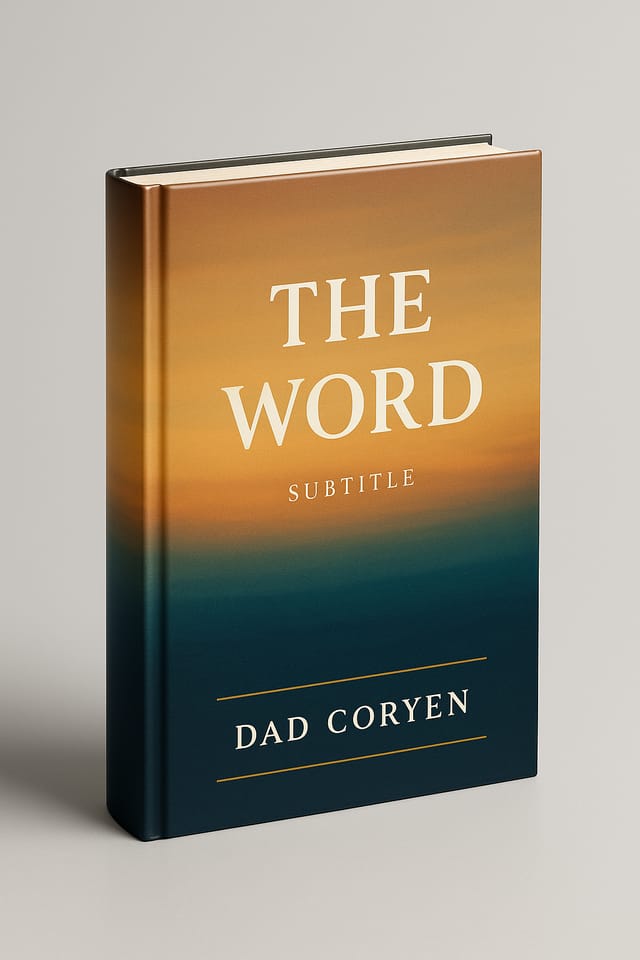
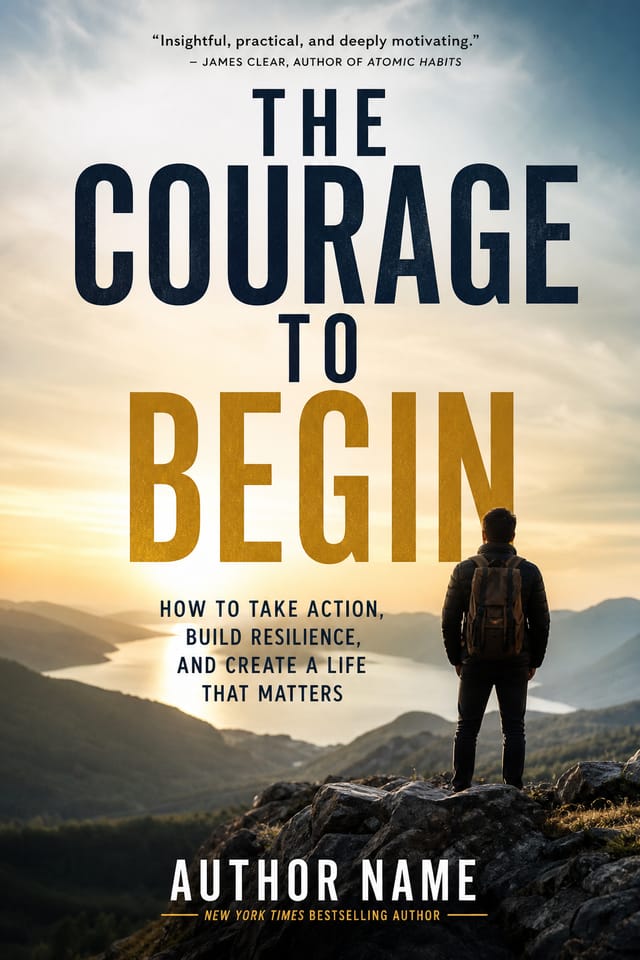
Monochromatic non-fiction book-cover, single hue in multiple values, typographic hierarchy creates depth without color complexity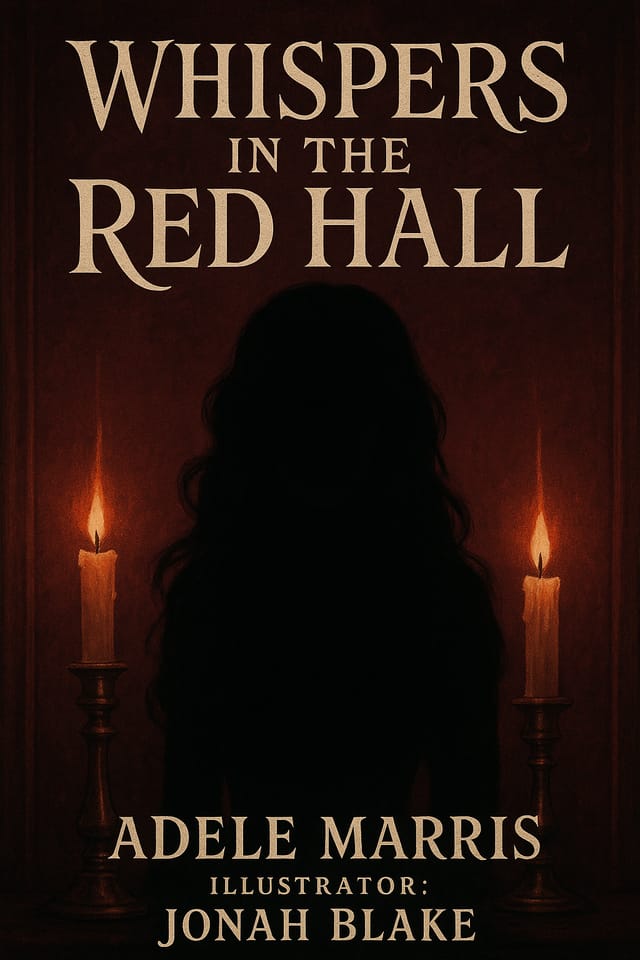
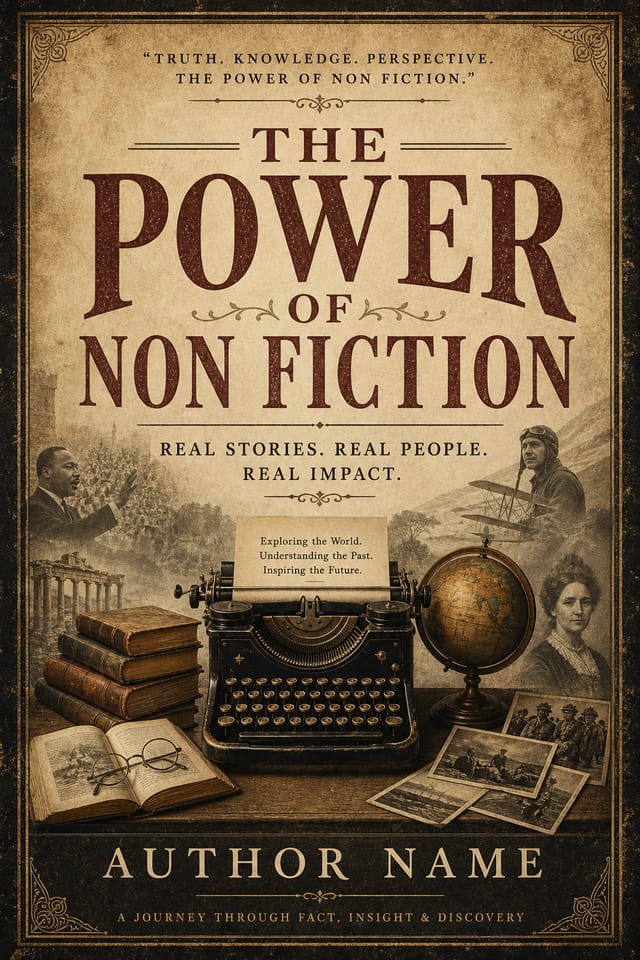
Editorial-inspired non-fiction book-cover, text-dominant layout, typographic variety creates visual interest, clean structured alignment
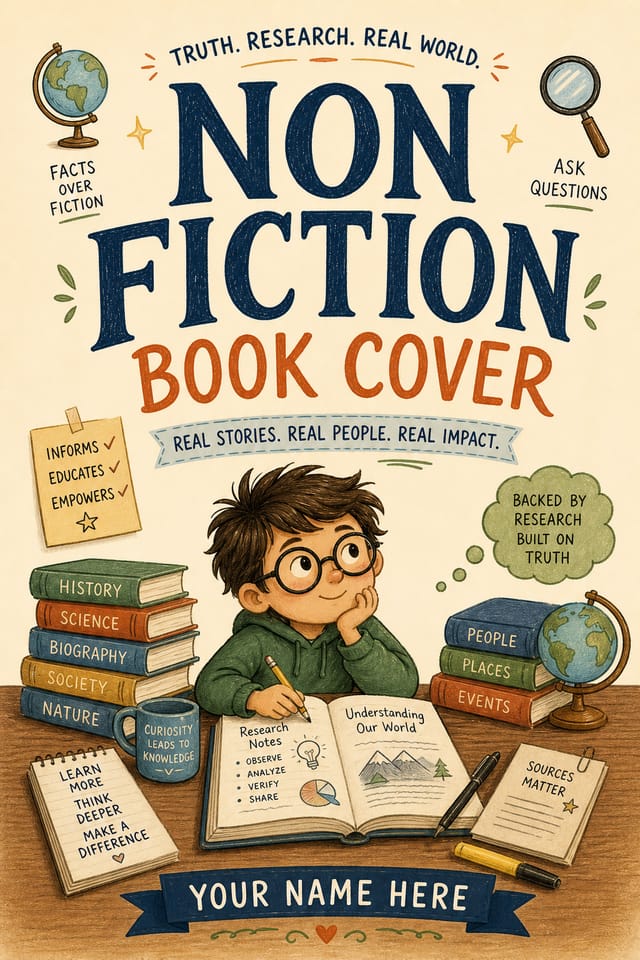
Professional non-fiction book-cover, minimalist layout, selective use of color for emphasis, clear visual hierarchy from top to bottomHow People Use Non-Fiction Book-Covers: A Practical Guide
Sports and Recreation
Produce non-fiction book-covers for leagues, tournaments, and recreational programs. Energetic designs that build excitement and communicate schedules.
Religious and Spiritual Organizations
Create non-fiction book-covers for worship services, community outreach, and faith-based events. Respectful designs that reflect the organization's character.
Trade Show and Conference Materials
Generate non-fiction book-covers for booth displays, attendee handouts, and event signage. Professional materials that represent your brand in competitive environments.
Travel and Tourism Promotion
Design non-fiction book-covers for destinations, tour packages, and hospitality brands. Aspirational visuals that inspire booking decisions.
Making Non-Fiction Book-Covers: Behind the Scenes
Clarify What You Need
Write a prompt describing your non-fiction book-cover. Include style preferences, color direction, the most important text to display, and any specific visual elements you want. The more specific your description, the more targeted the output.
Benchmark the Output
Your non-fiction book-cover generates immediately after submission. Evaluate the design against your requirements and refine the prompt to correct any elements that don't match your intent.
Rework Specific Parts
Iterate on your non-fiction book-cover by modifying the aspects that need work. Regenerate with a more targeted prompt until the design matches your vision. Most refinements take one or two iterations.
Collect Your Design
Get your final non-fiction book-cover file in one click. Choose your format, download at full resolution, and use the design immediately. No watermarks, no additional fees, no waiting.
Watch: Creating Non Fiction Book Cover designs step by step
How Non-Fiction Style Varies: What Works Best
Geometric Non-Fiction
Structured non-fiction composition using grid systems and angular forms. Order and precision define the visual approach.
Minimalist Non-Fiction
Stripped-back non-fiction approach. Fewer elements, more negative space, typography carries more visual weight.
Atmospheric Non-Fiction
Non-Fiction book-cover design where mood takes priority. Color and composition work together to create a specific feeling.
Textured Non-Fiction
Non-Fiction design with added surface depth. Background treatments add visual interest without disrupting legibility.
Sample Non-Fiction Book-Cover Prompt Ideas
Copy any prompt below and paste it into Pixazo to generate your design instantly.
Full-bleed non-fiction book-cover, background treatment extends to edges, foreground elements positioned for compositional balance, strong central hierarchyClean non-fiction book-cover design, geometric structure, disciplined typography, color accent used selectively for emphasis, printer-optimized resolutionMonochromatic non-fiction book-cover, single-hue palette with value variation for contrast, typographic hierarchy creates visual interest without color complexityGeometric non-fiction book-cover, structured grid system, angular composition, colors in blocks rather than gradients, modern clean finishNon-Fiction style book-cover, bold headline placement, supporting text at appropriate scale, color palette consistent with non-fiction design conventionsNon-Fiction Book-Cover Constraints: Realistic Expectations
Known limitations and trade-offs of AI-generated non fiction design. Every AI design tool has boundaries. Knowing these limits before you start helps you get the most out of non-fiction book-cover generation.
Getting More from Non-Fiction Book-Cover AI: Lessons from the Field
Keep Typography Simple
Use no more than two typefaces per non-fiction book-cover. One for headlines, one for body text. Consistency in typography signals professionalism.
Limit Your Color Palette
Stick to 2-3 primary colors in your non-fiction book-cover design. Too many colors compete for attention and weaken the visual hierarchy.
Prioritize Hierarchy
Every non-fiction book-cover needs a clear reading order. Make sure the most important information is the largest and most prominent element in the layout.
Check Alignment Carefully
Misaligned elements are one of the most common signs of amateur non-fiction book-cover design. Use grid lines and snap-to features to keep things precise.
Before You Start: What You Should Know
Pixazo provides an API for programmatic non-fiction book-cover generation. Integrate it into your content pipeline to automate design production at scale. API documentation covers authentication, prompt formatting, and output retrieval.
Yes. Set up separate brand kits for each client or brand, then switch between them when generating non-fiction book-covers. Each brand kit stores its own colors, fonts, and logo so the AI applies the correct identity to every non-fiction book-cover without manual reconfiguration.
Templates apply a fixed visual structure with placeholder content. AI generation produces original designs based on your specific description. Two non-fiction book-covers generated from different prompts will have genuinely different layouts, not just different text in the same box positions.
Common sizes include 1080x1080 for Instagram feed, 1080x1920 for stories and reels, 1200x628 for Facebook links, 1500x500 for Twitter headers, and 1080x1350 for Pinterest. Specify the platform in your prompt and Pixazo optimizes non-fiction layout for that format.
Adjust your prompt to change any element of the design. If a generated non-fiction book-cover is close but not quite right, describe what you want changed and regenerate. The AI responds to specific direction about individual elements like color, layout, or typographic weight.
The AI generates visual designs, not data visualizations. For non-fiction book-covers that need charts or graphs, generate the non-fiction layout in Pixazo and overlay your data graphics in post-production. The design framework will be style-consistent even if data elements are added separately.

