Car Brochure : Create Free Car Brochures in Minutes with AI
Create Custom Car Brochures Quickly with Pixazo Best AI Car Brochure Maker. Try for Free!
Get Started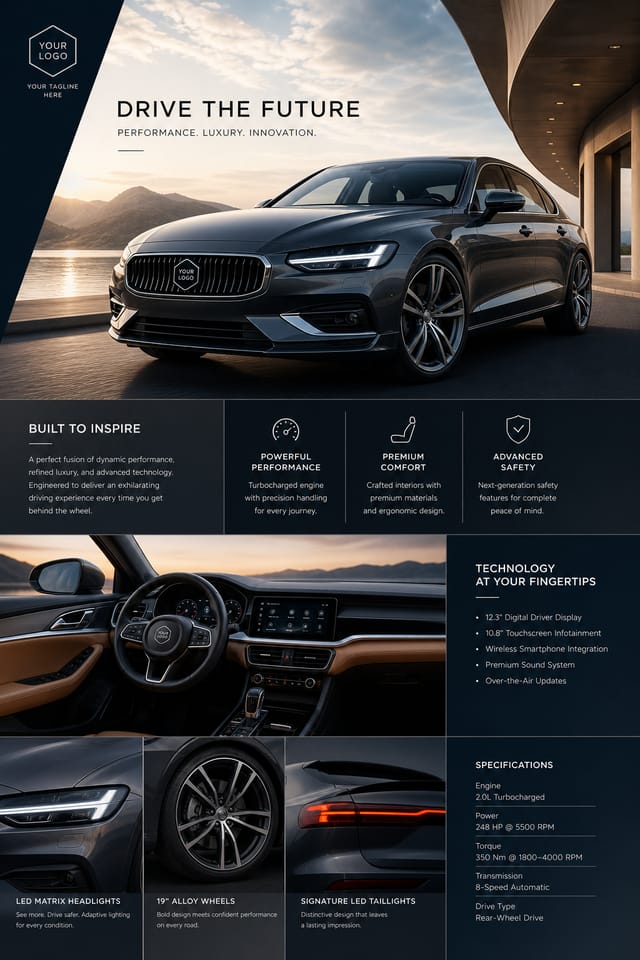
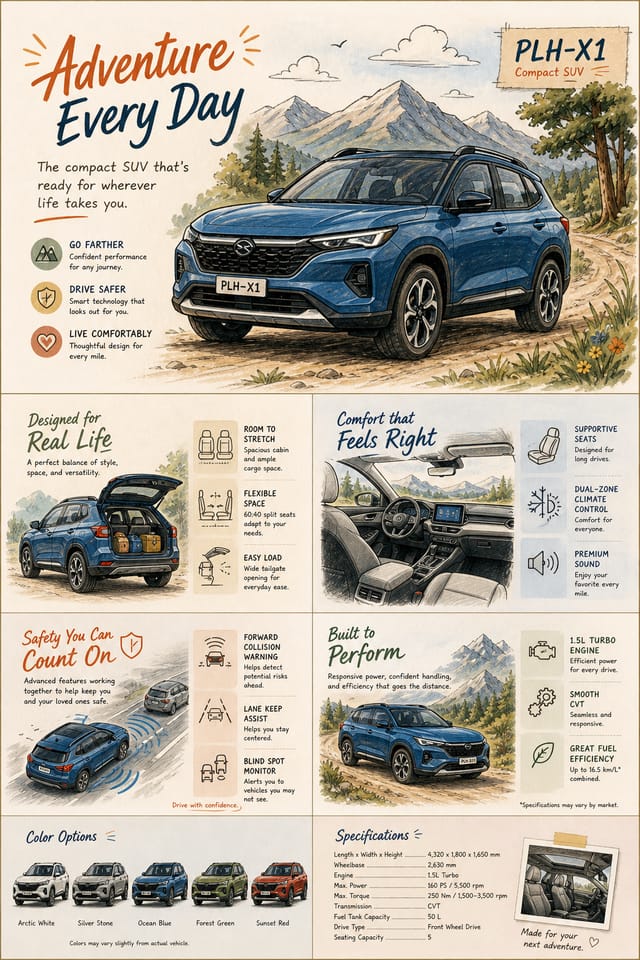
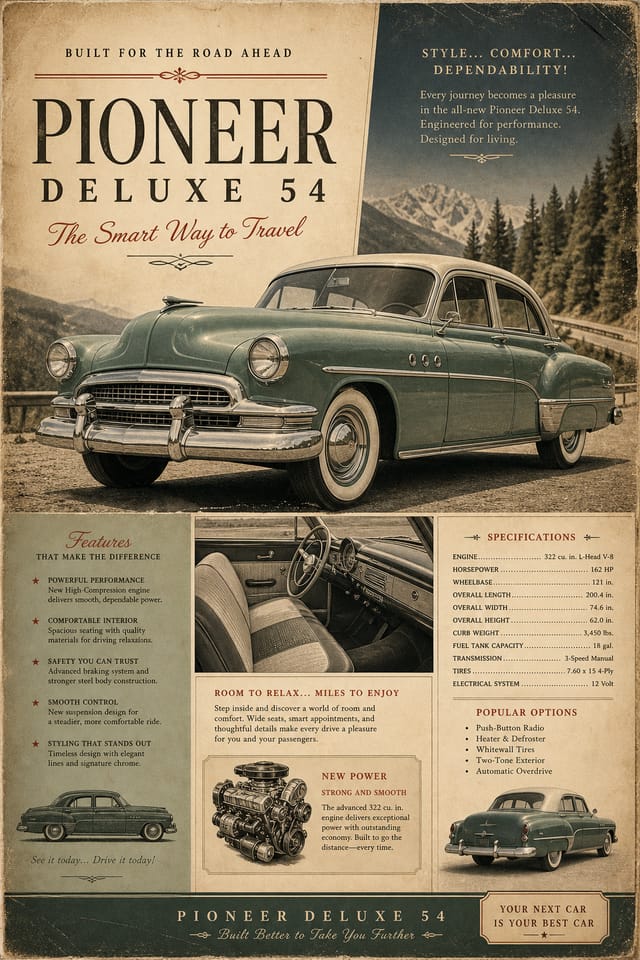
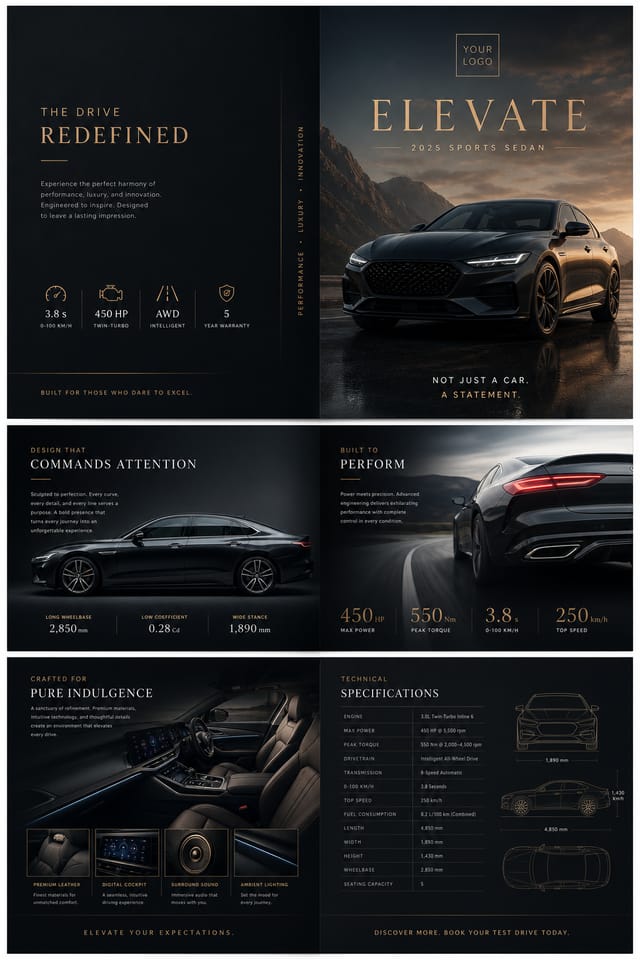
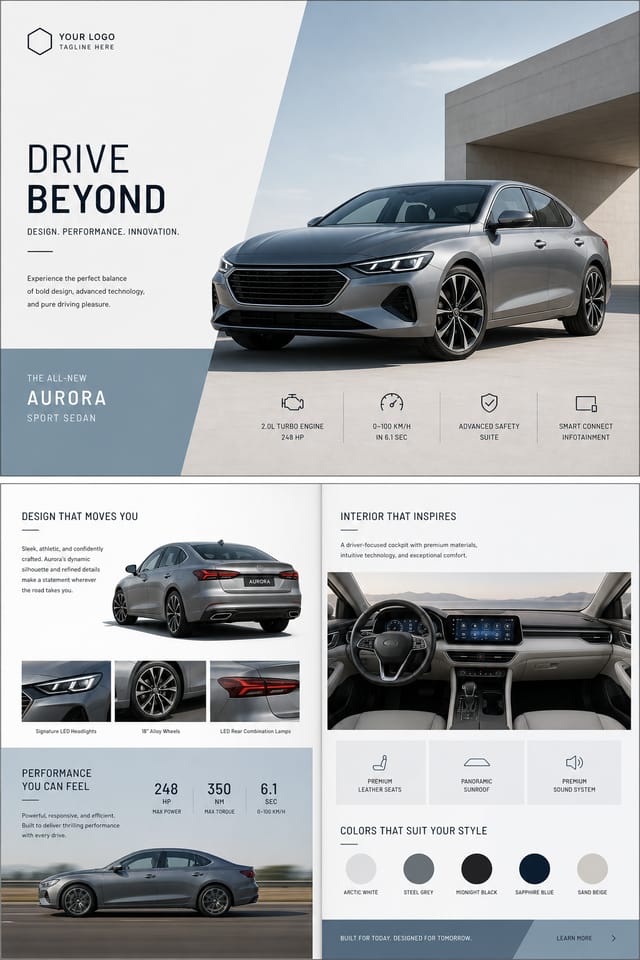
Beautiful Car Brochure Ideas, Personalized With AI
Generate polished car brochures in seconds—choose a style, refine the palette, and export print- or web-ready layouts. No design skills needed, just clear prompts and smart variations.
Car Brochure Styles And Variations Available
A good car brochure balances clean visuals with essential details: model specs, key features, and emotional appeal—all arranged in a hierarchy that guides the eye without clutter. What you see here isn’t stock layouts; it’s AI-generated layouts built for real automotive messaging.
Pixazo starts with your text prompt—like “luxury electric SUV with minimalist layout”—then generates 6–10 distinct variations. You pick the strongest, tweak colors or fonts, and export. No manual layout work. No asset hunting. Just faster iteration from idea to final.
AI Car Brochure ideas
Pick a direction, then regenerate variations to match your exact style.
All examples shown were generated using Pixazo with the prompts described on this page.
Why Pixazo Makes Creating Car Brochures Faster And Cleaner
Zero design training needed
Generate professional layouts without knowing grids, kerning, or color theory.
Instant style switching
Swap from luxury sedan to rugged off-roader with one prompt change.
Consistent brand alignment
Maintain fonts, tones, and spacing across all brochures in your campaign.
Export in one click
Get PNG, PDF, or JPG optimized for web, email, or print—no post-processing.
Team-friendly collaboration
Share prompts and outputs directly—no version chaos or file confusion.
Lightweight file sizes
Optimized visuals load fast on mobile and email, without sacrificing quality.
Why Pixazo Works Well for Car Brochure
Pixazo’s image models are tuned to understand visual hierarchy, color harmony, and motifs that show up in real posters. Instead of remixing fixed templates, the AI builds layouts from scratch from your prompt—balancing symbolism, spacing, and readability for print and digital use.
Learn more: About Pixazo · Product overview
Best Ways To Use Your Car Brochures
Use AI-generated brochures for social media carousels, dealership floor displays, email campaigns, event handouts, and digital showrooms—anywhere you need clean, conversion-focused visuals without waiting for a designer.
Dealership Digital Kiosks
Display rotating brochures on touchscreen stations to let customers explore models at their own pace.
Use portrait format and keep specs in a single column for easy scanning.
Instagram Car Launch Posts
Turn a single brochure into a 3-frame carousel highlighting design, tech, and performance.
Crop to 4:5 ratio and use bold contrast between text and car imagery.
Event Giveaways at Auto Shows
Print compact, glossy brochures for attendees who want to take specs home after the show.
Use matte finish PDFs—easier to print locally and less glare under bright lights.
Email Newsletter Attachments
Attach a PDF brochure to your monthly newsletter instead of linking to a landing page.
Keep file size under 2MB—most email clients block larger attachments.
Private Sales for Fleet Buyers
Create tailored brochures for corporate clients with custom logos, fleet pricing, and warranty details.
Use a subdued palette and embed your client’s brand colors in the header.
YouTube Video End Screens
Use a static brochure frame as a clickable end screen to drive traffic to your configurator.
Animate the car image subtly—don’t animate text. Keep it still for readability.
Making Your First Car Brochure: Quick Start
Start with a clear prompt
Describe the car type, tone, and key elements: “premium compact EV, modern Scandinavian, white background, bullet-point specs.” No fluff.
Generate and pick variations
Pixazo returns 6–10 unique layouts in seconds. Choose the one closest to your vision—no need to start from scratch.
Refine and export
Adjust colors, swap fonts, or tweak spacing. Then export as PNG, PDF, or JPG—ready for print, web, or email.
Advanced prompt ideas
Try “minimalist brochure for hybrid SUV, dark mode, monochrome accents, no icons,” or “luxury sedan brochure with gold foil effect, serif font, vertical layout,” or “family SUV brochure, warm tones, lifestyle imagery, bullet points only,” or “eco-conscious EV brochure, recycled paper texture, muted greens, no pricing.”
AI Car Brochure FAQs: Copy, Sizes, Printing, And Downloads
What’s the simplest layout that still looks premium?
One bold headline, a single high-res car image, and three bullet points for key specs. Avoid sidebars, icons, or decorative lines. The absence of clutter signals quality. Pixazo’s default layout patterns follow this rule—so even your first output feels intentional.
How do I keep text readable on a dark background?
Use high-contrast white or light gray text with a slight drop shadow or inner glow if needed. Avoid pure black backgrounds—opt for deep charcoal instead. Stick to sans-serif fonts with generous letter spacing. Pixazo auto-adjusts contrast ratios and font weights based on your chosen background tone.
Which export size works best for social sharing?
For Instagram and LinkedIn, use 1080x1350px (4:5). For Twitter or Facebook posts, 1200x630px (1.91:1) performs best. Pixazo lets you select your destination before export—no resizing needed. Always test how your brochure looks on mobile—most viewers won’t zoom in.
How many elements should I keep in one design?
Three to five visual elements max: one image, one headline, one or two sublines, and a call-to-action. More than that overwhelms the viewer and dilutes the message. Pixazo’s AI is trained to prioritize clarity—so even complex prompts result in clean, focused layouts.
What prompt constraints produce cleaner results?
Specify “no icons,” “no borders,” “one font only,” or “no background patterns.” These constraints reduce visual noise and help the AI focus on hierarchy over decoration. Example: “Brochure for electric sedan, no icons, white space dominant, serif font, one color accent.”.
How do I keep variations consistent in one style?
Anchor your prompt with fixed elements: “same layout, same font pair, same image placement—only change color palette.” This tells the AI to preserve structure while iterating on mood. Use the “Lock Layout” toggle in Pixazo to enforce this across all variations.

