Fitness Brochure : Create Free Fitness Brochures in Minutes with AI
Create Custom Fitness Brochures Quickly with Pixazo Best AI Fitness Brochure Maker. Try for Free!
Get Started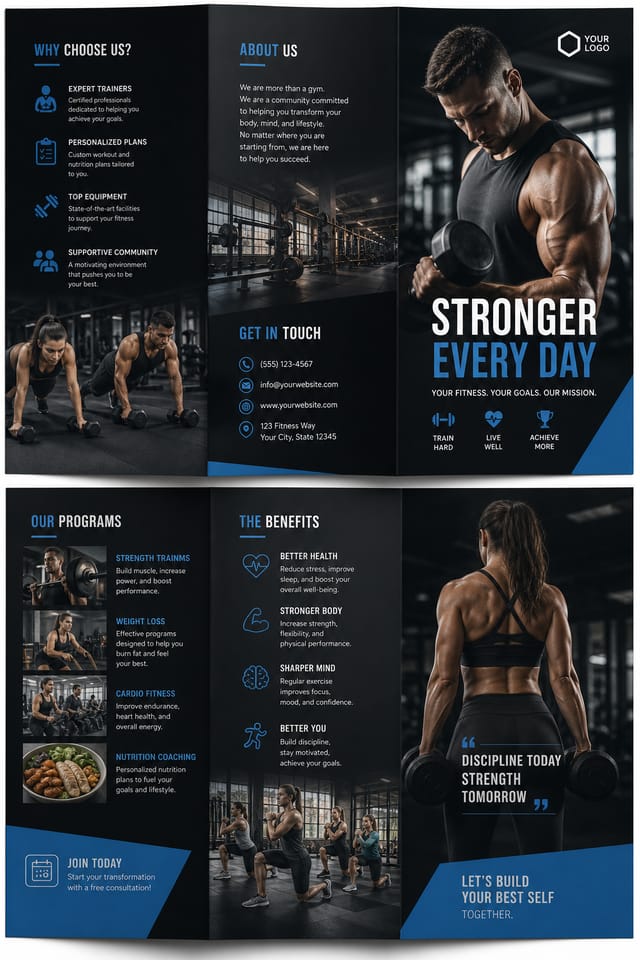
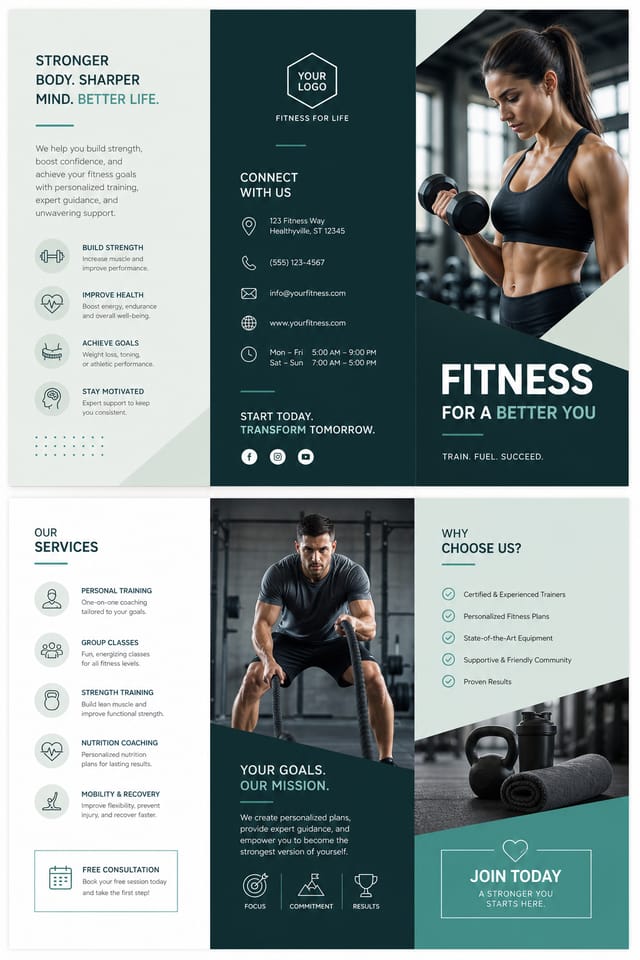
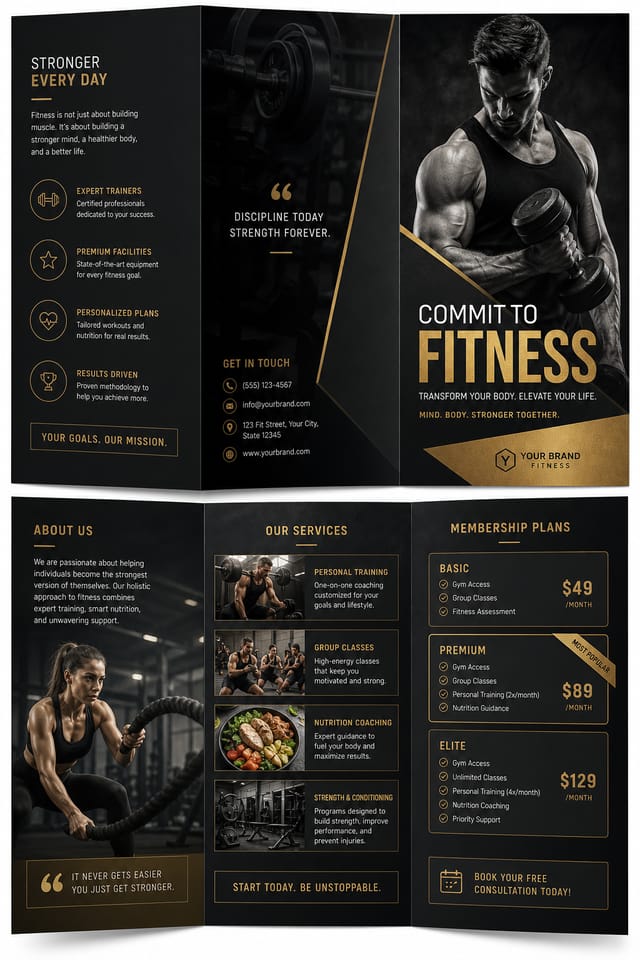
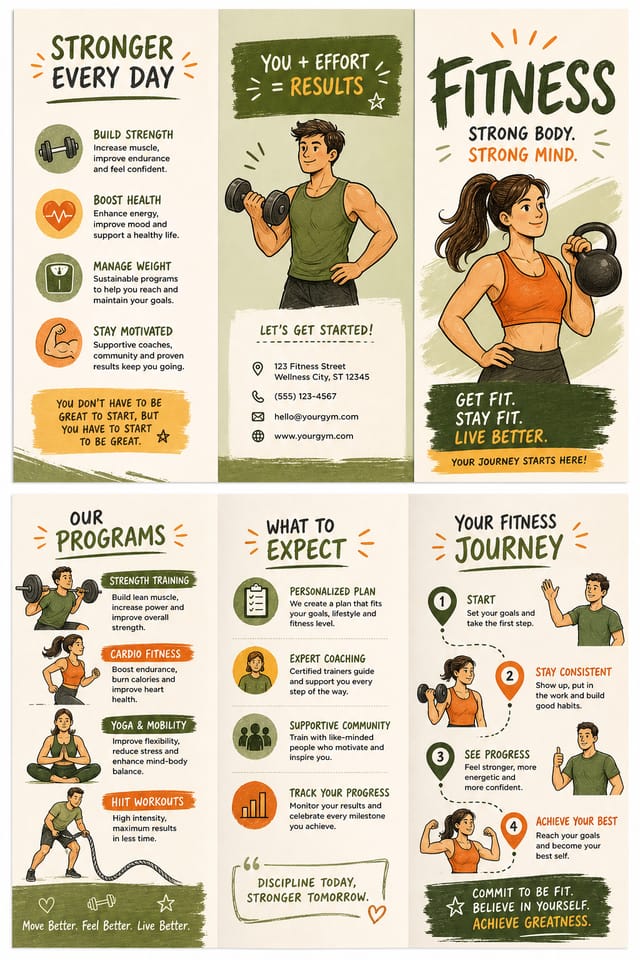
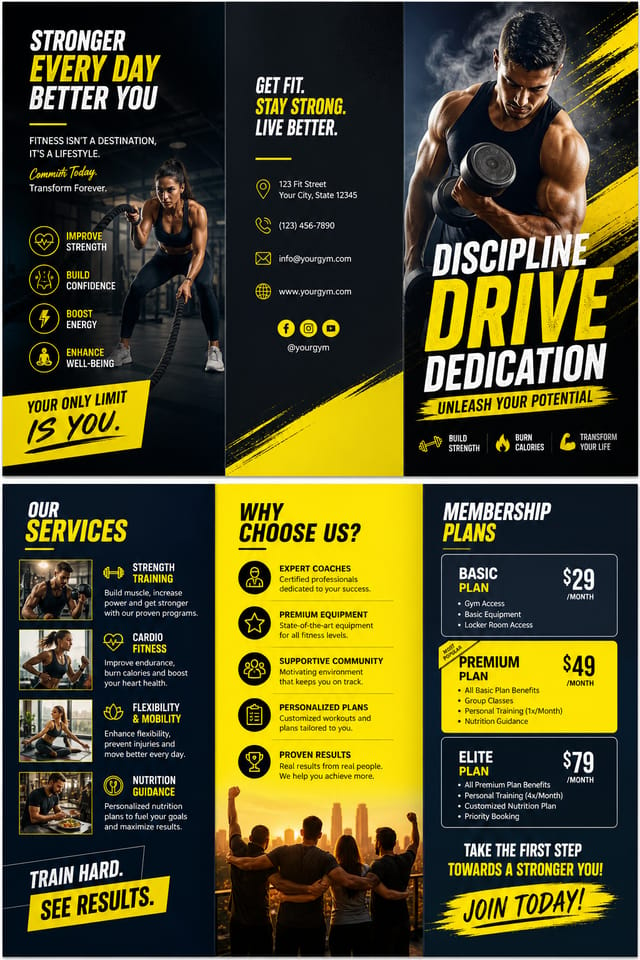
Showcasing Fitness Brochures: Designs Worth Seeing
Real creators sharing their fitness designs made with Pixazo AI.

Portrait fitness brochure for social sharing, vertical 4:5 ratio, headline in upper third, supporting content below centerline
Fitness brochure design, clean typographic hierarchy, palette appropriate to fitness aesthetic, high contrast headline, balanced composition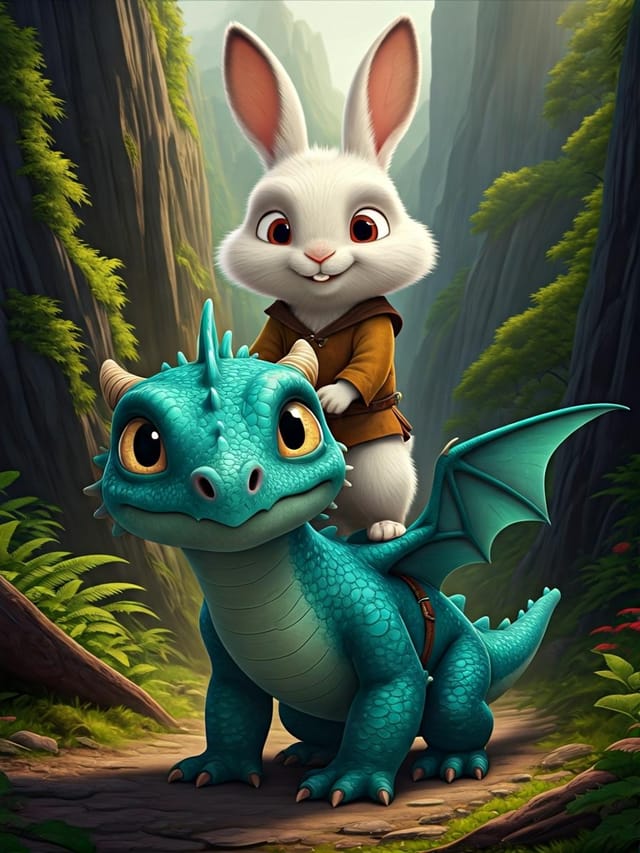
Vibrant fitness brochure targeting Gen Z audience, neon accent colors, asymmetric layout, bold experimental typography, maximum visual energyFitness Brochure Design Tool Landscape: Tools Compared
Canva
Drag-and-drop editor with a large template library and collaboration features
Piktochart
Infographic and presentation maker for data-driven visuals
Pixazo
AI-powered fitness brochure generator with prompt-based design and professional output quality
Adobe Express
Streamlined creative tool backed by Adobe's design ecosystem
Snappa
Quick graphic creator focused on social media and marketing visuals
What Separates Good Fitness Design: AI Interpretation
The Logic of Fitness Brochure Design
Fitness brochure design has its own visual conventions that differ significantly from other styles.
The AI recognizes these patterns and applies them when generating your design, rather than defaulting to a generic layout.
When you describe a fitness brochure, Pixazo selects typography, color relationships, and compositional approaches appropriate to fitness aesthetics.
The result is a design that looks like it belongs in its context, not a repurposed template with the wrong visual DNA.
Who Creates Fitness Brochures: Contexts and Scenarios
Tournament Brackets and Schedules
Design fitness brochures displaying tournament draws, league tables, and fixture schedules. Clear information hierarchy for quick reference.
Youth Academy Recruitment
Create fitness brochures for sports academies, tryouts, and training camps. Designs that appeal to young athletes and their parents.
Match Day Announcements
Create fitness brochures that announce upcoming games, fixtures, and match schedules. Include team names, venue, and kickoff details in a design that builds anticipation.
Sports Event Sponsorship
Produce fitness brochures for sponsors and partners of fitness events. Co-branded materials that satisfy both event organizers and corporate partners.
Award and Achievement Displays
Generate fitness brochures celebrating player milestones, team records, and season achievements. Commemorative designs for trophy cabinets and social media.
The Fundamentals of Fitness Brochure: The Essentials
Repetition and Consistency
Repeating visual elements in fitness brochure design creates cohesion. Consistent use of shapes, colors, and spacing makes the design feel unified rather than assembled from random parts.
Alignment and Grid
Strong fitness brochure layouts align elements to an invisible grid. Consistent alignment builds trust and professionalism, while deliberate breaks from the grid create emphasis.
Scale and Proportion
Element sizing in fitness brochure design communicates importance. The largest element gets the most attention. Scale differences between elements should be intentional and clear.
Your Fitness Brochure Process: The Full Process
Refine Polish the design
Apply targeted edits to your selected fitness brochure. Adjust typography, spacing, and color until every element meets your quality standard.
Export Deliver final files
Export your fitness brochure in the required formats and resolutions. Organize deliverables for handoff to the production or publishing team.
Brief Define requirements
Establish the key message, dimensions, color preferences, and target audience for your fitness brochure before any design work begins.
Research Gather references
Collect examples of effective fitness brochure designs, note what works, and identify patterns relevant to your project goals.
Approve Final sign-off
Get stakeholder approval on the finished fitness brochure. Verify all text is accurate and the design meets brand and technical requirements.
Fitness Brochure Creation Tools: Key Capabilities
Style-Accurate Generation
The AI interprets fitness design conventions and applies them to your brochure, producing output that looks correctly styled rather than generically templated.
Context-Aware Design
Describe your fitness brochure's purpose and audience. The AI adjusts visual weight, complexity, and clarity based on the intended use context.
Export Flexibility
Download your fitness brochure in formats suited for your use case. Web-optimized versions for digital display, high-DPI files for print.
Background Variation
Generate fitness brochures with different background treatments. Solid, gradient, textured, or pattern backgrounds all available for fitness style.
Build a Fitness Brochure: How It Works
Pitch Your Design Idea
Write a prompt describing your fitness brochure. Include style preferences, color direction, the most important text to display, and any specific visual elements you want. The more specific your description, the more targeted the output.
Rate the Design
Your fitness brochure generates immediately after submission. Evaluate the design against your requirements and refine the prompt to correct any elements that don't match your intent.
Elevate the Quality
Refine the fitness brochure by updating your description with precise changes. Add constraints you didn't include initially or remove elements that aren't working. The AI responds to specific direction.
Take It to Production
Download your completed fitness brochure in the format that fits your use case. High-resolution files for print, web-optimized versions for digital, or PDF for production-ready delivery.
Watch: Creating Fitness Brochure designs step by step
Fitness Brochure Generation: Technical Overview
Fitness Brochure Starter Prompt Inspiration
Copy any prompt below and paste it into Pixazo to generate your design instantly.
Contemporary fitness brochure design, grid-based layout, typographic precision, restrained color palette, no decorative excessFitness aesthetic brochure, palette drawn from fitness design tradition, layout proportions consistent with fitness conventions, purposeful use of each elementMonochromatic fitness brochure, single-hue palette with value variation for contrast, typographic hierarchy creates visual interest without color complexityGeometric fitness brochure, structured grid system, angular composition, colors in blocks rather than gradients, modern clean finishSeries-compatible fitness brochure design, visual language that extends to multiple formats, consistent design system across variantsFitness Brochure Essentials: Key Things to Know
Include your specific colors in the prompt, either by hex code or descriptive terms. 'Navy and copper with white text' or '#1a1a2e and #c9a84c palette' both work. The AI builds a fitness-appropriate palette around your specified colors.
Specific prompts produce better results than vague ones. Include the visual style you want, any color preferences, the most important text to display, and the intended use. For fitness design specifically, noting whether you want a contemporary or classic interpretation of fitness style helps the AI make the right design decisions.
Include the target language in your prompt when generating fitness brochures with non-English text. The AI selects typographic approaches appropriate for the language and applies fitness design conventions to the overall layout regardless of language.
Each generation uses your unique prompt text to produce a distinct fitness brochure design. Even similar prompts produce noticeably different outputs due to the AI's generative process. No two users receive identical designs.
Templates apply a fixed visual structure with placeholder content. AI generation produces original designs based on your specific description. Two fitness brochures generated from different prompts will have genuinely different layouts, not just different text in the same box positions.
The Fine Print on Fitness Brochures: Current Boundaries
Known limitations and trade-offs of AI-generated fitness design. Being specific about what AI brochure generation can and cannot do helps you plan your workflow and set accurate expectations.

