Marriage Brochure : Create Free Marriage Brochures in Minutes with AI
Create Custom Marriage Brochures Quickly with Pixazo Best AI Marriage Brochure Maker. Try for Free!
Get Started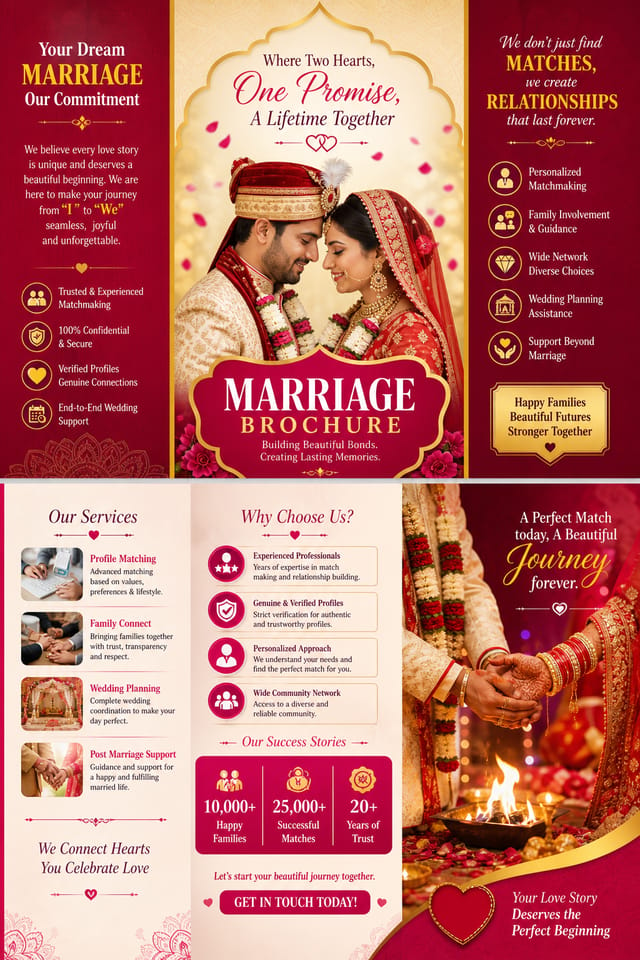
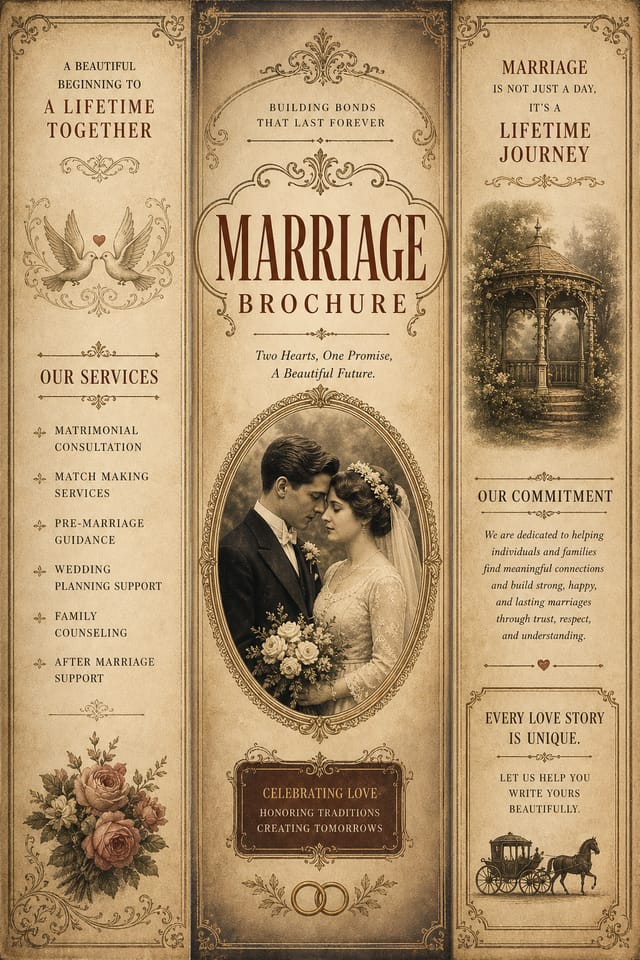
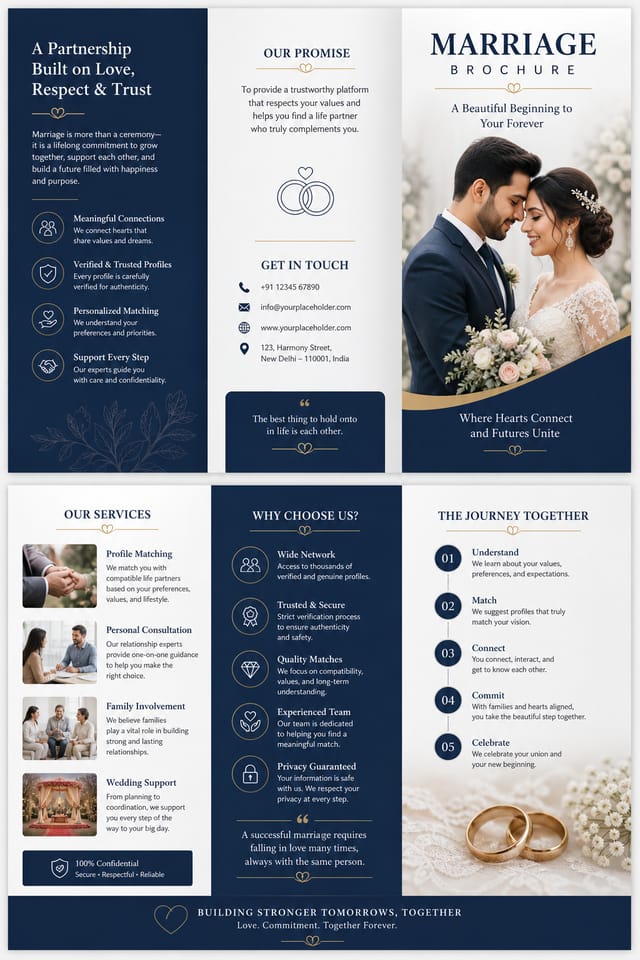
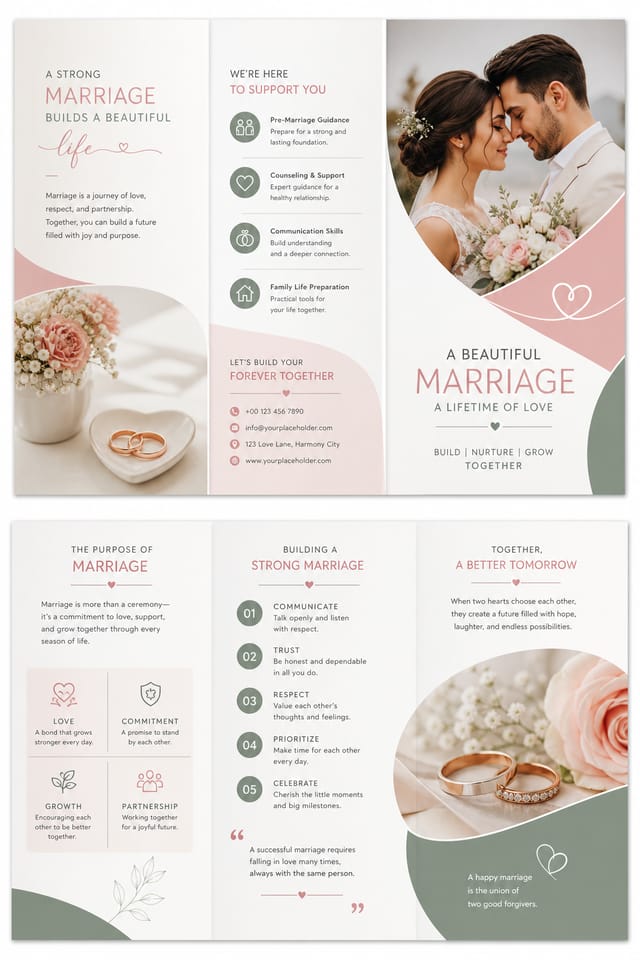
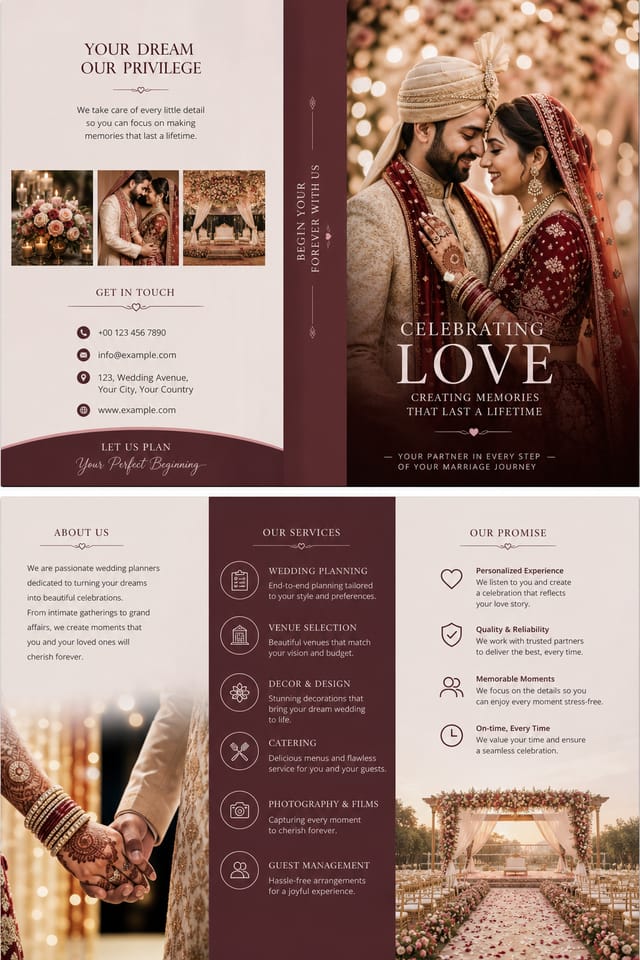
Core of Marriage Brochure AI: Feature Overview
Color Palette Intelligence
Colors are chosen with marriage style awareness. The AI builds palettes that fit marriage design conventions rather than selecting arbitrarily.
Layered Style Application
Combine marriage style with other design parameters in a single prompt. The AI interprets complex requests and applies multiple style constraints simultaneously.
Print-Ready Output
Generated marriage brochures are sized and structured for professional printing. Download high-resolution files ready for production.
Style-Accurate Generation
The AI interprets marriage design conventions and applies them to your brochure, producing output that looks correctly styled rather than generically templated.
Background Variation
Generate marriage brochures with different background treatments. Solid, gradient, textured, or pattern backgrounds all available for marriage style.
Community Marriage Brochure: Featured Designs
Real creators sharing their marriage designs made with Pixazo AI.
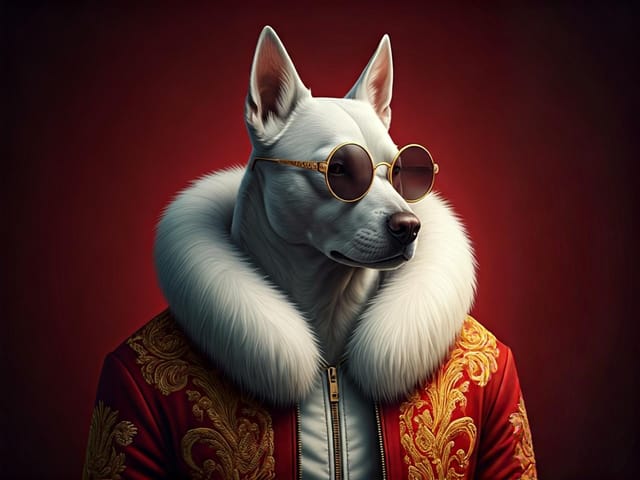
Two-color marriage brochure, maximum contrast between primary and secondary color, typography set in one color per level
Marriage brochure for large format print, elements scaled for visibility at distance, colors optimized for print output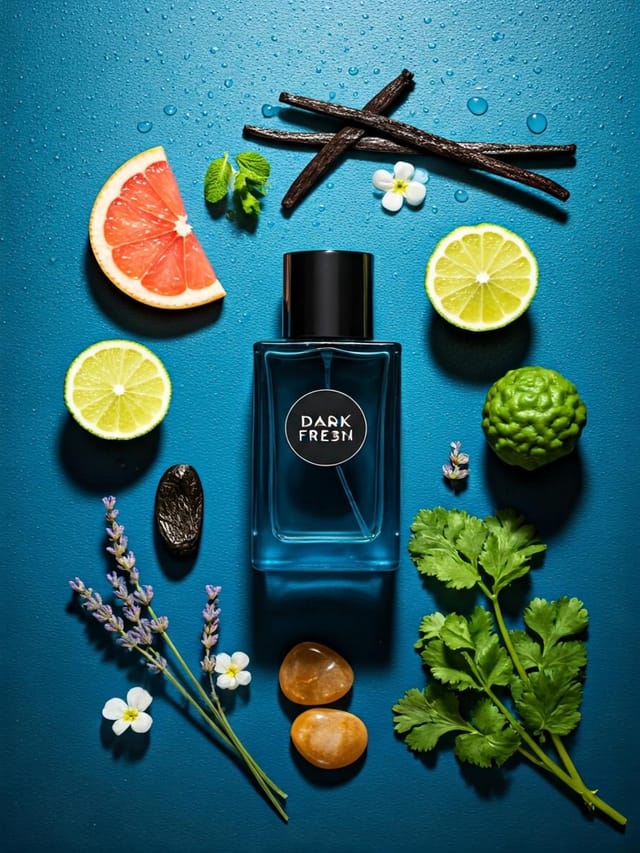
A3 landscape marriage brochure for conference booth, informational layout with three columns, clear section headers, QR code placement zoneWhen You Need Marriage Brochures: Who Benefits Most
Reception Table and Menu Displays
Generate marriage brochures for table numbers, menu boards, and buffet labels. Coordinated designs that maintain visual consistency throughout the venue.
Photo Booth Backdrops
Design marriage brochures for photo stations at the celebration. Large-scale prints that create memorable photo opportunities.
Welcome Signs and Venue Signage
Design marriage brochures for ceremony and reception venue entrances, seating areas, and photo spots. Large-format prints that guide and welcome guests.
Ceremony Program Covers
Generate marriage brochures for order-of-service booklets and ceremony programs. Designs that complement the invitation suite.
Inside Marriage Brochure Creation: How It Works
Write Your Prompt
Write a prompt describing your marriage brochure. Include style preferences, color direction, the most important text to display, and any specific visual elements you want. The more specific your description, the more targeted the output.
See the Initial Render
Your marriage brochure generates immediately after submission. Evaluate the design against your requirements and refine the prompt to correct any elements that don't match your intent.
Calibrate the Final Version
Refine the marriage brochure by updating your description with precise changes. Add constraints you didn't include initially or remove elements that aren't working. The AI responds to specific direction.
Claim Your Output
Download your completed marriage brochure in the format that fits your use case. High-resolution files for print, web-optimized versions for digital, or PDF for production-ready delivery.
Watch: Creating Marriage Brochure designs step by step
Marriage Brochure Performance: What the Data Shows
Number of marriage brochure variations you can generate per
Number of marriage brochure variations you can generate per session
Generate marriage brochure designs at no cost with the free
Generate marriage brochure designs at no cost with the free plan
Languages supported for text rendering in marriage brochure
Languages supported for text rendering in marriage brochure designs
Comparing Marriage Brochure Tools: Finding the Right Fit
| Tool | Description |
|---|---|
| Stencil | Lightweight image creator optimized for fast social media graphics |
| Adobe Express | Streamlined creative tool backed by Adobe's design ecosystem |
| Pixazo | AI-powered marriage brochure generator with prompt-based design and professional output quality |
| Snappa | Quick graphic creator focused on social media and marketing visuals |
| Fotor | Photo editing platform with design templates and batch processing |
Marriage Design Styles: Across Contexts
Atmospheric Marriage
Marriage brochure design where mood takes priority. Color and composition work together to create a specific feeling.
Contemporary Marriage
Current marriage design sensibility with updated proportions, modern typefaces, and contemporary color relationships.
Editorial Marriage
Text-dominant marriage brochure layout inspired by print publication design. Typographic variety creates visual rhythm.
Classic Marriage
Traditional marriage design principles applied to modern brochure format. Clean composition, conventional hierarchy, time-tested visual decisions.
Marriage Brochure Starter Prompt Inspiration
Copy any prompt below and paste it into Pixazo to generate your design instantly.
Large-format marriage brochure design, elements sized for visibility at print scale, no fine detail that would be lost in productionFull-bleed marriage brochure, background treatment extends to edges, foreground elements positioned for compositional balance, strong central hierarchyProfessional marriage brochure, minimalist marriage approach, negative space used intentionally, readable at multiple viewing distances, print-ready compositionMarriage brochure for digital display, optimized proportions for screen viewing, colors calibrated for RGB output, legible at typical viewing distanceTwo-color marriage brochure design, high contrast between primary and secondary color, clean separation between graphic and text zonesPortrait-orientation marriage brochure, vertical composition, headline at natural reading entry point, supporting information flows downward logicallyMarriage Brochure AI Boundaries: Needs Human Help
Known limitations and trade-offs of AI-generated marriage design. AI marriage brochure generation produces strong results within its design domain. These notes describe where human judgment and manual work remain necessary.
Marriage Brochure Design Trends: Trend Report
Brutalist Design
Raw, intentionally unpolished marriage brochure aesthetics with stark contrasts and unconventional layouts are carving a niche in creative industries.
Organic Shapes
Flowing, irregular forms are replacing sharp geometric shapes in marriage brochure backgrounds and decorative elements for a softer visual feel.
Gradient Overlays
Smooth color transitions are being used as primary design elements in marriage brochure work, adding depth without the complexity of photographic backgrounds.
Dark Mode Aesthetics
Dark backgrounds with high-contrast accents are increasingly common in marriage brochure design, reducing visual fatigue and adding sophistication.
Motion-Ready Design
Static marriage brochure designs are being created with animation in mind, using layered elements that translate smoothly to motion graphics.
Minimalist Layouts
Stripped-back marriage brochure designs with generous white space and limited elements are gaining favor for their clarity and elegance.
Before You Start: Straight Answers
You control every major design parameter through your prompt: color palette, typography style, layout structure, visual weight distribution, background treatment, and content hierarchy. The more specific your marriage brochure prompt, the more precisely the AI follows your creative direction.
Adjust your prompt to change any element of the design. If a generated marriage brochure is close but not quite right, describe what you want changed and regenerate. The AI responds to specific direction about individual elements like color, layout, or typographic weight.
Professional marriage brochure design comes down to the right color relationships, appropriate typographic hierarchy, and compositional balance that fits marriage aesthetic conventions. Generic designs miss these details because they apply neutral defaults rather than style-specific decisions. Pixazo applies marriage design knowledge when you specify the style.
Specify the dimensions in your prompt. Common formats like A3, 18x24 inches, or 1080x1920 pixels for social media stories all work. The AI generates a marriage brochure composition appropriate for the specified aspect ratio and use case.
Include the target language in your prompt when generating marriage brochures with non-English text. The AI selects typographic approaches appropriate for the language and applies marriage design conventions to the overall layout regardless of language.

