Services Brochure : Create Free Services Brochures in Minutes with AI
Create Custom Services Brochures Quickly with Pixazo Best AI Services Brochure Maker. Try for Free!
Get Started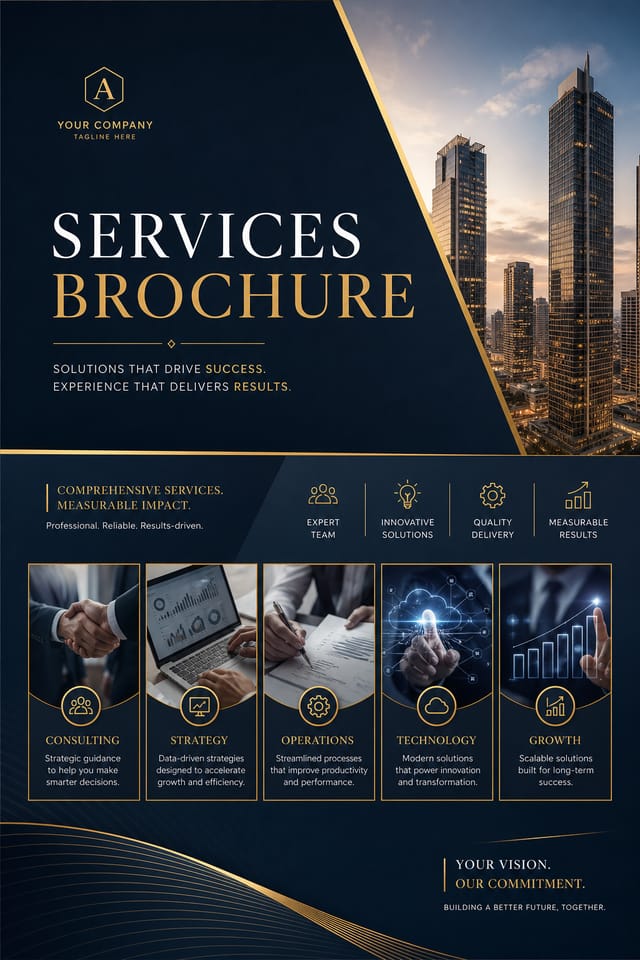
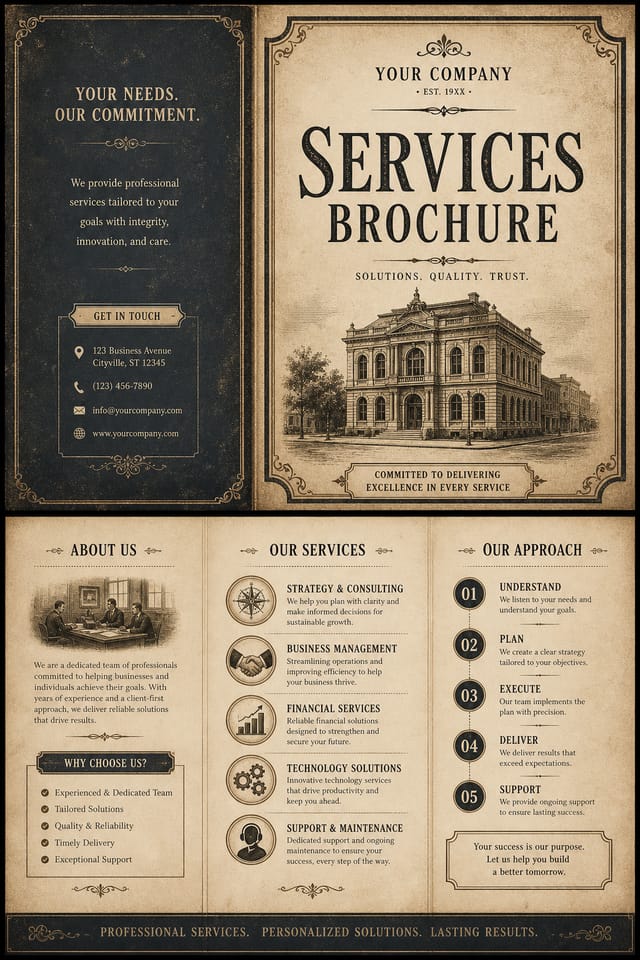
AI-Powered Services Brochure: Start Creating Now
Create standout services brochures using AI that understands services aesthetics. Precise style control, instant generation, print-ready output.
Create Your Services Brochure FreeThe Services Design Approach: Visual Processing Explained
How AI Translates Services Style to Final Output
Effective services brochure design depends on understanding what makes services work visually.
Color relationships, typographic choices, and spatial arrangement all carry different weight depending on the design style.
Pixazo's AI has been trained to recognize these distinctions.
The practical result is that a services brochure prompt produces designs that fit services conventions rather than generic poster layouts.
Inside Services Brochure Creation: How It Works
Put Your Idea in Writing
Write a prompt describing your services brochure. Include style preferences, color direction, the most important text to display, and any specific visual elements you want. The more specific your description, the more targeted the output.
Assess the Output
Your services brochure generates immediately after submission. Evaluate the design against your requirements and refine the prompt to correct any elements that don't match your intent.
Distribute the Output
Download your completed services brochure in the format that fits your use case. High-resolution files for print, web-optimized versions for digital, or PDF for production-ready delivery.
Watch: Creating Services Brochure designs step by step
What Powers Services Brochure Design: Core Strengths
Commercial Use Rights
Designs generated with Pixazo are yours to use commercially. No additional licensing required for services brochure projects.
Resolution Control
Specify output dimensions for your services brochure. Get files sized for web display, social media, or large-format printing.
Prompt Refinement
Adjust your description to refine any aspect of the services brochure design. The AI responds to specific direction about colors, layout, or content.
Color Temperature Control
Specify warm, cool, or neutral color direction for your services brochure. The AI builds the full palette around your temperature preference.
Layered Style Application
Combine services style with other design parameters in a single prompt. The AI interprets complex requests and applies multiple style constraints simultaneously.
Negative Space Handling
The AI manages whitespace in services brochure designs according to services aesthetic conventions, not generic poster defaults.
Services Brochure Design: What You Should Know
Common sizes include 1080x1080 for Instagram feed, 1080x1920 for stories and reels, 1200x628 for Facebook links, 1500x500 for Twitter headers, and 1080x1350 for Pinterest. Specify the platform in your prompt and Pixazo optimizes services layout for that format.
Include the target language in your prompt when generating services brochures with non-English text. The AI selects typographic approaches appropriate for the language and applies services design conventions to the overall layout regardless of language.
Team accounts allow multiple users to share prompts, saved services brochure designs, and brand kits within a shared workspace. Team members can iterate on each other's services brochure designs and maintain consistent output across projects.
The AI generates designs at the specified dimensions. For professional print production, add 'with bleed area' to your prompt to extend background elements beyond the trim line. Crop marks and registration marks should be added in your print preparation software.
You control every major design parameter through your prompt: color palette, typography style, layout structure, visual weight distribution, background treatment, and content hierarchy. The more specific your services brochure prompt, the more precisely the AI follows your creative direction.
Individual services brochures generate in seconds. For batch production, you can submit multiple prompts in sequence and download results as they complete. A series of ten services brochure variations typically takes under five minutes total.
Services Brochure Applications: From Hobby to Pro
Religious and Spiritual Organizations
Create services brochures for worship services, community outreach, and faith-based events. Respectful designs that reflect the organization's character.
Restaurant and Food Service
Generate services brochures for menus, seasonal promotions, and restaurant branding. Designs that reflect cuisine style and dining atmosphere.
Music and Audio Production
Produce services brochures for album covers, playlist artwork, and music event promotion. Visual identity that matches the sound.
Content Creation Workflow
Incorporate services brochure generation into a content production workflow. Fast output enables higher publishing frequency.
Services Brochure Design Strengths: Advantages Explained
Prompt-to-Design Intelligence
Describe your services brochure in plain language and the AI interprets visual intent, layout preferences, and stylistic cues to generate a design that matches your brief.
Iterative Refinement
Start with an initial generation and refine your services brochure through follow-up prompts that adjust specific elements while preserving what already works.
Multi-Format Export
Export your completed services brochure in the format that fits your workflow. PNG for web, PDF for print, and JPG for universal compatibility.
The Range of Services Styles: Across Contexts
Classic Services
Traditional services design principles applied to modern brochure format. Clean composition, conventional hierarchy, time-tested visual decisions.
High-Contrast Services
Bold services visual treatment with strong tonal contrast. Elements read clearly at any viewing distance.
Editorial Services
Text-dominant services brochure layout inspired by print publication design. Typographic variety creates visual rhythm.
Textured Services
Services design with added surface depth. Background treatments add visual interest without disrupting legibility.
What Is Trending in Services Brochures: What Is Popular Now
Muted Earth Tones
Natural color palettes with warm neutrals and desaturated greens are replacing the bright neon trends of previous years in services brochure work.
Retro Revival
Vintage aesthetics from the 1970s and 1990s are influencing services brochure design with textured backgrounds, serif fonts, and warm gradients.
Asymmetric Composition
Breaking grid symmetry in services brochure layouts creates visual tension and a modern, editorial feel that stands out.
Brutalist Design
Raw, intentionally unpolished services brochure aesthetics with stark contrasts and unconventional layouts are carving a niche in creative industries.
Dark Mode Aesthetics
Dark backgrounds with high-contrast accents are increasingly common in services brochure design, reducing visual fatigue and adding sophistication.
Sample Services Brochure Design Prompts
Copy any prompt below and paste it into Pixazo to generate your design instantly.
Clean services brochure design, geometric structure, disciplined typography, color accent used selectively for emphasis, printer-optimized resolutionContemporary services brochure design, grid-based layout, typographic precision, restrained color palette, no decorative excessPortrait-orientation services brochure, vertical composition, headline at natural reading entry point, supporting information flows downward logicallyFull-bleed services brochure, background treatment extends to edges, foreground elements positioned for compositional balance, strong central hierarchyServices brochure design, clean layout, strong typography hierarchy, appropriate color palette for services aesthetic, high contrast between headline and backgroundEffective Services Brochure Strategies: Common Pitfalls
Test with real content
Never finalize a services brochure with placeholder text. Real copy often has different lengths and line breaks that affect the design.
Keep the message focused
A strong services brochure communicates one primary idea clearly. Supporting details should reinforce, not compete with, the main message.
Use a consistent visual hierarchy
Structure your services brochure so the viewer's eye follows a clear path from headline to supporting details to call-to-action.
Skip proofreading
Typos and grammatical errors on a services brochure undermine credibility instantly. Always have someone else review the final text.
Rely solely on AI output
AI-generated services brochure designs are a starting point. Human review catches issues with context, tone, and accuracy that AI can miss.
Overcrowd the layout
Filling every pixel of your services brochure with content makes it harder to read and reduces the impact of every individual element.
Ignore accessibility
Low-contrast text and tiny font sizes in your services brochure exclude a significant portion of your potential audience.
What Services Creators Built: Work in the Wild
Real creators sharing their services designs made with Pixazo AI.

Services brochure design, clean typographic hierarchy, palette appropriate to services aesthetic, high contrast headline, balanced composition
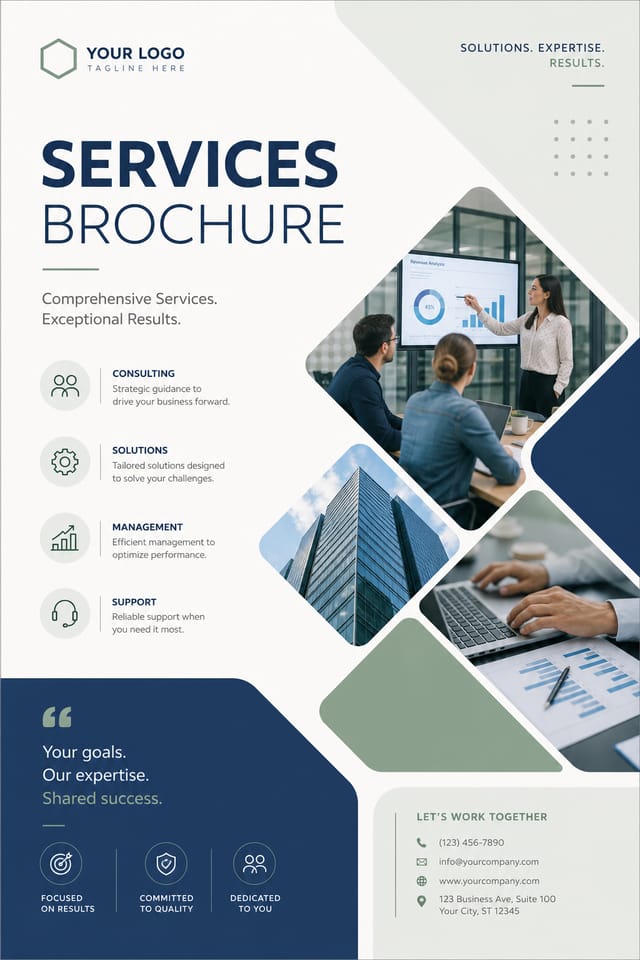
Services brochure for large format print, elements scaled for visibility at distance, colors optimized for print output
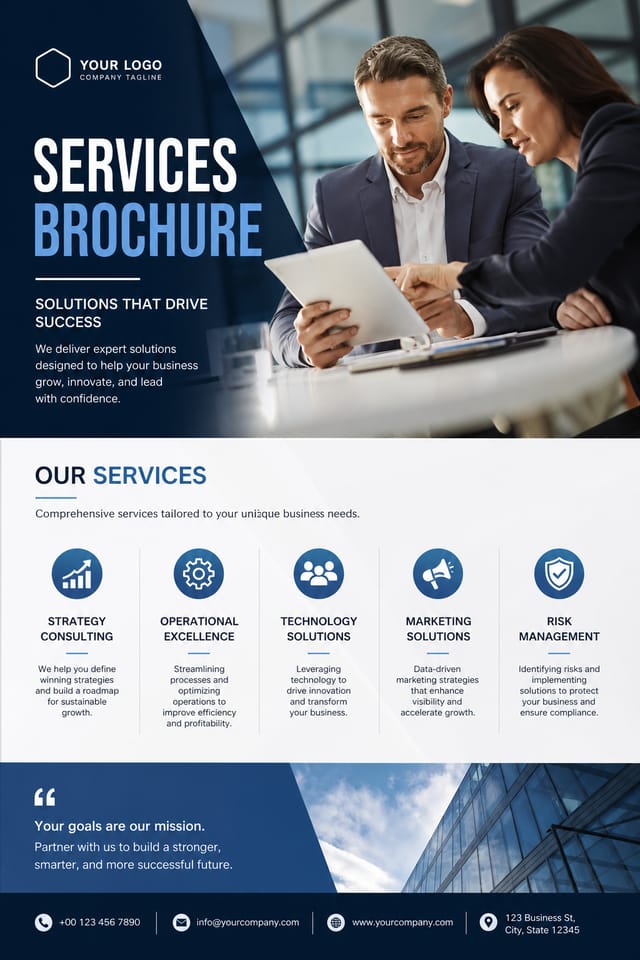
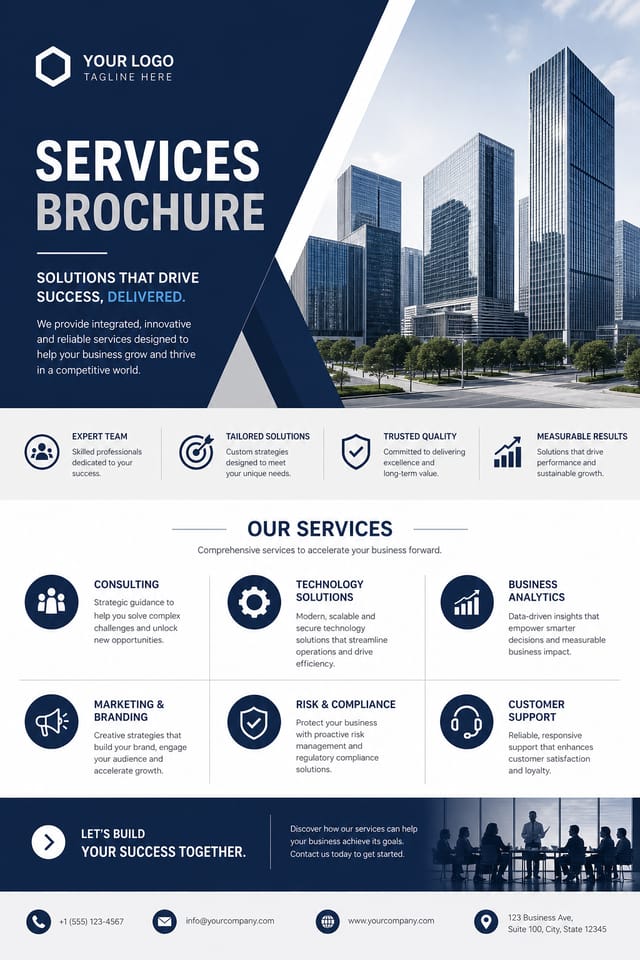
Corporate services brochure for a B2B audience, clean and authoritative, navy and white palette, structured grid, data-friendly layoutGetting Your Services Brochure Out: Choosing the Right Format
JPG
Compressed image format suited for services brochure designs with photographic elements where smaller file size matters more than pixel-perfect edges.
WEBP
Modern web format offering smaller file sizes than PNG or JPG for services brochure images without significant quality loss.
PNG
Lossless image format ideal for services brochure designs with transparency, sharp text, and web display at predictable file sizes.
TIFF
High-fidelity format for services brochure files destined for professional printing, supporting CMYK color and lossless compression.
AI Services Brochure Design: Capabilities and Caveats
Known limitations and trade-offs of AI-generated services design. Transparency matters when using AI for services brochure design. The points below describe where you may need to supplement AI output with manual work.

