Technology Brochure : Create Free Technology Brochures in Minutes with AI
Create Custom Technology Brochures Quickly with Pixazo Best AI Technology Brochure Maker. Try for Free!
Get Started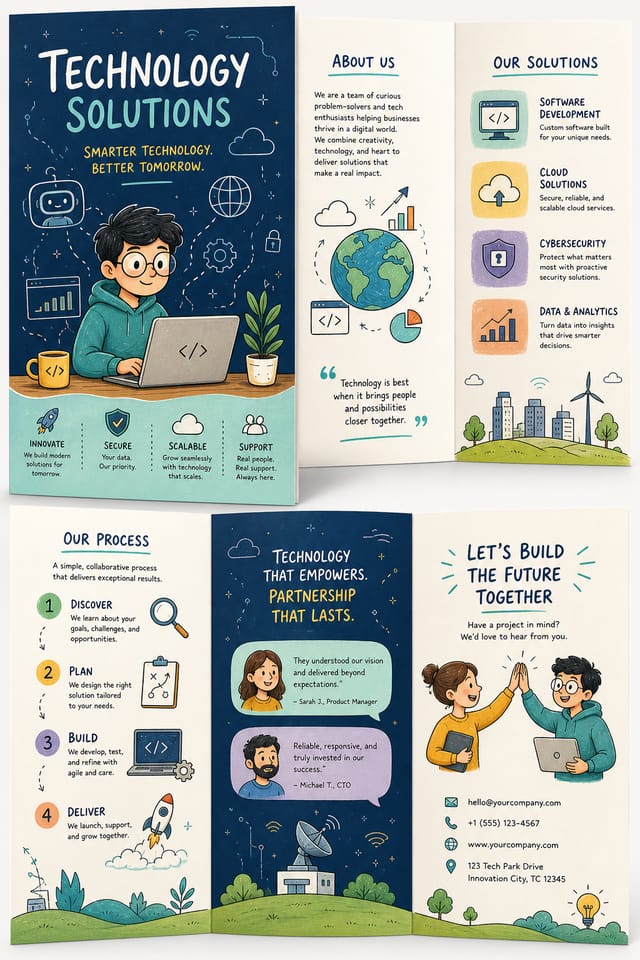
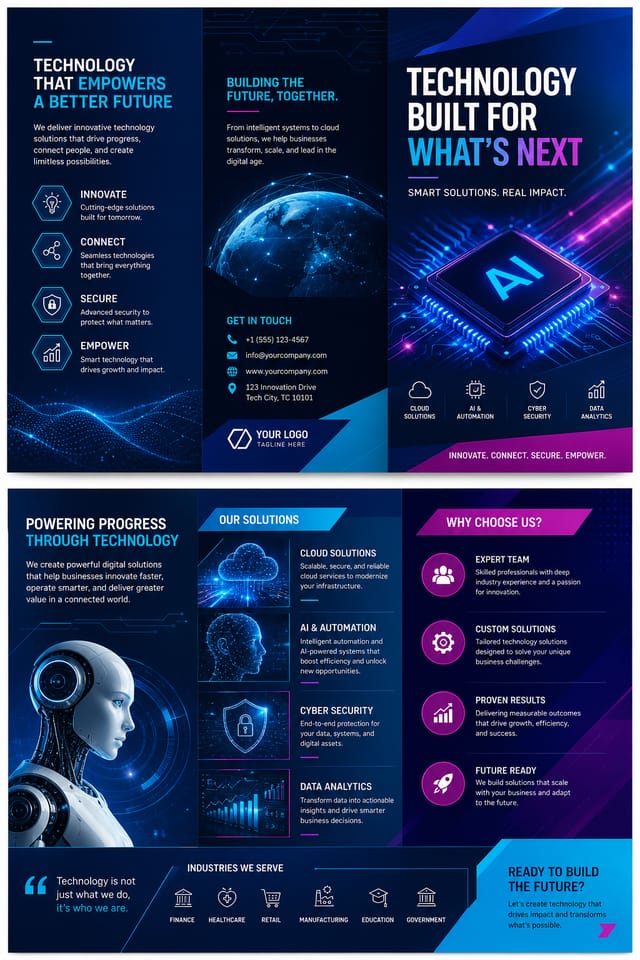
The Technology Brochure Toolkit: Under the Hood
Background Variation
Generate technology brochures with different background treatments. Solid, gradient, textured, or pattern backgrounds all available for technology style.
Layered Style Application
Combine technology style with other design parameters in a single prompt. The AI interprets complex requests and applies multiple style constraints simultaneously.
Text Placement Options
Describe where you want text elements positioned in your technology brochure. The AI follows compositional direction about headline placement and body copy layout.
Typography Matching
Typefaces are selected to match technology aesthetic expectations. The AI pairs fonts that reinforce your technology brochure's visual identity.
How Technology Brochure AI Works: The Creation Flow
Log Your Requirements
Write a prompt describing your technology brochure. Include style preferences, color direction, the most important text to display, and any specific visual elements you want. The more specific your description, the more targeted the output.
Watch: Creating Technology Brochure designs step by step
Before You Start: What You Should Know
Templates apply a fixed visual structure with placeholder content. AI generation produces original designs based on your specific description. Two technology brochures generated from different prompts will have genuinely different layouts, not just different text in the same box positions.
Include the target language in your prompt when generating technology brochures with non-English text. The AI selects typographic approaches appropriate for the language and applies technology design conventions to the overall layout regardless of language.
Pixazo generates single-page technology brochure designs per prompt. For multi-page projects, generate each page individually using consistent prompt language to maintain visual continuity across your technology document set.
Pixazo supports PNG, JPEG, and PDF export for technology brochures. PNG preserves transparency if your design uses it. JPEG works well for web and social media. PDF is the preferred format for print production of technology brochures.
Each generation uses your unique prompt text to produce a distinct technology brochure design. Even similar prompts produce noticeably different outputs due to the AI's generative process. No two users receive identical designs.
Exploring Technology Brochure Features: A Detailed Look
AI Generation
Convert text prompts into polished technology brochure designs with contextual understanding
Style Transfer
Apply different visual styles to your technology brochure while maintaining layout integrity
Color Palettes
AI-suggested color combinations that work for technology brochure design conventions
Technology Brochures Across Fields: A Practical Guide
Non-Profit Campaigns
Create compelling technology campaign brochures without allocating budget to design production. Focus resources on mission-critical activities.
Community Organizations
Create technology announcement brochures for community groups, non-profits, and local organizations without requiring design expertise.
Event Promotion
Create technology event brochures that establish the right visual mood before the event. Technology design signals quality and sets expectations.
Podcast and Media Branding
Generate technology brochures for podcast covers, episode artwork, and media channel identity. Consistent visual branding across audio and video platforms.
Freelance Design Work
Use Pixazo to generate technology brochure concepts for client review. Present multiple directions quickly before committing to detailed execution.
Emerging Technology Brochure Patterns: Trend Report
Dark Mode Aesthetics
Dark backgrounds with high-contrast accents are increasingly common in technology brochure design, reducing visual fatigue and adding sophistication.
Retro Revival
Vintage aesthetics from the 1970s and 1990s are influencing technology brochure design with textured backgrounds, serif fonts, and warm gradients.
Bold Typography
Oversized type and expressive fonts are dominating technology brochure design, turning headlines into visual centerpieces rather than just text.
Asymmetric Composition
Breaking grid symmetry in technology brochure layouts creates visual tension and a modern, editorial feel that stands out.
Your Technology Brochure Tool: Numbers That Matter
Effective Technology Brochure Prompt Formulas
Copy any prompt below and paste it into Pixazo to generate your design instantly.
Professional technology brochure, minimalist technology approach, negative space used intentionally, readable at multiple viewing distances, print-ready compositionAtmospheric technology brochure, background treatment supports the headline without competing with it, visual weight distributed intentionallyClean technology brochure design, geometric structure, disciplined typography, color accent used selectively for emphasis, printer-optimized resolutionHigh-impact technology brochure, immediate visual read at thumbnail size, clear headline dominance, supporting information structured logicallyMonochromatic technology brochure, single-hue palette with value variation for contrast, typographic hierarchy creates visual interest without color complexityGeometric technology brochure, structured grid system, angular composition, colors in blocks rather than gradients, modern clean finishFrom the Technology Community: Real Creator Work
Real creators sharing their technology designs made with Pixazo AI.

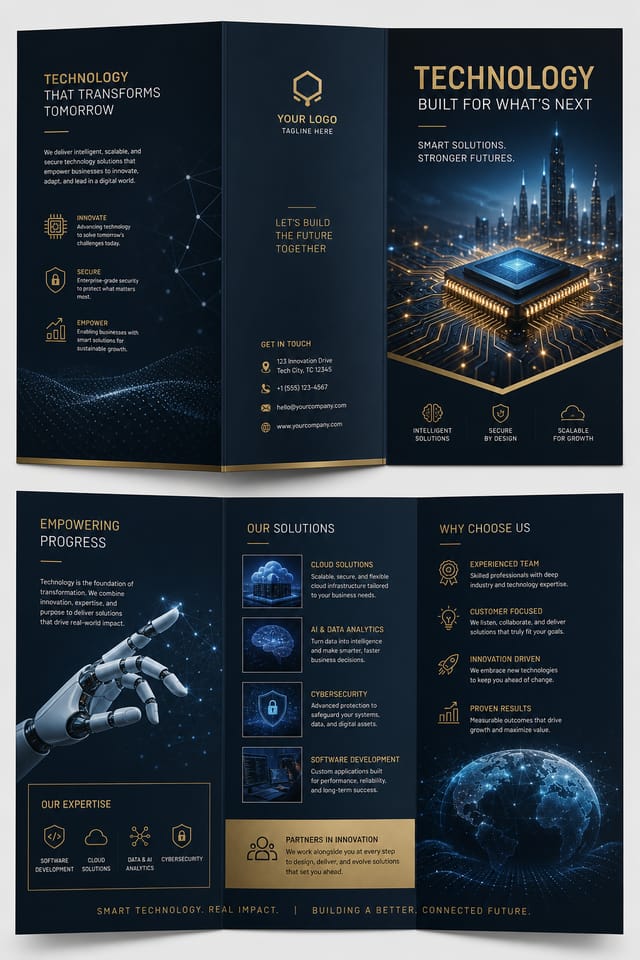
Luxurious technology brochure with gold foil accents on black, thin serif typography, symmetrical centered layout, premium feel
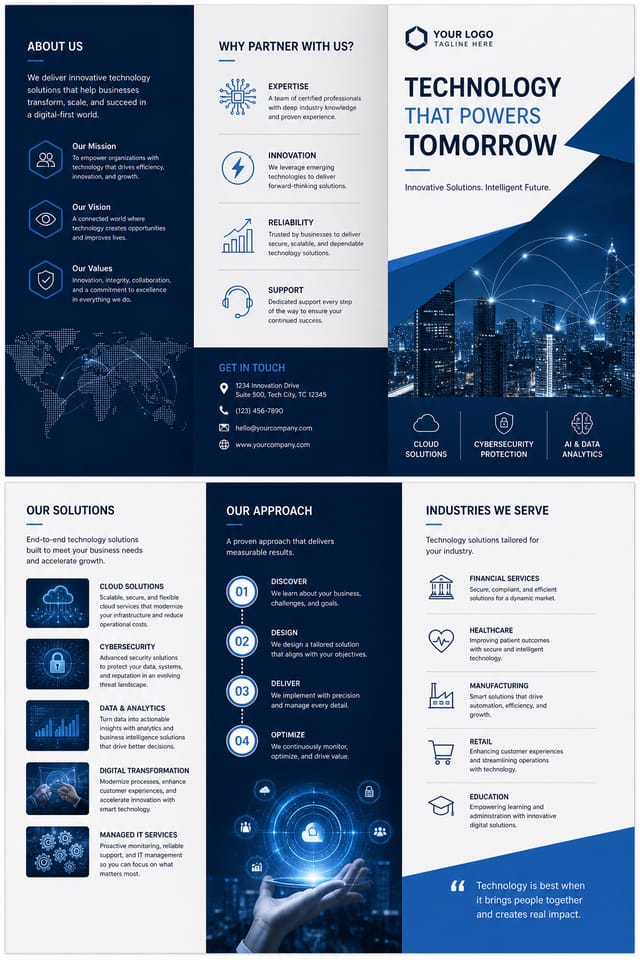
A3 landscape technology brochure for conference booth, informational layout with three columns, clear section headers, QR code placement zone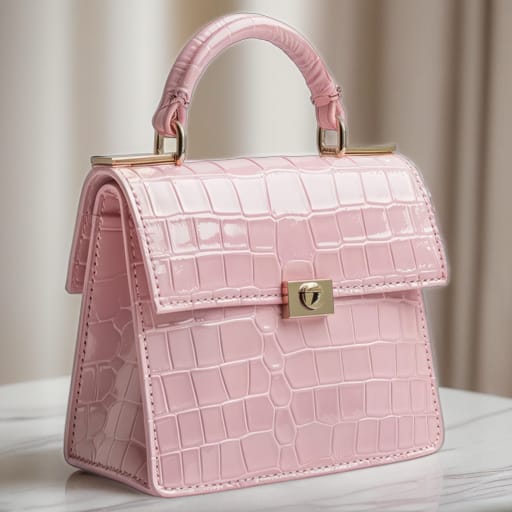
Moody technology brochure with deep shadows and dramatic lighting feel, dark palette, cinematic atmosphere, headline in condensed uppercaseTechnology Brochure Design Tool Landscape: Tools Compared
| Tool | Description |
|---|---|
| Desygner | Multi-format design tool with PDF editing and brand management |
| Pixazo | AI-powered technology brochure generator with prompt-based design and professional output quality |
| VistaCreate | Visual content platform with templates and a built-in asset library |
| Crello | Template-based design tool with animation and video support |
| Fotor | Photo editing platform with design templates and batch processing |
Technology Brochure AI Boundaries: Capabilities and Caveats
Known limitations and trade-offs of AI-generated technology design. Understanding what the AI handles well and where it falls short helps you structure your technology brochure design workflow effectively.

